
App Introduction
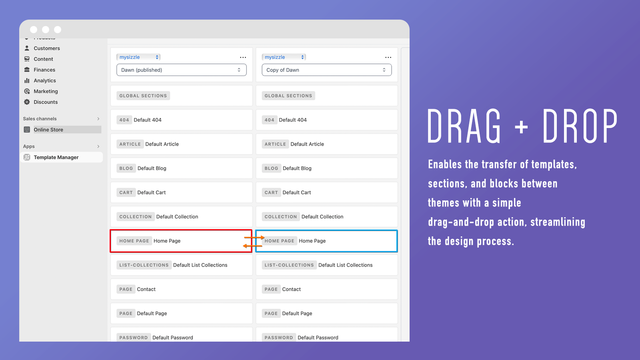
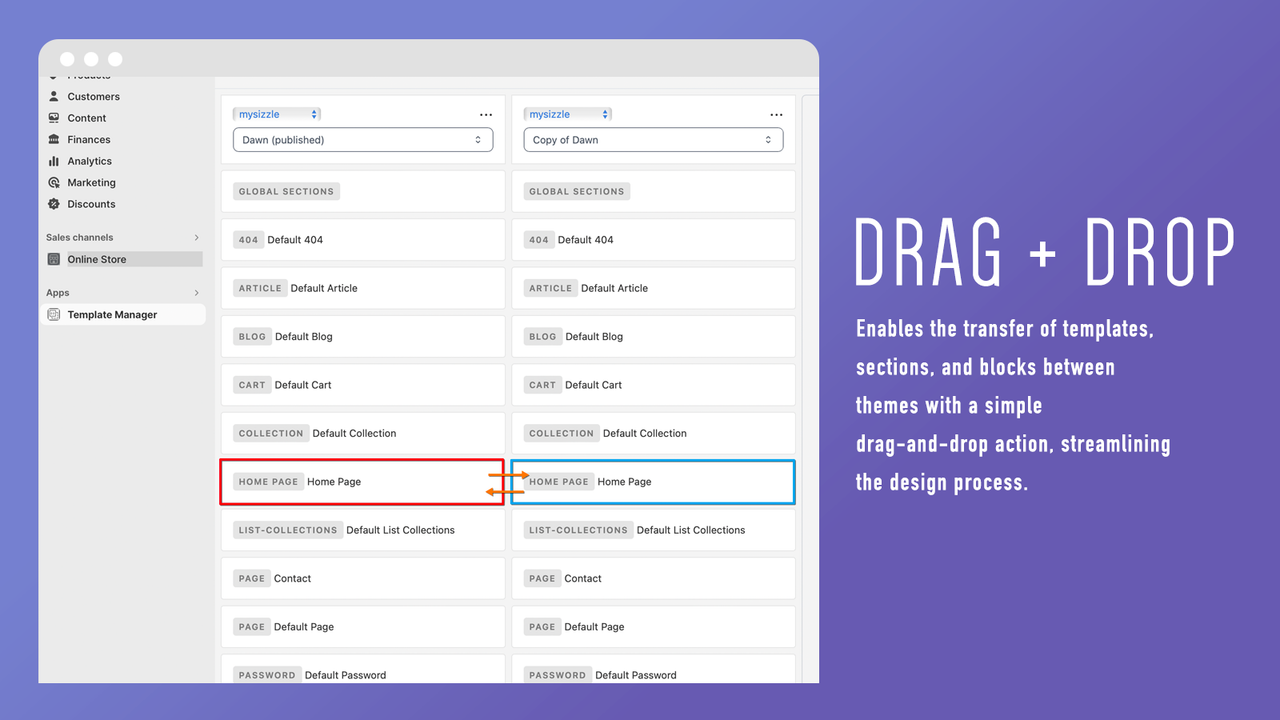
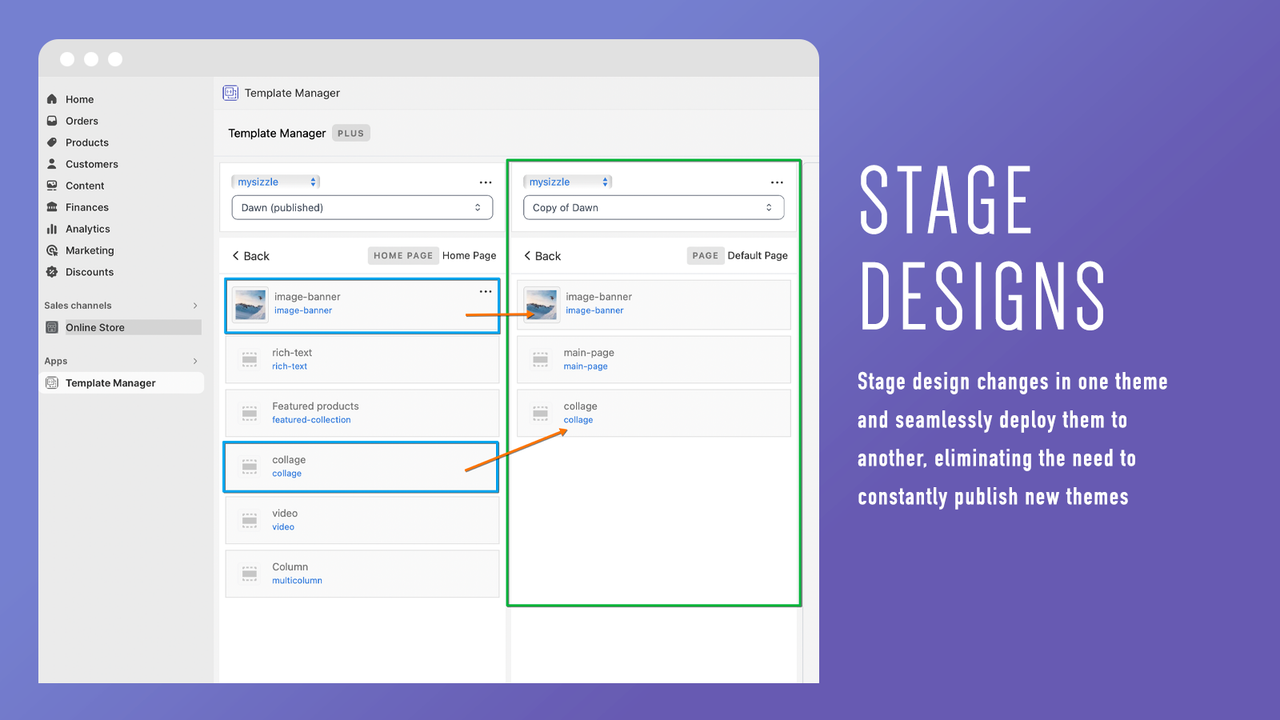
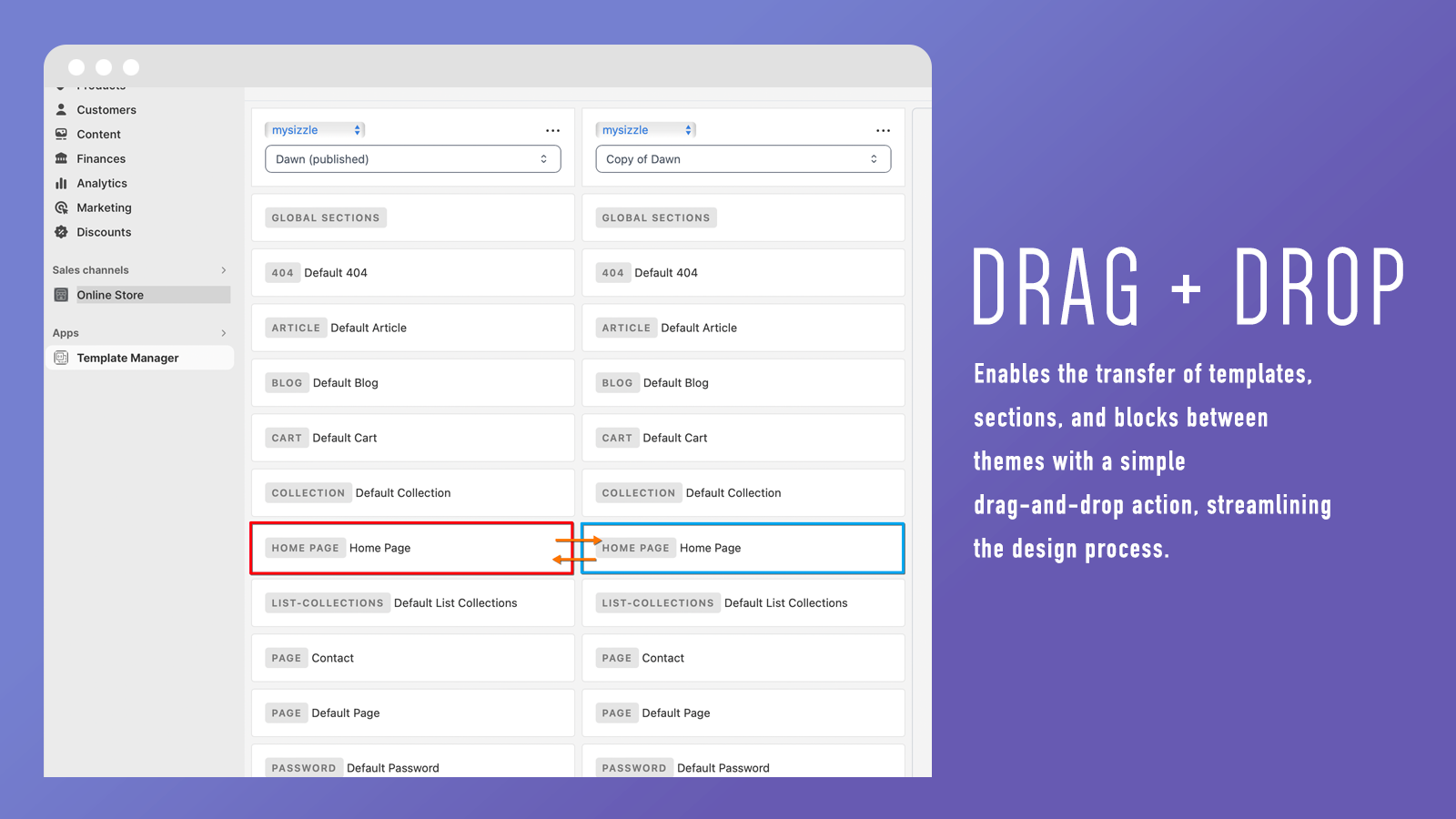
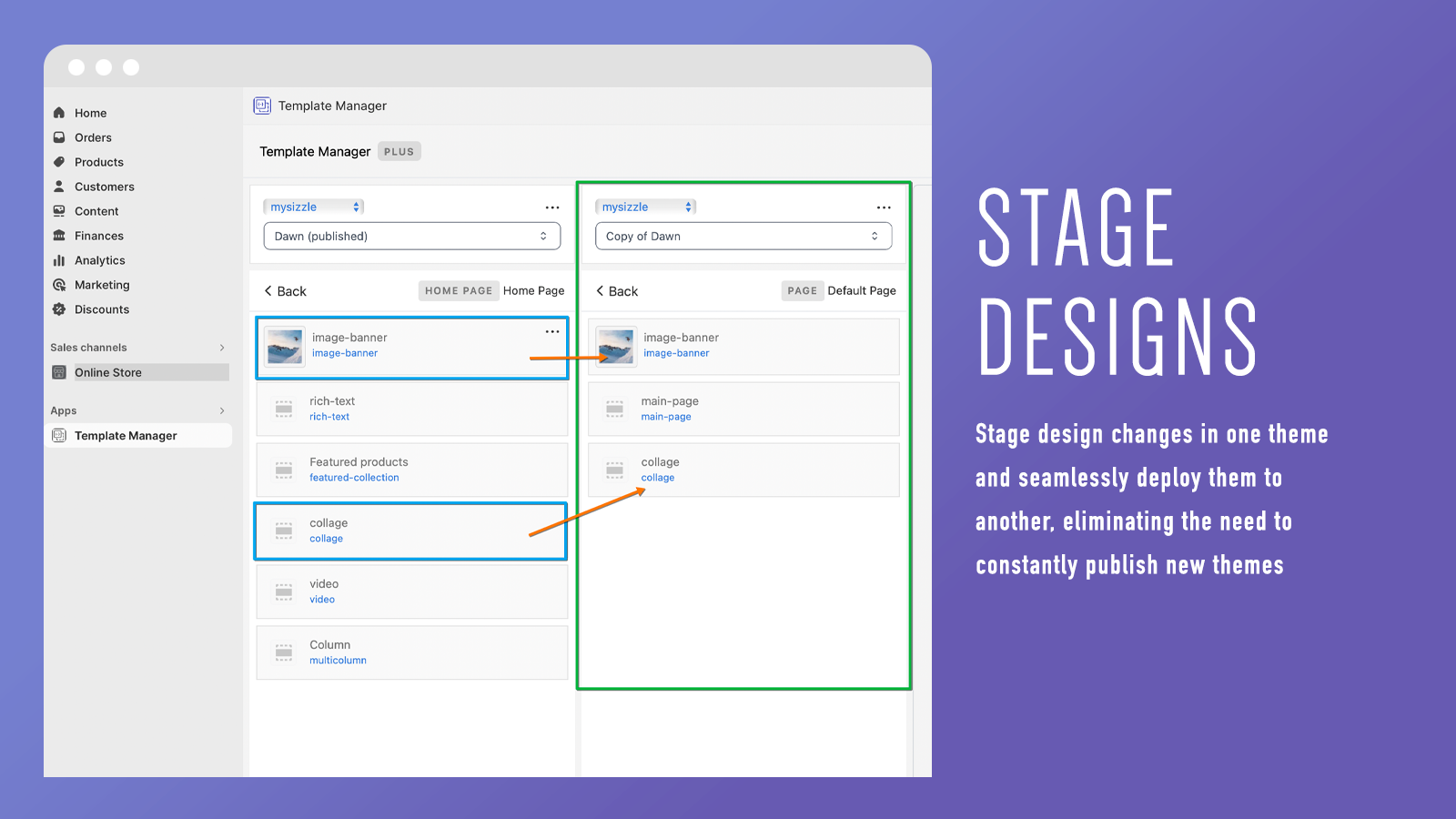
Use our simple drag-and-drop tool to easily transfer templates and sections from one theme to another matching theme. Theme Weaver simplifies Shopify design by enabling seamless transfers of theme templates for seasonal sales, events, or design updates. Deploy and activate templates (like homepages or product pages) without repeatedly publishing new themes—saving time and boosting flexibility. **Our app currently only supports transferring templates between matching themes.**
Core Functionality
- Drag and Drop Transfer: Easily move elements between themes.
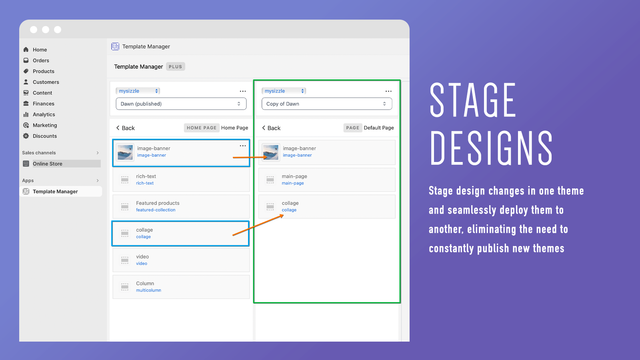
- Staging and Deployment: Design in one theme and deploy to another
- Flexible Design Updates: Quickly update your store's appearance without coding
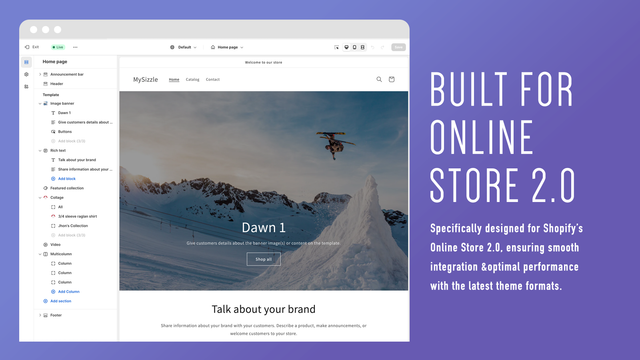
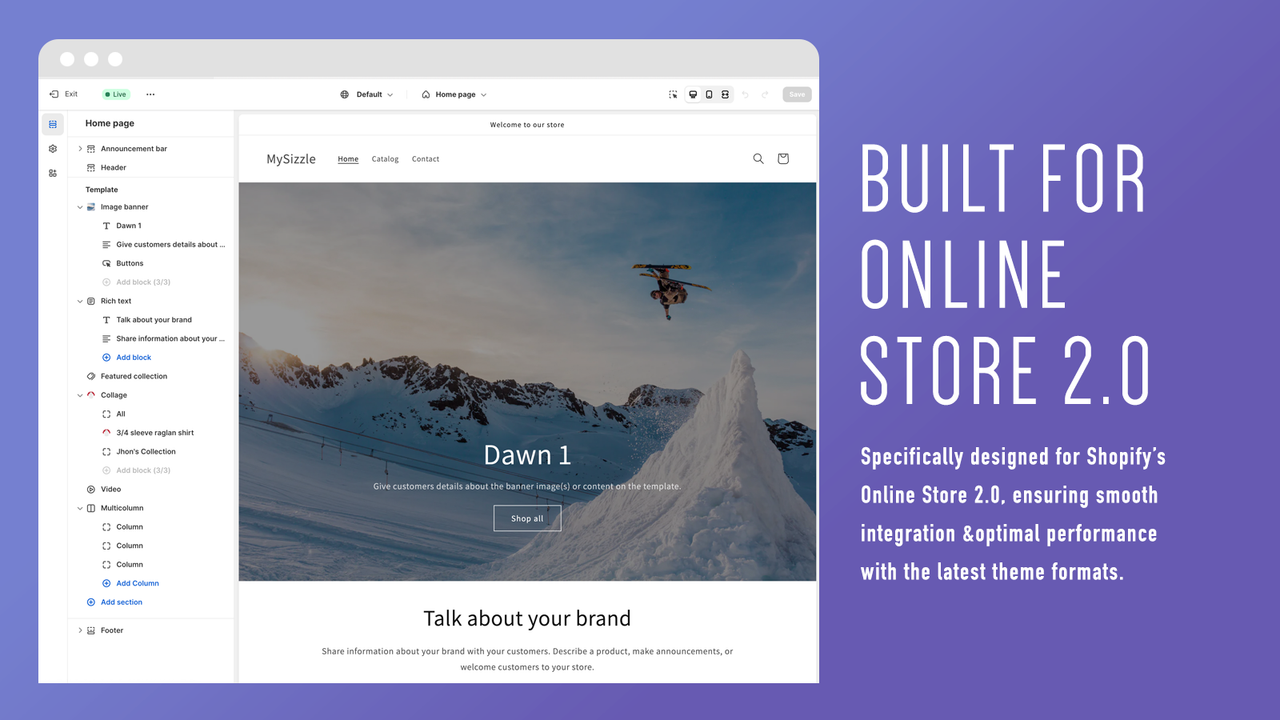
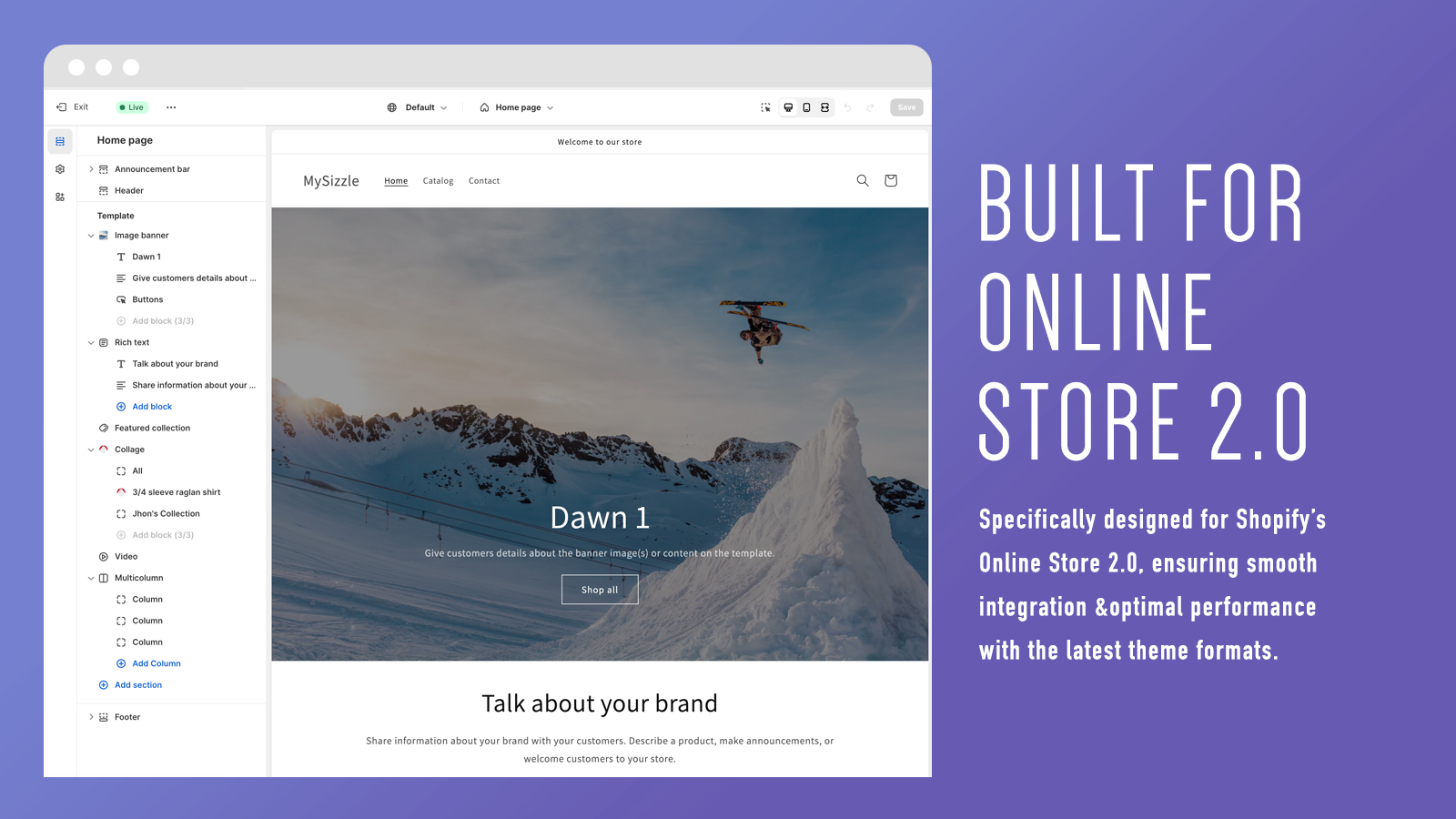
- Shopify Online Store 2.0 Compatible: Tailored for the latest Shopify theme format
- Multi-Store Management: Efficiently manage themes across multiple stores
Merchant-Friendly
- Independent Station Merchants
- Multi-category E-commerce
- Brand Retail Merchants
- Cross-border E-commerce Sellers
- Boutique Merchants
Basic Information
- Developer:Sizzle Commerce, Inc
- Address:529 E Gutierrez Street, Unit A, Santa Barbara, CA, 93103, US
- Price: Free / Free plan
- Rating:3.9 / 5
- Comment Count:5 comment
- Release Date:2024-1-19
- Supported languages:English
- Compatible products:Shopify
Application Screenshot
Price Plan
基础版
- Push a template from one theme to another
高级版
- Basic Edition Features + Partial and Block Push
企业版
- Advanced Plan Features + Multi-Store Functionality
User Location & Comments
User Location
Comments
Shopify API Used
- POST /admin/api/themes/{theme_id}/sections/{section_id}/move.json
- PUT /admin/api/themes/{theme_id}/sections/{section_id}/position.json
- GET /admin/api/themes/{theme_id}/sections.json
Permission:write_themes,read_themes,manage_online_store
- POST /admin/api/themes/{theme_id}/stages.json
- PUT /admin/api/themes/{theme_id}/deploy.json
- GET /admin/api/themes/{theme_id}/deployment_status.json
Permission:write_themes,read_themes,manage_online_store
- POST /admin/api/themes/{theme_id}/settings.json
- PUT /admin/api/themes/{theme_id}/assets.json
- GET /admin/api/themes/{theme_id}/preview.json
Permission:write_themes,read_themes,manage_online_store
- GET /admin/api/themes.json?format=online_store_2.0
- POST /admin/api/themes/{theme_id}/os20/sections.json
- PUT /admin/api/themes/{theme_id}/os20/blocks.json
Permission:read_themes,write_themes,manage_online_store
- GET /admin/api/stores.json
- POST /admin/api/stores/{store_id}/themes/{theme_id}/sync.json
- PUT /admin/api/stores/{store_id}/themes/{theme_id}/deploy.json
Permission:manage_multiple_stores,write_themes,read_themes



