
App Introduction
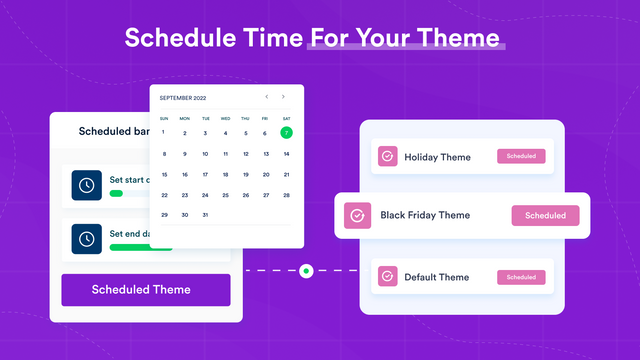
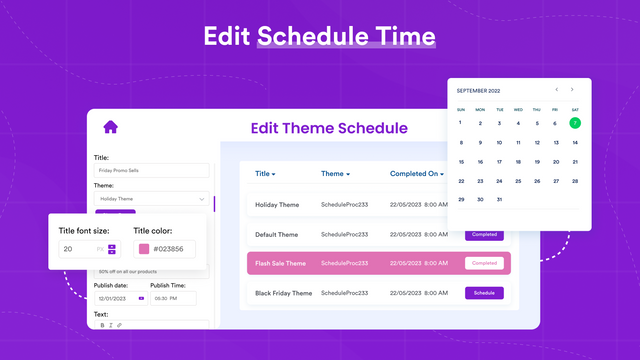
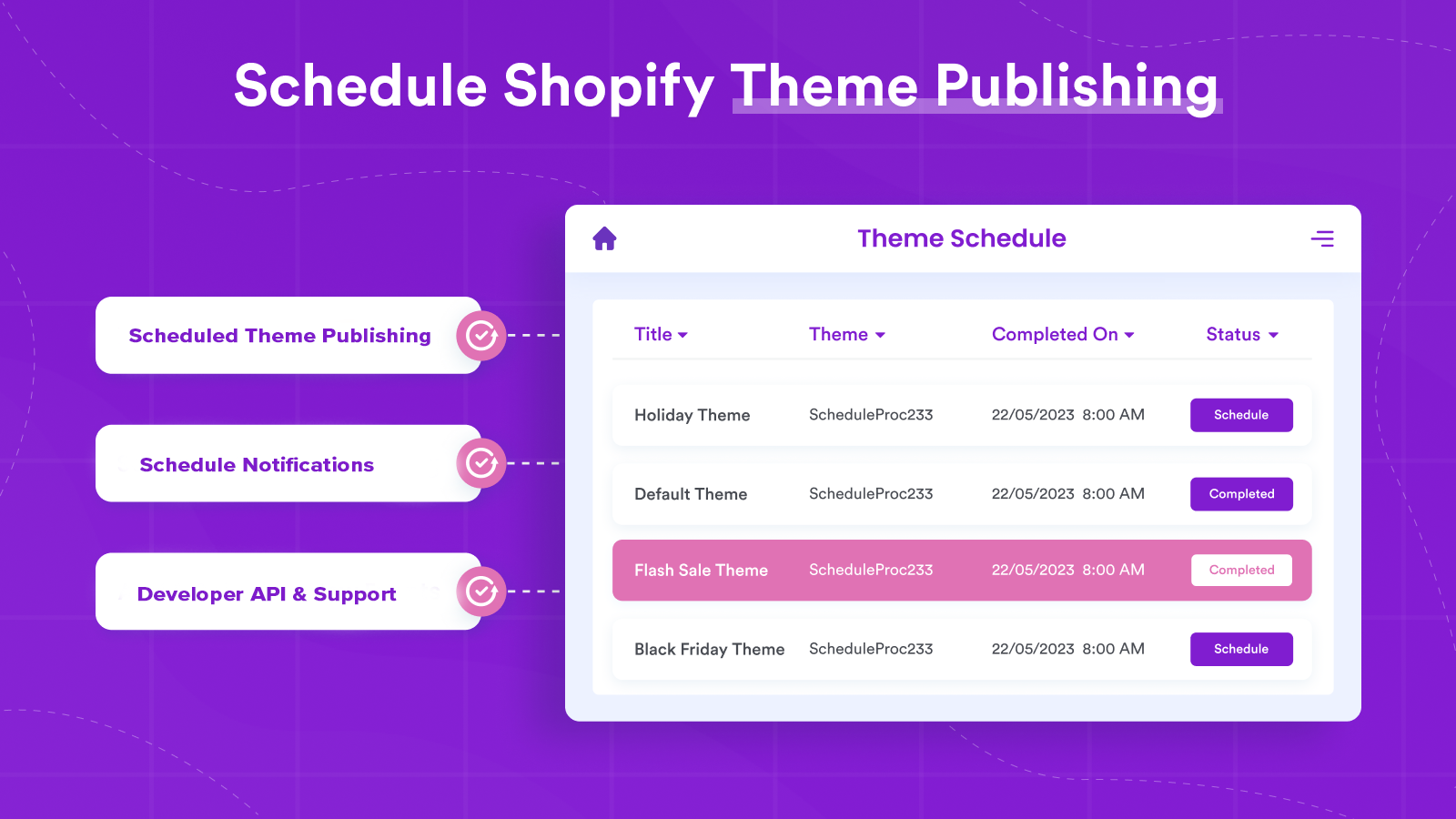
Schedule your theme for timely publication. Select the date and time when your theme will go live. Running frequent promotions often means launching new themes. The problem? These updates typically happen outside regular 9-to-5 office hours. You end up making changes late at night or early in the morning, leaving you stressed and exhausted. With Theme Scheduler Pro, you can easily schedule theme updates to go live at your audience’s optimal times, ensuring a seamless experience and maximizing sales opportunities. Take control of your store’s design changes with Theme Scheduler Pro.
Core Functionality
- No core function information available at the moment
Merchant-Friendly
- Independent Station Merchants
- Brand E-commerce Merchants
- Multi-store Operators
- E-commerce Developers
Basic Information
- Developer:NewClick
- Address:Pasadena, CA, US
- Price: Free / Free plan
- Rating:5 / 5
- Comment Count:3 comment
- Release Date:2019-5-24
- Supported languages:English
- Compatible products:Shopify
Application Screenshot






Price Plan
专业计划
User Location & Comments
User Location
Comments
Shopify API Used
- POST /admin/api/themes/{theme_id}/publish_schedule.json
- PUT /admin/api/themes/{theme_id}/publish_schedule/{id}.json
- DELETE /admin/api/themes/{theme_id}/publish_schedule/{id}.json
Permission:write_themes,read_themes,manage_online_store
- GET /admin/api/themes/{theme_id}/activity.json
- GET /admin/api/themes/activity.json
- POST /admin/api/webhooks.json?topic=themes/update
Permission:read_themes,manage_webhooks,read_activities
- POST /admin/api/themes/{theme_id}/publish.json
- GET /admin/api/themes/{theme_id}/publish_status.json
- PUT /admin/api/themes/{theme_id}/publish_schedule.json
Permission:write_themes,read_themes,manage_online_store