App Introduction
- Schedule an event to publish a theme - Once completed, you can publish a different theme - A/B Testing To run a promotion, you need to: - Create a copy of your current theme - Update your banner and customize it - Publish the updates Promotions and changes always work better when you have free time—and that’s exactly what the Theme Switcher is for. Set up your event, then relax—Theme Switcher will publish it for you.
Core Functionality
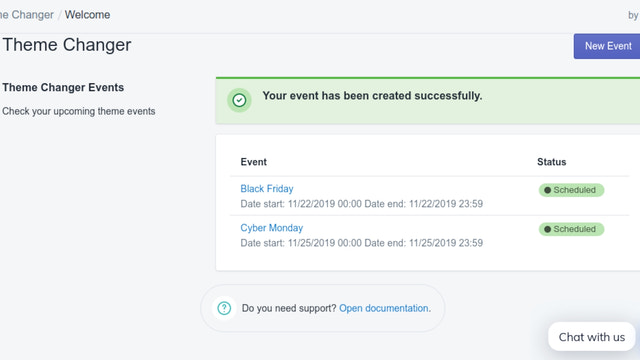
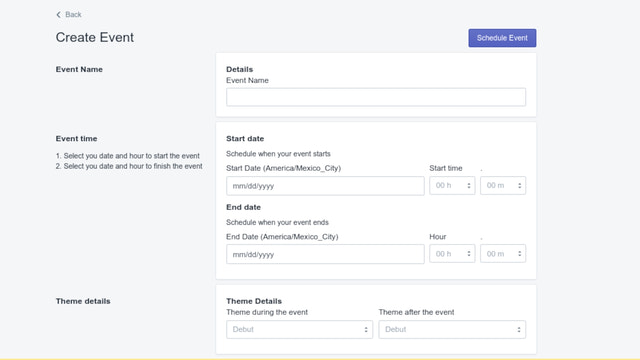
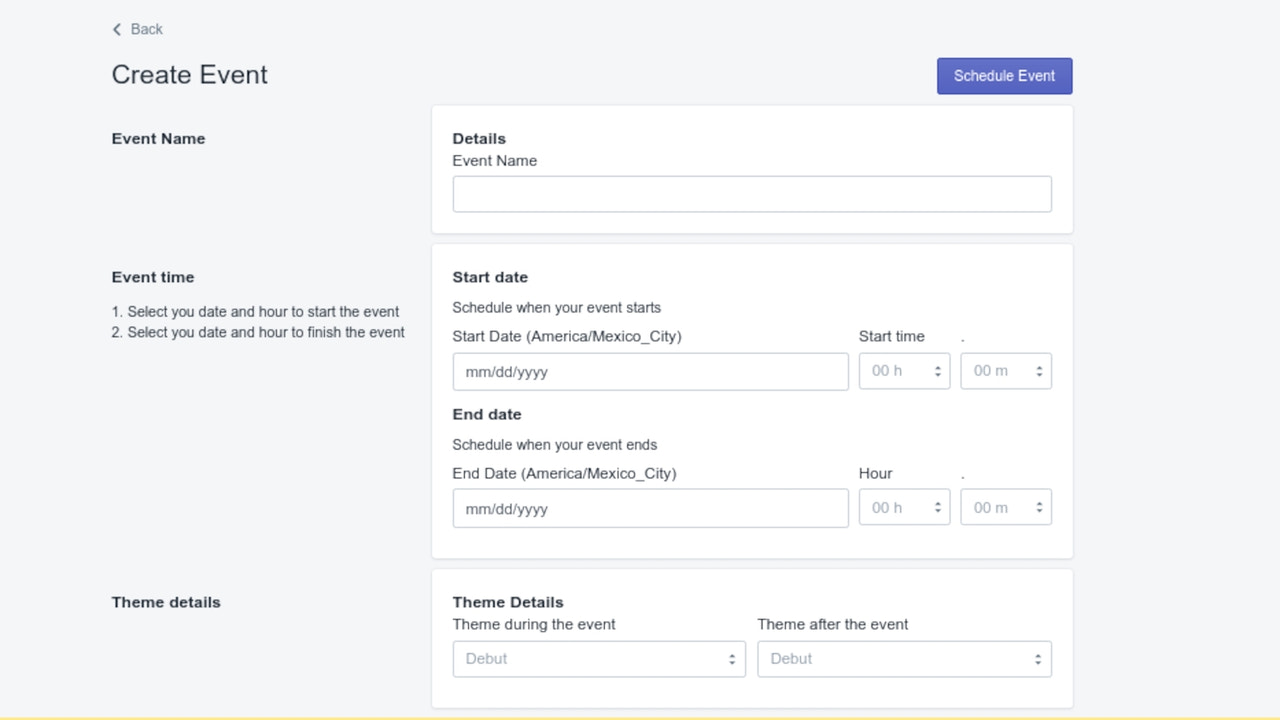
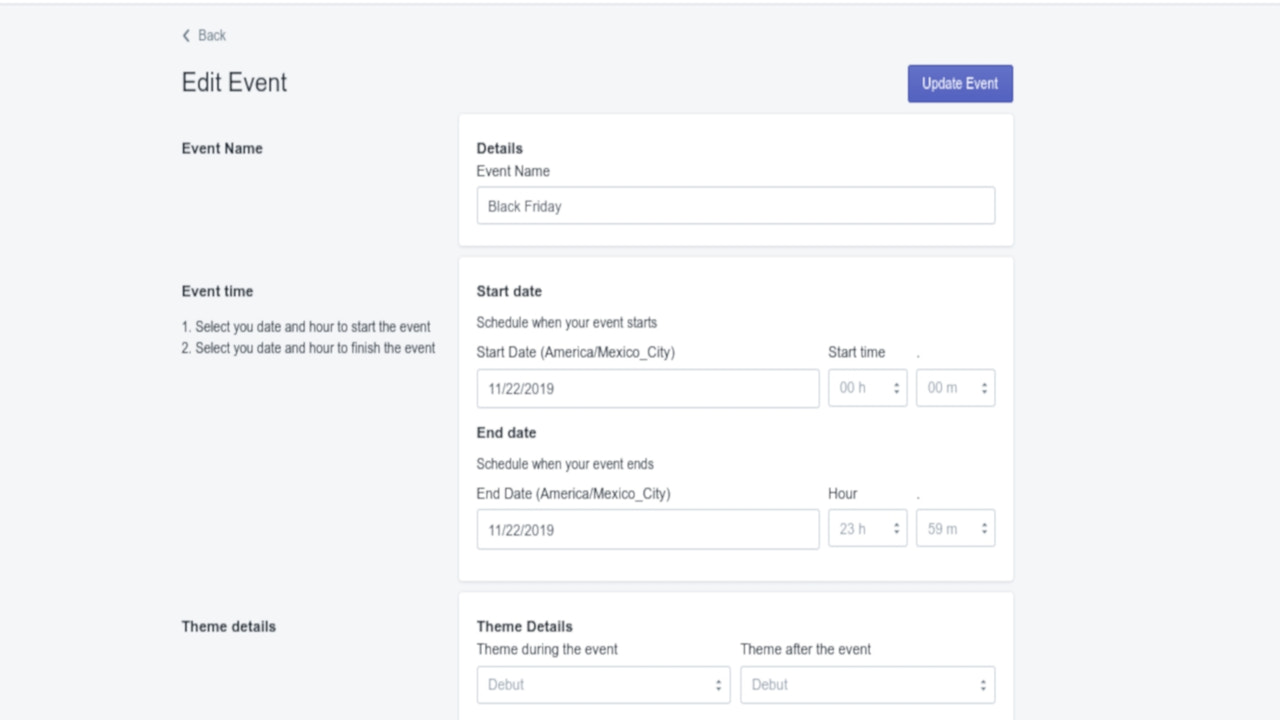
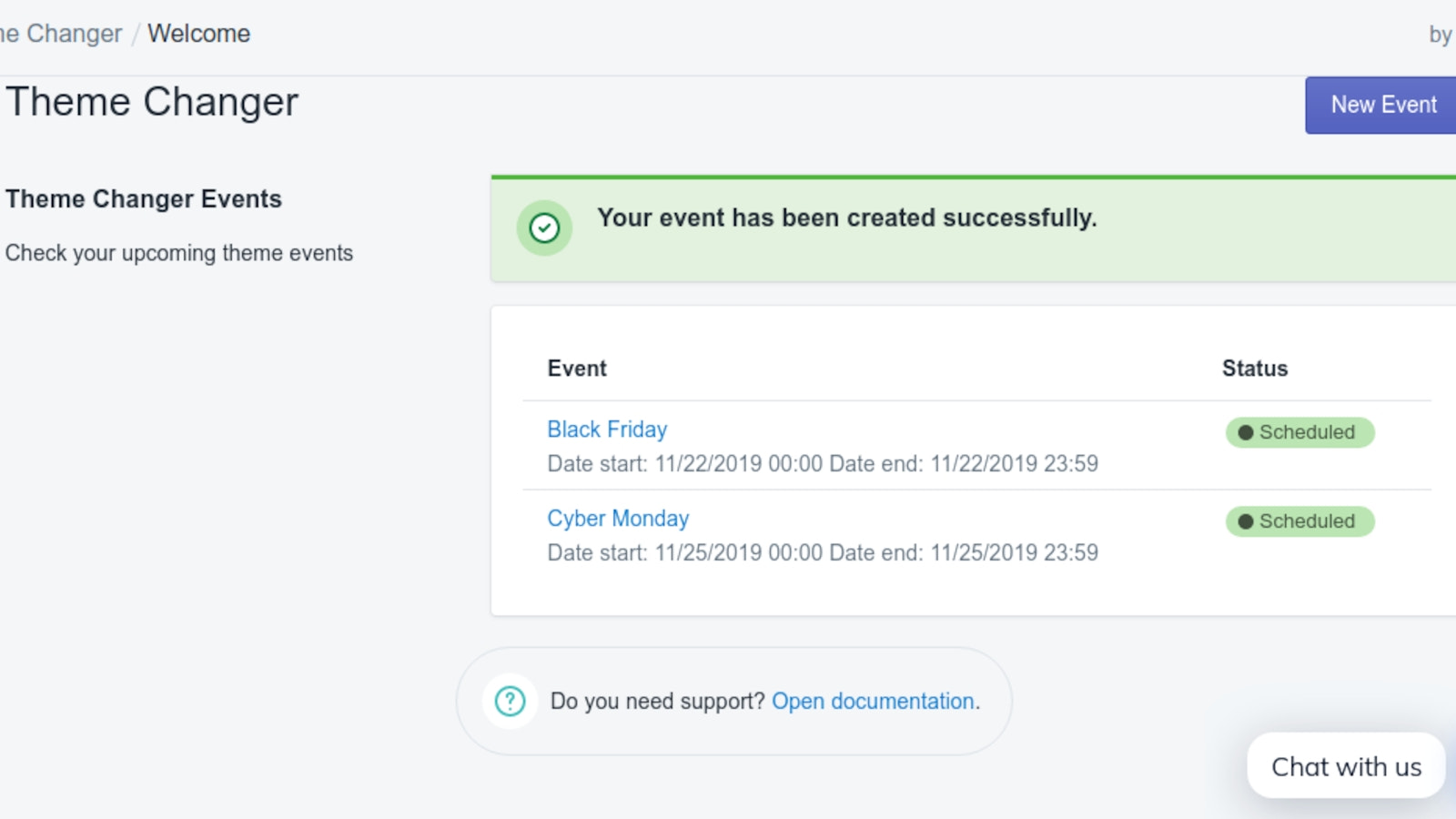
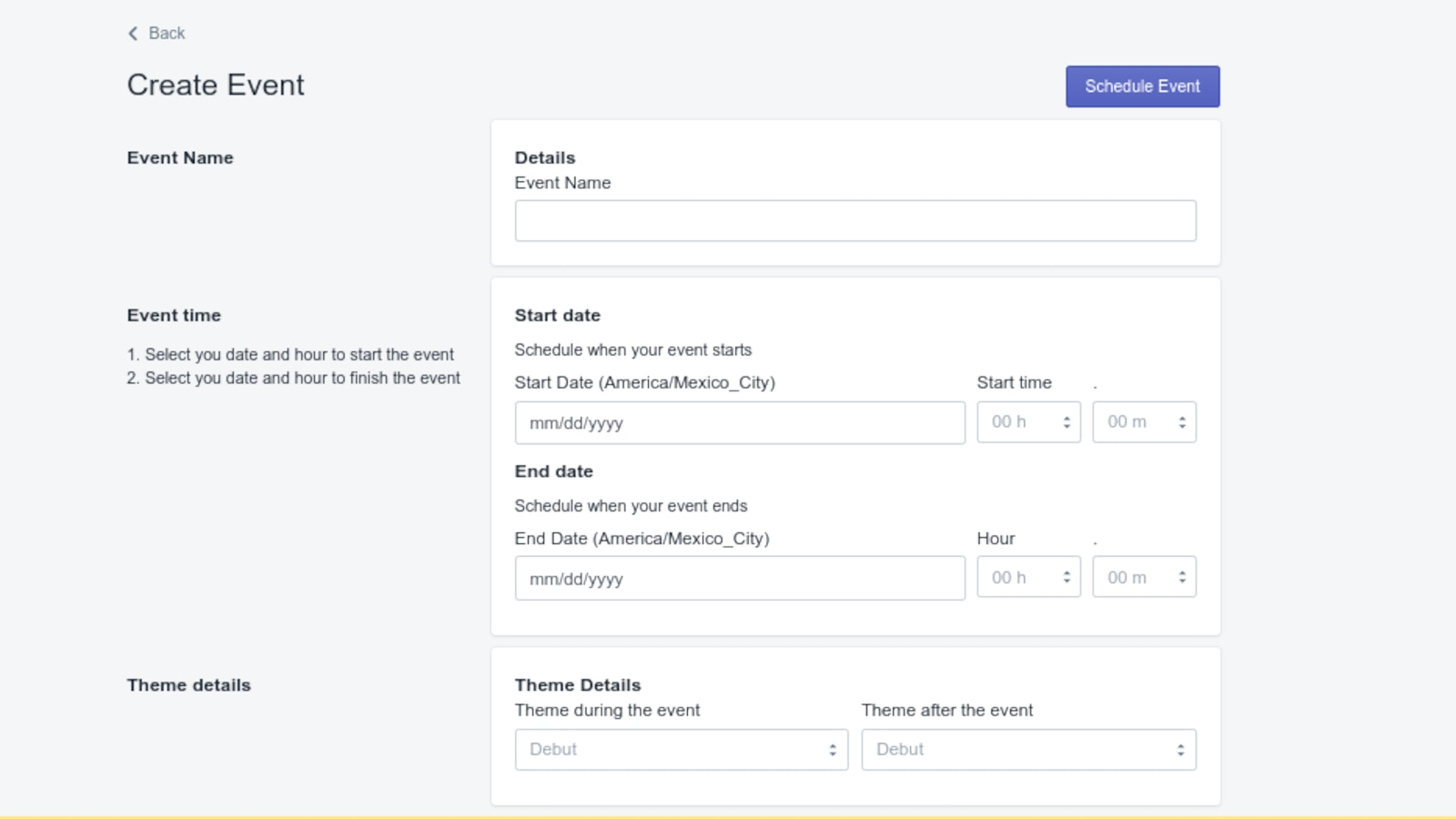
- Plan your promotions and theme updates
- Automatically publish your theme on the selected date and time
- After the event ends, you can publish a different theme
- Edit or cancel your event
- Enjoy your free time with family and friends while the app works for you
Merchant-Friendly
- Holiday Promotion Merchants
- Seasonal E-commerce
- Theme Event Merchants
- Multi-event Operators
Basic Information
- Developer:OctoCode
- Address:Periferico Sur 3395, CDMX, DF, 14140, MX
- Price: Free / Free plan
- Rating:3 / 5
- Comment Count:2 comment
- Release Date:2020-1-6
- Supported languages:English
- Compatible products:Shopify
Application Screenshot





Price Plan
全套计划
$4.99
- Create unlimited events
- Get alerts when your theme changes
- Save time by automating your theme updates
User Location & Comments
User Location
Comments
Shopify API Used
- POST /admin/api/promotions.json
- PUT /admin/api/promotions/{id}.json
- GET /admin/api/promotions.json
Permission:write_promotions,read_promotions,manage_themes
- POST /admin/api/themes/{id}/publish.json
- PUT /admin/api/themes/{id}/publish_schedule.json
- GET /admin/api/themes/{id}/publish_schedule.json
Permission:write_themes,read_themes,manage_online_store
- POST /admin/api/themes/{id}/publish_after_event.json
- PUT /admin/api/events/{id}/post_event_theme.json
- GET /admin/api/events/{id}/post_event_theme.json
Permission:write_themes,read_themes,manage_events
- PUT /admin/api/events/{id}.json
- DELETE /admin/api/events/{id}.json
- GET /admin/api/events/{id}.json
Permission:write_events,read_events,manage_themes



