
App Introduction
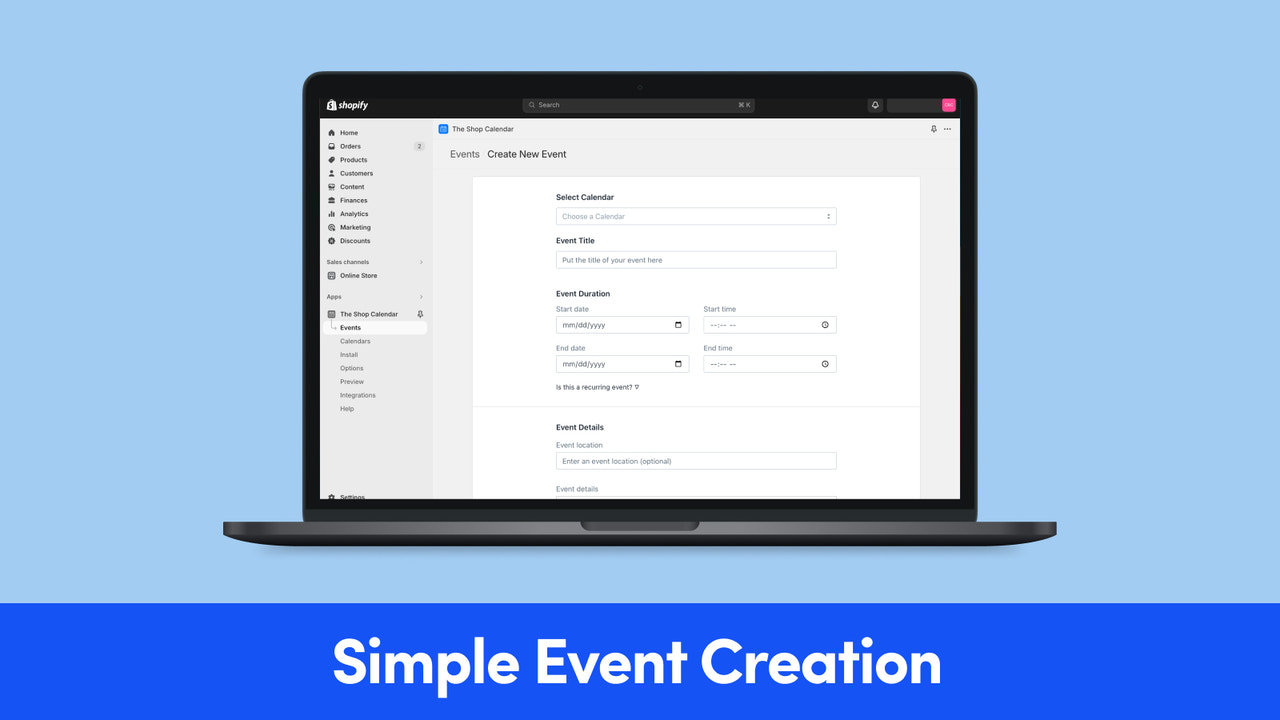
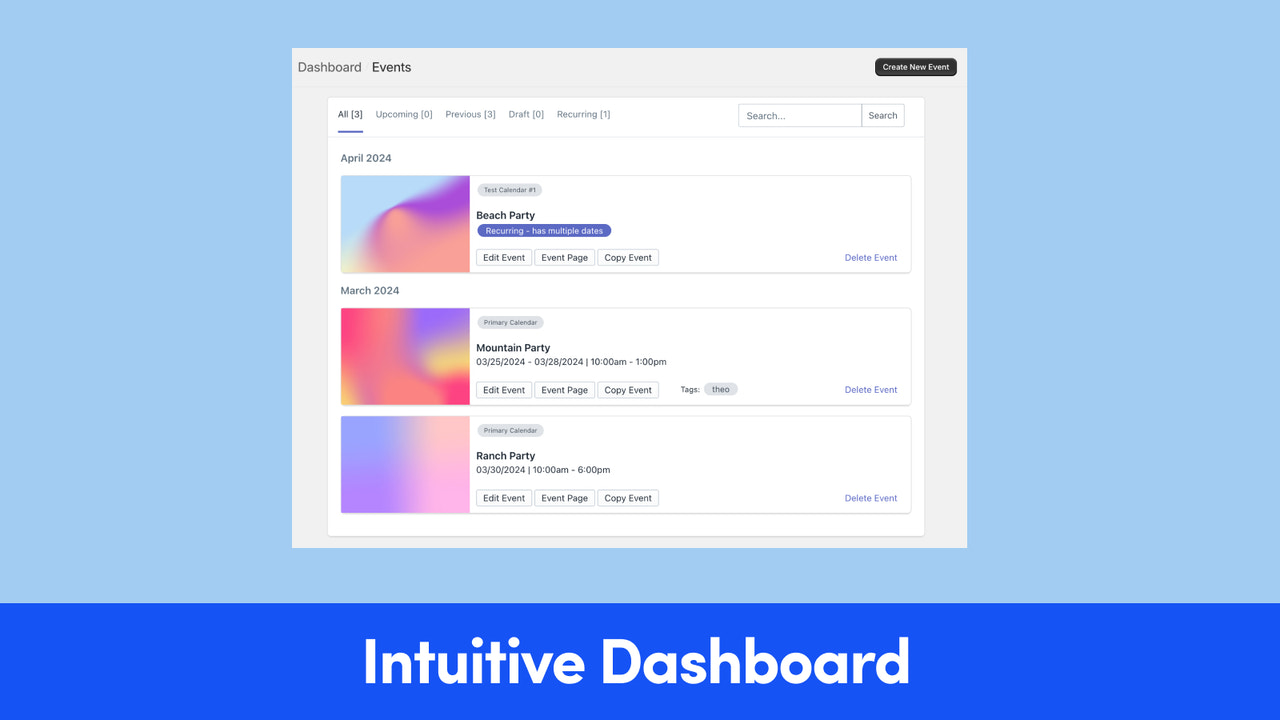
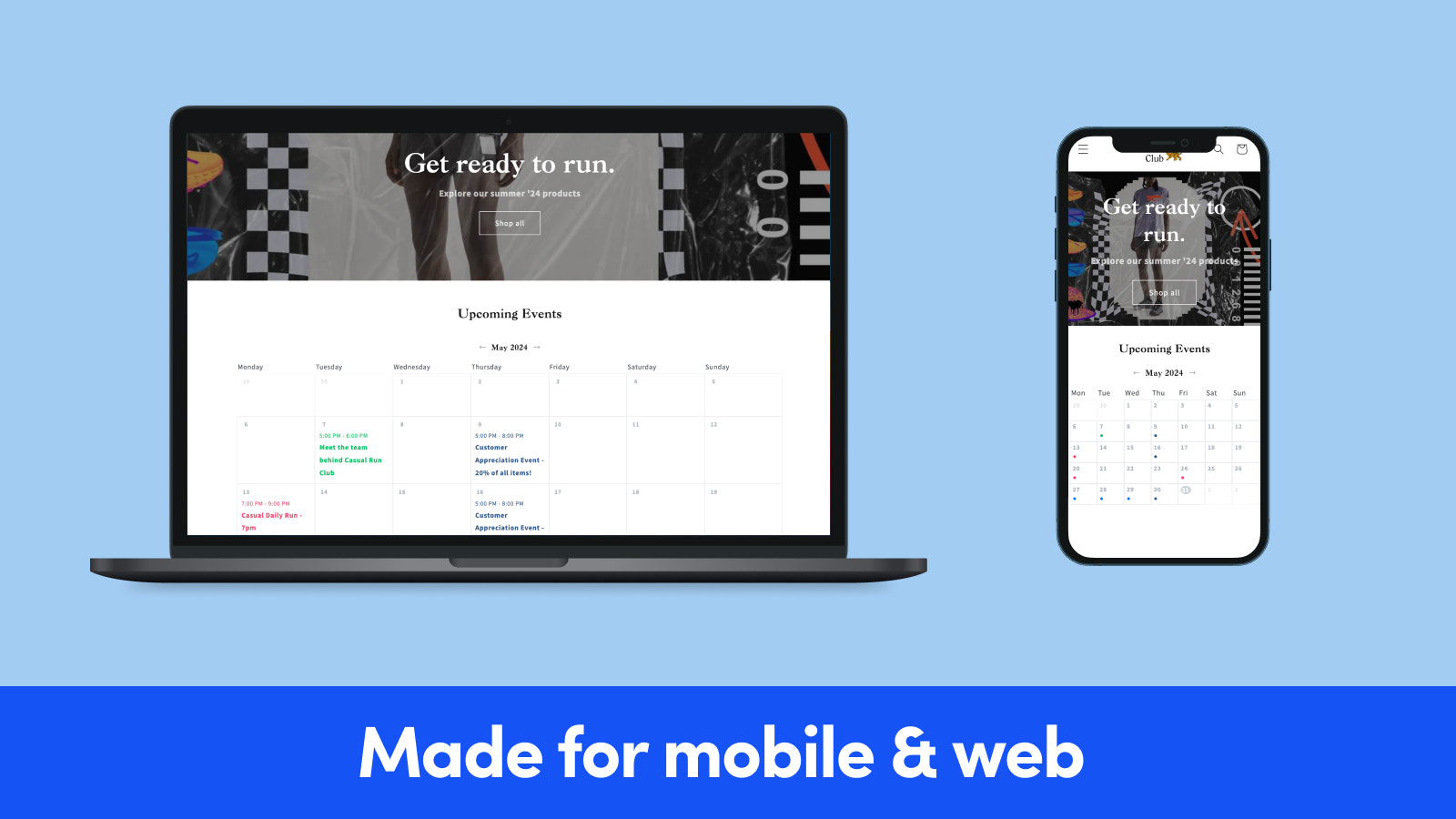
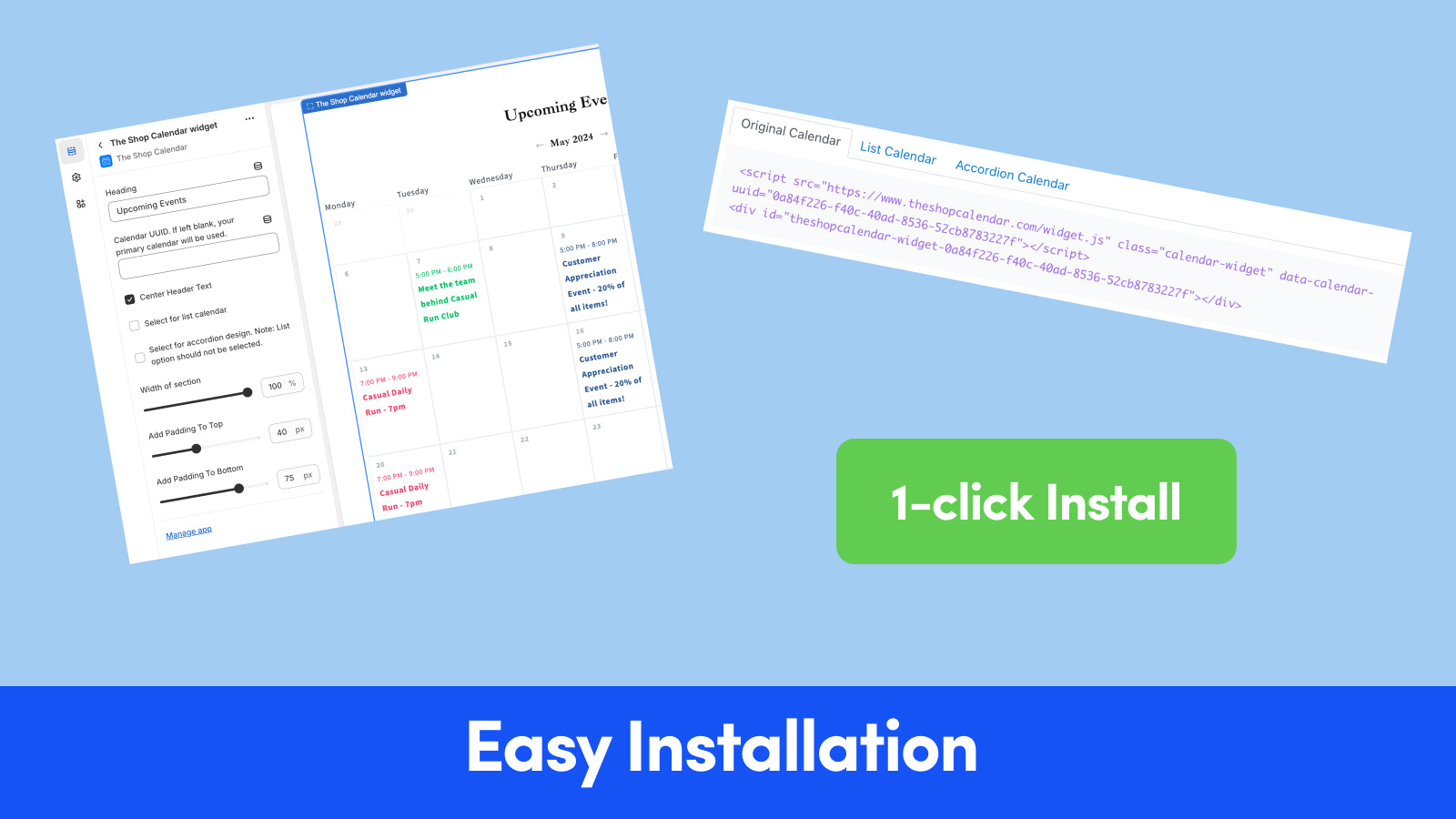
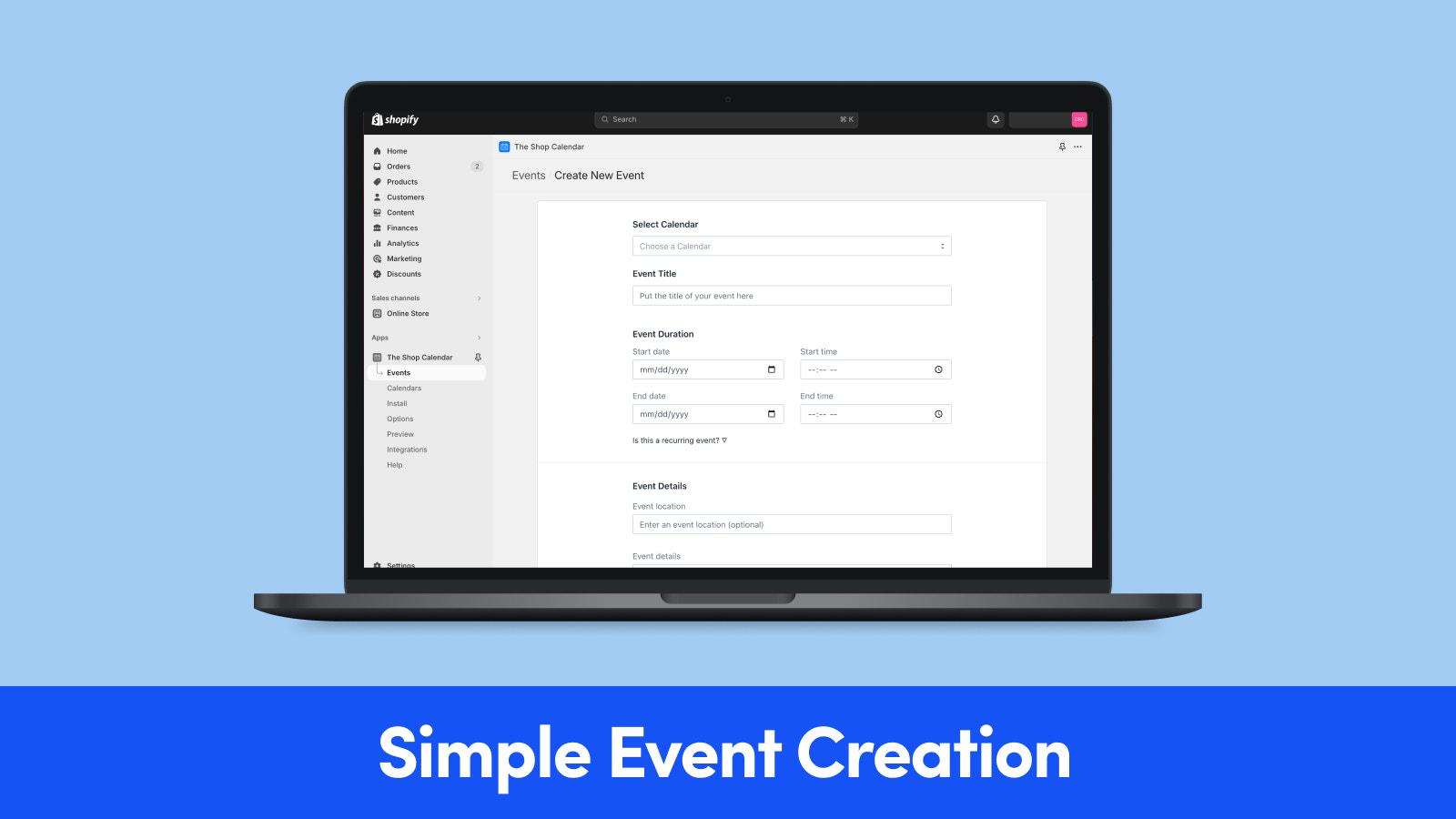
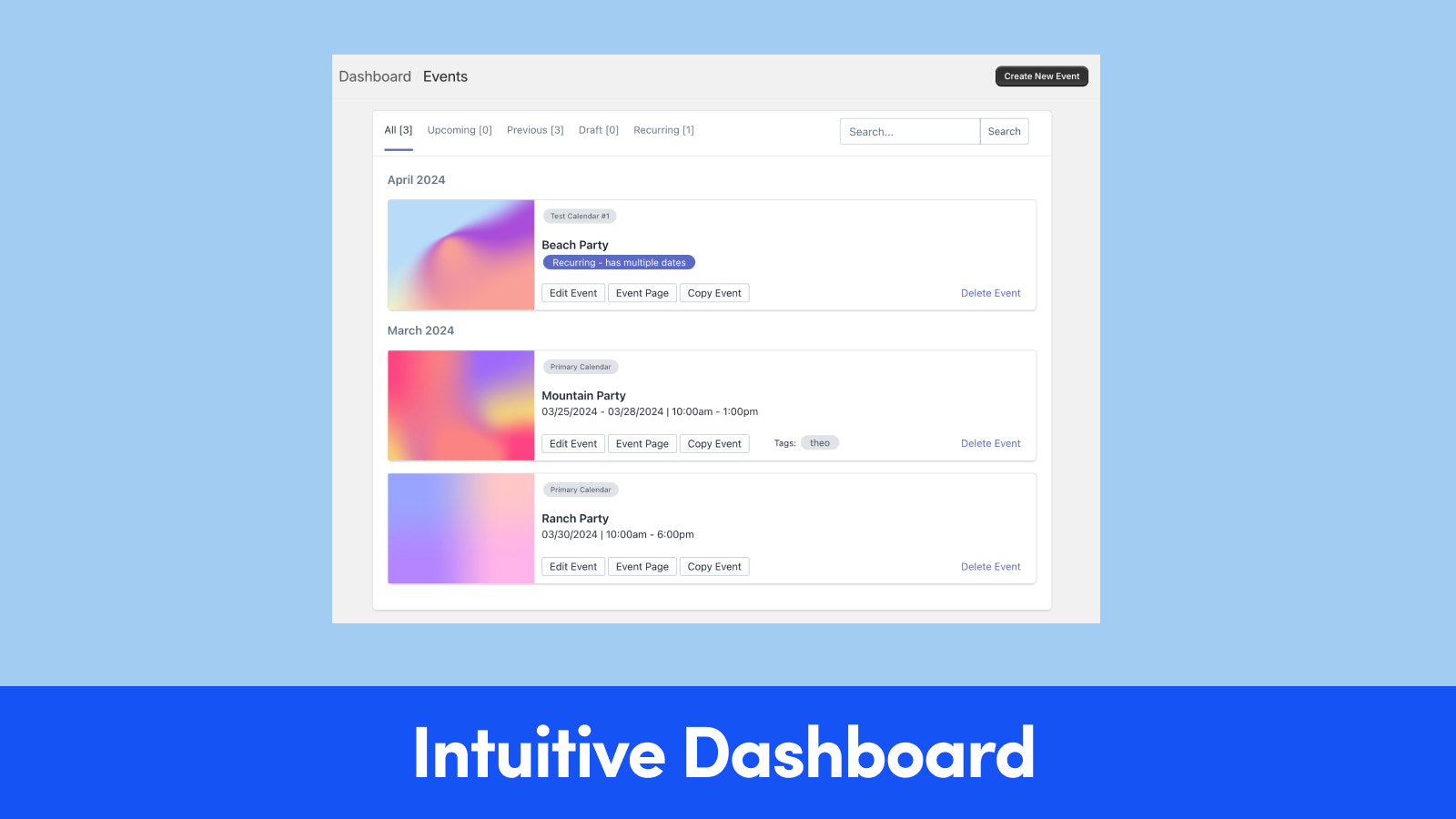
Calendar Widget: Displays your store’s events and promotions using your website’s styling Shop Events Calendar focuses on one thing—and only one thing. A simple, easy-to-install, mobile-friendly calendar widget. Showcase your events, promotions, announcements, product launches, and more on a mobile-responsive calendar. Create multiple calendars for all different locations or event types. Choose from three calendar designs: Original, List, or Accordion View, and customize calendar options to display exactly as you want.
Core Functionality
- Unlimited event creation. Create an unlimited number of events for your calendar
- Your store, your calendar. The calendar uses your store's theme and fonts.
- Create multiple calendars for all your store locations.
- Integrate your other calendars. Sync your Google, Apple, and other calendars.
- Sell tickets. Use your store's products to sell tickets for your events
Merchant-Friendly
- Offline Store Merchants
- Event Planning Merchants
- Multi-channel Retail Merchants
- Offline Experience Merchants
Basic Information
- Developer:The Shop Apps
- Address:1708 Spring Green Blvd, Ste 120 PMB 1019, Katy, TX, 77494, US
- Price: Free / Free plan
- Rating:4.9 / 5
- Comment Count:120 comment
- Release Date:2020-7-8
- Supported languages:English
- Compatible products:Shopify
Application Screenshot

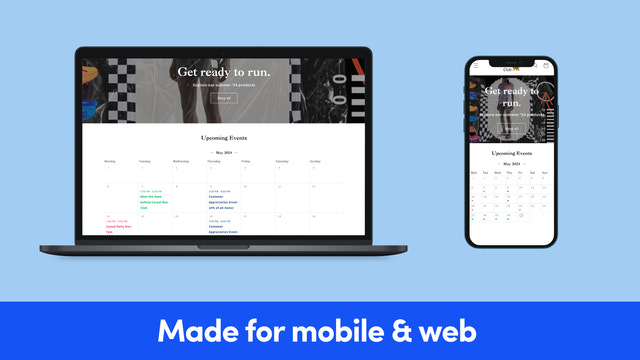
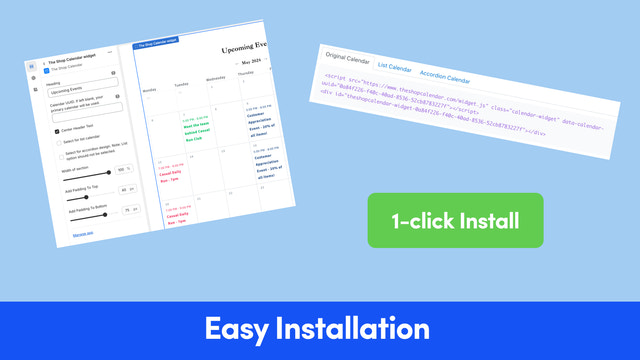

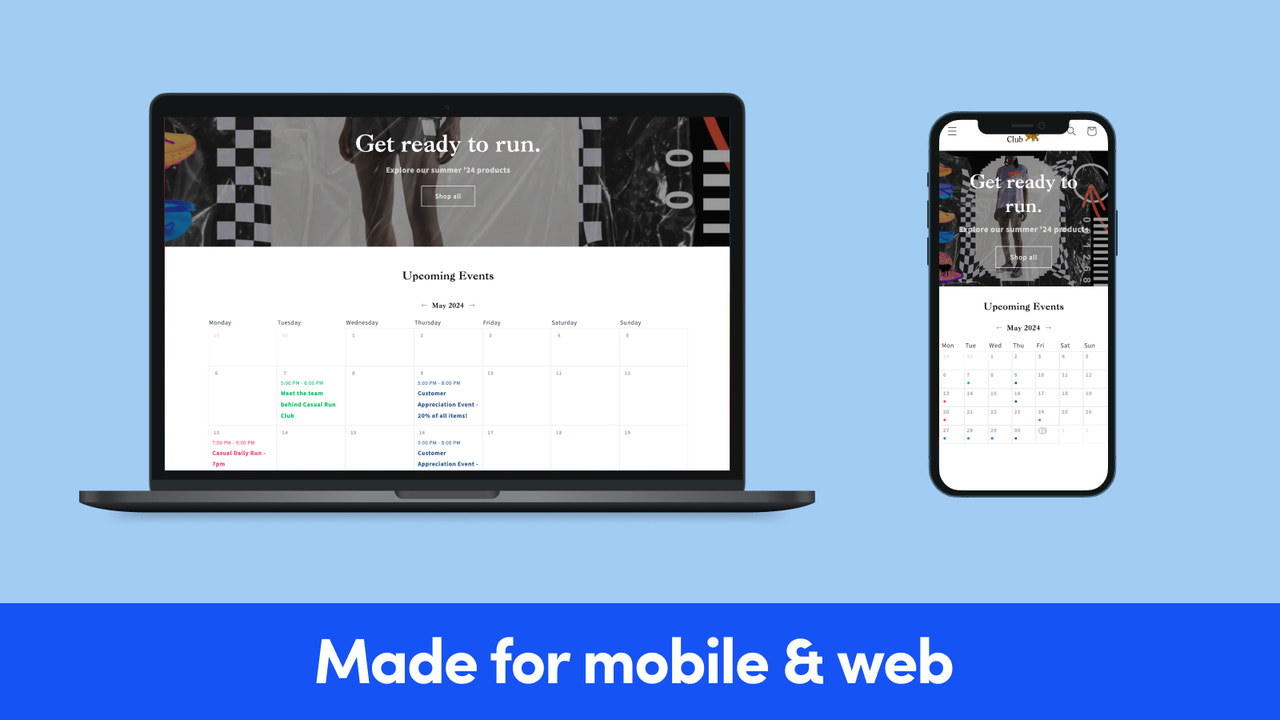
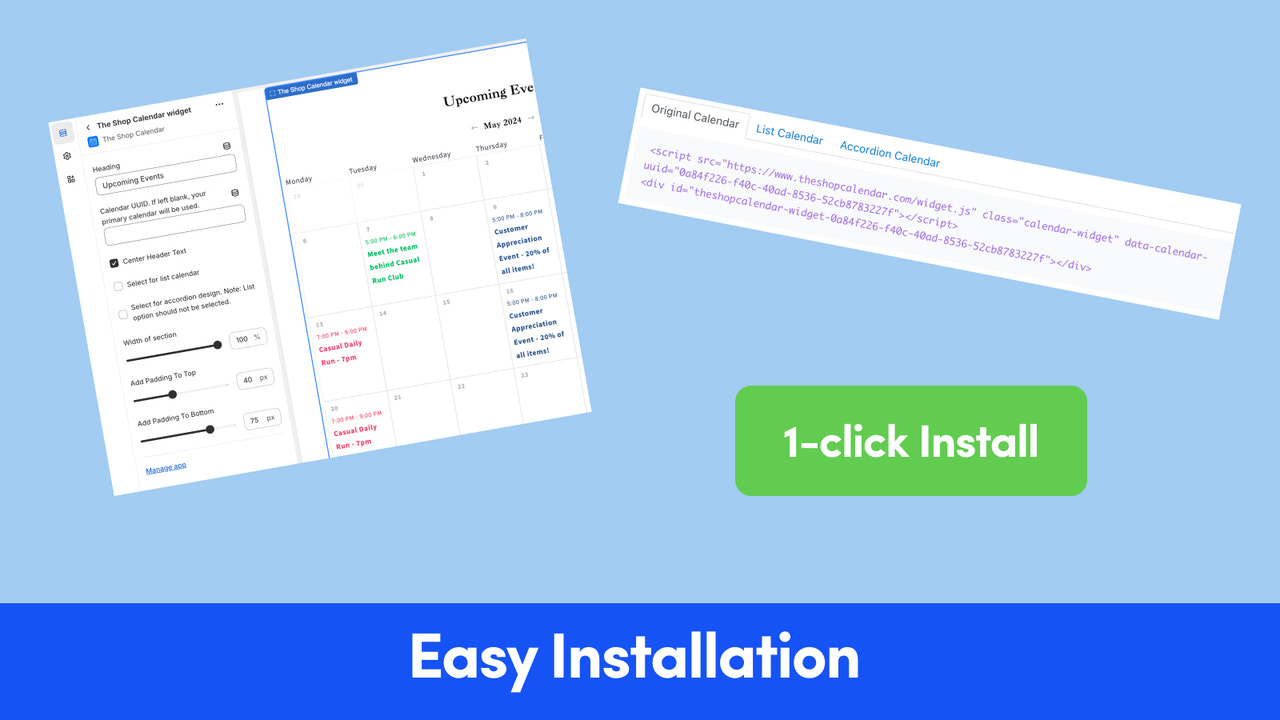



Price Plan
Monthly
- Unlimited Campaigns
- Unlimited Traffic
- Unlimited Integrations
- Original and List Designs
- Style Options
Annual
- Unlimited Campaigns
- Unlimited Traffic
- Unlimited Integrations
- Original & List Design
- Style Options
User Location & Comments
User Location
Comments
Shopify API Used
- POST /admin/api/calendar_events.json
- PUT /admin/api/calendar_events/{id}.json
- GET /admin/api/calendar_events.json
Permission:write_calendar_events,read_calendar_events,manage_shop
- GET /admin/api/shop/themes.json
- PUT /admin/api/calendar/settings.json
- GET /admin/api/calendar/settings.json
Permission:read_themes,write_calendar_settings,manage_shop
- POST /admin/api/locations.json
- PUT /admin/api/calendar/locations/{loc_id}.json
- GET /admin/api/calendar/locations.json
Permission:write_locations,read_calendar_locations,manage_locations
- POST /admin/api/calendar/integrations.json
- PUT /admin/api/calendar/integrations/{id}.json
- GET /admin/api/calendar/integrations.json
Permission:write_calendar_integrations,read_calendar_integrations,manage_shop
- POST /admin/api/products.json
- PUT /admin/api/products/{id}/variants.json
- GET /admin/api/orders.json
Permission:write_products,read_orders,manage_inventory