
App Introduction
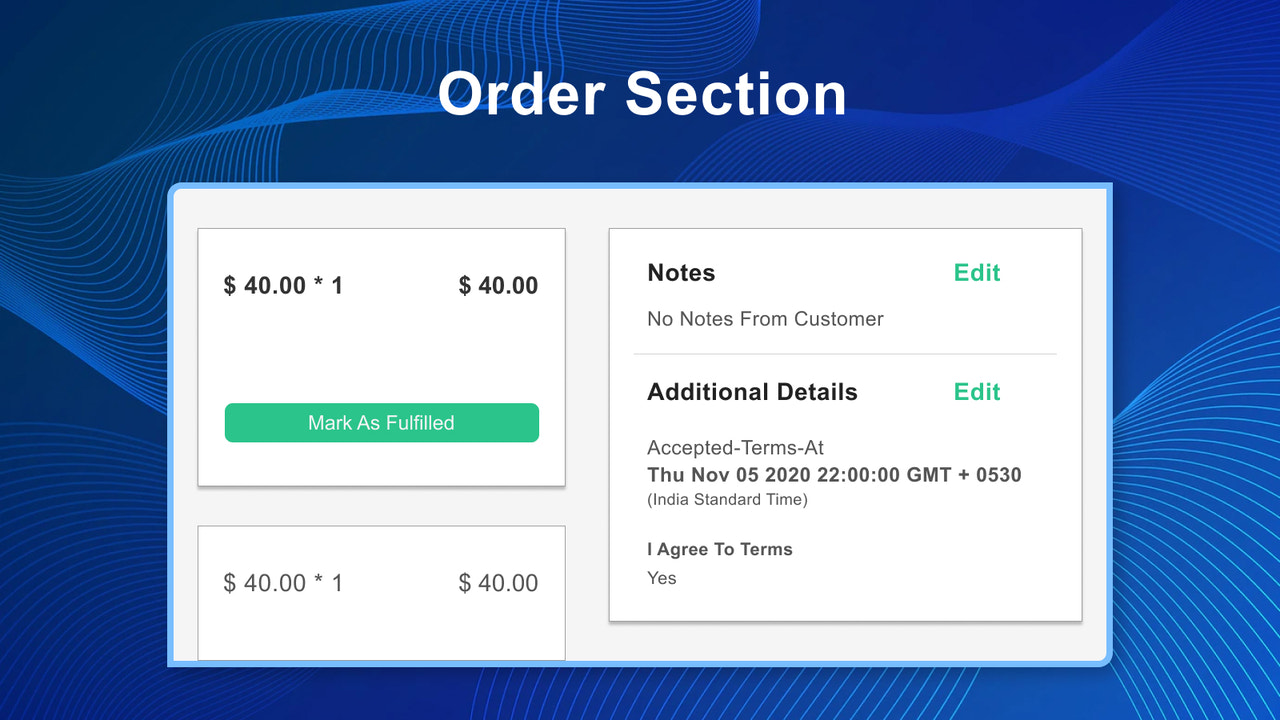
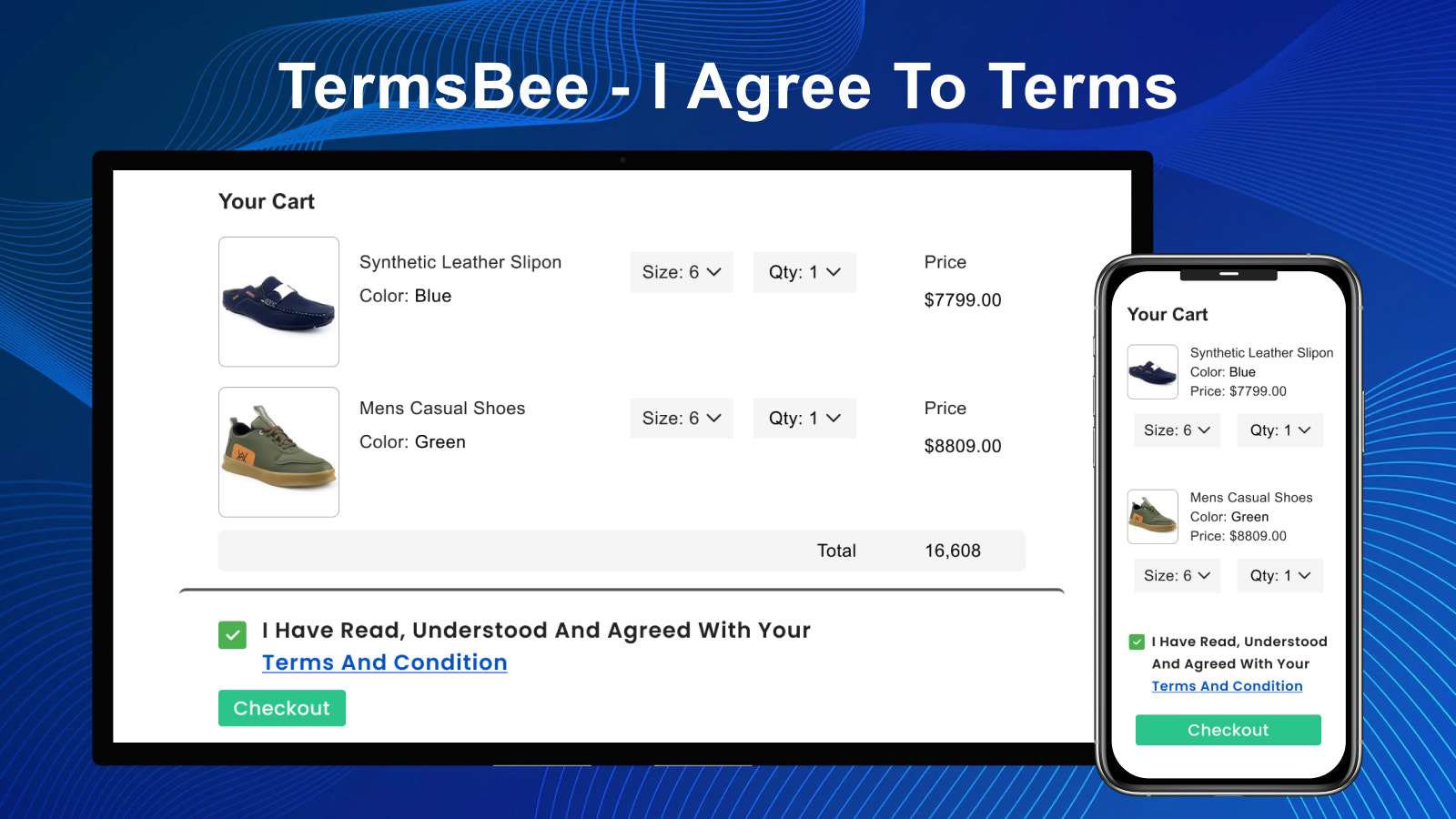
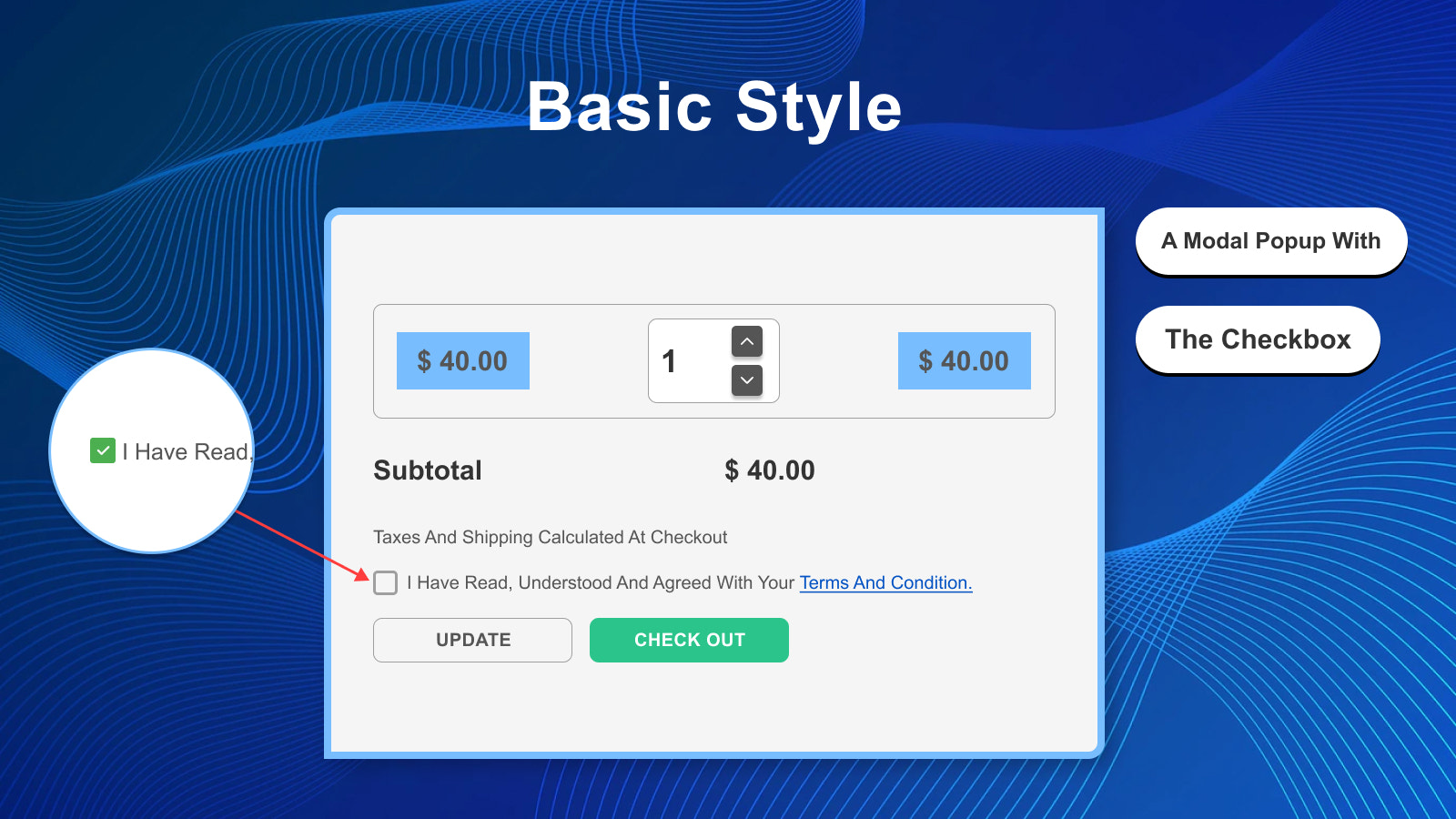
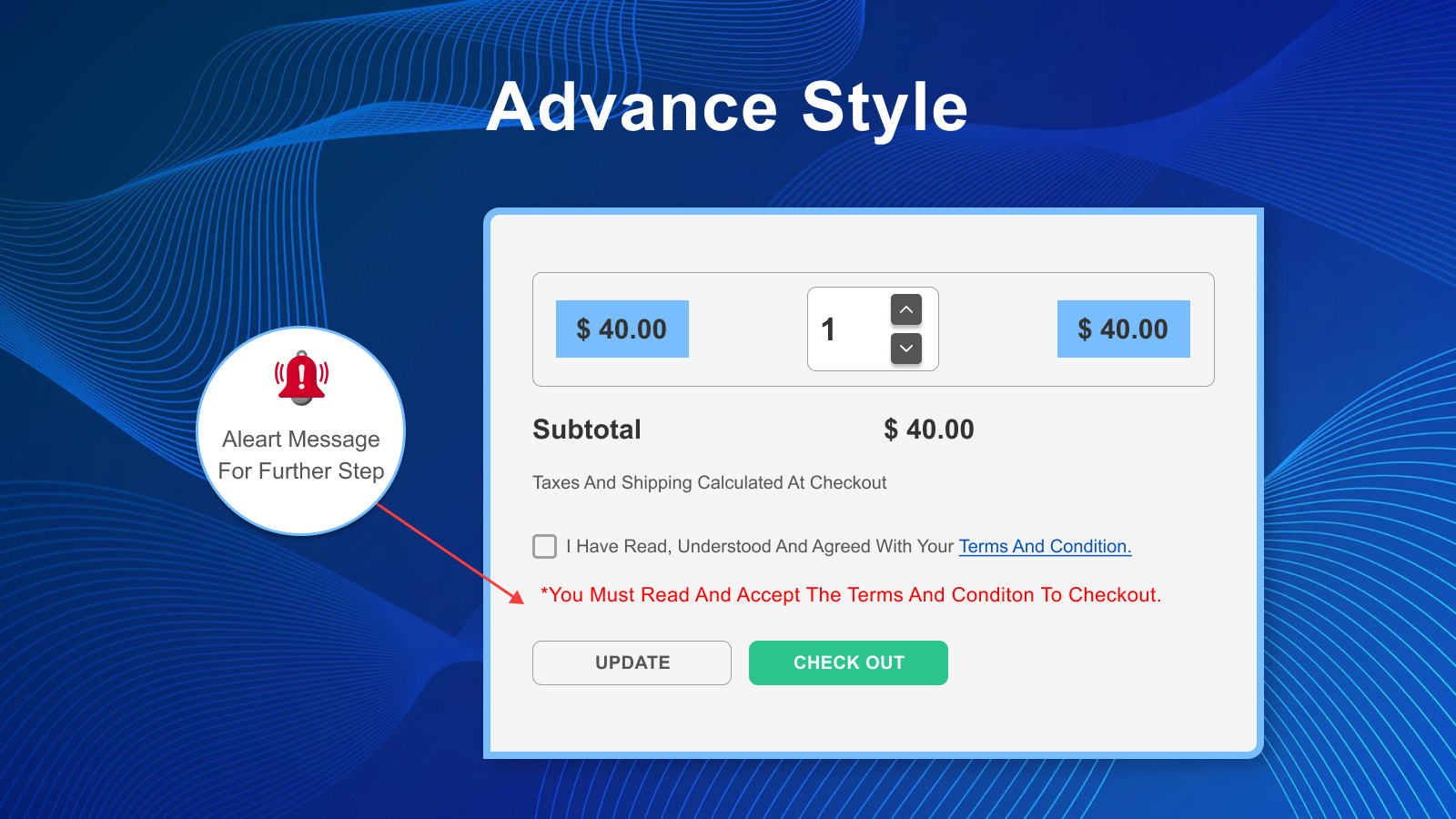
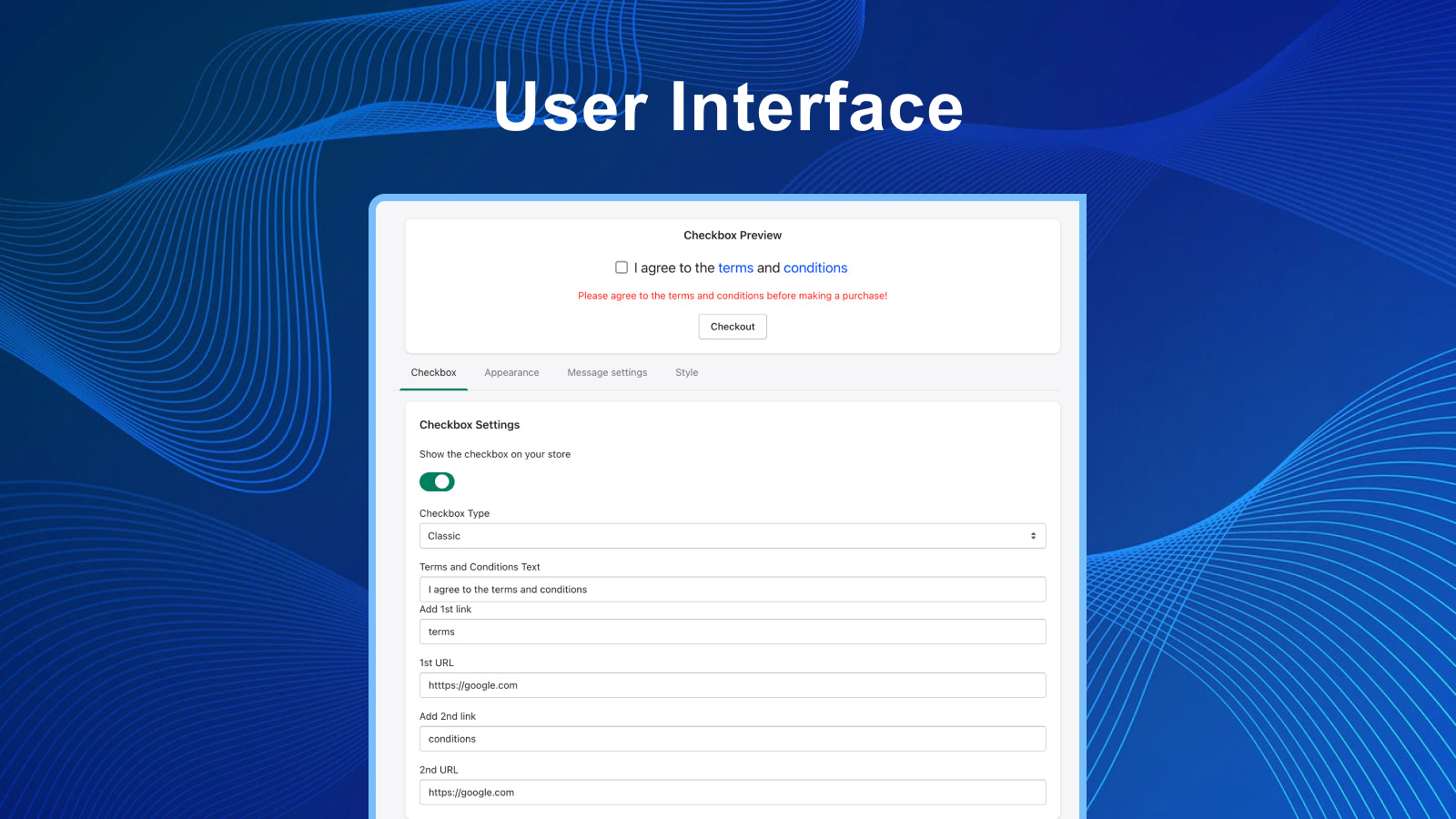
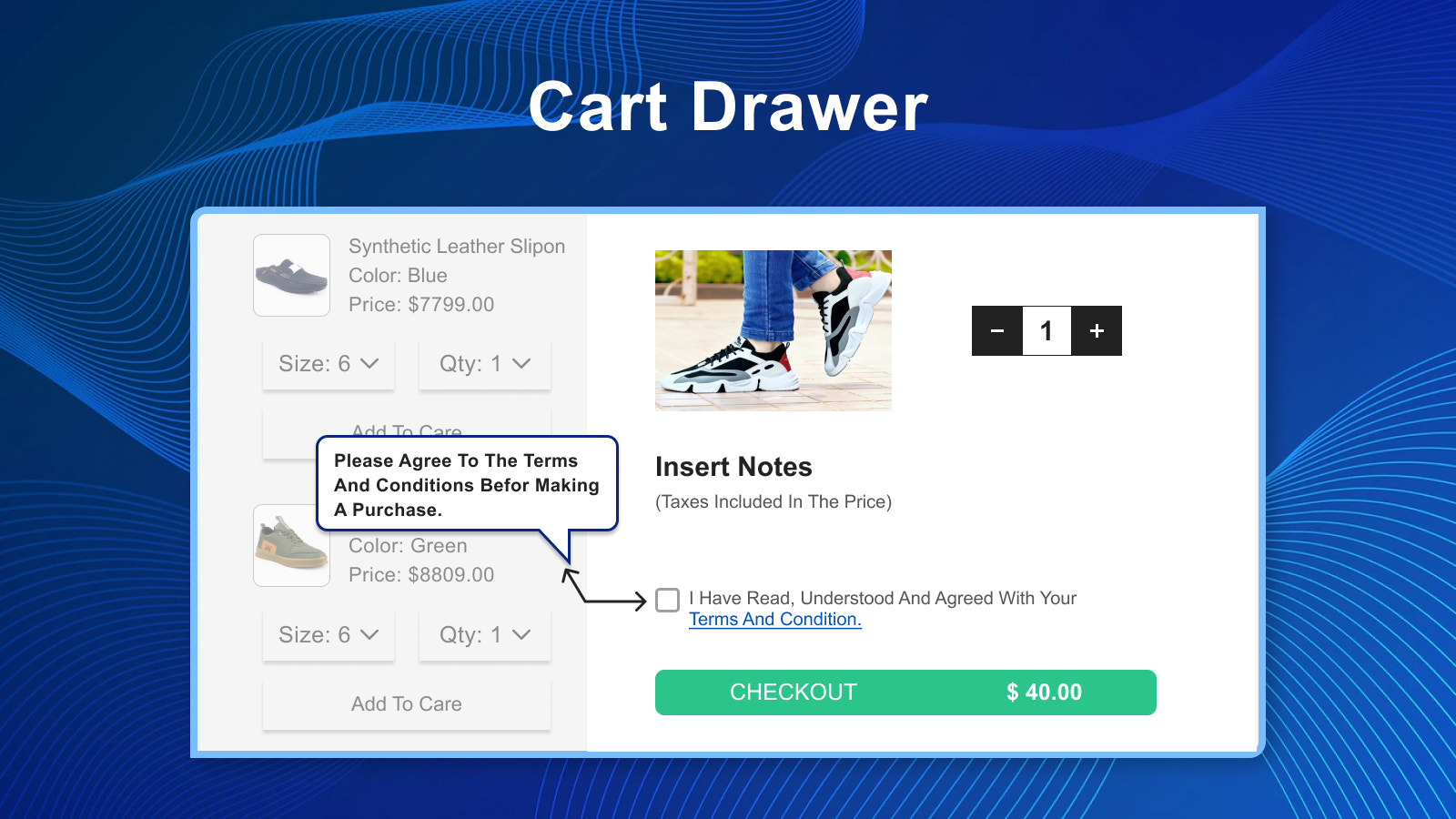
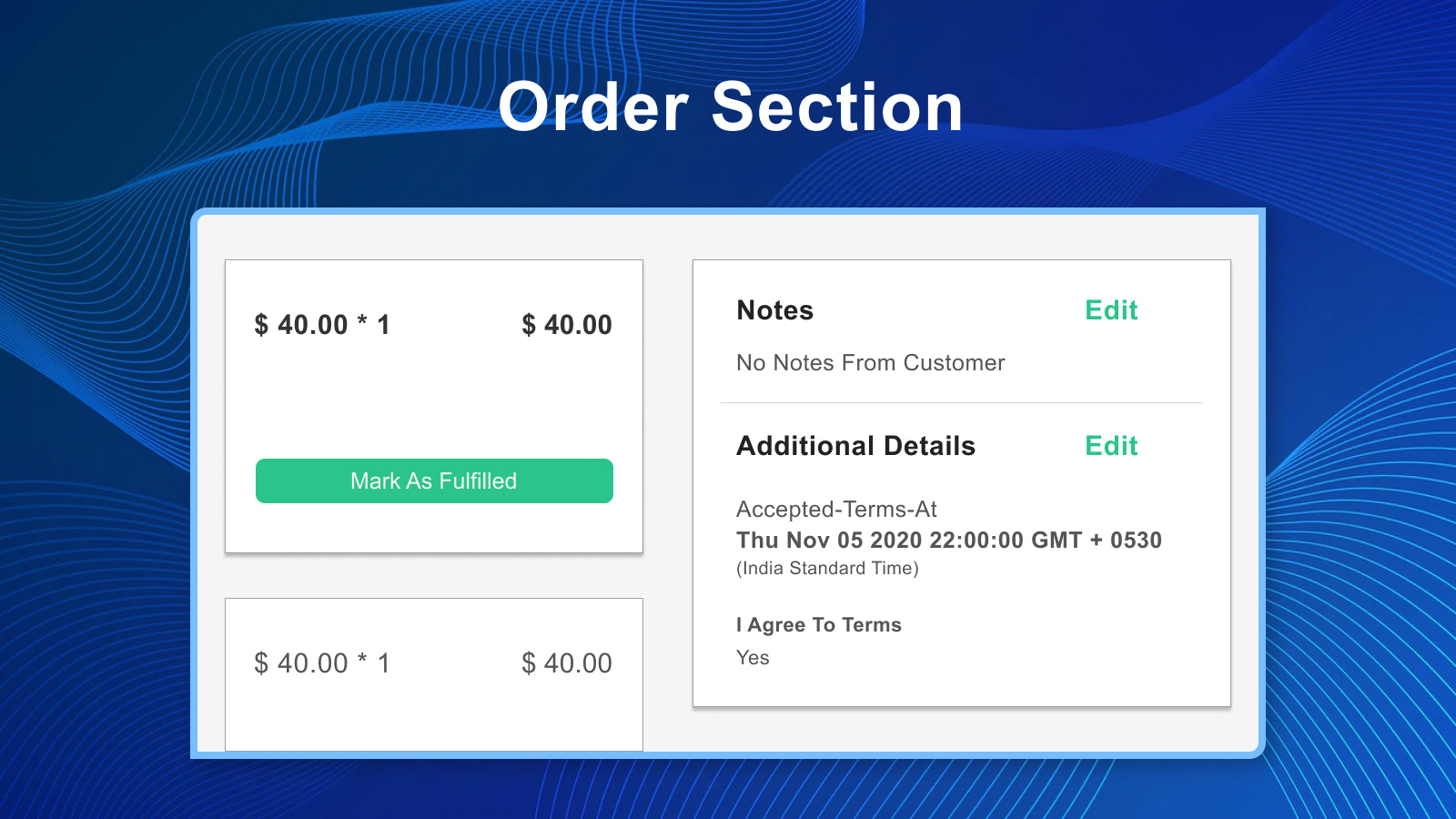
This app helps you add a Terms and Conditions checkbox to your store - Compatible with 2.0 TermsBee allows you to easily add a Terms and Conditions checkbox to your store. Once the app is enabled, the checkbox will immediately start appearing on your store’s cart page, cart drawer (Ajax), and product pages—customers must check it to proceed to checkout. The date and time when the checkbox is checked will be recorded in the additional details section of the order, which helps you prevent refunds. You can also display the checkbox on the account registration and login pages.
Core Functionality
- Easily add an 'I Agree' checkbox to your store's cart page and Ajax cart
- View when customers agreed to your terms and conditions in order details.
- You can set the checkbox to appear only for specific products.
- You can display the 'I agree to terms checkbox' for all or specific countries.
- This app supports additional checkout buttons such as PayPal, GPay, Apple Pay, etc.
Merchant-Friendly
- Compliance-required E-commerce
- Multi-region Sales Merchants
- Product-specific Restriction Merchants
- Multi-payment Demand Merchants
Basic Information
- Developer:Huskiapps
- Address:Rajkot, GJ, IN
- Price: Free / Free plan
- Rating:4.4 / 5
- Comment Count:5 comment
- Release Date:2022-12-27
- Supported languages:English
- Compatible products:Shopify
Application Screenshot


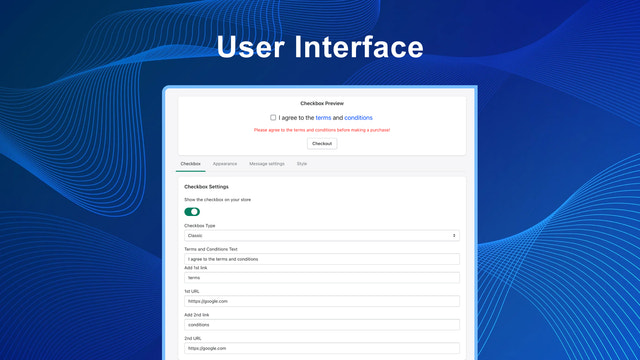

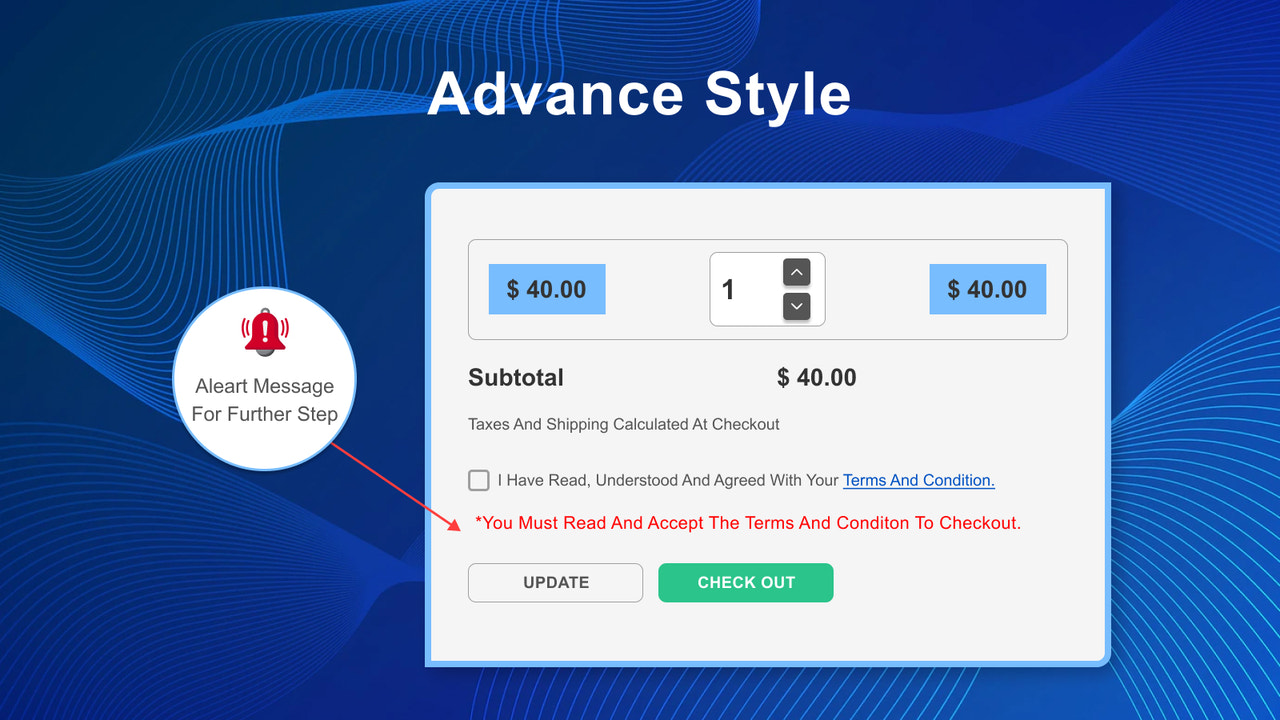
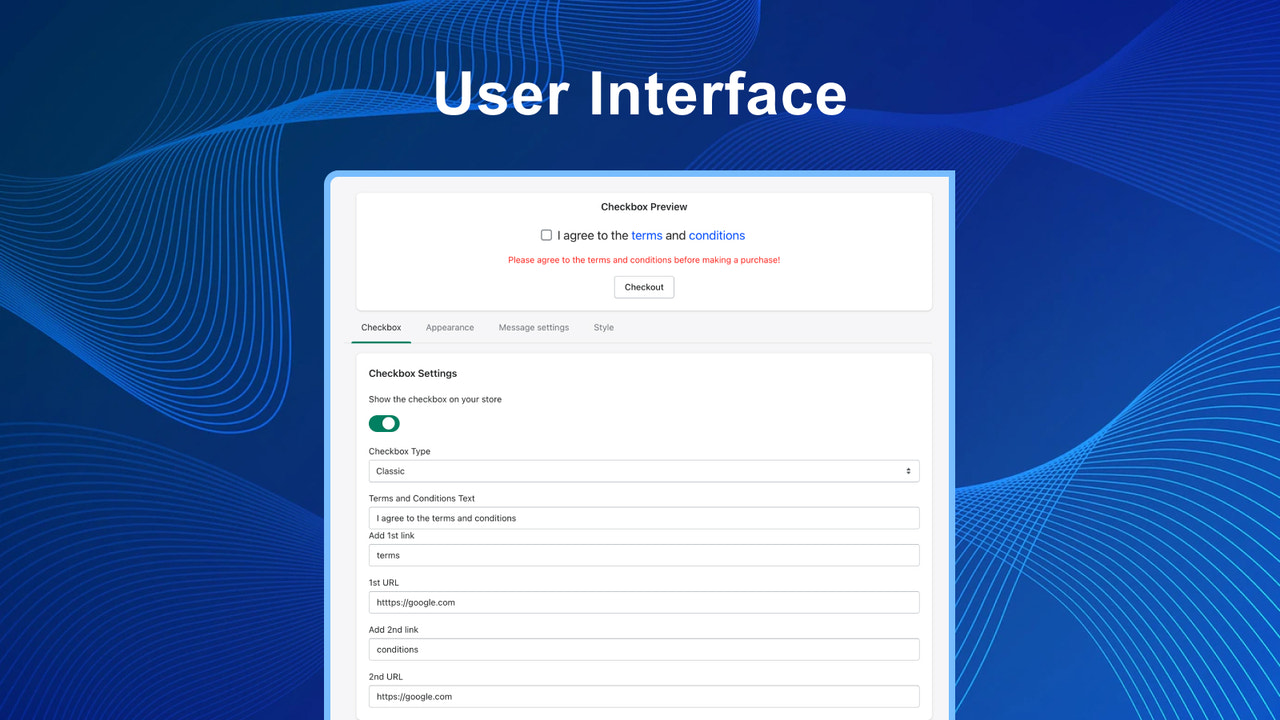
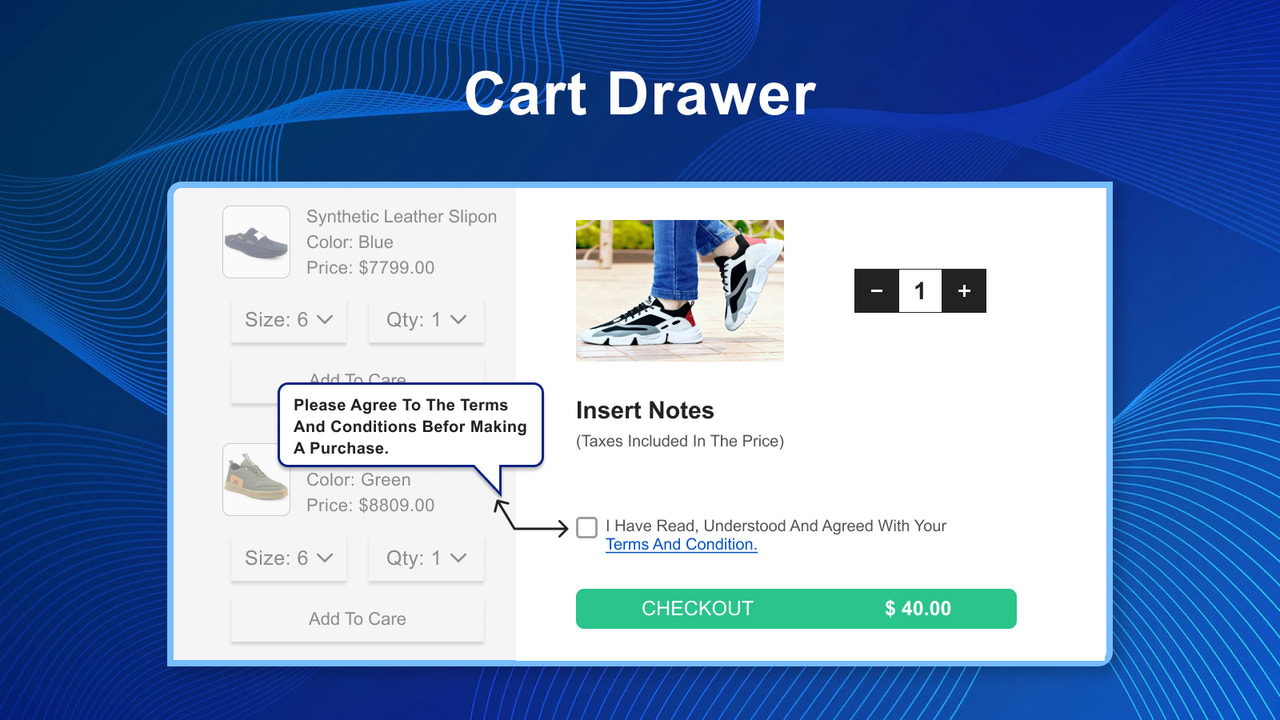
Price Plan
基础
- Support immediate purchase, account login and registration pages
- Display date and time on order details
- Show T&C for all or specific countries and products
User Location & Comments
User Location
Comments
Shopify API Used
- POST /admin/api/cart/attributes.json
- GET /admin/api/cart/{cart_id}.json
- PUT /admin/api/cart/{cart_id}.json
Permission:write_cart,read_cart,manage_orders
- GET /admin/api/orders/{order_id}.json
- POST /admin/api/orders/{order_id}/metafields.json
- PUT /admin/api/orders/{order_id}/metafields/{metafield_id}.json
Permission:read_orders,write_orders,manage_orders
- GET /admin/api/products/{product_id}.json
- POST /admin/api/products/{product_id}/metafields.json
- PUT /admin/api/products/{product_id}/metafields/{metafield_id}.json
Permission:read_products,write_products,manage_products
- GET /admin/api/countries.json
- POST /admin/api/shop/metafields.json
- PUT /admin/api/shop/metafields/{metafield_id}.json
Permission:read_shop,write_shop,manage_countries
- GET /admin/api/payment_settings.json
- POST /admin/api/checkout/attributes.json
- PUT /admin/api/checkout/attributes.json
Permission:read_payment_settings,write_checkout,manage_checkout