
App Introduction
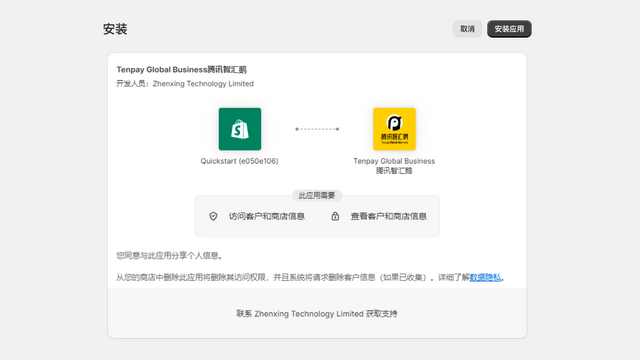
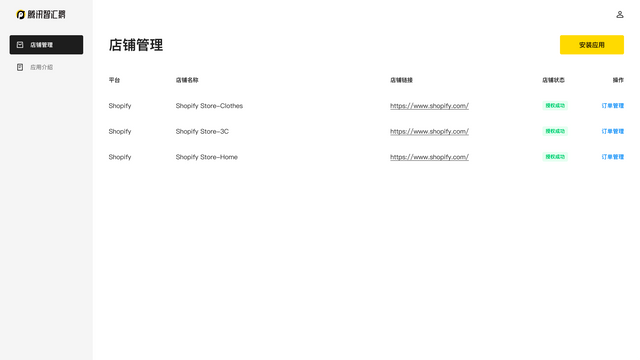
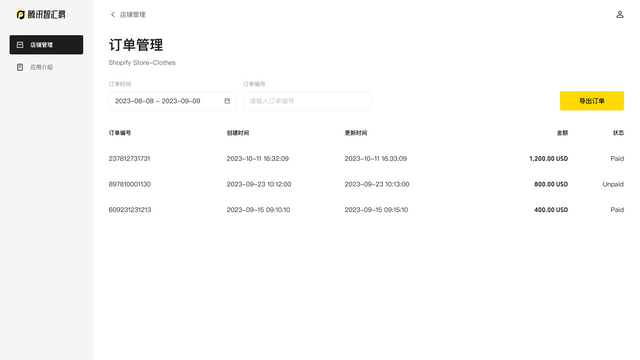
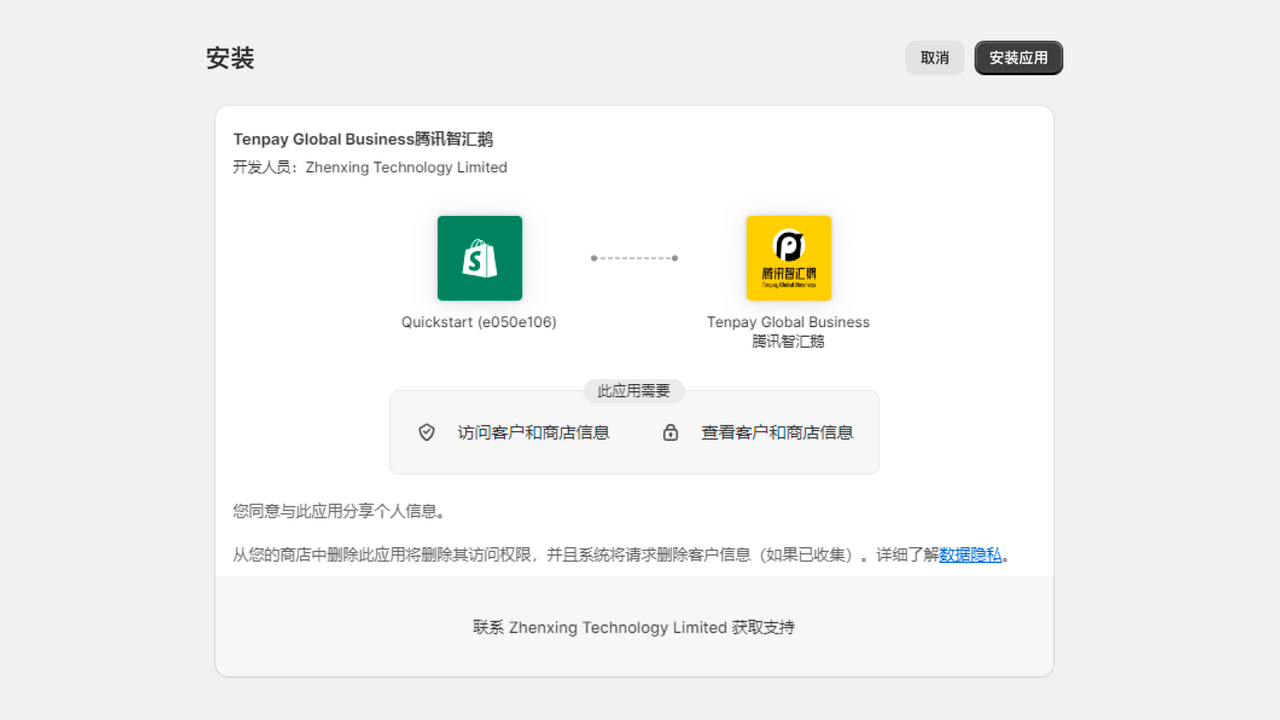
Tenpay Global Business (Tencent Cross-border) is Tencent’s enterprise cross-border service platform dedicated to providing customers with compliant, secure, and professional one-stop solutions to help cross-border businesses connect with the global market. In accordance with regulations such as China’s Foreign Exchange Administration, foreign exchange receipts and payments require a genuine and legal transaction background. You may add the Tenpay Global Business (Tencent Cross-border) app and authorize it to collect your store transaction information. Within the scope of authorization, Tencent Cross-border will strictly obtain and use the relevant information provided by the store in accordance with relevant laws and regulations, as well as the terms of service and privacy policy of Tencent Cross-border.
Core Functionality
- No core function information available at the moment
Merchant-Friendly
- Multi-Store Operators
- Cross-Border E-commerce Merchants
- Compliance-Focused E-commerce Merchants
- Multi-Category E-commerce Merchants
Basic Information
- Developer:Zhenxing Technology Limited
- Address:29/F., Three Pacific Place, No. 1 Queen's Road East, Wanchai, Hongkong, HK, 000000, HK
- Price: Free / Free plan
- Rating:0 / 5
- Comment Count:0 comment
- Release Date:2023-12-5
- Supported languages:Simplified Chinese
- Compatible products:Shopify
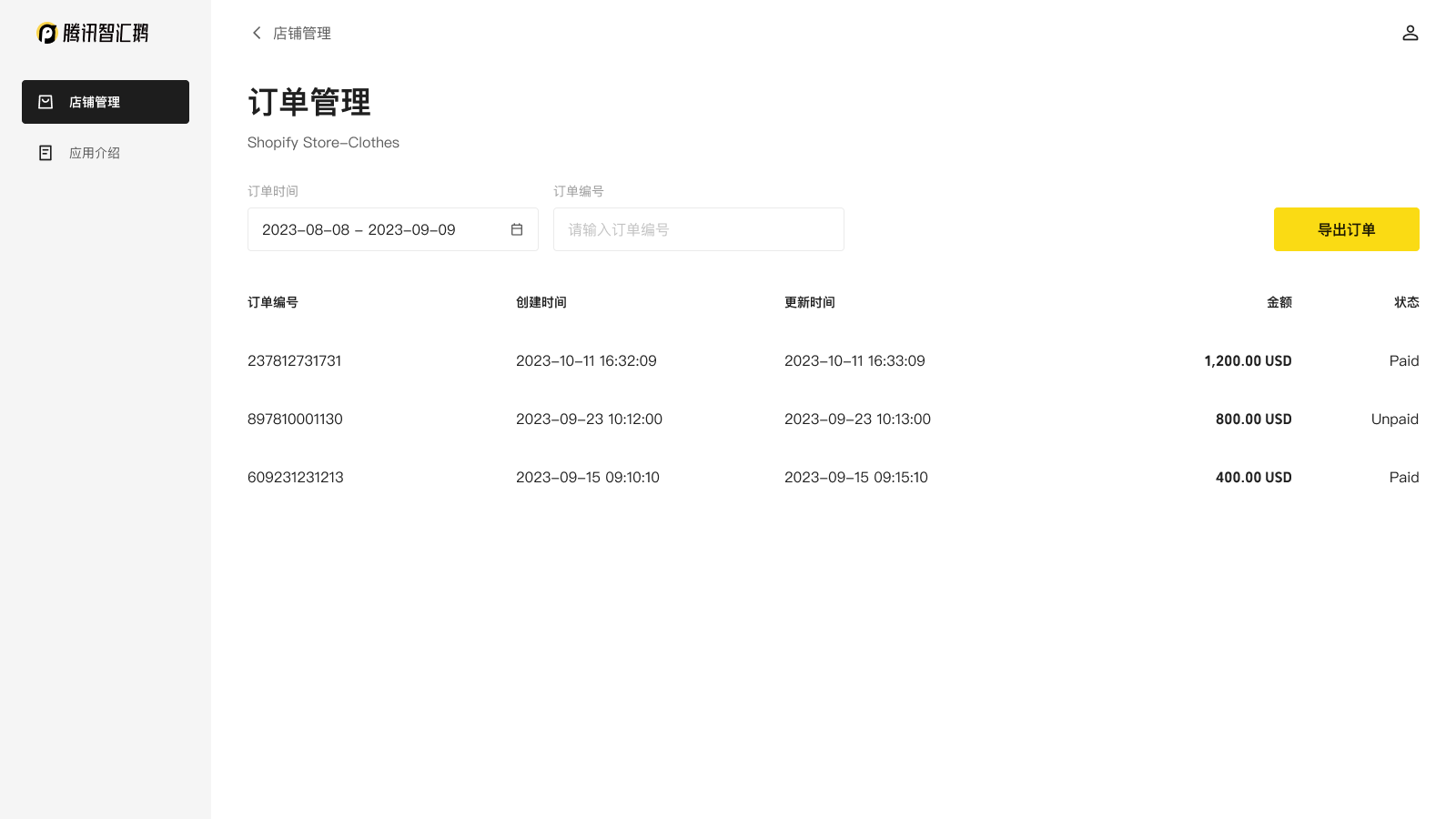
Application Screenshot

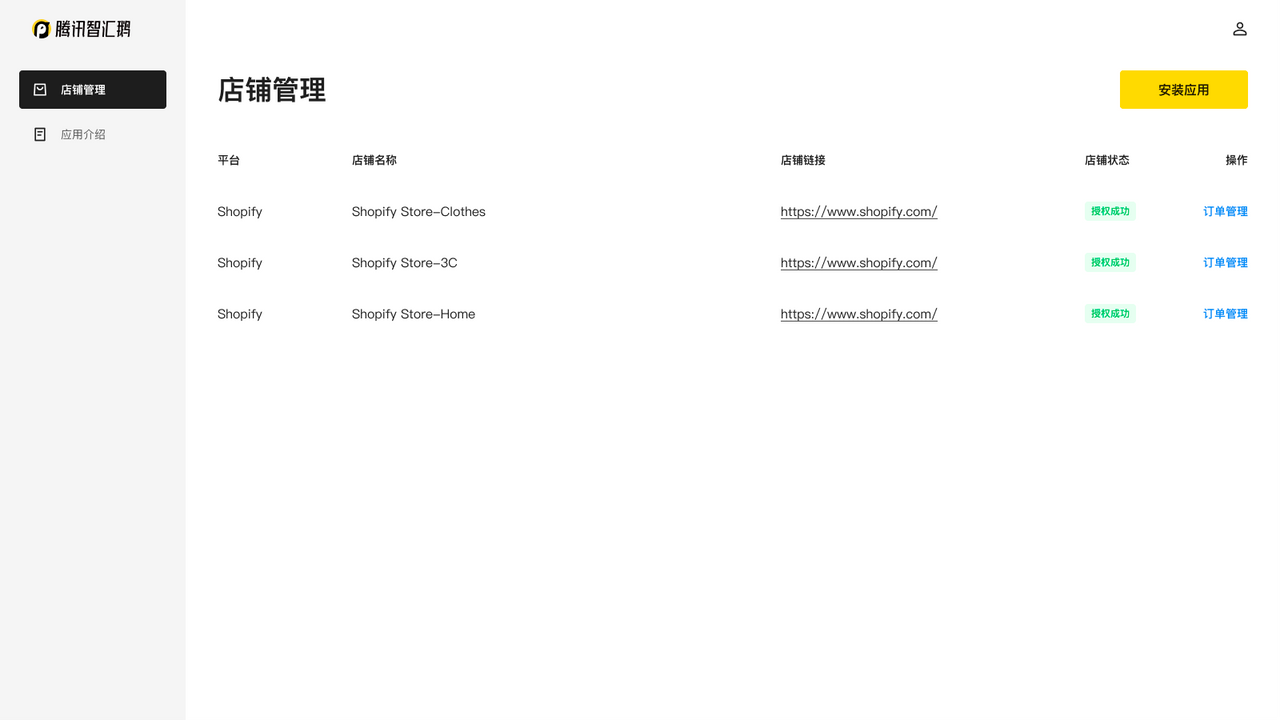
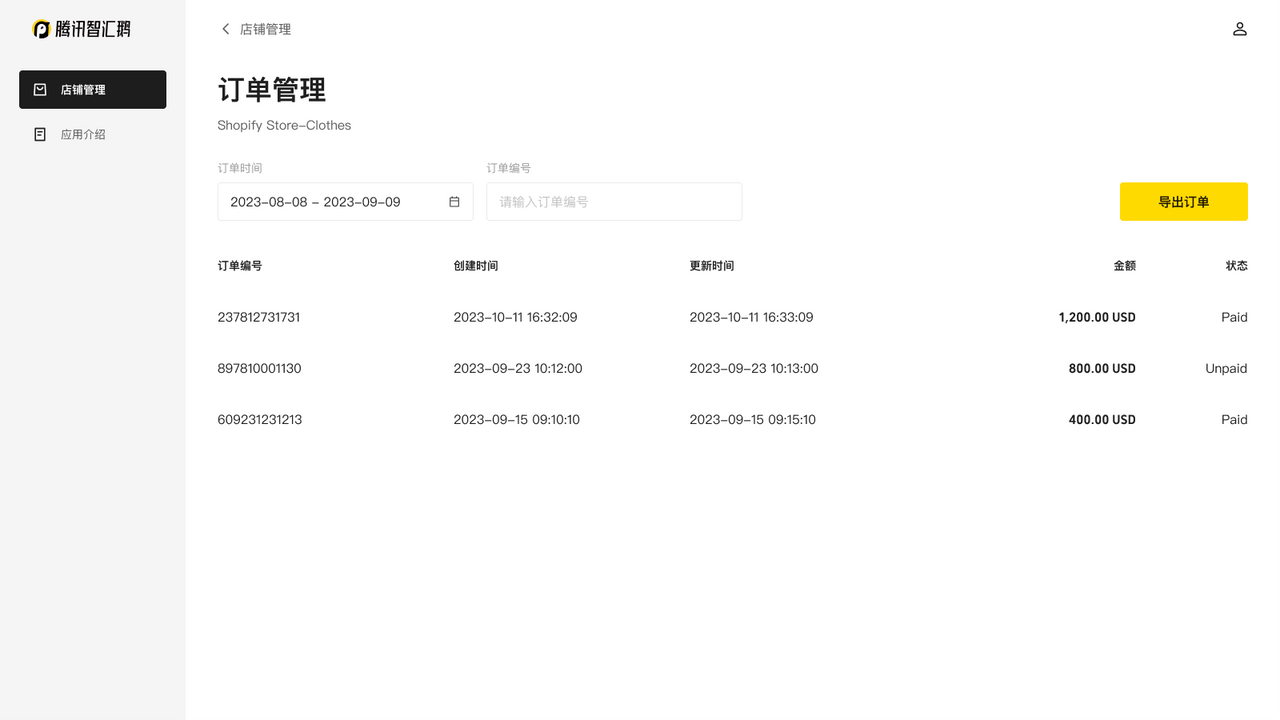

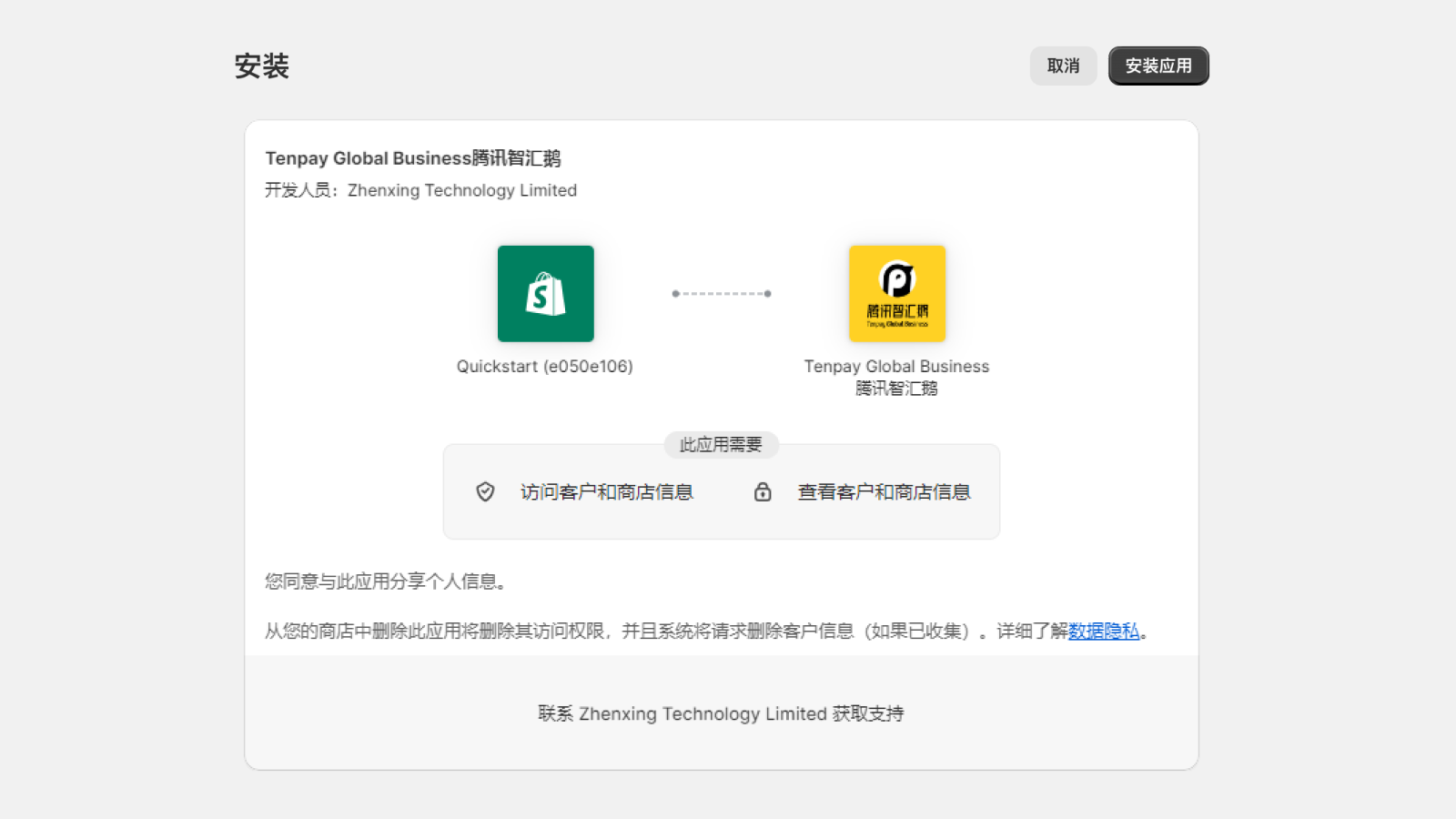
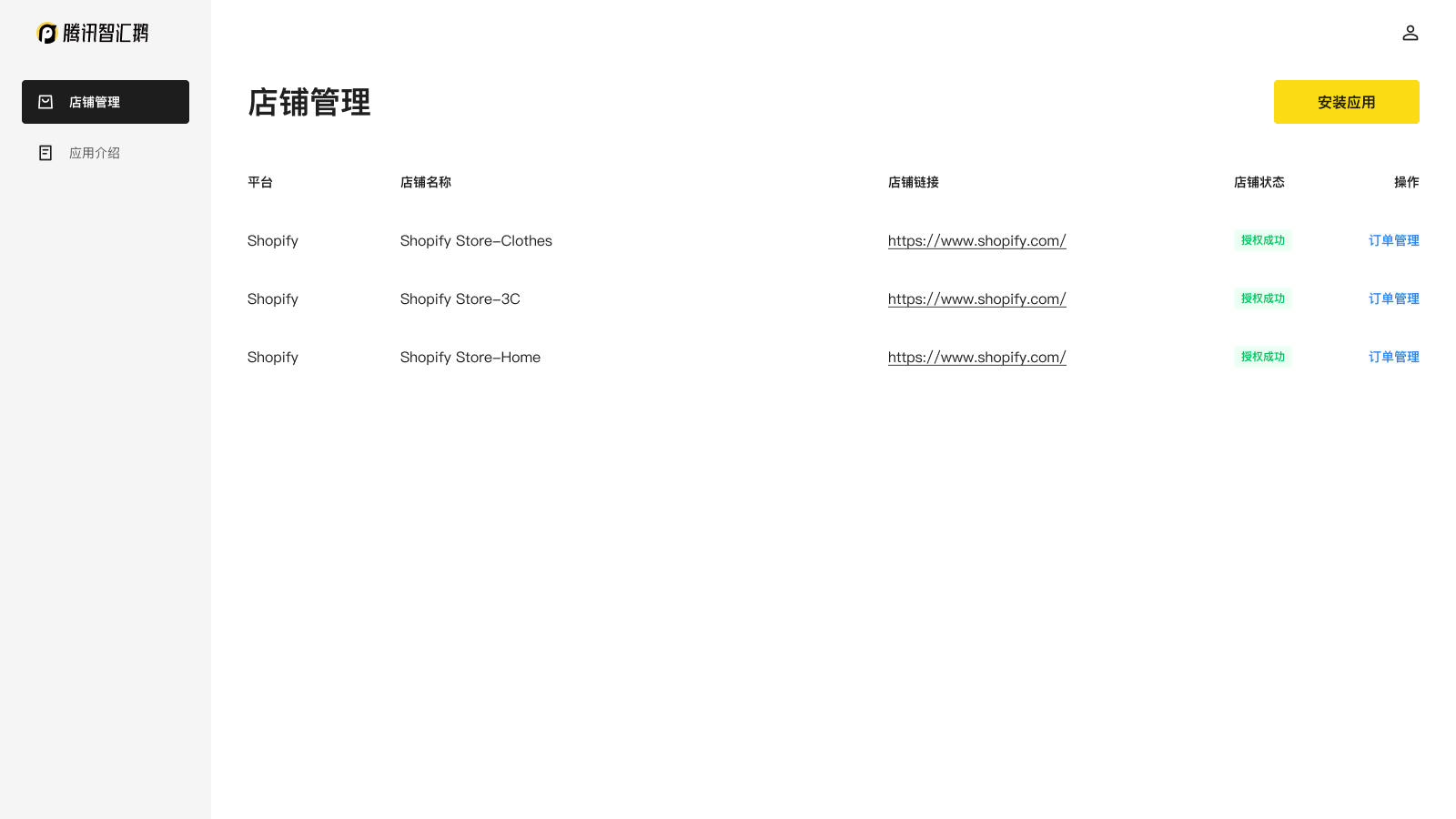
Price Plan
Free
User Location & Comments
User Location
Comments
Shopify API Used
- POST /admin/api/stores.json
- GET /admin/api/stores.json
- PUT /admin/api/stores/{store_id}.json
Permission:manage_stores,read_stores,write_stores
- GET /admin/api/orders.json?status=any
- GET /admin/api/orders/{order_id}/transactions.json
- GET /admin/api/transactions.json
Permission:read_orders,read_transactions,read_finances
- GET /admin/api/reports.json?type=tax_declaration
- POST /admin/api/reports/export.json
- GET /admin/api/orders.json?financial_status=paid
Permission:read_reports,read_orders,read_taxes