
App Introduction
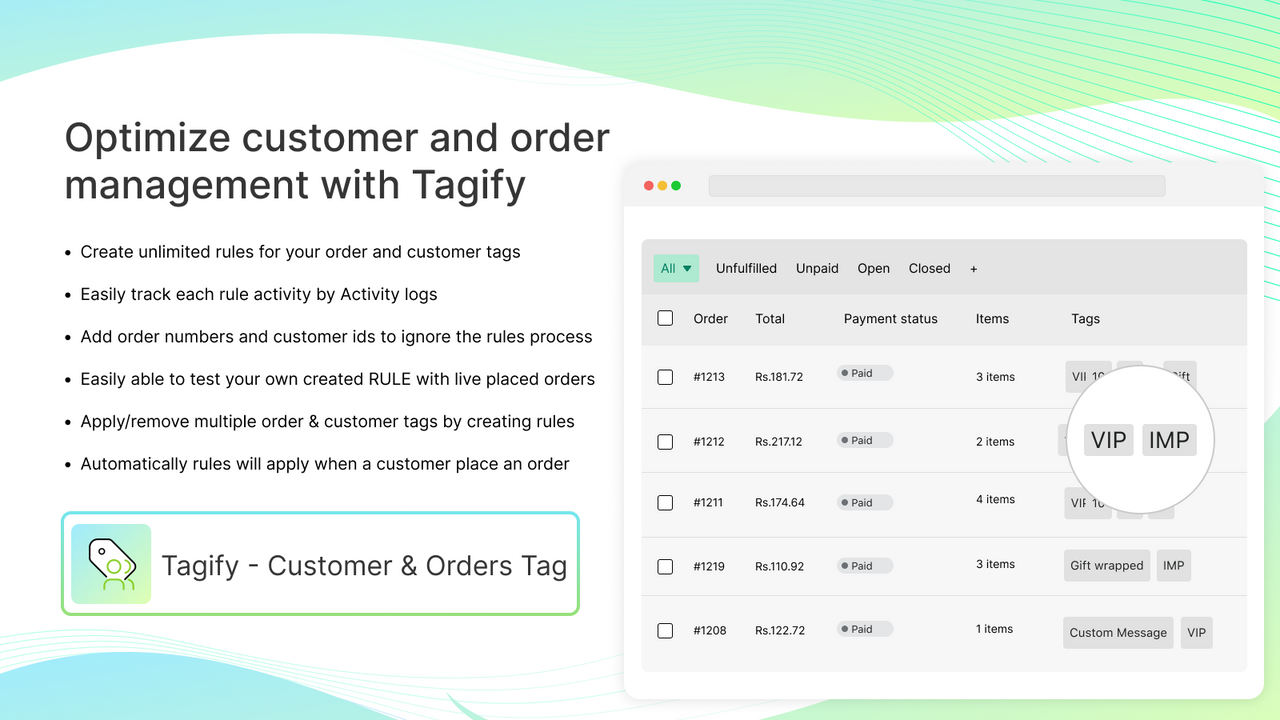
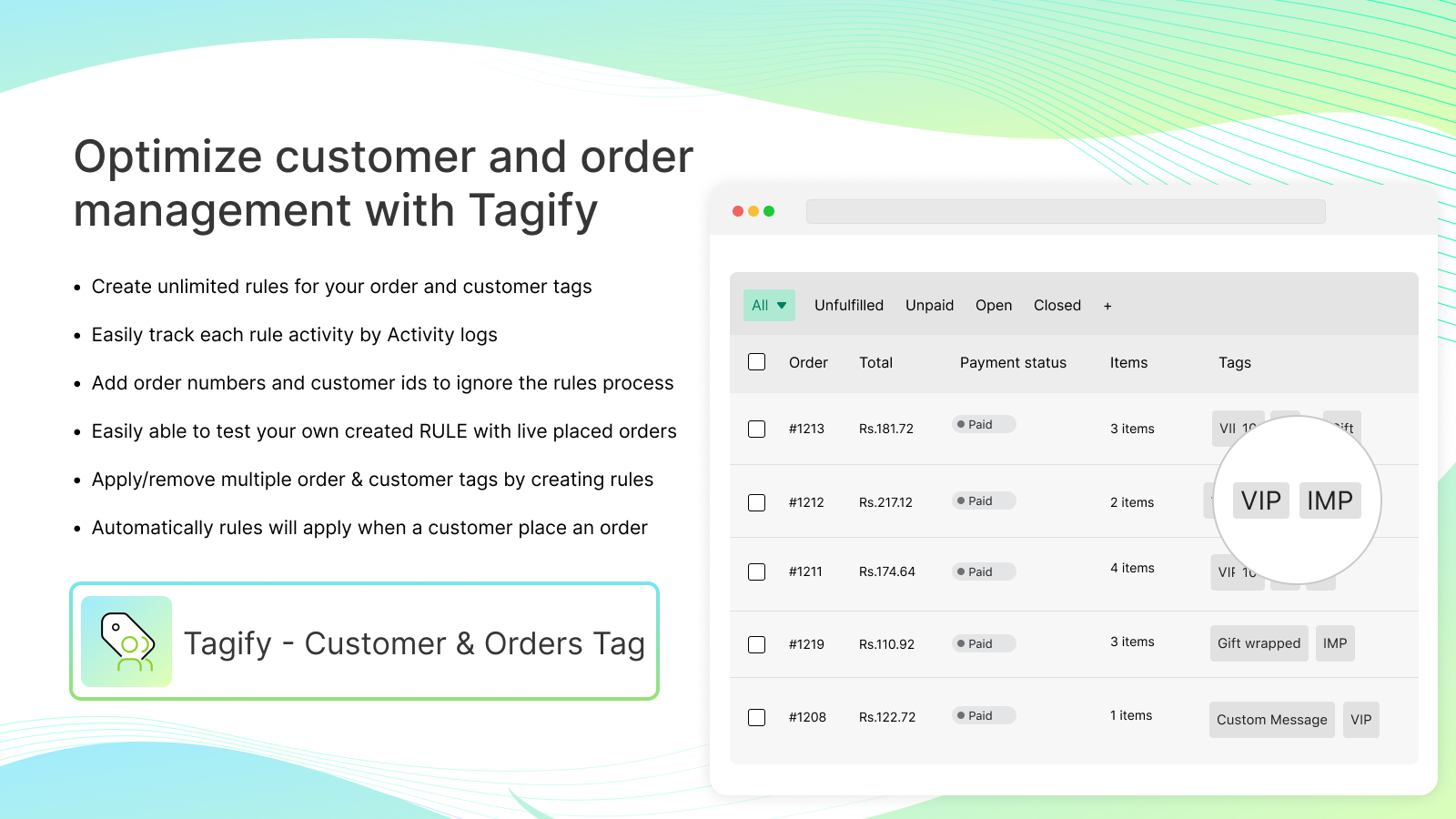
Automate your system by creating different conditions to apply or remove tags for customers and orders. Tagify automates and enhances your order management system. No manual tag additions—Tagify automates the process of adding or removing tags for customers and orders. You can apply tags based on rule conditions (e.g., product SKUs, order totals, or customer countries). Easily create unlimited conditions and tag rules. Tagify helps you improve order reporting through customer and order tags.
Core Functionality
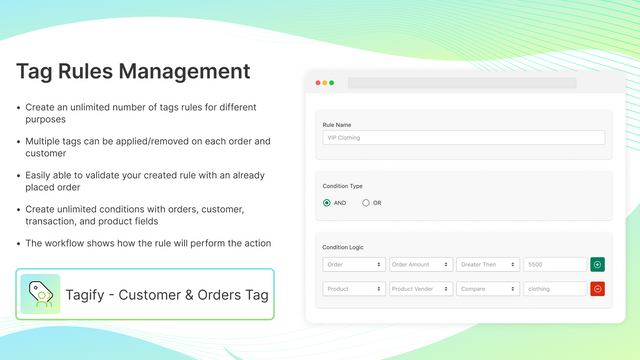
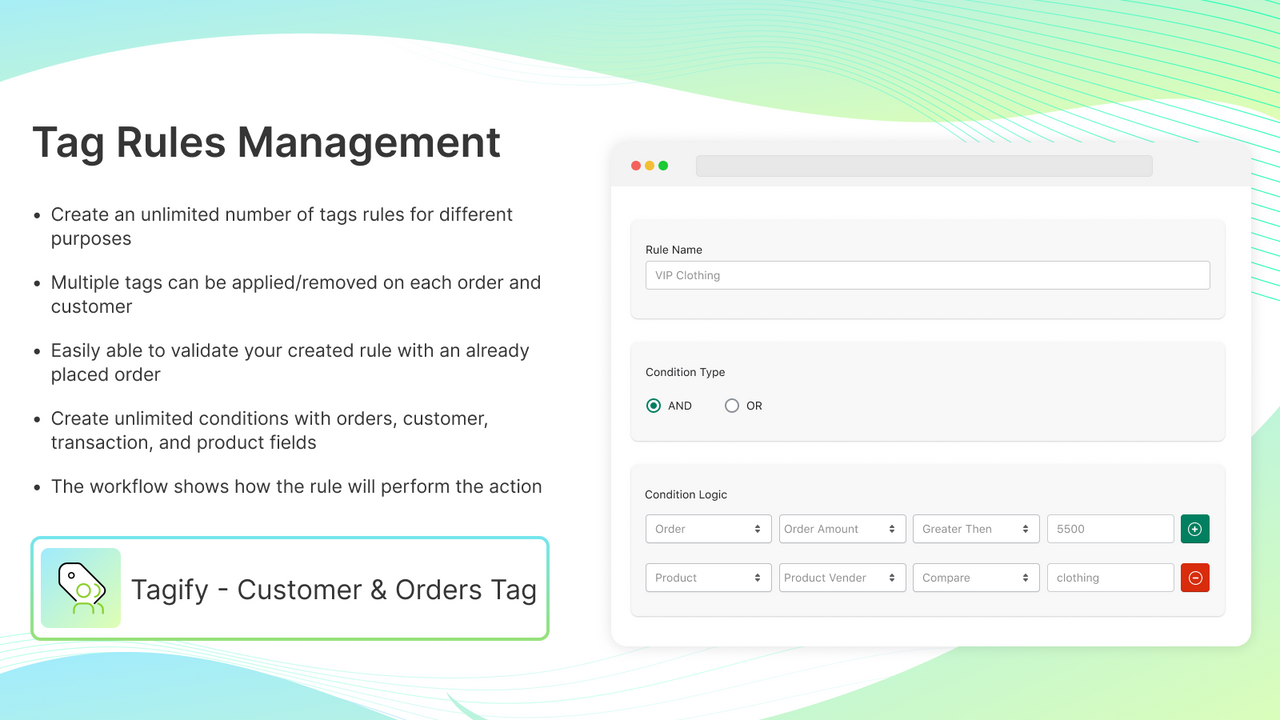
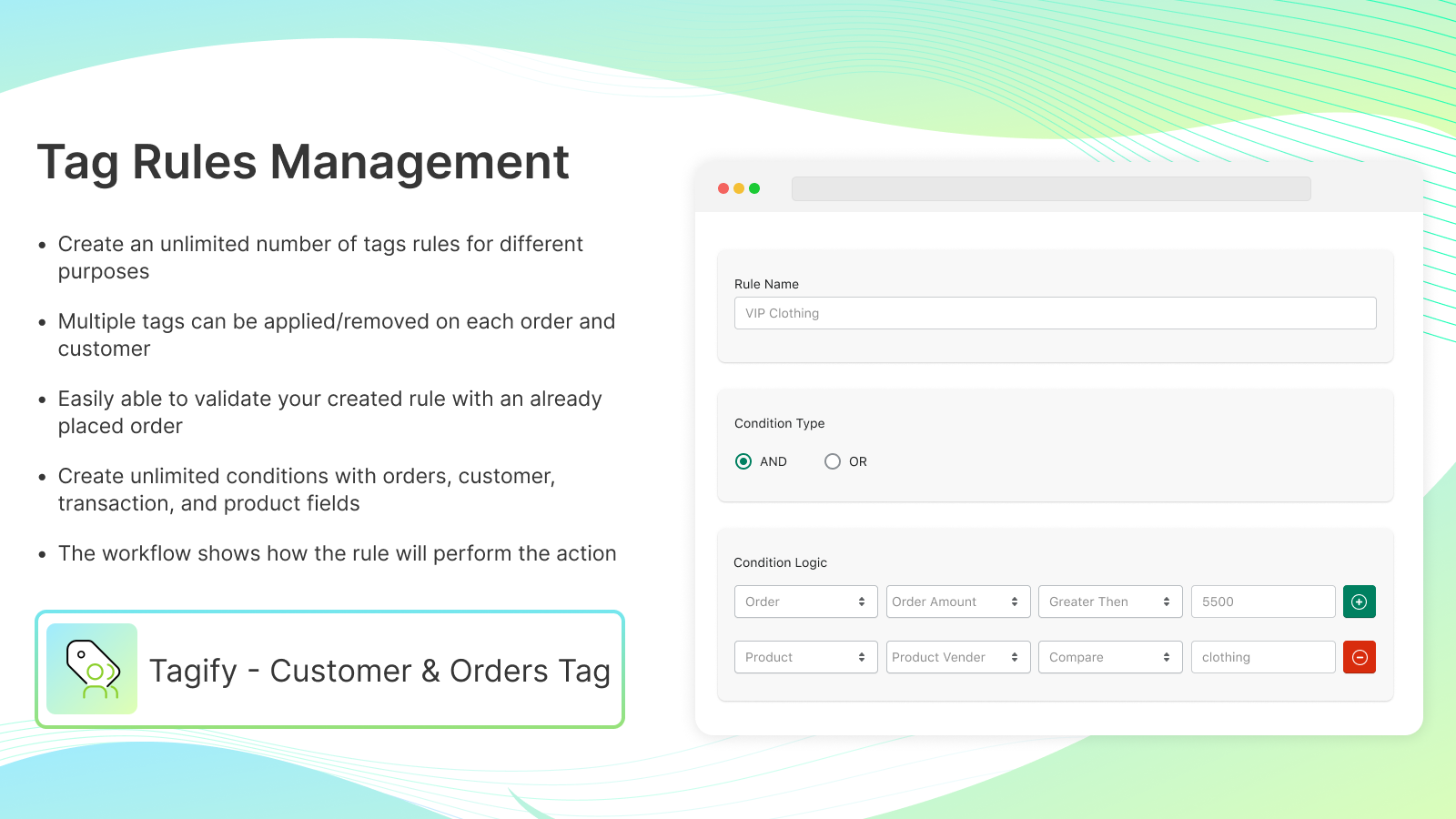
- Create unlimited condition and tag rules based on individual business needs.
- Automatically apply/remove unlimited tags for your orders and customers.
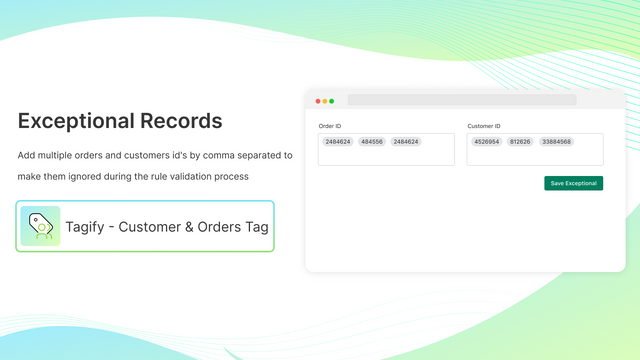
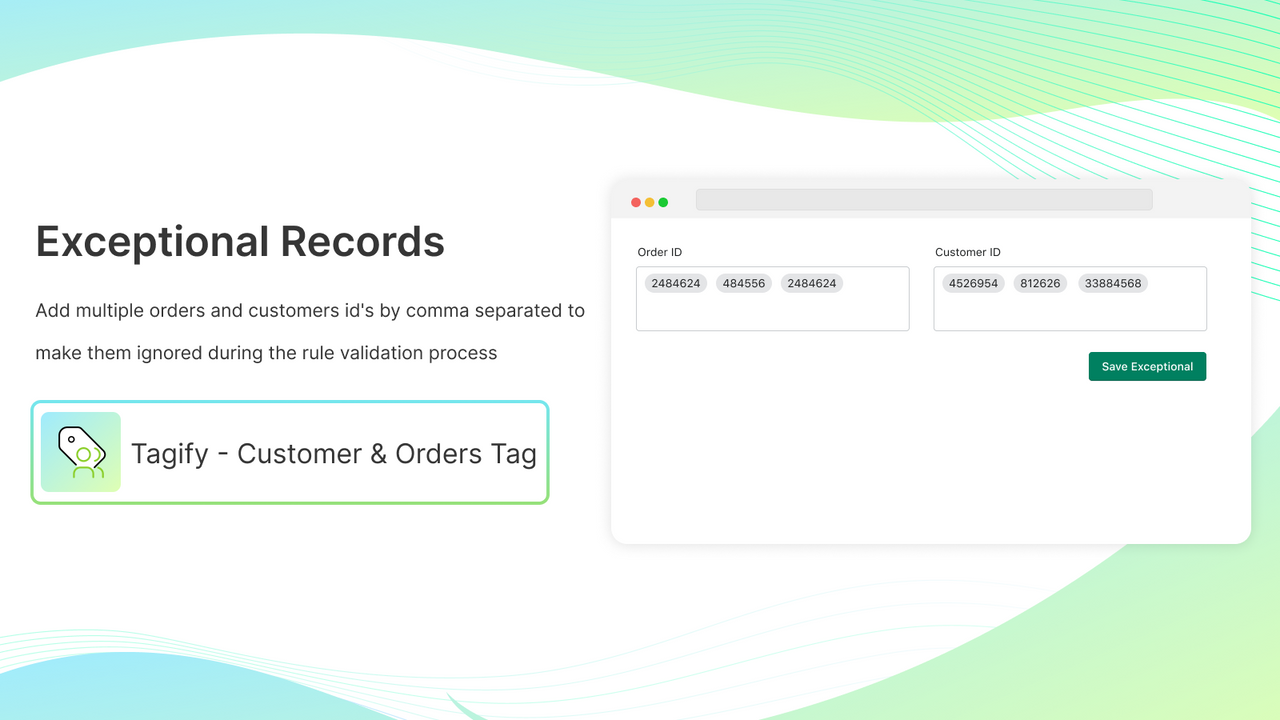
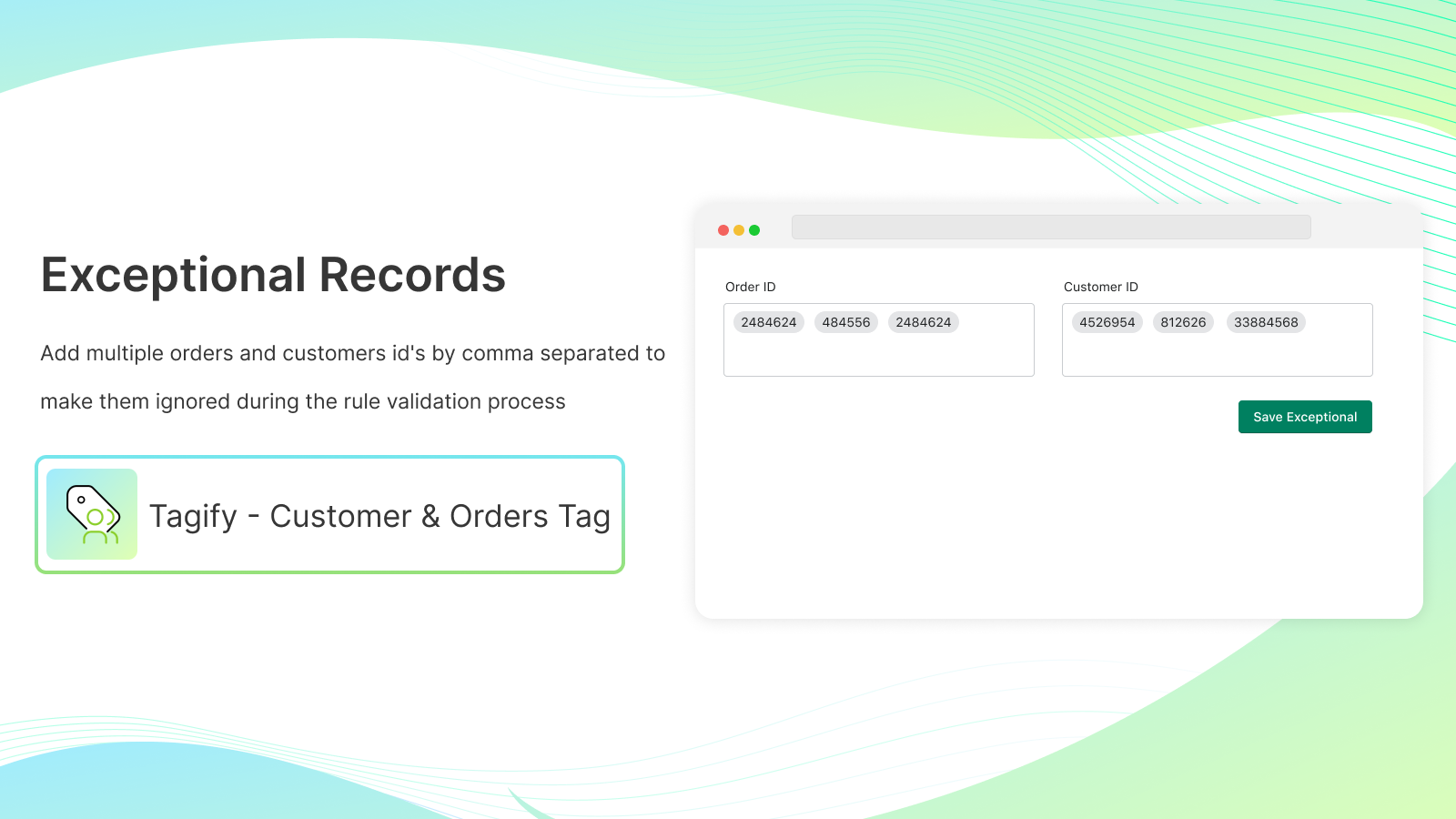
- The special feature ignores specific orders and customers before verification.
- Each tag rule can validate your past orders before activation.
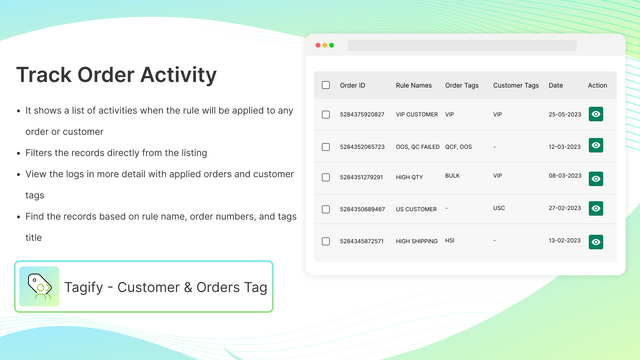
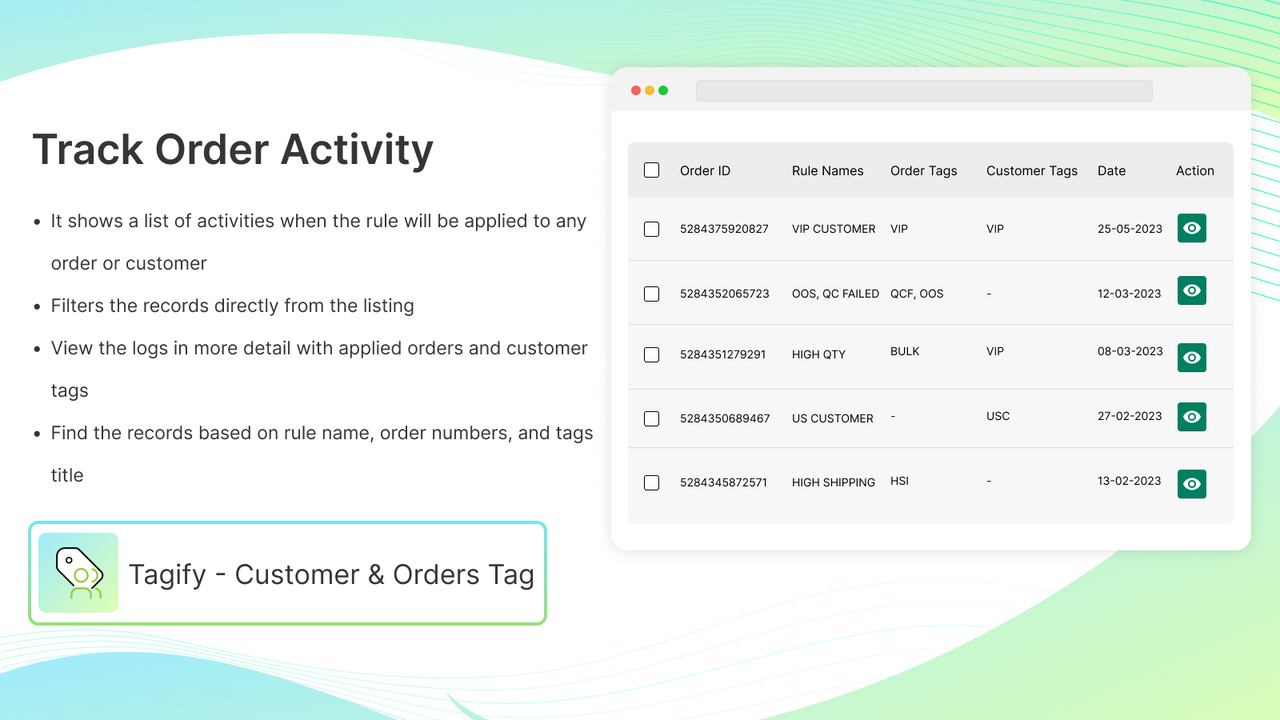
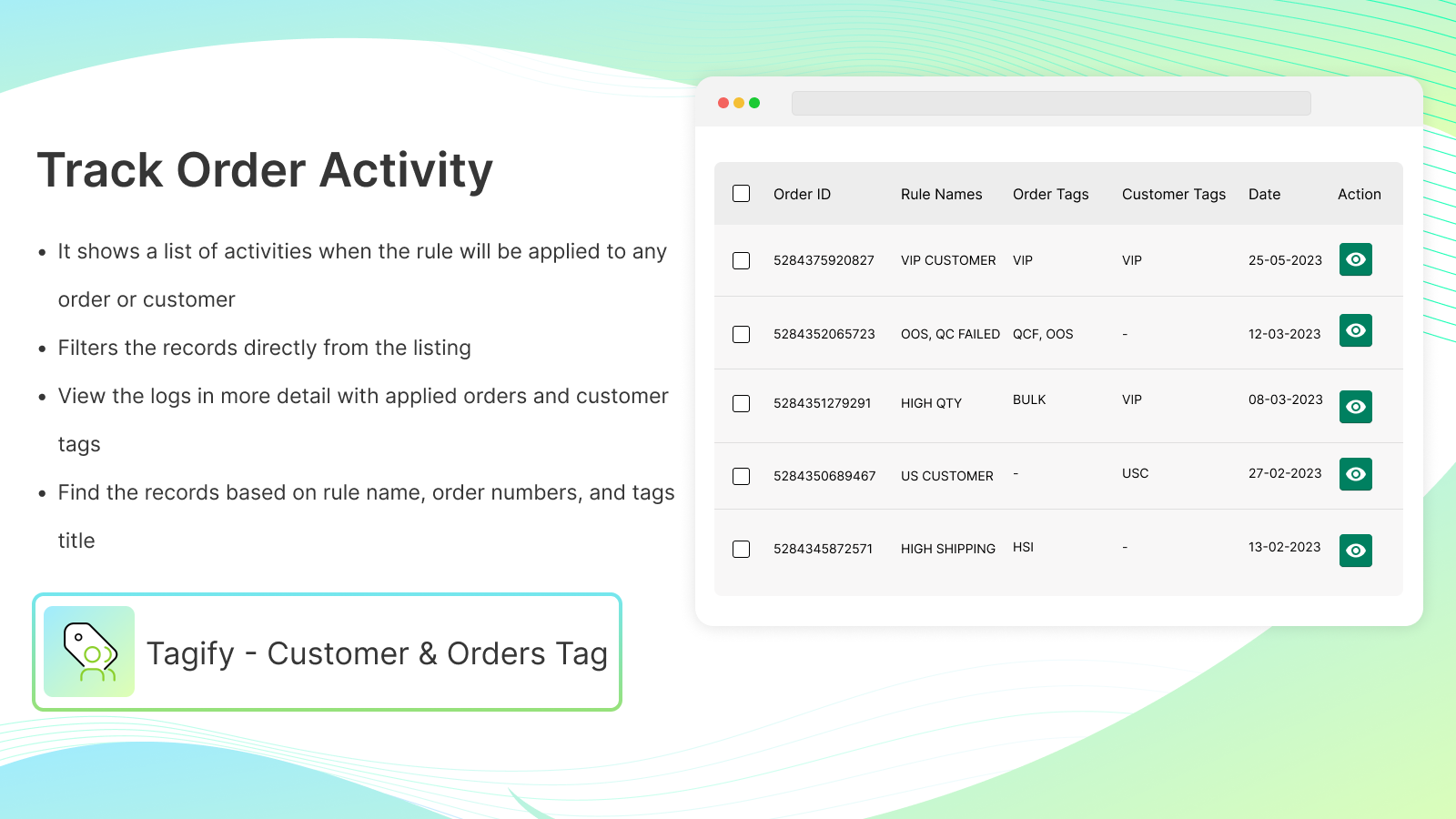
- Track all add/remove activities of customer and order tags.
Merchant-Friendly
- Order Management Merchants
- Customer Tiering Merchants
- Multi-scenario E-commerce
- Refined Operation Merchants
Basic Information
- Developer:Centous Solutions
- Address:17040 Liberty Way, Yorba Linda, CA, 92886, US
- Price: Free / Free plan
- Rating:5 / 5
- Comment Count:1 comment
- Release Date:2023-6-13
- Supported languages:English
- Compatible products:Shopify
Application Screenshot
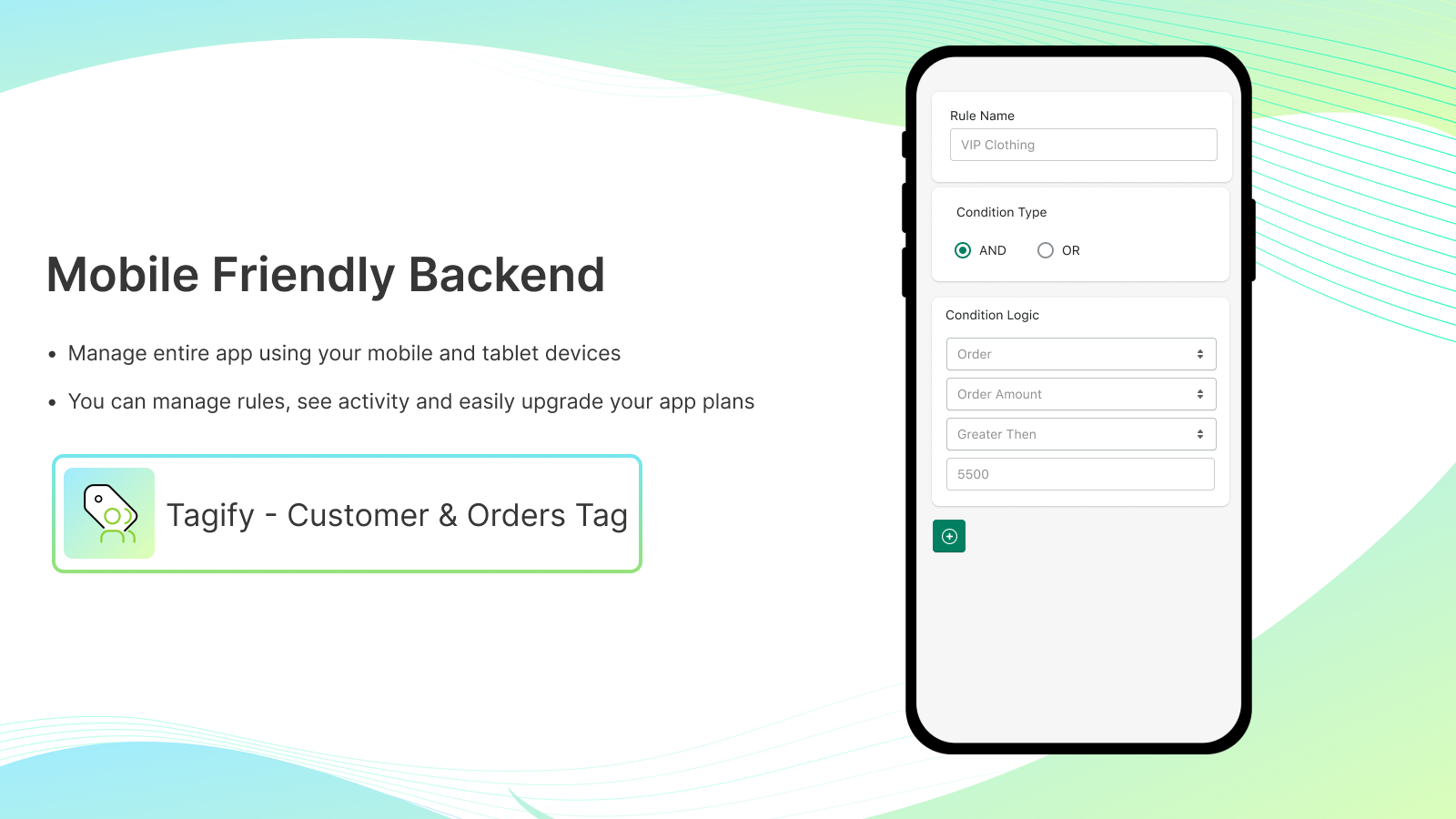
Price Plan
FREE
- Add/remove tags from customers and orders
- Track activities for newly placed orders
- Limit up to 100 tags in total
Starter Plan
- Add/remove tags from customers and orders
- Track activities for newly placed orders
- A total of 500 tags are limited
Growth Plan
- Add/remove tags from customers and orders
- Track activities for newly placed orders
- Total tag limit of 100
Pro Plan
- Add/remove tags from customers and orders
- Track activities for newly placed orders
- Total tag limit: 5000
User Location & Comments
User Location
Comments
Shopify API Used
- POST /admin/api/tag_rules.json
- PUT /admin/api/tag_rules/{id}.json
- GET /admin/api/tag_rules.json
Permission:write_tag_rules,read_tag_rules,manage_orders
- POST /admin/api/orders/{id}/tags.json
- PUT /admin/api/customers/{id}/tags.json
- GET /admin/api/orders/{id}/tags.json
Permission:write_orders,write_customers,read_tags
- POST /admin/api/tag_rules/exceptions.json
- PUT /admin/api/tag_rules/exceptions/{id}.json
- GET /admin/api/tag_rules/exceptions.json
Permission:write_tag_rules,read_orders,read_customers
- POST /admin/api/tag_rules/validate.json
- GET /admin/api/tag_rules/validate/{id}.json
- PUT /admin/api/tag_rules/validate/{id}.json
Permission:read_orders,write_tag_rules,manage_tags
- GET /admin/api/tag_activities.json
- GET /admin/api/tag_activities/{id}.json
- POST /admin/api/tag_activities/export.json
Permission:read_tag_activities,read_orders,read_customers



