
App Introduction
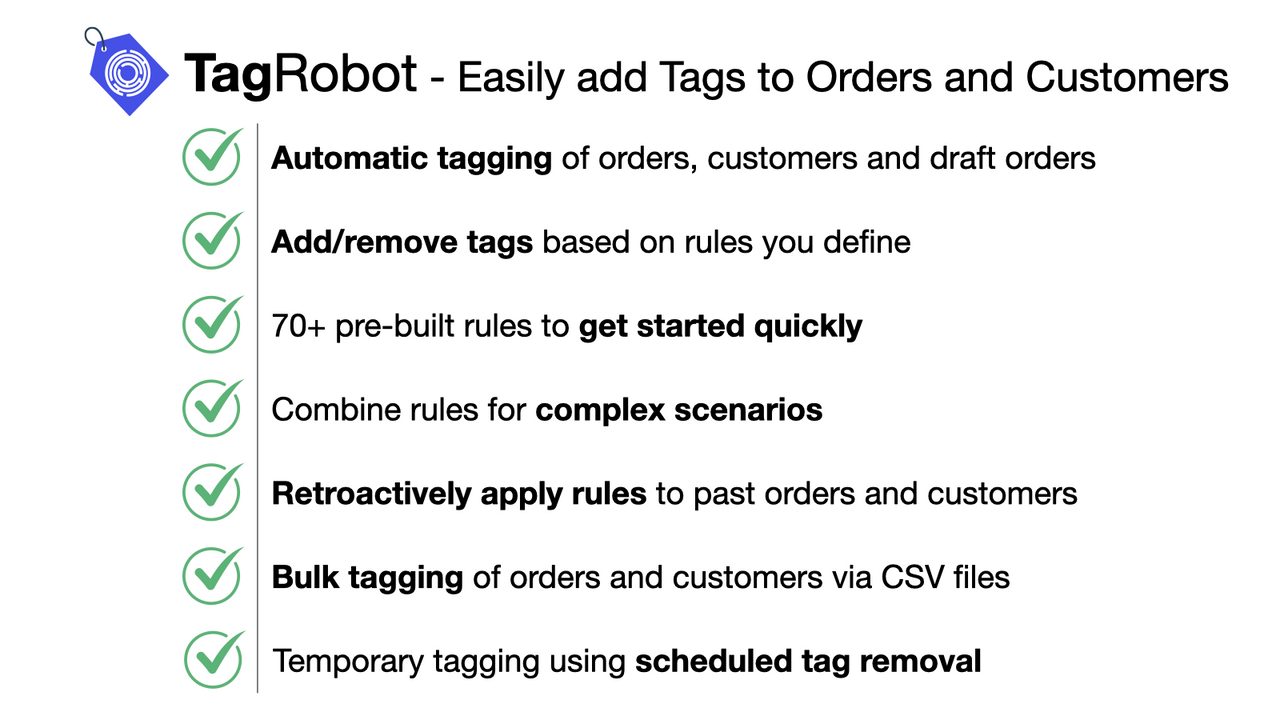
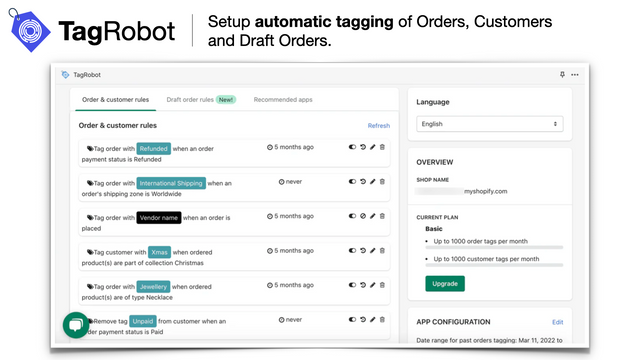
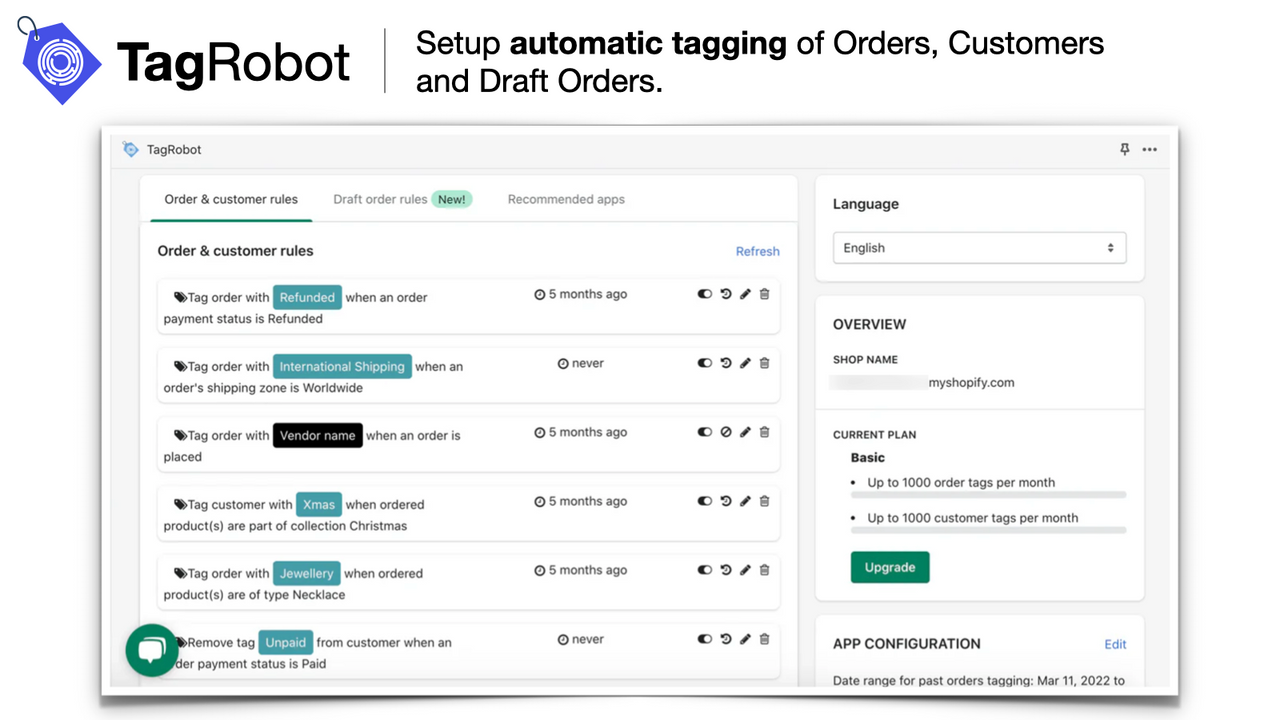
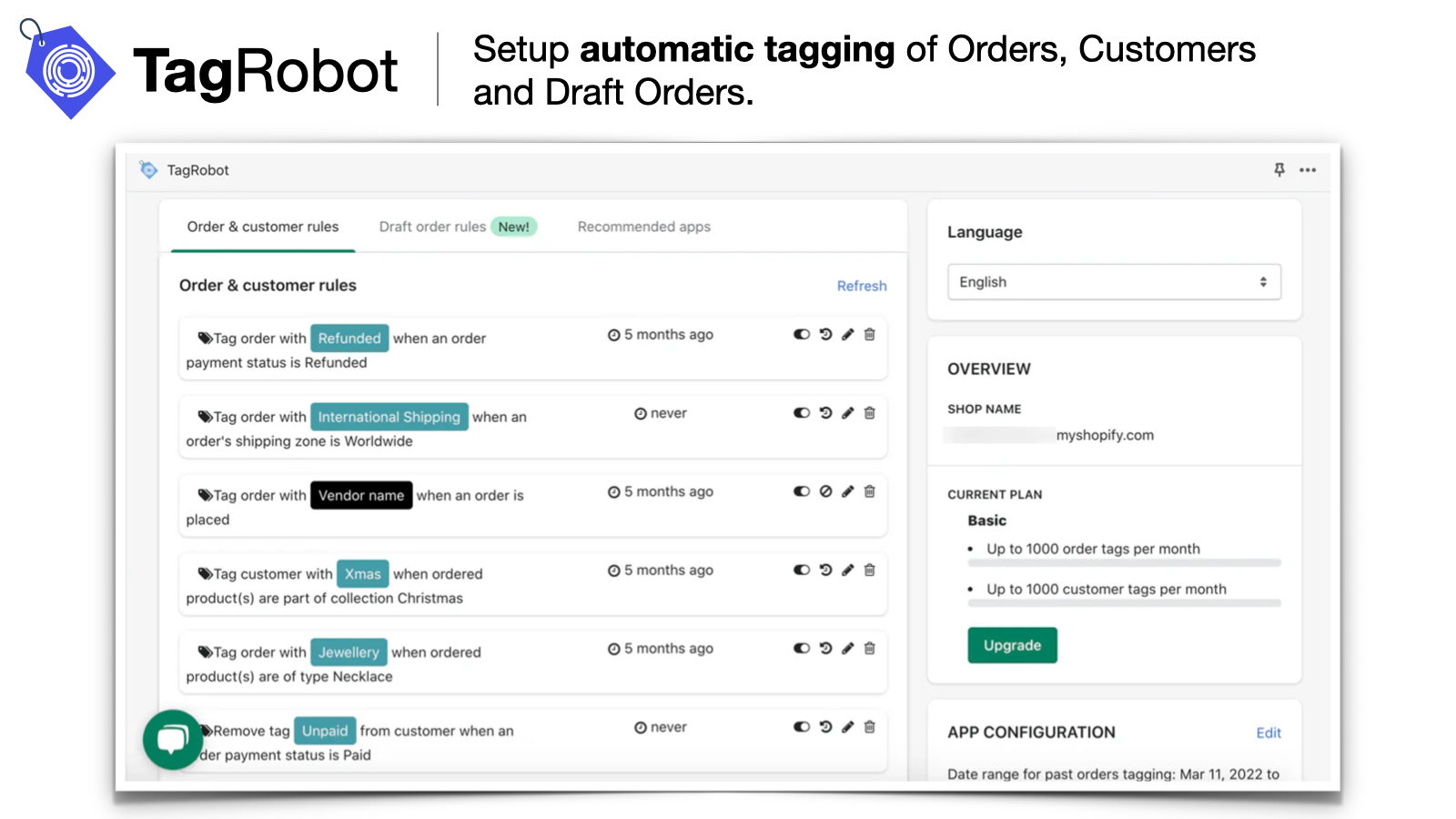
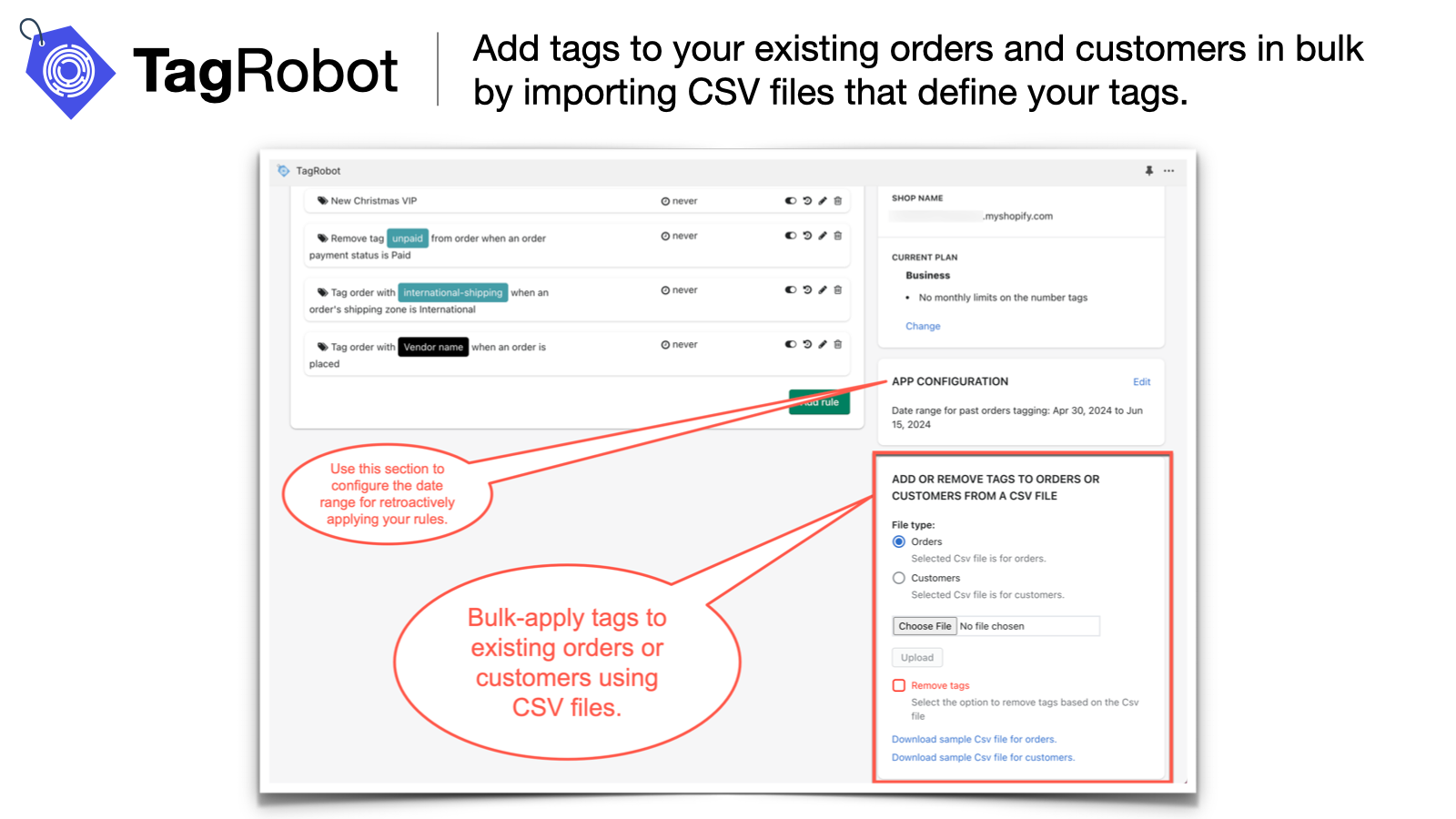
Automatically add tags to orders and customers using simple rules. Keep your business organized. TagRobot automatically adds tags to orders and customers based on the simple rules you define, helping you keep your business organized. Tags streamline order management and fulfillment workflows. For customers, tags facilitate segmentation and targeted marketing. TagRobot analyzes new orders against your defined rules and tags orders or customers with the labels you specify! It can also apply tags retroactively to existing orders and customers, and even batch-apply tags using CSV files.
Core Functionality
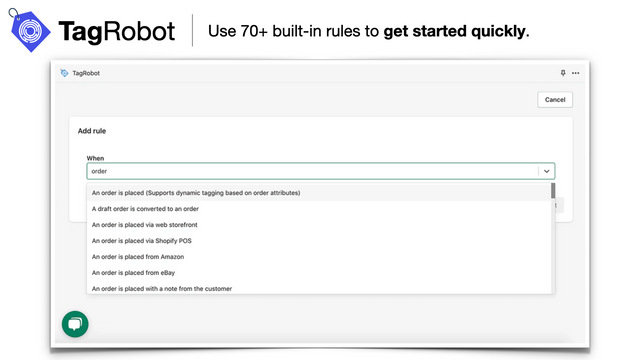
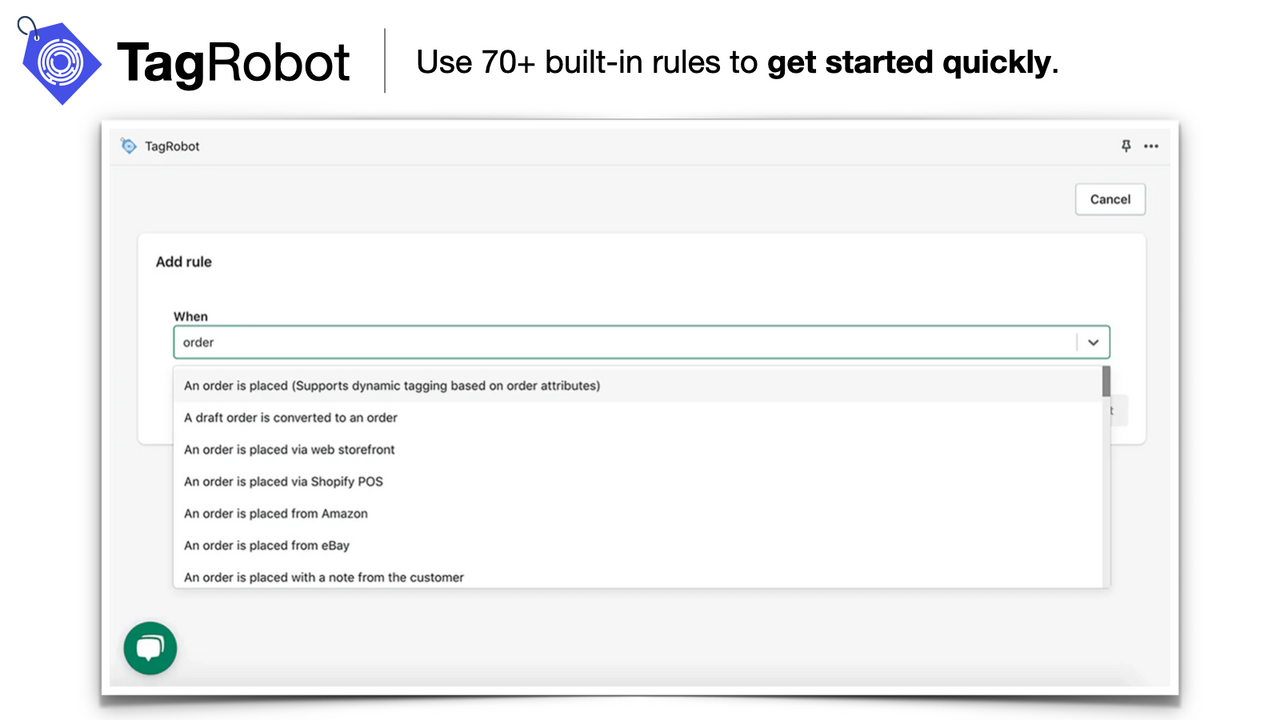
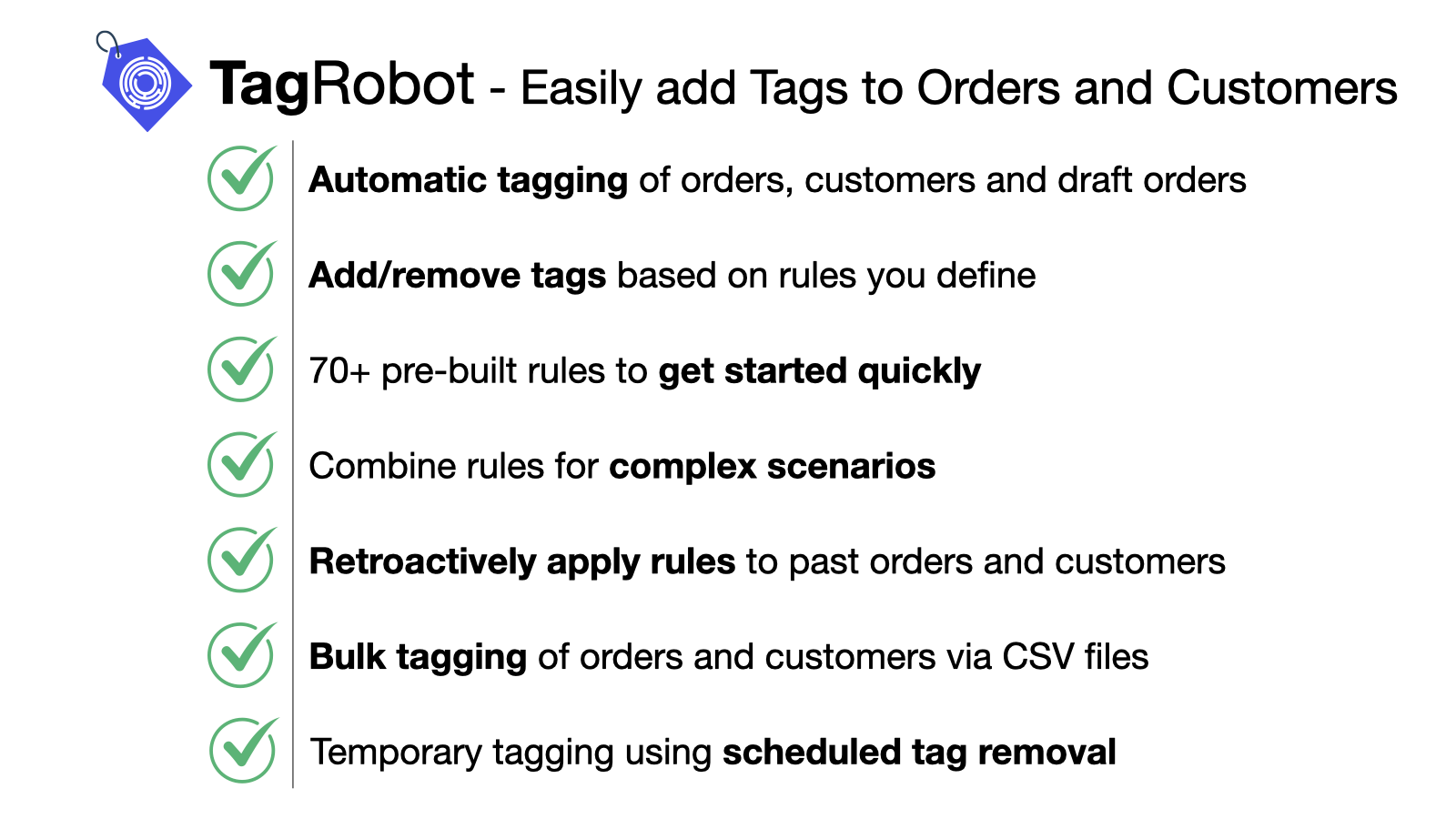
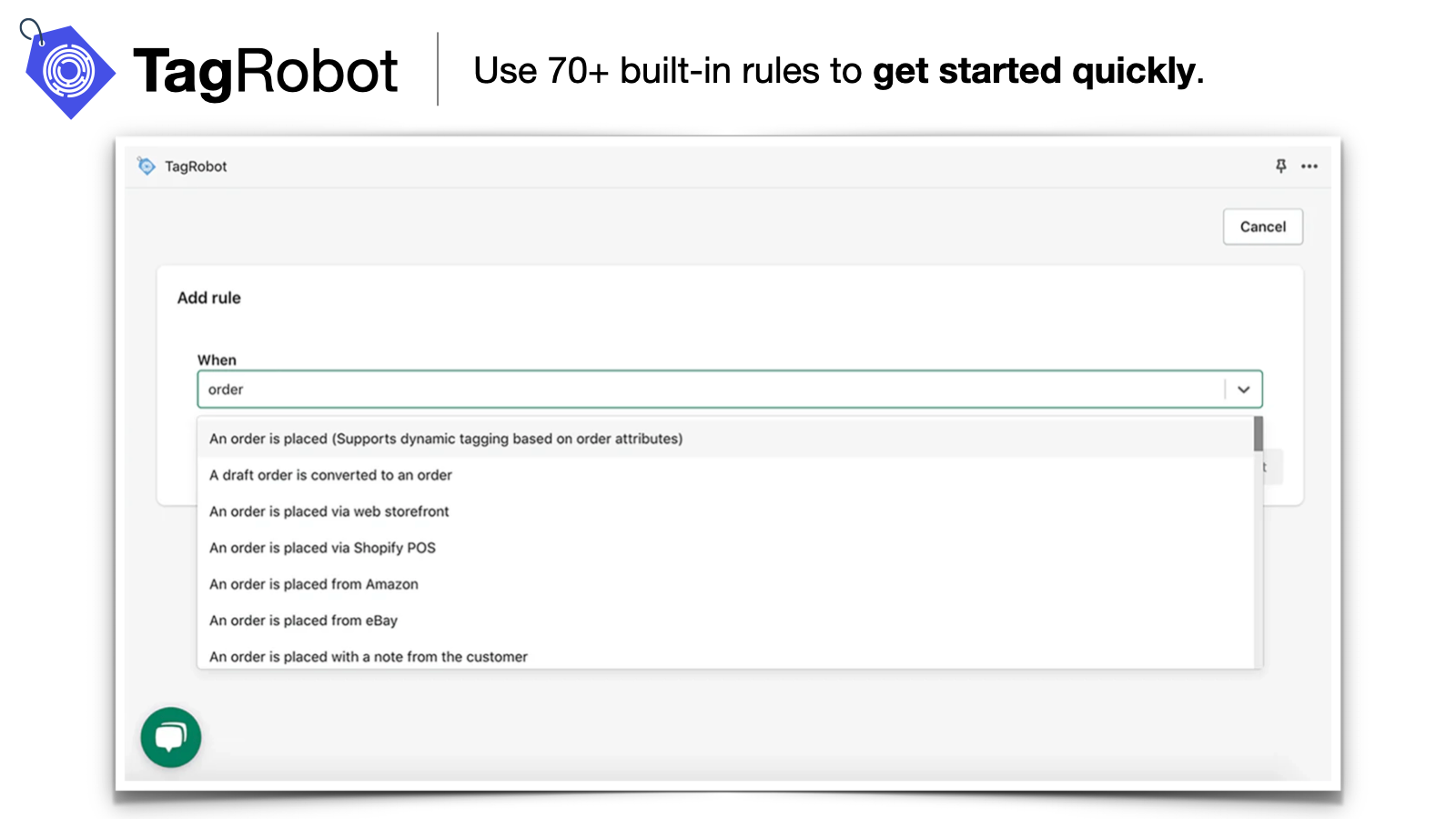
- 70+ pre-built simple rules to start automatic tagging in seconds!
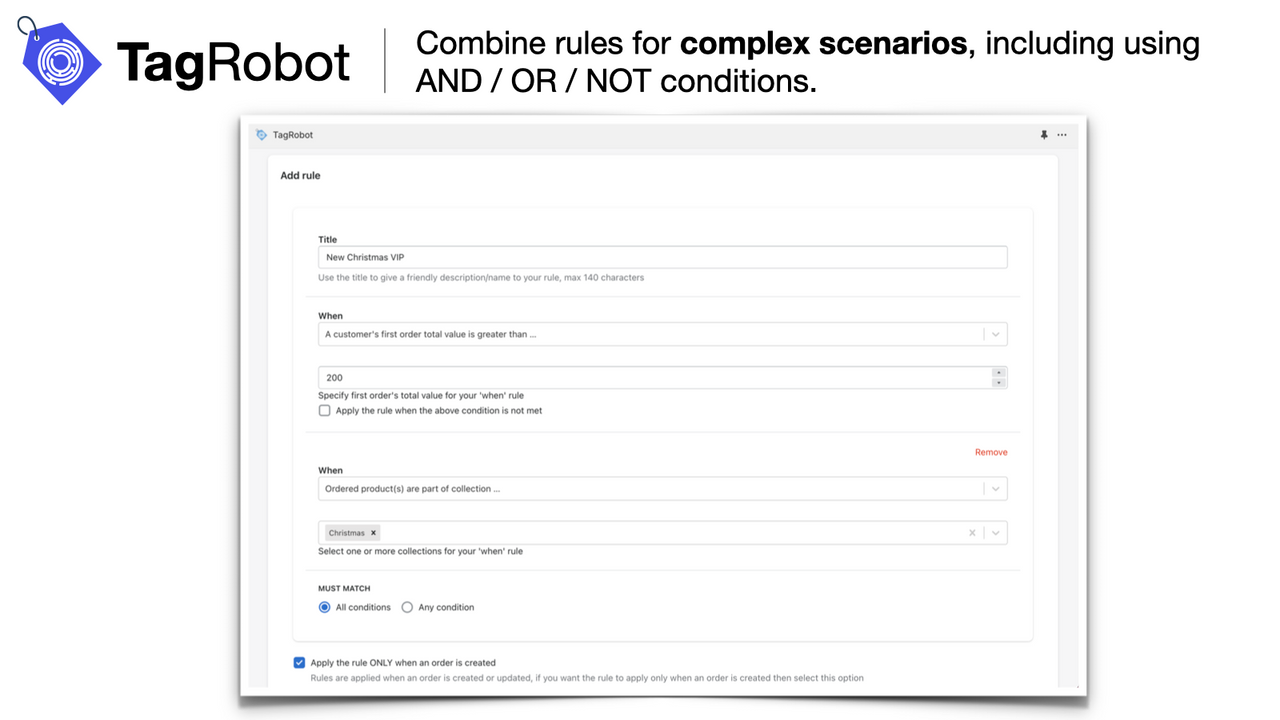
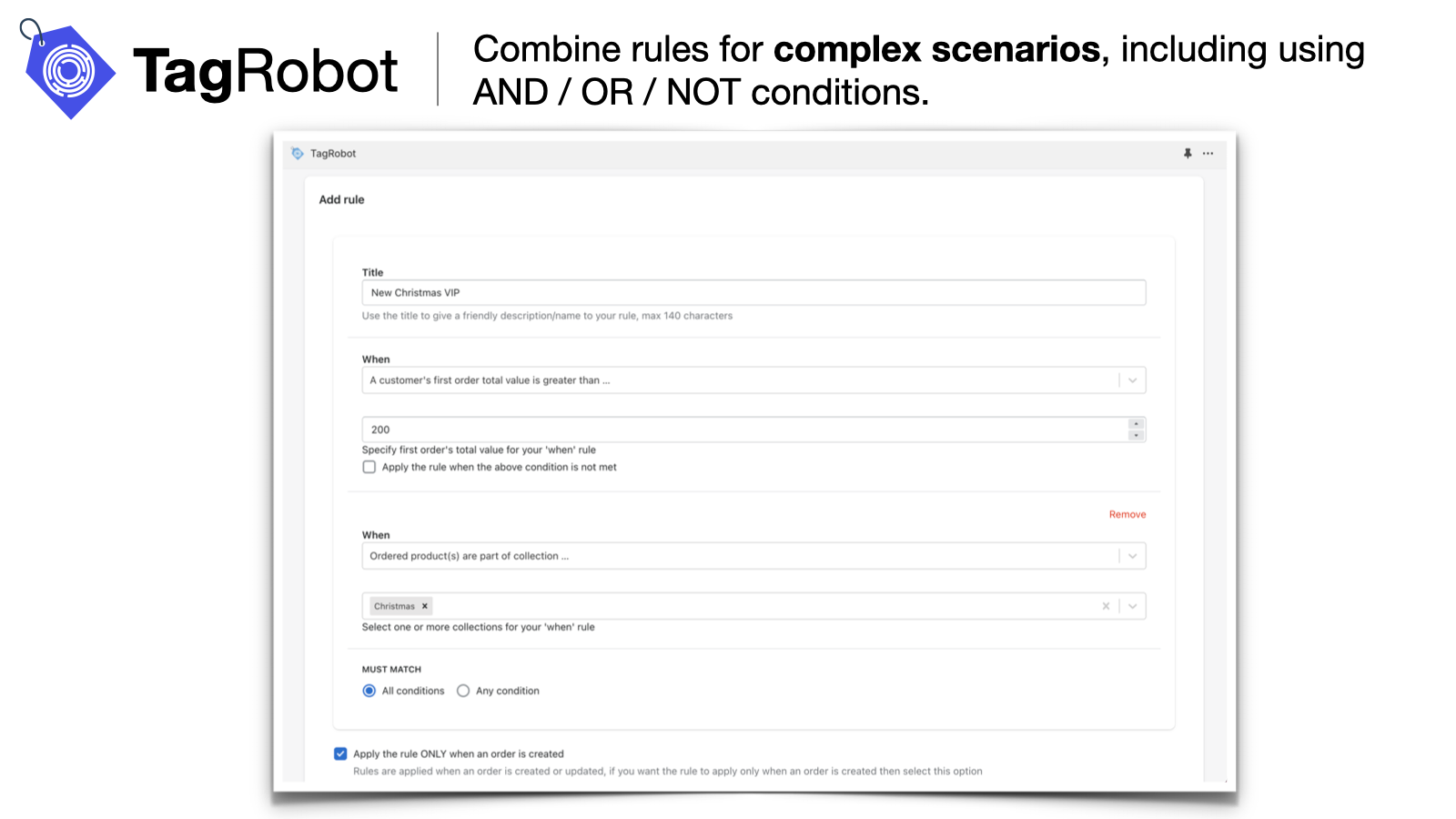
- Combine rules to handle complex scenarios, including using AND/OR/NOT conditions.
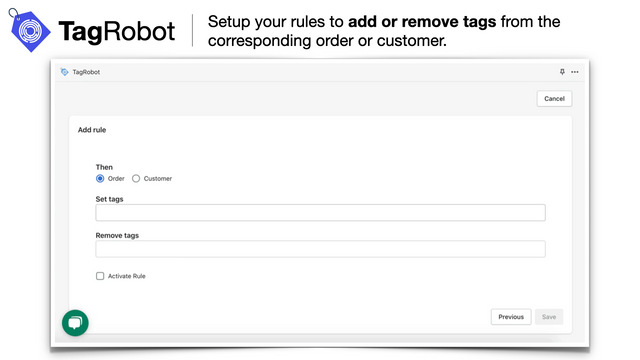
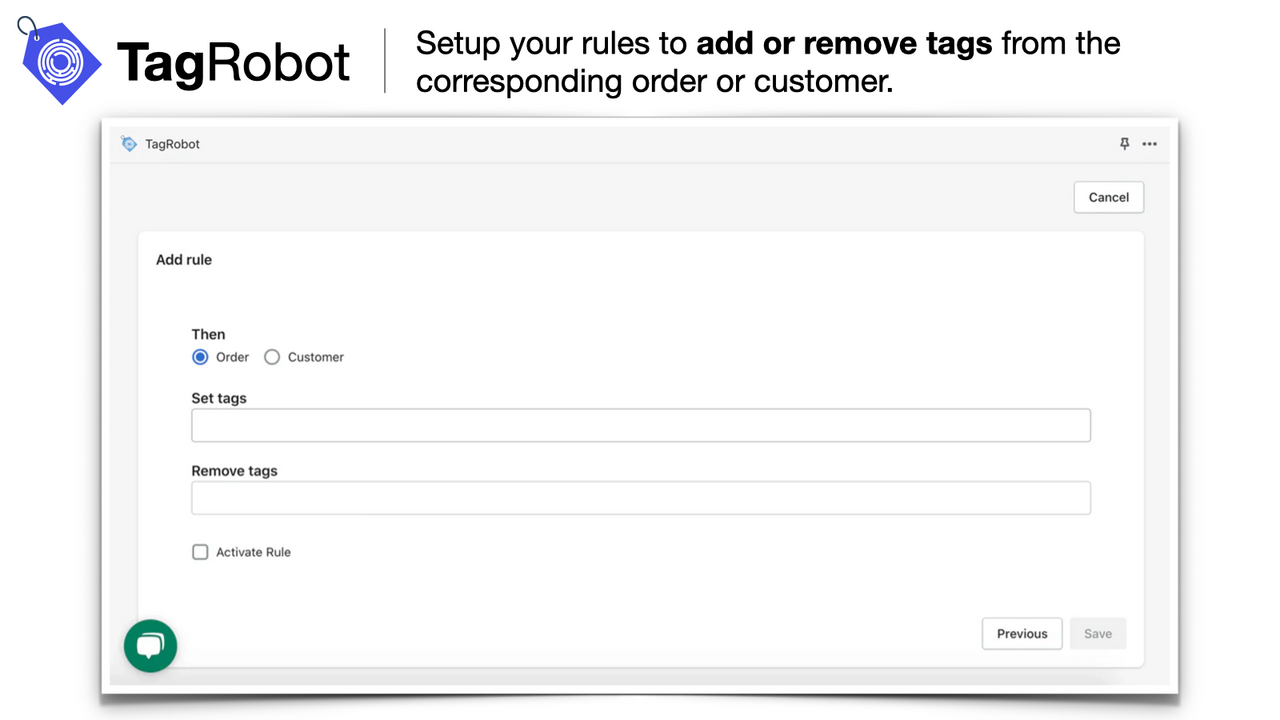
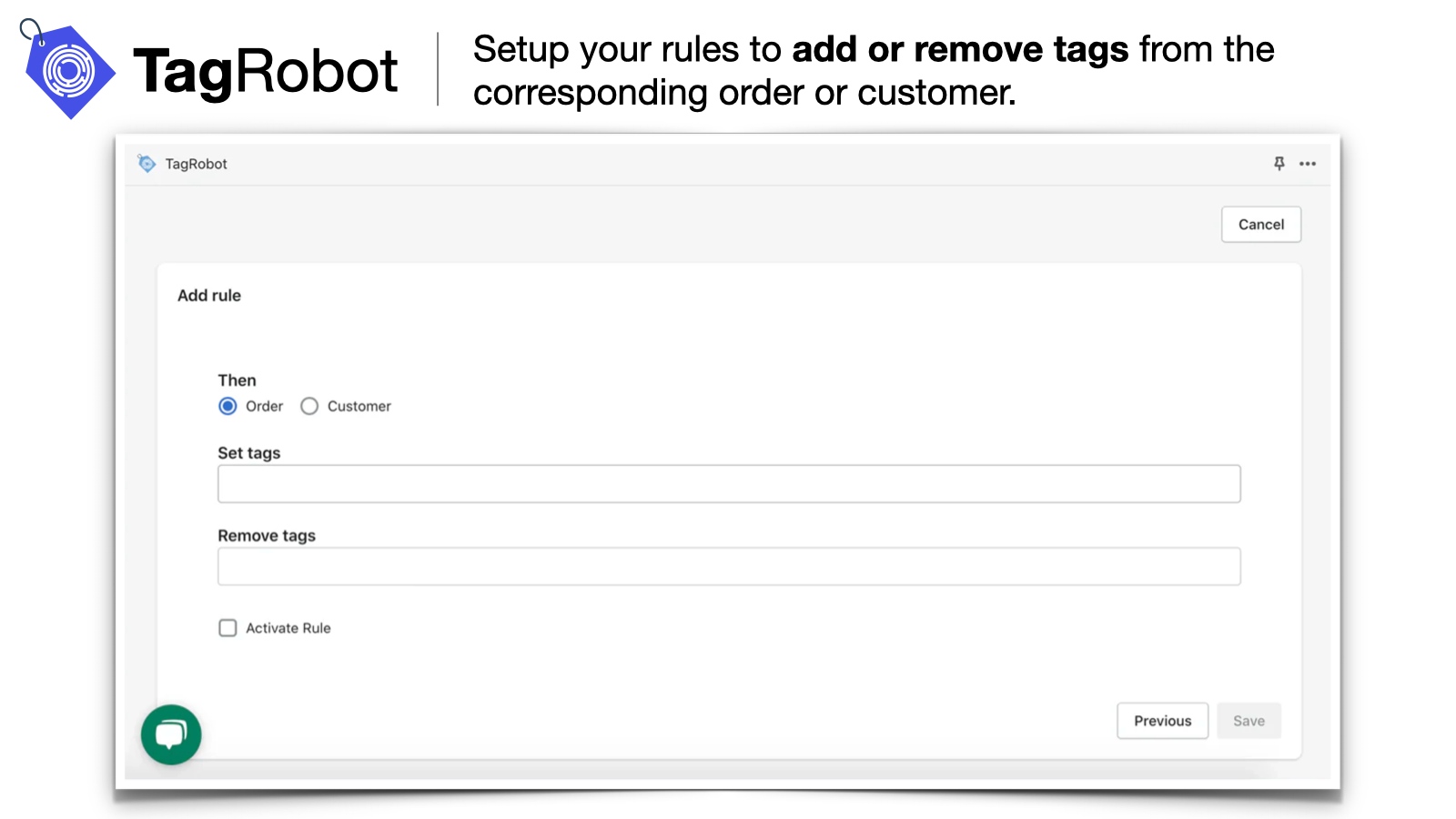
- Add/remove tags or use dynamic tags based on order and line item attributes.
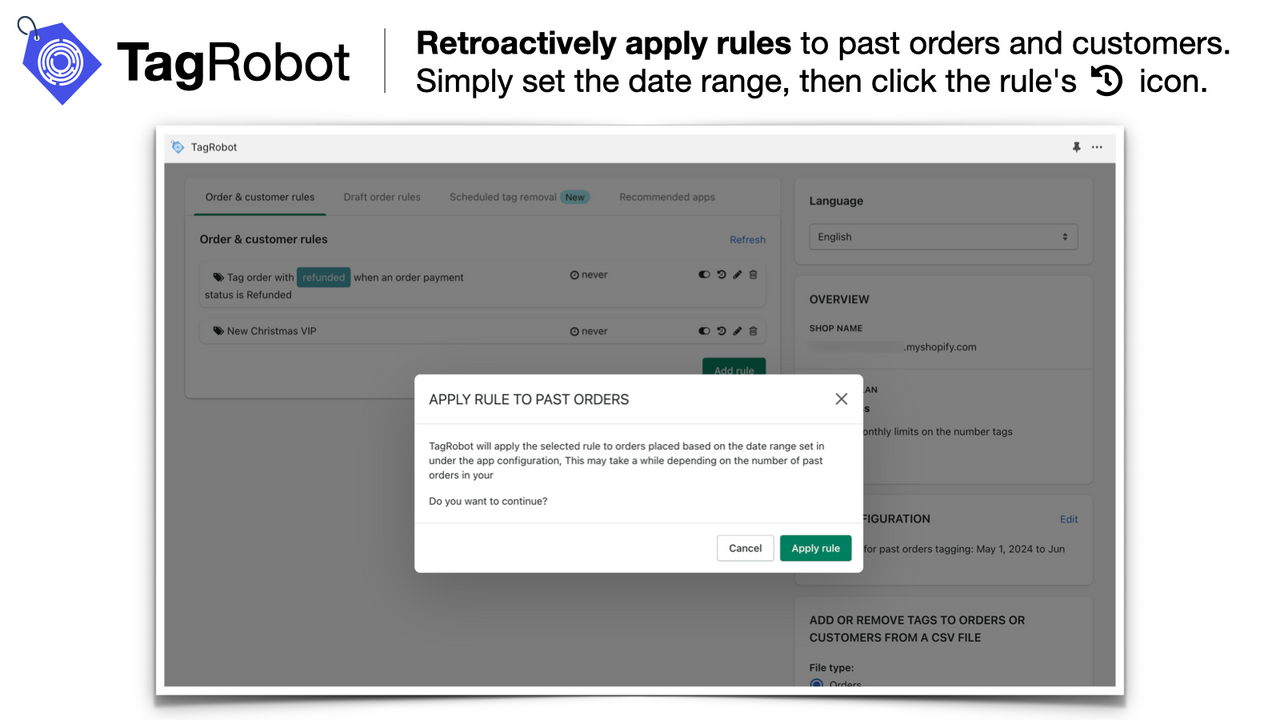
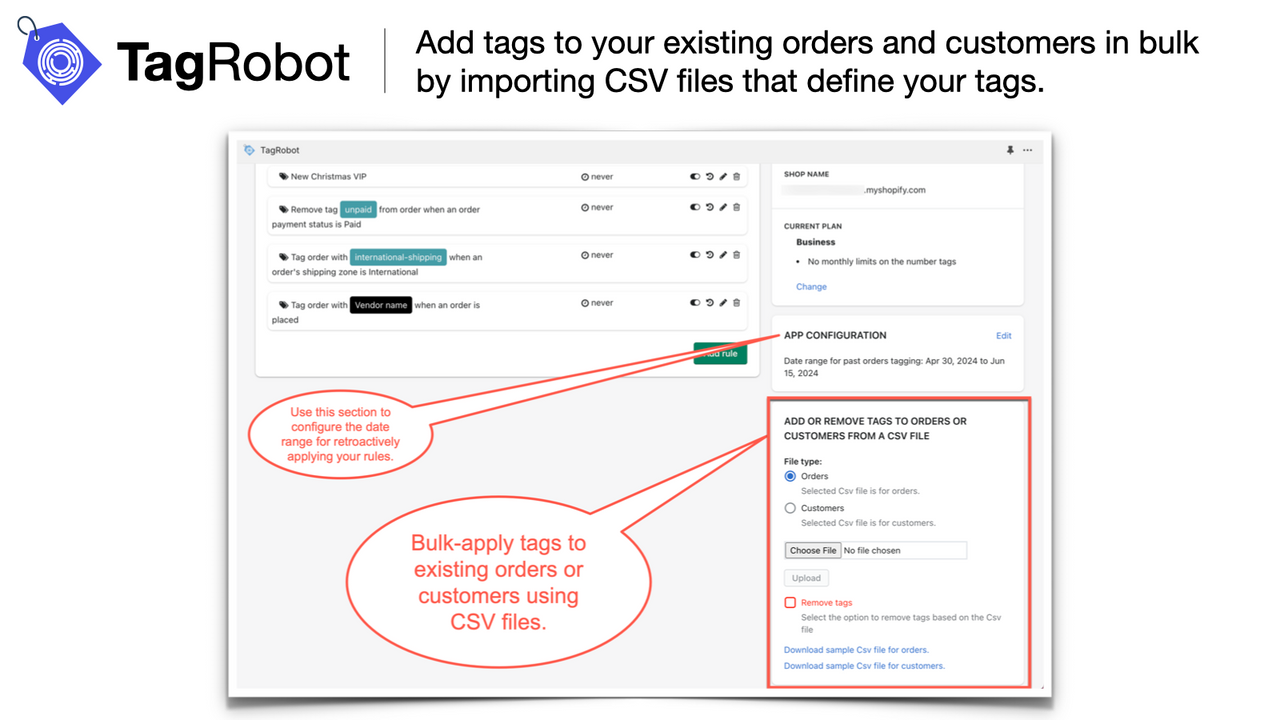
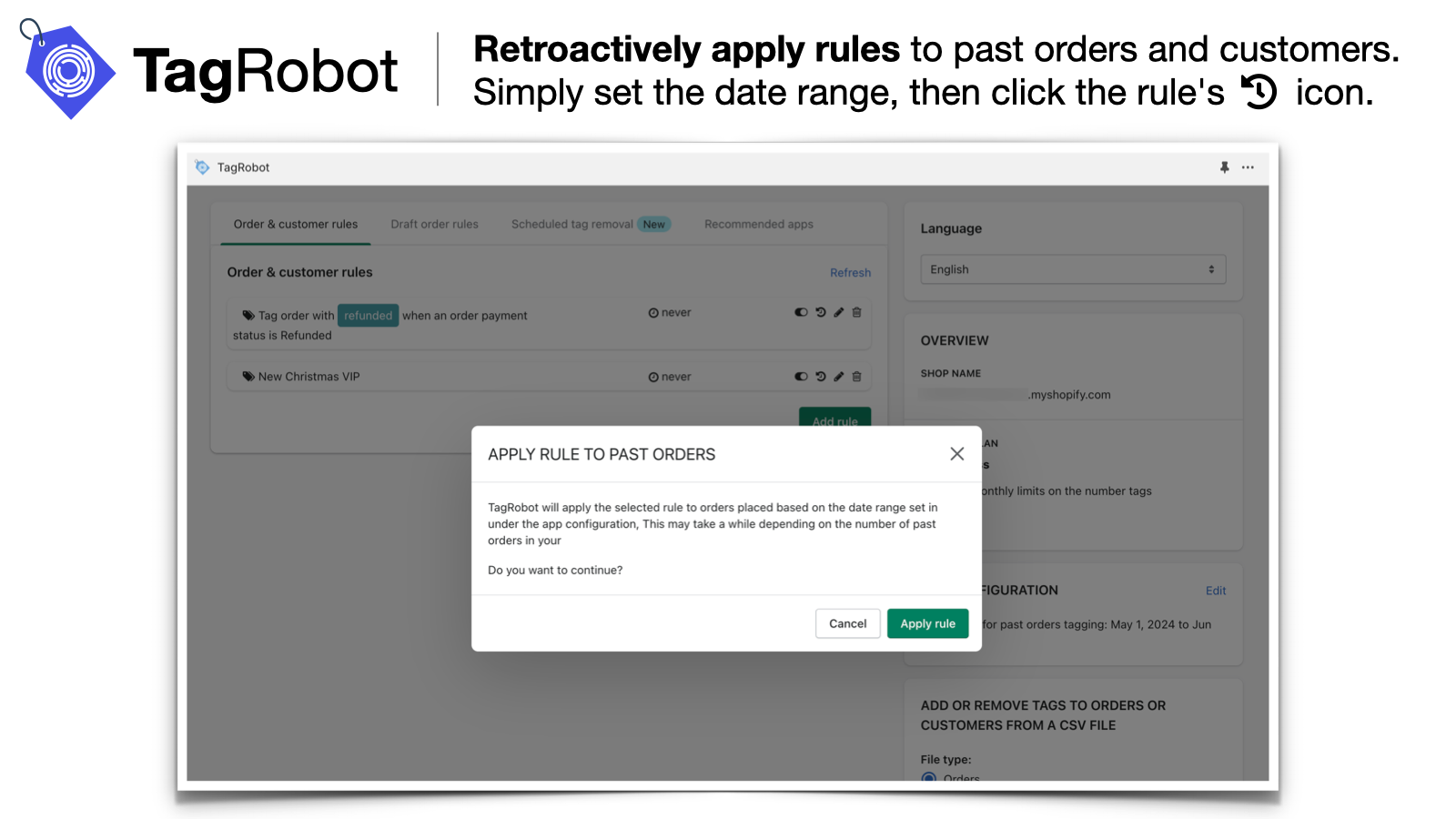
- Retroactive tagging; scheduled tag removal; bulk import tags via CSV file.
- Email alerts when orders match rules; access order tags in your order printing app!
Merchant-Friendly
- Small & Medium E-commerce Merchants
- Order Management-focused Merchants
- Multi-scenario Operation Merchants
- Batch Processing-focused Merchants
Basic Information
- Developer:LiteSky LLC
- Address:1250 Wayzata Blvd E Unit #1024, Wayzata, MN, 55391, US
- Price: Free / Free plan
- Rating:4.8 / 5
- Comment Count:36 comment
- Release Date:2018-9-26
- Supported languages:English
- Compatible products:Shopify
Application Screenshot
Price Plan
免费计划
- Up to 50 order tags per month
- Up to 50 customer tags per month
- Add/remove tags via CSV (up to 50 rows)
基础计划
- Up to 1,00 orders and customer tags per month
- Complex conditions
- Add/remove tags via CSV (up to 500 rows)
- Draft order tags
- Email notifications
专业计划
- All features in the Basic Plan
- Up to 5,00 orders and customer tags per month
- Add/remove tags via CSV (up to 1,000 rows)
- Remove customer tags from plans
商业计划
- All features in the Pro Plan
- No monthly limits
- Add/remove tags via CSV (up to 2000 rows)
- Remove tags for plan customers
User Location & Comments
User Location
Comments
Shopify API Used
- POST /admin/api/smart_tag_rules.json
- GET /admin/api/smart_tag_rules.json
- PUT /admin/api/smart_tag_rules/{id}.json
Permission:write_smart_tag_rules,read_smart_tag_rules,manage_tags
- POST /admin/api/smart_tag_rules/conditions.json
- PUT /admin/api/smart_tag_rules/{id}/conditions.json
- GET /admin/api/smart_tag_rules/{id}/conditions.json
Permission:write_smart_tag_rules,read_smart_tag_rules,manage_orders
- POST /admin/api/orders/{id}/tags.json
- DELETE /admin/api/orders/{id}/tags.json
- GET /admin/api/orders/{id}/tags.json
Permission:write_orders,read_orders,manage_tags
- POST /admin/api/smart_tag_rules/retro.json
- POST /admin/api/orders/batch_tags.json
- GET /admin/api/smart_tag_rules/retro/{id}.json
Permission:write_orders,read_orders,manage_tags
- POST /admin/api/alert_rules/tags.json
- GET /admin/api/orders/{id}/tags_for_print.json
- PUT /admin/api/alert_rules/tags/{id}.json
Permission:write_alert_rules,read_orders,manage_tags