
App Introduction
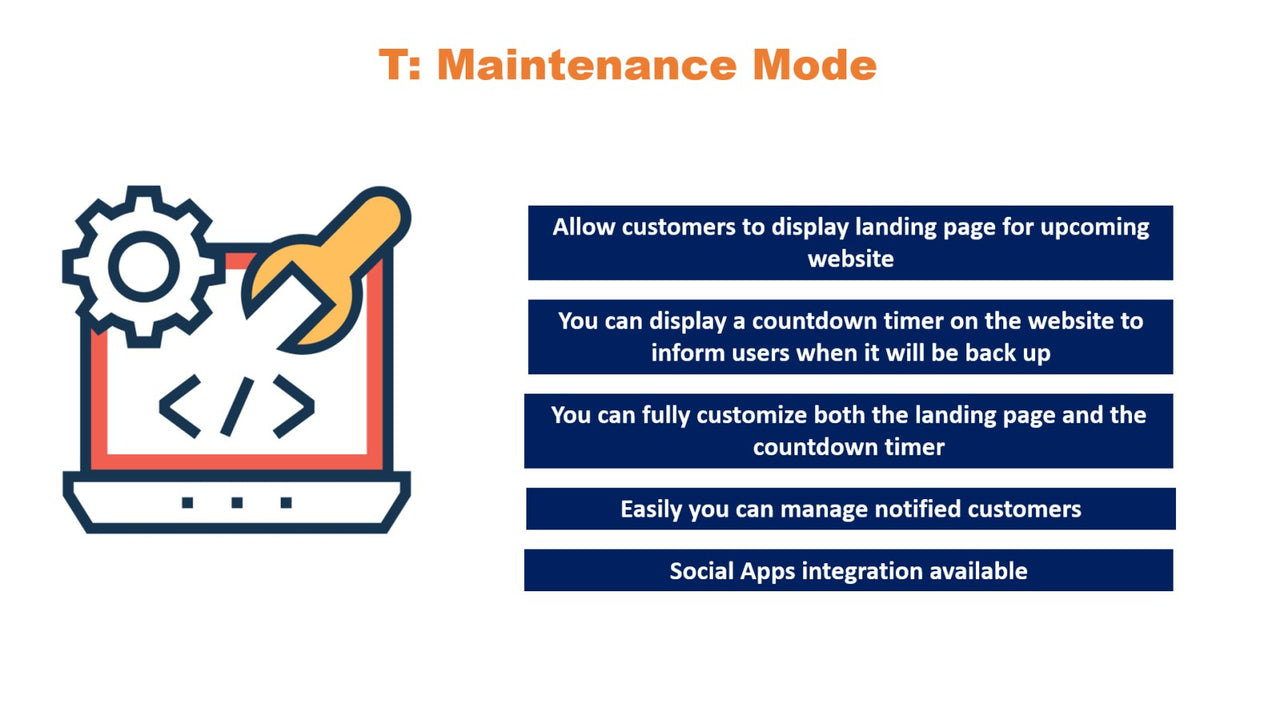
This app helps display a coming soon landing page with a countdown timer to your customers. Using the "T: Maintenance Mode" app, you can show a landing page to your customers during website maintenance or construction, complete with a "coming soon" countdown timer that notifies them of when your site will be back online. This ensures you won’t lose customers. Once your site launches, users will receive customizable notification messages, including email templates and settings—delivering a professional, informative message about your site’s status. You can configure SMTP to send emails and easily manage the customers you’ve notified.
Core Functionality
- Enable maintenance mode for your entire site or specific pages.
- Customization options available for countdown timers and login pages.
- Design customization for maintenance mode pages.
- Admins or users can access the store using the password assigned by the app.
- Set up SMTP to send email notifications to all notified customers.
Merchant-Friendly
- Independent Station Merchants
- Small and Medium E-commerce Stores
- Brand Official Mall
- Cross-border E-commerce Stores
Basic Information
- Developer:Tech Web Creation
- Address:Botad, Botad, GJ, 364710, IN
- Price: Free / Free plan
- Rating:2.5 / 5
- Comment Count:3 comment
- Release Date:2023-5-16
- Supported languages:English
- Compatible products:Shopify
Application Screenshot




Price Plan
Basic
- Coming Soon Page
- Countdown Timer
- Social App Integration
- Admin Login Available
- Text Translation Available
- Email Integration
- All Other Features
- Quick Support
User Location & Comments
User Location
Comments
Shopify API Used
- POST /admin/api/shop/maintenance.json
- PUT /admin/api/shop/maintenance.json
- GET /admin/api/shop/maintenance.json
Permission:write_shop,read_shop,manage_storefront
- POST /admin/api/maintenance/timer.json
- PUT /admin/api/maintenance/timer/{id}.json
- GET /admin/api/maintenance/timer.json
Permission:write_shop,read_shop,manage_themes
- POST /admin/api/maintenance/page.json
- PUT /admin/api/maintenance/page/{id}.json
- GET /admin/api/maintenance/page.json
Permission:write_themes,read_themes,manage_storefront
- POST /admin/api/shop/password.json
- PUT /admin/api/shop/password.json
- GET /admin/api/shop/password.json
Permission:write_shop,read_shop,manage_access
- POST /admin/api/shop/email/smtp.json
- PUT /admin/api/shop/email/smtp.json
- GET /admin/api/shop/email/smtp.json
Permission:write_shop,read_shop,manage_email



