
App Introduction
Sync all sales, fees, inventory, and refunds to NetSuite, QuickBooks, Xero, or Sage Intacct Synder automatically syncs Shopify inventory, expenses, taxes, discounts, gift cards, shipping costs, and customers to Oracle NetSuite, Xero, Sage Intacct, QuickBooks Online, or Desktop. It enables easy reconciliation, historical data import, multi-currency support, and inventory/COGS synchronization. Connect all your sales channels to Synder in less than 15 minutes! Trusted by Shopify merchants and accountants, it seamlessly handles bookkeeping with Xero, Sage Intacct, QuickBooks Online, or Desktop.
Core Functionality
- Automatically sync Shopify sales, expenses, and taxes to NetSuite, QuickBooks, Intacct, or Xero
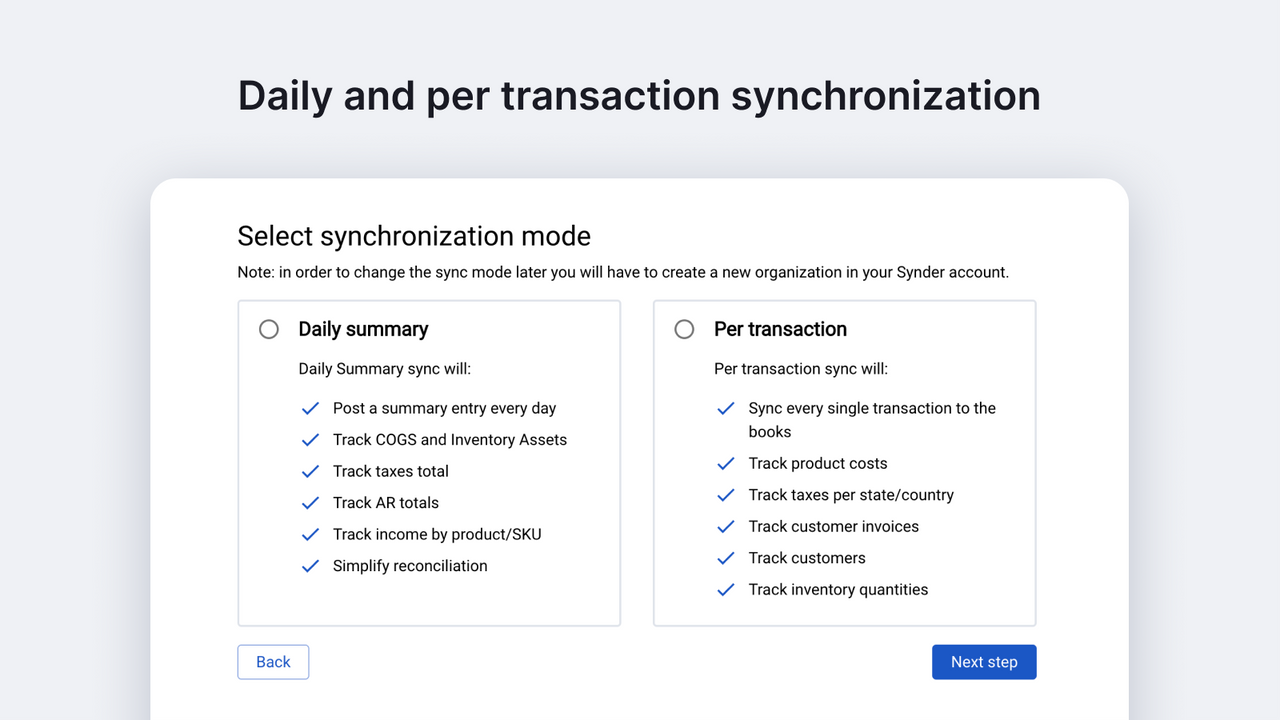
- Choose sync mode: sync daily summary entries or individual sales transactions
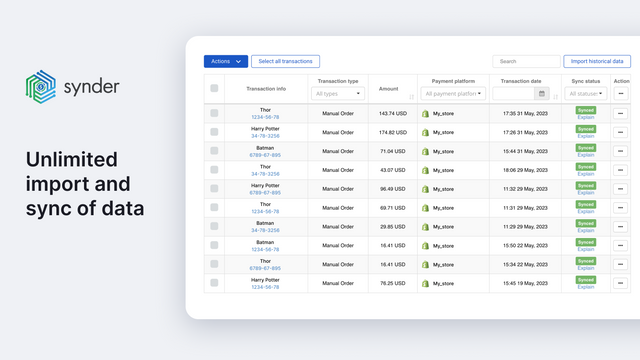
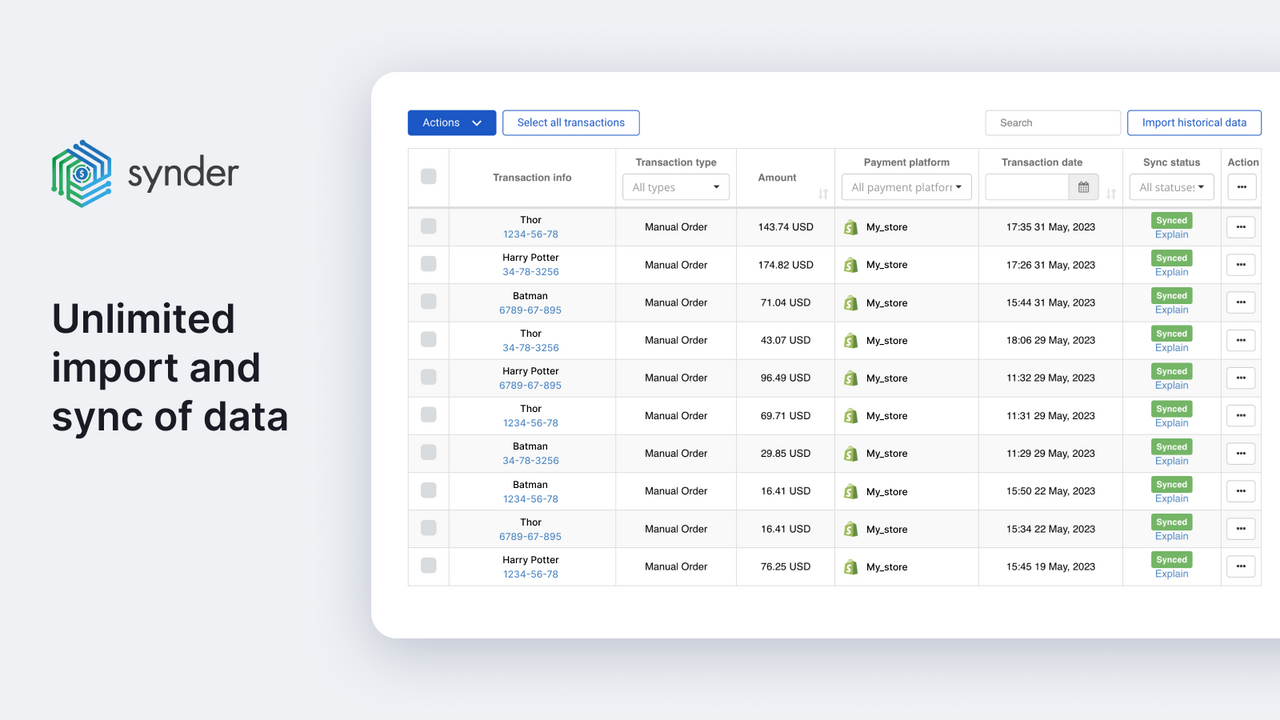
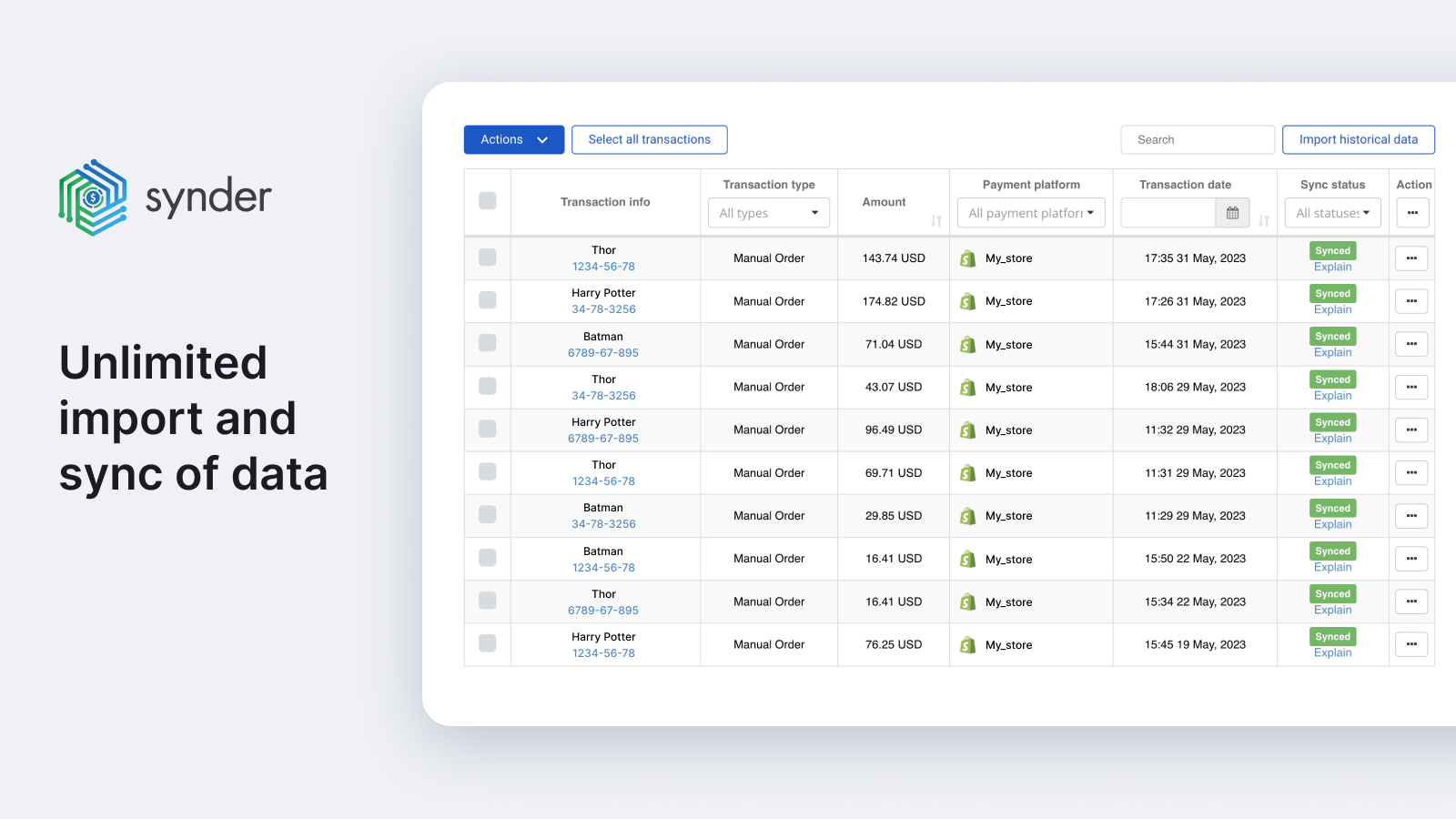
- Import years of historical transactions with full duplicate protection
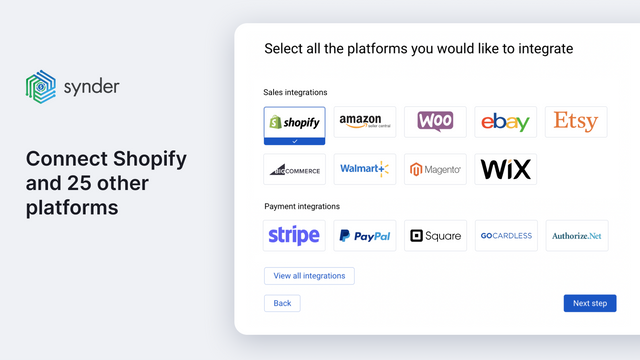
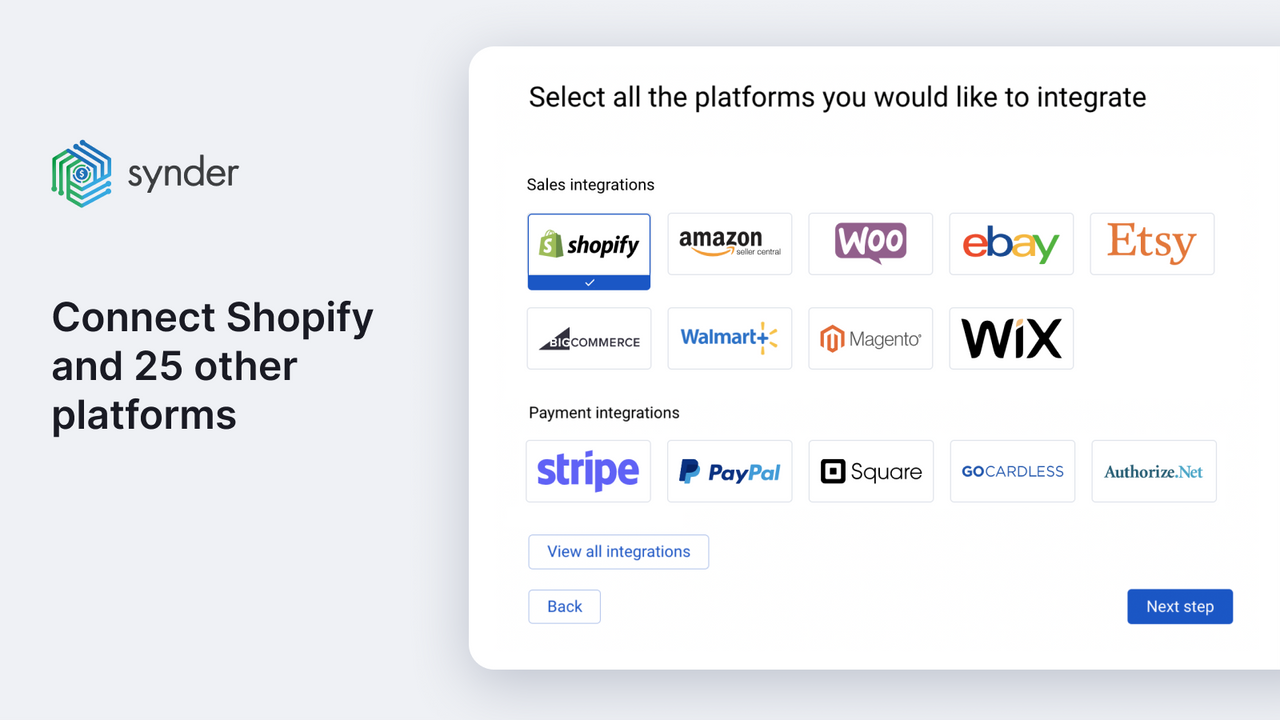
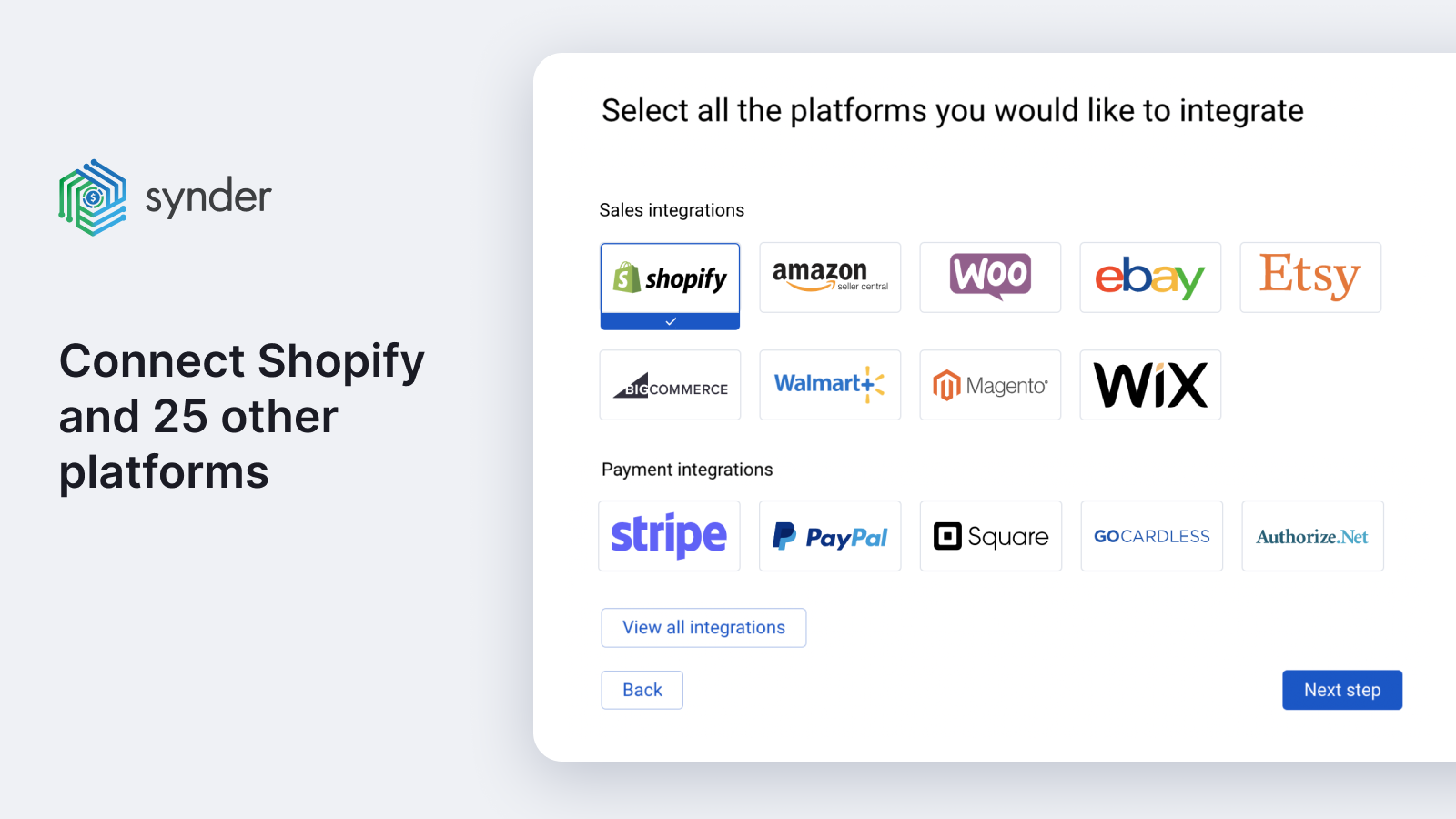
- Automate every sales channel with one tool—Synder supports 25+ platforms
Merchant-Friendly
- Cross-border E-commerce Merchants
- Multi-channel Retail Merchants
- Offline-to-online Merchants
- Finance-compliant Merchants
Basic Information
- Developer:CloudBusiness Inc
- Address:1390 Market Street, Suite 200, San Francisco, CA, 94102, US
- Price: Free / Free plan
- Rating:4.8 / 5
- Comment Count:215 comment
- Release Date:2020-9-2
- Supported languages:English
- Compatible products:Shopify
Application Screenshot



Price Plan
Basic
- 500 Monthly Orders
- Unlimited Historical Data Access
- 2 Integration Slots
- Intelligent Reconciliation
- Hourly Sync
- Multi-Currency
- 1 Additional User
Essential
- 1,00 Monthly Orders
- Unlimited Historical Data Access
- Unlimited Integrations
- Smart Reconciliation
- COGS Sync
- Multi-Currency
- 1 Additional User
Pro
- 10,000 Orders per Month
- Unlimited Historical Data Access
- Unlimited Integrations
- Intelligent Reconciliation
- COGS Synchronization
- Multi-Currency
- 2 Additional Users
User Location & Comments
User Location
Comments
Shopify API Used
- POST /admin/api/transactions/sync.json
- PUT /admin/api/transactions/sync/{id}.json
- GET /admin/api/transactions/sync.json
Permission:read_orders,read_transactions,write_external_accounting
- POST /admin/api/sync_modes/set.json
- PUT /admin/api/sync_modes/update.json
- GET /admin/api/sync_modes.json
Permission:manage_sync,read_orders,write_external_accounting
- POST /admin/api/historical_transactions/import.json
- PUT /admin/api/historical_transactions/batch.json
- GET /admin/api/historical_transactions/status.json
Permission:read_orders,read_transactions,write_external_accounting
- POST /admin/api/channel_sync/enable.json
- PUT /admin/api/channel_sync/update.json
- GET /admin/api/channel_sync/list.json
Permission:manage_channels,read_orders,write_external_accounting