
App Introduction
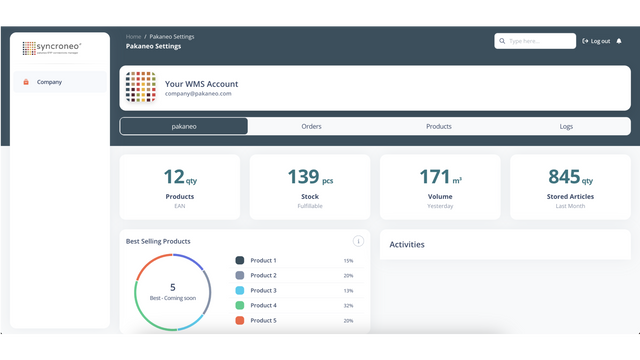
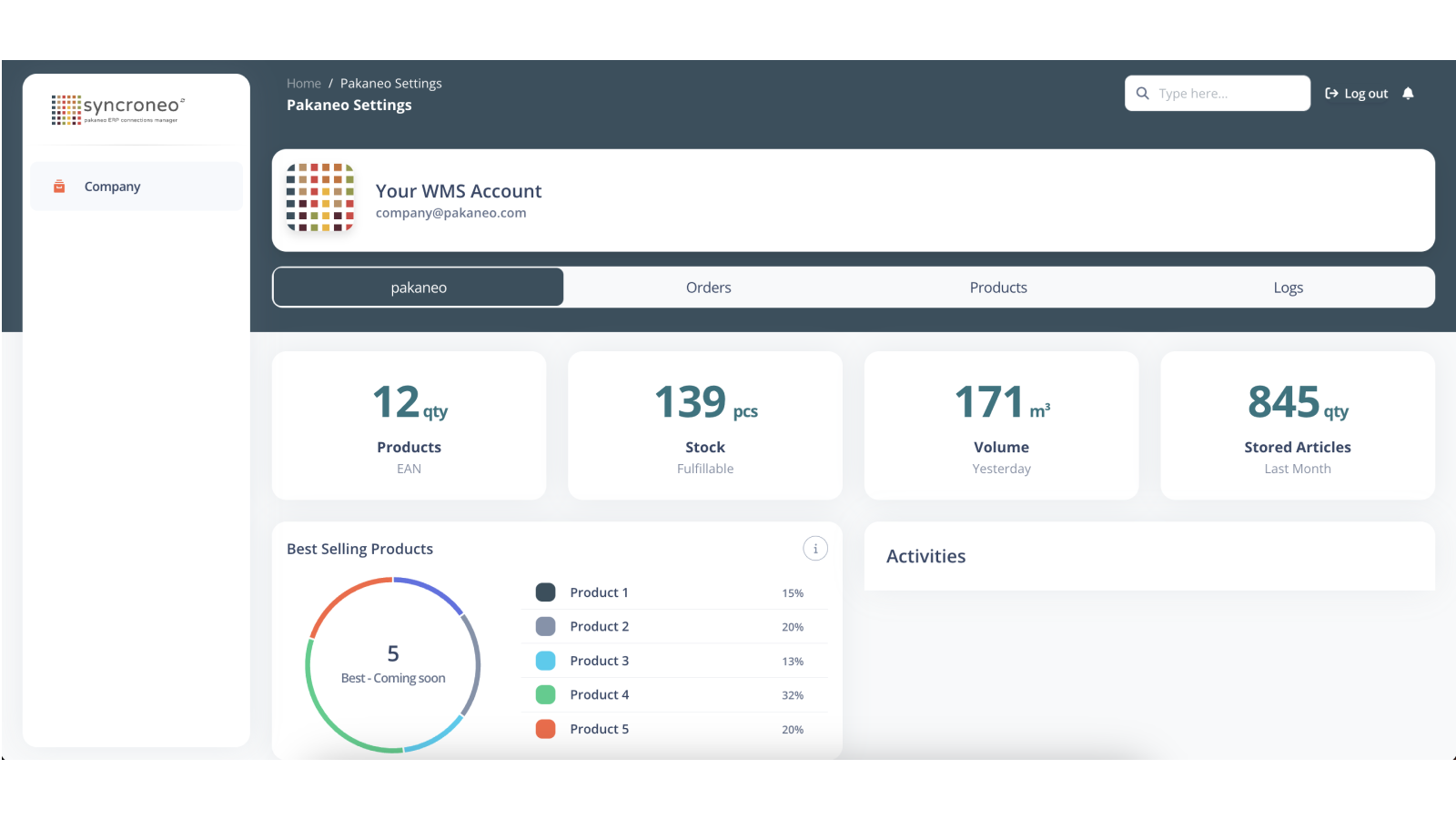
Connect your store to Syncroneo. Your fulfillment service will receive orders. Connect your Shopify (or multiple stores) to Pakaneo to maximize your warehouse’s revenue potential. A seamless fit for complex systems—made as simple as possible—delivers a brand-new user experience for warehouse staff. Our integrated platform, Syncroneo, acts as your data hub, putting full control at your fingertips. Whether you’re a warehouse manager or a client of your fulfillment warehouse, you can view the exact status of inventory, orders, and more.
Core Functionality
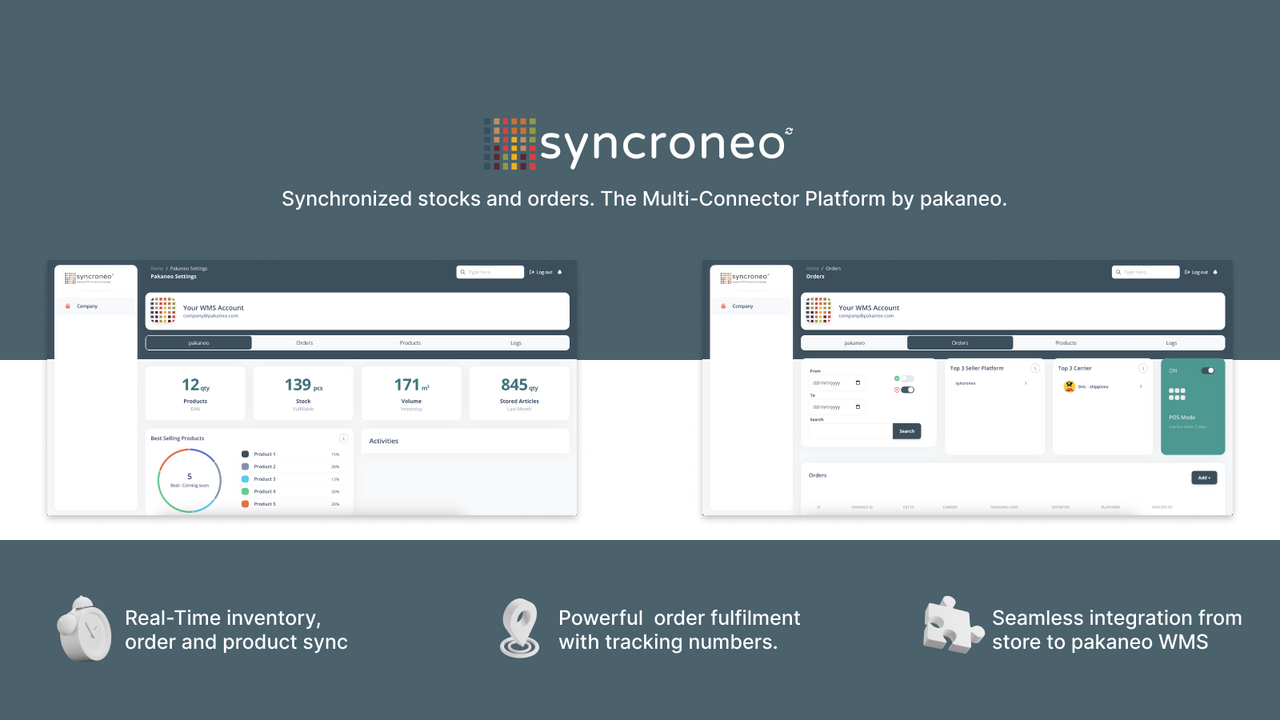
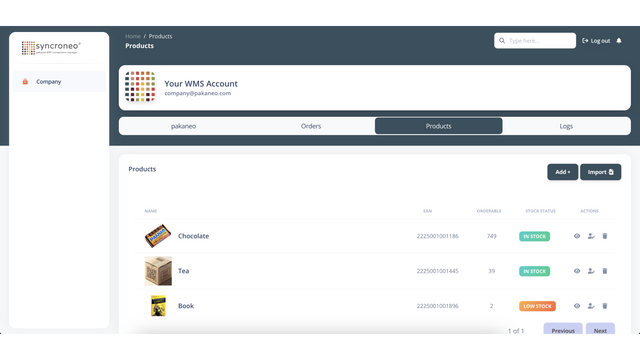
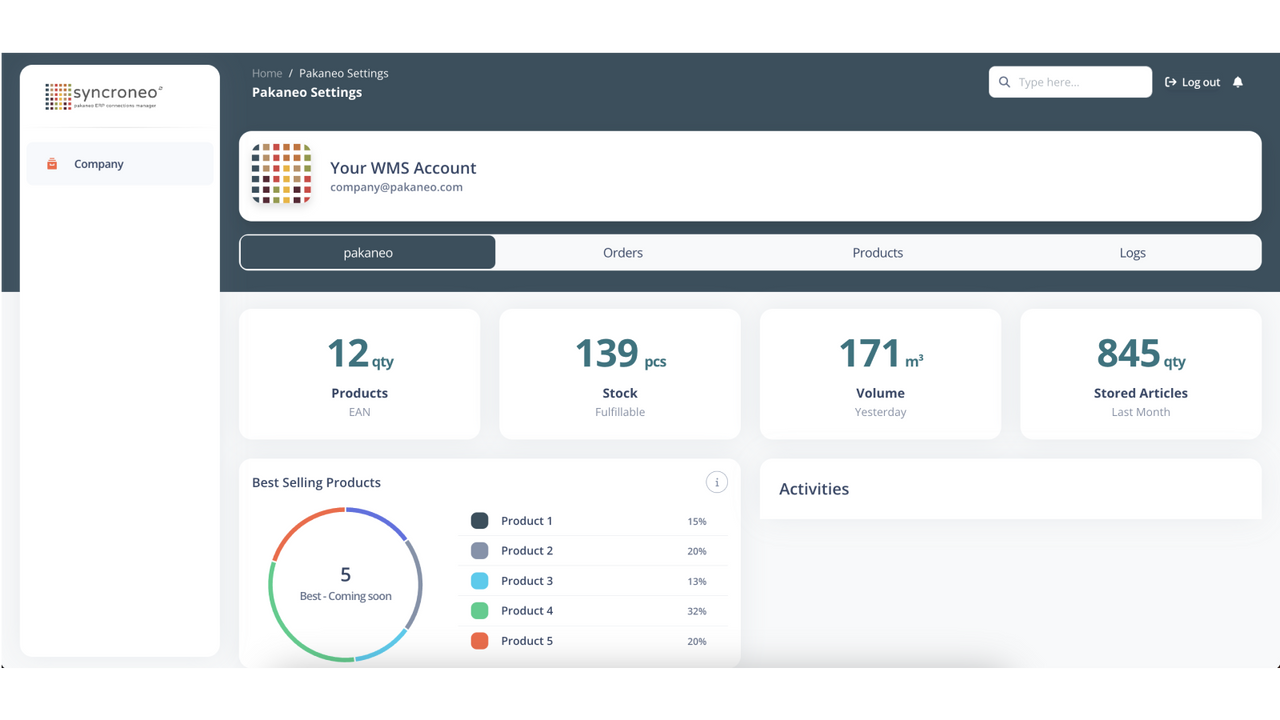
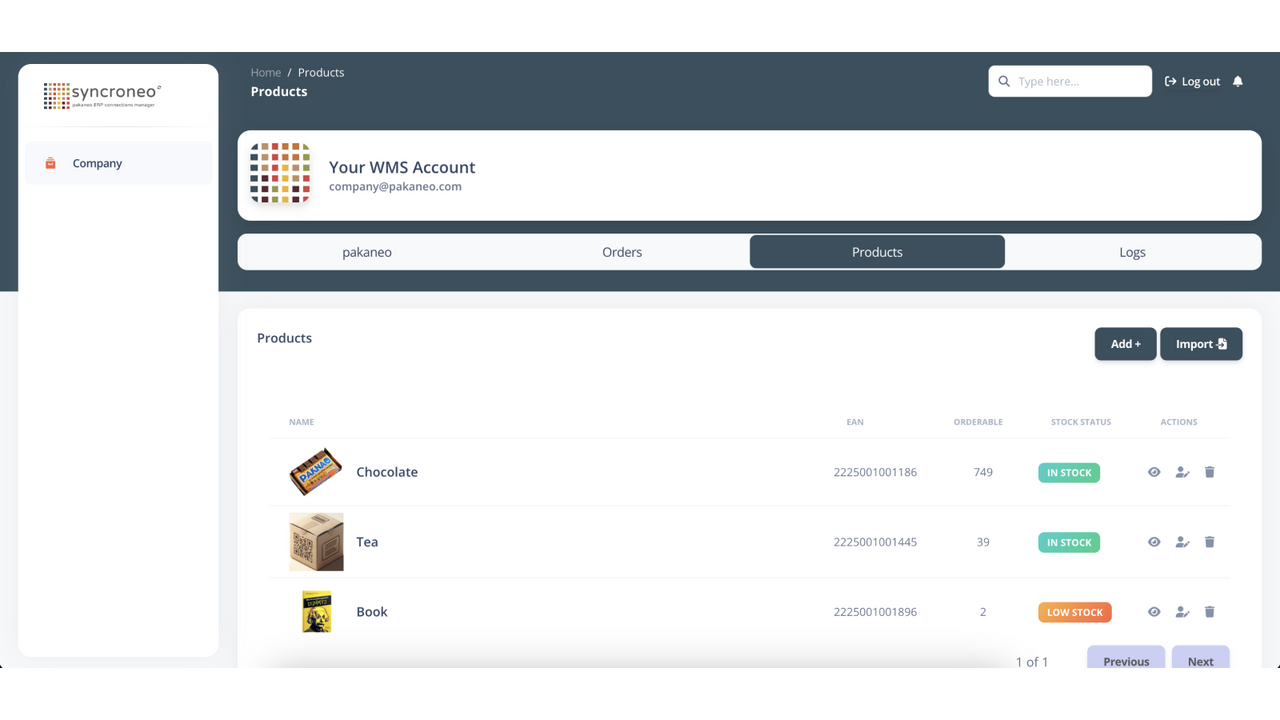
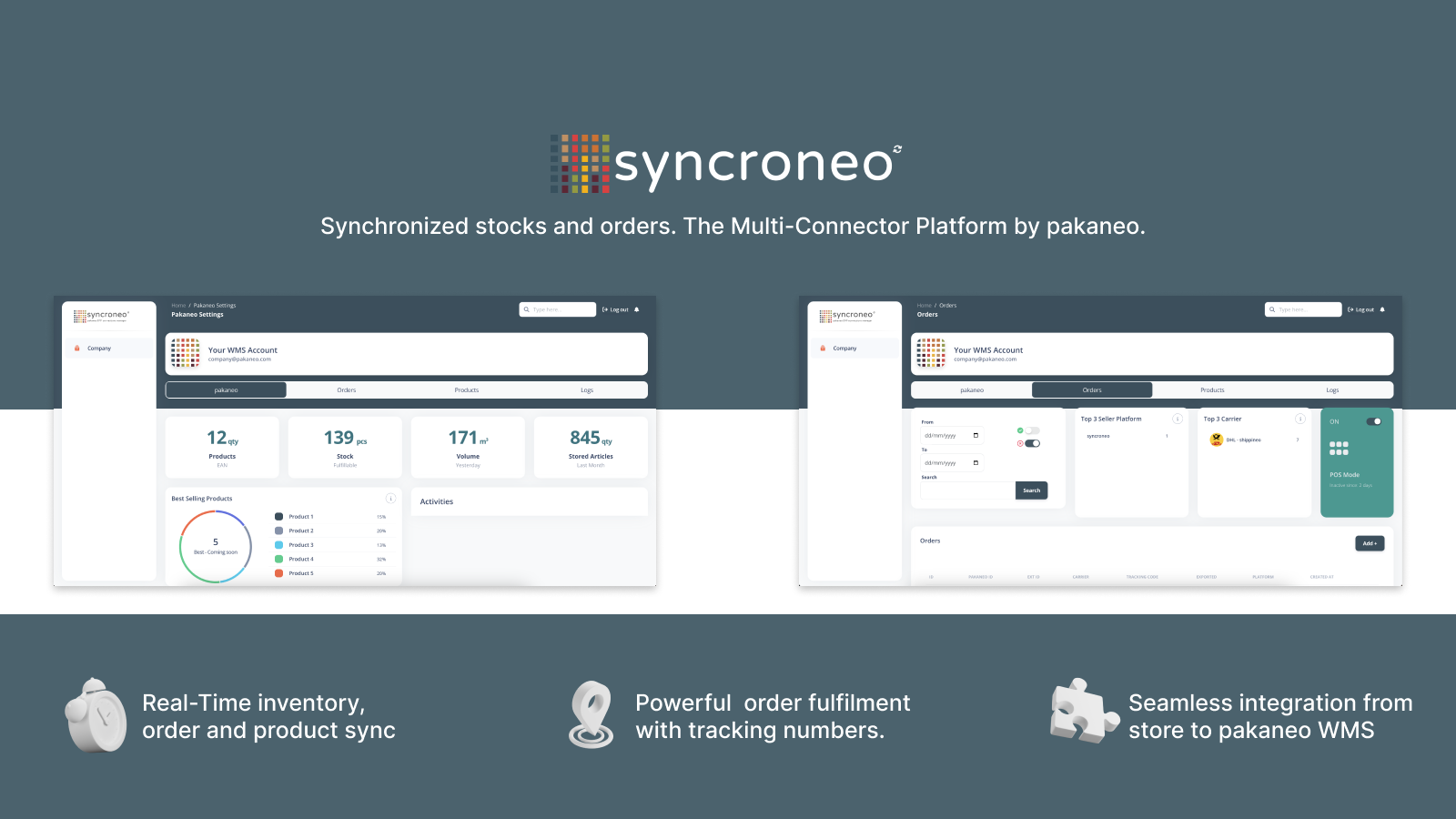
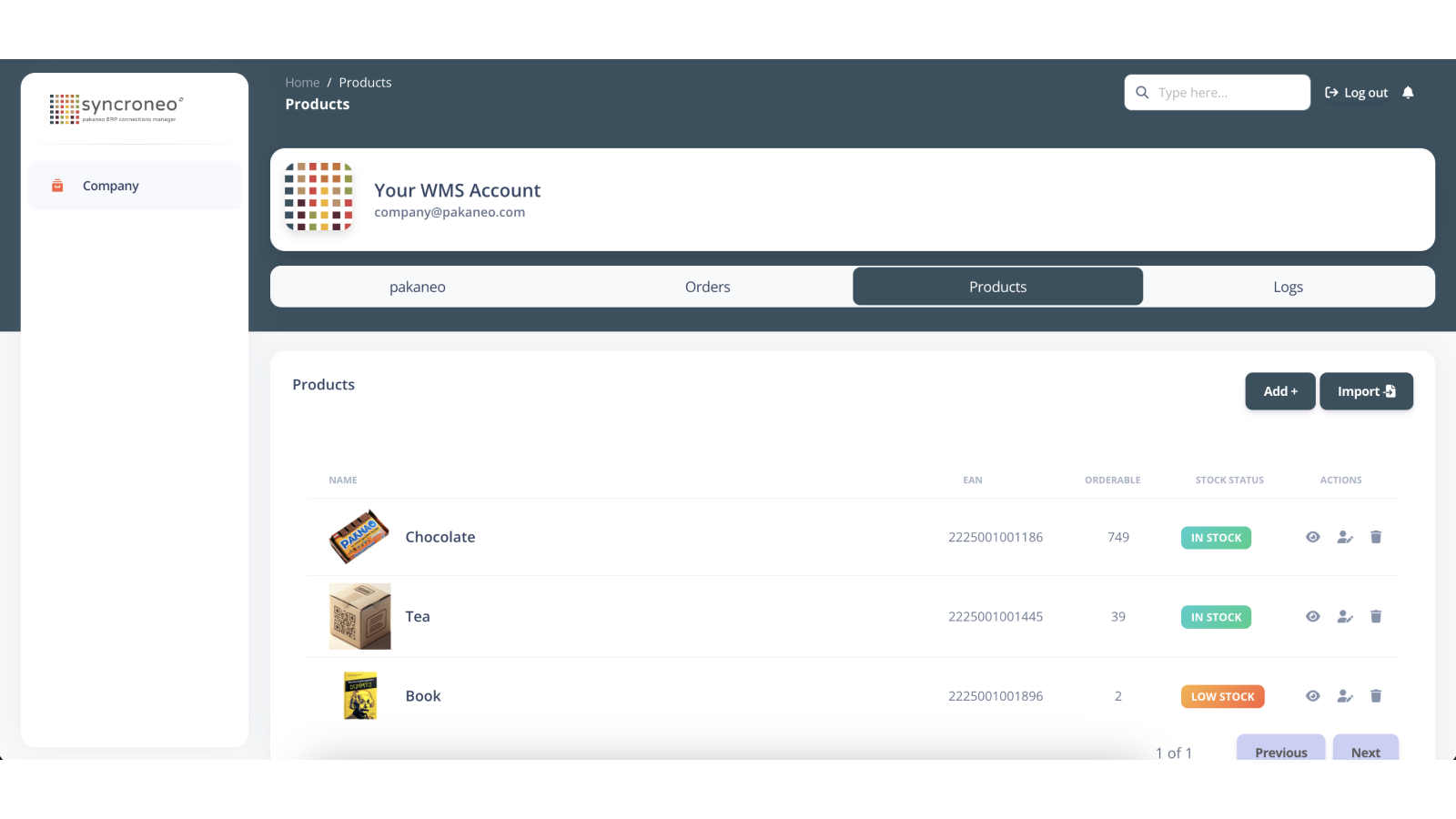
- Real-time synchronization of inventory, orders, and products between Shopify and Pakaneo WMS
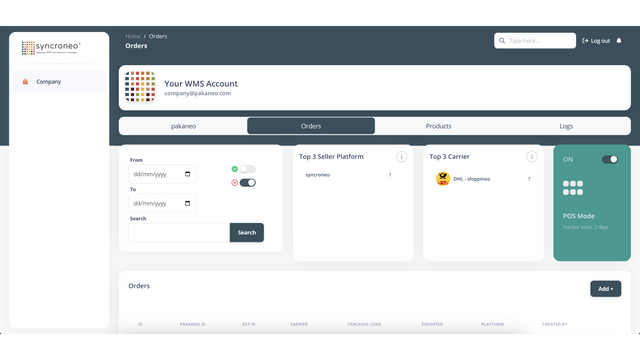
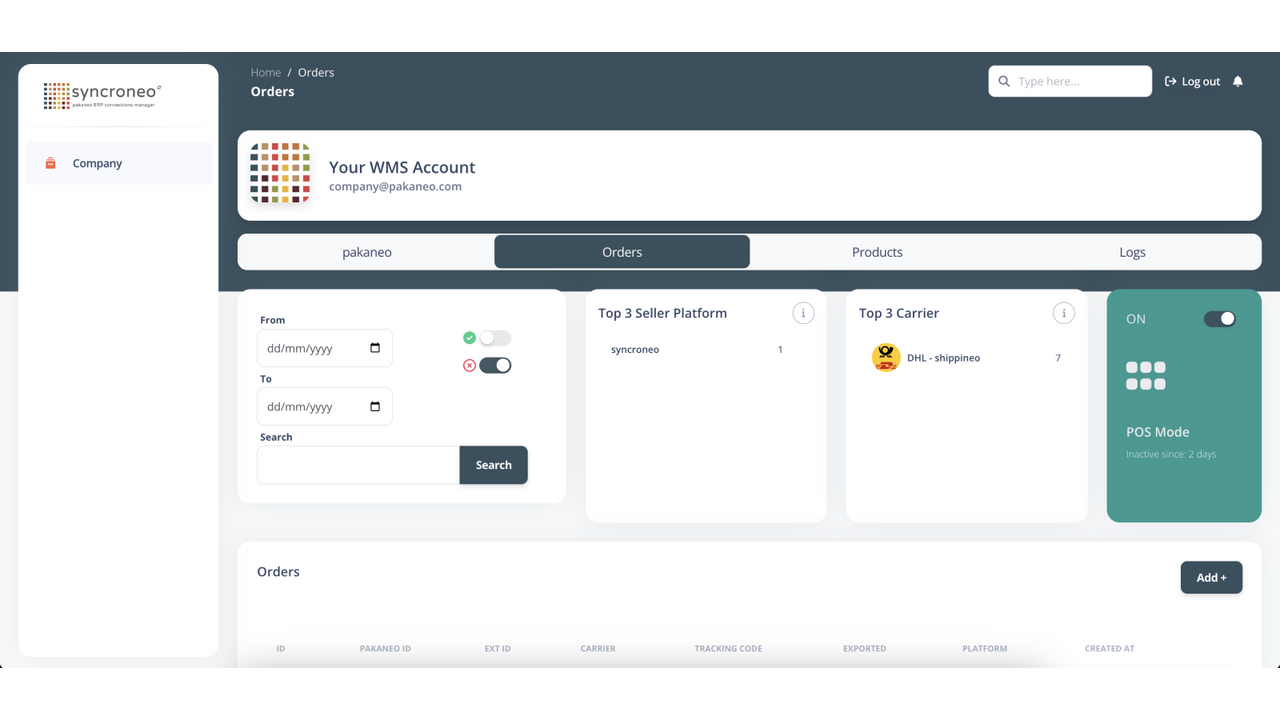
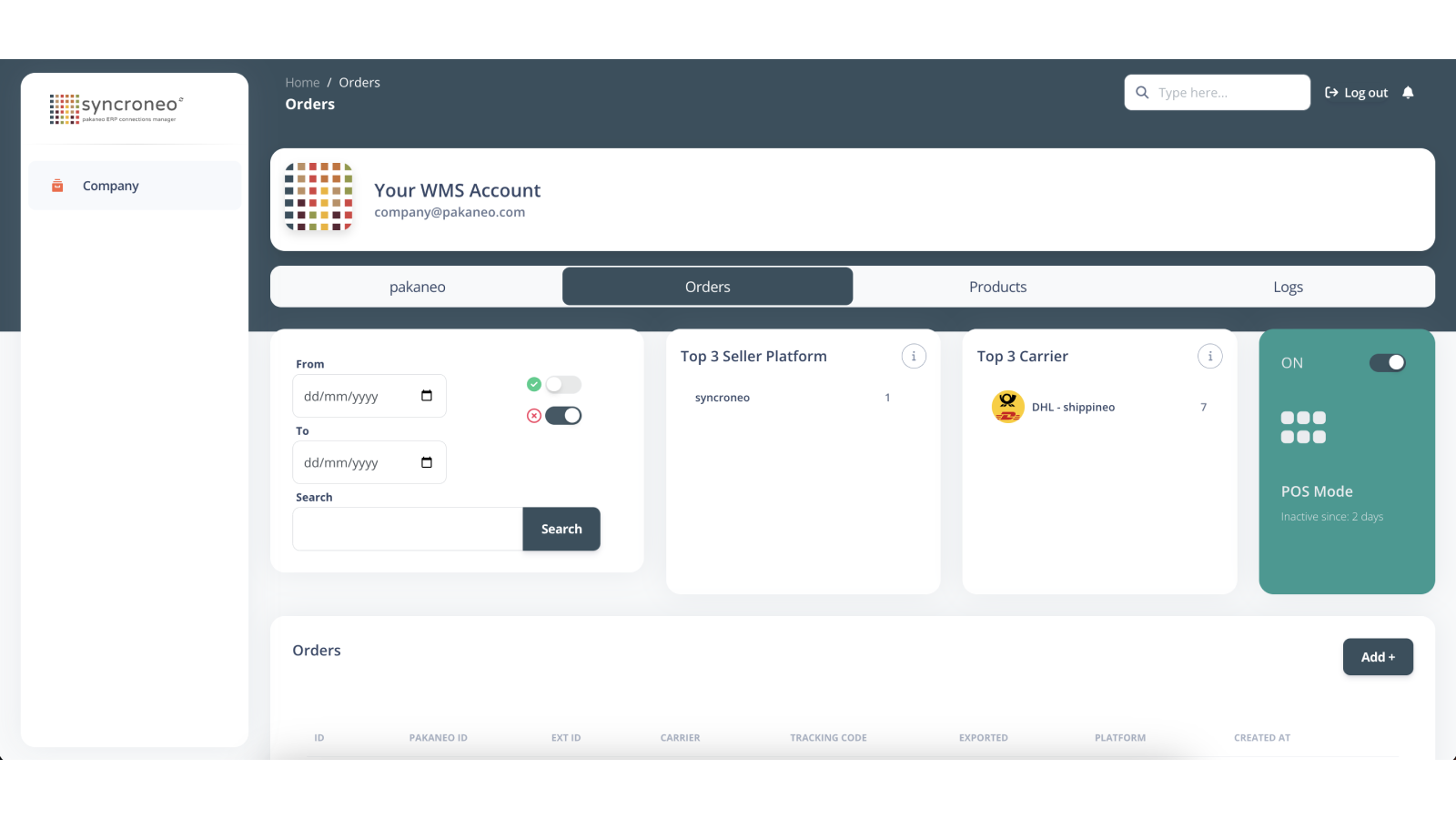
- Robust one-way order fulfillment with tracking numbers
- Real-time order sync to your WMS – ready for picking allocation
Merchant-Friendly
- Cross-border E-commerce Merchants
- Multi-channel Sellers
- Warehouse-based E-commerce
- Independent Station Sellers
Basic Information
- Developer:pakaneo GmbH
- Address:Goerzallee 311, Berlin, 14167, DE
- Price: Free / Free plan
- Rating:5 / 5
- Comment Count:1 comment
- Release Date:2024-3-18
- Supported languages:English
- Compatible products:Shopify
Application Screenshot
Price Plan
Free
User Location & Comments
User Location
Comments
Shopify API Used
- POST /admin/api/inventory_levels.json
- PUT /admin/api/inventory_levels/{inventory_item_id}.json
- GET /admin/api/inventory_levels.json
Permission:write_inventory,read_inventory,manage_products
- POST /admin/api/orders.json
- PUT /admin/api/orders/{order_id}.json
- GET /admin/api/orders.json
Permission:write_orders,read_orders,manage_fulfillments
- POST /admin/api/products.json
- PUT /admin/api/products/{product_id}.json
- GET /admin/api/products.json
Permission:write_products,read_products,manage_inventory
- POST /admin/api/fulfillments.json
- PUT /admin/api/fulfillments/{fulfillment_id}.json
- GET /admin/api/fulfillments/{fulfillment_id}.json
Permission:write_fulfillments,read_fulfillments,manage_orders