
App Introduction
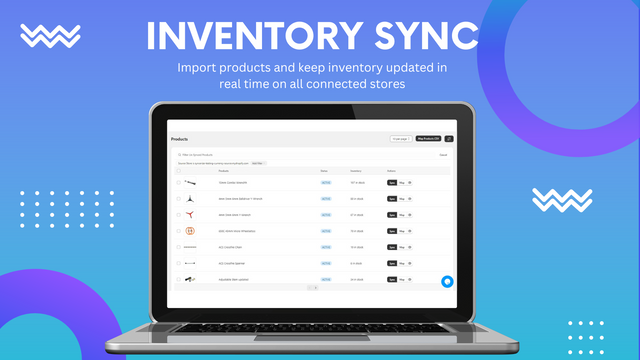
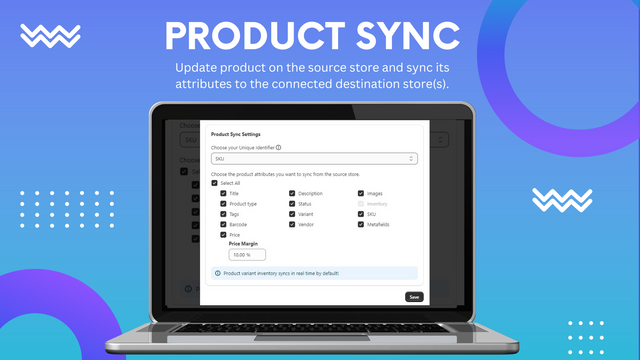
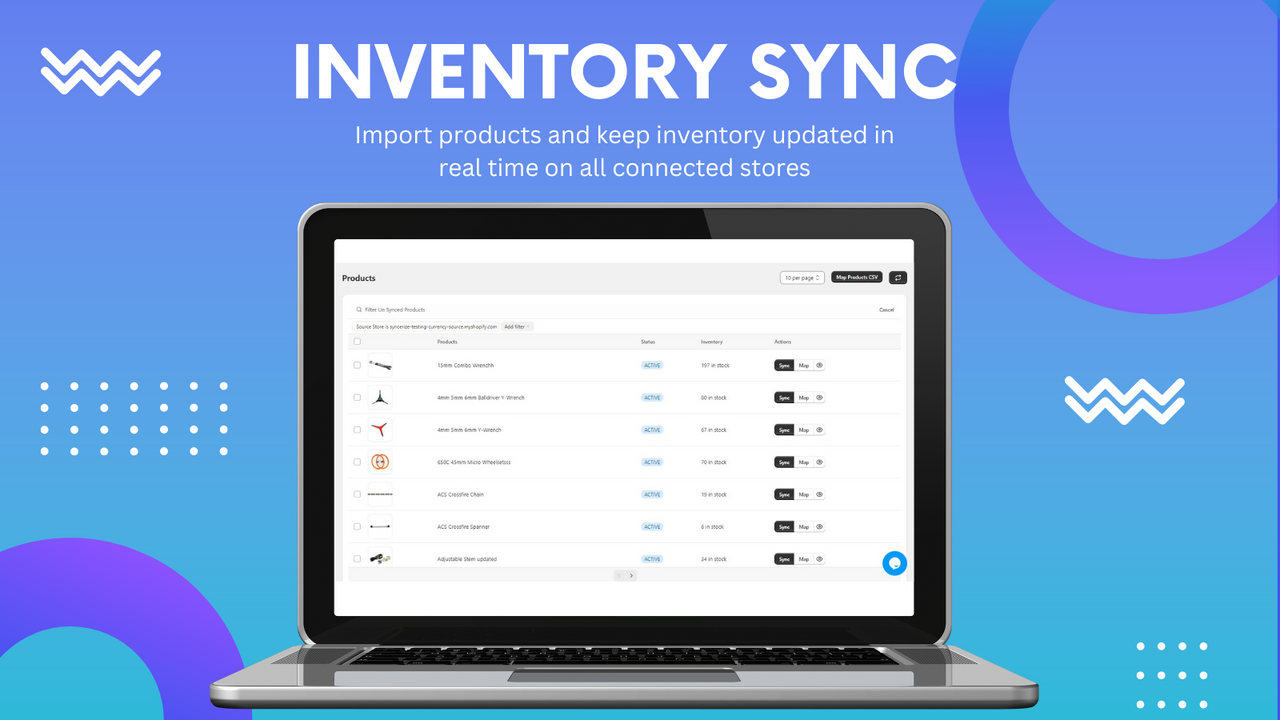
Multi-Store Inventory, Product, and Order Sync Supports WooCommerce Prevent overselling and streamline multi-store operations with Syncerize. Real-time sync inventory, products, and orders across multiple Shopify and WooCommerce stores. Easily connect stores, suppliers, or warehouses to build your own dropshipping network. Automatically update inventory for every order, cancellation, refund, or restock. Customize product details including descriptions, tags, images, and variants. Ideal for multi-store retailers, wholesalers, suppliers, and marketplaces.
Core Functionality
- Real-time multi-store inventory, product, and order sync to eliminate overselling.
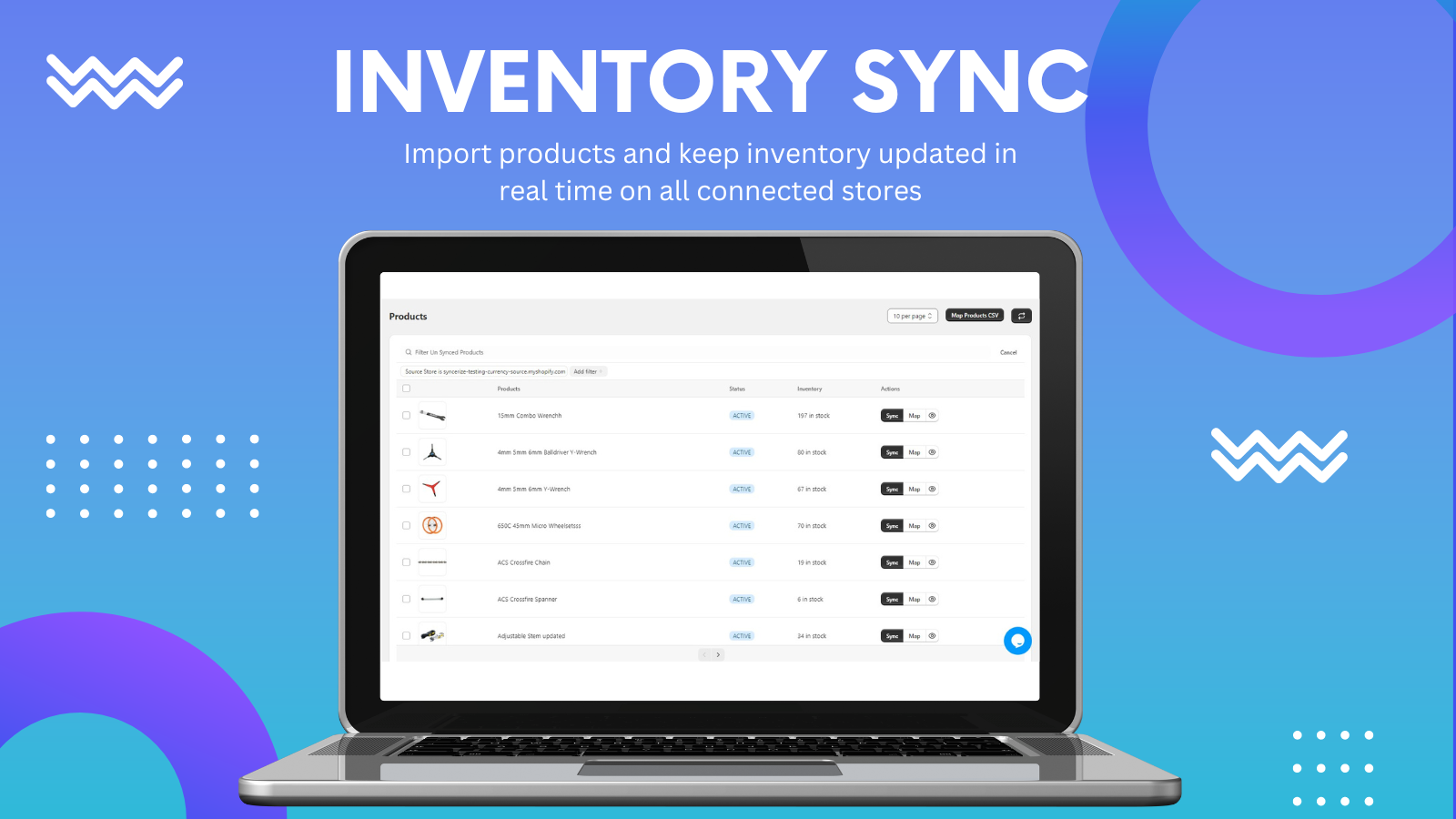
- Import products or map products across stores using SKUs or UPCs.
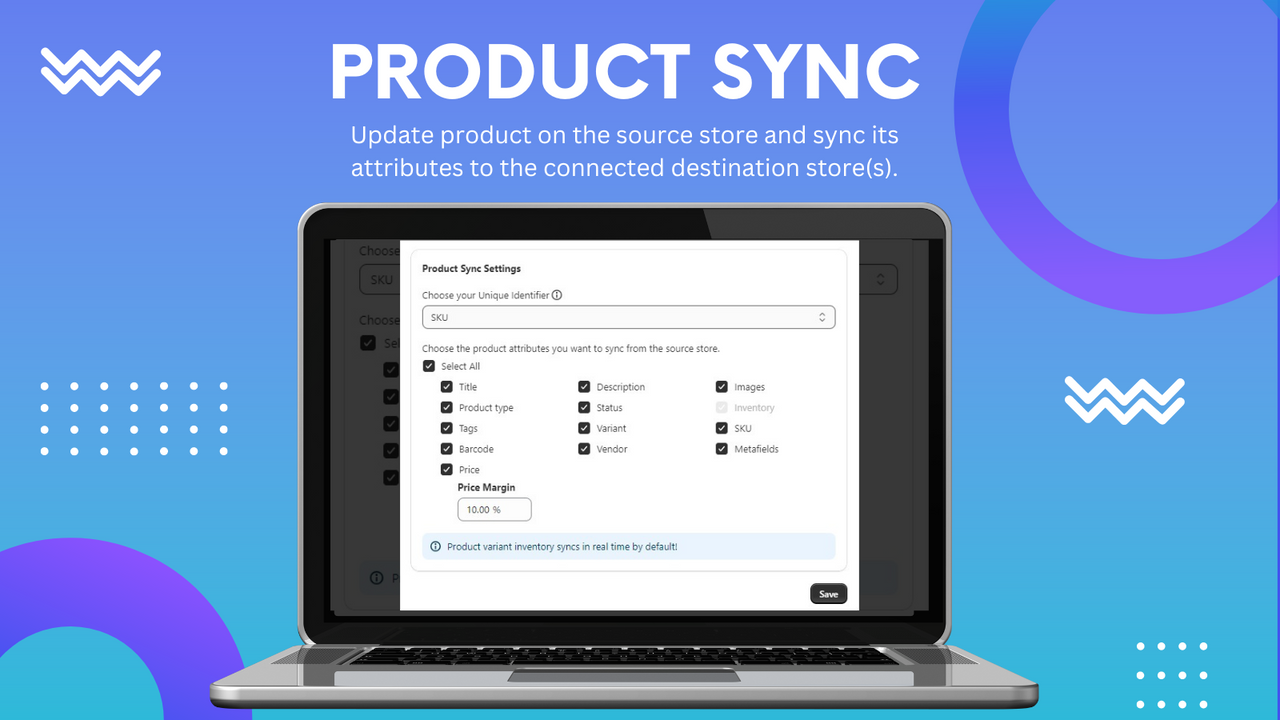
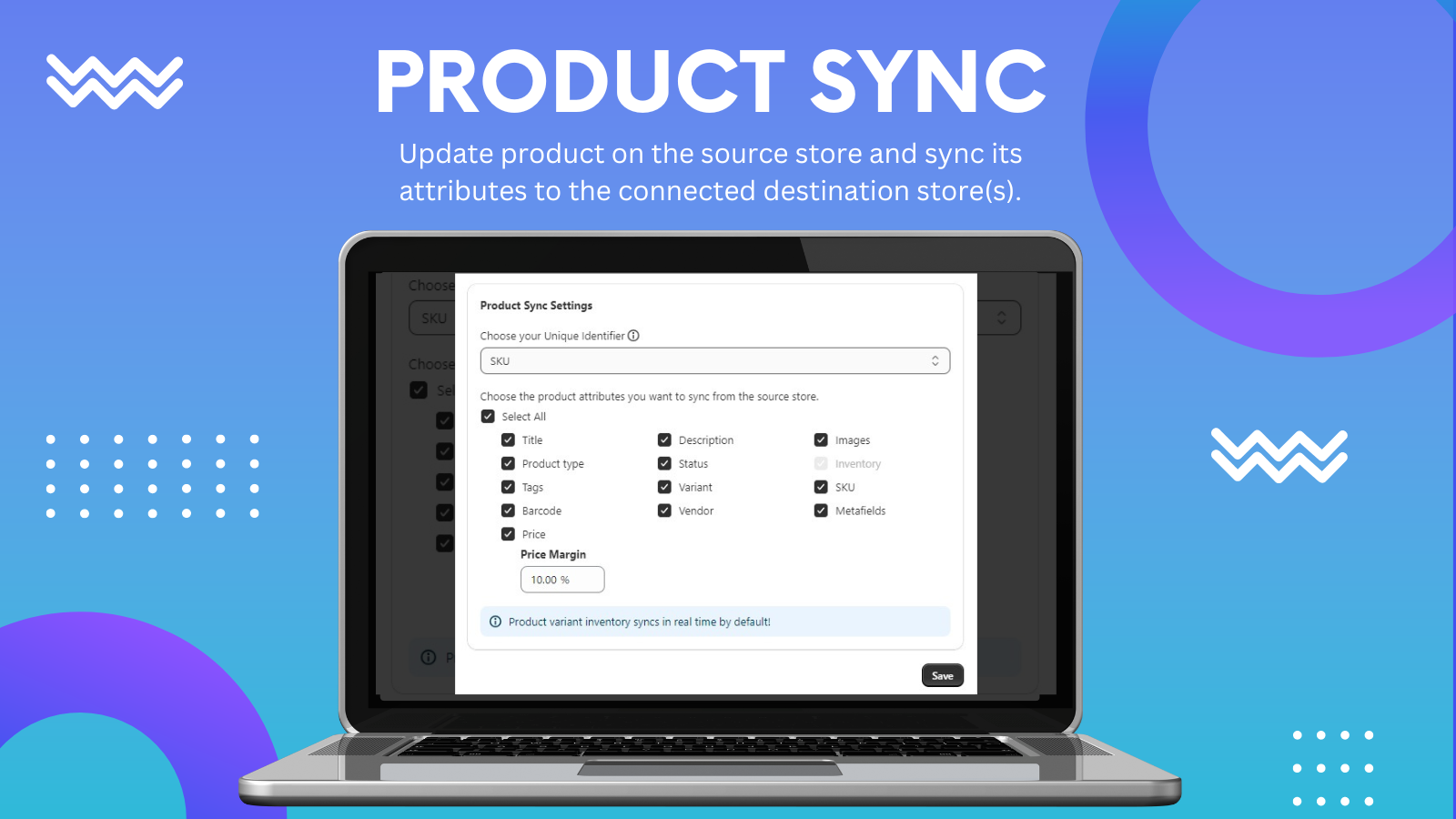
- Sync and customize product details: descriptions, tags, prices, images, and variants.
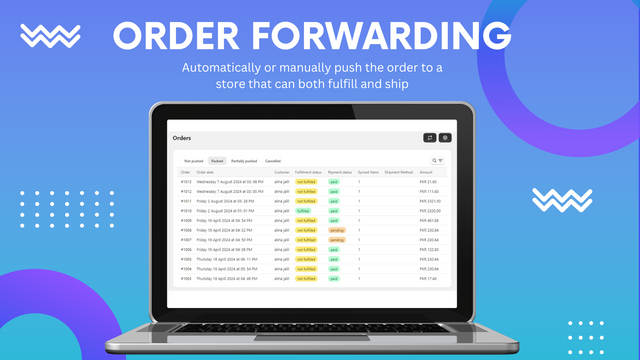
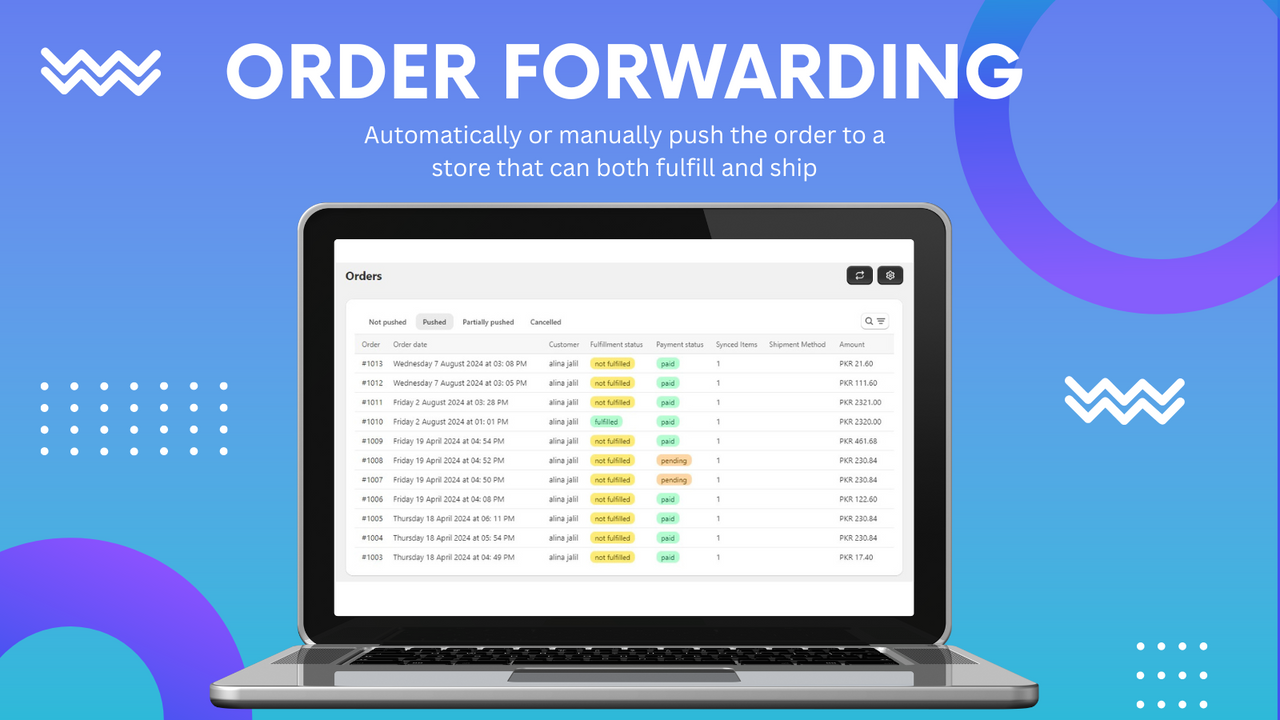
- Automate fulfillment with seamless order sync between linked Shopify stores.
- Support cash on delivery (COD); forward paid or unpaid orders to simplify dropshipping.
Merchant-Friendly
- Multi-store Operators
- Dropshipping Merchants
- Cross-border E-commerce Merchants
- Multi-category E-commerce Merchants
Basic Information
- Developer:Uforia Infotech Inc
- Address:Islamabad, PK
- Price: Free / Free plan
- Rating:5 / 5
- Comment Count:10 comment
- Release Date:2022-8-8
- Supported languages:English
- Compatible products:Shopify
Application Screenshot
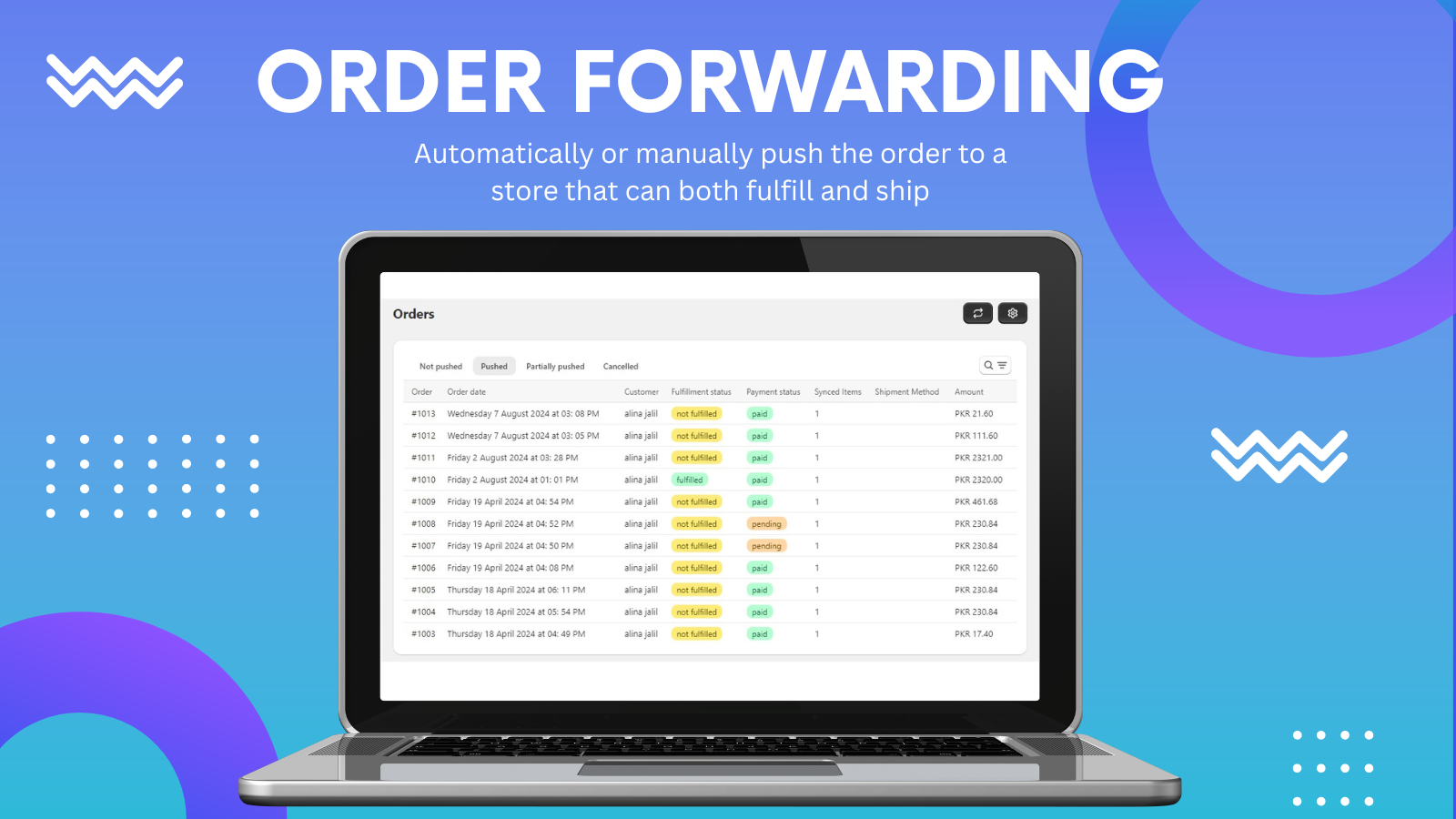
Price Plan
Basic
- 1 Store Connection
- 25 Product Imports/Syncs
- 5 Monthly Orders
- Real-time Inventory Sync
- Manual Order Forwarding
- Invoicing
Starter
- 2 Store Connections
- 100 Product Imports
- 100 Monthly Orders
- Real-time Product Sync (Excluding Images)
- Real-time Inventory Sync
- Manual and Automatic Order Forwarding
Accelerator
- 5 Store Connections
- 1000 Product Imports/Syncs
- 1000 Monthly Orders
- Real-time Product Sync
- Real-time Inventory Sync
- Manual and Automatic Order Forwarding
Premium
- All Basic features +
- 10 store connections
- 3000 product imports
- Real-time product sync
- Real-time inventory sync
- Option to forward only paid orders
- Manual and automatic order forwarding
User Location & Comments
User Location
Comments
Shopify API Used
- POST /admin/api/inventory_levels/batch.json
- GET /admin/api/inventory_levels.json
- PUT /admin/api/inventory_levels/{id}.json
Permission:write_inventory,read_inventory,manage_products
- POST /admin/api/orders.json
- GET /admin/api/orders.json
- PUT /admin/api/orders/{id}.json
Permission:write_orders,read_orders,manage_products
- POST /admin/api/products.json
- GET /admin/api/products.json
- PUT /admin/api/products/{id}.json
Permission:write_products,read_products,manage_inventory
- PUT /admin/api/products/{id}.json
- GET /admin/api/products/{id}.json
- POST /admin/api/products/{id}/images.json
Permission:write_products,read_products,manage_images
- POST /admin/api/fulfillments.json
- GET /admin/api/orders/{id}/fulfillments.json
- PUT /admin/api/fulfillments/{id}.json
Permission:write_fulfillments,read_orders,manage_shipping
- POST /admin/api/orders.json
- GET /admin/api/orders.json
- PUT /admin/api/orders/{id}/tags.json
Permission:write_orders,read_orders,manage_transactions