App Introduction
Audit-Ready Inventory Sync: Single or Multi-Store Sync with Exceptional Customer Support Looking for a **reliable** inventory sync tool that actually works? You’ve found it! We believe managing inventory should be easy—not a headache. Sync inventory across multiple stores, multiple locations, and even across variants. Sync inventory by SKU or barcode, or link inventory by creating product groups. Compatible with other inventory management apps like Stocky and Bundles. Ready to make inventory stress a thing of the past? Let’s GoGo!
Core Functionality
- Personalized 1:1 online onboarding session to set up your store’s sync.
- Powerful & scalable: We handle inventory sync for stores of all sizes.
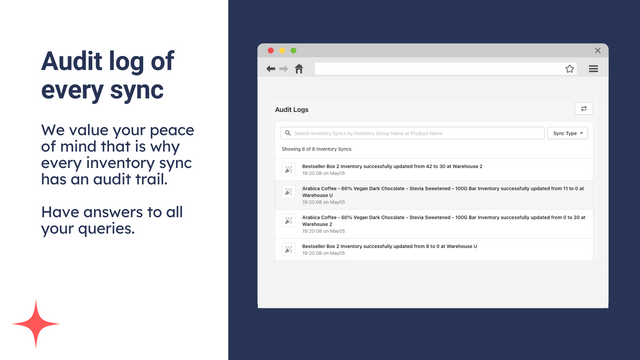
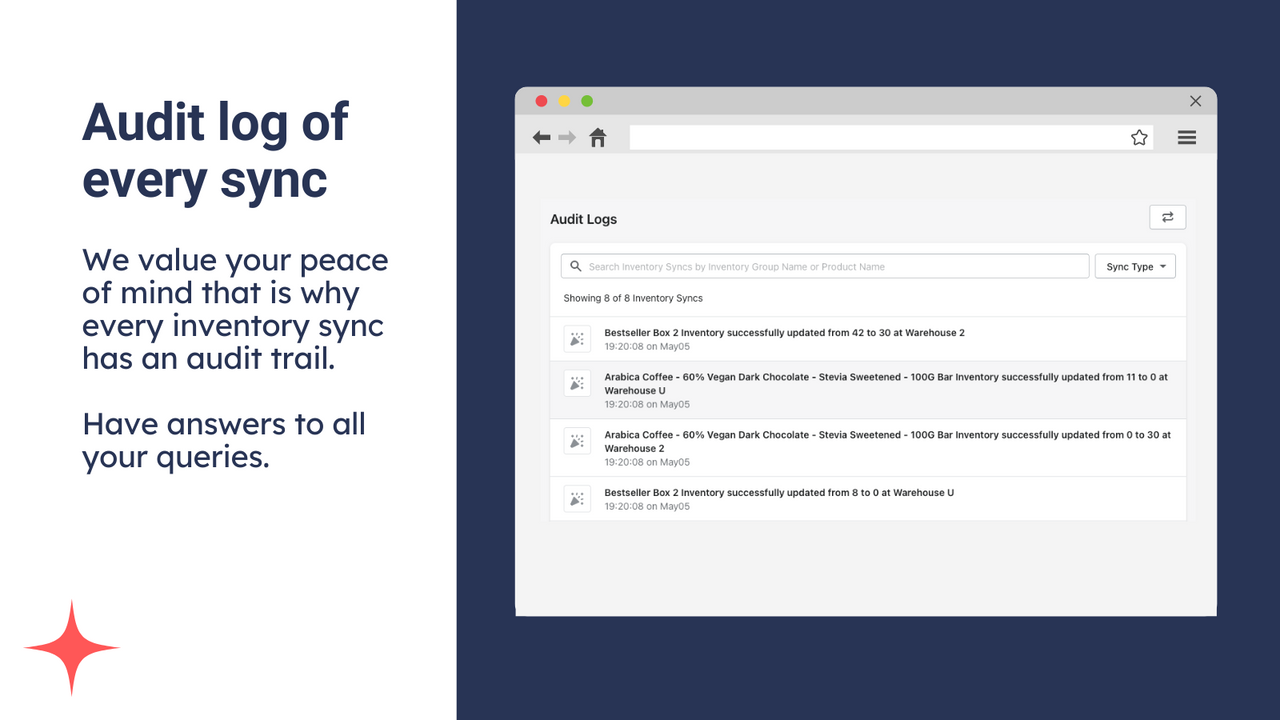
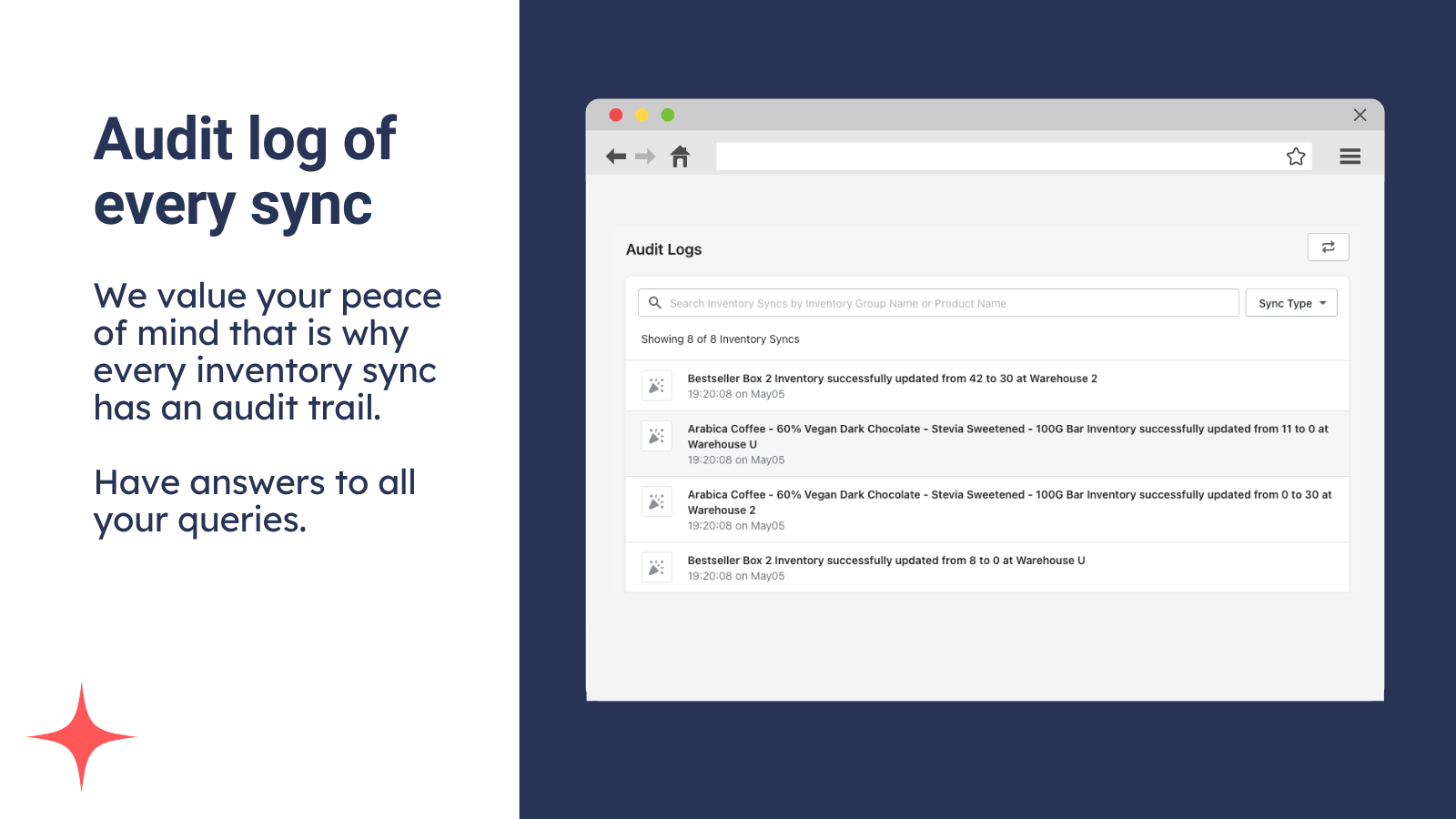
- Audit logs: No confusion! Get the full story of every sync.
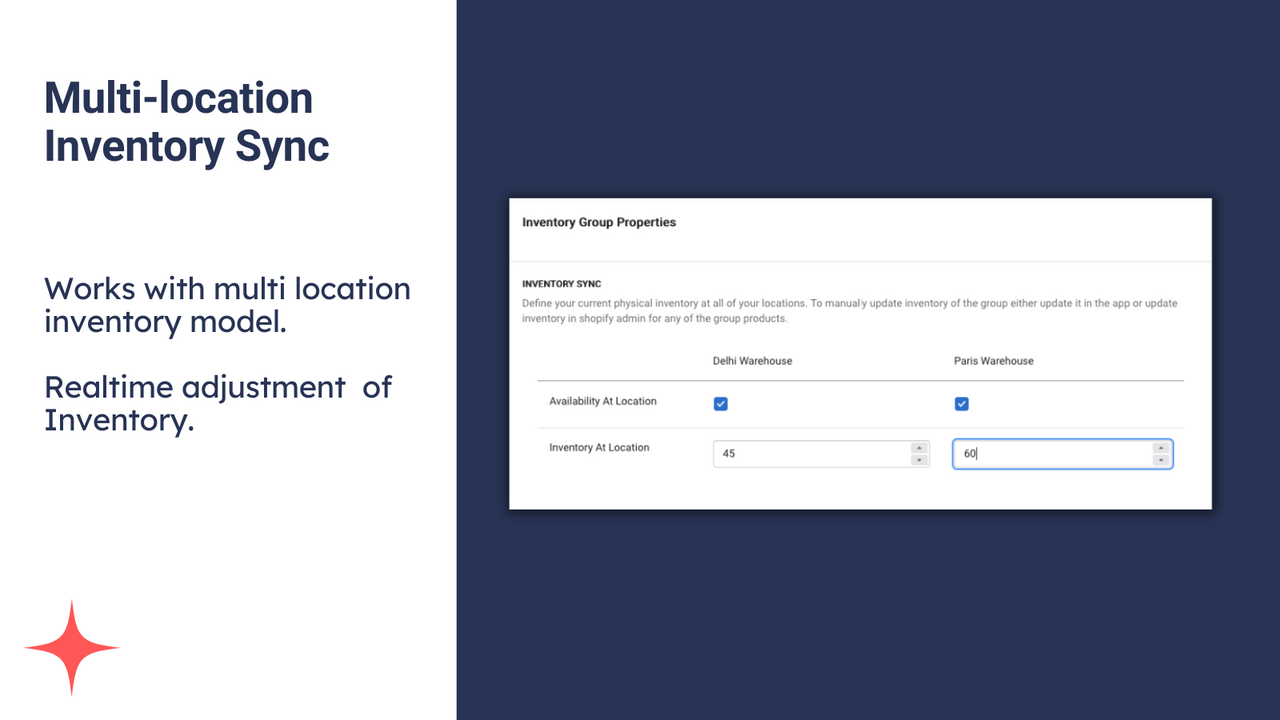
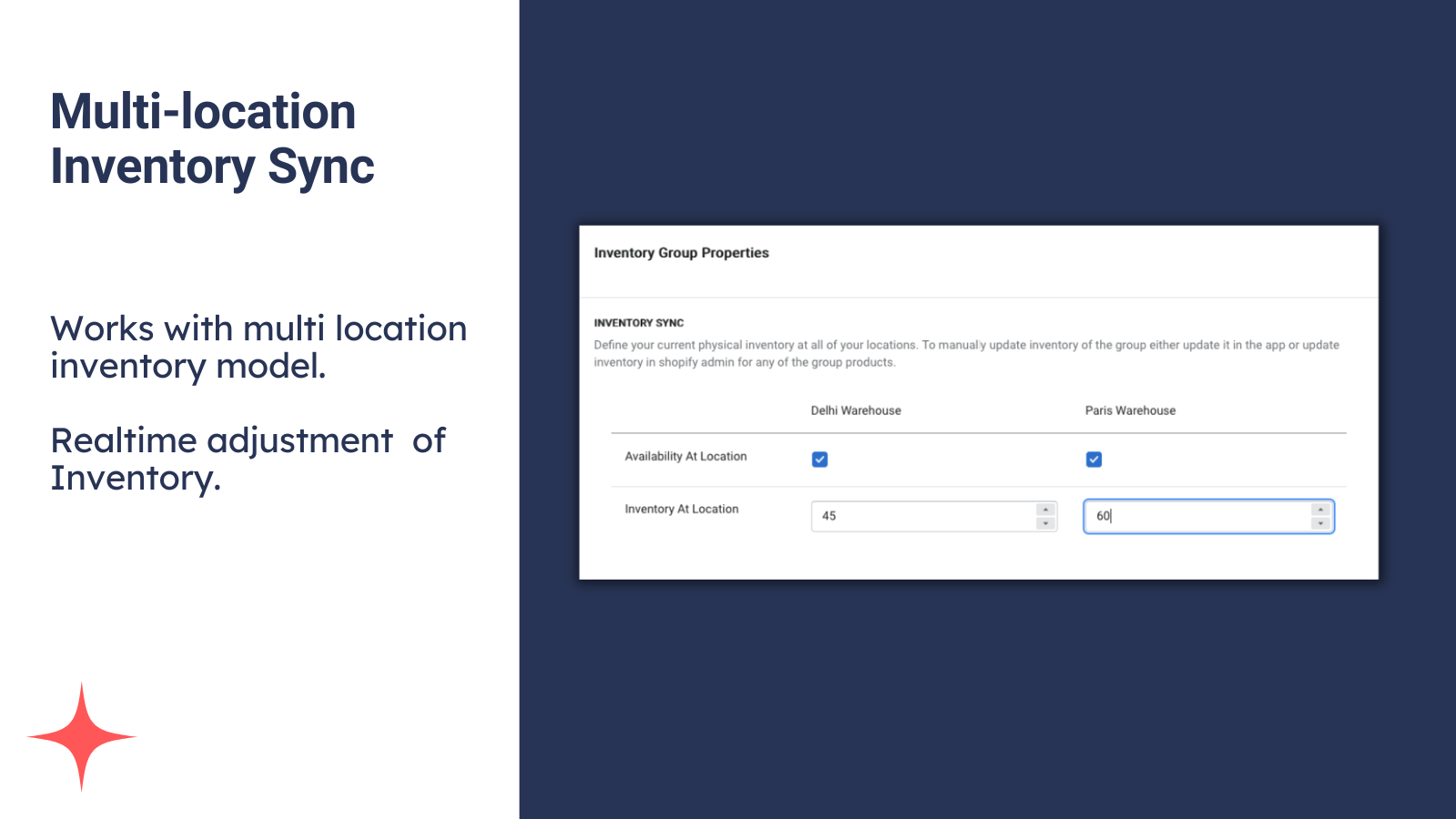
- Multiple inventory locations: Perfect for businesses with multiple warehouses.
- Auto-sync: Adjust inventory when sales, cancellations, or restocks happen.
Merchant-Friendly
- Multi-warehouse E-commerce Merchants
- Merchants with Various Store Sizes
- Merchants Focused on Inventory Management
- Merchants Needing Audit Records
- Merchants Requiring Auto Inventory Sync
Basic Information
- Developer:Profit Labs
- Address:Delhi, DL, IN
- Price: Free / Free plan
- Rating:4.7 / 5
- Comment Count:47 comment
- Release Date:2022-5-13
- Supported languages:English
- Compatible products:Shopify
Application Screenshot










Price Plan
欢迎计划
- No paywalls, test the app freely
- Start with 99 free inventory syncs
- Email support
- Expert onboarding call
- Fully transparent audit logs
专业1k计划
- Start with 99 free inventory syncs
- 1,000 monthly sync quota
- Priority ticket resolution within 24 hours
- Expert onboarding call
- Fully transparent audit logs
专业5k计划
- Start with 99 free inventory syncs
- 5k monthly sync quota
- Priority ticket resolution within 24 hours
- Expert onboarding call
- Fully transparent audit logs
专业10k计划
- Start with 99 free inventory syncs
- 10,00 sync quota per month
- Priority ticket resolution within 24 hours
- Expert onboarding call
- Fully transparent audit logs
User Location & Comments
User Location
Comments
Shopify API Used
- POST /admin/api/store_sync/settings.json
- PUT /admin/api/store_sync/settings/{id}.json
- GET /admin/api/store_sync/settings.json
Permission:write_store_sync,read_store_sync,manage_products
- POST /admin/api/inventory/sync/batch.json
- PUT /admin/api/inventory/sync/{batch_id}.json
- GET /admin/api/inventory/sync/status.json
Permission:write_inventory,read_inventory,manage_fulfillment
- GET /admin/api/store_sync/audit_logs.json
- GET /admin/api/store_sync/audit_logs/{log_id}.json
- POST /admin/api/store_sync/audit_logs/export.json
Permission:read_store_sync,read_audit_logs,manage_shop
- POST /admin/api/inventory/locations/sync.json
- PUT /admin/api/inventory/locations/{loc_id}/sync.json
- GET /admin/api/inventory/locations/sync/status.json
Permission:write_inventory,read_inventory,manage_locations
- POST /admin/api/inventory/auto_sync/trigger.json
- PUT /admin/api/inventory/auto_sync/settings.json
- GET /admin/api/inventory/auto_sync/logs.json
Permission:write_inventory,read_inventory,manage_orders