
App Introduction
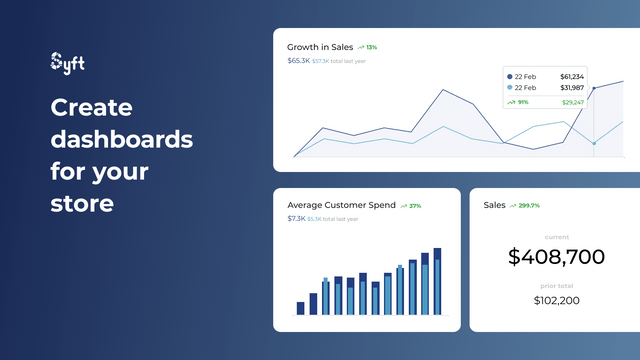
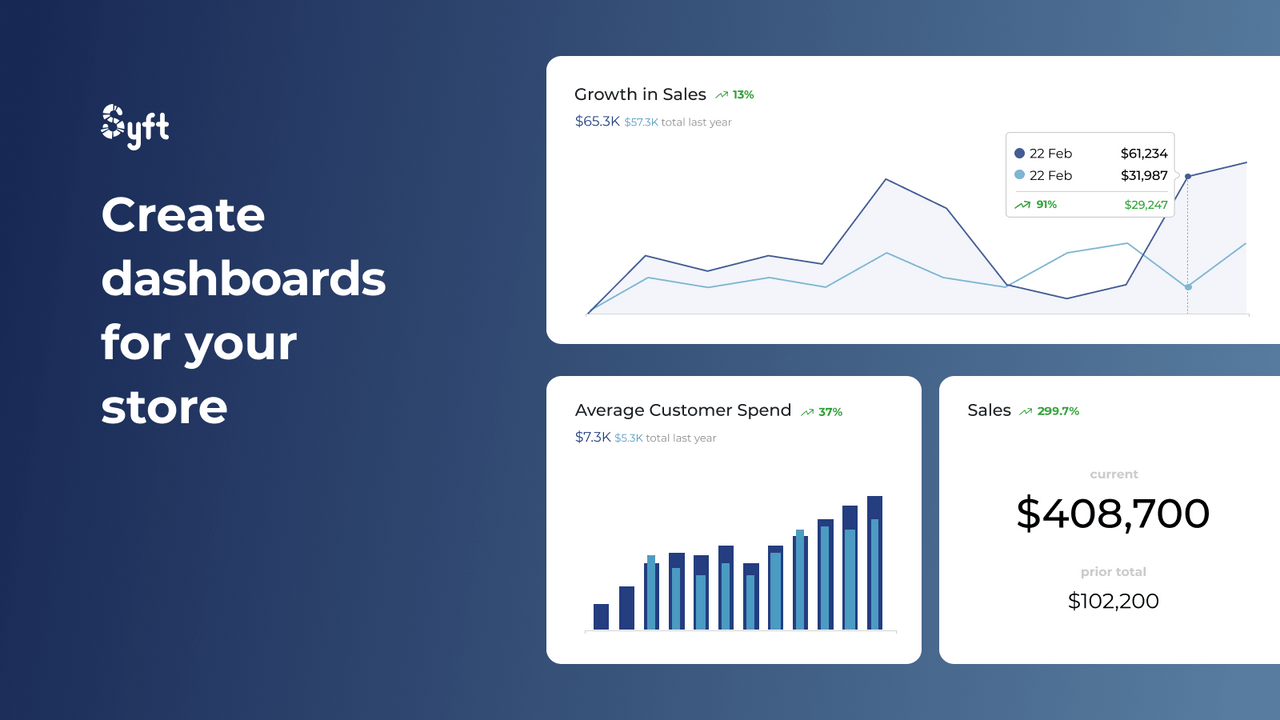
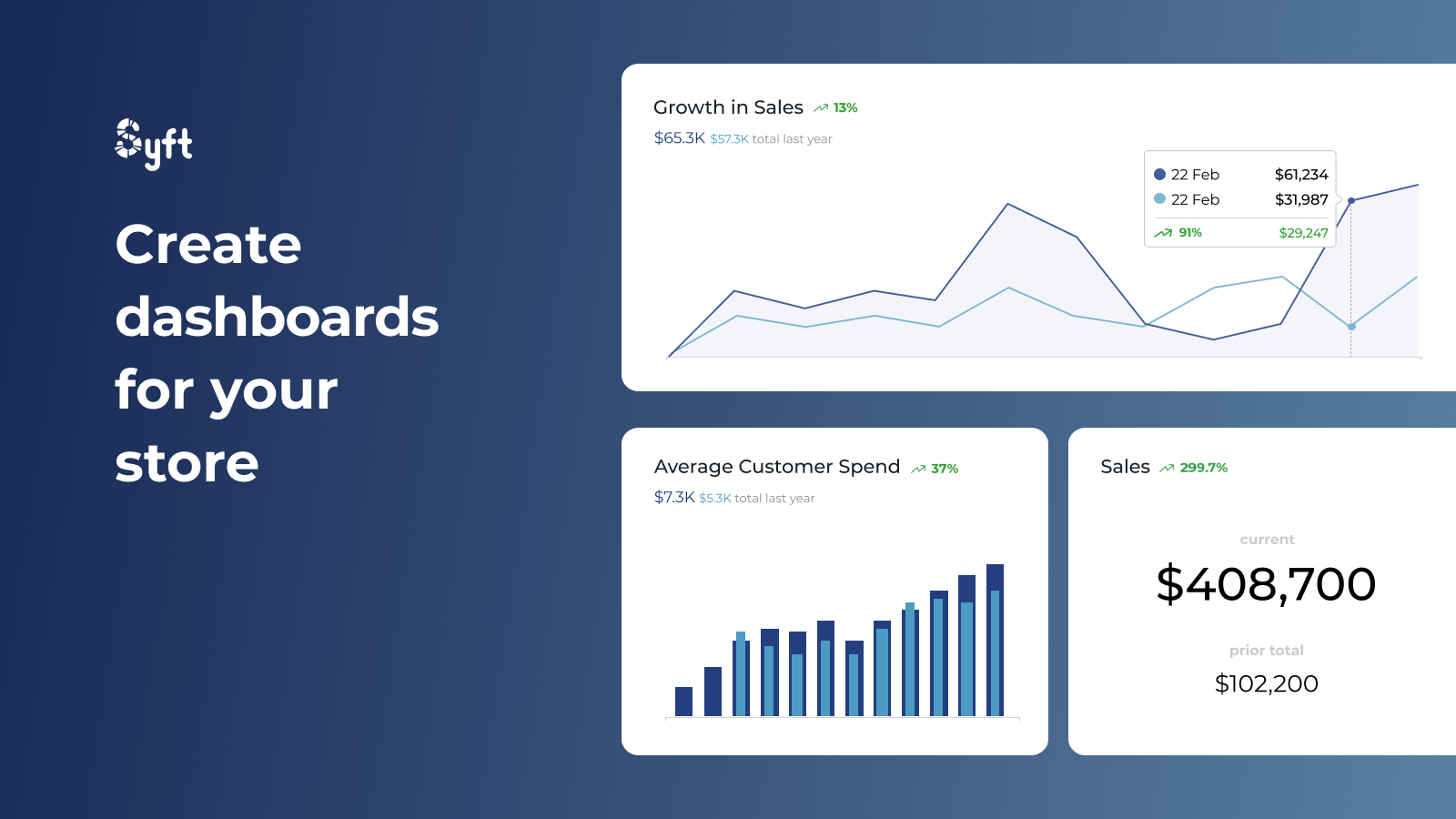
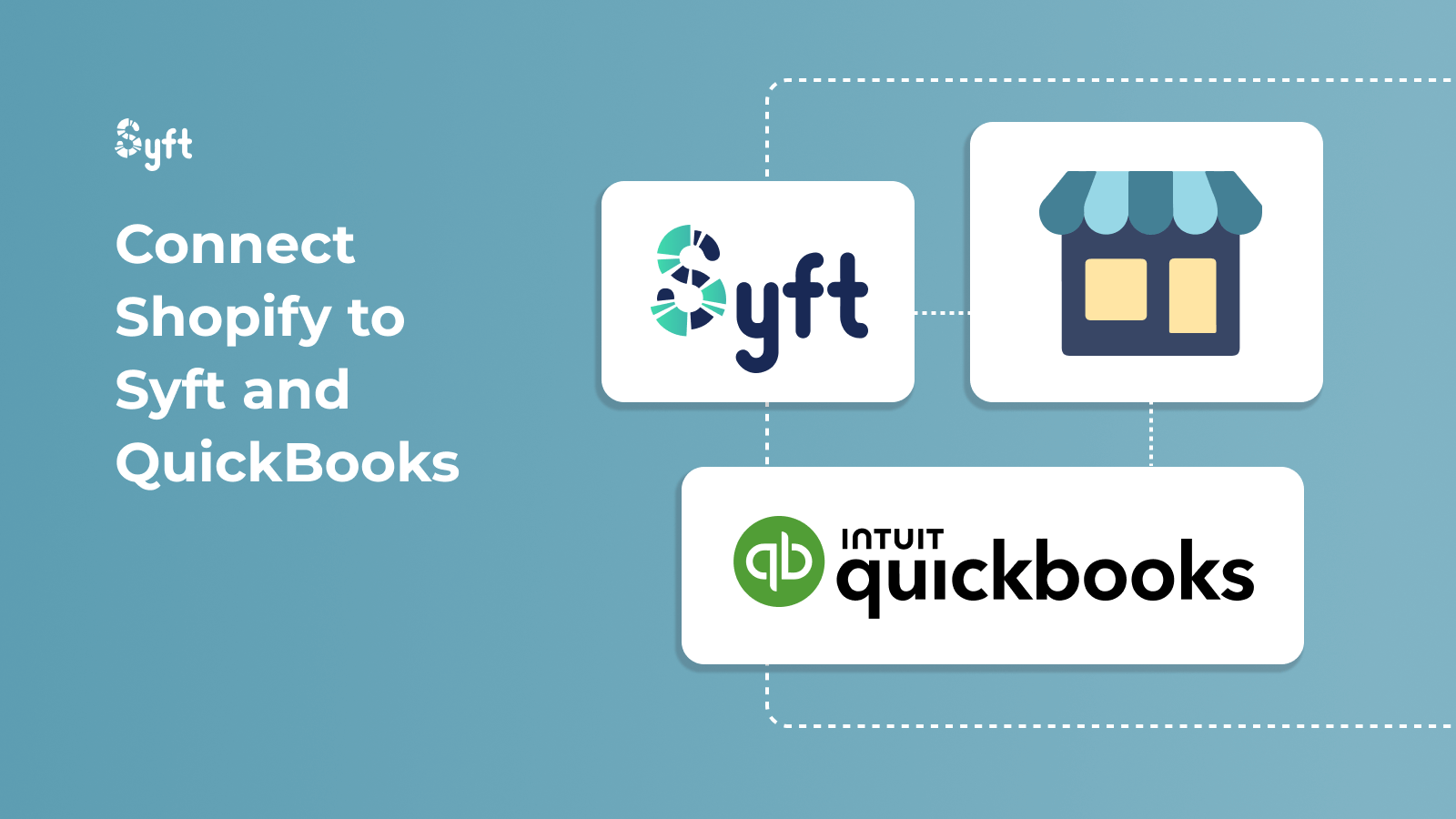
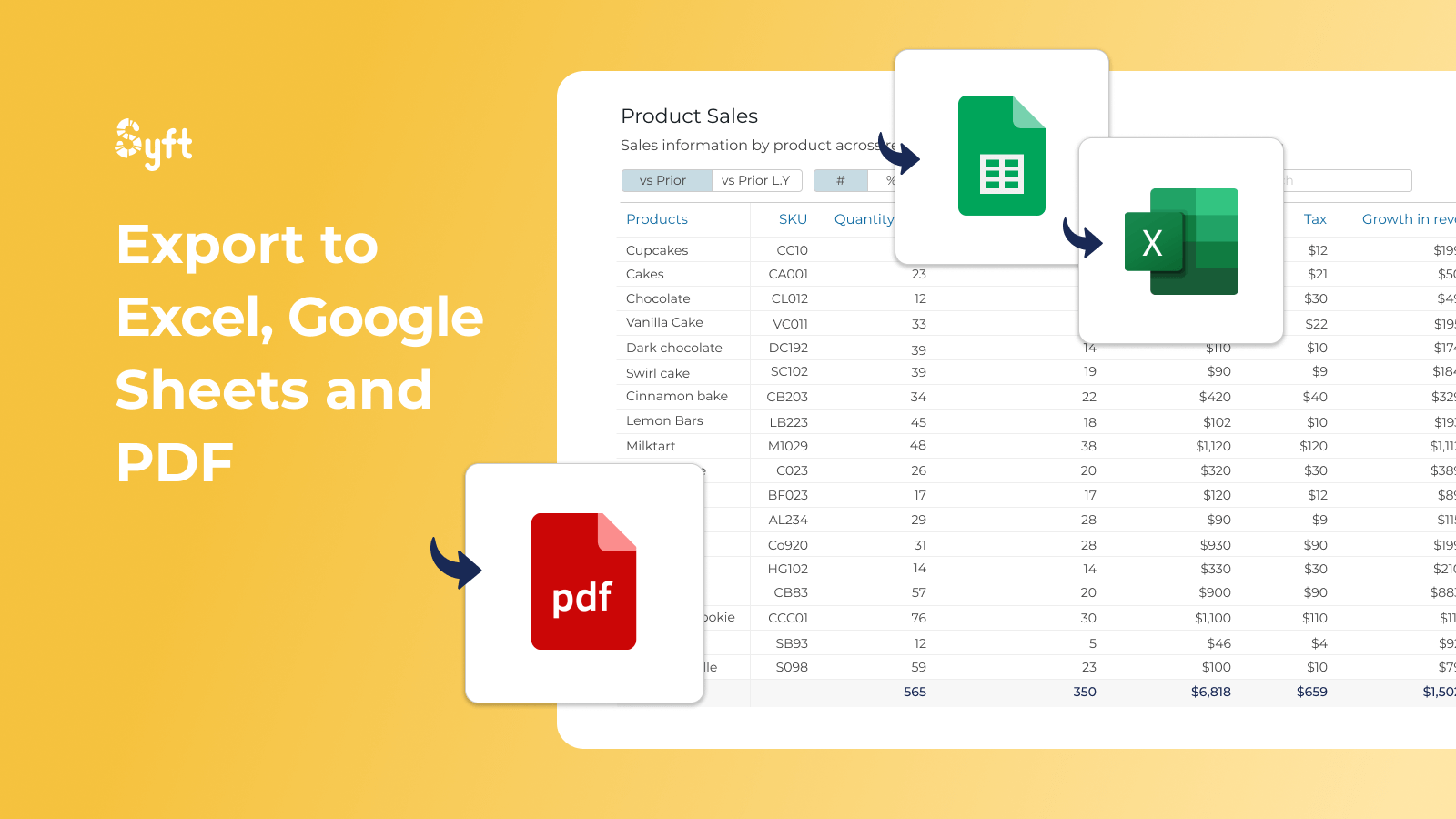
Build stunning dashboards and reports, and integrate them with your QuickBooks data. Create dashboards and reports that can be exported to Excel, Google Sheets, PDF, and interactive live views. Combine Shopify data with QuickBooks data and information from other sources to gain unparalleled clarity into your store’s performance. Syft is a tool for analyzing, benchmarking, and reporting financial data. Connect Shopify to Syft in seconds, easily analyze customer behavior and product trends, report on performance and key metrics, create stunning visualizations, and compare against industry benchmarks.
Core Functionality
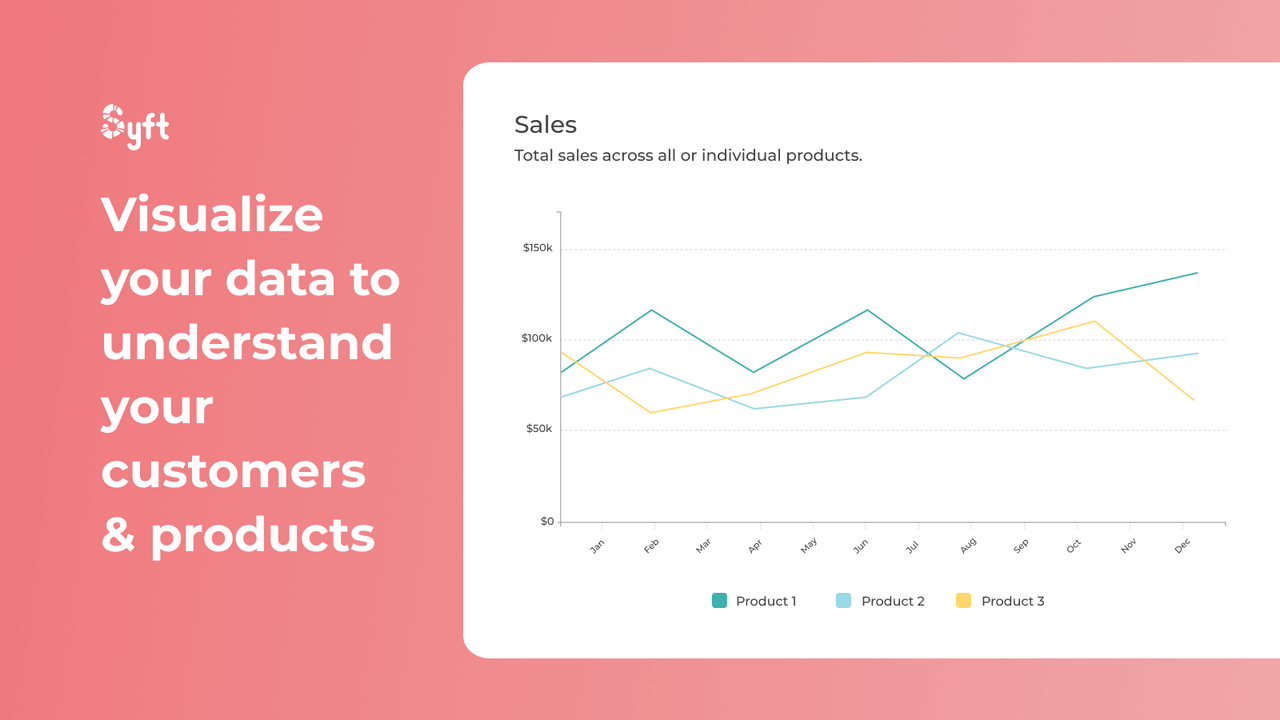
- Build stunning dashboards, reports, and visualizations for your store
- Combine store performance with QuickBooks data for a complete picture
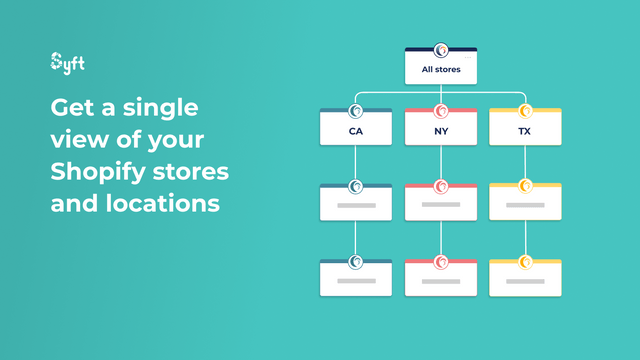
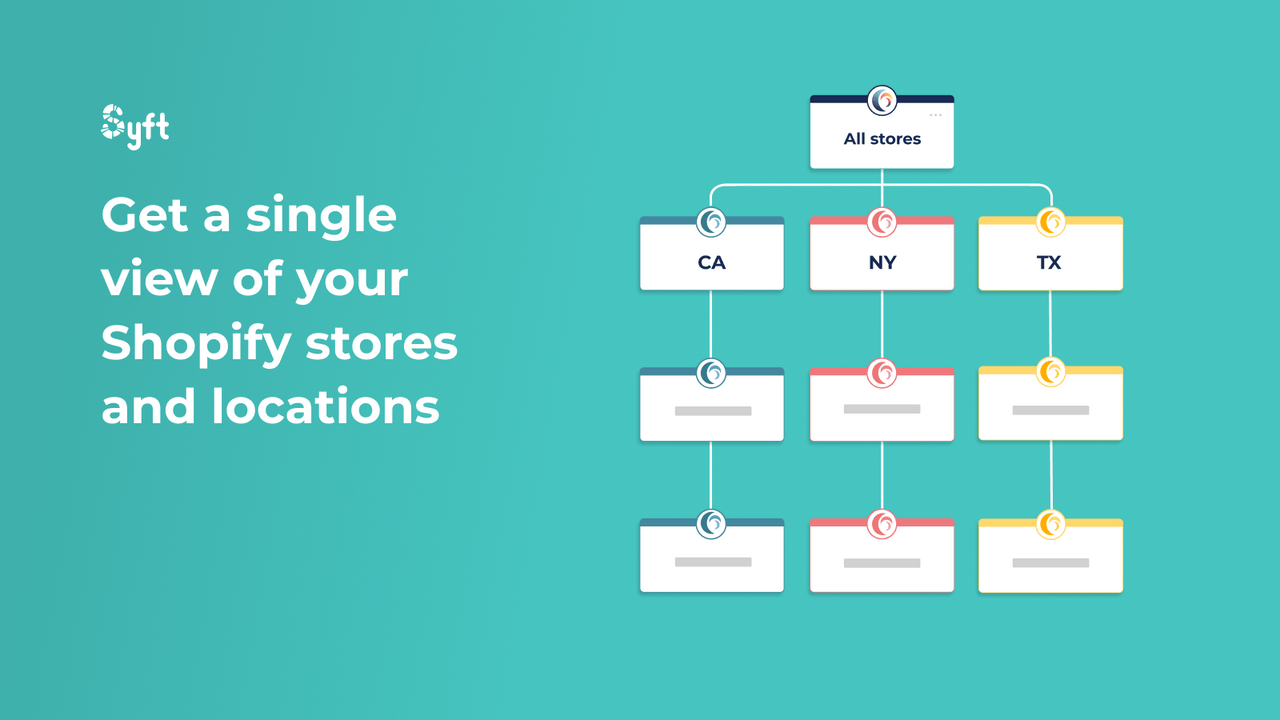
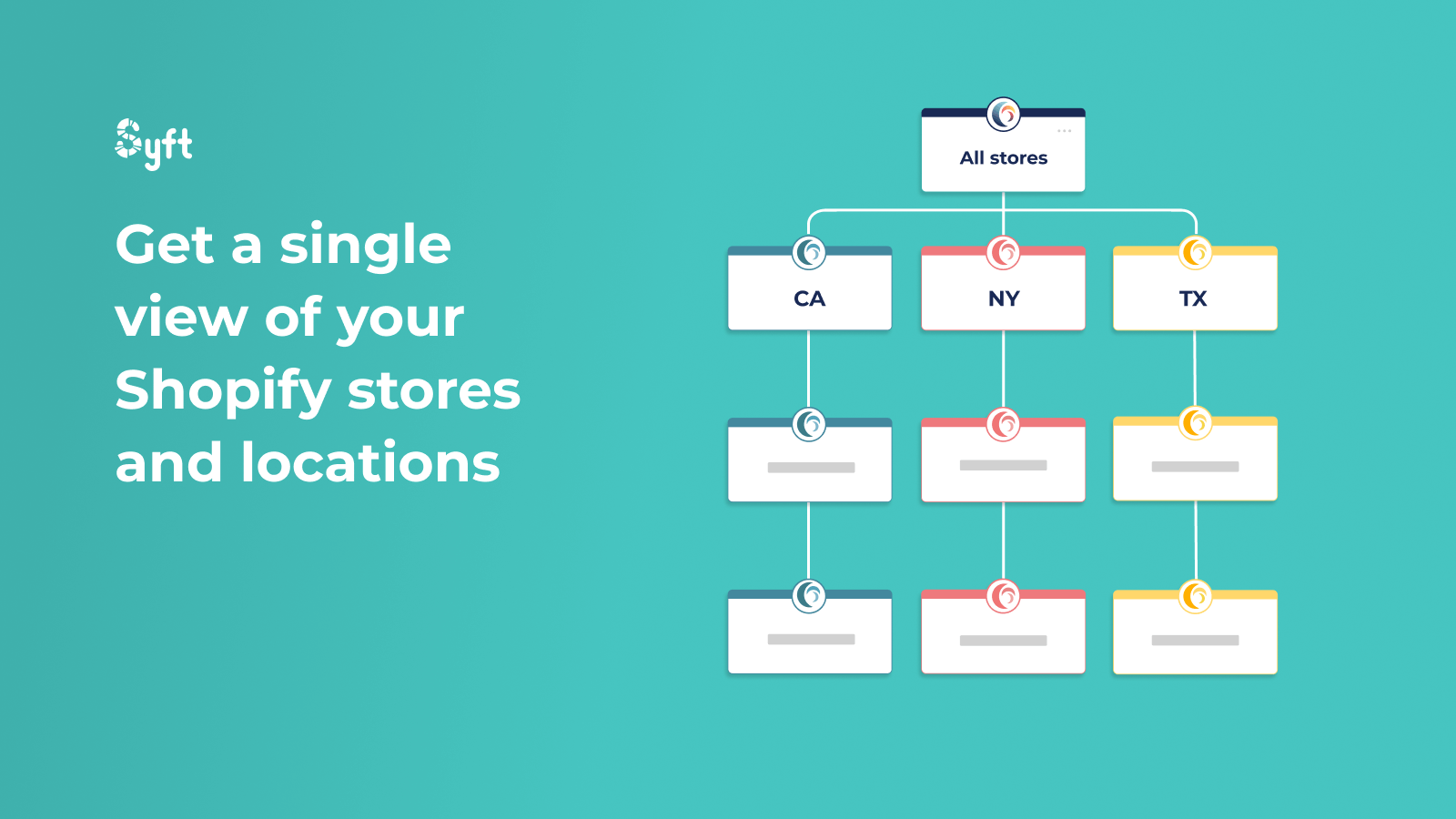
- Get separate or combined views of all locations and stores
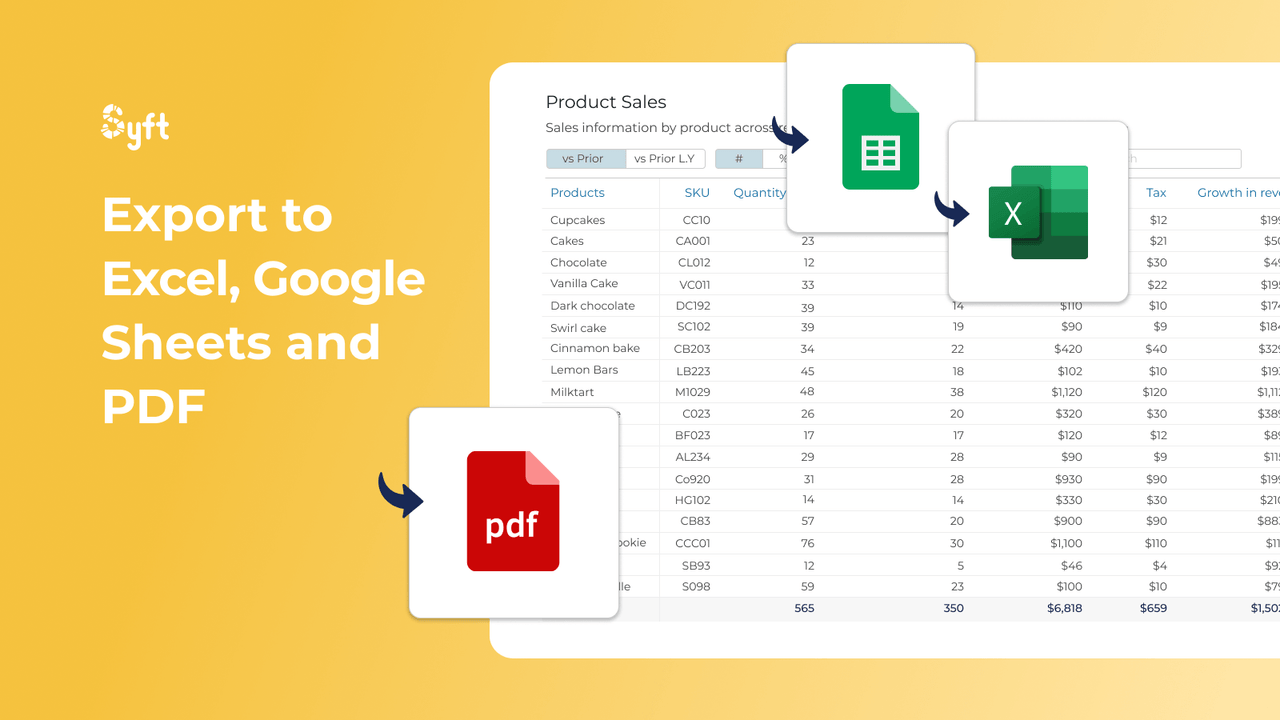
- Export to Excel, Word, Google Sheets, and PDF
- Chart anything from customers and products to industry benchmarks and health scores
Merchant-Friendly
- Independent Station Merchants
- Multi-category E-commerce
- Chain Retail Merchants
- Cross-border E-commerce Merchants
Basic Information
- Developer:Syft Analytics
- Address:3 Germay Drive, Wilmington, DE, 19804, US
- Price: Free / Free plan
- Rating:5 / 5
- Comment Count:3 comment
- Release Date:2022-12-14
- Supported languages:English
- Compatible products:Shopify
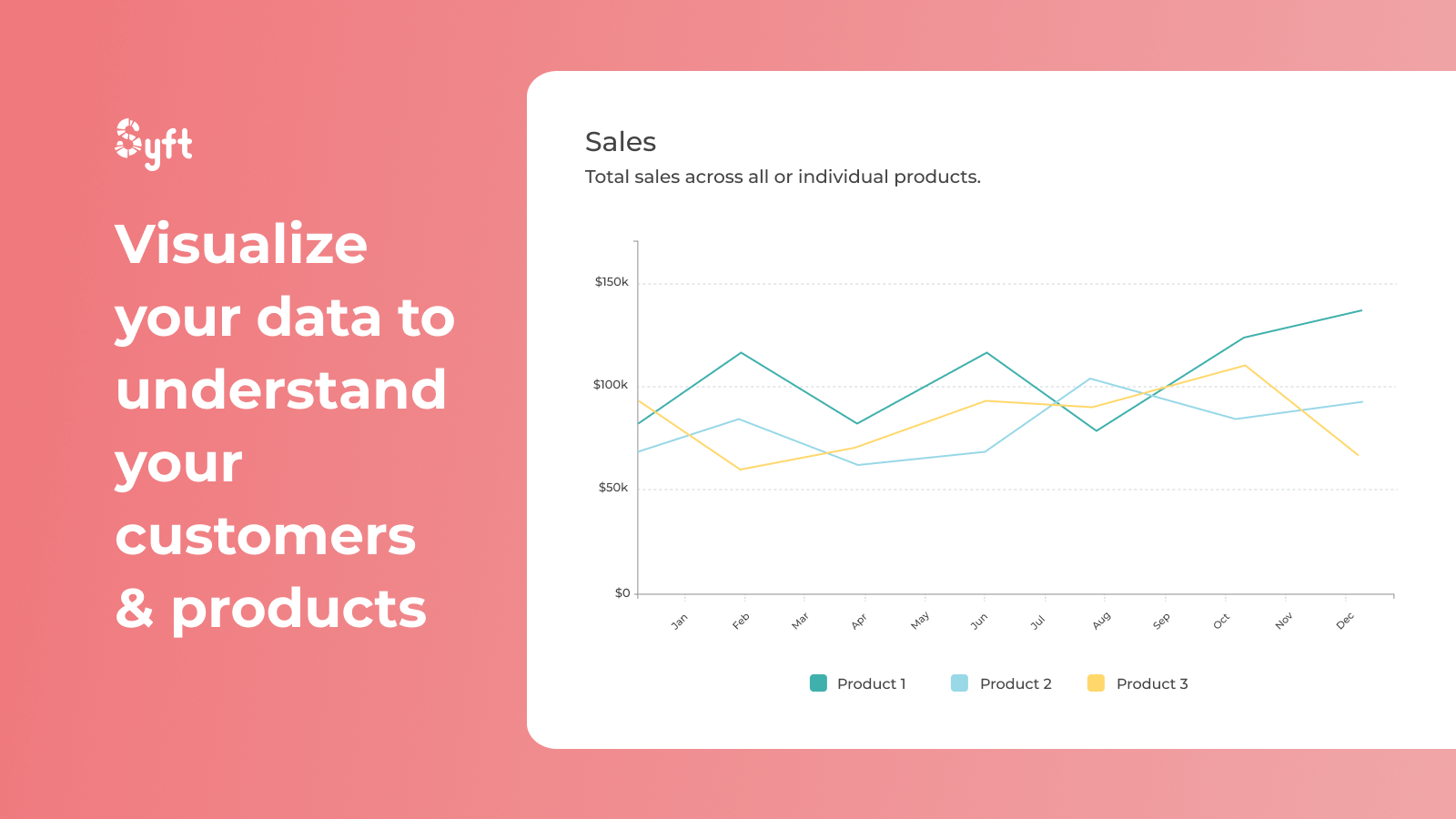
Application Screenshot
Price Plan
Free
User Location & Comments
User Location
Comments
Shopify API Used
- POST /admin/api/dashboards.json
- PUT /admin/api/dashboards/{id}.json
- GET /admin/api/dashboards.json
Permission:write_dashboards,read_dashboards,manage_reports
- POST /admin/api/reports/quickbooks/sync.json
- GET /admin/api/reports/quickbooks/combined.json
- PUT /admin/api/reports/quickbooks/settings.json
Permission:read_orders,read_finances,write_reports
- GET /admin/api/reports/locations/combined.json
- GET /admin/api/reports/locations/{id}.json
- POST /admin/api/reports/locations/filter.json
Permission:read_locations,read_inventory,manage_reports
- POST /admin/api/reports/export/excel.json
- POST /admin/api/reports/export/pdf.json
- POST /admin/api/reports/export/google_sheets.json
Permission:read_reports,export_data,manage_orders
- POST /admin/api/reports/charts.json
- GET /admin/api/reports/charts/{id}.json
- PUT /admin/api/reports/charts/settings.json
Permission:read_products,read_customers,manage_reports