
App Introduction
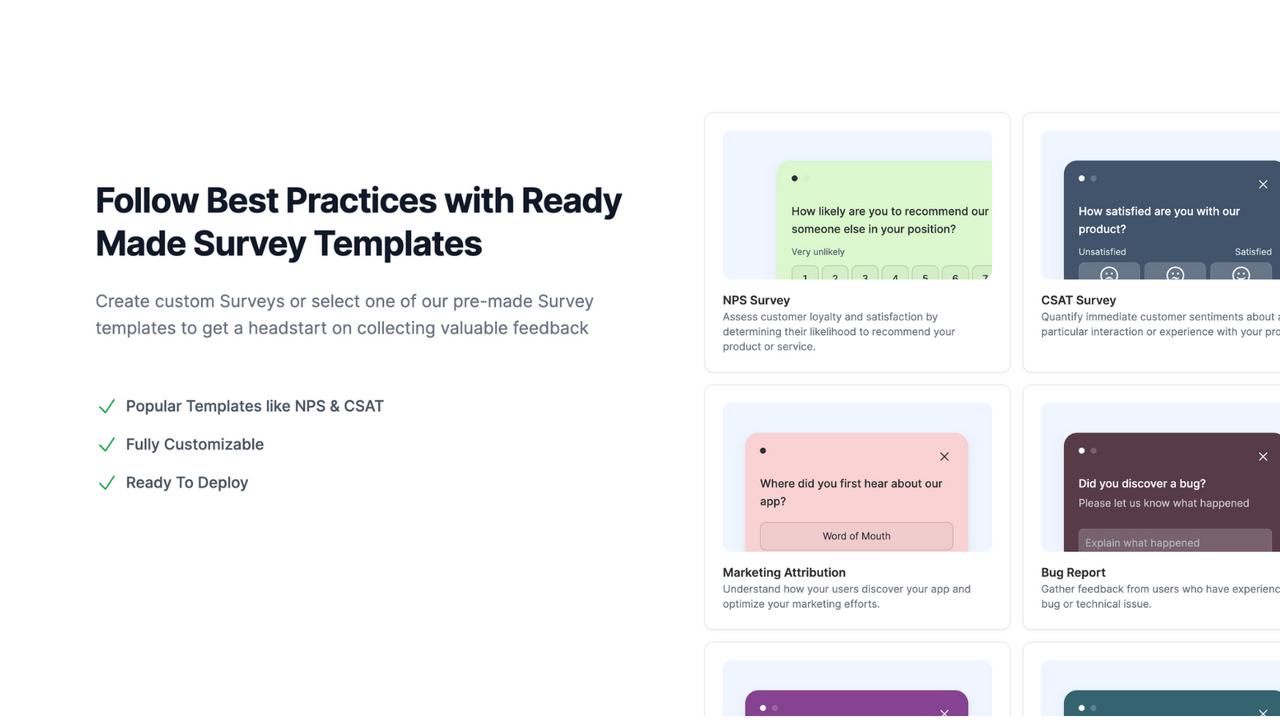
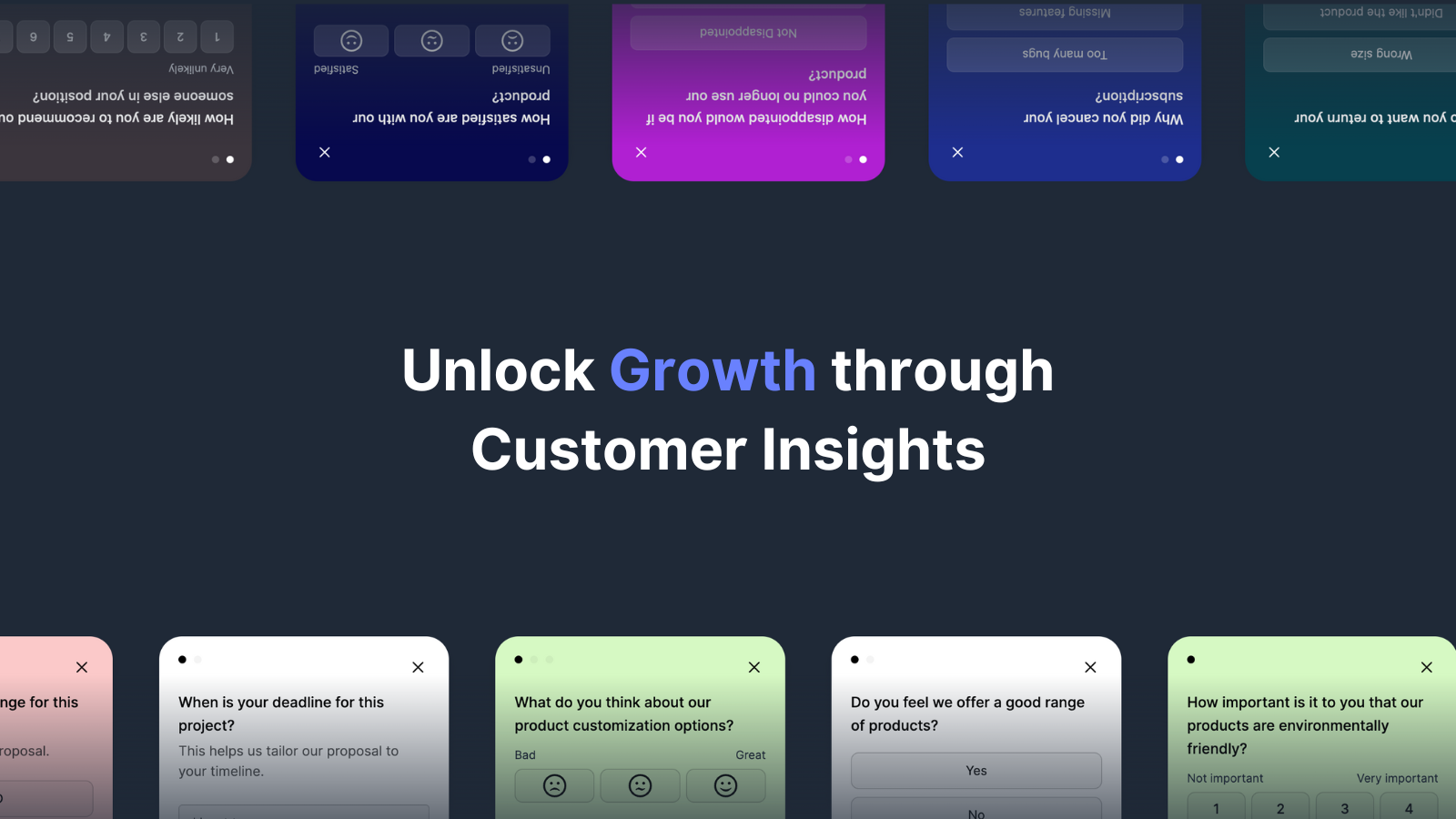
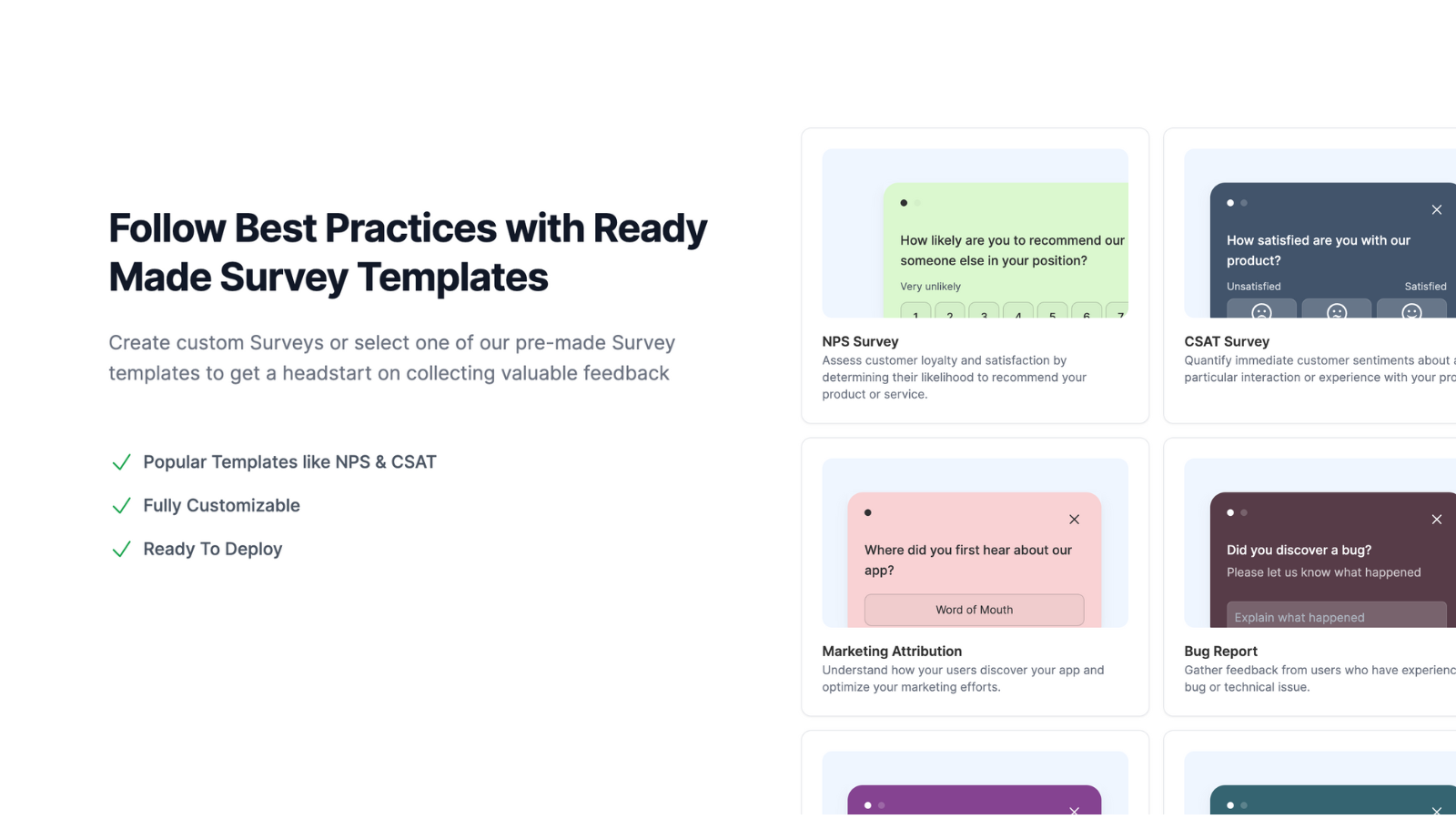
Simple yet effective micro-surveys to help you understand your customers and grow your business. Introducing Survser for Shopify: the ultimate tool for store owners to uncover customer needs. This app lets you collect valuable feedback directly from your store via pop-up surveys. Whether you’re a solo entrepreneur or managing a growing brand, Survser makes it easy to engage with customers and gain actionable insights. That means you can improve your products, enhance user experience, and boost satisfaction—no hassle required.
Core Functionality
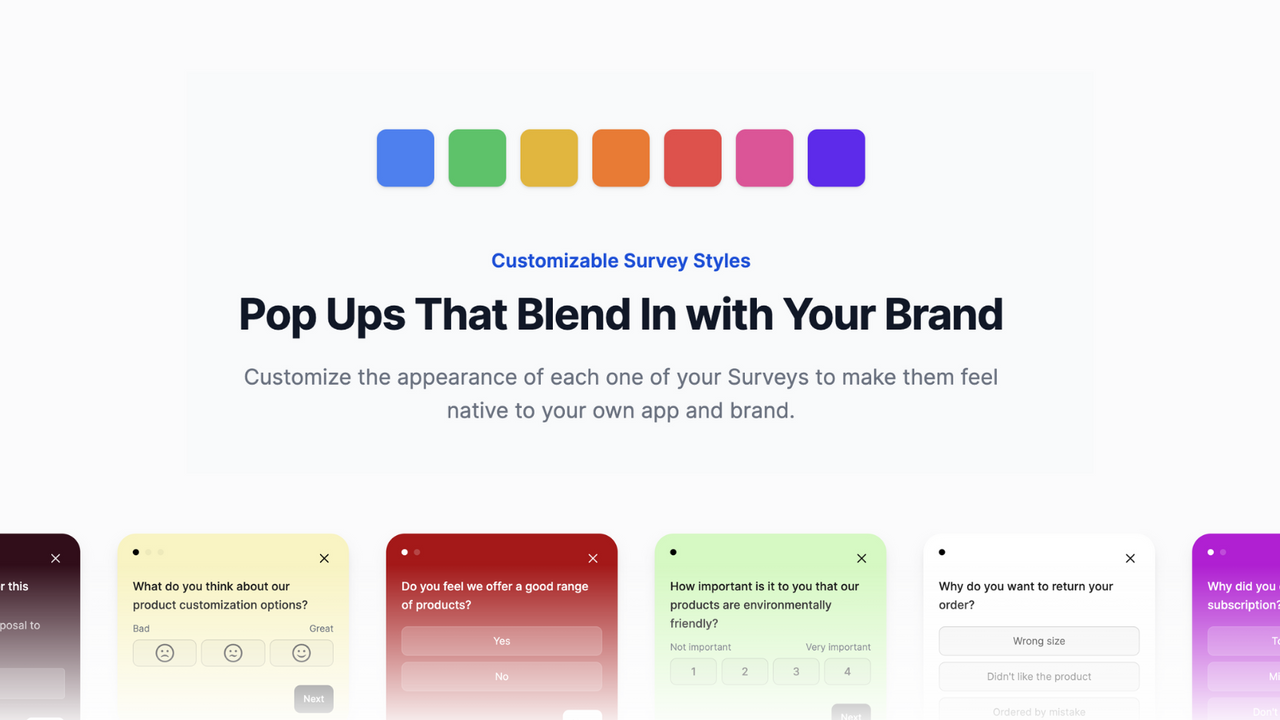
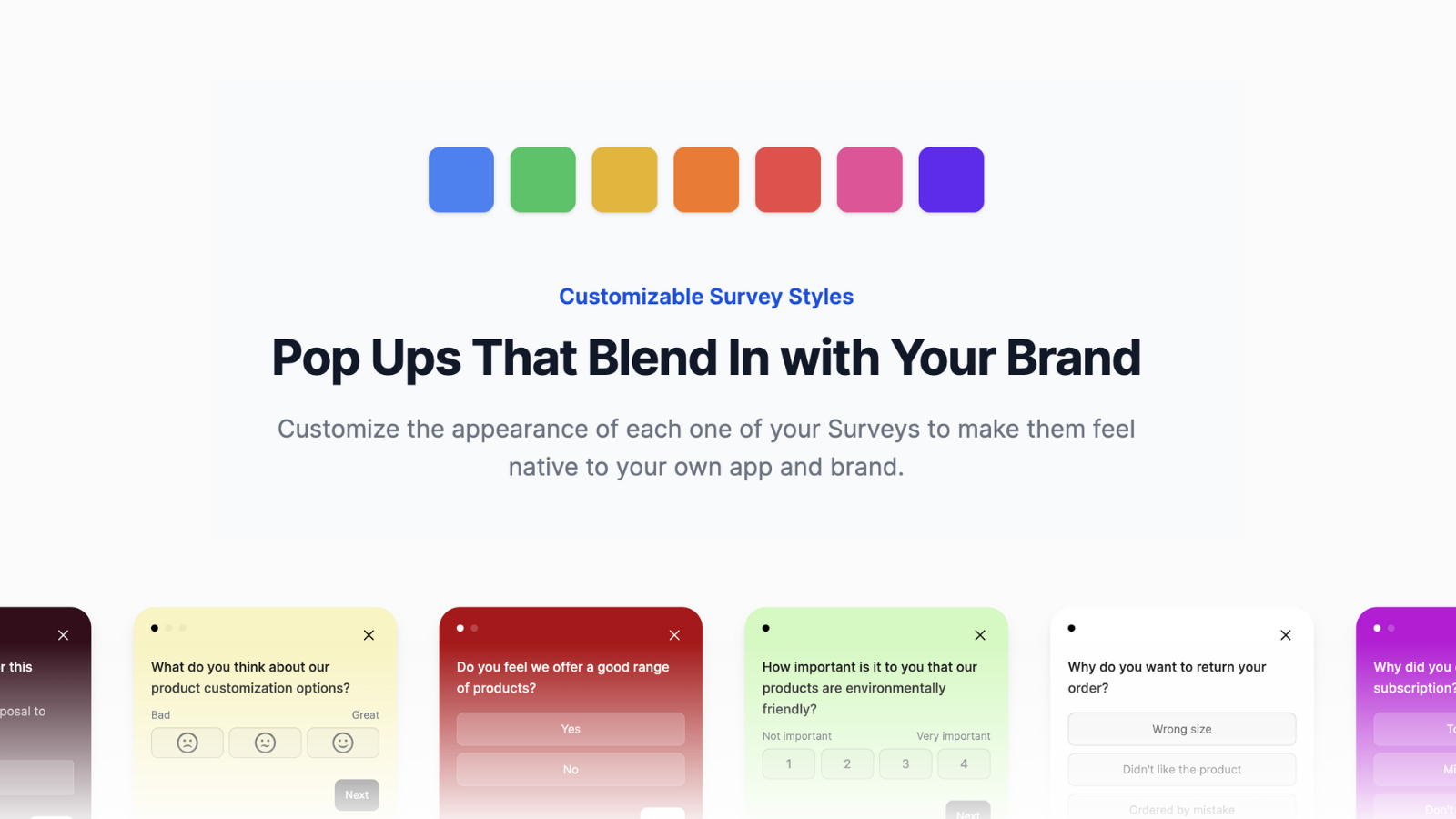
- Customize surveys to match your brand's colors
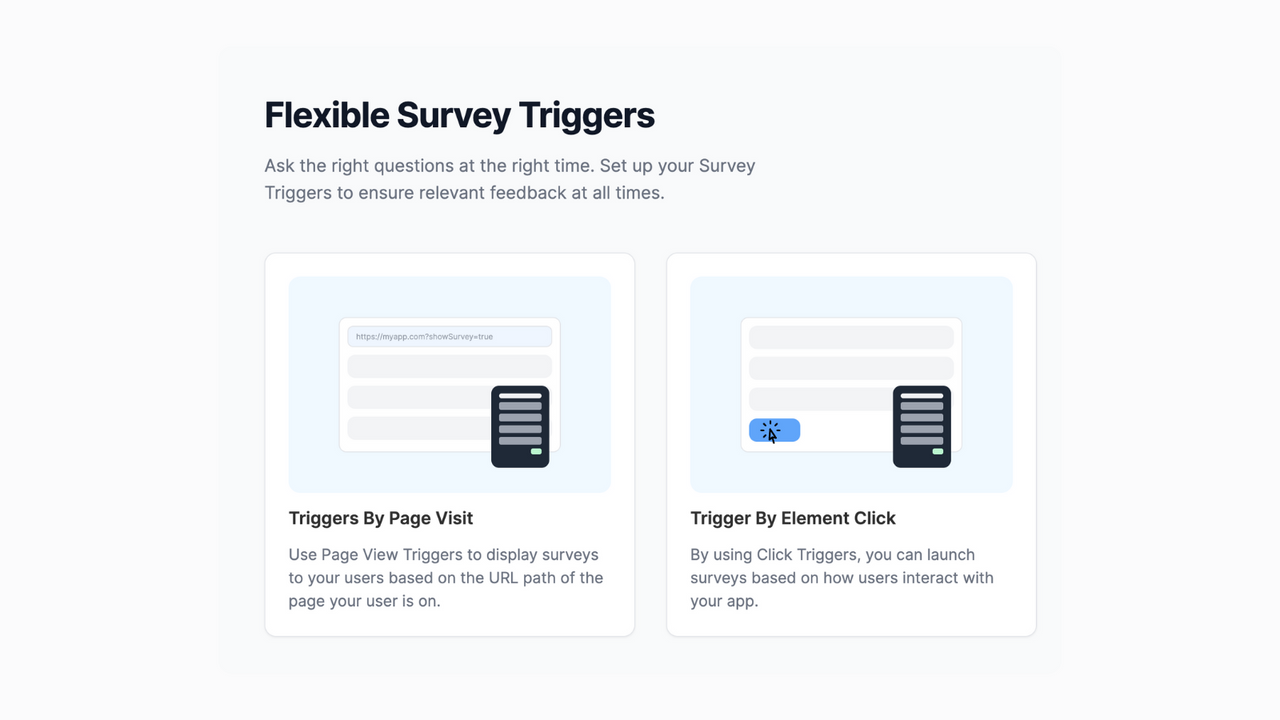
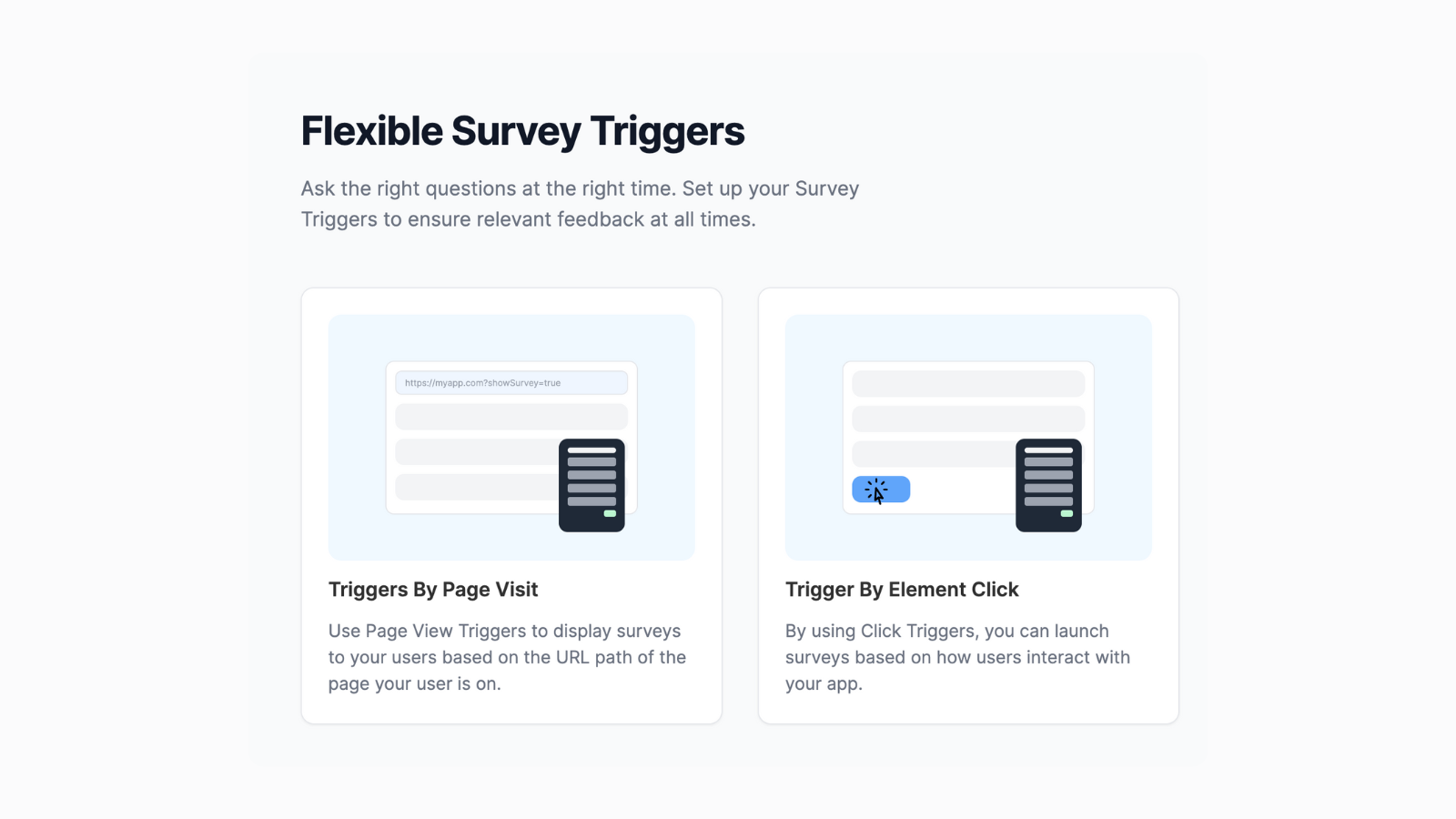
- Flexible triggers to control when and where surveys appear
- Exit surveys to understand why visitors leave your store
- Easily analyze responses in the survey dashboard
- Instant email notifications to stay updated on all feedback
Merchant-Friendly
- Branded Independent Store Merchants
- UX Optimization Merchants
- High-Value E-commerce Merchants
- New Visitor Conversion Merchants
Basic Information
- Developer:Survser
- Address:Barcelona, B, ES
- Price: Free / Free plan
- Rating:5 / 5
- Comment Count:1 comment
- Release Date:2024-4-17
- Supported languages:English
- Compatible products:Shopify
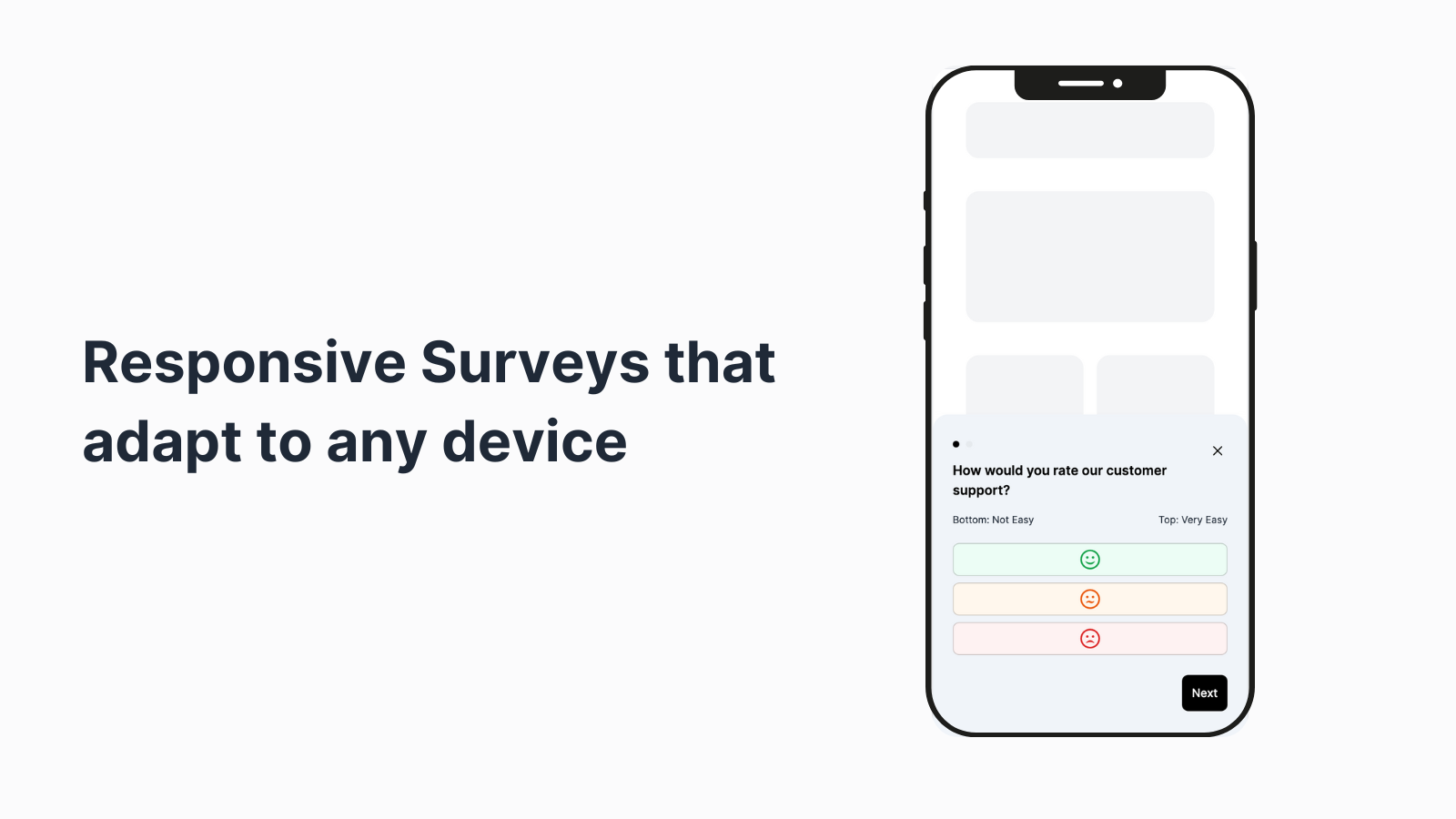
Application Screenshot
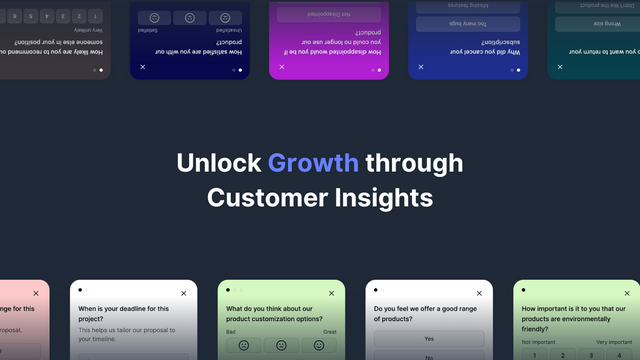
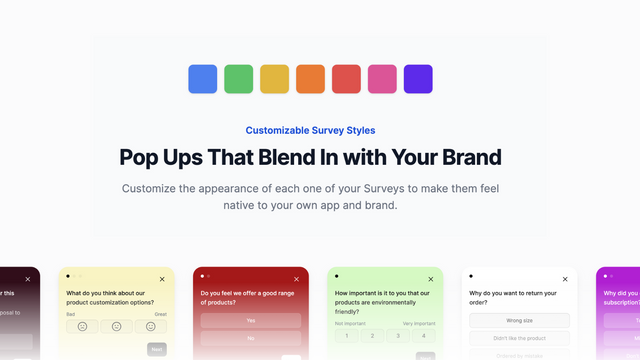
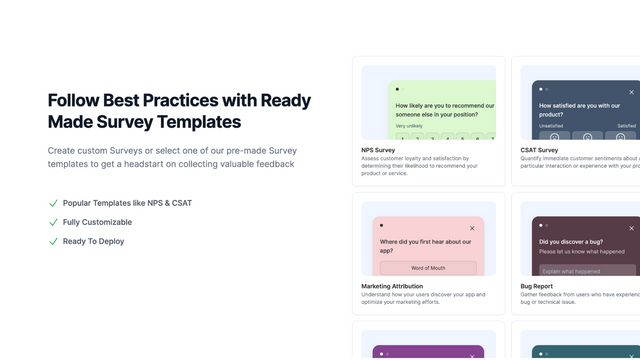
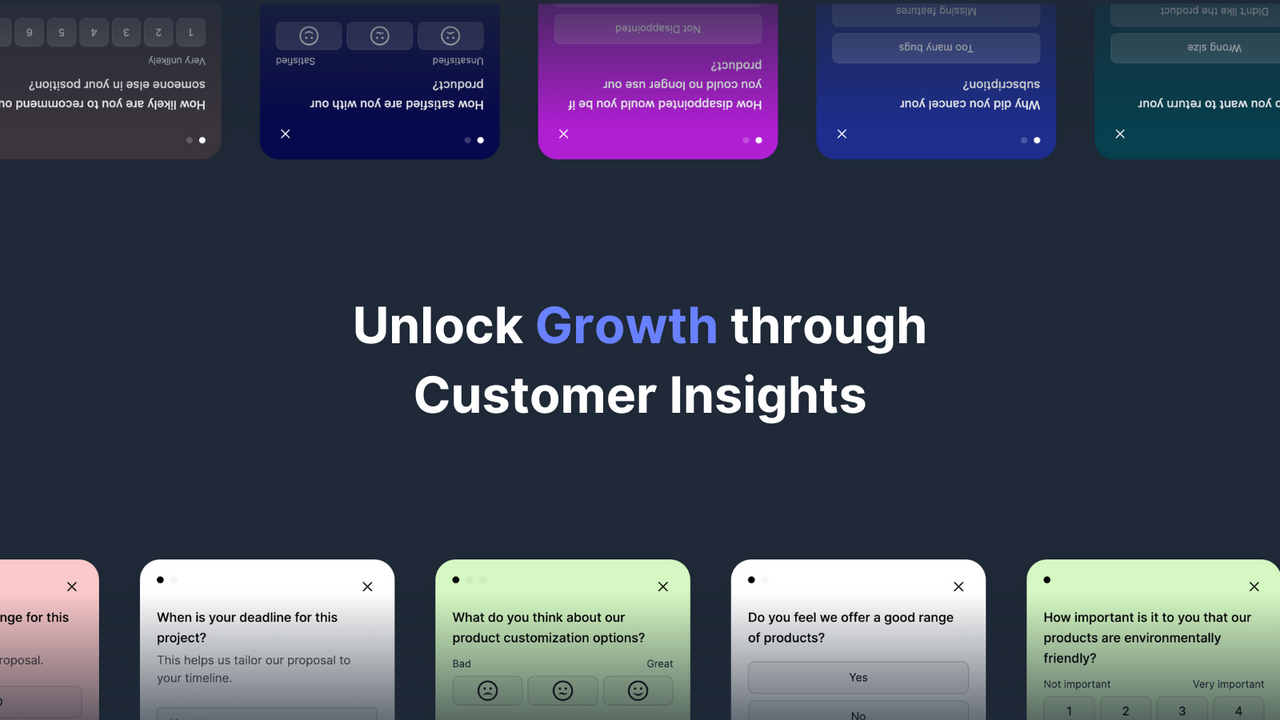


Price Plan
Lite Plan
- 3 User Seats
- Unlimited Surveys
- 200 Survey Responses per Month
- Track 100 Users
Standard Plan
- 8 User Seats
- Unlimited Surveys
- 1,00 Monthly Survey Responses
- Unlimited User Tracking
- Brand Removal
- Exit Intent Surveys
- Priority Support
Pro Plan
- All features in Standard Plan
- Unlimited survey responses
- 12 user seats
- White-label surveys
User Location & Comments
User Location
Comments
Shopify API Used
- POST /admin/api/surveys.json
- PUT /admin/api/surveys/{survey_id}/settings.json
- GET /admin/api/surveys/{survey_id}/settings.json
Permission:write_surveys,read_surveys,manage_themes
- POST /admin/api/survey_triggers.json
- PUT /admin/api/survey_triggers/{trigger_id}.json
- GET /admin/api/survey_triggers.json
Permission:write_surveys,read_surveys,manage_storefront
- POST /admin/api/exit_surveys.json
- GET /admin/api/exit_surveys/{survey_id}/responses.json
- PUT /admin/api/exit_surveys/{survey_id}/settings.json
Permission:write_surveys,read_surveys,view_analytics
- GET /admin/api/surveys/{survey_id}/analytics.json
- GET /admin/api/surveys/analytics/summary.json
- GET /admin/api/surveys/{survey_id}/responses.csv
Permission:read_surveys,view_analytics,manage_reports
- POST /admin/api/survey_notifications.json
- PUT /admin/api/survey_notifications/{notify_id}.json
- GET /admin/api/survey_notifications.json
Permission:write_surveys,read_surveys,manage_notifications