CBmap Store Locator & Stockist
App Introduction
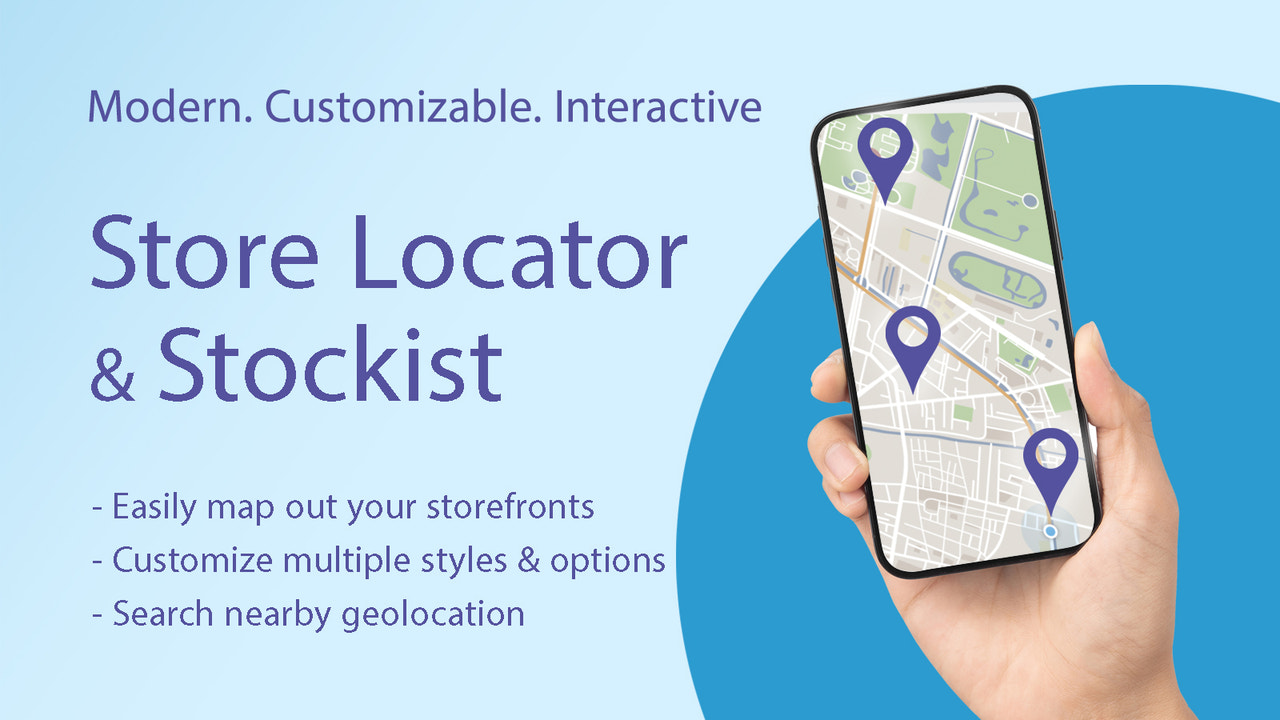
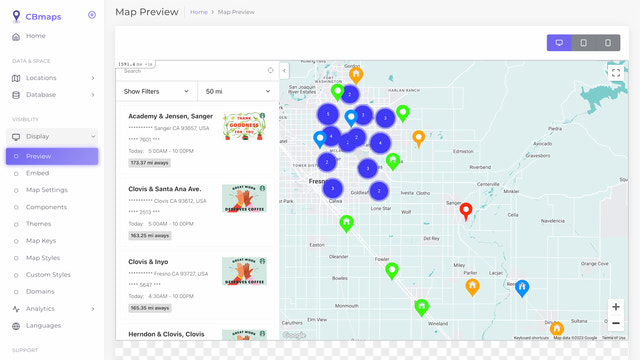
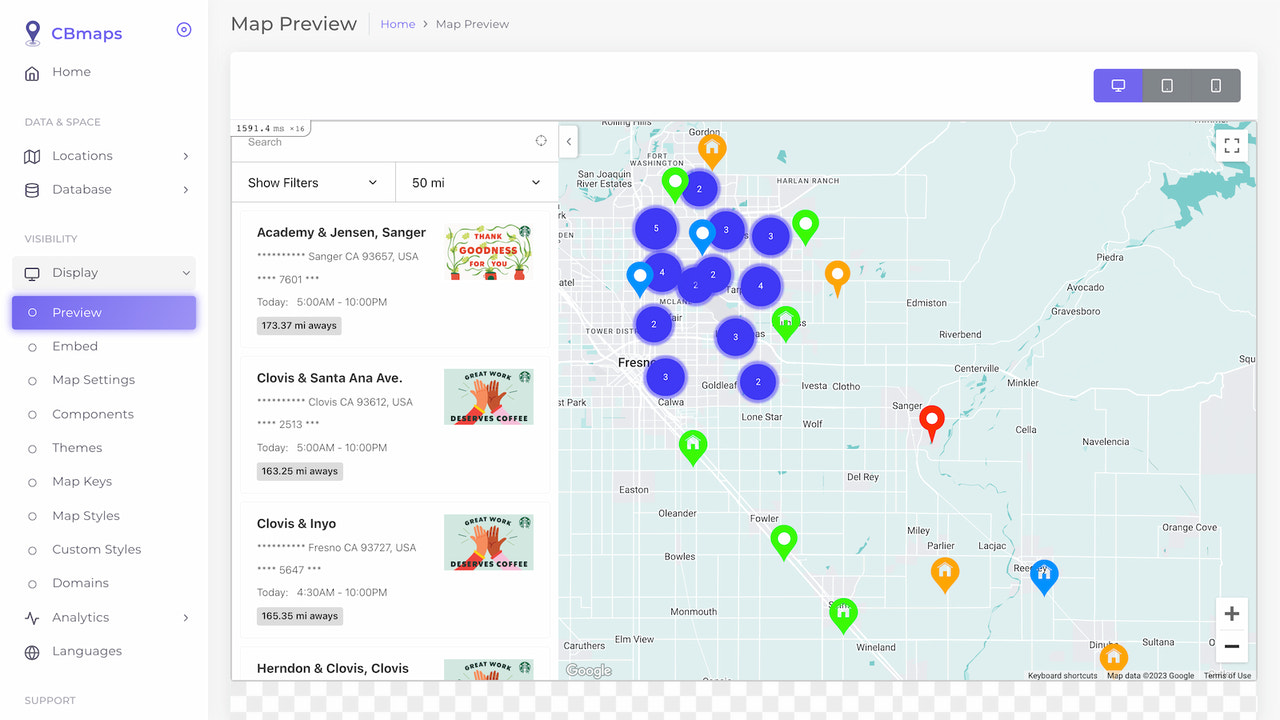
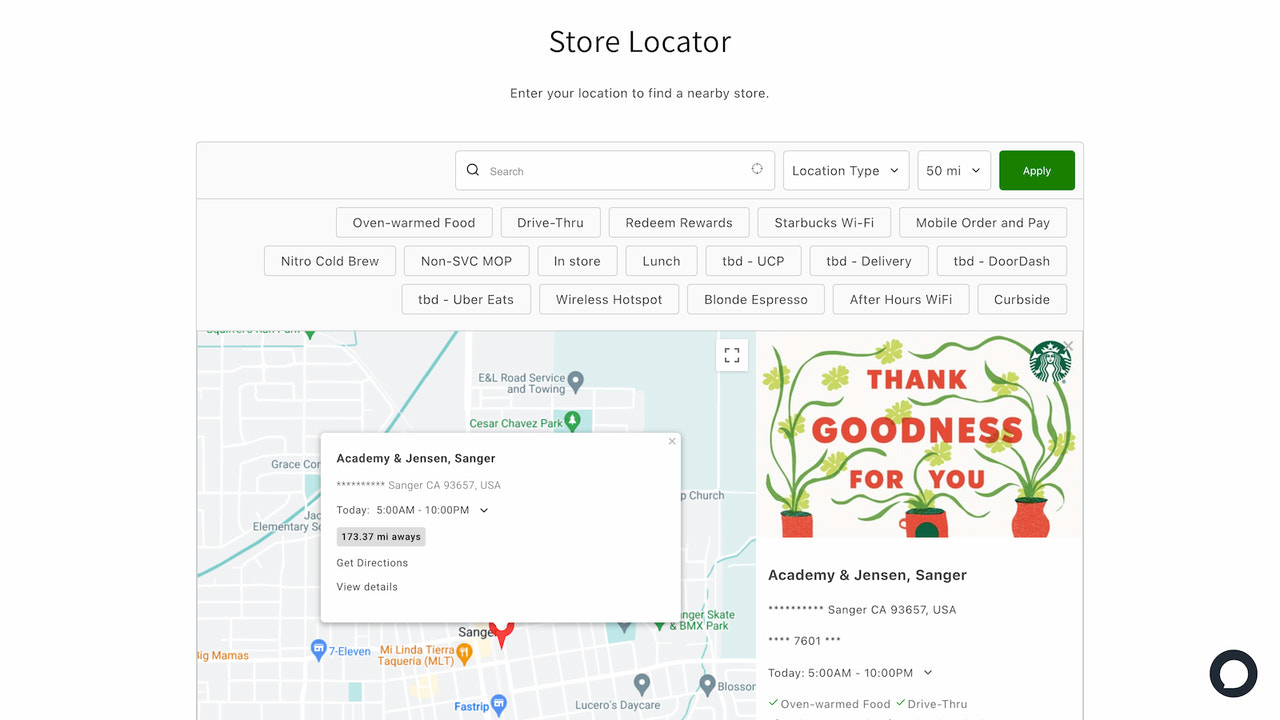
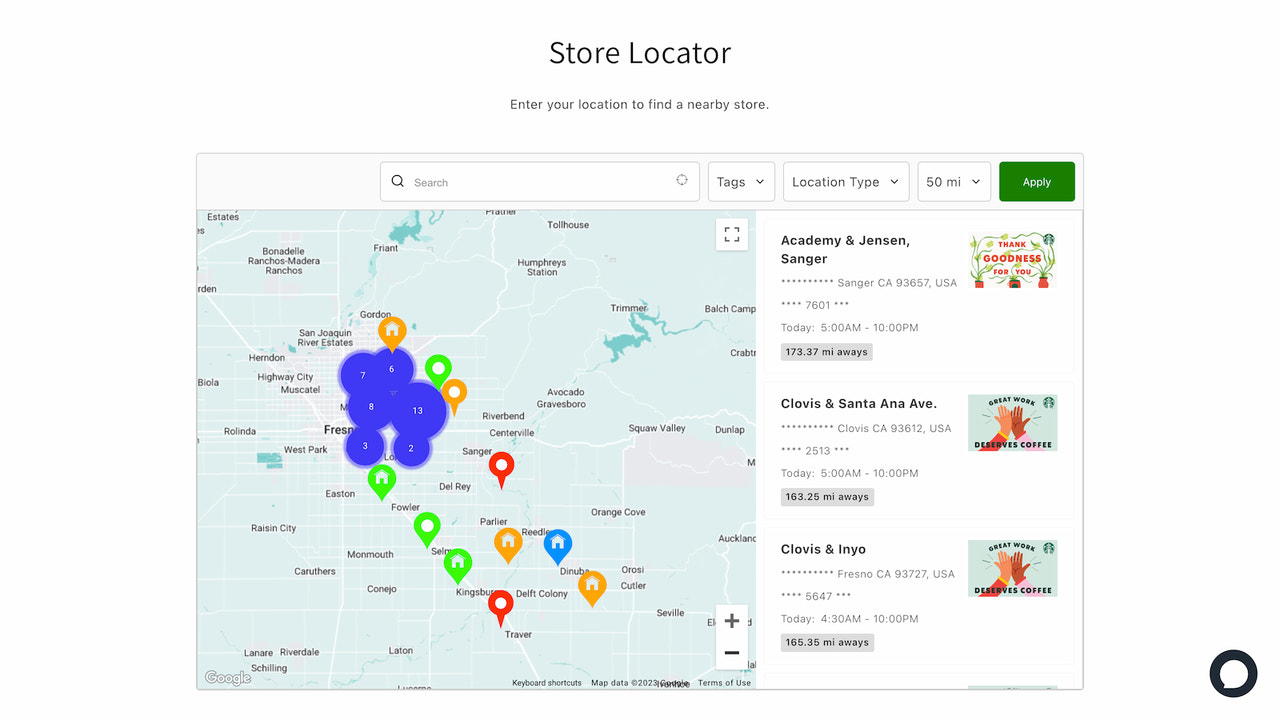
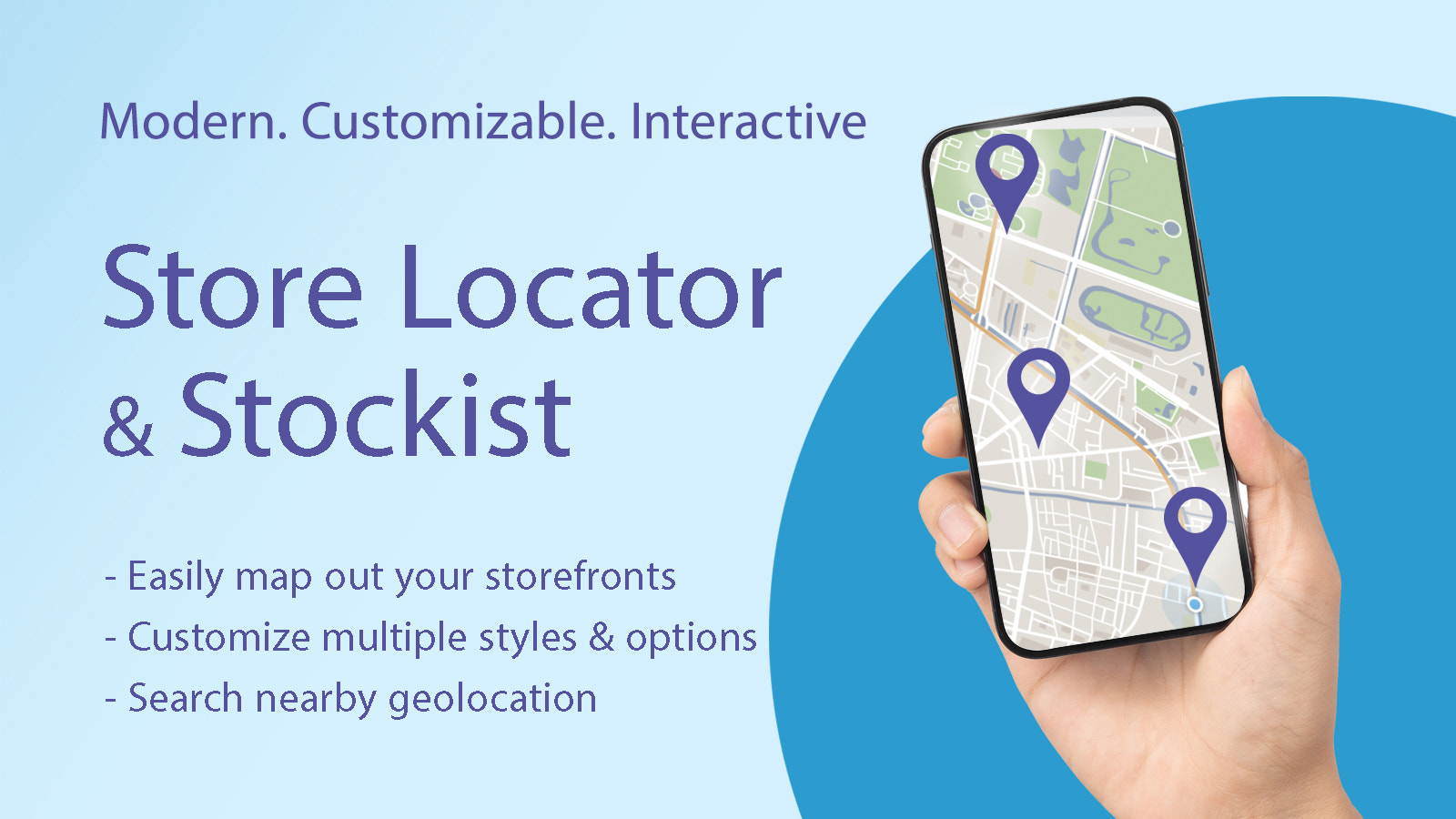
CBmap Store Locator & Stockist is an easy-to-install app that optimizes nearby store locations via Google Maps, Mapbox, and OpenStreetMap. It helps you manage multiple store locations on a single page of your Shopify store. Our app offers a simple way to add store addresses, which are conveniently displayed and organized based on your personal preferences. You can import your store locations in just a few clicks via CSV or Google Sheets, and showcase them stylishly with thumbnails, contact information, navigation directions, and other relevant details. The app also supports SEO on Google and Mapbox.
Core Functionality
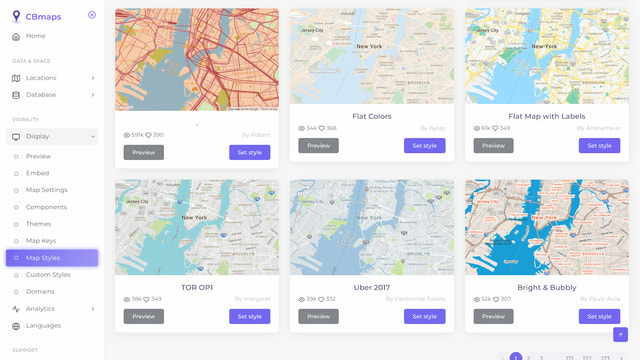
- Draw your store locations on Google Maps or Mapbox using beautiful templates
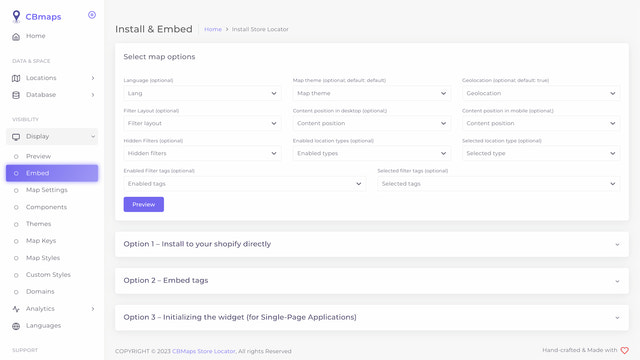
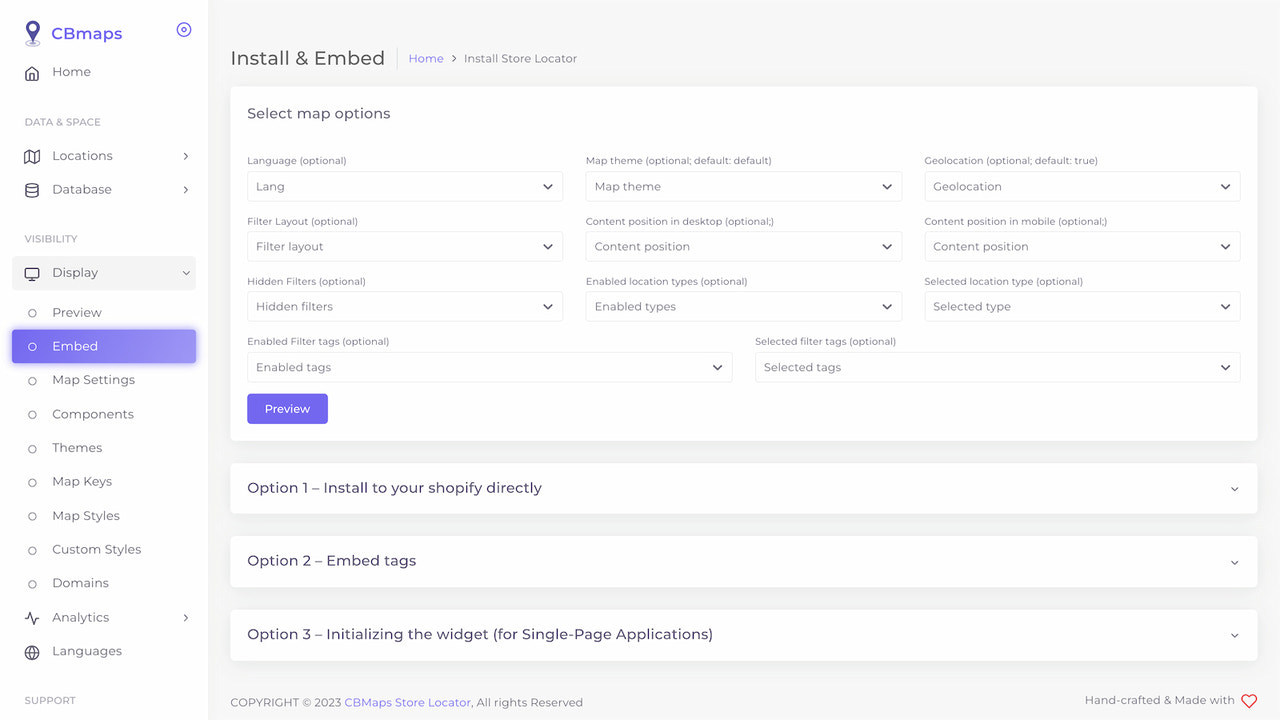
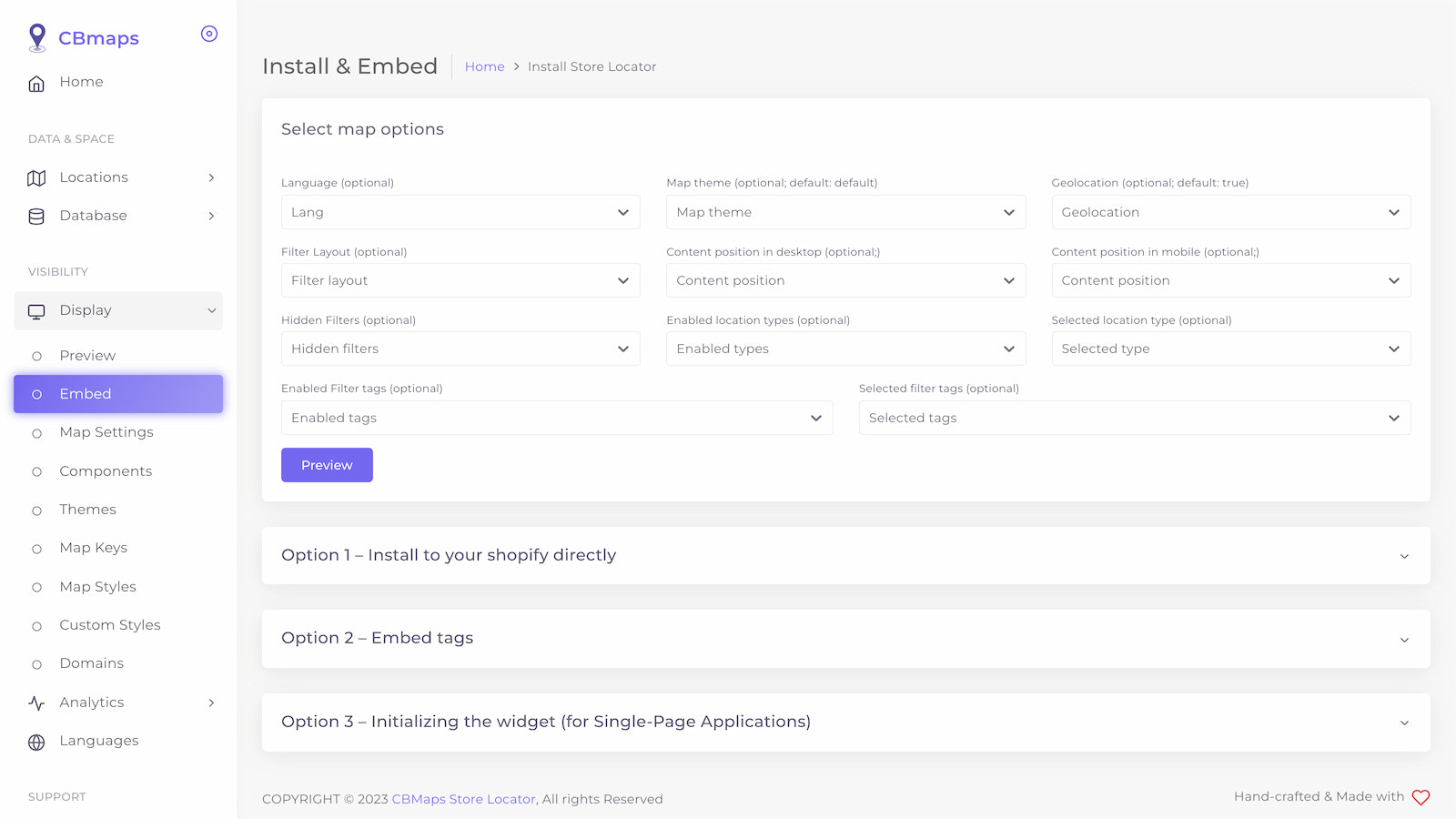
- Customize map options and additional fields quickly and easily with our CSV template
- We use the Google Maps interface, which has proven to deliver more accurate results
- Attract more customers by displaying the store nearest to them
- Seamless workflow: Use it directly in your store management
Merchant-Friendly
- Offline Store Merchants
- Chain Retail Merchants
- Local Service Merchants
- Multi-Store E-commerce
Basic Information
- Developer:Clever Booster
- Address:District 12, Ho Chi Minh, 76000, VN
- Price: Free / Free plan
- Rating:1.5 / 5
- Comment Count:2 comment
- Release Date:2023-4-11
- Supported languages:English
- Compatible products:Shopify
Application Screenshot






Price Plan
Free
- Up to 3 locations
- No extra cost (OSM API)
- Remove brand logo
Basic Plan
- Up to 50 Locations
- Bulk Import Store Details
- Cross-Page Embedding
- Custom Store Tags
- Custom Design
- Custom Language
- No Extra Fees (OSM API)
Standard
- Up to 500 store locations
- Includes BASIC features
- Cross-page/domain embedding
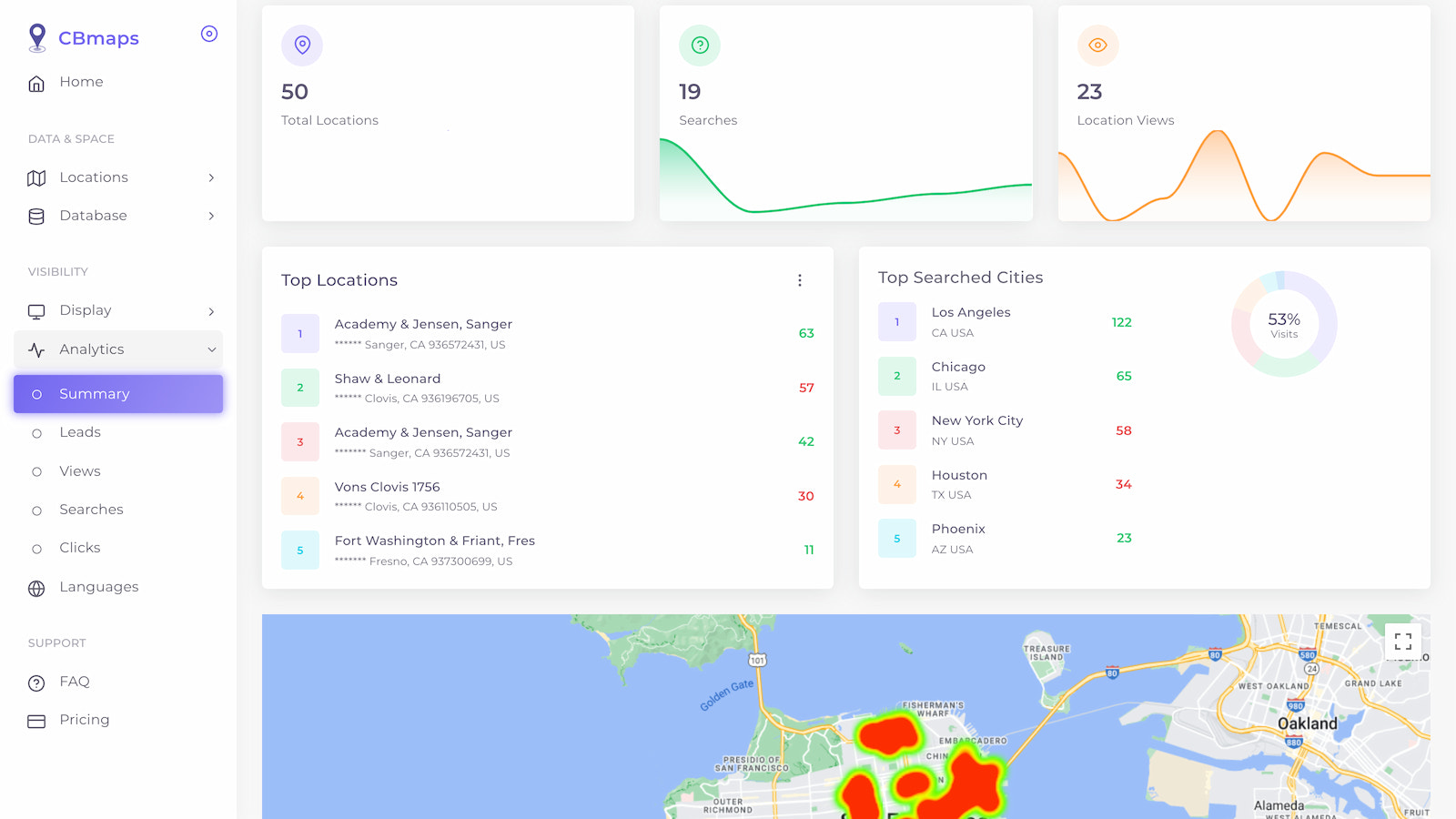
- Analytics tools
- Sync locations on Google Sheets
Enterprise
- Up to 10,00 store locations
- Includes STANDARD features
User Location & Comments
User Location
Comments
Shopify API Used
- POST /admin/api/store_map.json
- PUT /admin/api/store_map/{id}.json
- GET /admin/api/store_map.json
Permission:write_store_map,read_store_map,manage_locations
- POST /admin/api/store_map/import.csv
- PUT /admin/api/store_map/options.json
- GET /admin/api/store_map/export.csv
Permission:write_store_map,read_store_map,manage_files
- GET /admin/api/store_map/nearest.json
- PUT /admin/api/store_map/nearest/settings.json
- GET /admin/api/store_map/nearest/stats.json
Permission:read_store_map,read_locations,view_analytics
- GET /admin/api/store_map/settings.json
- PUT /admin/api/store_map/settings/interface.json
- POST /admin/api/store_map/sync.json
Permission:write_store_map,read_store_map,manage_shop