
App Introduction
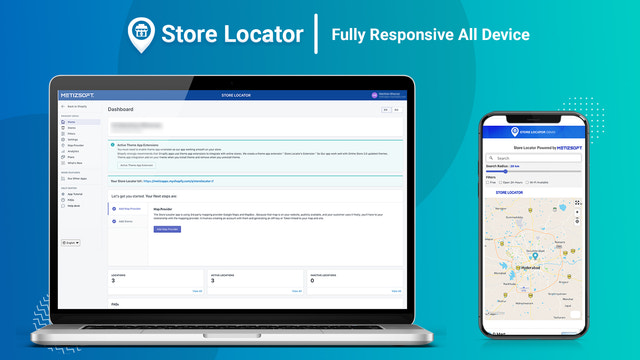
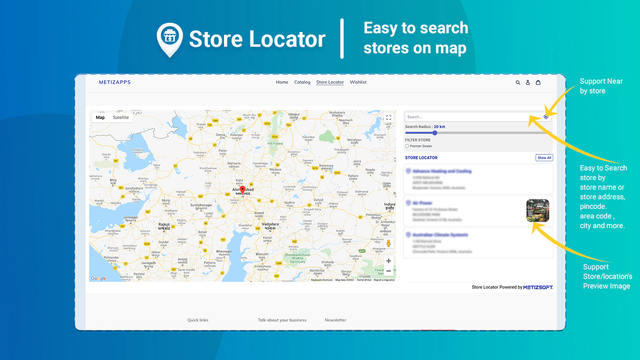
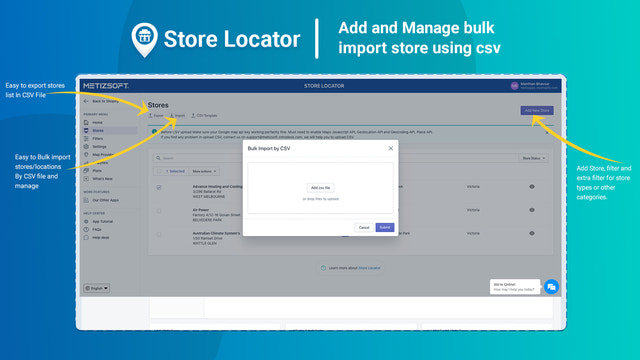
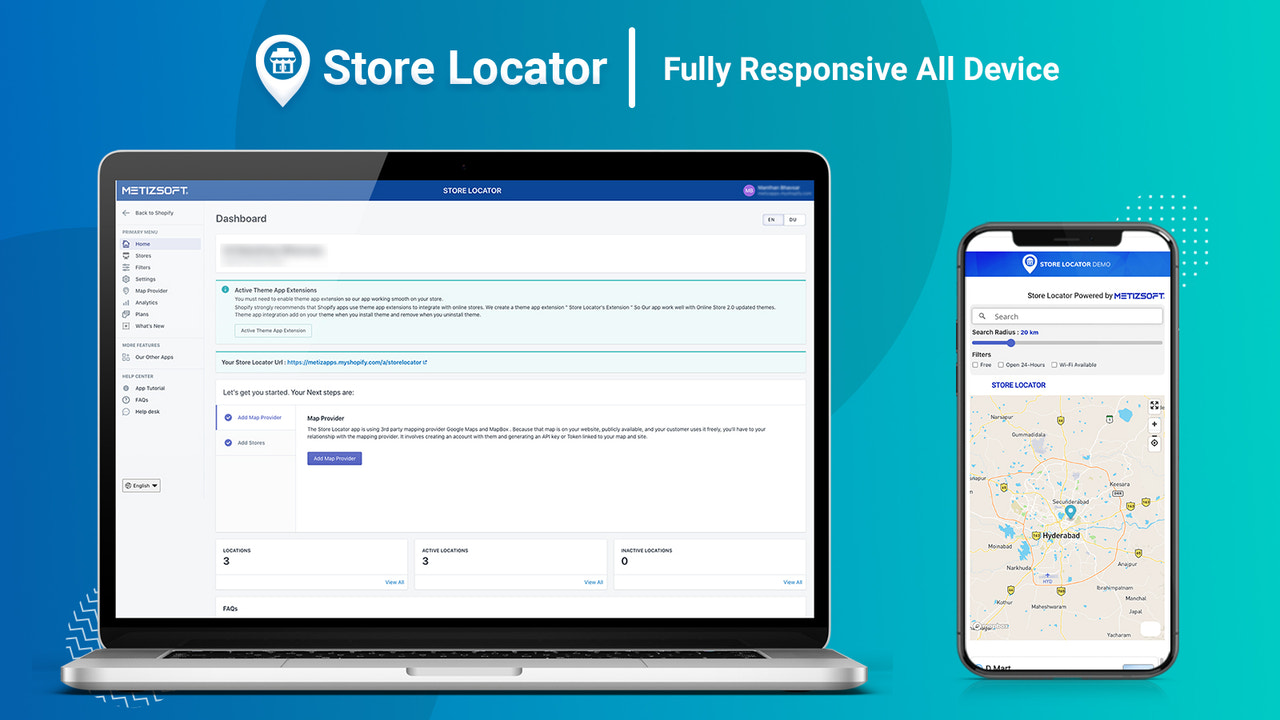
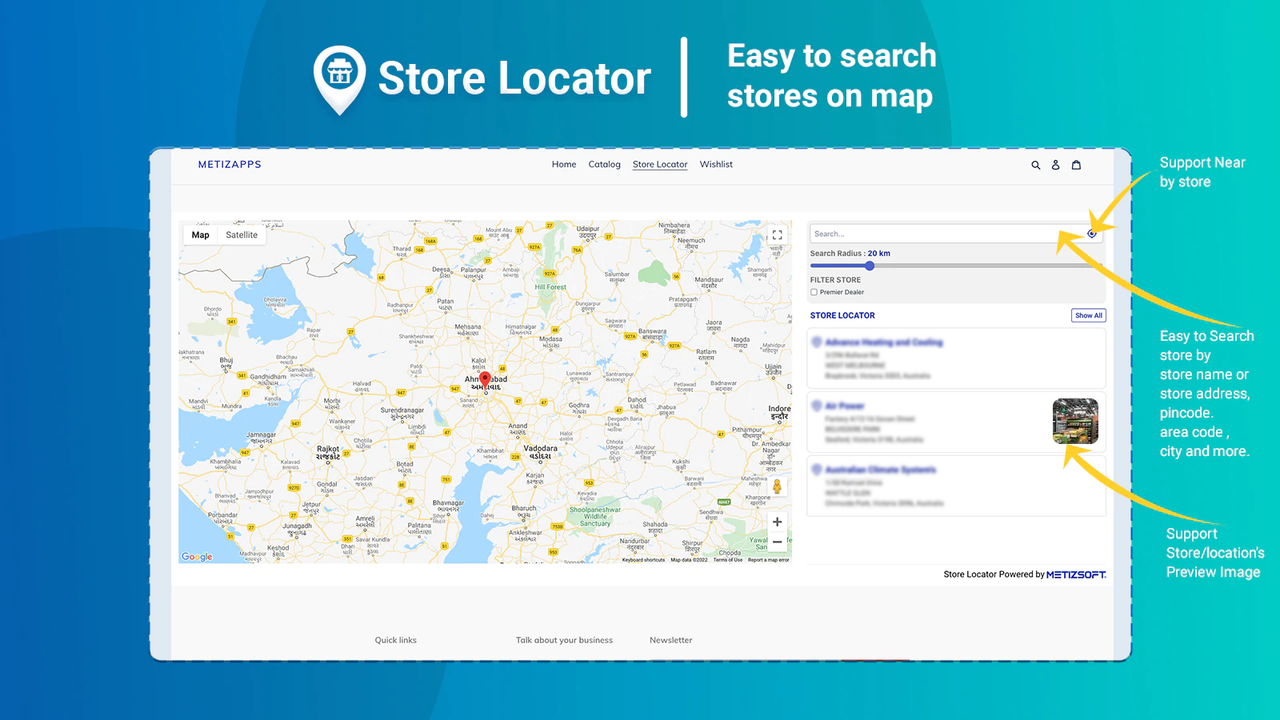
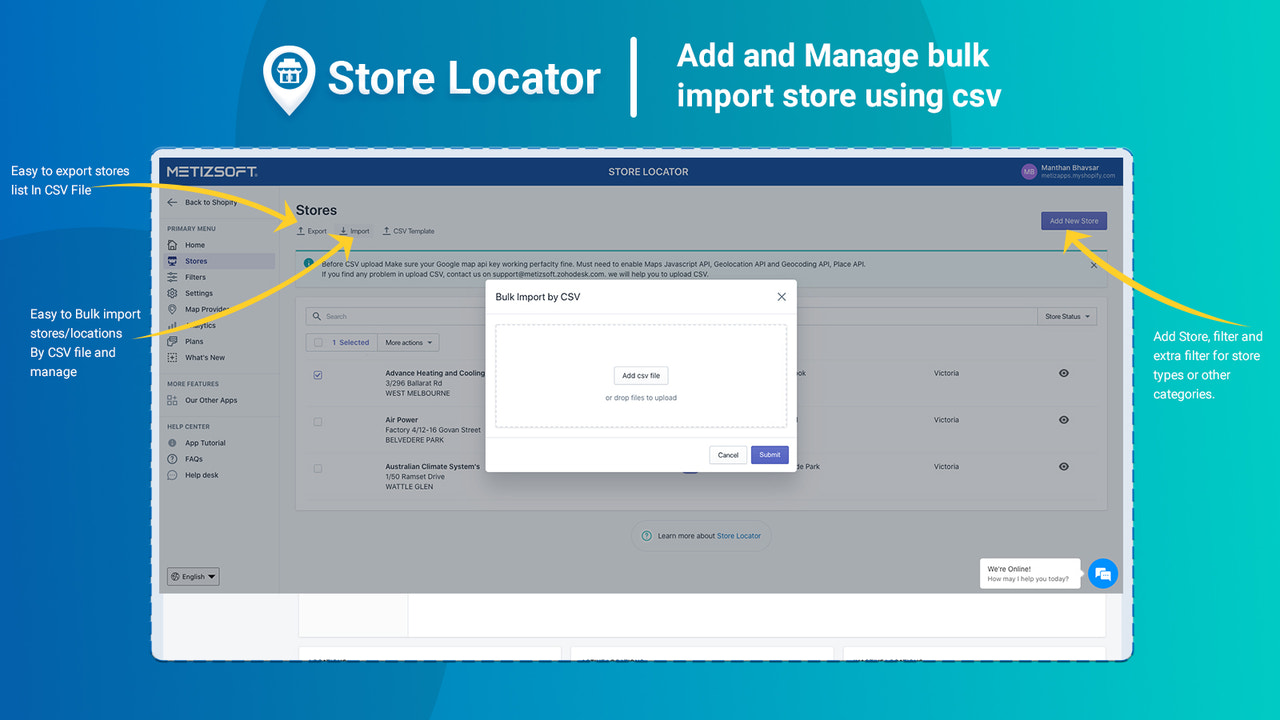
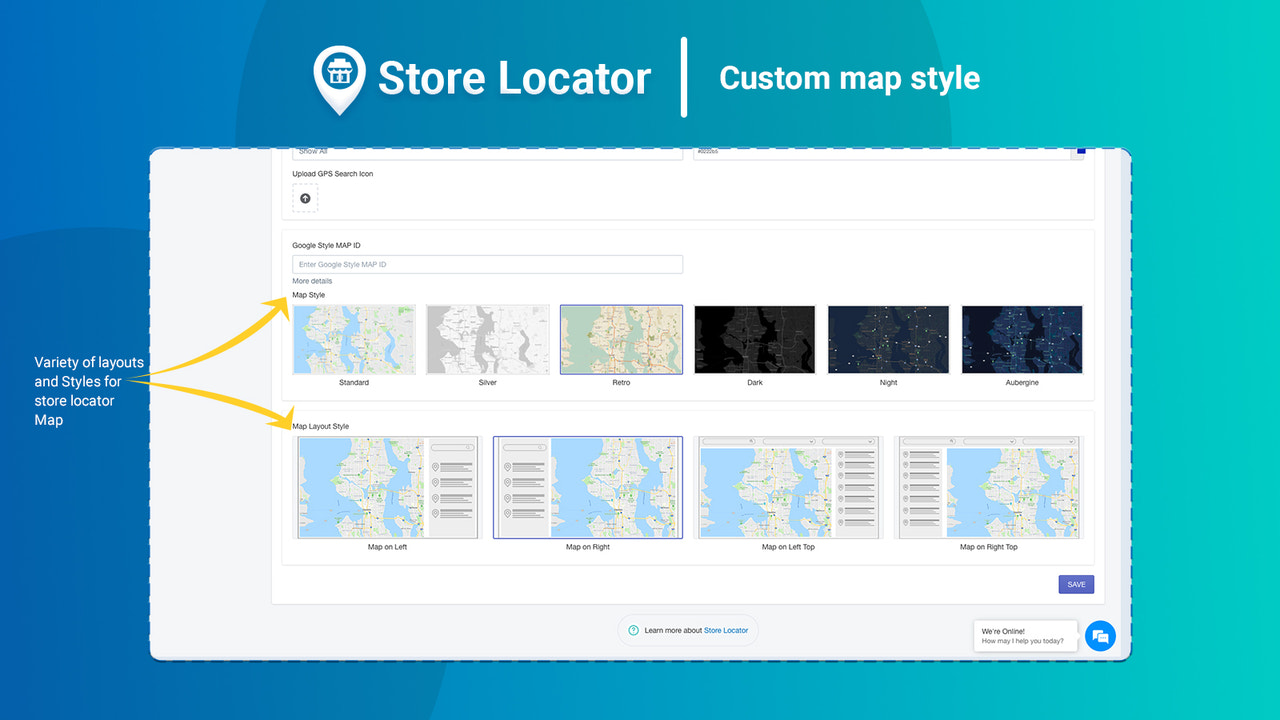
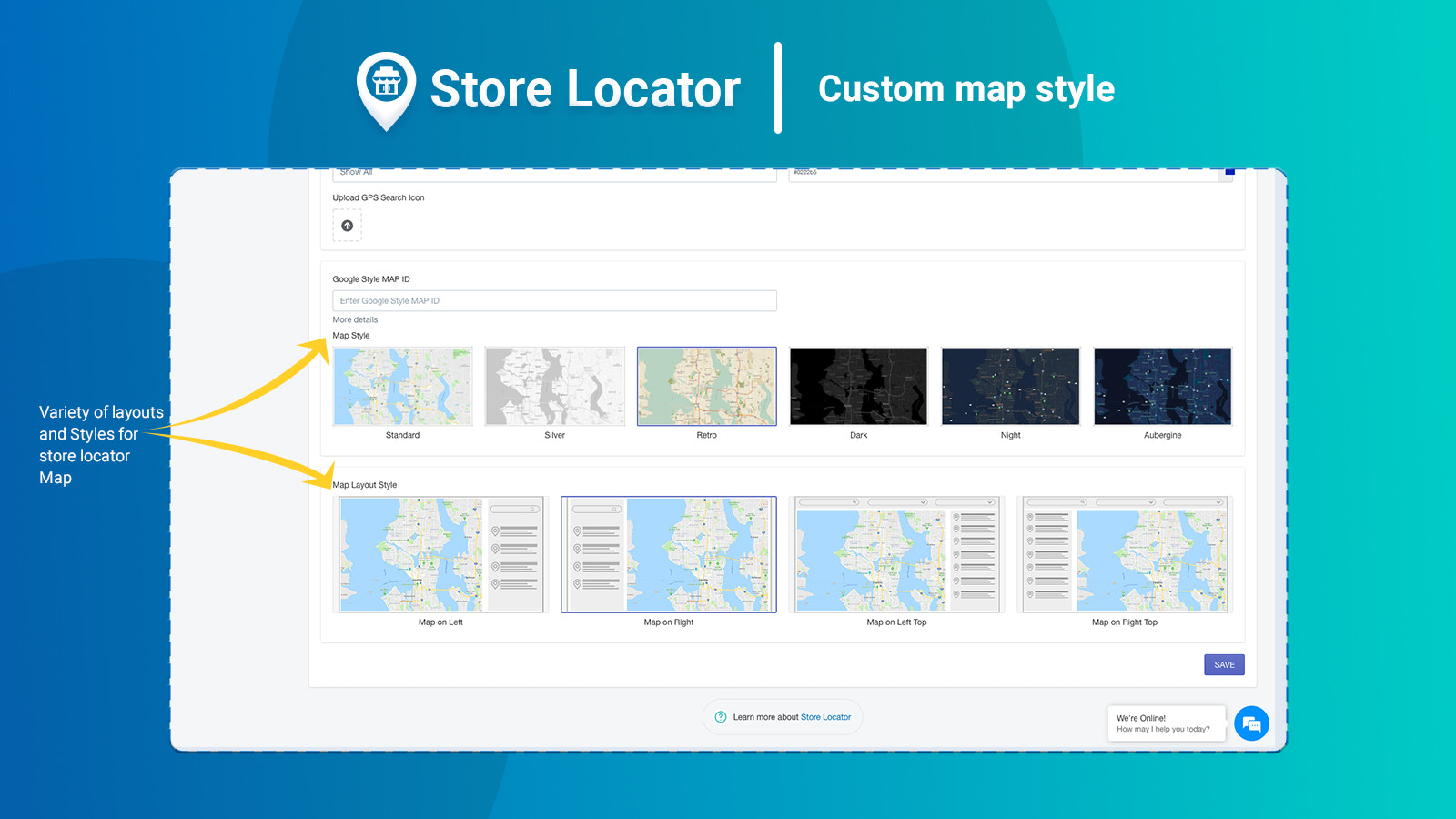
Build a simple, powerful, and responsive store locator map to help customers find you quickly. MSPL Store Locator enables merchants to display multiple store locations on their websites, making it easy for customers to find the nearest outlet. Customers can search using filters like opening hours, facilities, and product ranges, or use the "Find My Location" feature to avoid confusion. Merchants can embed the map on any page, bulk-import store details via CSV, and customize the map to match their brand—ensuring seamless management of multiple locations.
Core Functionality
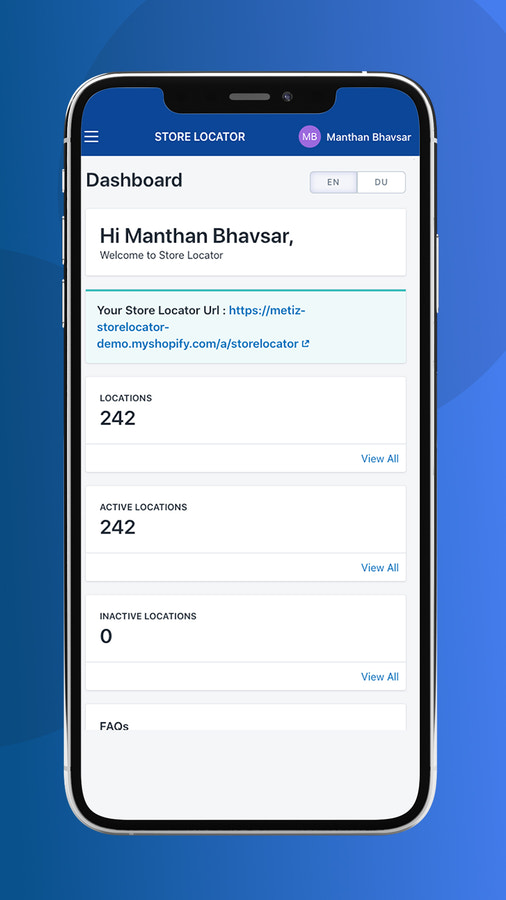
- Bulk upload unlimited stores and maps - Add multiple stores and their maps now.
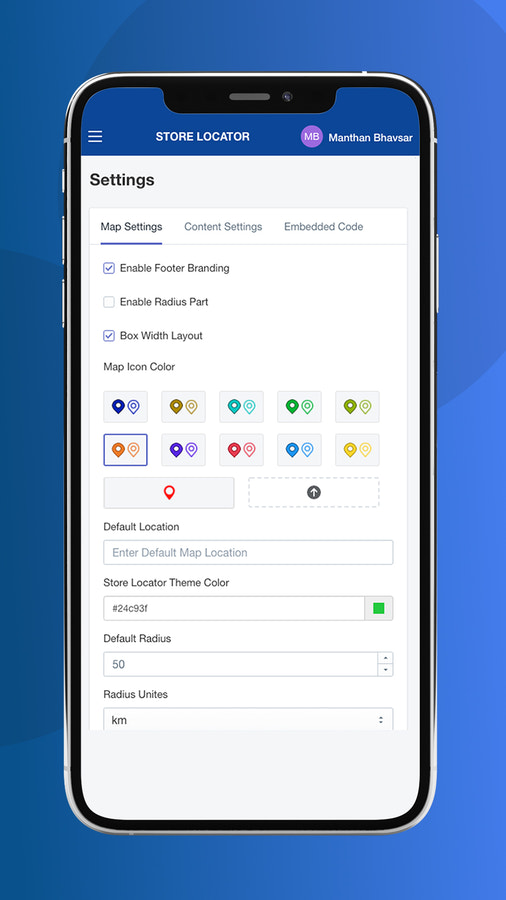
- Customizable maps - Add, edit, and delete details quickly and efficiently.
- Robust network support and high-quality backup ensure easy store management.
- Optimized search filters with different time ranges, facilities, and product scopes.
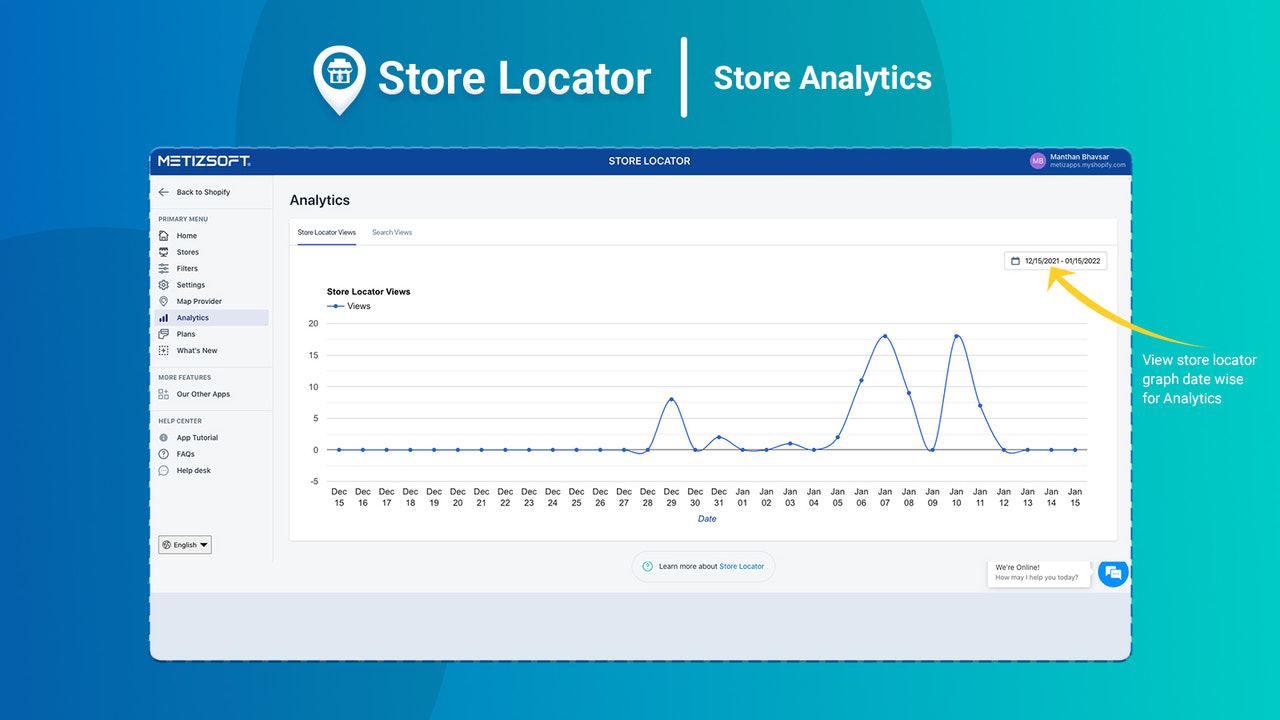
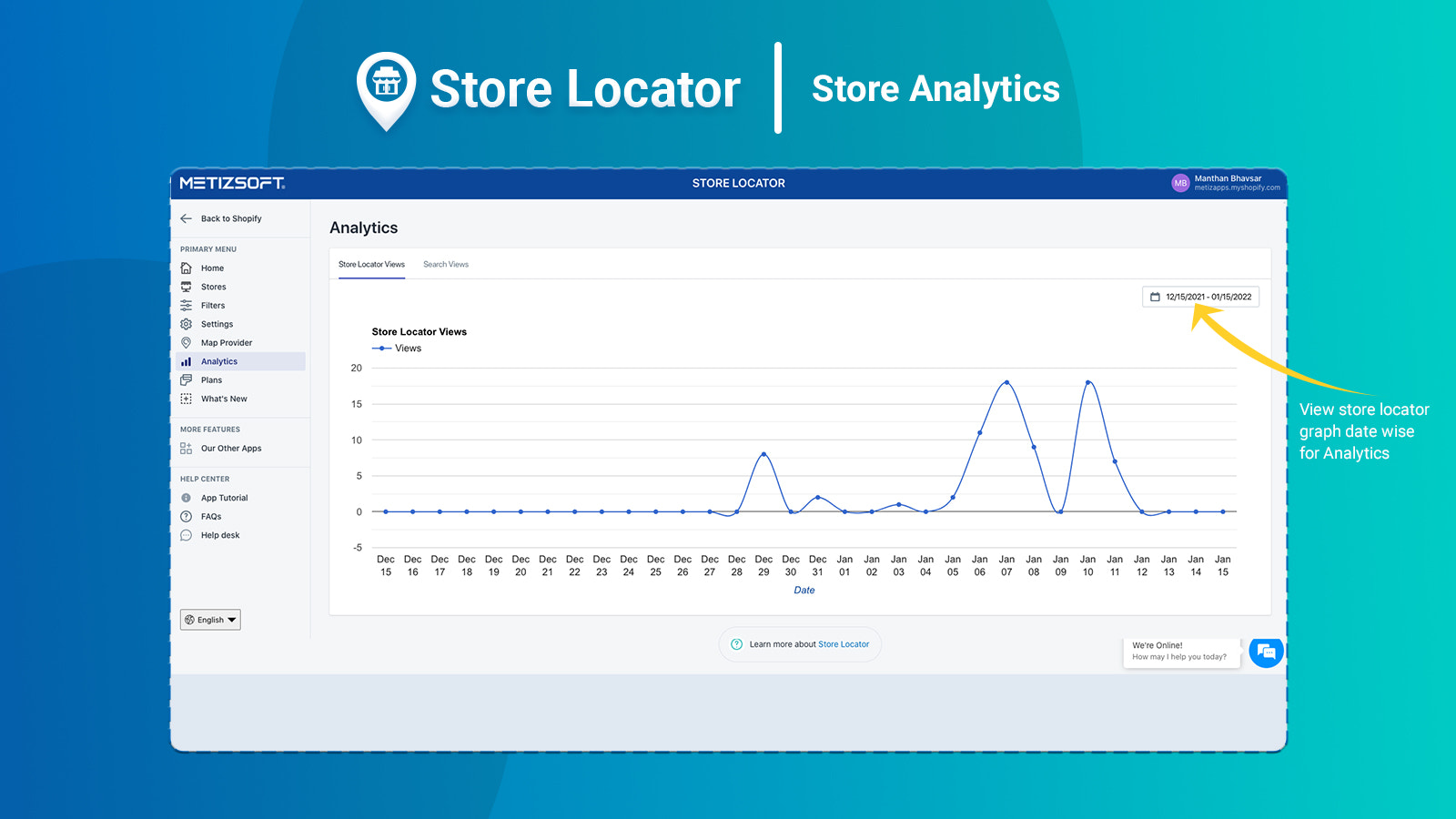
- Advanced analytics - Generate quick reports to track store performance.
Merchant-Friendly
- Chain Retail Merchants
- Multi-store E-commerce
- Regional Service Merchants
- Offline + Online Merchants
Basic Information
- Developer:Metizsoft
- Address:1309 Coffeen Avenue STE 1200, Sheridan, WY, 82801, US
- Price: Free / Free plan
- Rating:4.2 / 5
- Comment Count:30 comment
- Release Date:2018-2-15
- Supported languages:English
- Compatible products:Shopify
Application Screenshot

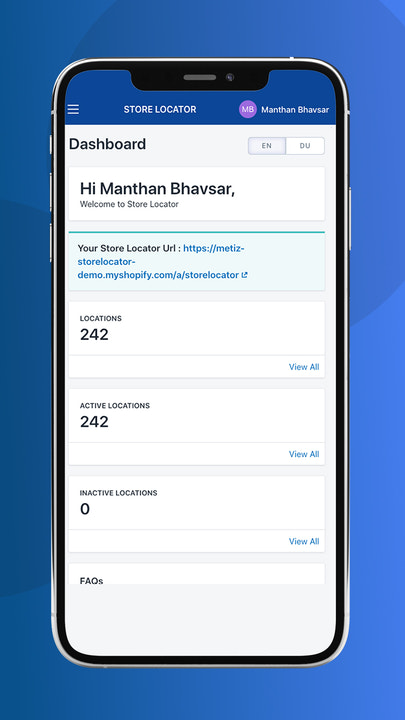
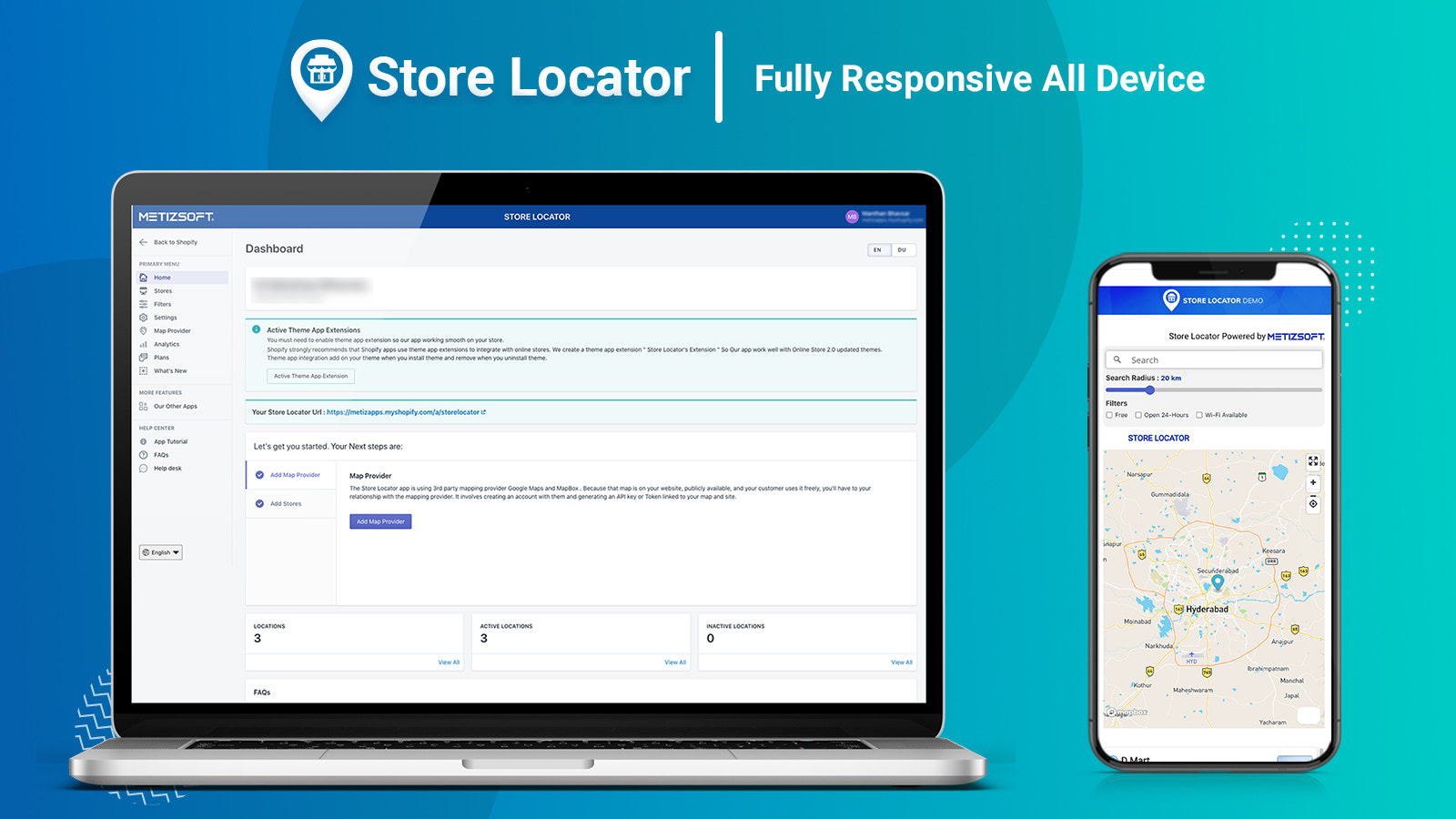
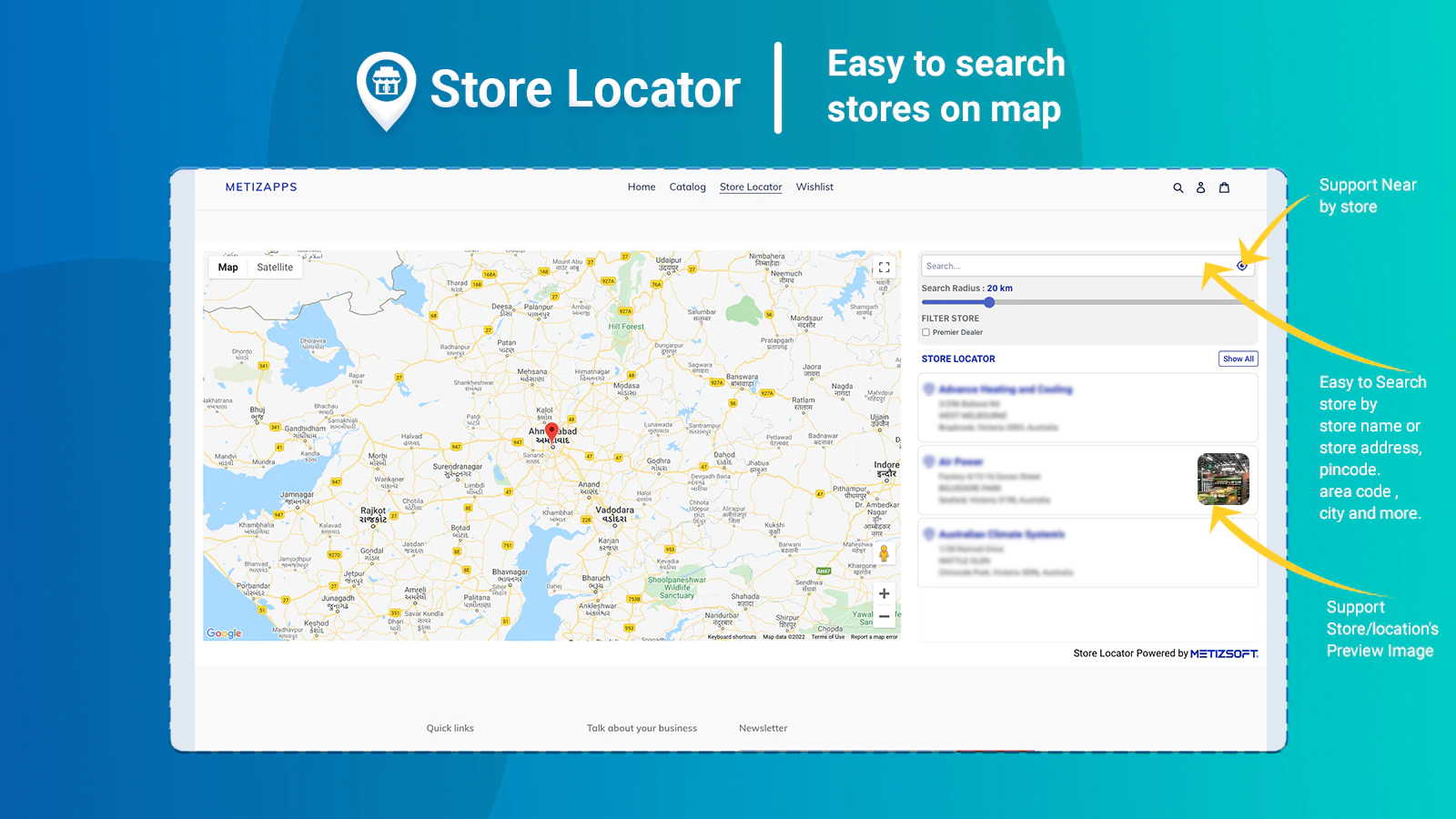
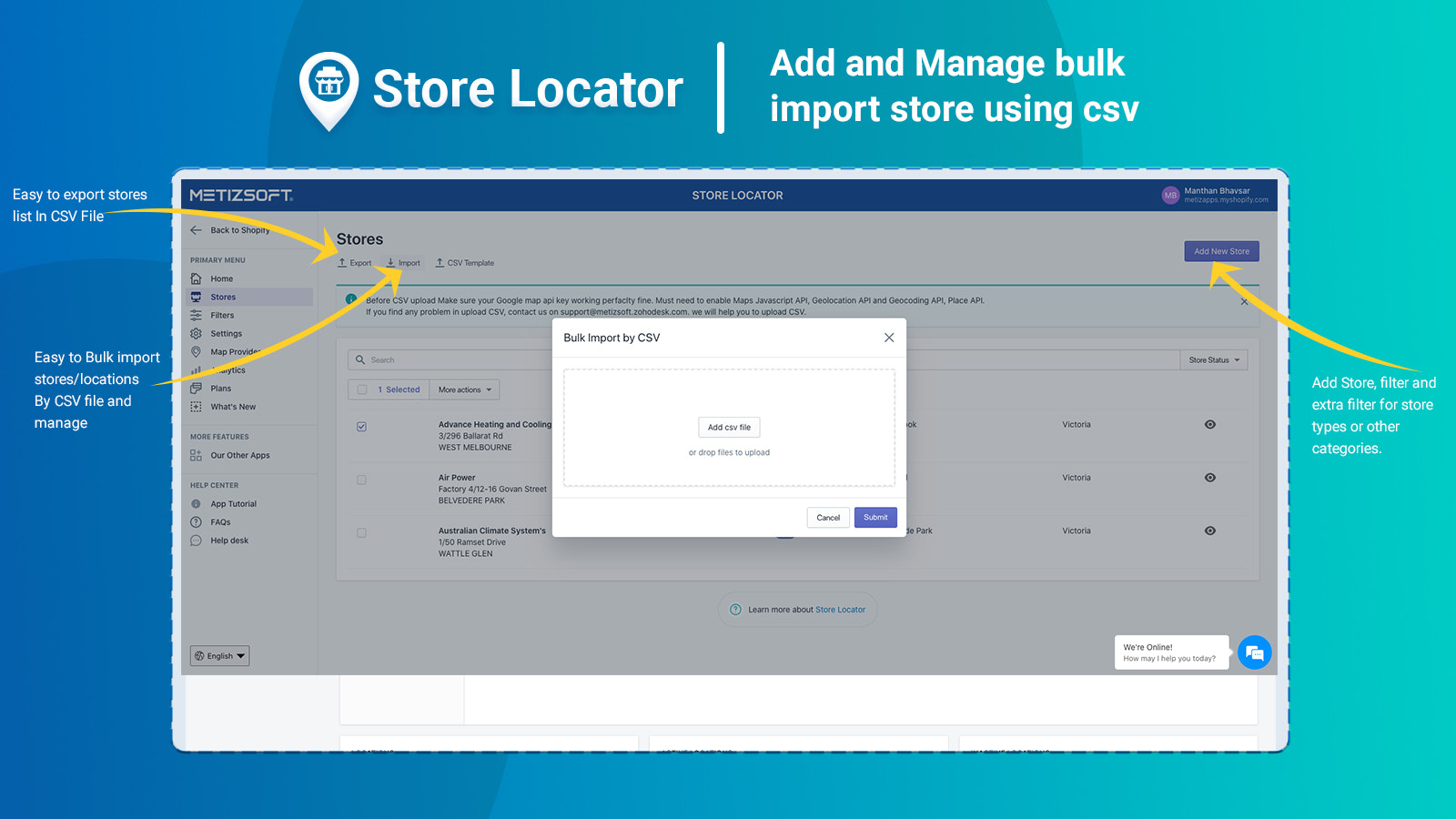
Price Plan
Free
- Up to 3 locations
Basic Plan
- Up to 50 locations
- Remove brand logo
Standard Plan
- Up to 500 locations
- Remove brand logo
- Import CSV
- Custom icons
- Custom zoom level
- Additional content
- Default location
- Analytics
Business Plan
- Unlimited Locations
- Remove Branding
- Import CSV
- Customize Icons, CSS, and Zoom Levels
- Additional Content
- Default Location
- Layout
User Location & Comments
User Location
Comments
Shopify API Used
- POST /admin/api/store.json
- POST /admin/api/store/map.json
- GET /admin/api/store/map.json
Permission:write_store,read_store,manage_maps
- PUT /admin/api/store/map/{map_id}.json
- DELETE /admin/api/store/map/{map_id}.json
- GET /admin/api/store/map/{map_id}.json
Permission:write_store,read_store,manage_maps
- GET /admin/api/store/network_status.json
- PUT /admin/api/store/network_config.json
- GET /admin/api/store/backup.json
Permission:read_store,write_store,manage_backups
- GET /admin/api/stores.json?filters=time
- GET /admin/api/stores.json?filters=facility
- GET /admin/api/stores.json?filters=product_range
Permission:read_store,manage_search,view_analytics
- GET /admin/api/reports/store_performance.json
- POST /admin/api/reports/store_performance.json
- GET /admin/api/reports/store_performance/{id}.json
Permission:read_analytics,manage_reports,read_store



