
App Introduction
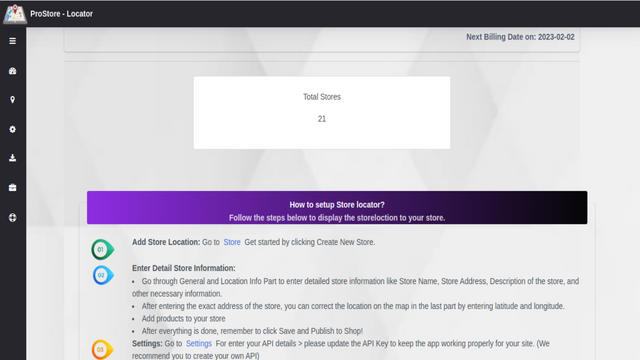
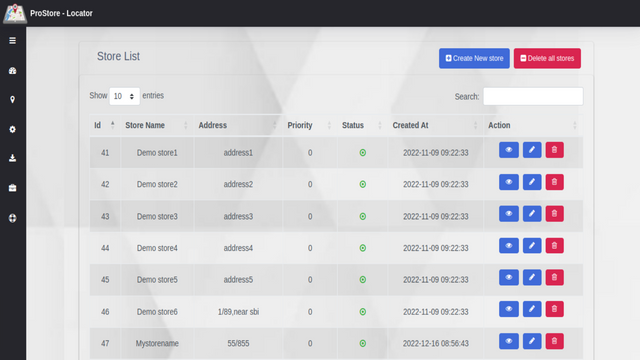
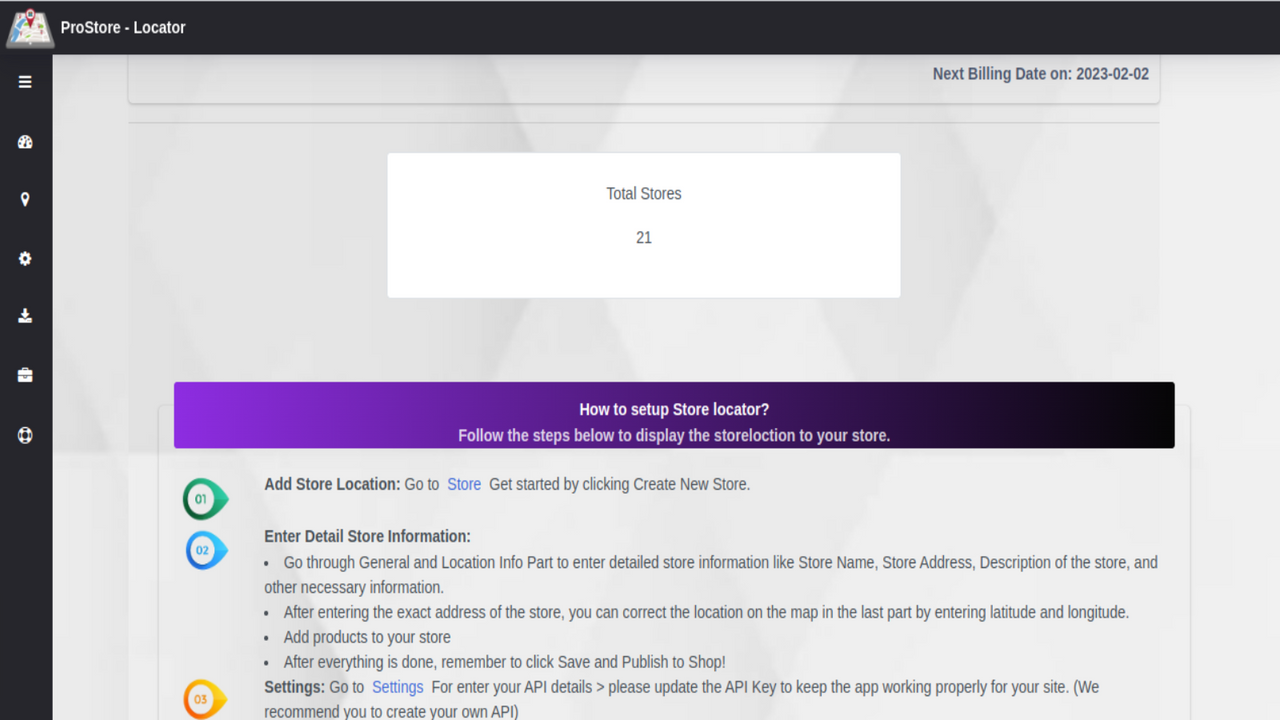
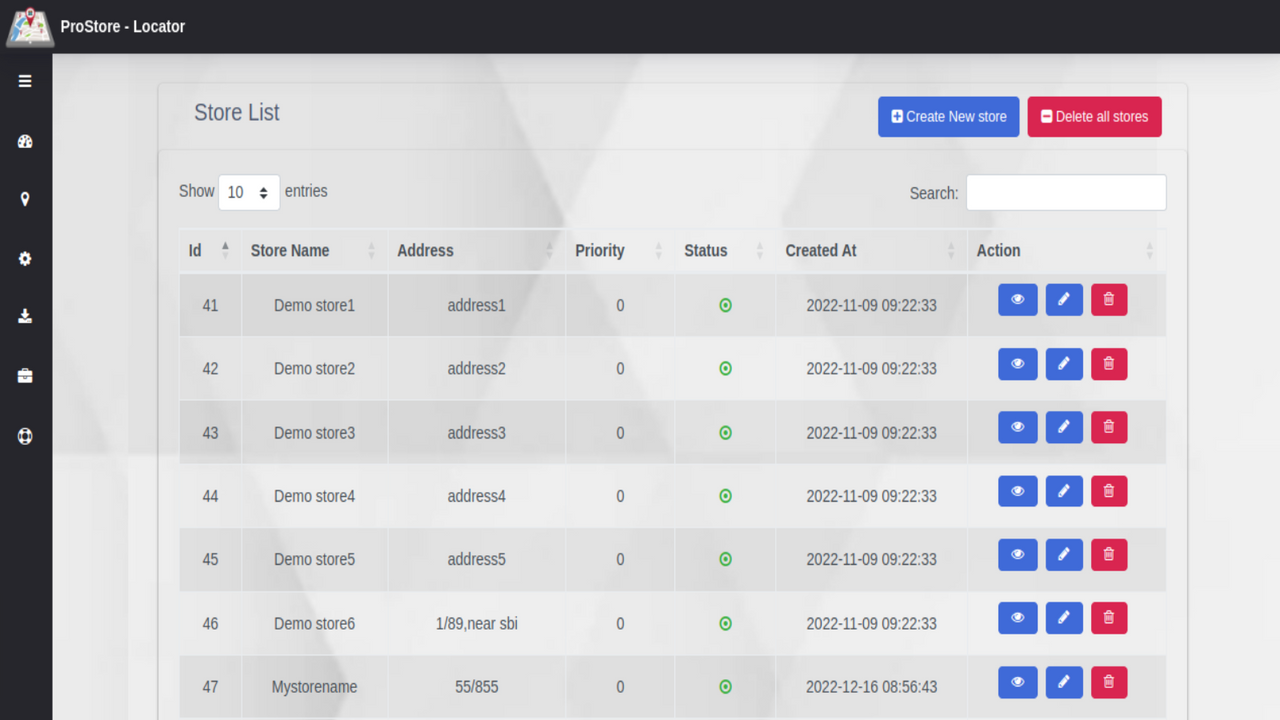
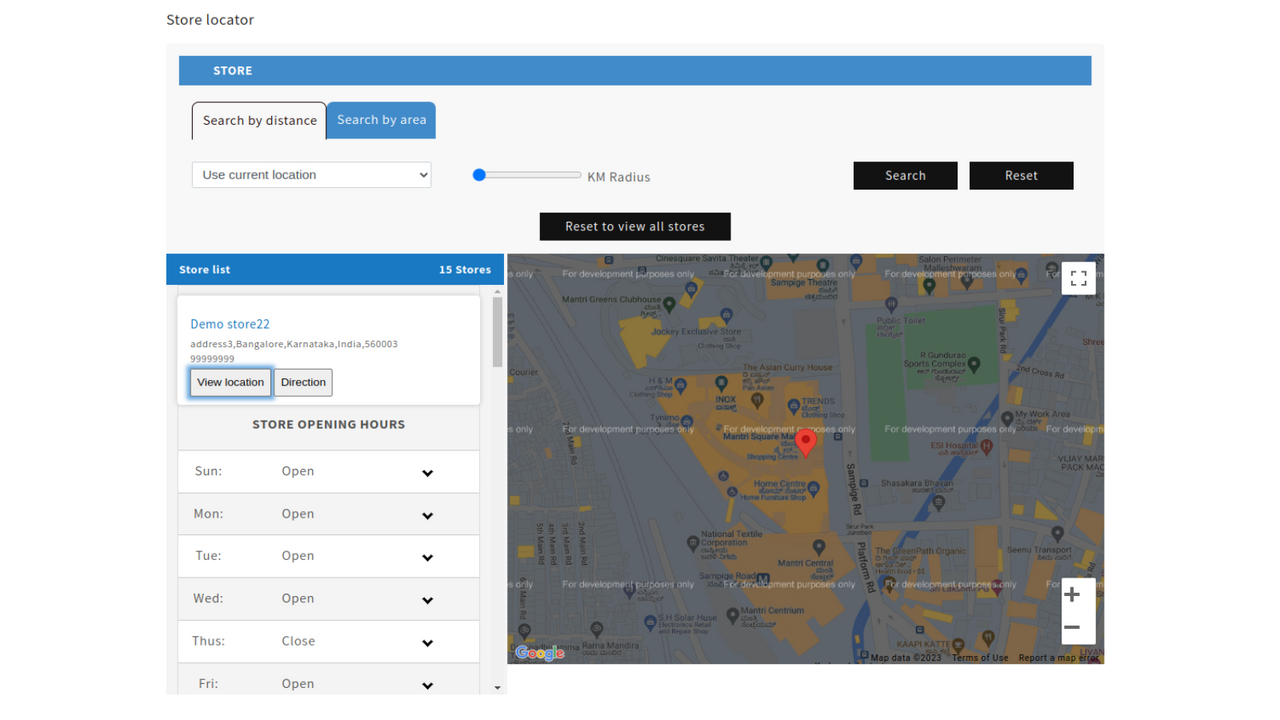
Create and add unlimited dealer/store locations to the map, helping your customers find your stores Store Locator enables you to create and display an unlimited number of store locations on a convenient map. Specify the information you want to show (name, address, business hours, etc.), and locations will be automatically added to the map. Let customers find the nearest physical store in just a few clicks. Customers often prefer to view and test products before purchasing. They check if the desired items are in stock at nearby locations.
Core Functionality
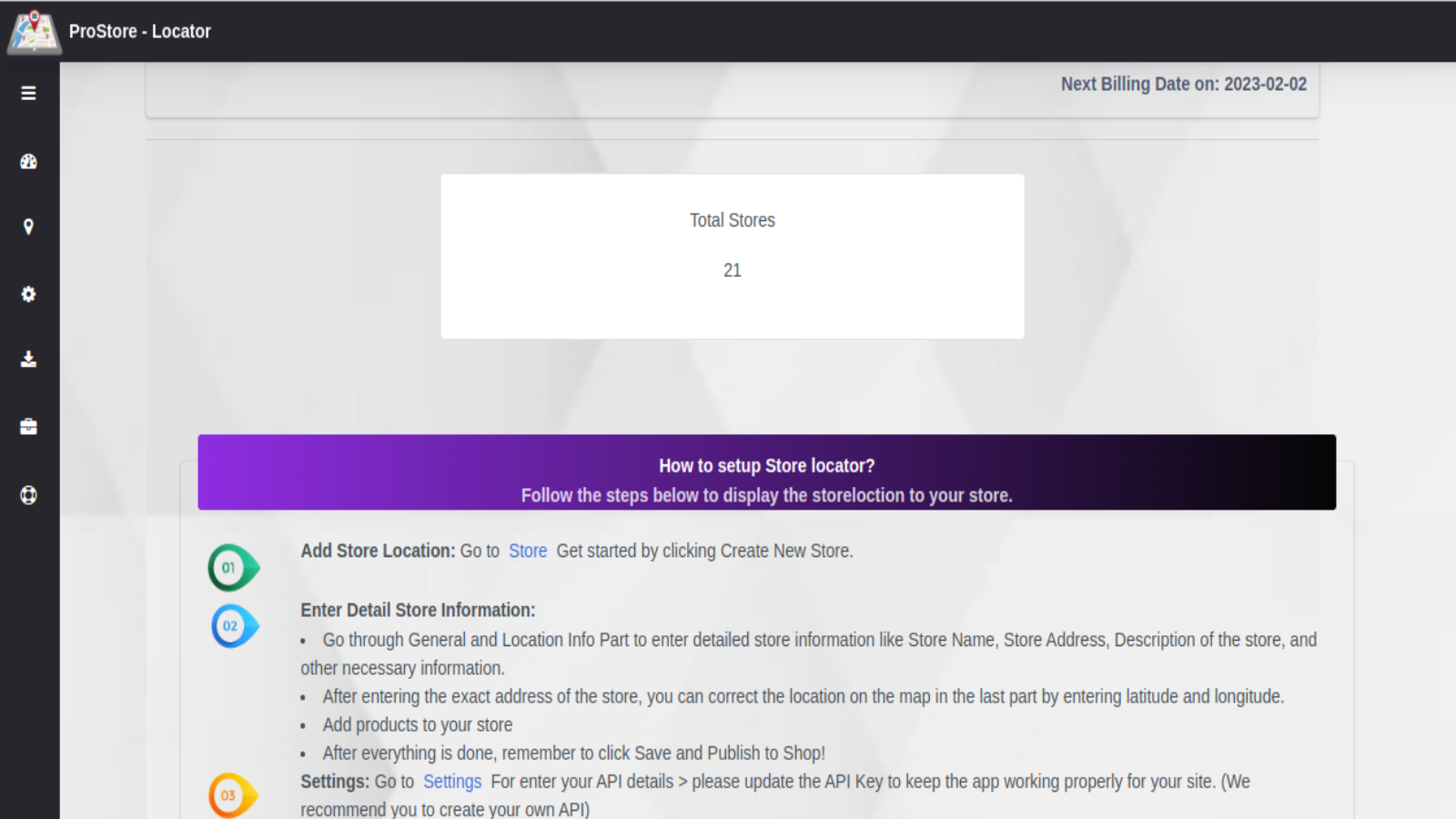
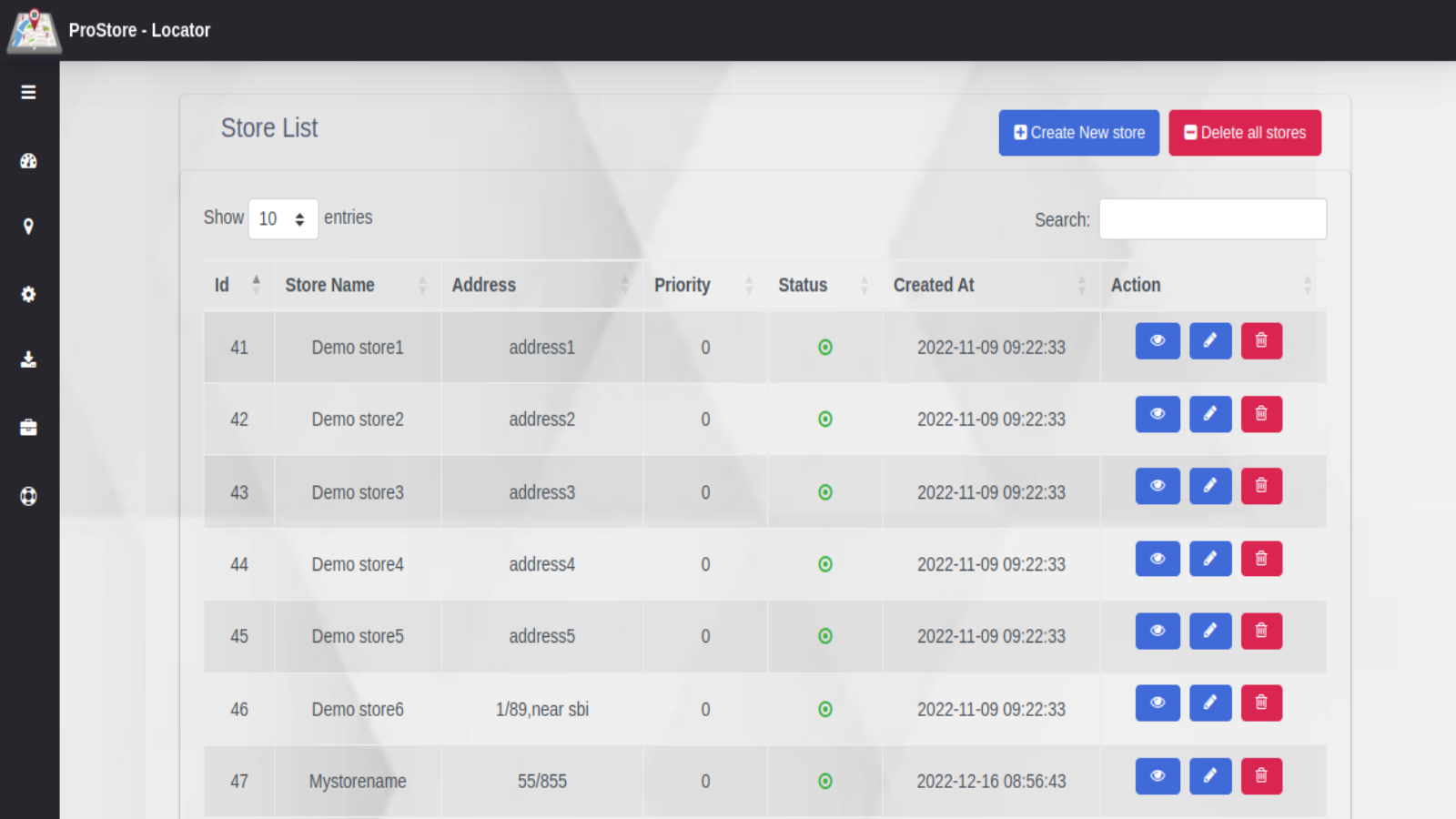
- Add all essential store information (e.g., address, contact details, etc.)
- Export and import store locations
- View store opening hours, closed days, and special operating days
- Check store availability options on product detail pages
- Get instant directions to any store from any location
Merchant-Friendly
- Physical Retail Merchants
- Multi-channel E-commerce
- Offline Experience Store Merchants
- Local Service Merchants
Basic Information
- Developer:Hilton Software Technologies Pvt.Ltd.
- Address:Lakshmi sadan, 4th Floor,12/rt,7-1-621/16, S.R Nagar, Hyderabad, TS, 500038, IN
- Price: Free / Free plan
- Rating:0 / 5
- Comment Count:0 comment
- Release Date:2023-5-10
- Supported languages:English
- Compatible products:Shopify
Application Screenshot





Price Plan
基础计划
- Unlimited Traffic
- Up to 20 Locations
标准计划
- Bulk Upload and Data Export
- Unlimited Traffic
- Up to 50 Locations
高级计划
- Batch Upload and Data Export
- Unlimited Traffic
- Unlimited Locations
User Location & Comments
User Location
Comments
Shopify API Used
- POST /admin/api/shop.json
- PUT /admin/api/shop.json
- GET /admin/api/shop.json
Permission:write_shop,read_shop,manage_settings
- POST /admin/api/locations/import.json
- GET /admin/api/locations/export.json
- PUT /admin/api/locations/{id}.json
Permission:write_locations,read_locations,manage_locations
- GET /admin/api/shop/hours.json
- GET /admin/api/locations/{id}/hours.json
- PUT /admin/api/shop/hours.json
Permission:read_shop,read_locations,manage_settings
- GET /admin/api/products/{id}/availability.json
- GET /admin/api/products/{id}/locations.json
- PUT /admin/api/products/{id}/availability.json
Permission:read_products,read_inventory,manage_products
- GET /admin/api/locations/{id}/directions.json
- POST /admin/api/locations/{id}/directions.json
- GET /admin/api/locations/directions.json
Permission:read_locations,read_shop,manage_locations