
App Introduction
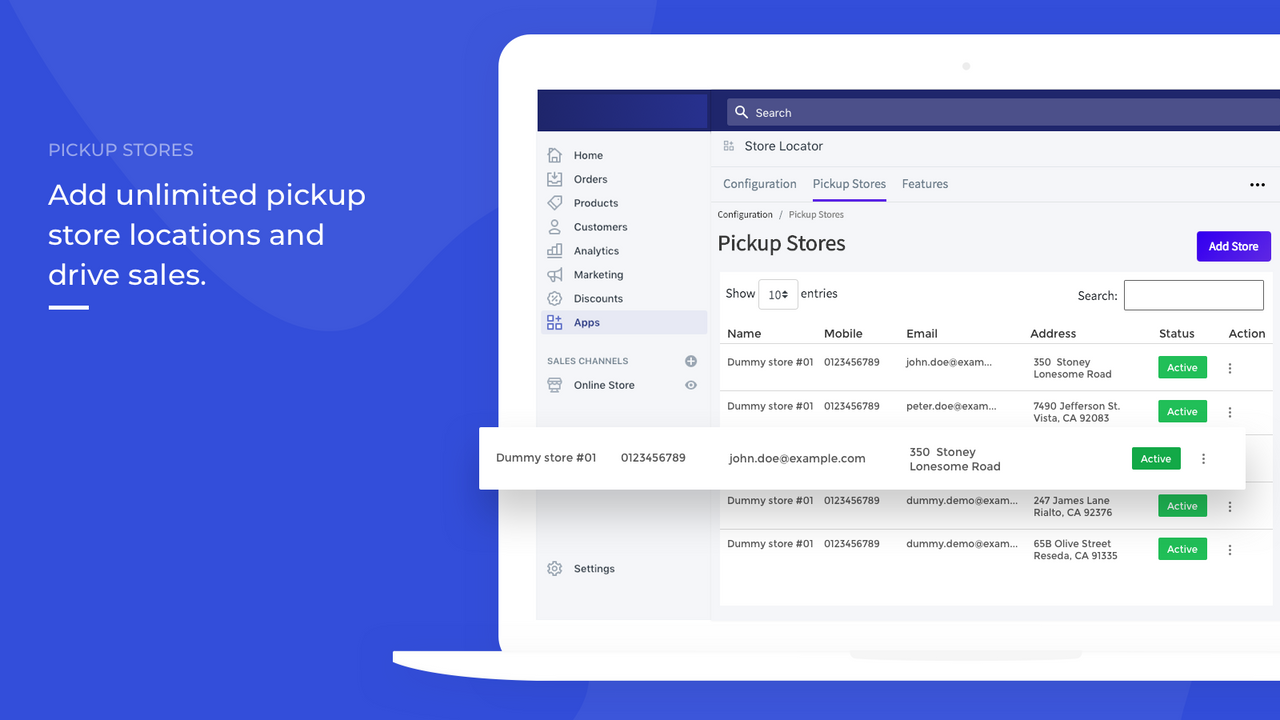
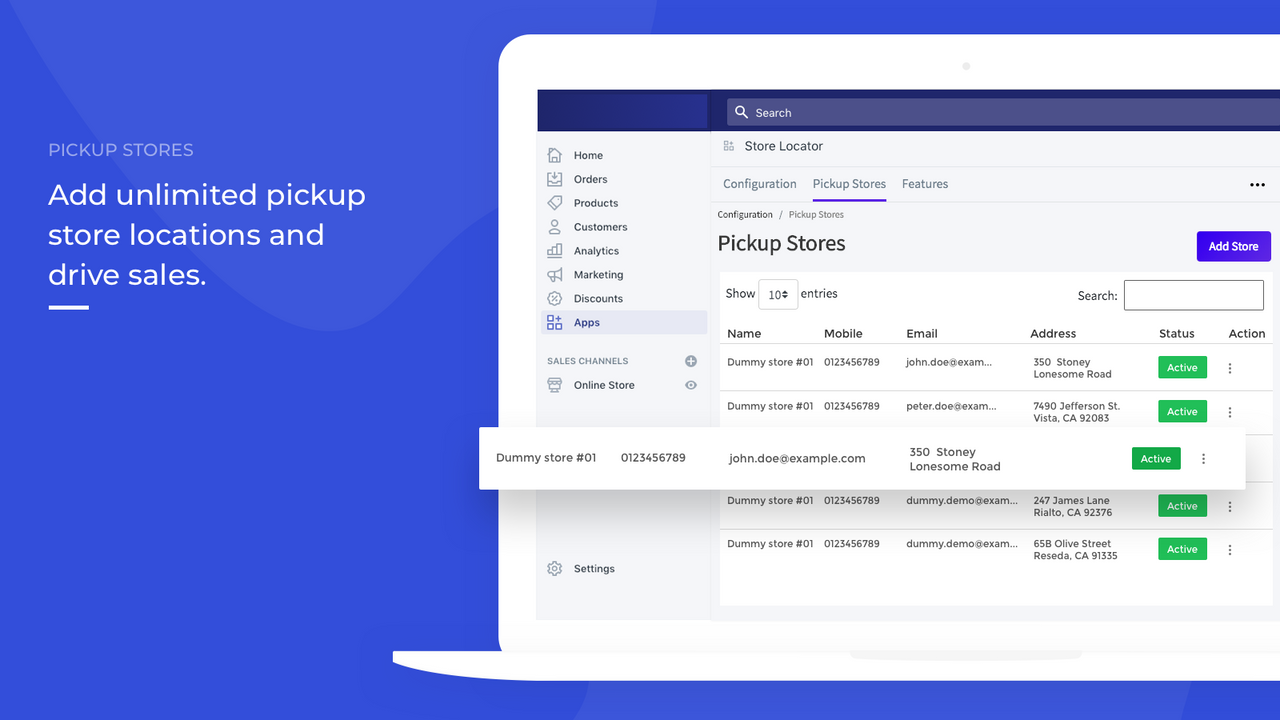
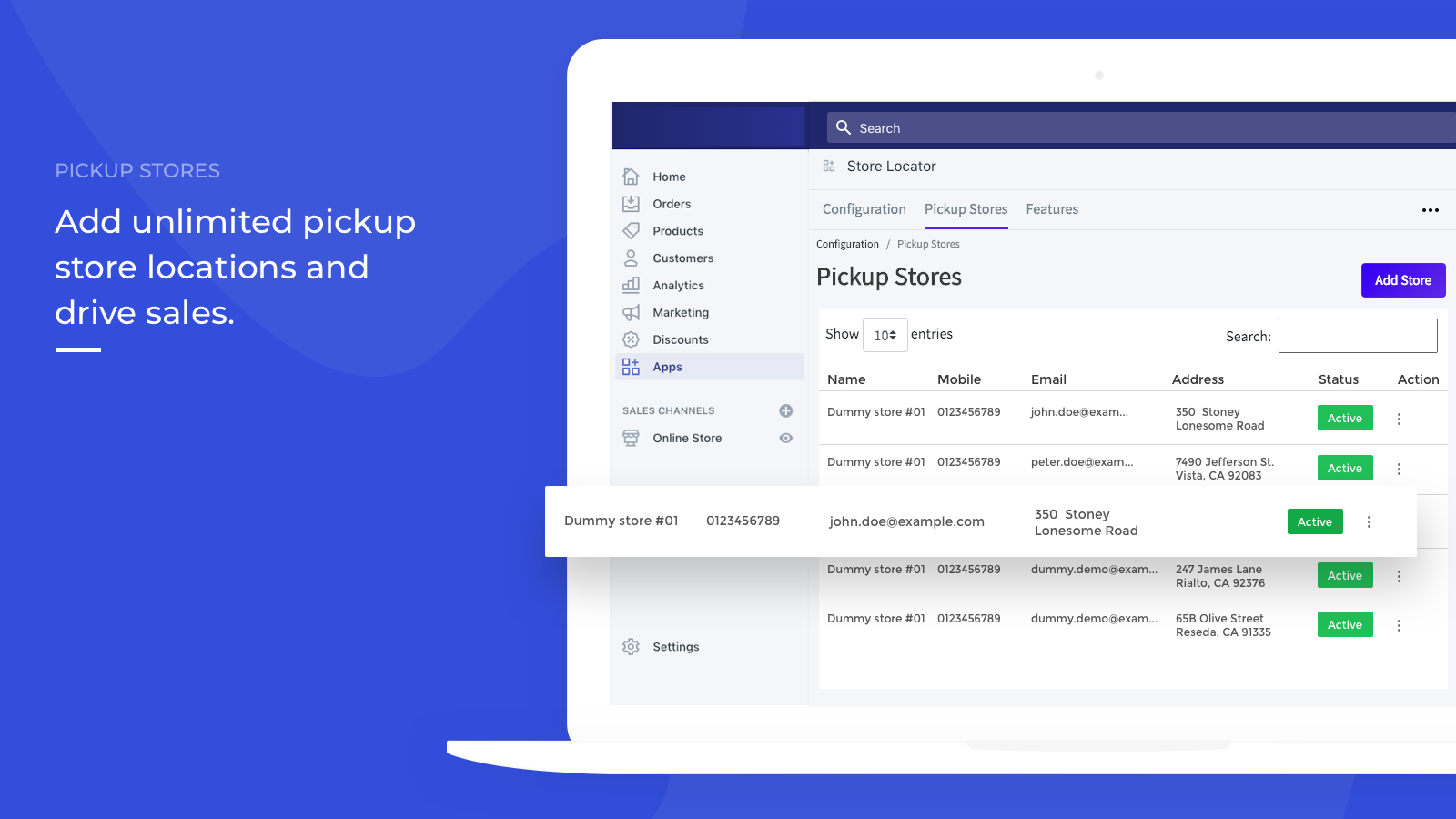
Let customers get directions to the nearest store. Add unlimited store locations. Help your customers find your physical stores via the "Locate Your Pickup Store" feature. Consumers shop across different channels, online stores, and physical stores. Therefore, making your store customer-centric has become essential. Having a store locator is a step in this direction! Webkul’s Locate Your Pickup Store app empowers you to add unlimited store locations, so customers can easily find nearby stores and get instant directions via Google Maps.
Core Functionality
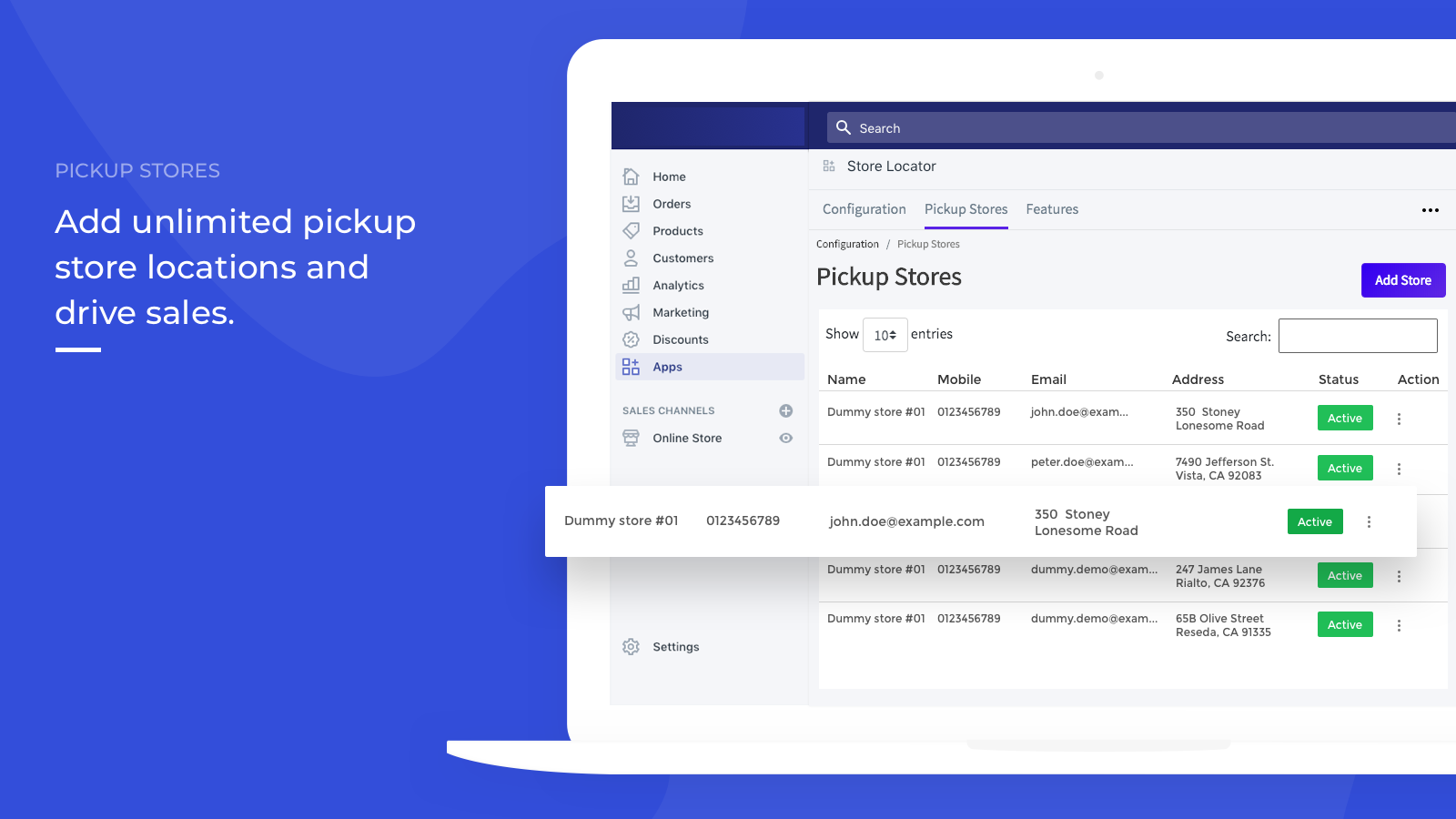
- Admins can add any location you want.
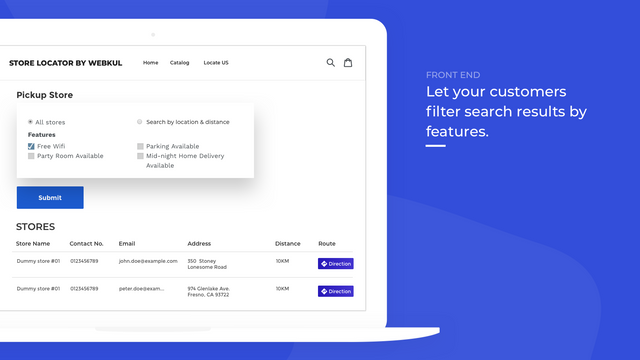
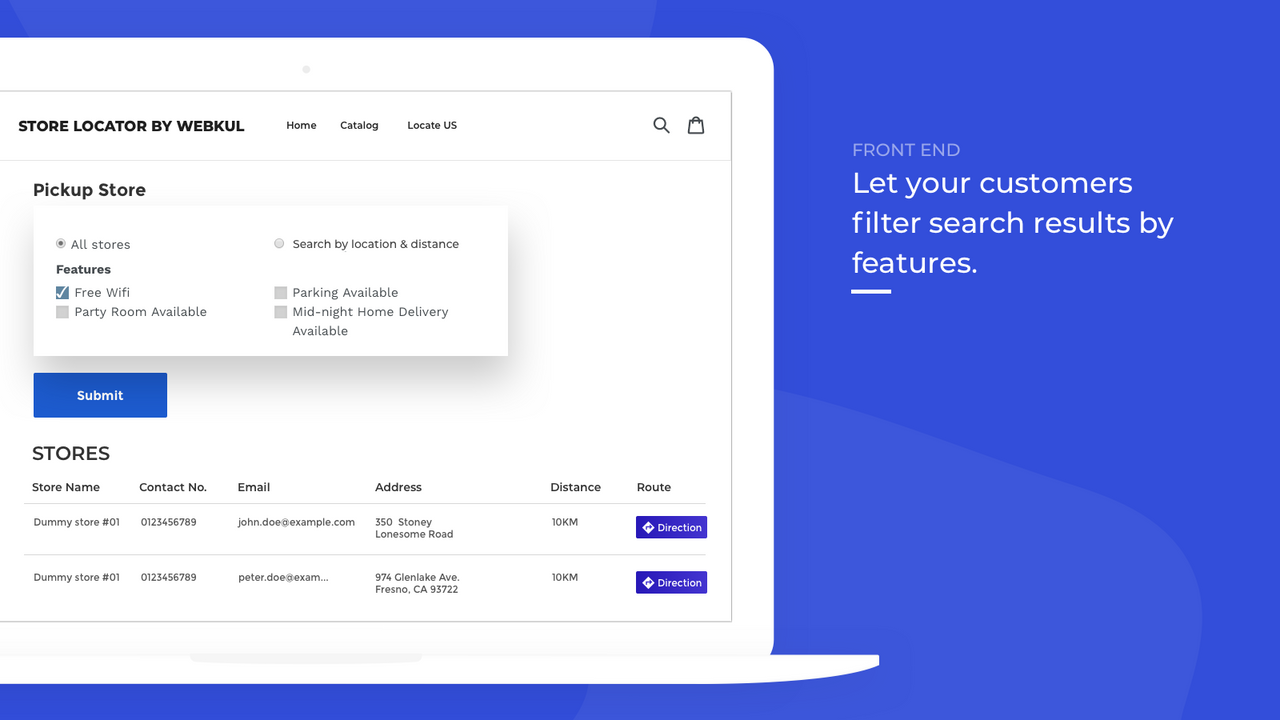
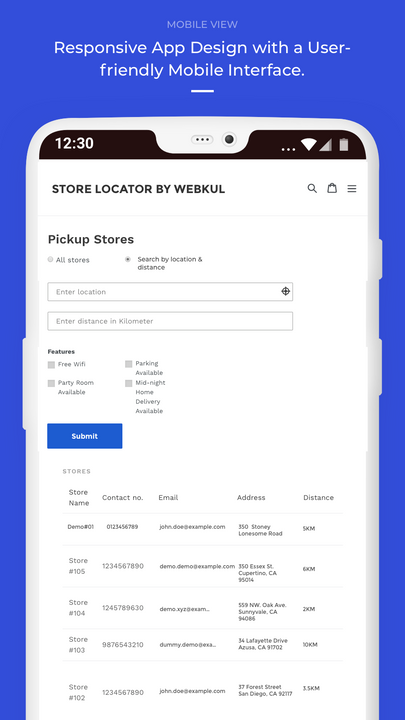
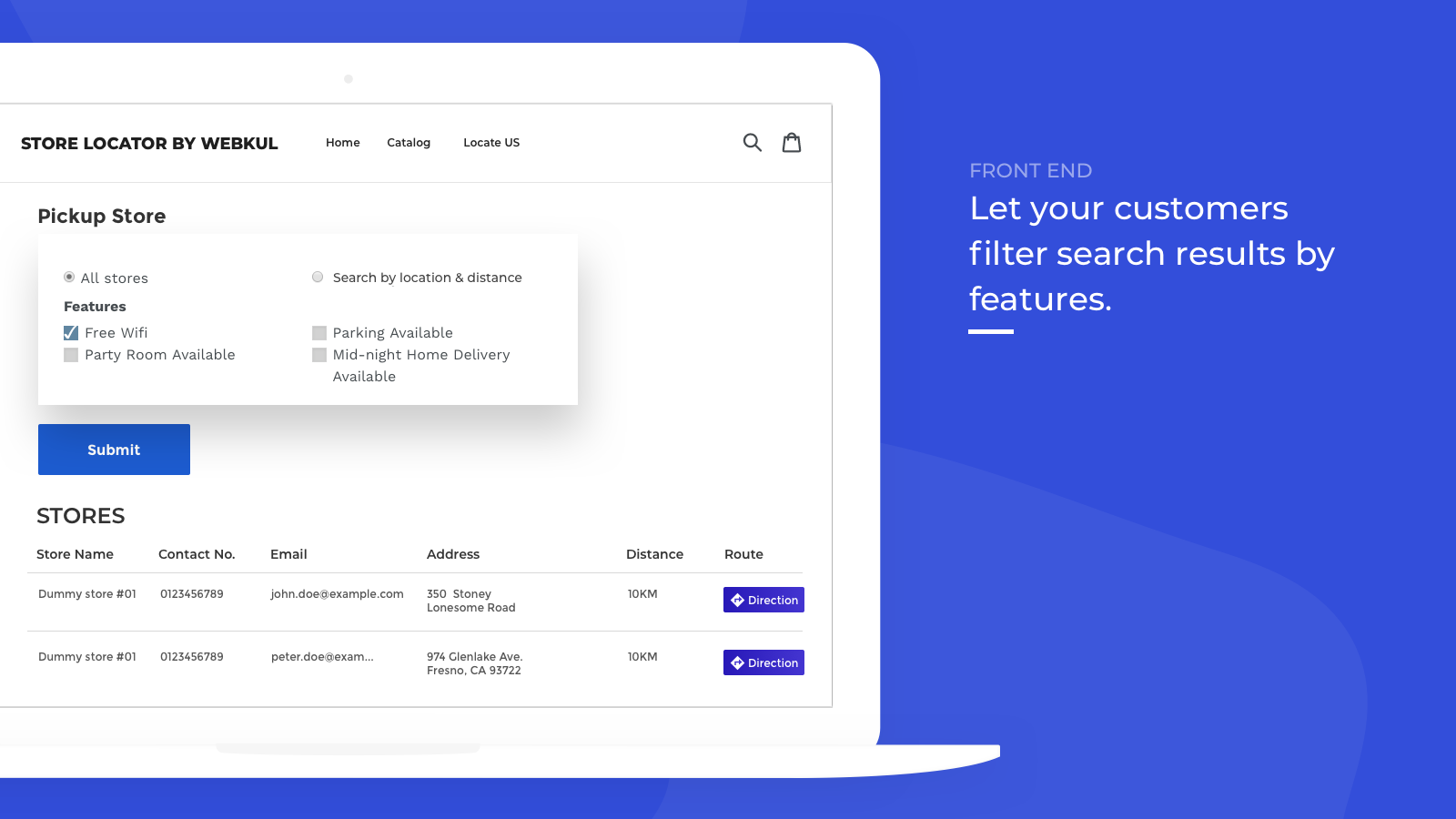
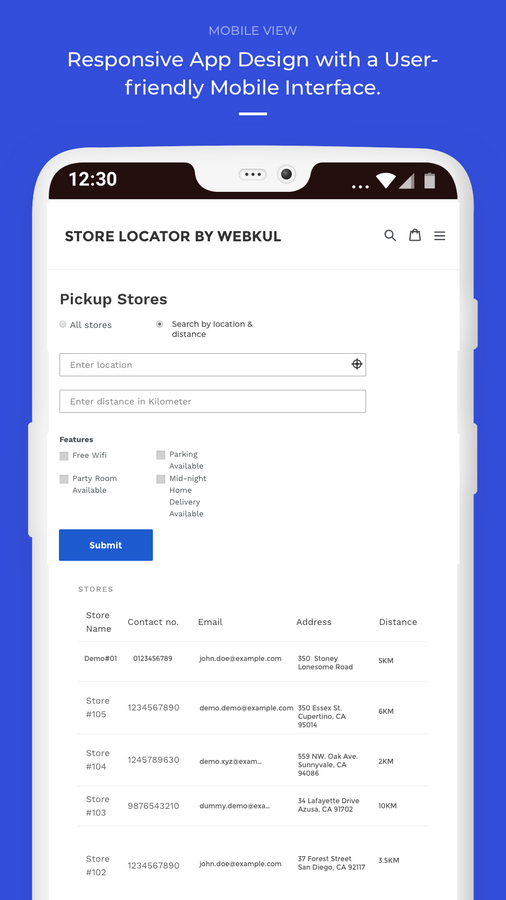
- Let your customers filter their searches using the store features you've added.
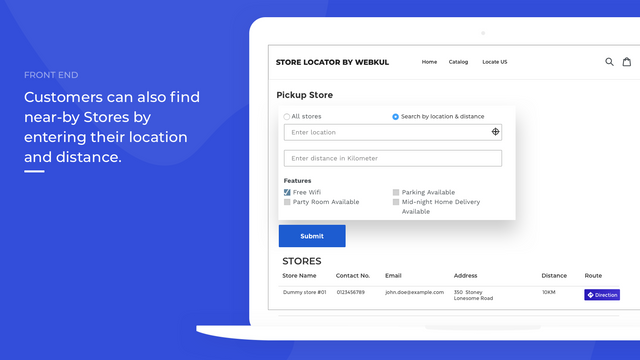
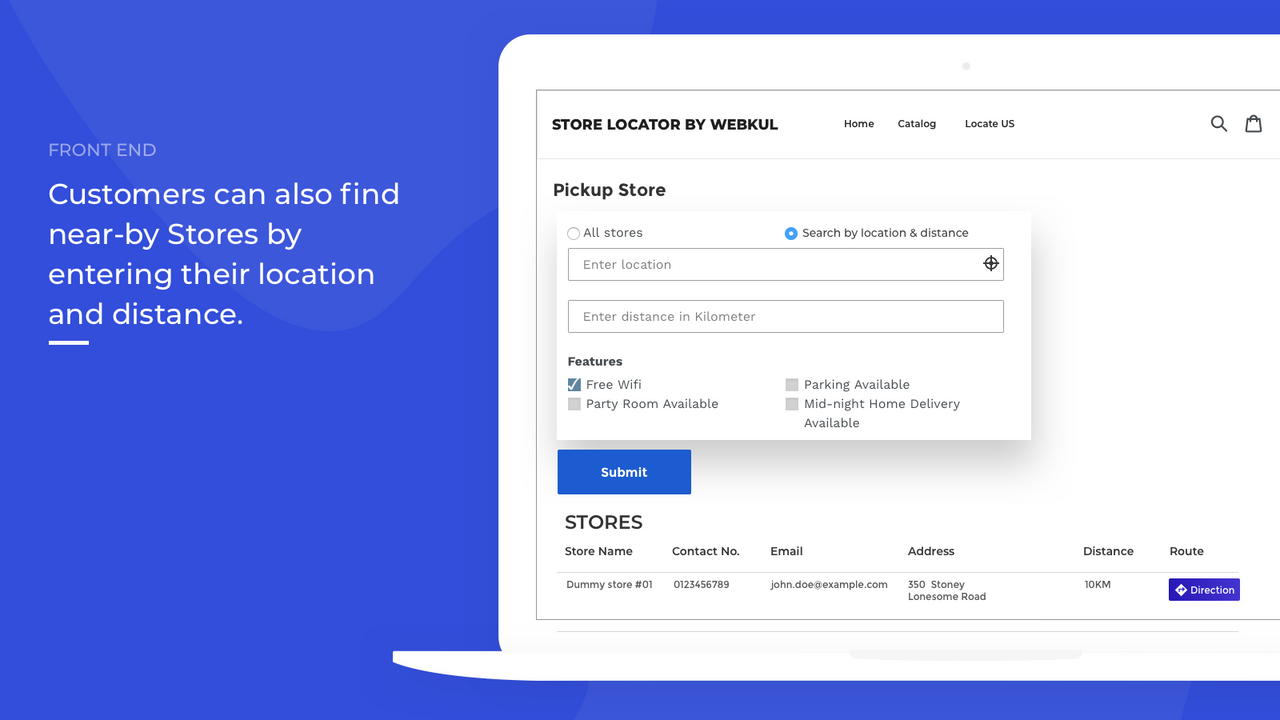
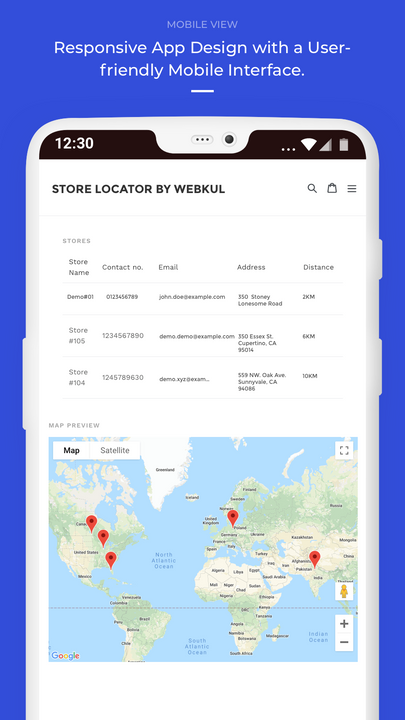
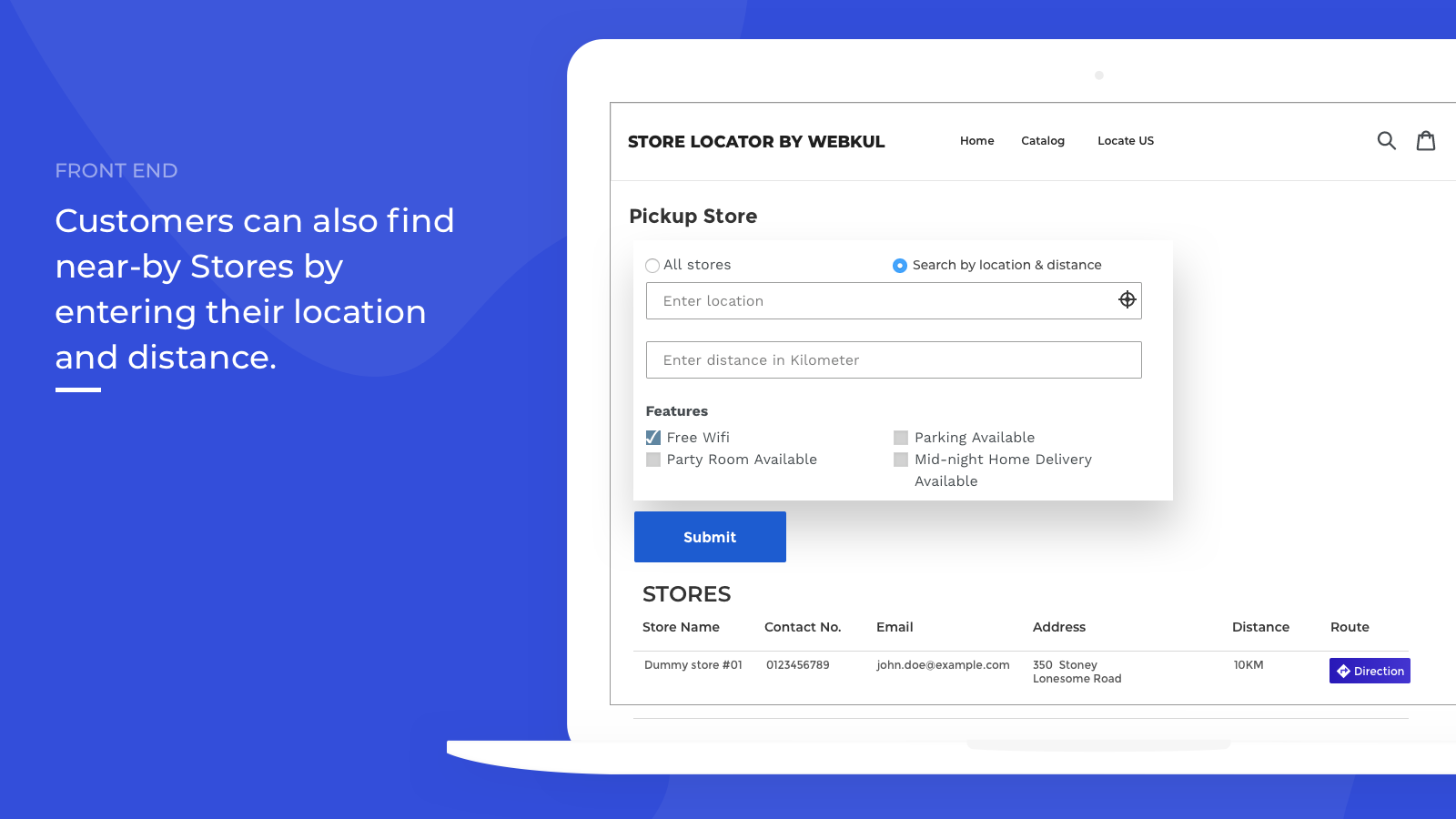
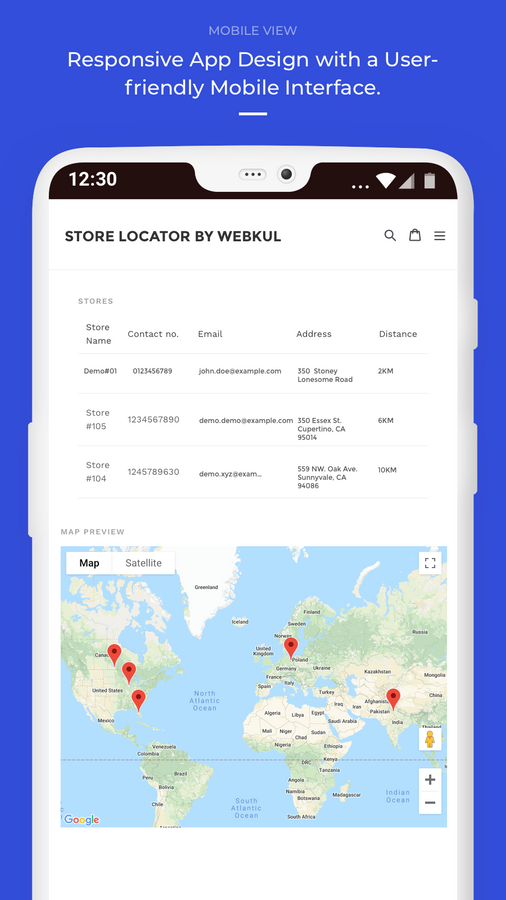
- Customers can find nearby stores by entering their location and desired distance.
- This app doesn't require any liquid coding to run on your website.
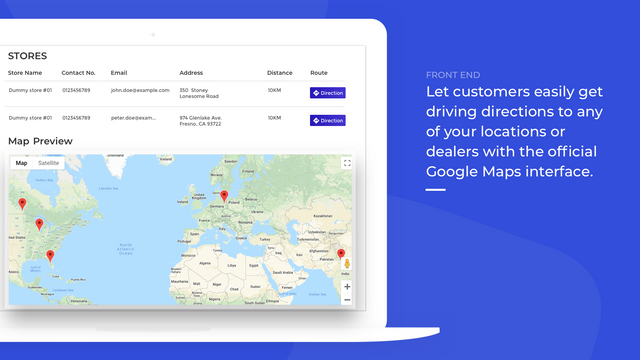
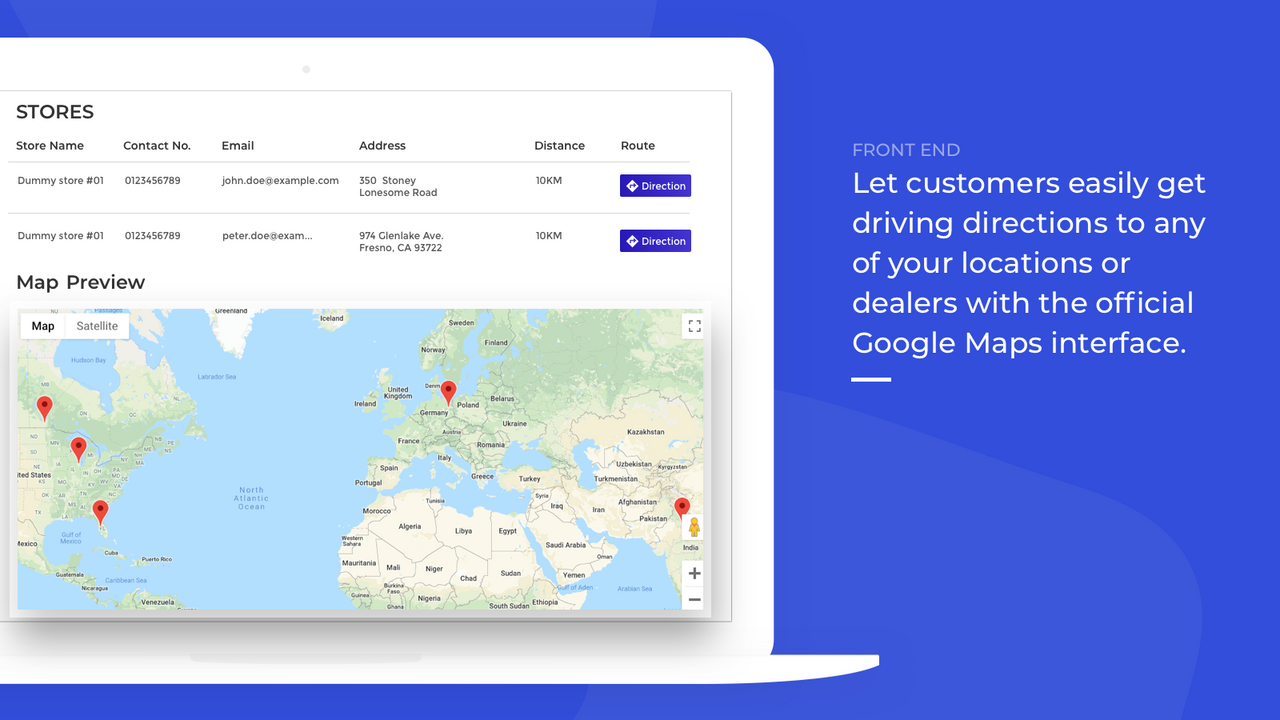
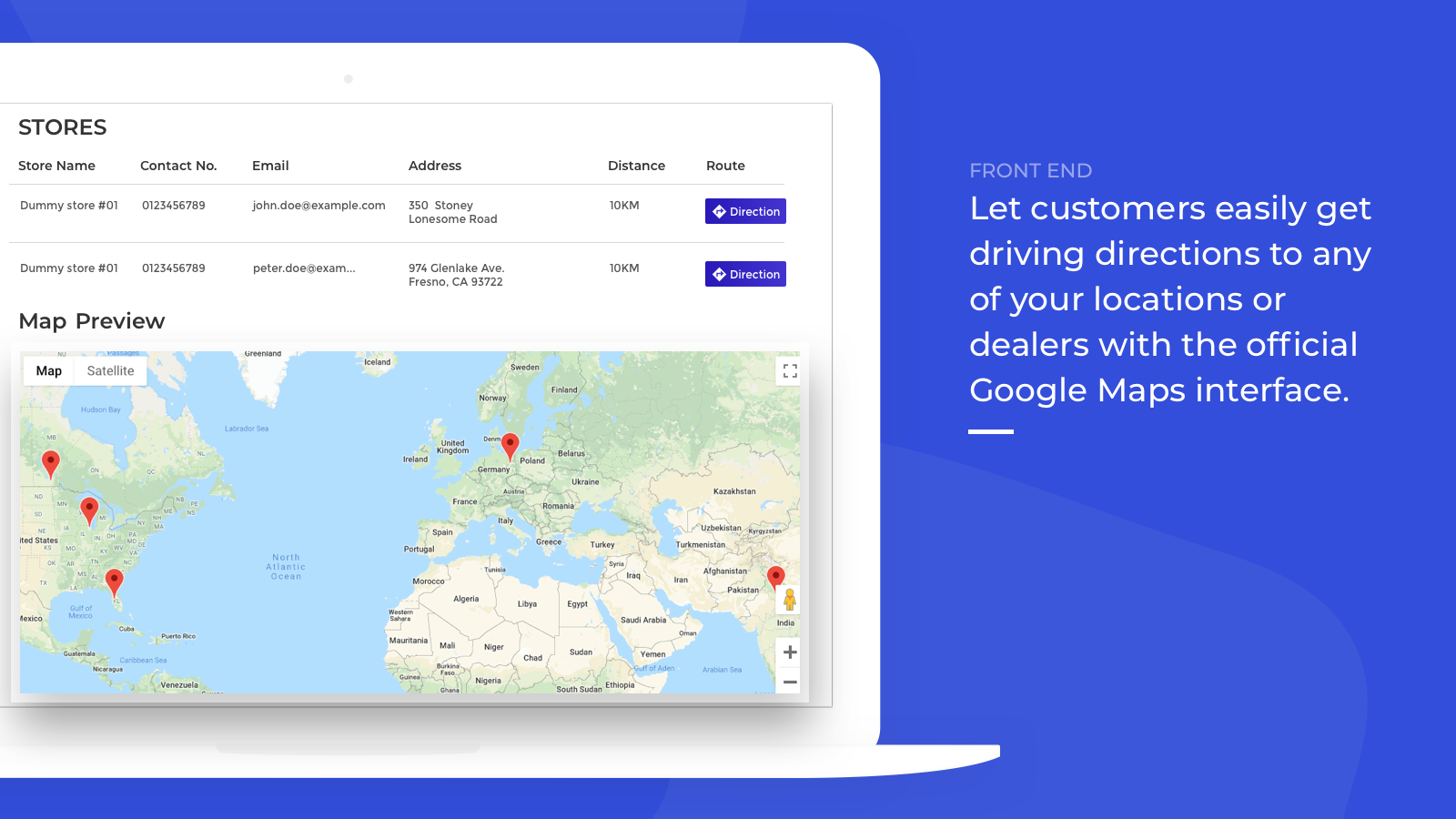
- Customers can easily get directions to any of your locations via Google Maps.
Merchant-Friendly
- Offline Store E-commerce
- Multi-store Retailers
- Local Service Merchants
- O2O Integrated Merchants
Basic Information
- Developer:Webkul Software Pvt Ltd
- Address:H-28, Sector 63, Noida, UP, 201301, IN
- Price: Free / Free plan
- Rating:5 / 5
- Comment Count:1 comment
- Release Date:2020-2-4
- Supported languages:English
- Compatible products:Shopify
Application Screenshot
Price Plan
基础计划
User Location & Comments
User Location
Comments
Shopify API Used
- POST /admin/api/locations.json
- PUT /admin/api/locations/{location_id}.json
- GET /admin/api/locations.json
Permission:write_locations,read_locations,manage_shop
- POST /admin/api/metafields.json
- PUT /admin/api/metafields/{metafield_id}.json
- GET /admin/api/metafields.json
Permission:write_metafields,read_metafields,manage_products
- GET /admin/api/locations.json?latitude={lat}&longitude={lon}&distance={dist}
- POST /admin/api/shop/customers/search.json
- GET /admin/api/metafields.json?namespace=store&key=location_filters
Permission:read_locations,read_customers,read_metafields
- GET /admin/api/locations/{location_id}.json?fields=address,coordinates
- POST /admin/api/shop/script_tags.json
- GET /admin/api/metafields.json?namespace=google_maps&key=api_key
Permission:read_locations,write_script_tags,read_metafields