
App Introduction
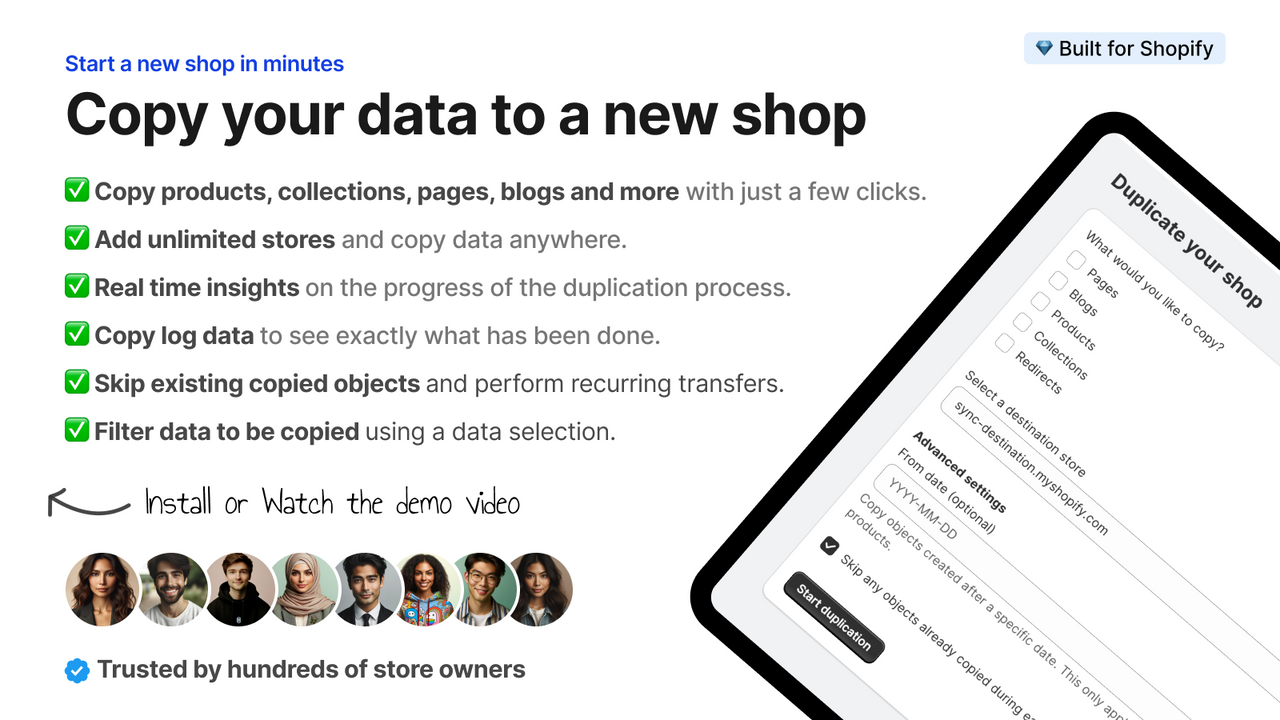
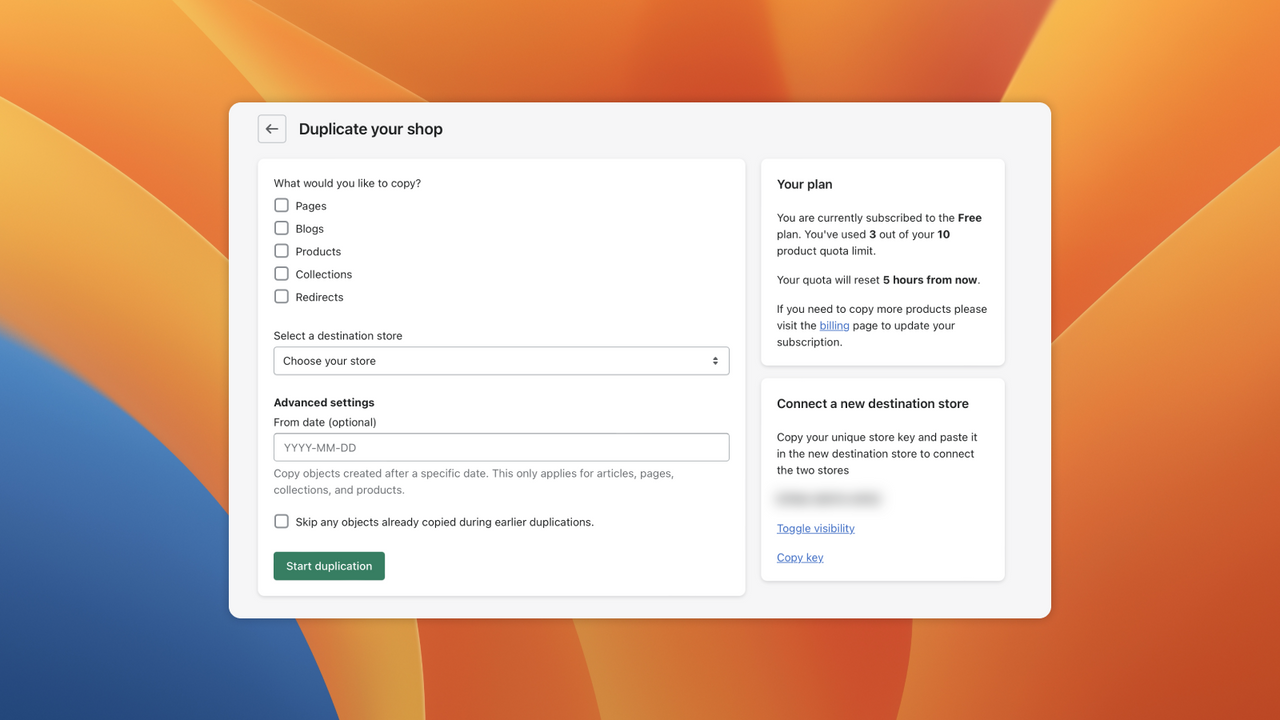
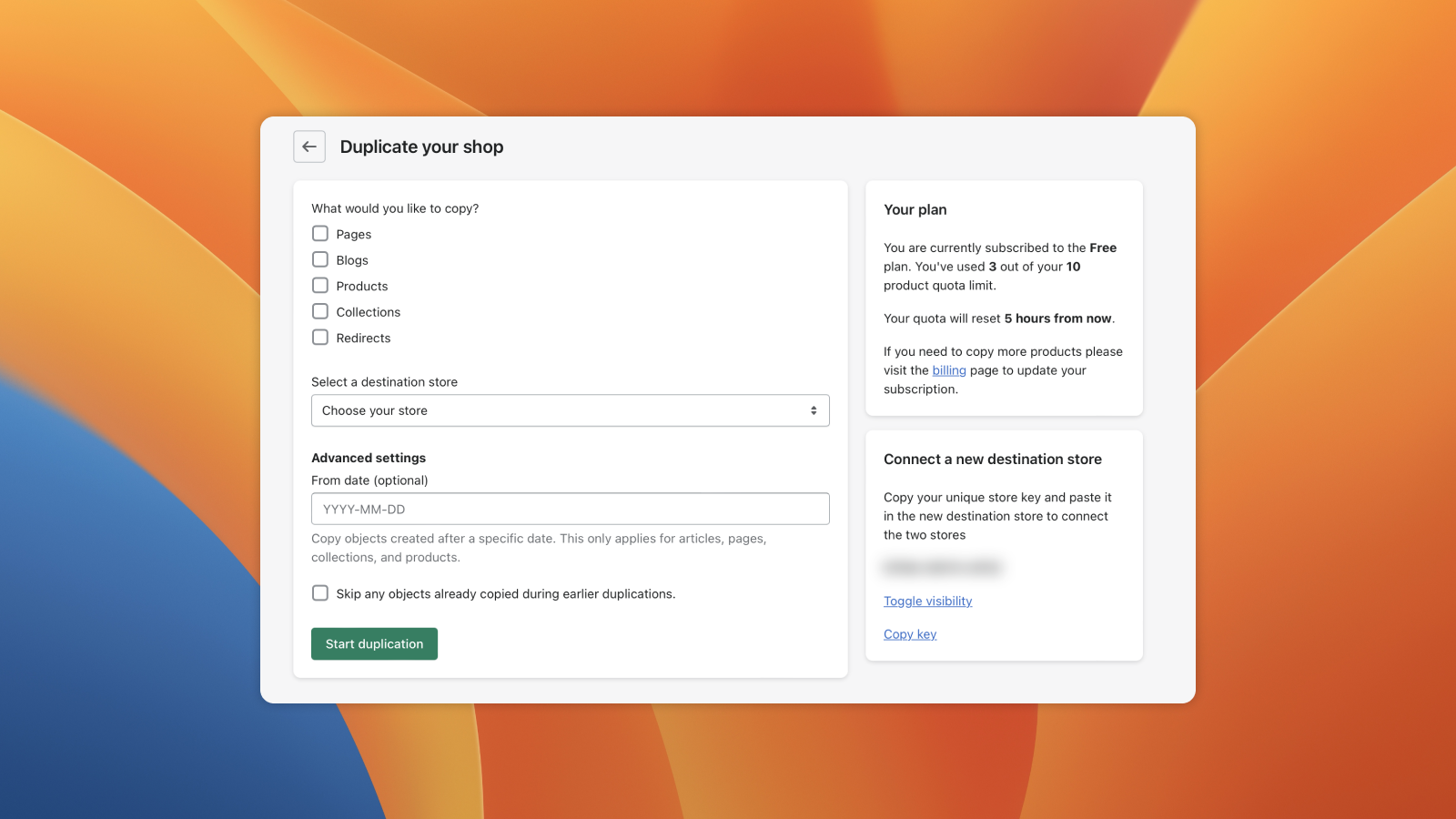
Copy your products, collections, pages, images, redirects, and more to your other stores. The Store Copy app simplifies the process of creating new stores by copying all necessary data—including products, collections, pages, and images—with just a few clicks. This eliminates tedious manual work, reduces the risk of errors, and preserves your original store’s settings and configurations. You can easily create multiple stores with identical core content, then customize products and information for different markets. Scale your business efficiently, test new strategies, and expand your reach.
Core Functionality
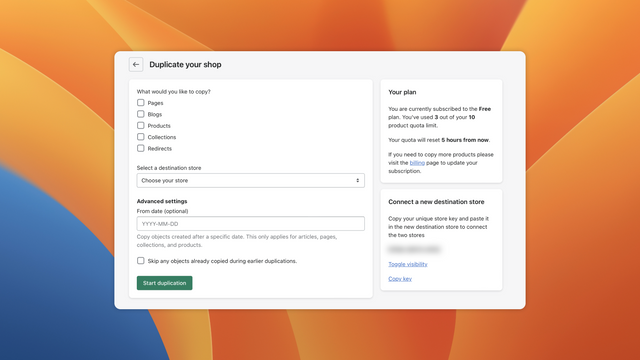
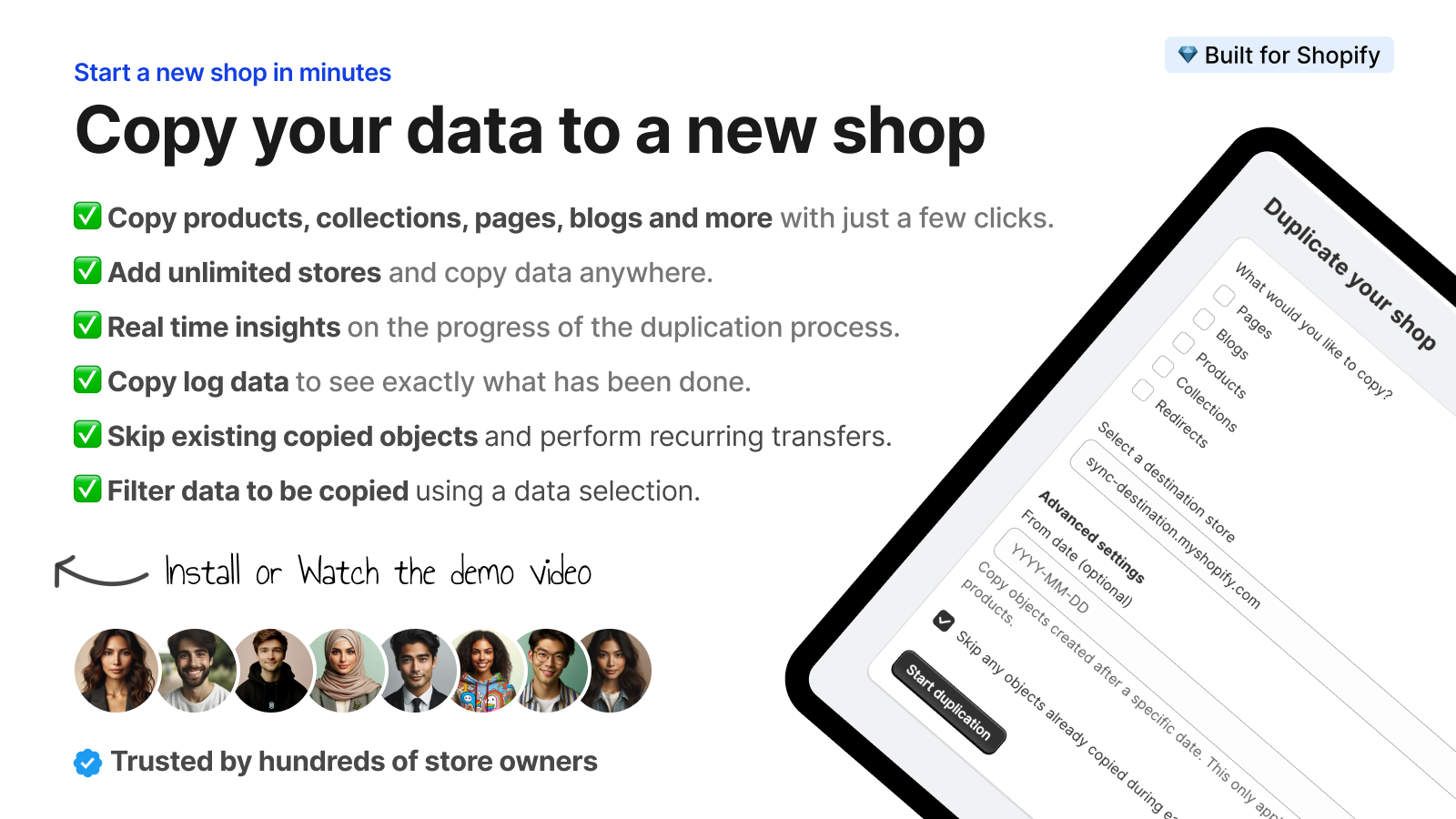
- Copy your products, collections, pages, blogs, and more with just a few clicks.
- Copy your data to unlimited stores.
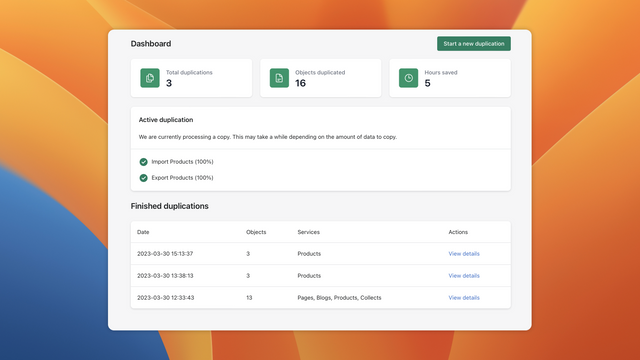
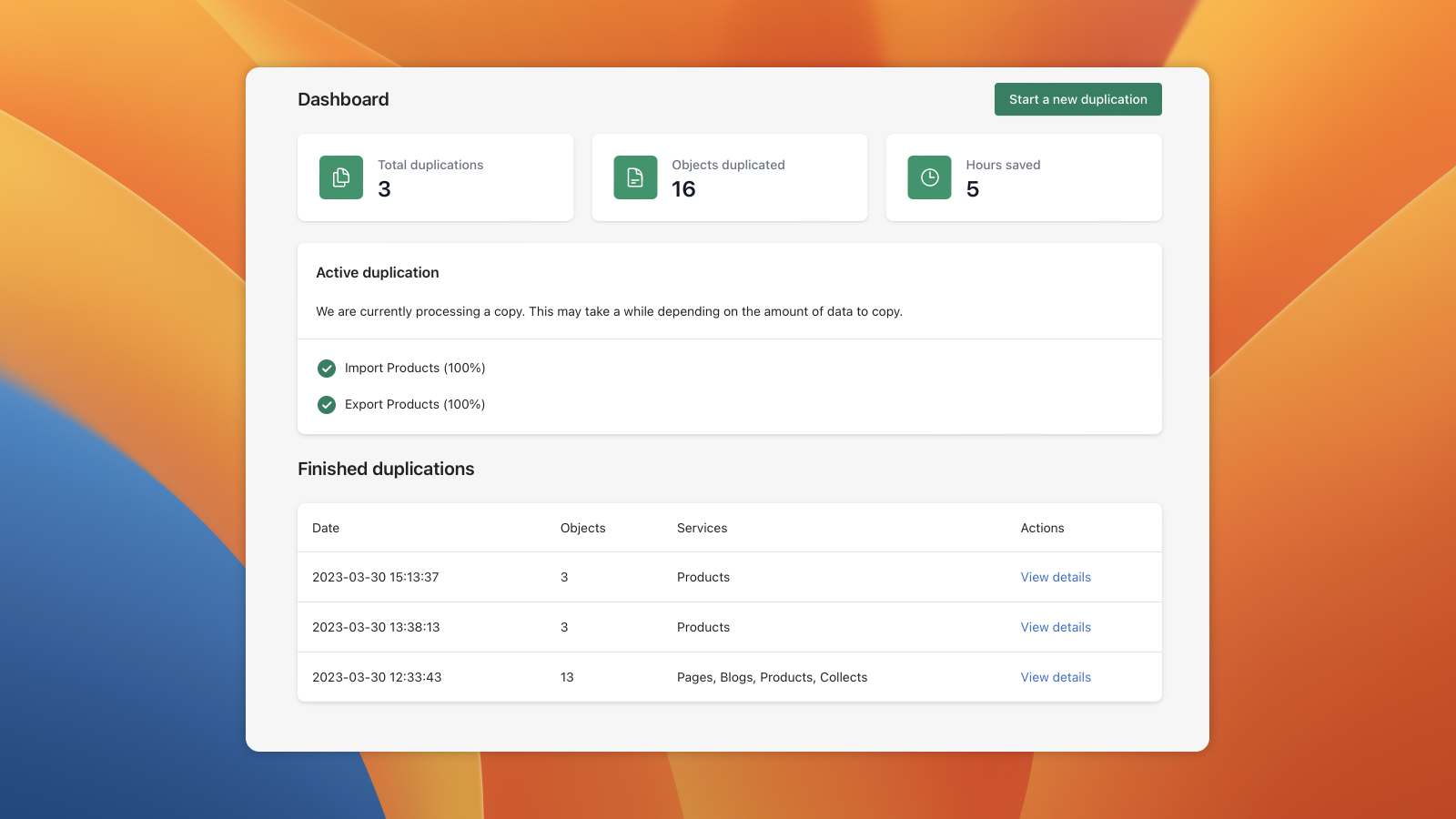
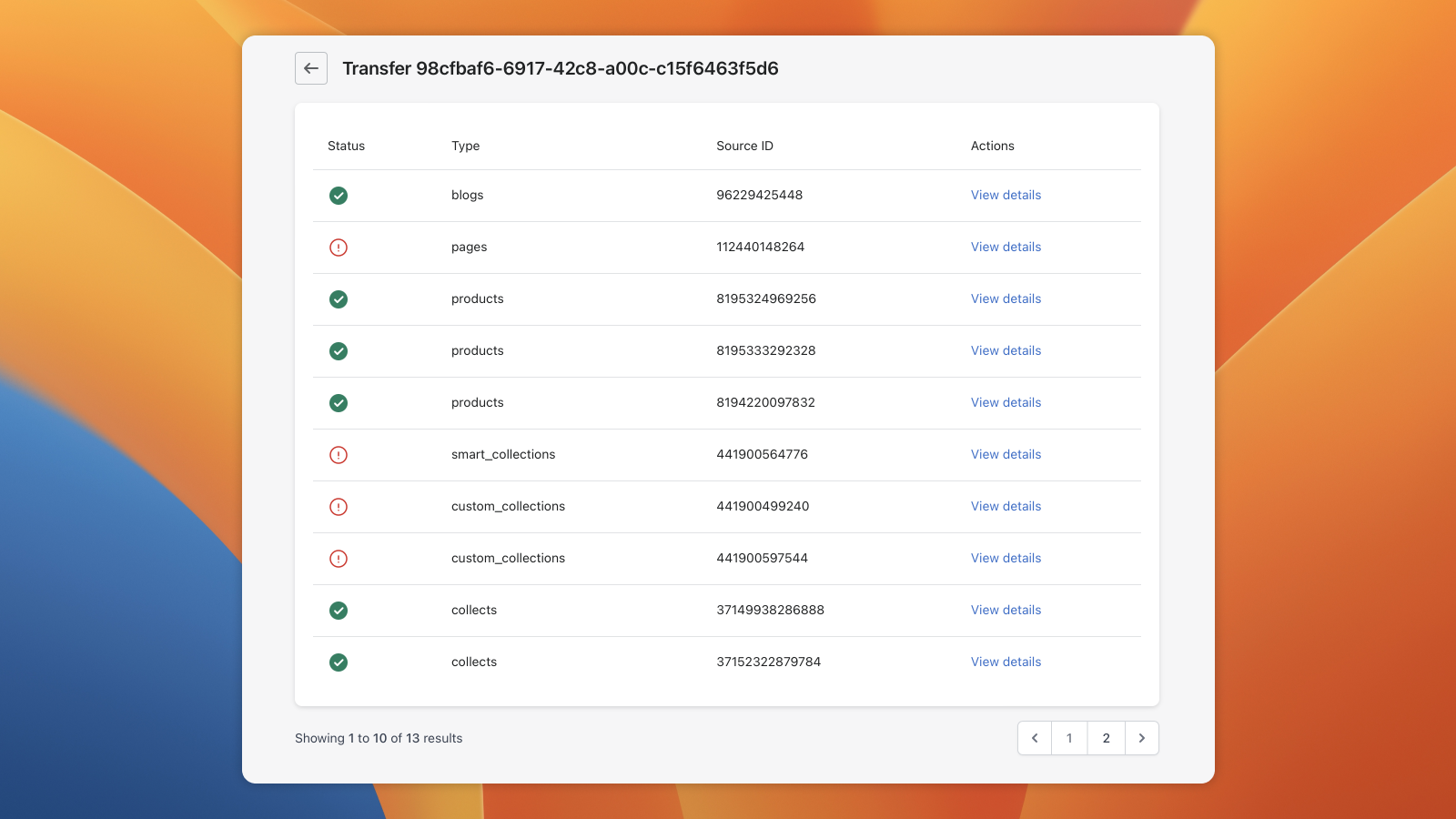
- Get real-time insights into the progress of your copy process.
Merchant-Friendly
- Multi-Store Operators
- Brand Chain Merchants
- Cross-Border E-commerce Merchants
- Content E-commerce Merchants
Basic Information
- Developer:AppHive
- Address:Keizersgracht 514, Amsterdam, 1017 EJ, NL
- Price: Free / Free plan
- Rating:4.7 / 5
- Comment Count:8 comment
- Release Date:2023-4-18
- Supported languages:English、Spanish、French、German、Dutch、Portuguese (Brazil)、Portuguese (Portugal)、Italian、Finnish、Swedish
- Compatible products:Shopify
Application Screenshot


Price Plan
永久免费
- Try the Free Store Copier, copy up to 10 products to your new store per month
基础版
- Copy up to 100 products per month
- Copy unlimited pages, collections, and blogs
专业版
- Copy up to 100 products per month
- Copy unlimited pages, collections, and blogs
无限版
- Copy unlimited products monthly
- Maximum copy speed
- Priority support
- Copy unlimited pages, collections and blogs
User Location & Comments
User Location
Comments
Shopify API Used
- POST /admin/api/products.json?copy_from={product_id}
- GET /admin/api/products/{product_id}.json
- PUT /admin/api/products/{new_product_id}.json
Permission:write_products,read_products,manage_products
- POST /admin/api/collections.json?copy_from={collection_id}
- GET /admin/api/collections/{collection_id}.json
- PUT /admin/api/collections/{new_collection_id}.json
Permission:write_collections,read_collections,manage_collections
- POST /admin/api/pages.json?copy_from={page_id}
- POST /admin/api/blogs/{blog_id}/articles.json?copy_from={article_id}
- GET /admin/api/pages/{page_id}.json
Permission:write_pages,write_articles,read_pages
- POST /admin/api/storefronts/{storefront_id}/products.json?copy_from={product_id}
- POST /admin/api/storefronts/{storefront_id}/collections.json?copy_from={collection_id}
- GET /admin/api/storefronts.json
Permission:write_storefronts,read_storefronts,manage_storefronts
- GET /admin/api/copy_jobs.json
- GET /admin/api/copy_jobs/{job_id}.json
- PUT /admin/api/copy_jobs/{job_id}/cancel.json
Permission:read_copy_jobs,manage_copy_jobs,write_copy_jobs