
App Introduction
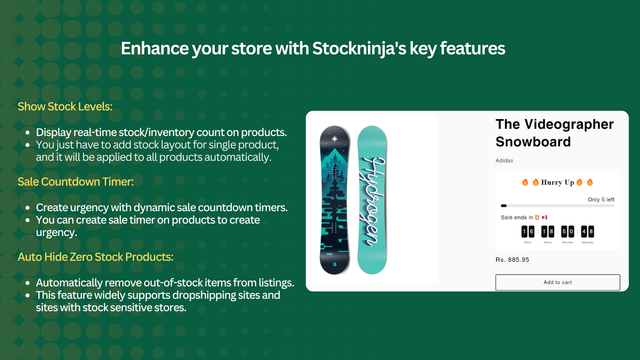
This app lets you display inventory levels, add promotion countdown timers, and automatically hide out-of-stock products. As an e-commerce merchant, showing stock quantities, running promotion countdowns, and hiding out-of-stock items are critical to managing customer expectations and maximizing sales. Stockninja simplifies these tasks by displaying accurate inventory levels, creating a sense of urgency with countdown timers, and ensuring only in-stock products are visible in your store. Set up these features for one product, and Stockninja will automatically apply them across your entire store, reducing your workload.
Core Functionality
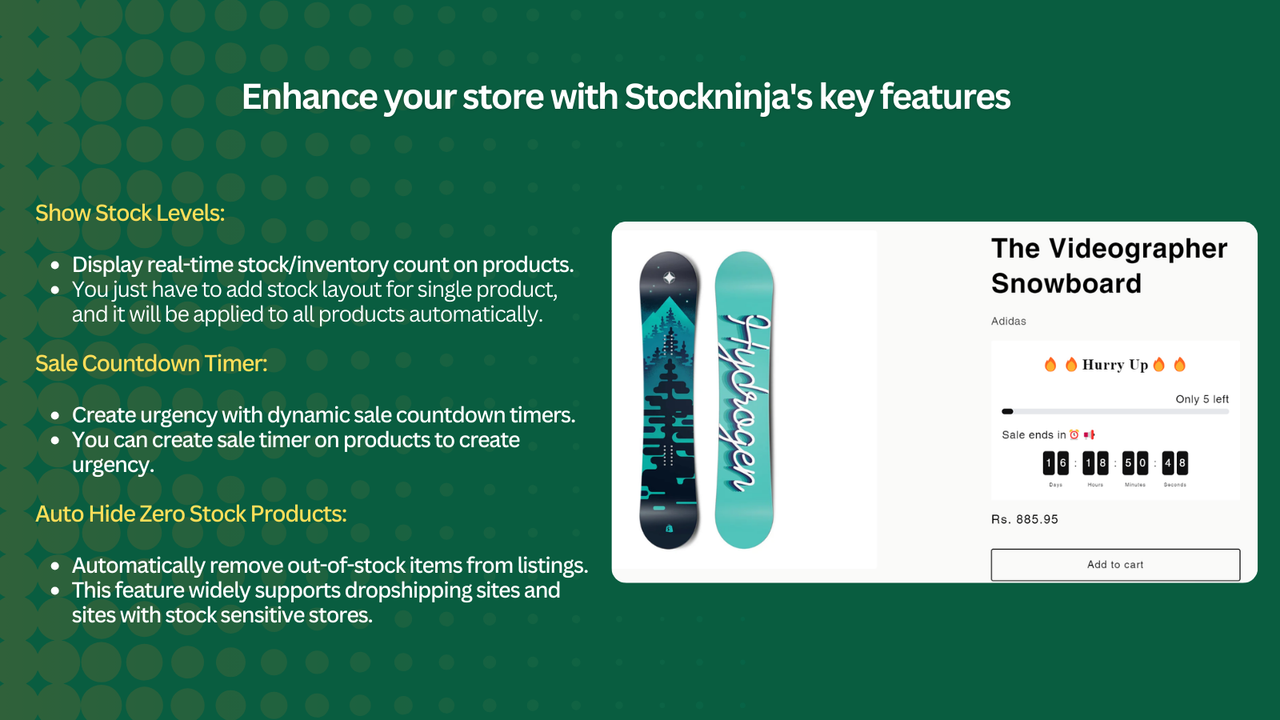
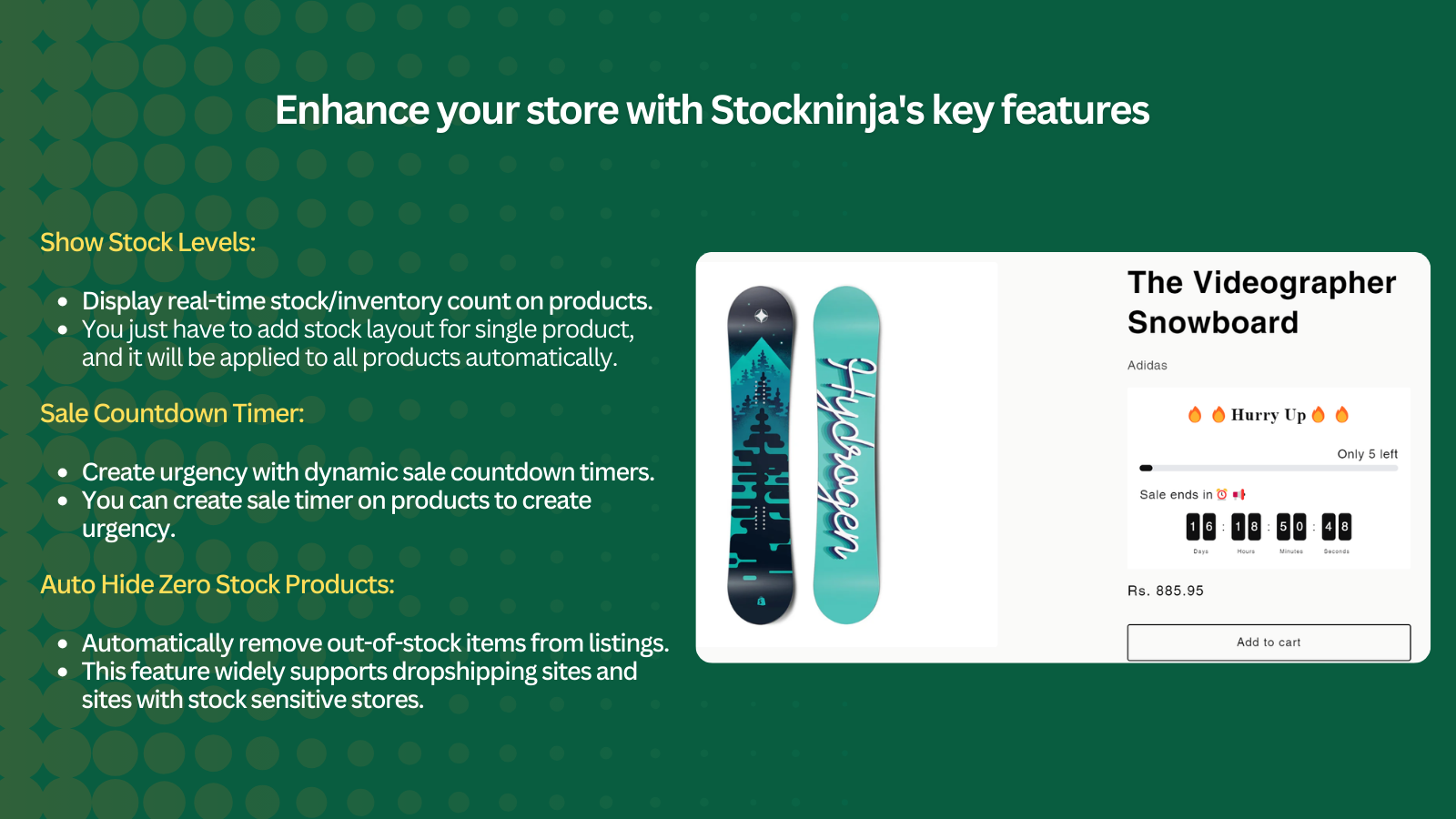
- Display stock levels: Show the inventory quantity of products for clear customer awareness.
- Promotion countdown: Create urgency/FOMO with a countdown timer to boost sales.
- Auto-hide out-of-stock items: Automatically hide out-of-stock products from your store.
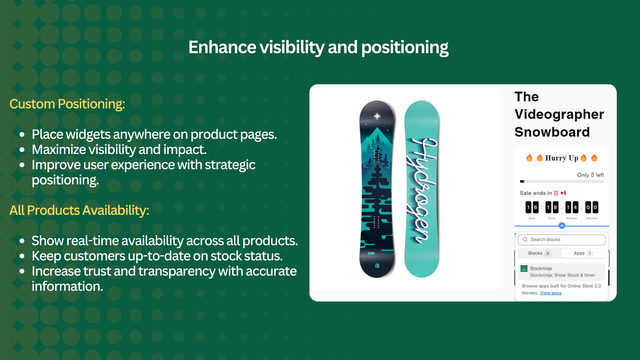
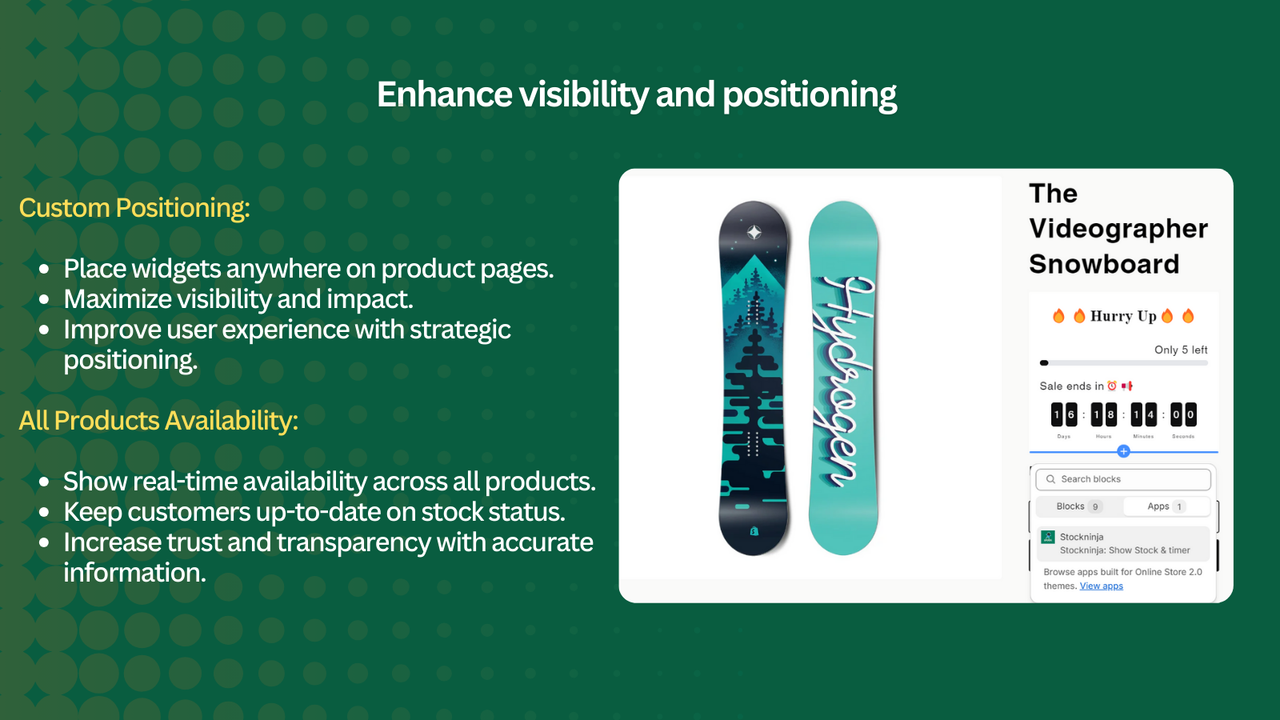
- Custom positioning: Place the widget anywhere to personalize your product pages.
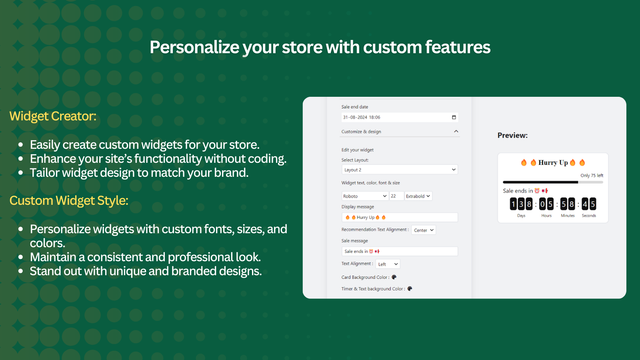
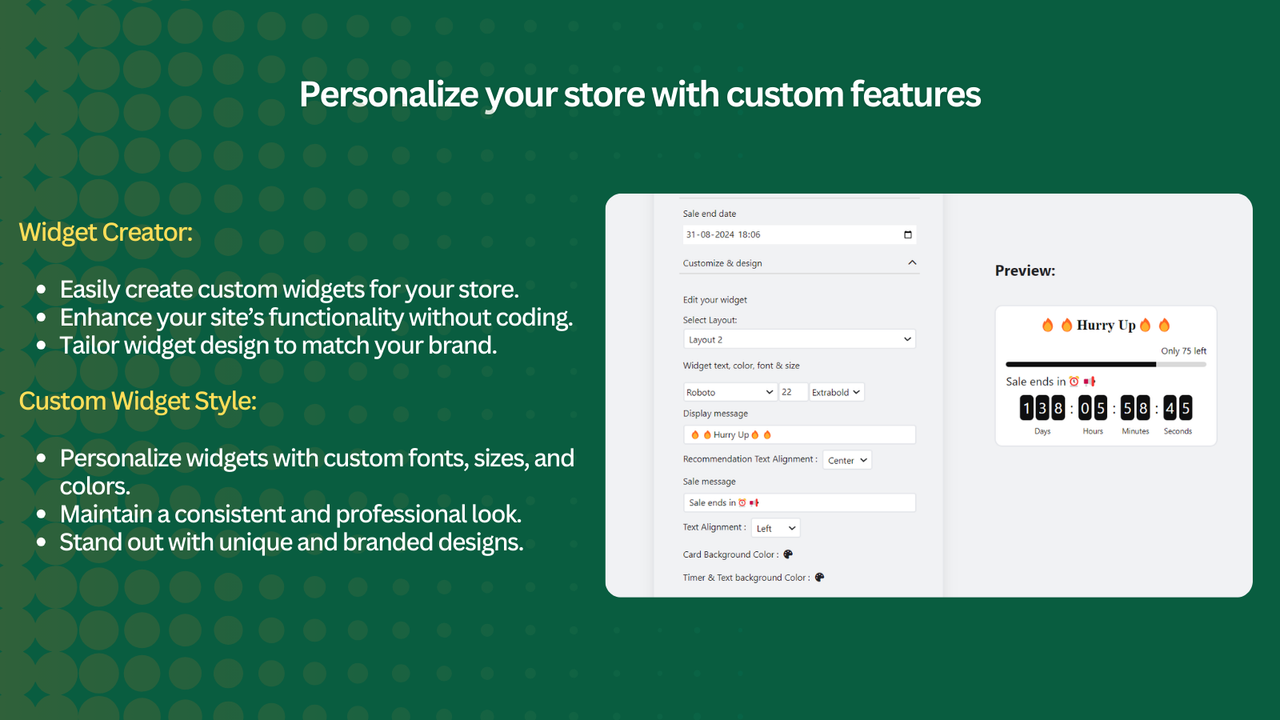
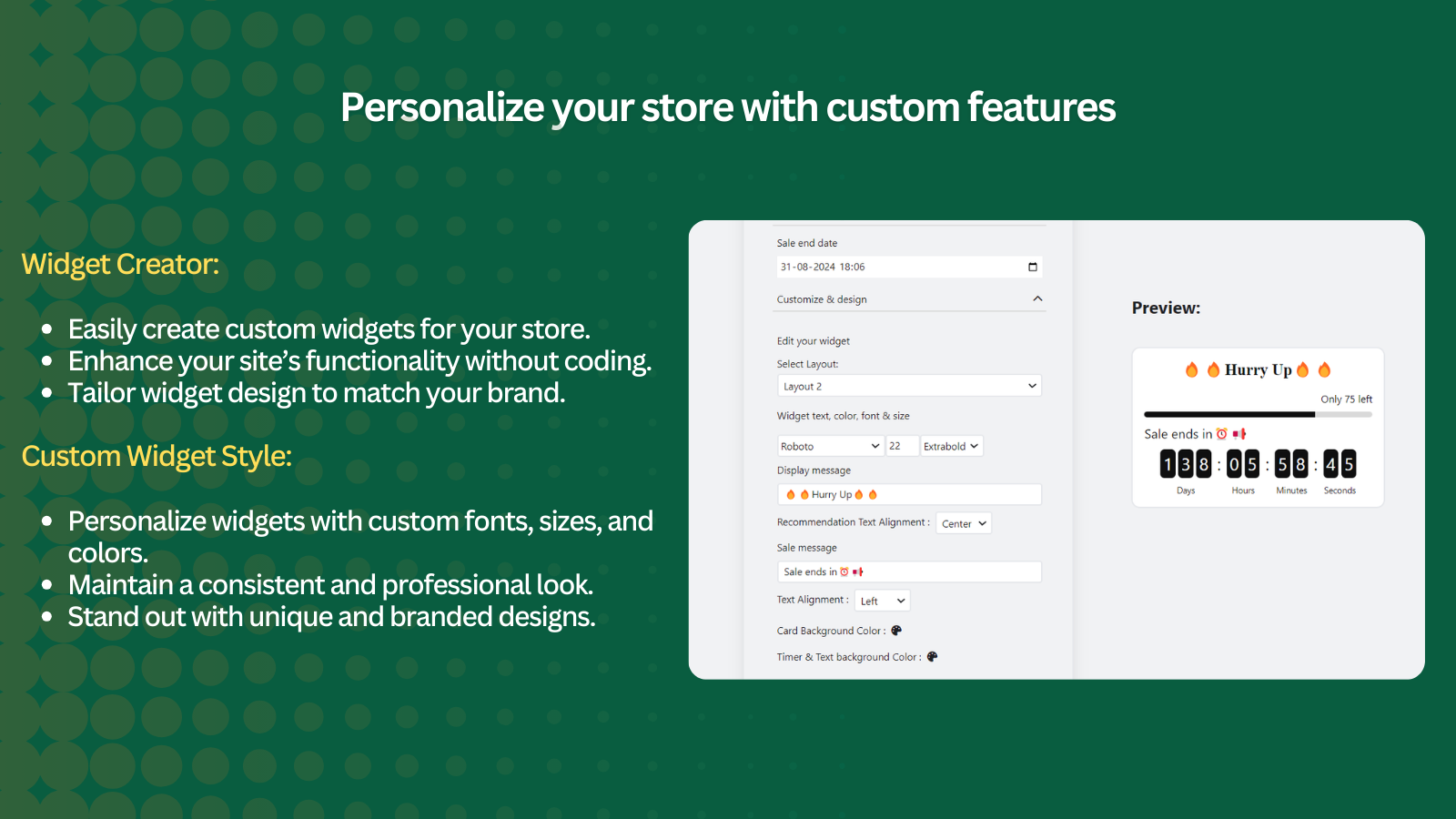
- Customizable widget: Personalize the widget with colors, fonts, sizes, and other options
Merchant-Friendly
- Independent Station Merchants
- Multi-category E-commerce
- FMCG Merchants
- Cross-border E-commerce
Basic Information
- Developer:Nexlerate
- Address:Chennai, TN, IN
- Price: Free / Free plan
- Rating:5 / 5
- Comment Count:1 comment
- Release Date:2024-7-4
- Supported languages:English、French、Spanish、Arabic、German、Italian、Japanese、Dutch、Portuguese (Portugal)、Simplified Chinese
- Compatible products:Shopify
Application Screenshot


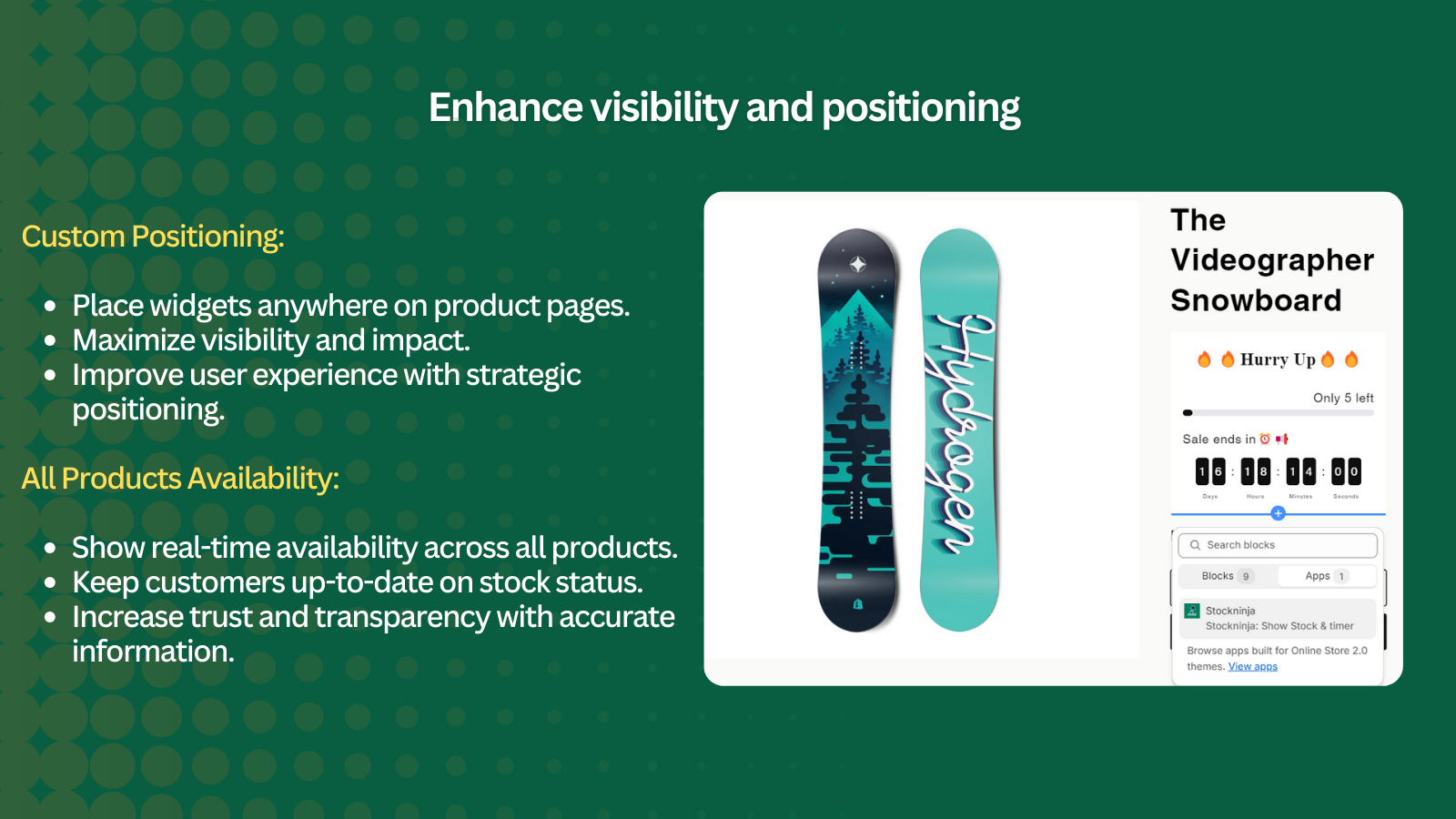


Price Plan
Free
- Show Existing Inventory
- Widget Builder
- All Product Availability
- Custom Positioning
- Custom Widget Styling
Professional
- All Free Features +
- Promotion Countdown
- Auto-Hide Out-of-Stock Products
- Priority Support
User Location & Comments
User Location
Comments
Shopify API Used
- GET /admin/api/products.json
- GET /admin/api/products/{product_id}.json
- GET /admin/api/inventory_levels.json
Permission:read_products,read_inventory,view_online_store
- POST /admin/api/discounts.json
- PUT /admin/api/discounts/{discount_id}.json
- GET /admin/api/discounts.json
Permission:write_discounts,read_discounts,manage_online_store
- PUT /admin/api/products/{product_id}.json
- PUT /admin/api/collections/{collection_id}/products.json
- GET /admin/api/inventory_levels.json
Permission:write_products,read_inventory,manage_online_store
- PUT /admin/api/themes/{theme_id}/assets.json
- GET /admin/api/themes/{theme_id}/assets.json
- POST /admin/api/sections.json
Permission:write_themes,read_themes,manage_online_store
- PUT /admin/api/themes/{theme_id}/assets.json
- GET /admin/api/themes/{theme_id}/assets.json
- POST /admin/api/sections.json
Permission:write_themes,read_themes,manage_online_store