
App Introduction
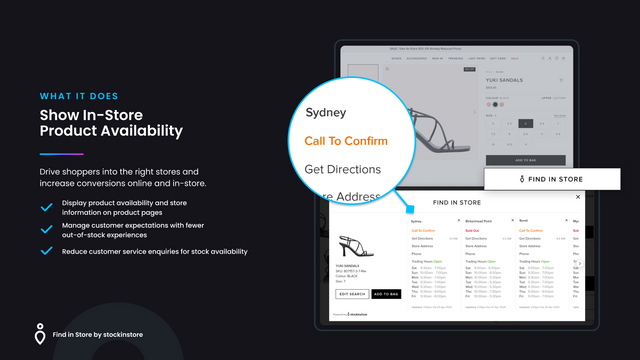
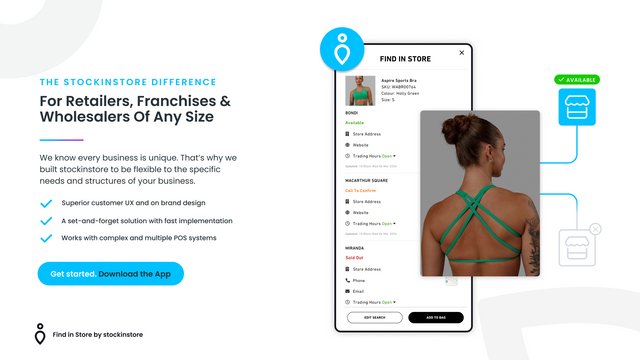
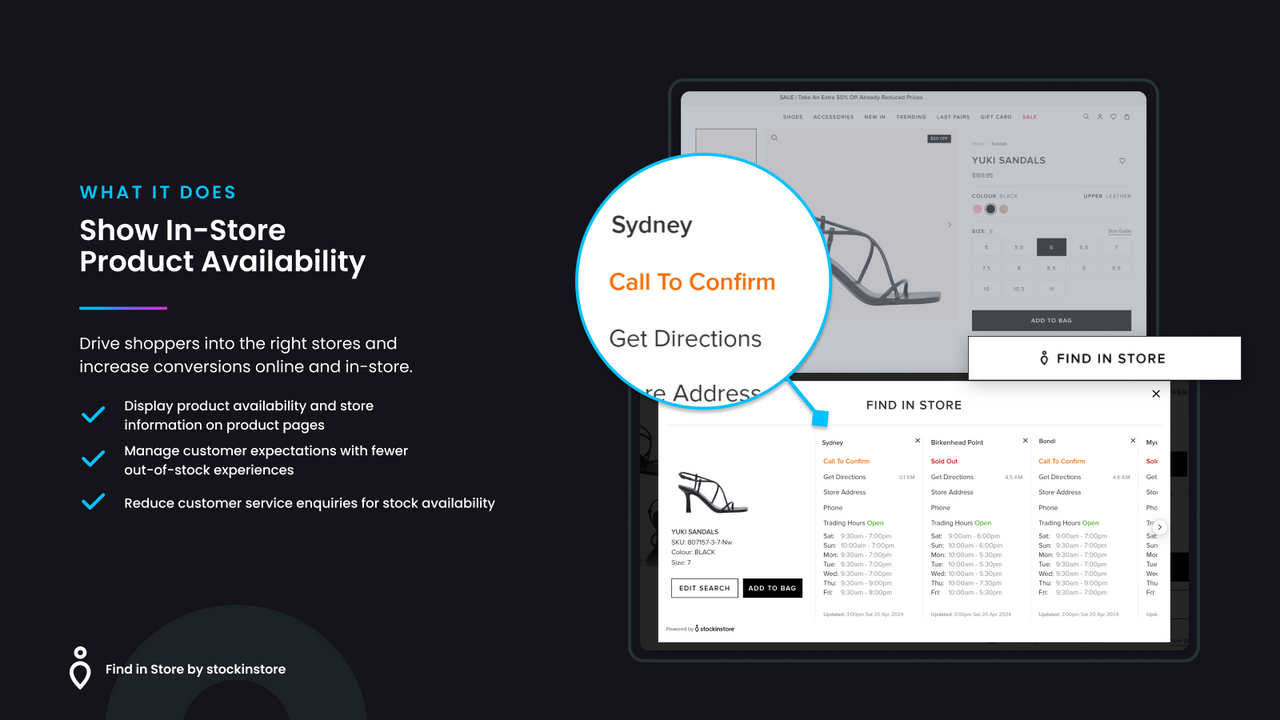
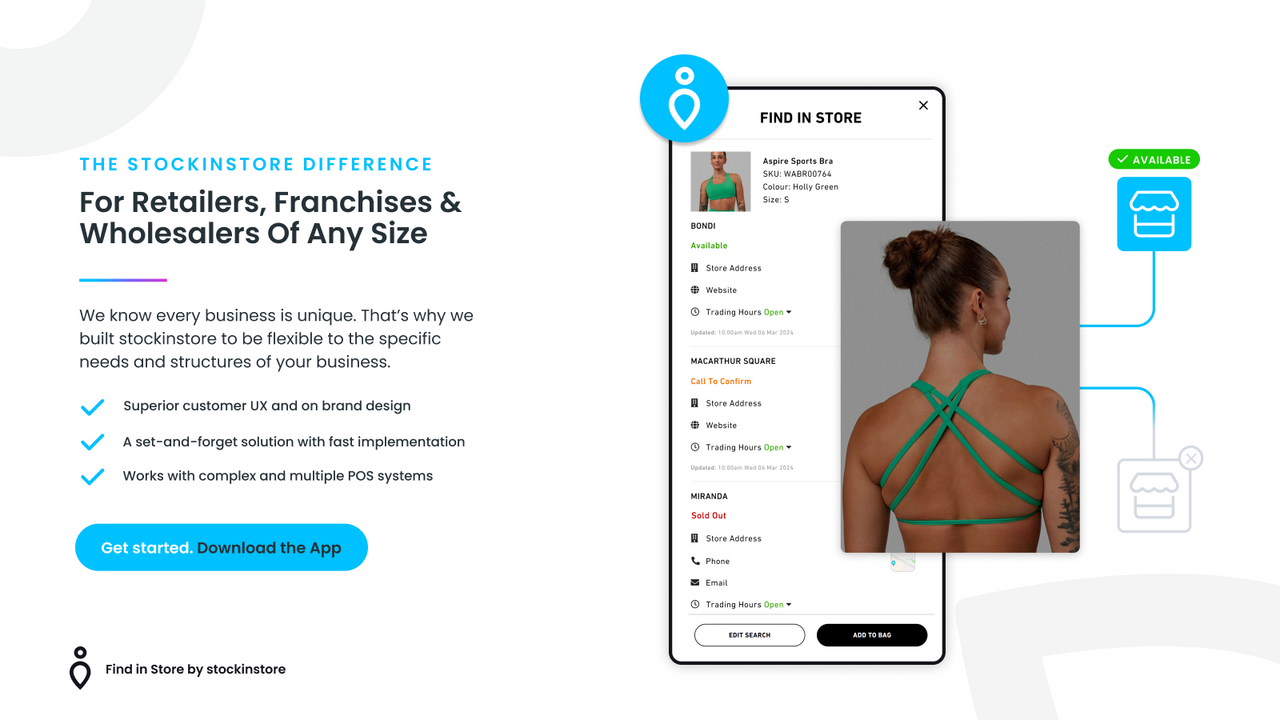
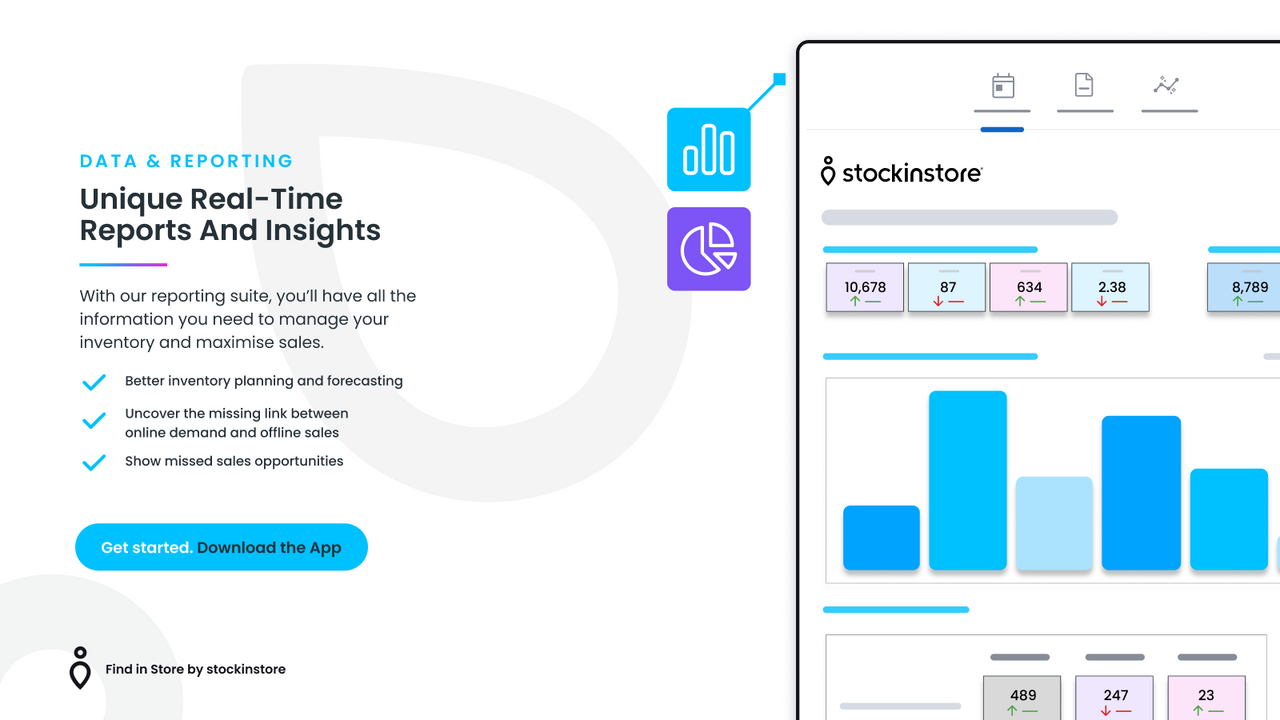
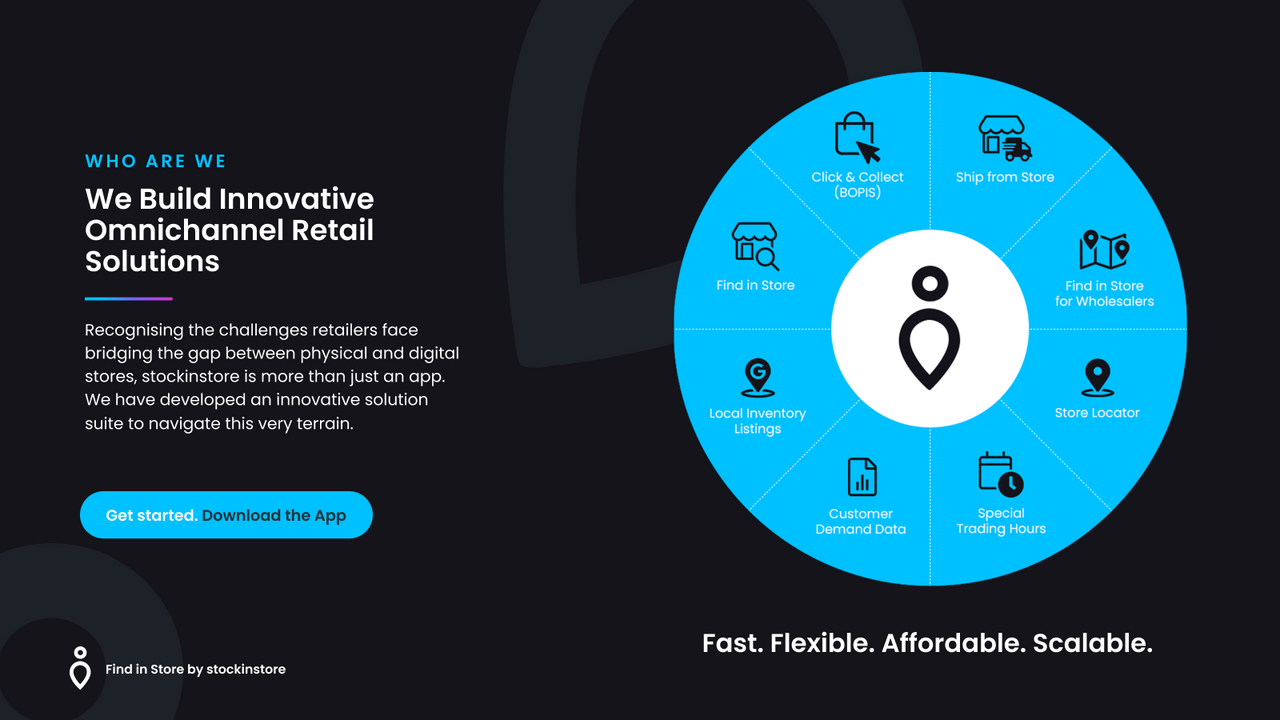
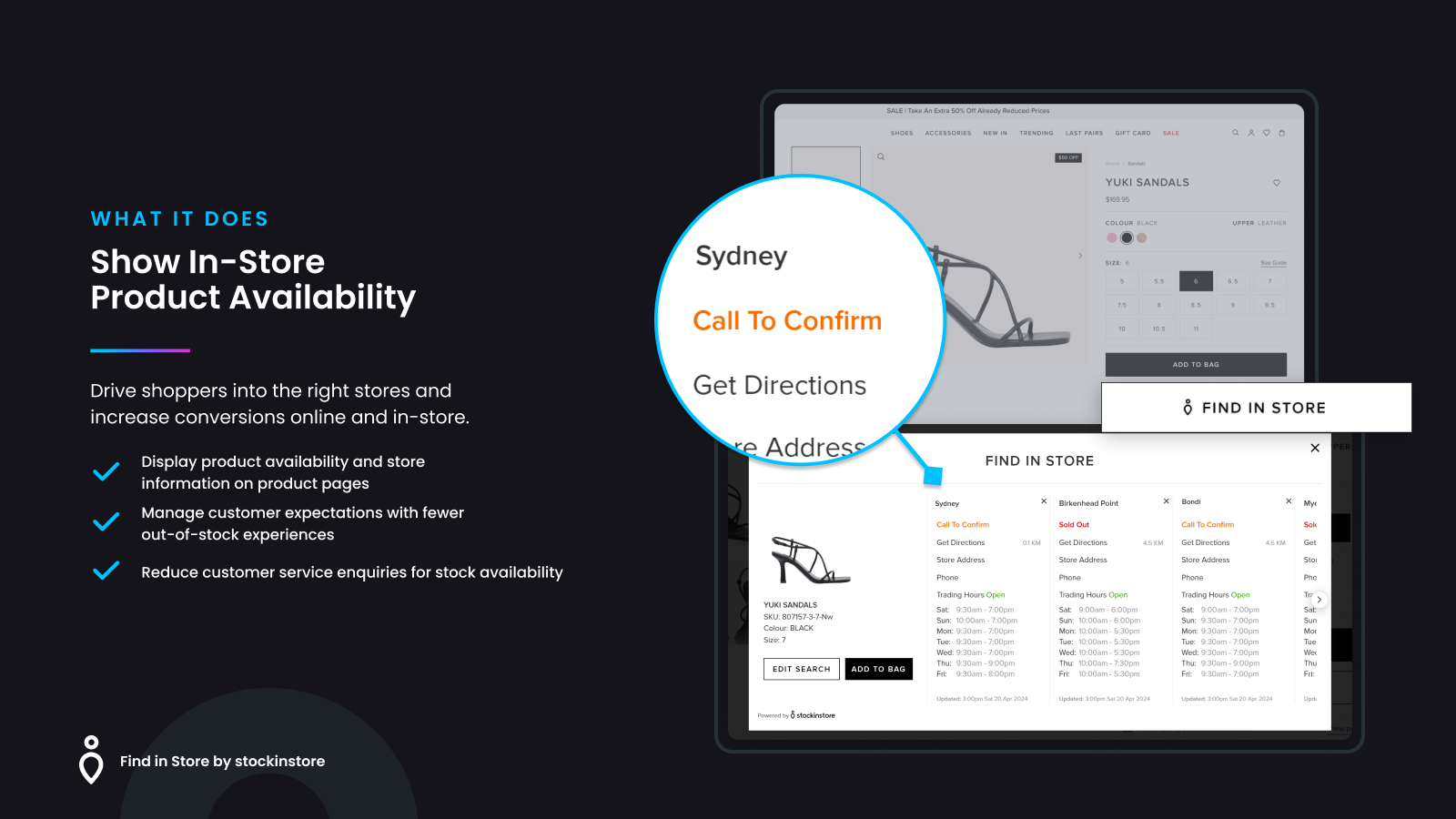
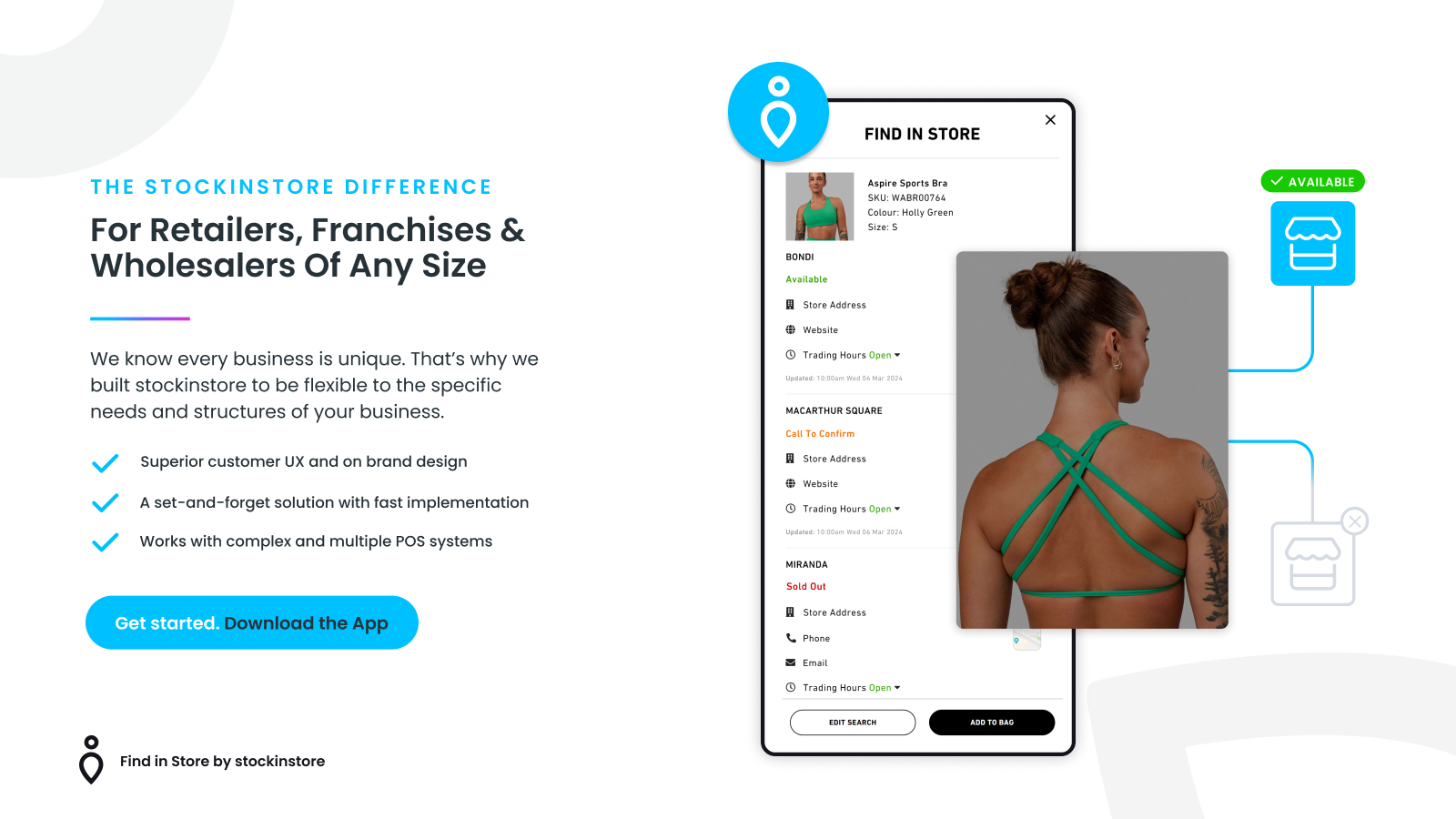
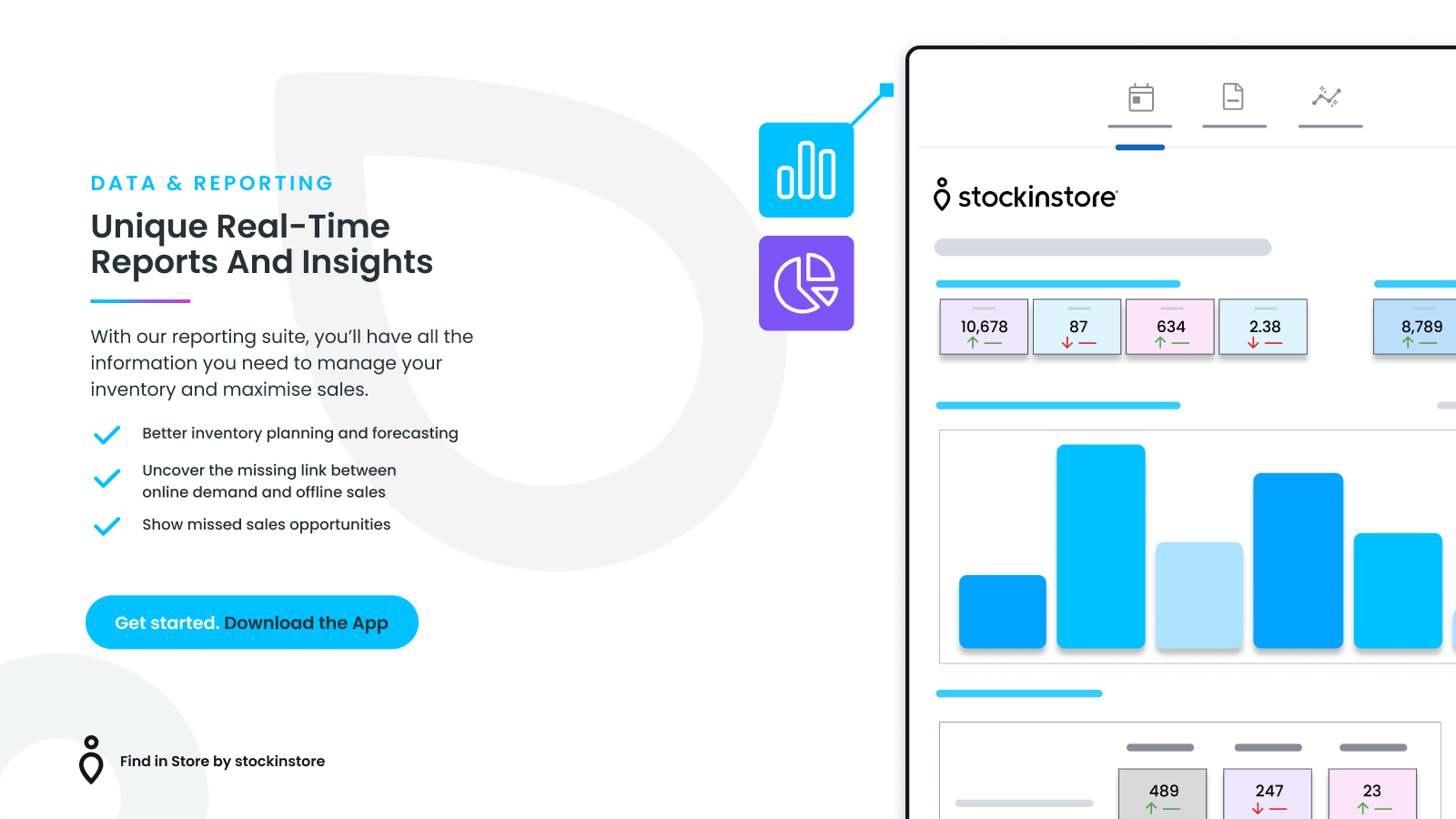
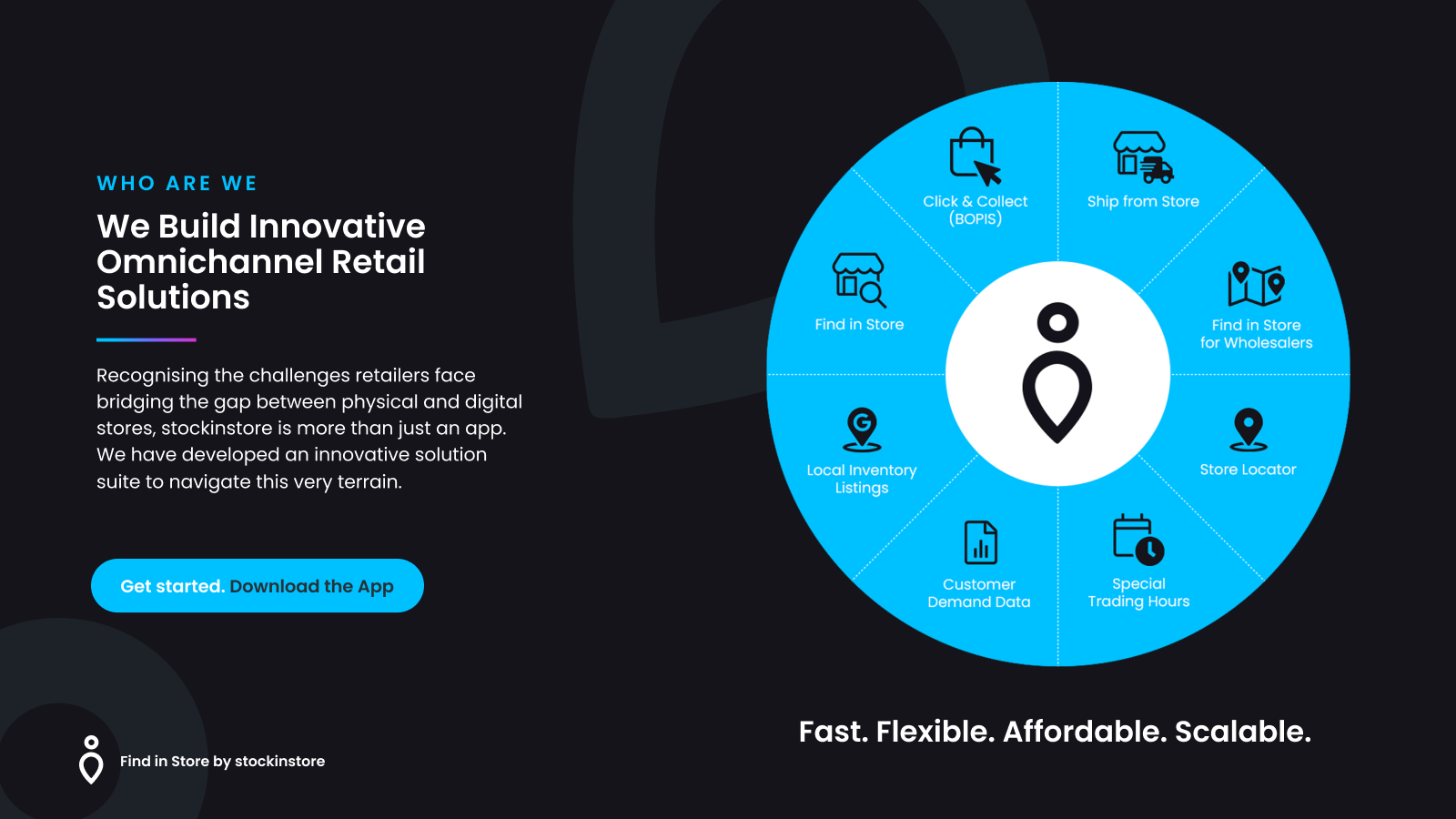
Display in-store inventory availability on your product pages to drive shoppers to your physical stores. Designed for retailers, franchisees, wholesalers, and manufacturers, stockinstore’s Find in Store attracts foot traffic to your locations. With just two clicks, you can show in-store product availability on product detail pages while boosting online conversion rates. Access customer demand data to improve inventory management and increase sales. As an omnichannel solution platform, stockinstore offers click-and-collect, in-store fulfillment (OMS), store locator, and more. Please note this app is not a one-click install.
Core Functionality
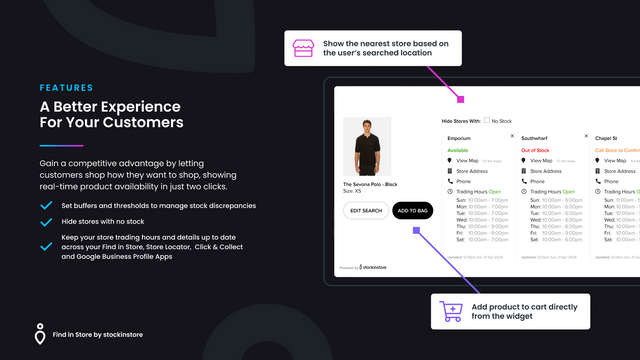
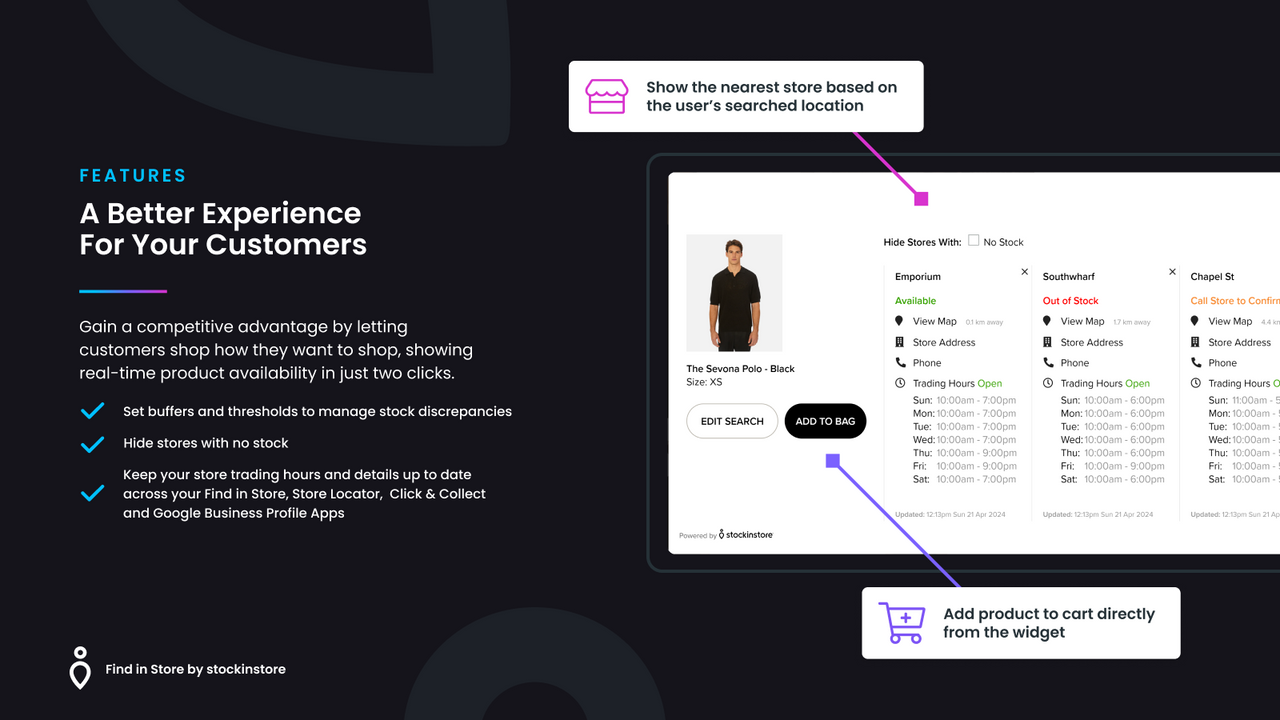
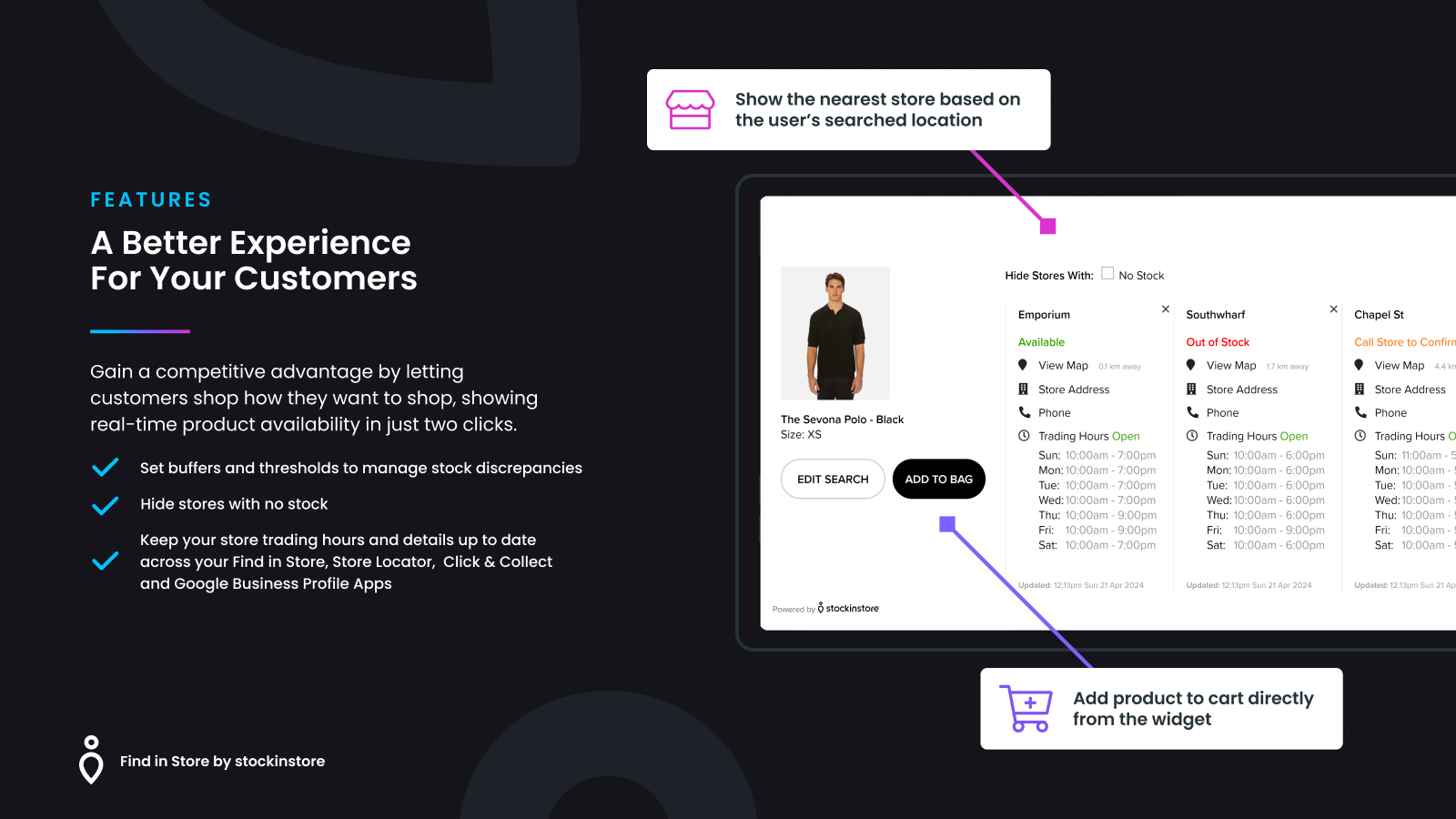
- Display real-time inventory availability of nearby stores based on the user's search location
- Designed for retailers facing inventory management challenges
- Add products directly to the cart from the widget to boost conversion rates
- Set buffer levels and thresholds to manage inventory discrepancies
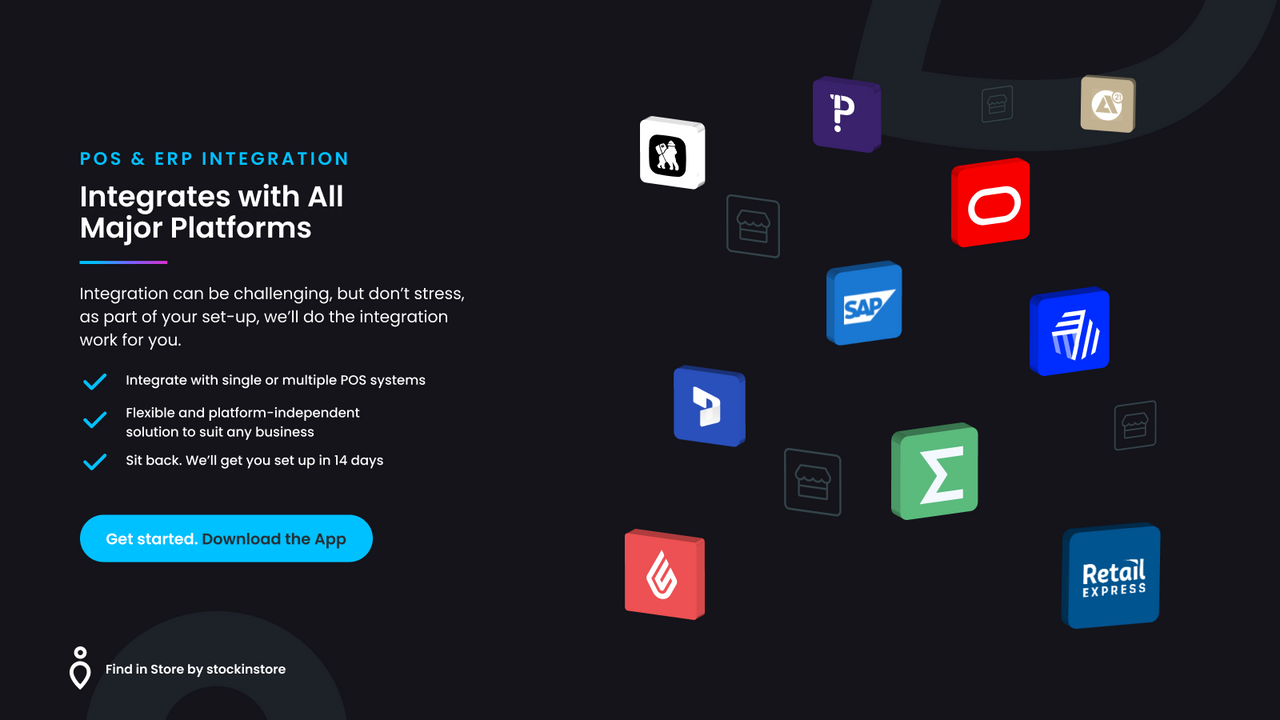
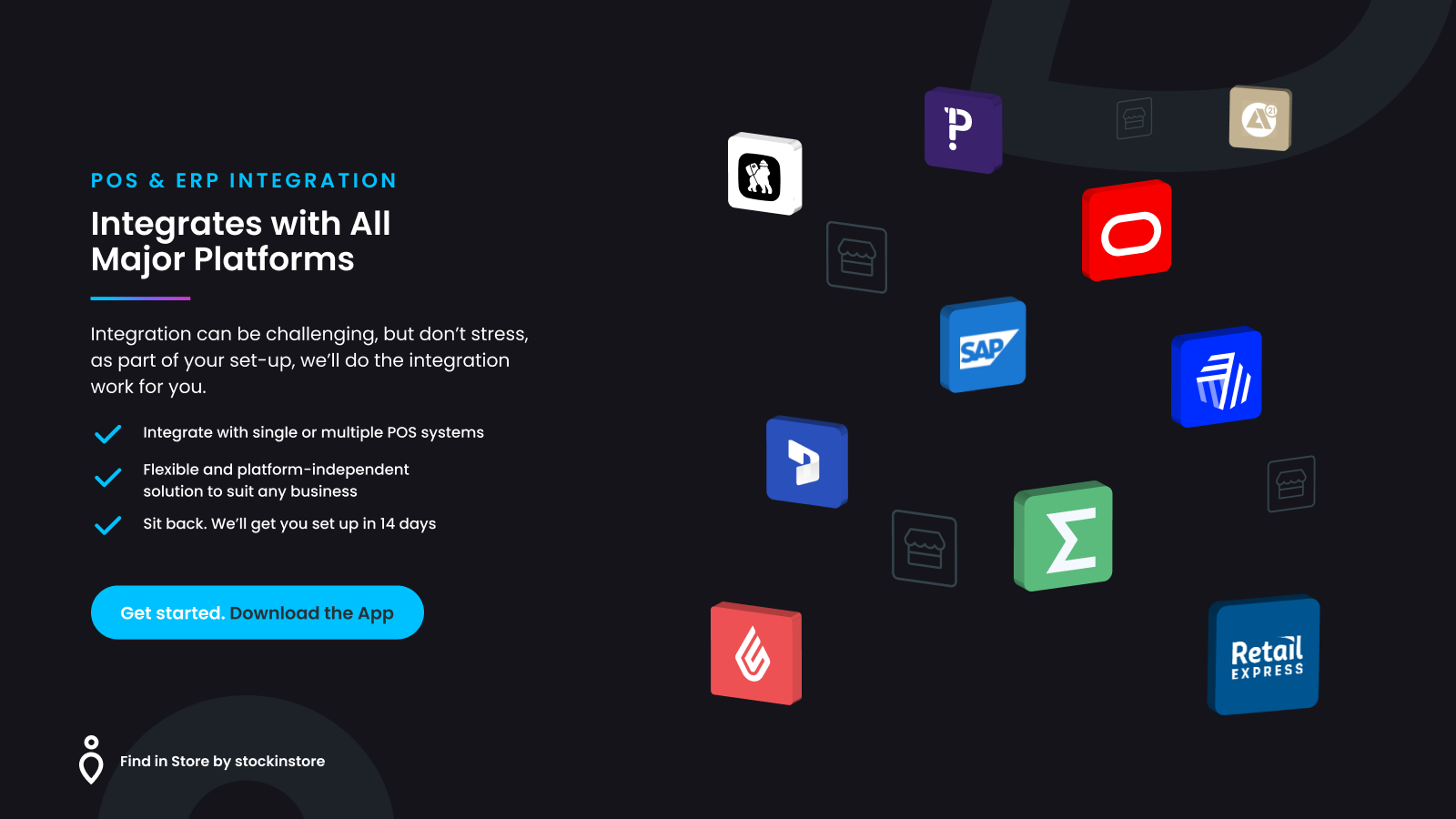
- Pre-built integration connectors for Vend, AP21, Maropost’s Retail Express, and more
Merchant-Friendly
- Offline Store E-commerce
- Multi-channel Retailers
- Inventory Management Merchants
- High Conversion Demand Merchants
Basic Information
- Developer:stockinstore®
- Address:1/147 Liardet Street, Port Melbourne, VIC, 3207, AU
- Price: Free / Free plan
- Rating:0 / 5
- Comment Count:0 comment
- Release Date:2024-5-2
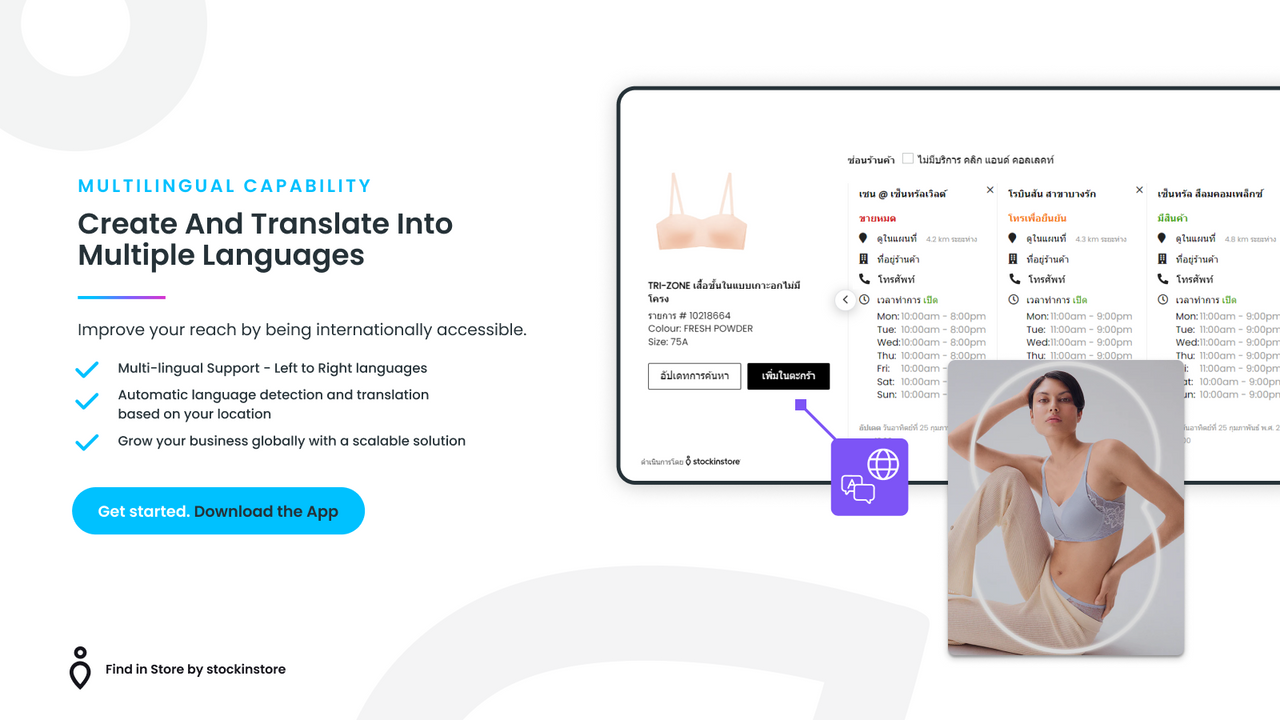
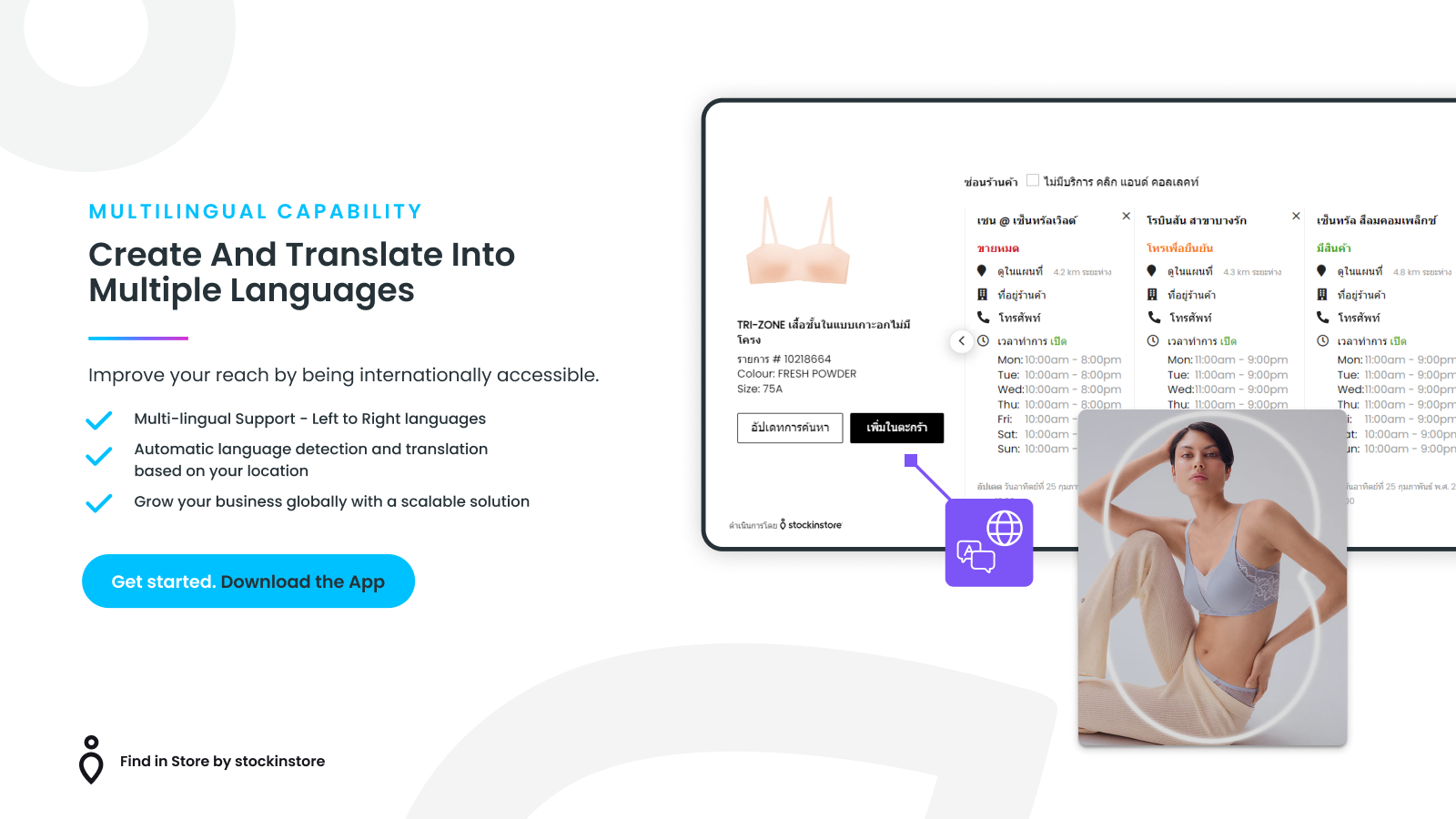
- Supported languages:English、French、Basque、Belarusian、Bulgarian、Catalan、Simplified Chinese、Traditional Chinese、Czech、Danish、Dutch、Afrikaans、Estonian、Faroese、Finnish、Galician、German、Greek、Hindi、Hungarian、Icelandic、Irish、Italian、Japanese、Korean、Latvian、Lithuanian、Macedonian、Malayalam、Malay、Maltese、Norwegian、Norwegian Bokmål、Norwegian Nynorsk、Polish、Portuguese (Brazil)、Portuguese (Portugal)、Punjabi、Romanian、Russian、Serbian、Slovak、Slovenian、Spanish、Swedish、Thai、Turkish、Ukrainian、Vietnamese、Welsh、Xhosa、Yiddish、Zulu、Croatian
- Compatible products:Shopify
Application Screenshot
Price Plan
免费
User Location & Comments
User Location
Comments
Shopify API Used
- GET /admin/api/locations/{location_id}/inventory_levels.json
- GET /admin/api/products/{product_id}/inventory.json
- GET /admin/api/customers/{customer_id}/locations.json
Permission:read_inventory,read_locations,read_products
- POST /admin/api/inventory_thresholds.json
- PUT /admin/api/inventory_thresholds/{id}.json
- GET /admin/api/inventory_thresholds.json
Permission:write_inventory,read_inventory,manage_products
- POST /admin/api/cart/add.json
- GET /admin/api/cart.json
- PUT /admin/api/cart/items/{id}.json
Permission:write_cart,read_cart,manage_products
- POST /admin/api/apps/{app_id}/integrations.json
- GET /admin/api/integrations/connections.json
- PUT /admin/api/integrations/connections/{id}.json
Permission:manage_apps,write_inventory,read_inventory



