
StockSavvy Barcode Scanning
App Introduction
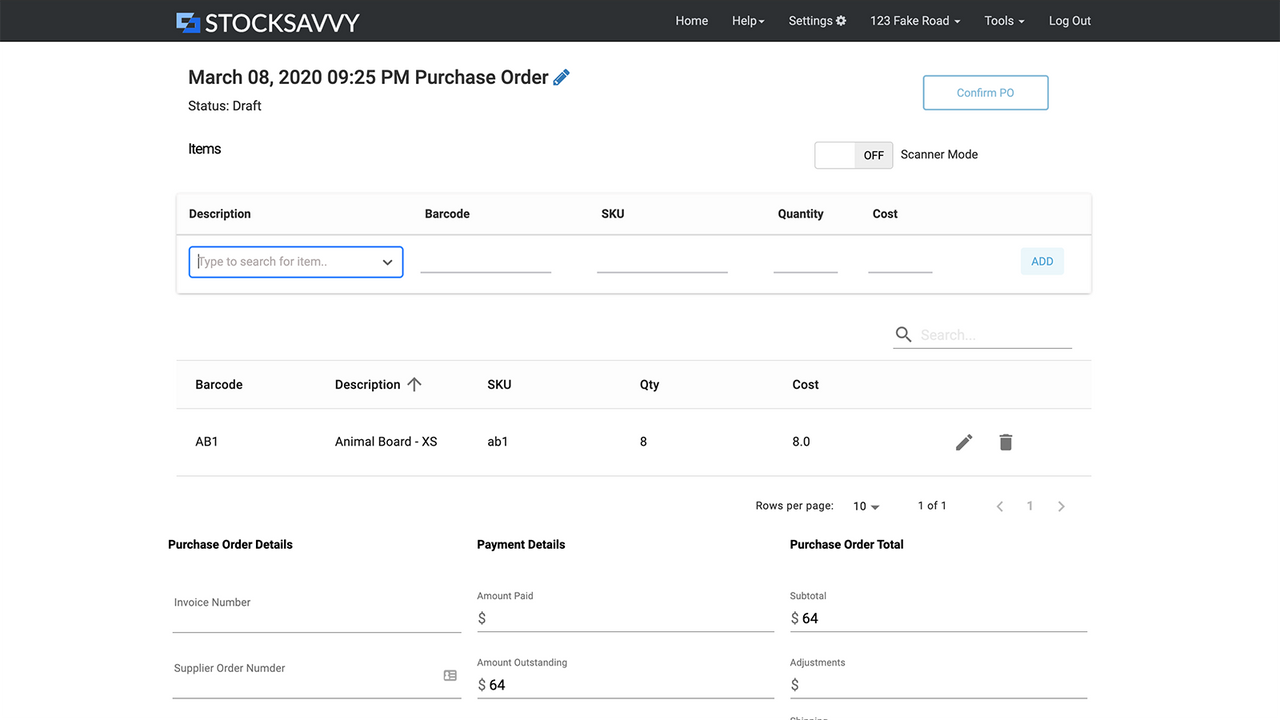
Scan barcodes, create purchase orders, print labels, and view top-selling and low-stock items. Maintain accurate inventory by performing periodic cycle counts, and gain insights into your total inventory value and costs. Receive low-stock notifications when items fall below your set thresholds. The dashboard displays low-stock and top-selling products. Generate barcodes for items. Create purchase orders and order products from suppliers—even for items not yet on Shopify (in the final step when receiving stock). Print product labels alongside purchase orders. Plus, enjoy multiple report options!
Core Functionality
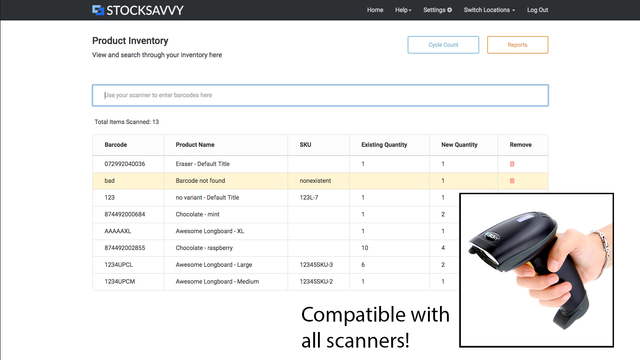
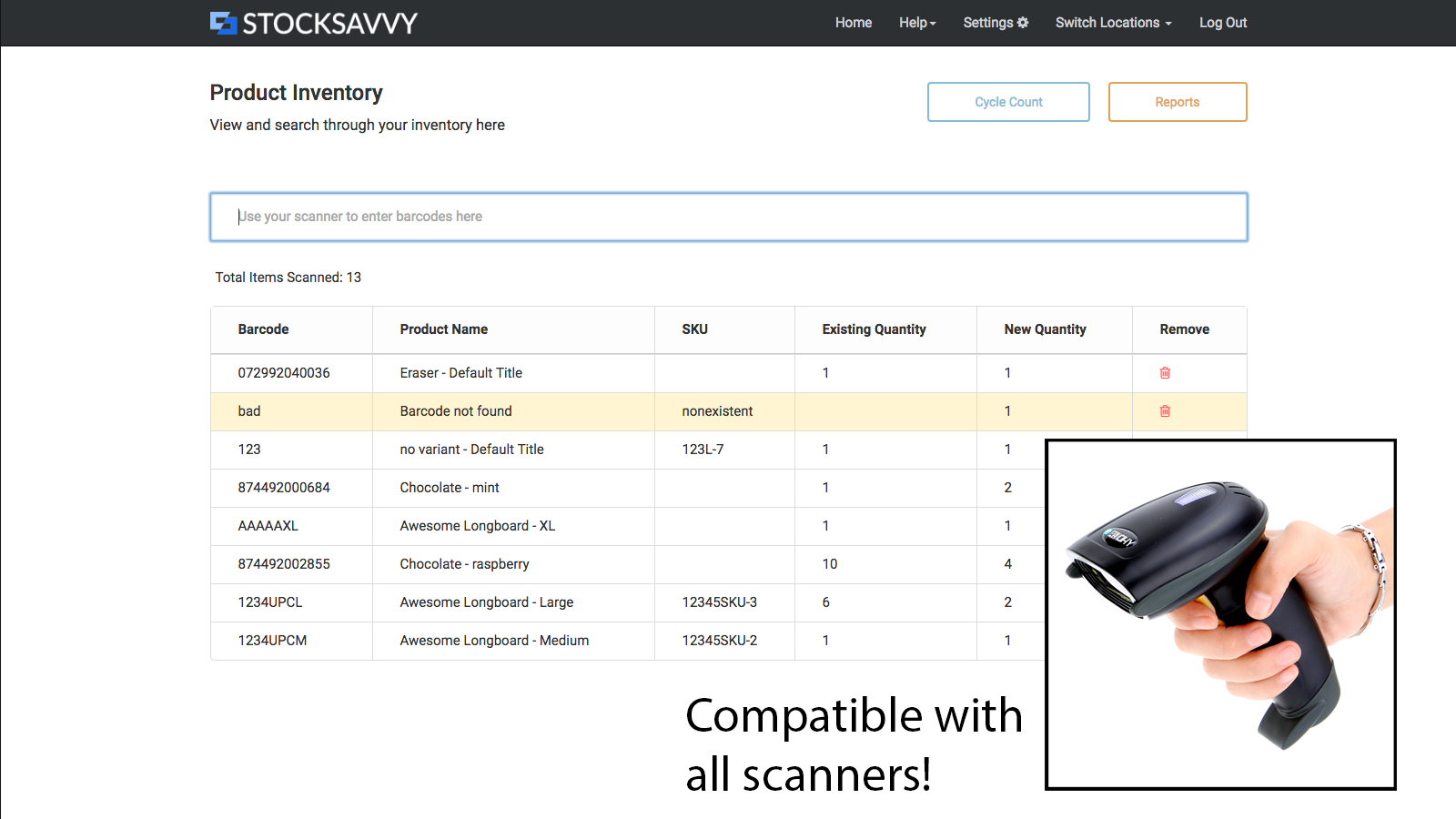
- Scan and update quantities in one go, works with all scanners, beeps on errors
- View inventory value, identify low-stock items needing reorder, and track top-selling products
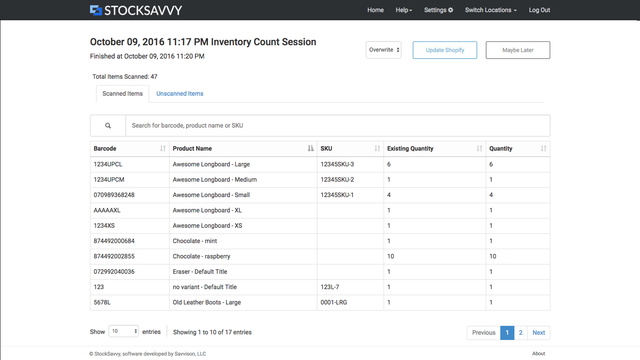
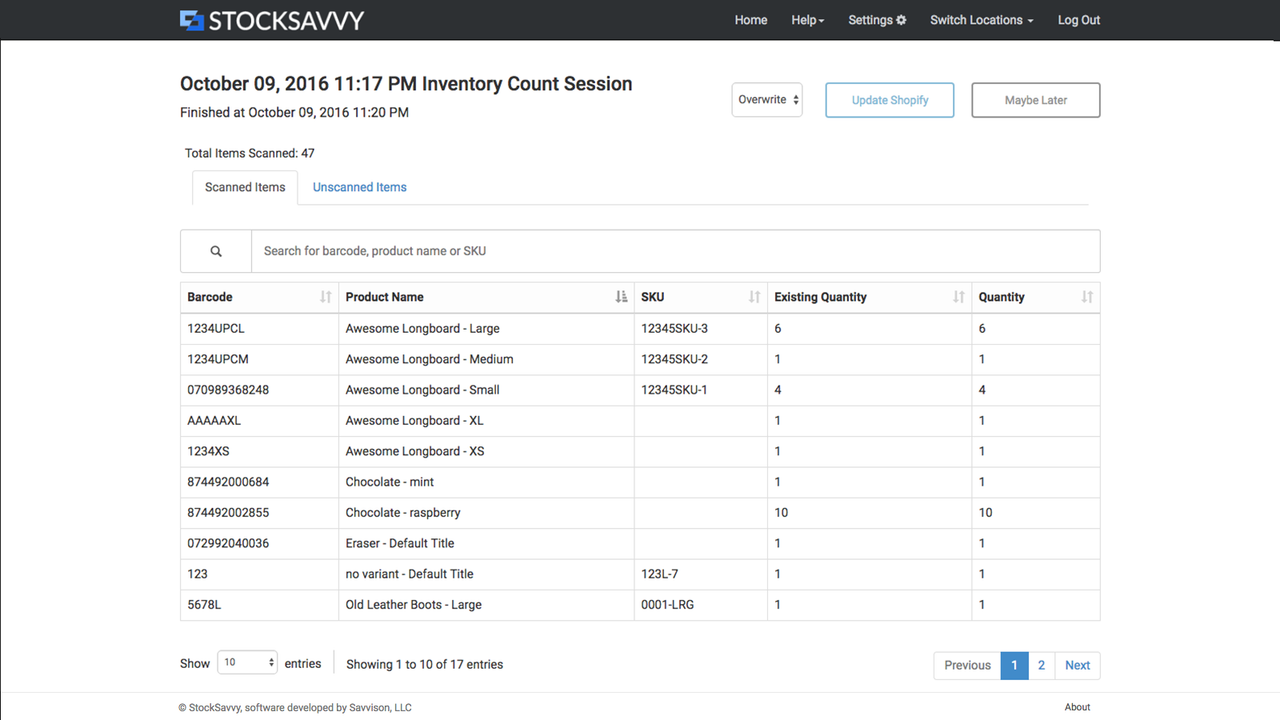
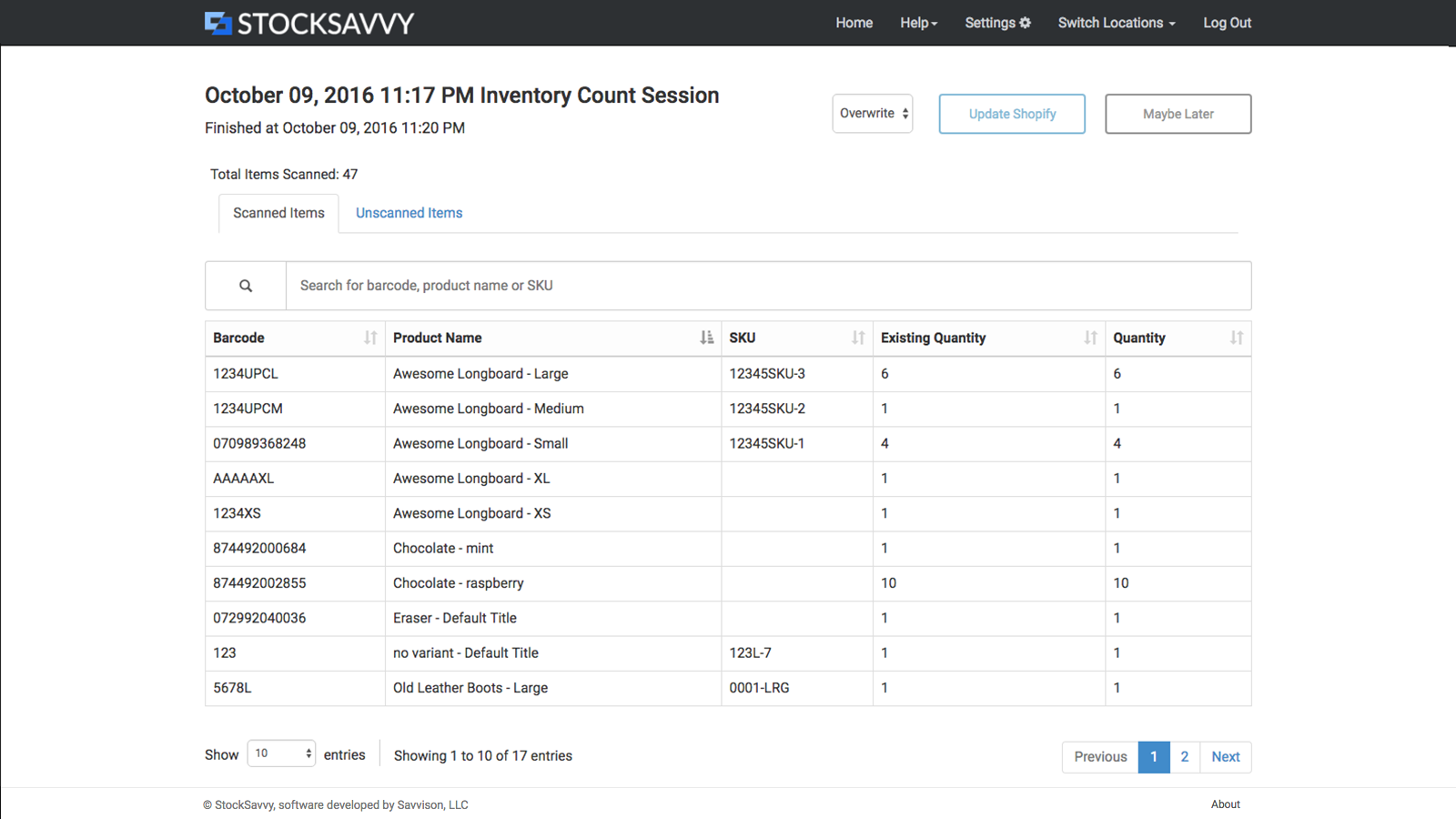
- Compare scanned items against your full inventory to spot incorrect barcodes
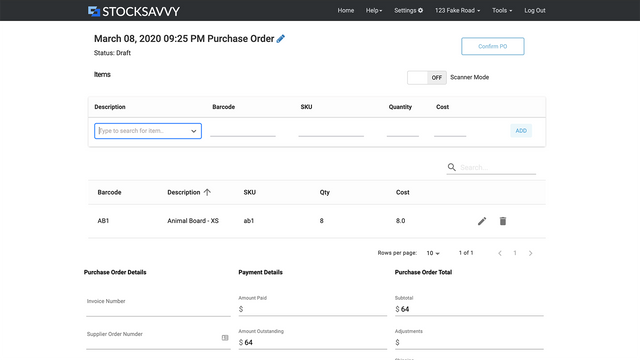
- Streamline purchase order and receiving workflows, generate barcodes, and print labels
Merchant-Friendly
- Physical Retail Merchants
- Inventory-intensive E-commerce
- Multi-channel Sellers
- Small Wholesale Merchants
Basic Information
- Developer:Savvison, LLC
- Address:Kirkland, WA, US
- Price: Free / Free plan
- Rating:4.5 / 5
- Comment Count:8 comment
- Release Date:2016-7-25
- Supported languages:English
- Compatible products:Shopify
Application Screenshot


Price Plan
Lite Plan
- Scan and update products
- Purchase orders
- Limited to accounts with total inventory < 8,000 items and 1 location
Medium Plan
- Scan and Update Products
- Purchase Orders
- Multiple Locations
Plus Plan
- Multiple Locations
- Advanced Cycle Counting supports tags, custom scanning of specific items, and setting unscanned items to zero
- Purchase Orders
Giant Count Add-on
- This app allows scanning an unlimited number of products per session. Valid for 30 days. Despite the description, it is not a recurring charge.
User Location & Comments
User Location
Comments
Shopify API Used
- POST /admin/api/inventory_levels/bulk_update.json
- GET /admin/api/inventory_levels.json
- PUT /admin/api/inventory_levels/{inventory_level_id}.json
Permission:write_inventory,read_inventory,manage_products
- GET /admin/api/reports/financial/inventory_value.json
- GET /admin/api/inventory_levels.json?inventory_quantity=<阈值
- GET /admin/api/products.json?sort_by=best_sellers
Permission:read_inventory,read_reports,read_products
- POST /admin/api/inventory_levels/bulk_validate.json
- GET /admin/api/inventory_levels.json?barcode={barcode}
- GET /admin/api/products.json?barcode={barcode}
Permission:read_inventory,read_products,manage_products
- POST /admin/api/purchase_orders.json
- POST /admin/api/products/{product_id}/barcodes.json
- POST /admin/api/print_jobs.json
Permission:write_purchase_orders,write_products,write_print_jobs