Quick Add To Cart ‑ Sticky Bar
by AppScoped · Category: Cart Customization
Free Plan
Built for Shopify
App Introduction
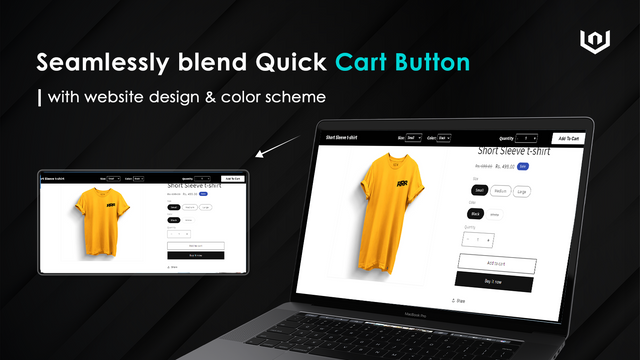
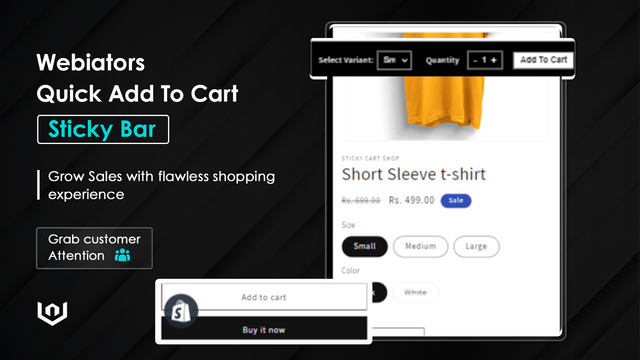
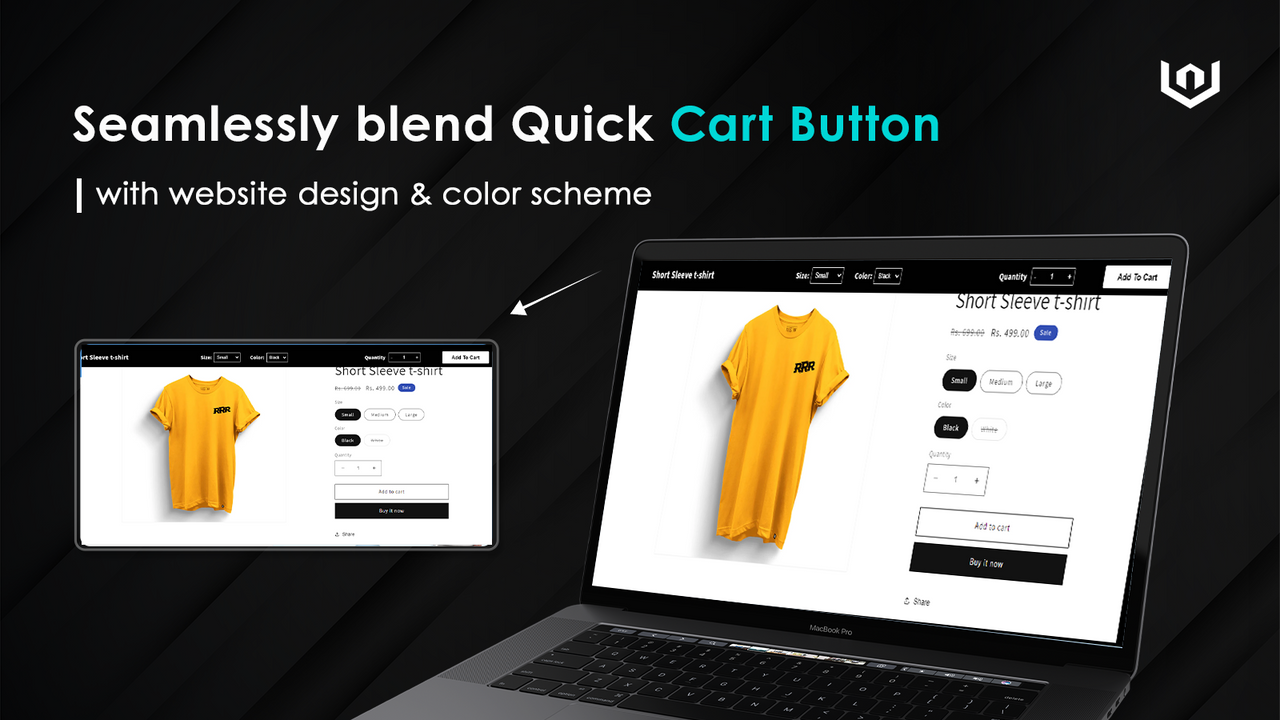
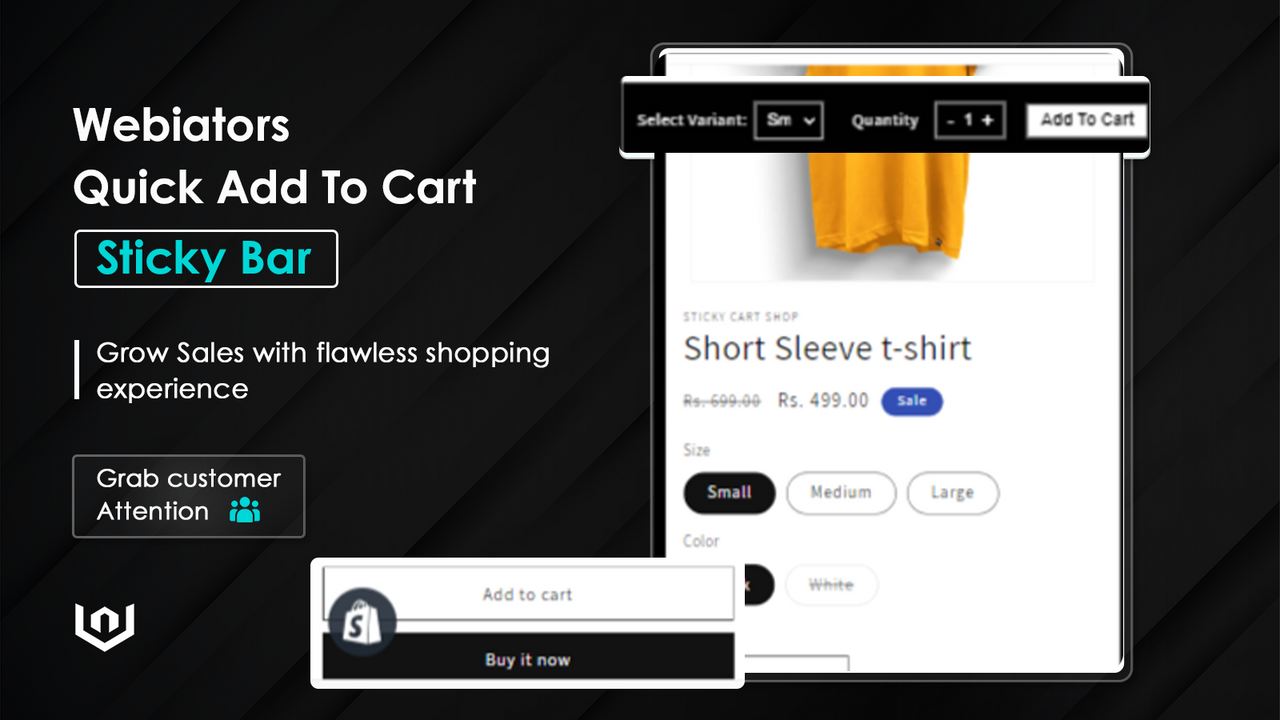
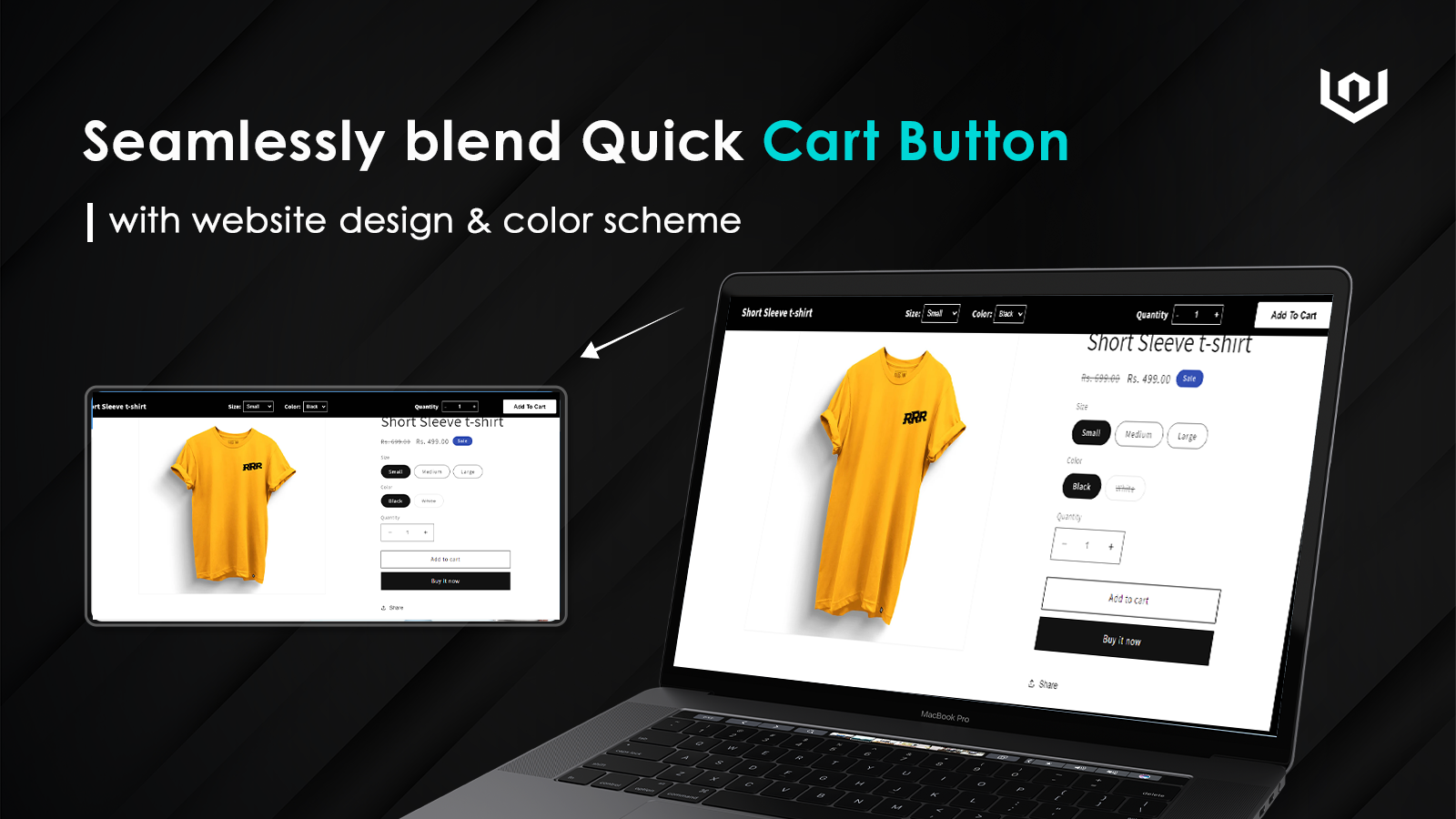
Boost sales by keeping your "Add to Cart" button always visible with a sticky bar. Make it easy and fast for your customers to add items to their cart and make a purchase. Long product descriptions can sometimes hide the "Add to Cart" bar, but with a sticky Add to Cart button, it stays highly visible at all times. This ensures your customers can add items to their cart and check out faster. Our one-click installation saves you time by seamlessly integrating the sticky Add to Cart bar into your store.
Core Functionality
- Keep the "Add to Cart" button always visible for easy access.
- Easily adjust product quantities directly from the Add to Cart bar.
- Improve customer satisfaction.
- Sticky cart buttons help boost conversion rates.
- Reduce product abandonment rates.
Merchant-Friendly
- Independent Station Merchants
- Retail E-commerce
- High-conversion Stores
- E-commerce Startups
Basic Information
- Developer:Webiators Technology Private Limited
- Address:303 Akash Apartment 1419/2 Rajmahal Colony, Indore, MP, 452001, IN
- Price: Free / Free plan
- Rating:0 / 5
- Comment Count:0 comment
- Release Date:2023-6-26
- Supported languages:English
- Compatible products:Shopify
Application Screenshot
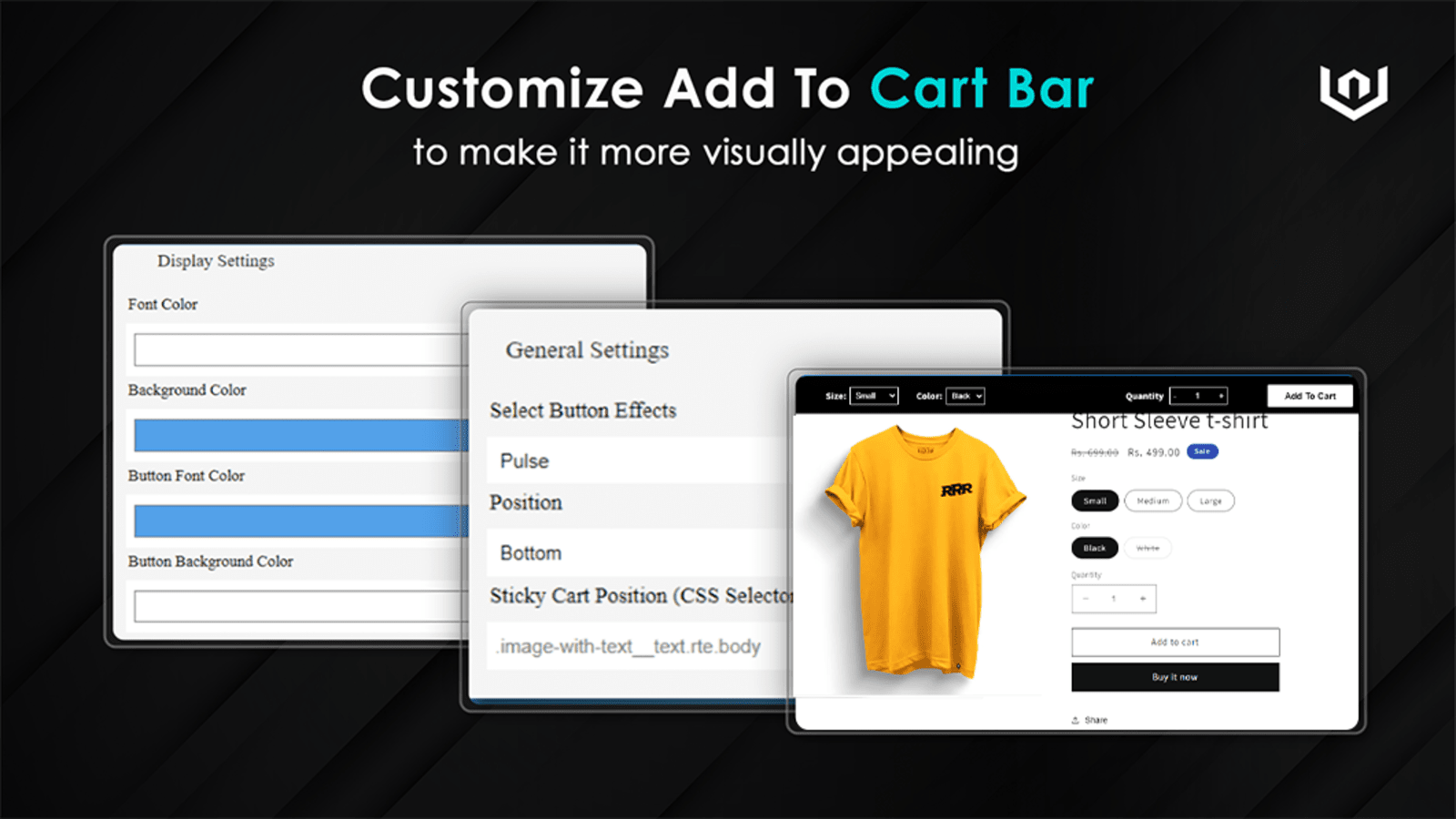
Price Plan
Free Plan
免费
- Sticky Add to Cart Bar
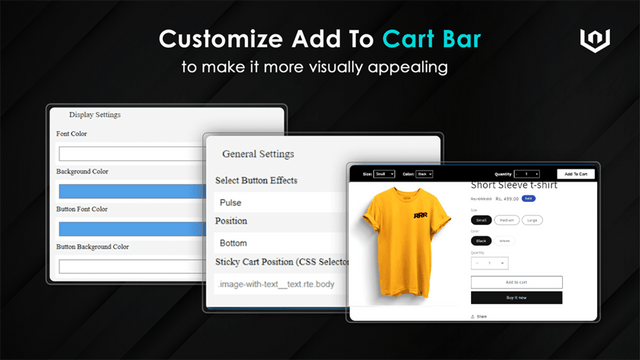
- Multiple Bar Positions
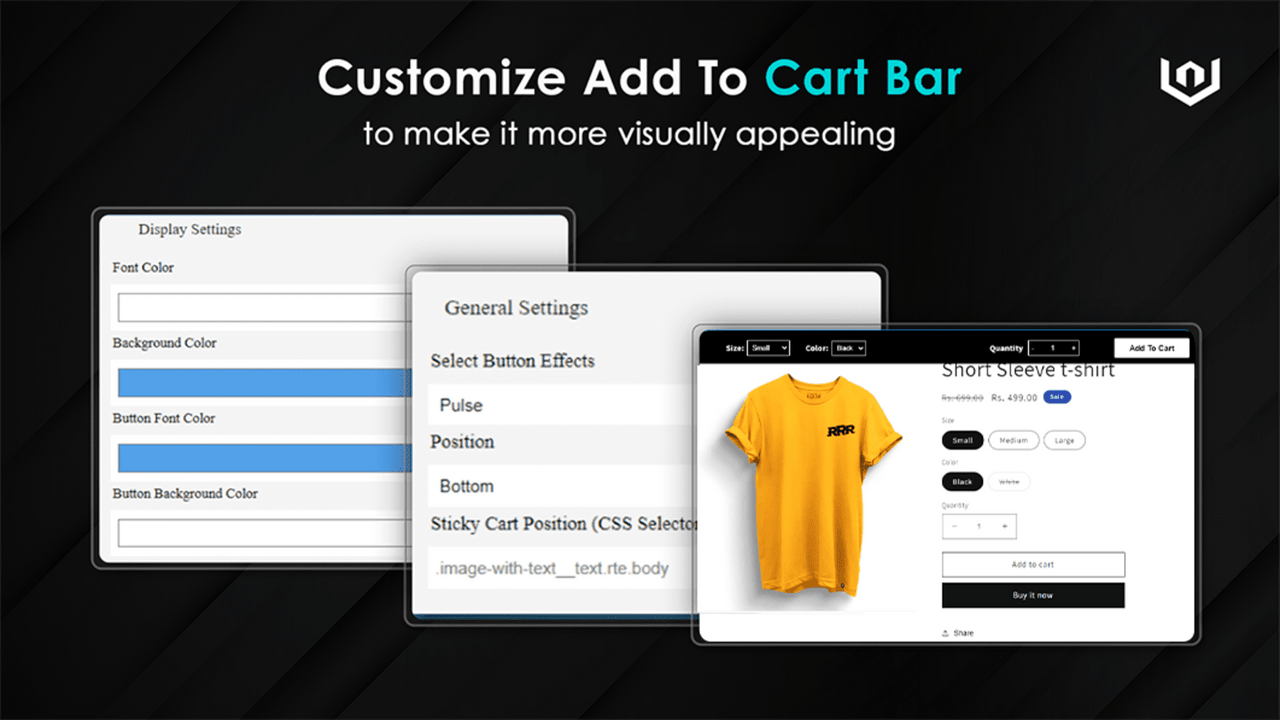
- Bar Style Customization
- Quantity and Variant Selectors
- Always Visible
- Live Chat Support
Premium Plan
$4.99
- All Free Plan Features +
- Multiple Ready-Made Bar Designs
- Upload Bar Background Image
- Multiple Variant Selector Layouts
- Animation Effects
User Location & Comments
User Location
Comments
Shopify API Used
- GET /admin/api/settings/checkout.json
- PUT /admin/api/settings/checkout.json
- GET /admin/api/themes/{theme_id}/assets.json
Permission:read_checkout_settings,write_checkout_settings,manage_themes
- PUT /admin/api/carts/{cart_id}.json
- GET /admin/api/carts/{cart_id}.json
- POST /admin/api/carts/{cart_id}/items.json
Permission:read_cart,write_cart,manage_products
- GET /admin/api/reports/abandoned_checkouts.json
- GET /admin/api/analytics/behavior.json
- PUT /admin/api/settings/checkout.json
Permission:read_analytics,read_reports,write_checkout_settings