
Instant Buy ‑ Ajax Mobile Cart
App Introduction
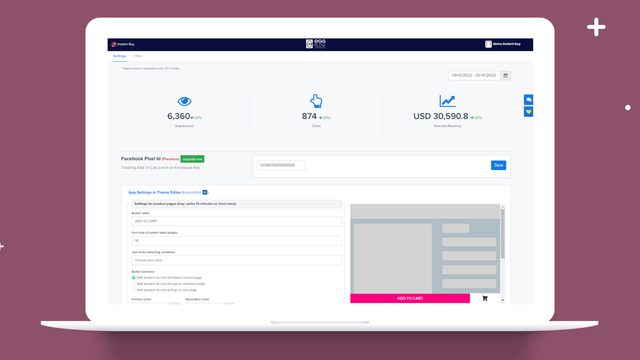
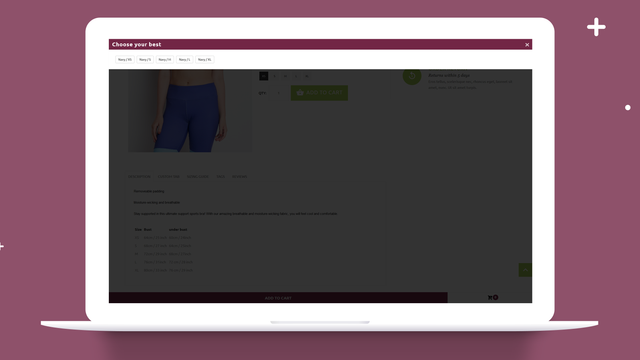
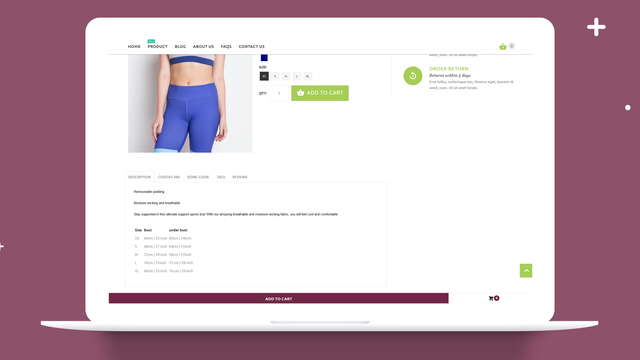
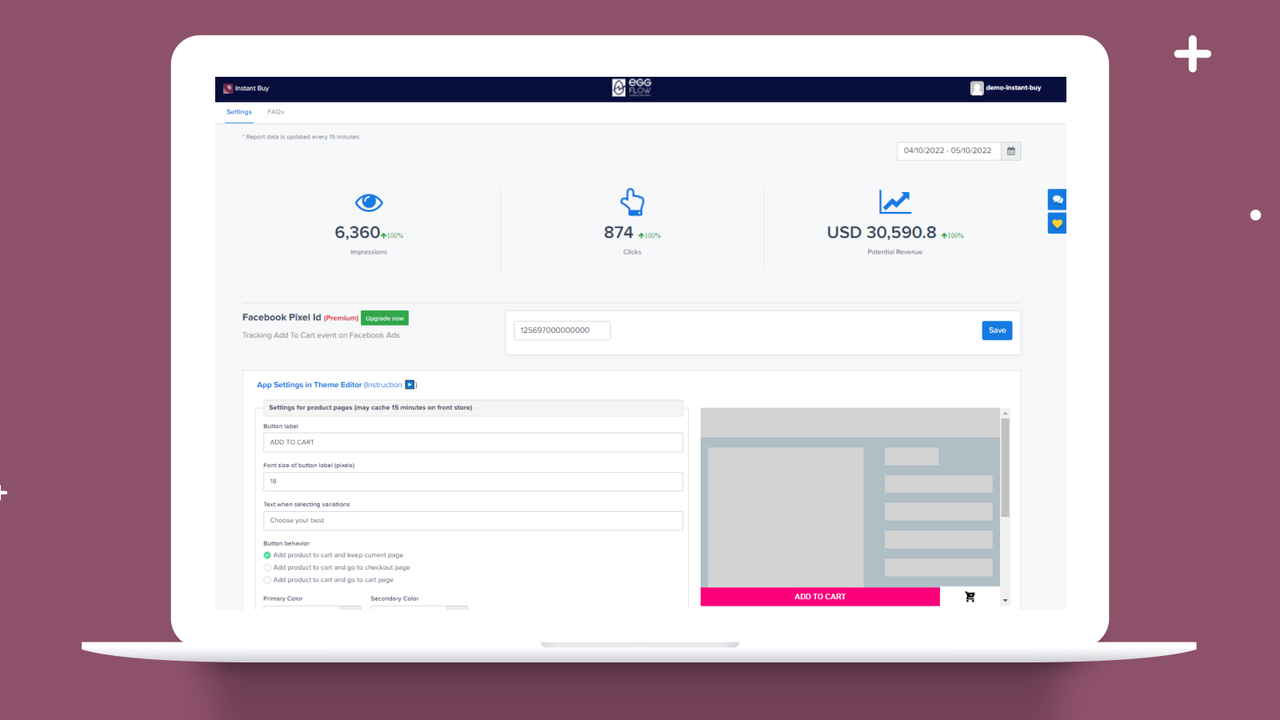
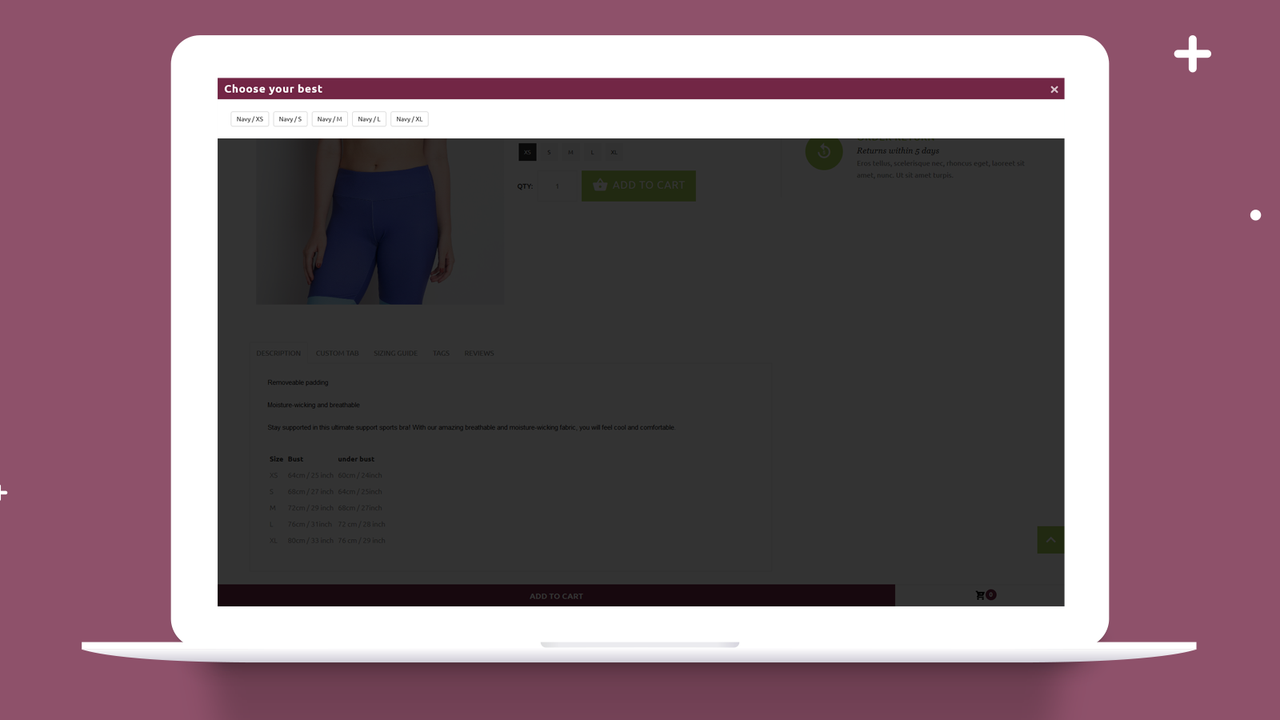
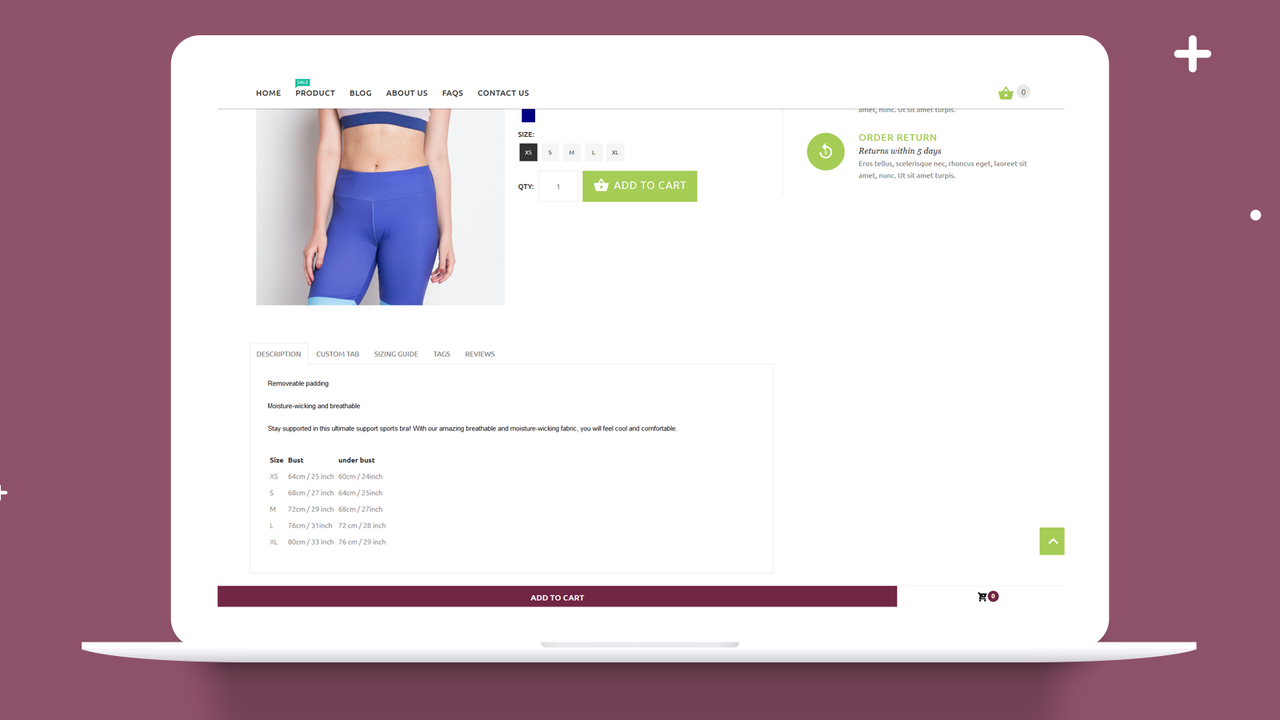
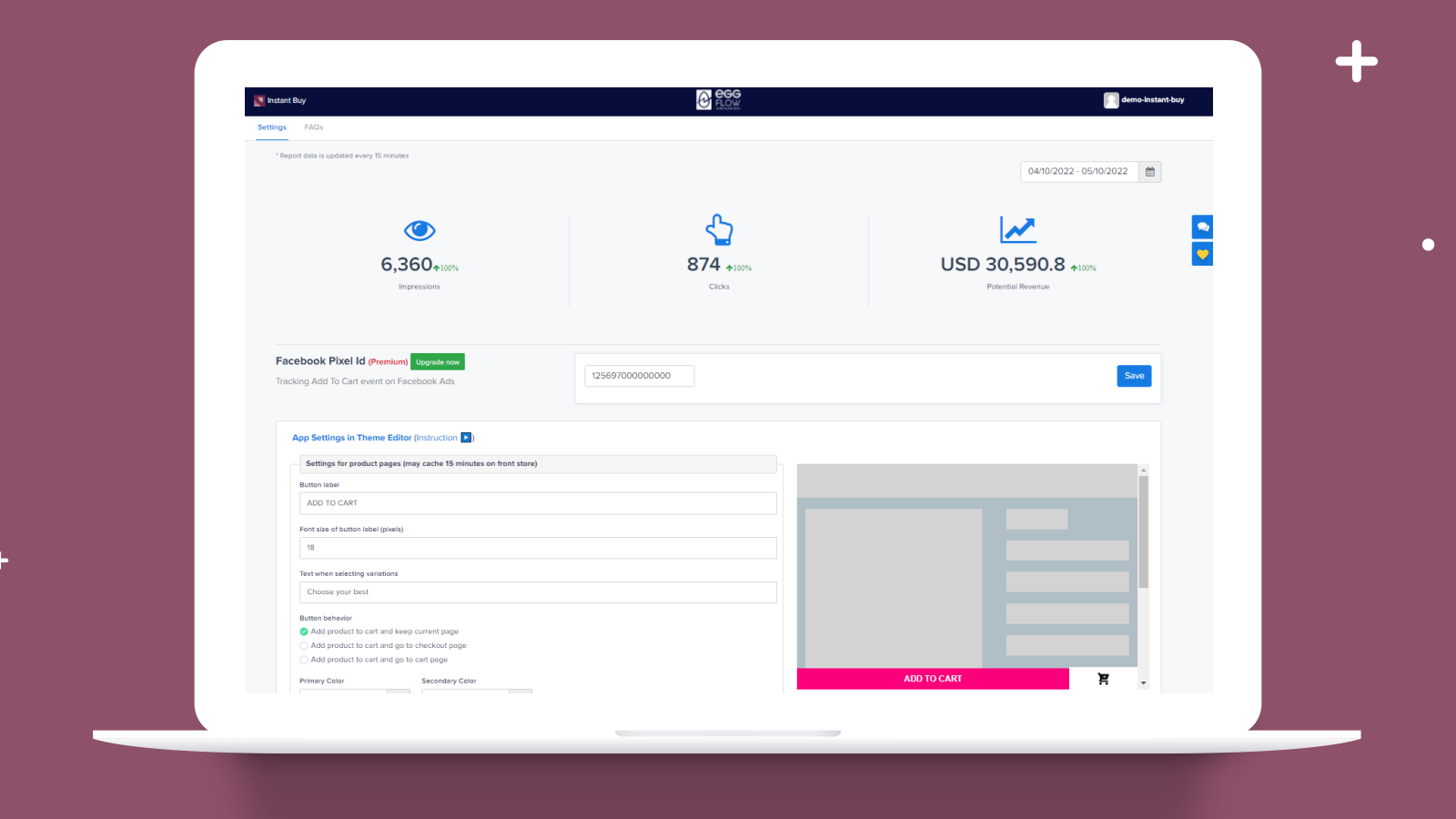
Create a sticky add-to-cart button to make purchases easier in your store and support mobile devices. Instant Buy lets you create a button that redirects store visitors to relevant pages, such as product pages, discount campaigns, and restock notifications. Shoppers can easily and quickly add products to the cart immediately and go straight to the checkout page via one-click checkout. Instant Buy allows you to add your Facebook Pixel ID and Pinterest Tag ID to the add-to-cart button. Track and calculate the impressions and clicks of the sticky add-to-cart button.
Core Functionality
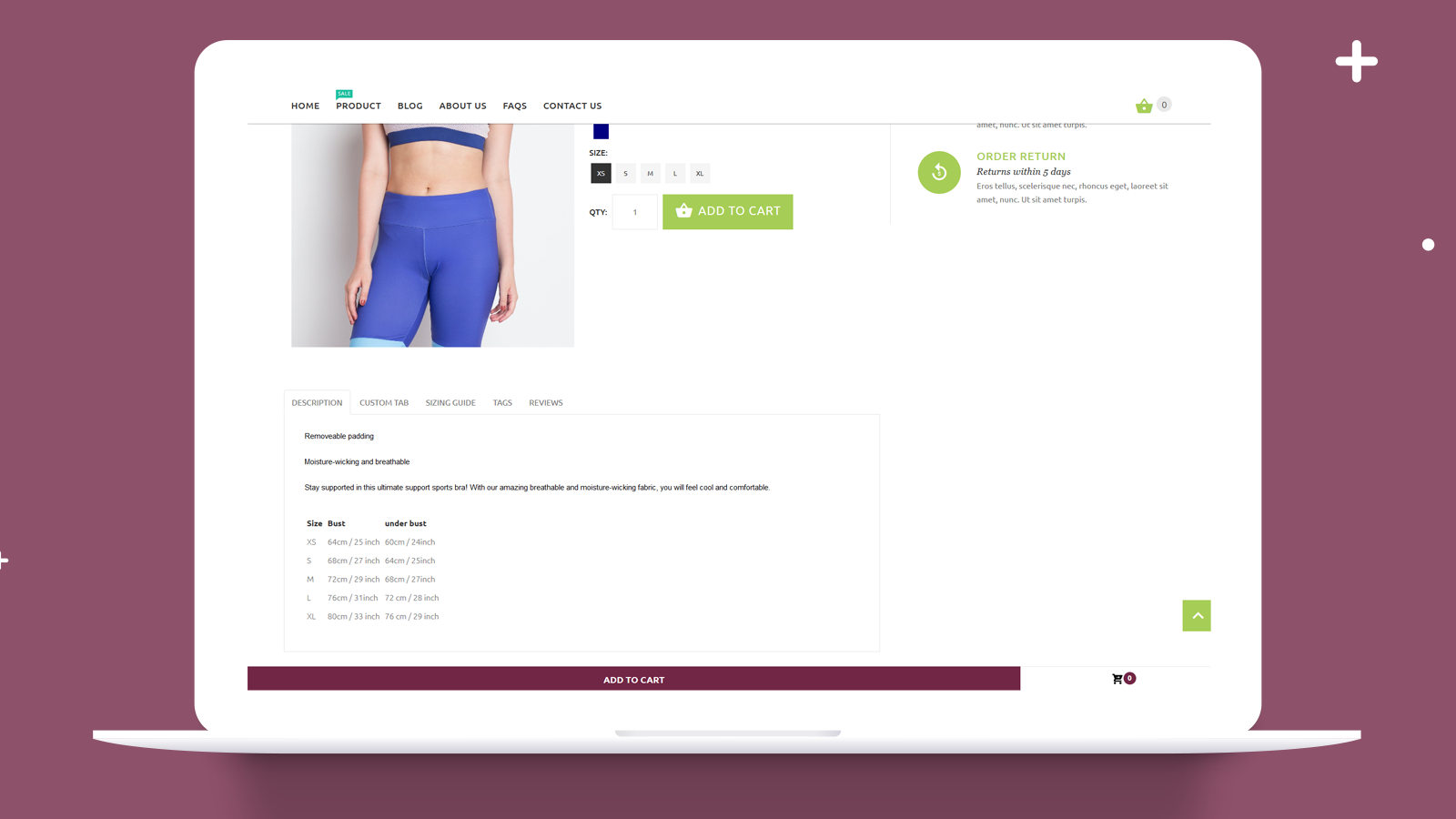
- Create a sticky add-to-cart button to make purchases easier in your store
- Recover abandoned carts via Facebook and Pinterest remarketing
- Track and calculate the number of impressions and clicks for Ajax buttons
- Customize the button's text, font size, and color to match your main theme
- Optimize execution speed without affecting site performance
Merchant-Friendly
- Independent Station Merchants
- Small & Medium E-commerce Sellers
- Social E-commerce Operators
- Cross-border E-commerce Merchants
- High Conversion Demand Merchants
Basic Information
- Developer:Eggflow, LLC
- Address:2035 Sunset Lake Road, Suite B-2, Hanoi, 100000, VN
- Price: Free / Free plan
- Rating:4.5 / 5
- Comment Count:5 comment
- Release Date:2018-3-26
- Supported languages:English
- Compatible products:Shopify
Application Screenshot

Price Plan
免费计划
- 7-day Free Trial
- Smart Sticky Add-to-Cart Button
- Potential Revenue & Click Reports
- Customizable Button Color & Style
- Display on Any Page
高级计划
- 7-day Free Trial
- Facebook & Pinterest Pixel Tracking
- Display on All Shopify Pages
- White Label
额外计划
- 7-day Free Trial
- Save $25/month on all Eggflow apps
- Instant Buy
- Shop Secure
- Instant Traffic
- Instant Giveaway
- Instant Upsell
- Smart Popup
User Location & Comments
User Location
Comments
Shopify API Used
- POST /admin/api/sections.json
- PUT /admin/api/sections/{section_id}.json
- GET /admin/api/sections.json
Permission:write_themes,read_themes,manage_products
- POST /admin/api/abandoned_checkouts/recover.json
- GET /admin/api/abandoned_checkouts.json
- PUT /admin/api/shop/settings.json
Permission:read_abandoned_checkouts,write_abandoned_checkouts,manage_shops
- POST /admin/api/analytics/events.json
- GET /admin/api/analytics/events.json
- GET /admin/api/analytics/reports.json
Permission:read_analytics,write_analytics,manage_products
- POST /admin/api/settings/presentation.json
- PUT /admin/api/settings/presentation.json
- GET /admin/api/settings/presentation.json
Permission:write_themes,read_themes,manage_shop_settings
- GET /admin/api/themes/{theme_id}/asset.json
- PUT /admin/api/themes/{theme_id}/asset.json
- GET /admin/api/performance/reports.json
Permission:read_themes,write_themes,read_performance