
App Introduction
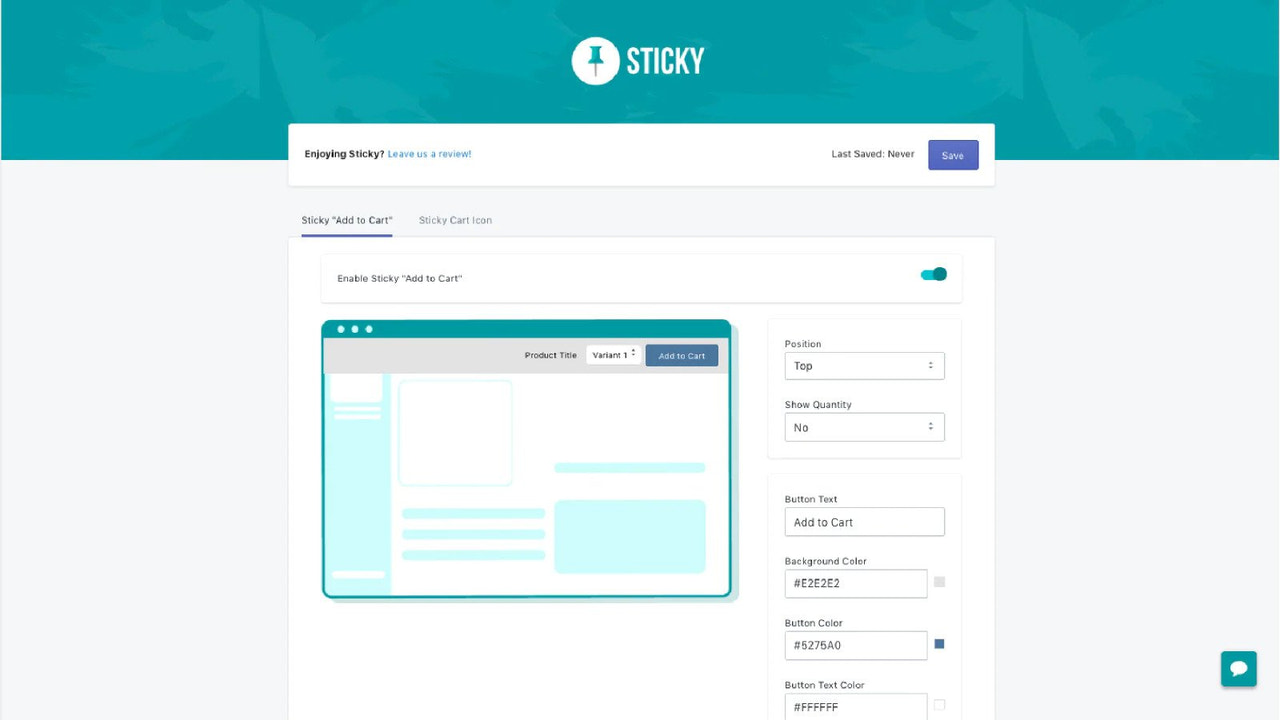
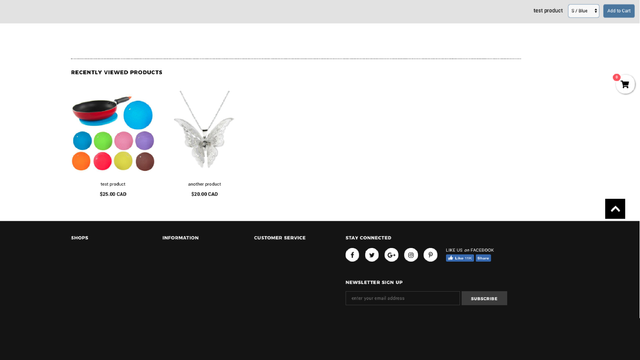
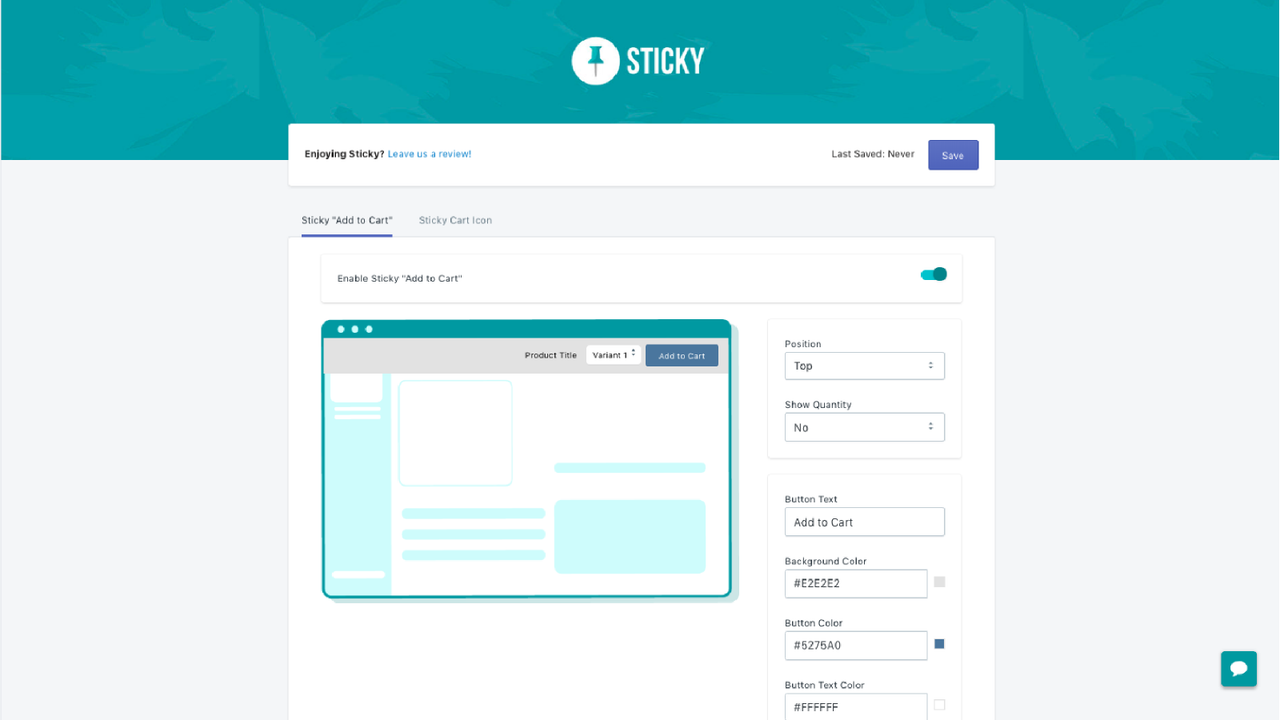
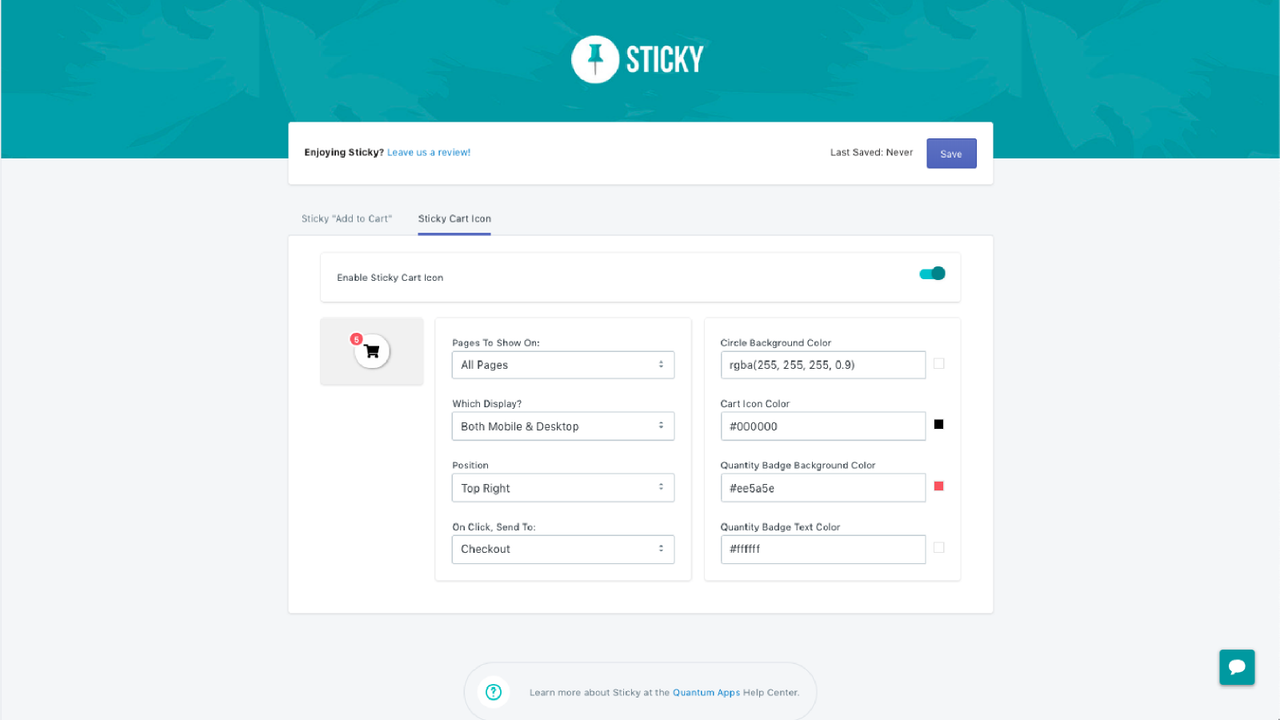
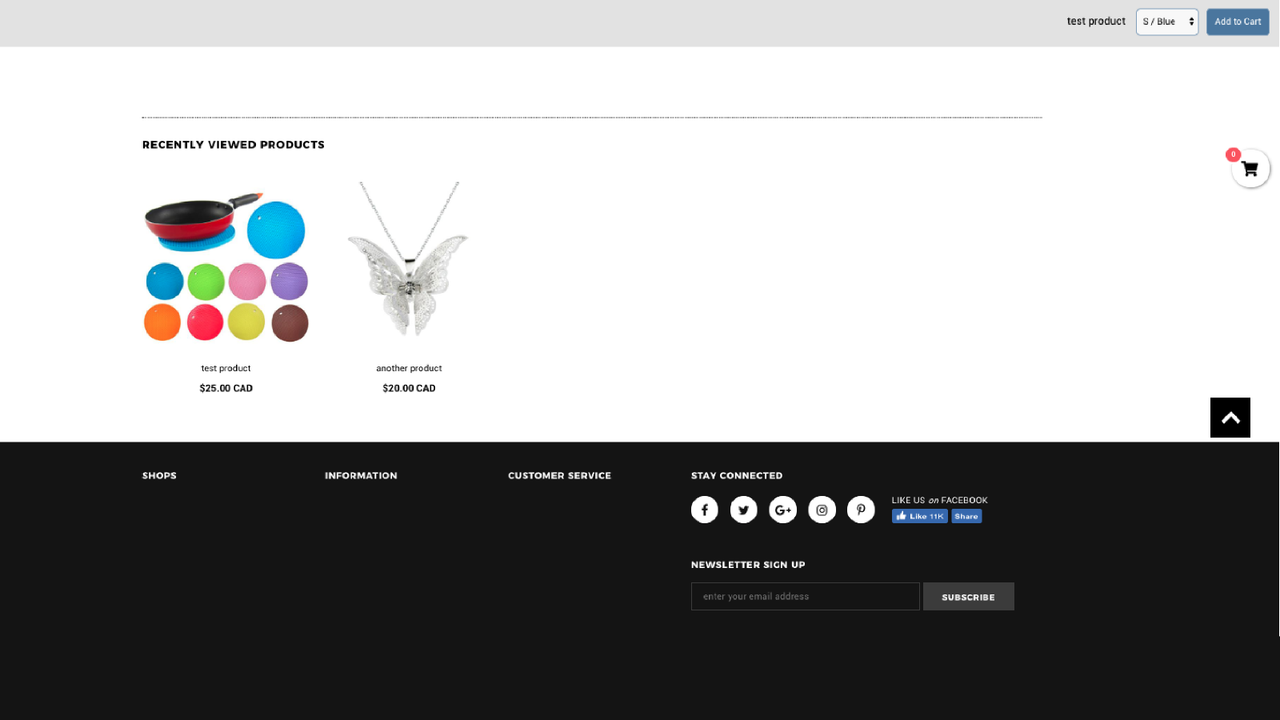
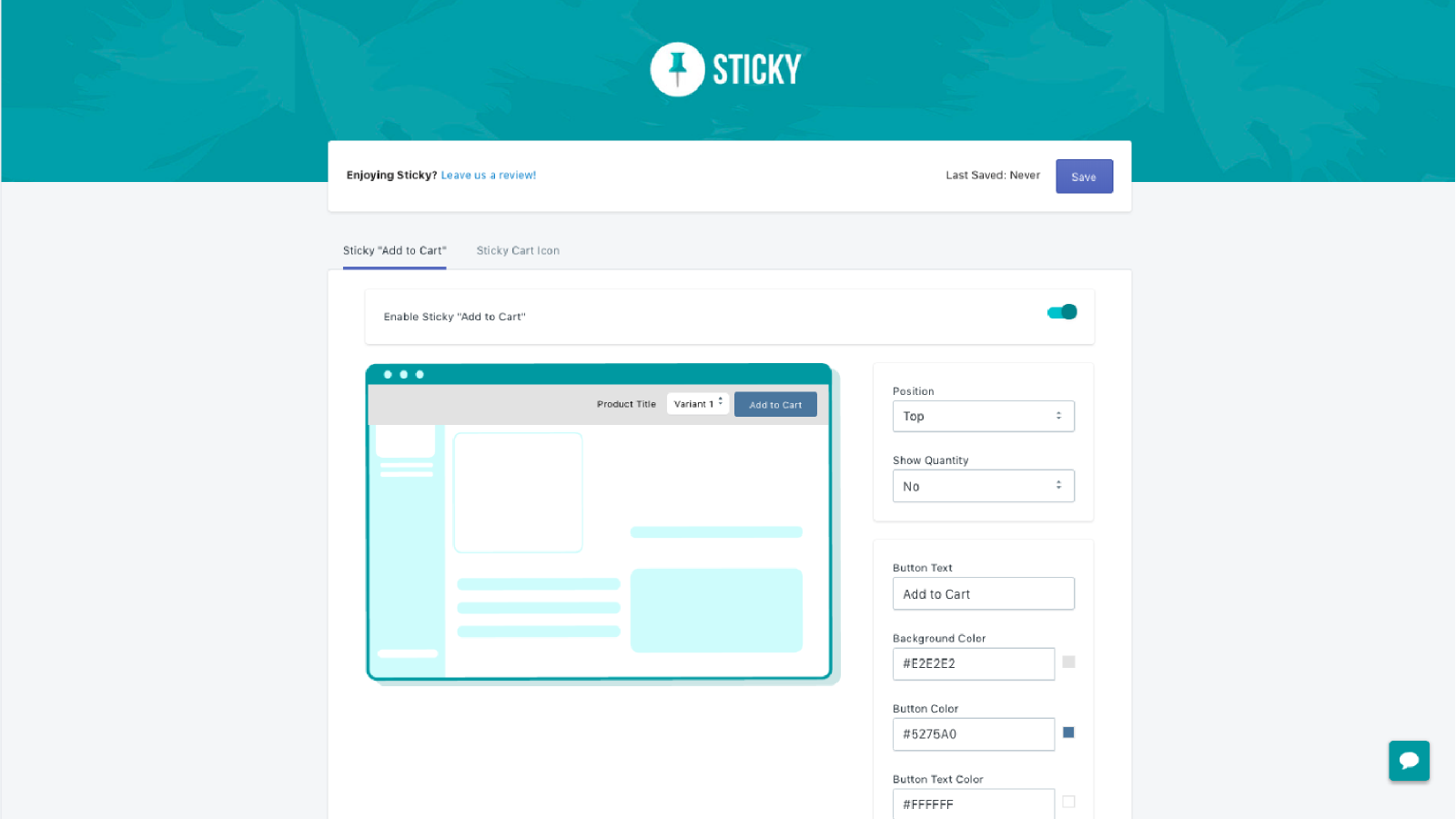
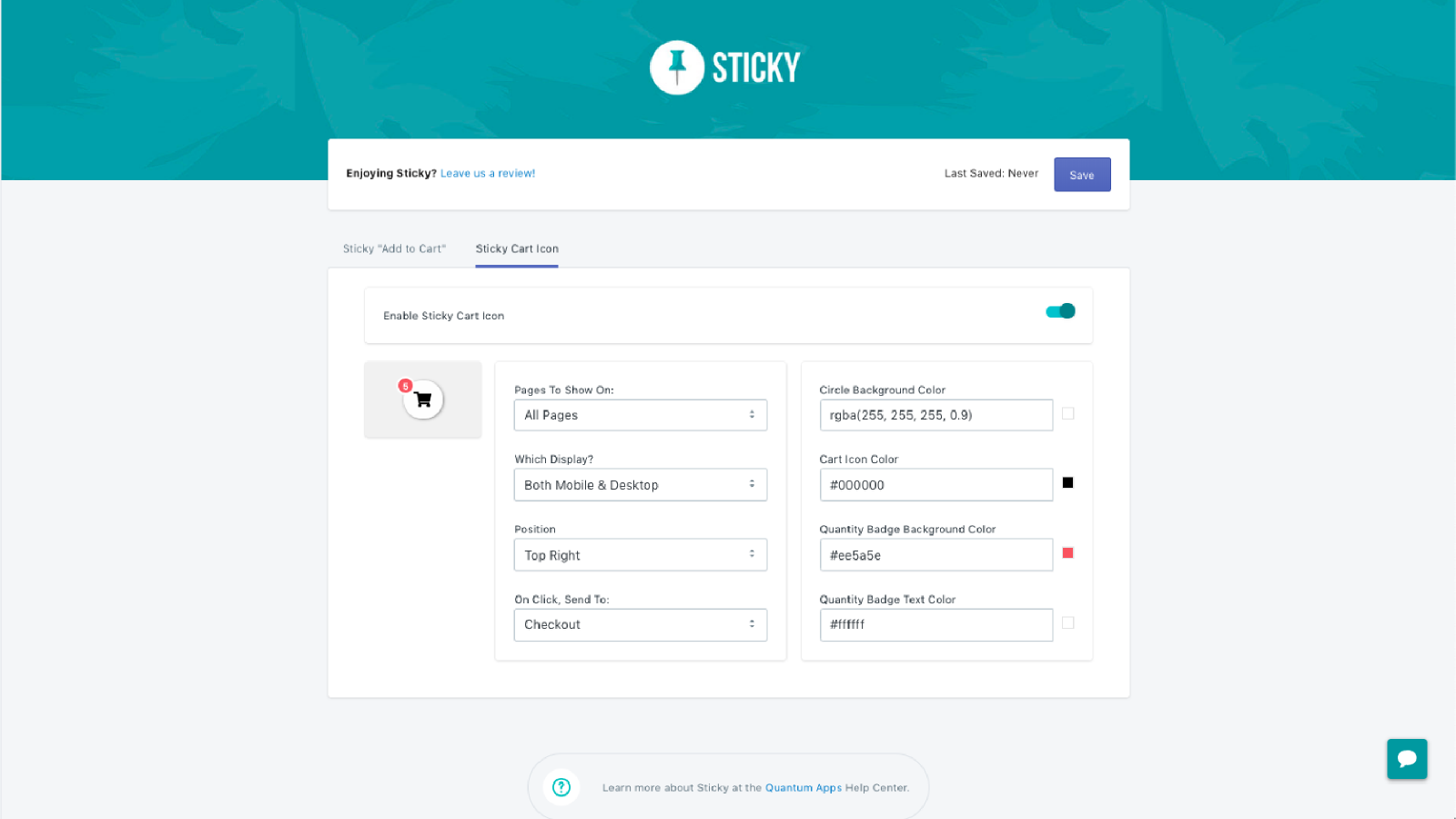
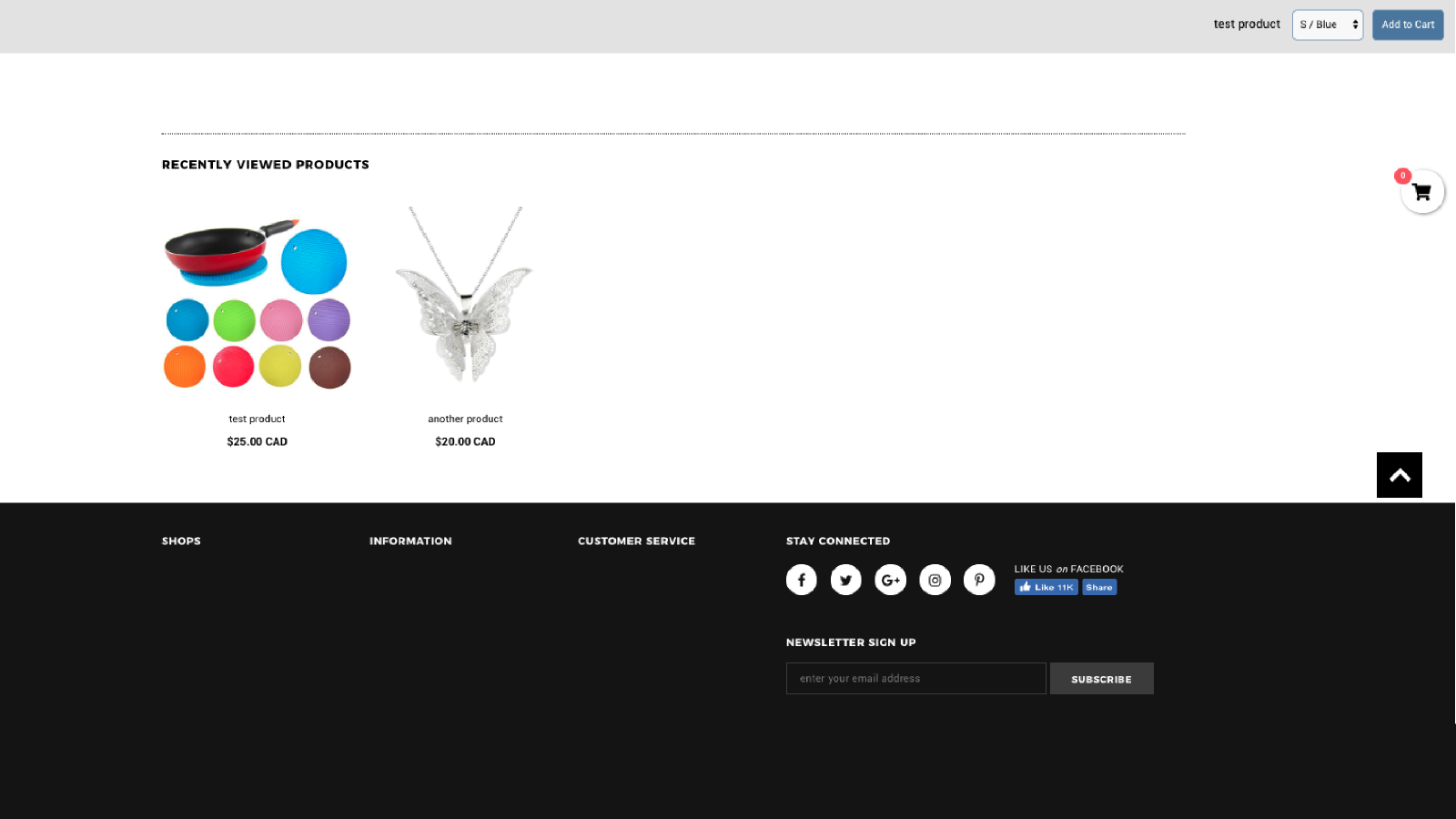
Don’t let your customers lose focus on the most critical action—**purchasing**! We all know keeping customers’ attention can be a frustrating experience. Life is full of distractions, and people can easily get sidetracked—but don’t let your “Add to Cart” experience be one of them. Shoppers often get lost in the details of your product pages and lose sight of their original intent: to buy! Sticky solves this by adding two key features to your site: a sticky “Add to Cart” button and a sticky cart icon. As they browse product information, they’ll never lose track of the “Add to Cart” action.
Core Functionality
- Sticky 'Add to Cart' Button
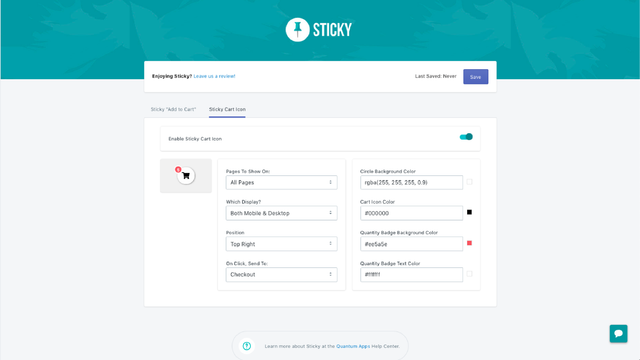
- Sticky Cart Icon with Product Quantity
- Customizable Position & Design
Merchant-Friendly
- Independent Station Merchants
- Fashion & Apparel Merchants
- High-conversion E-commerce
Basic Information
- Developer:Quantum Apps
- Address:Edmonton, AB, CA
- Price: Free / Free plan
- Rating:5 / 5
- Comment Count:1 comment
- Release Date:2018-11-15
- Supported languages:English
- Compatible products:Shopify
Application Screenshot
Price Plan
基础计划
$3.99
- Sticky "Add to Cart" Banner
- Sticky Floating Cart Icon
- One-Click Checkout Function
- Unlimited Impressions and Clicks
- Premium Support Chat
User Location & Comments
User Location
Comments
Shopify API Used
- POST /admin/api/sections.json
- PUT /admin/api/sections/{section_id}.json
- GET /admin/api/sections.json
Permission:write_themes,read_themes,manage_products
- POST /admin/api/sections.json
- PUT /admin/api/sections/{section_id}.json
- GET /admin/api/cart.json
Permission:write_themes,read_themes,read_cart
- POST /admin/api/sections.json
- PUT /admin/api/sections/{section_id}.json
- GET /admin/api/settings.json
Permission:write_themes,read_themes,manage_settings