
App Introduction
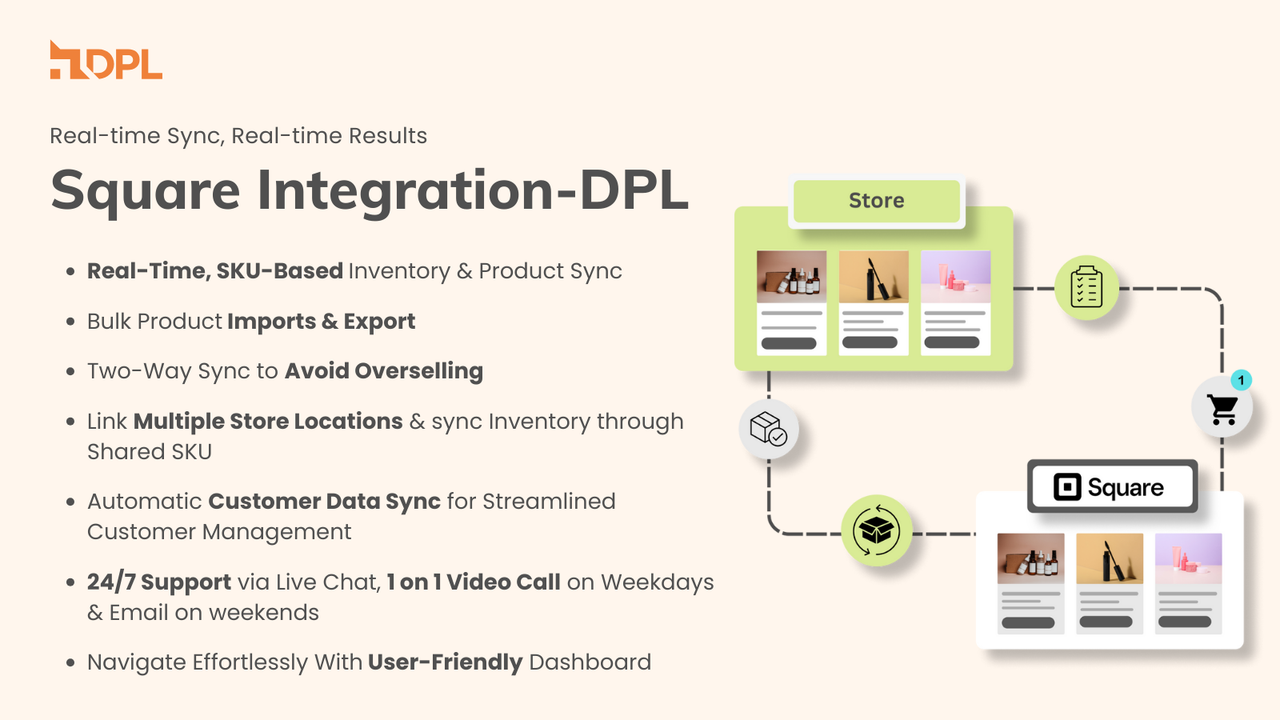
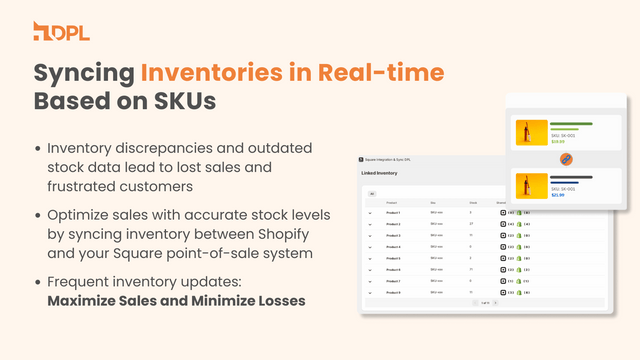
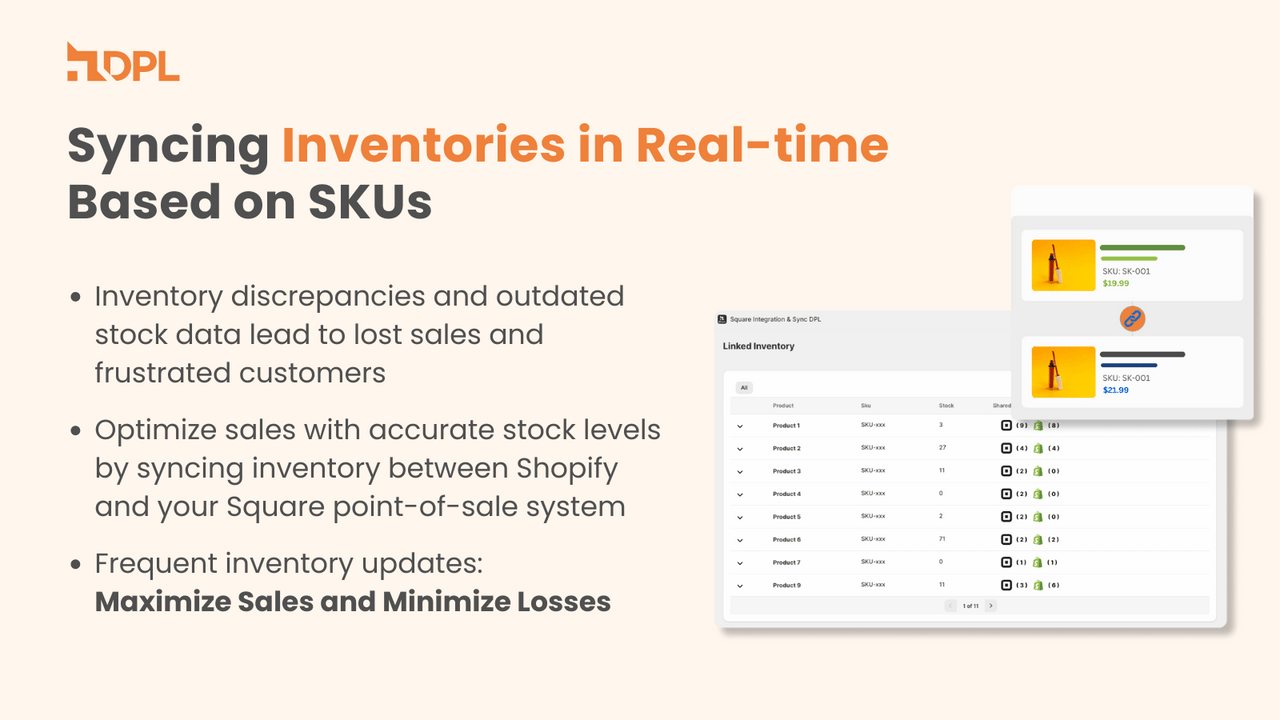
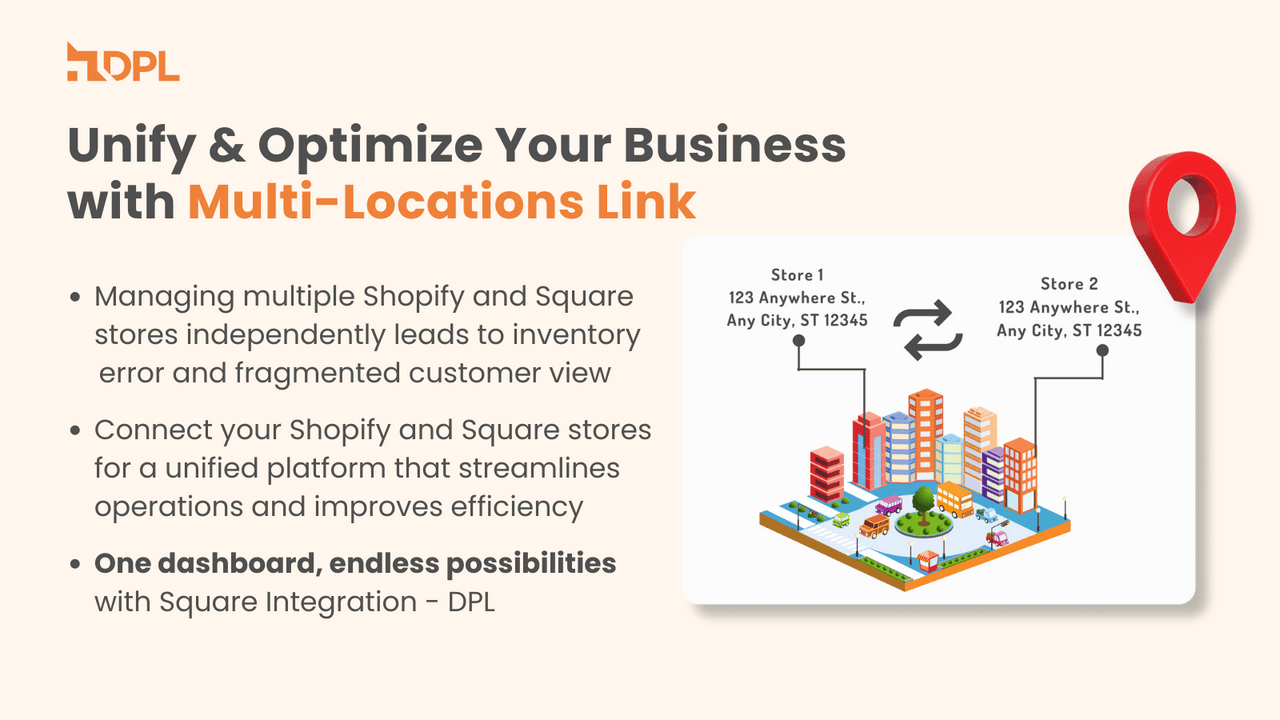
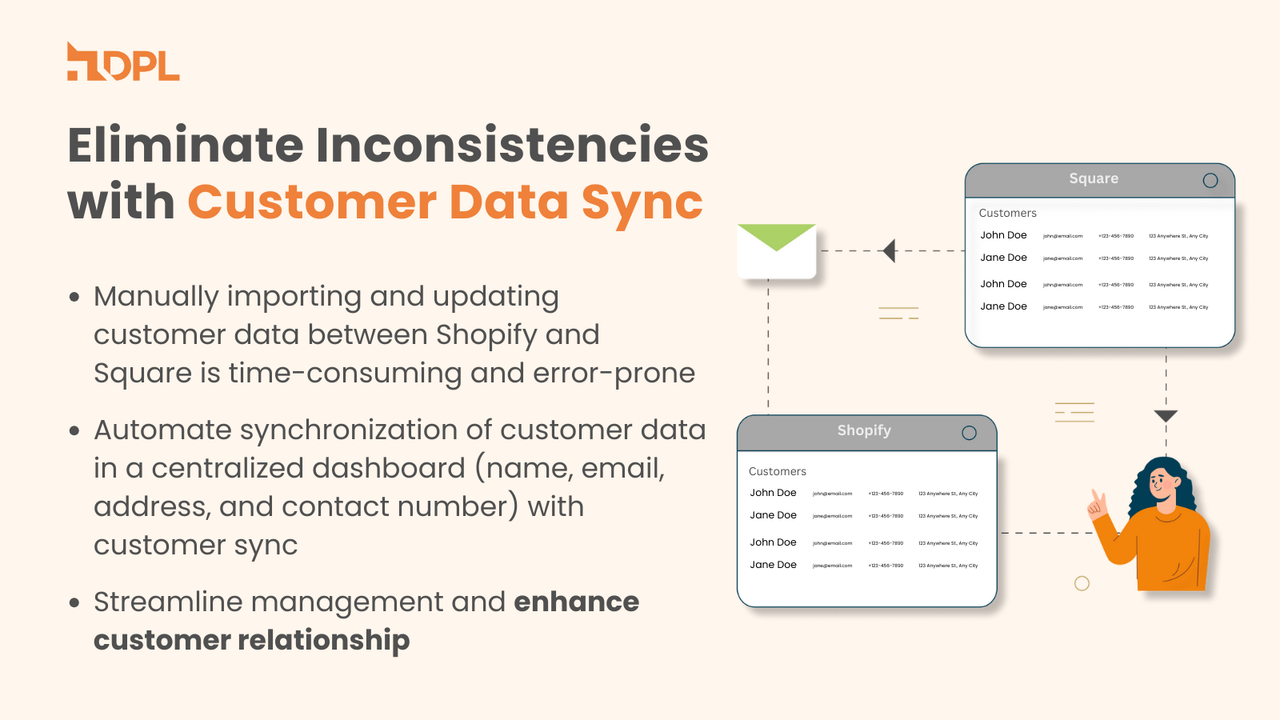
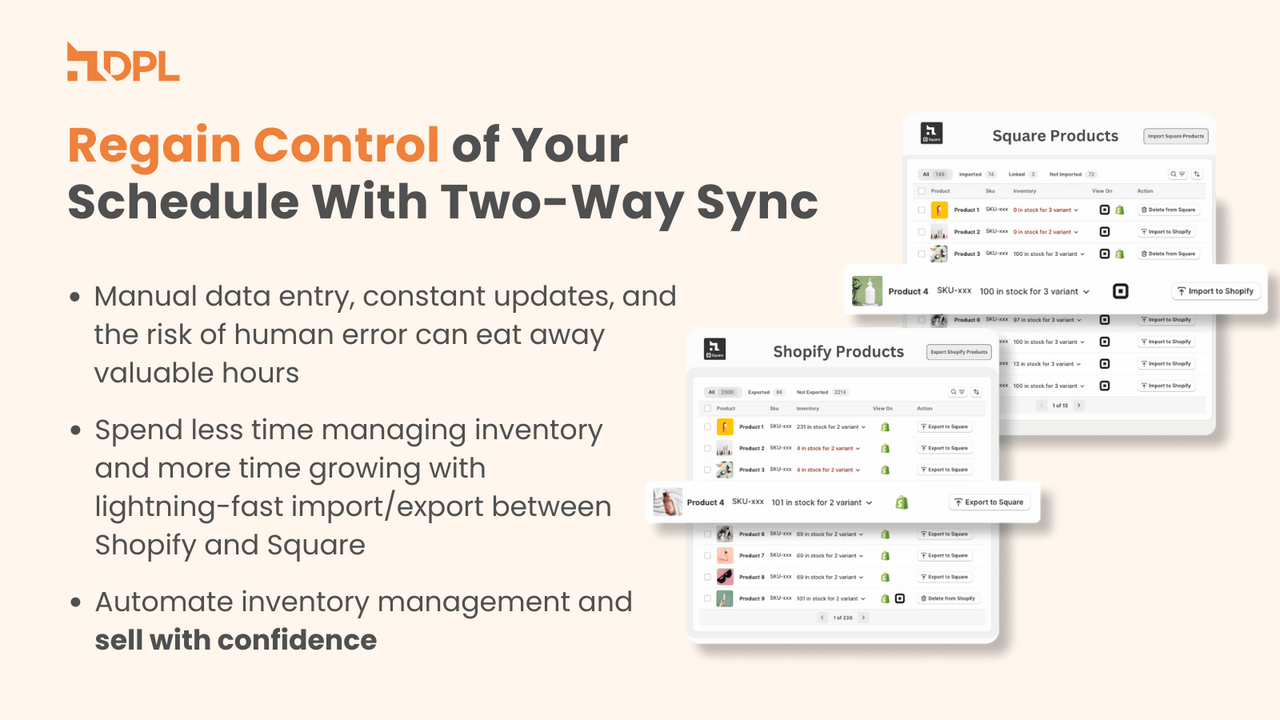
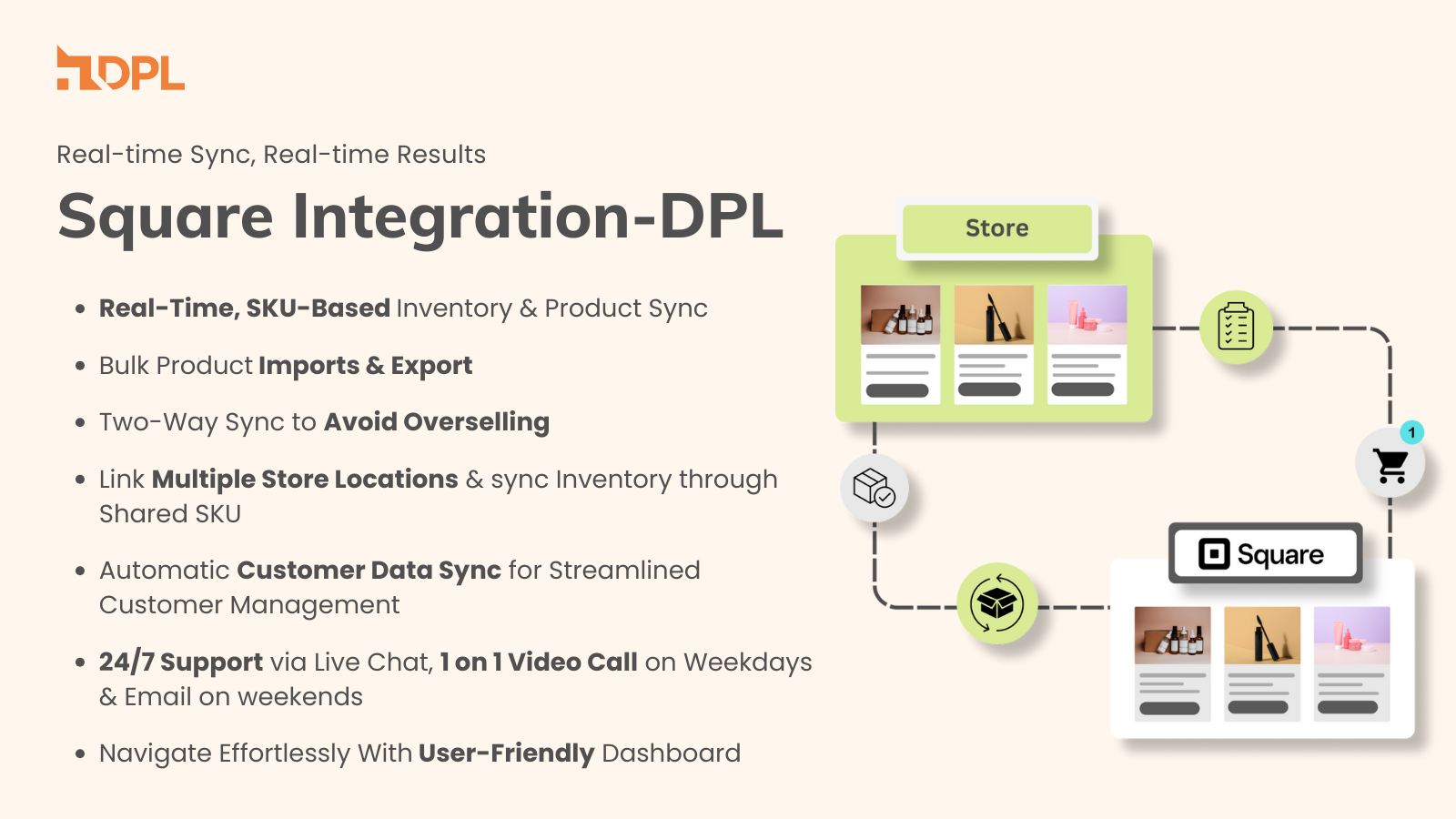
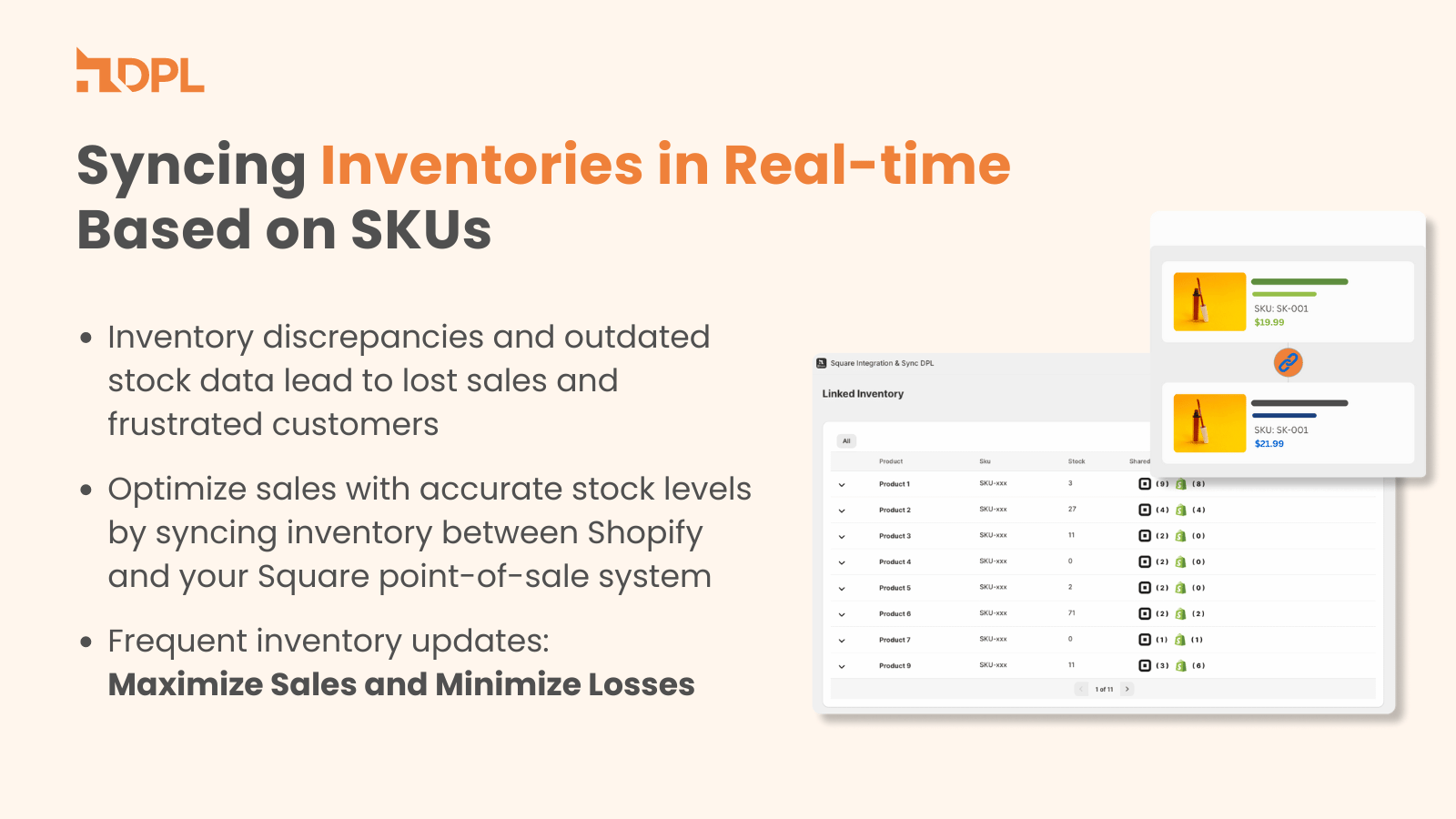
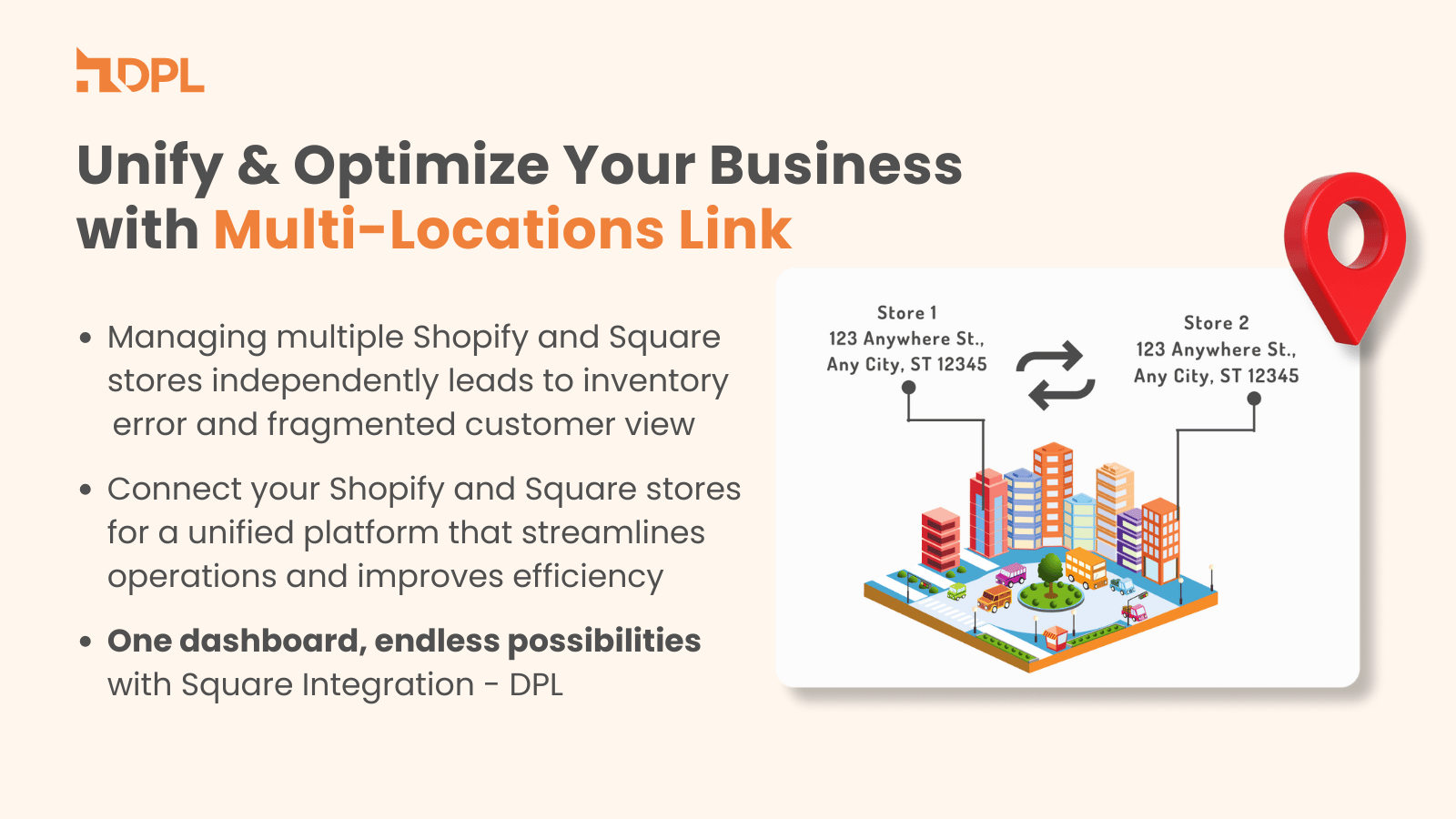
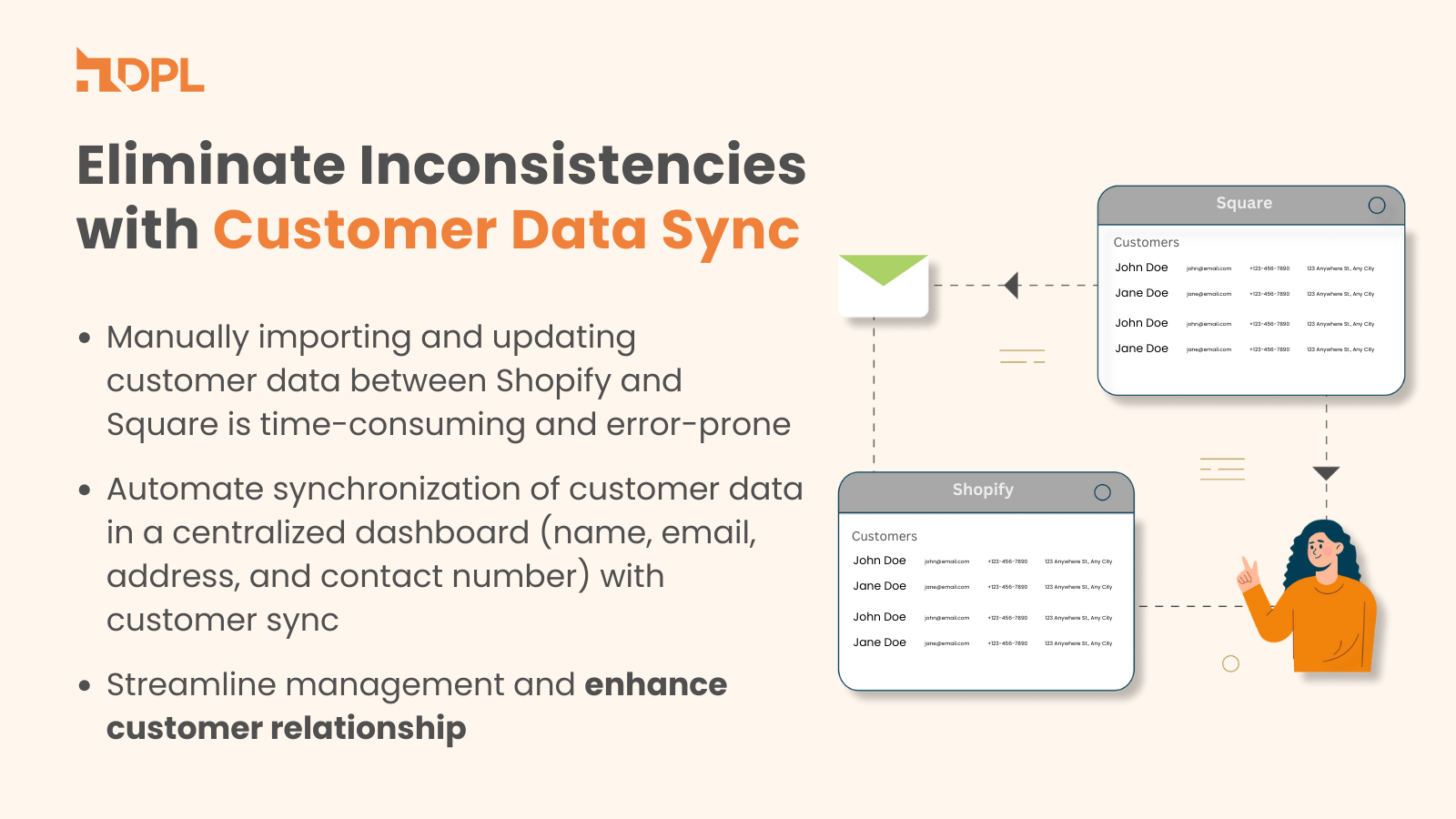
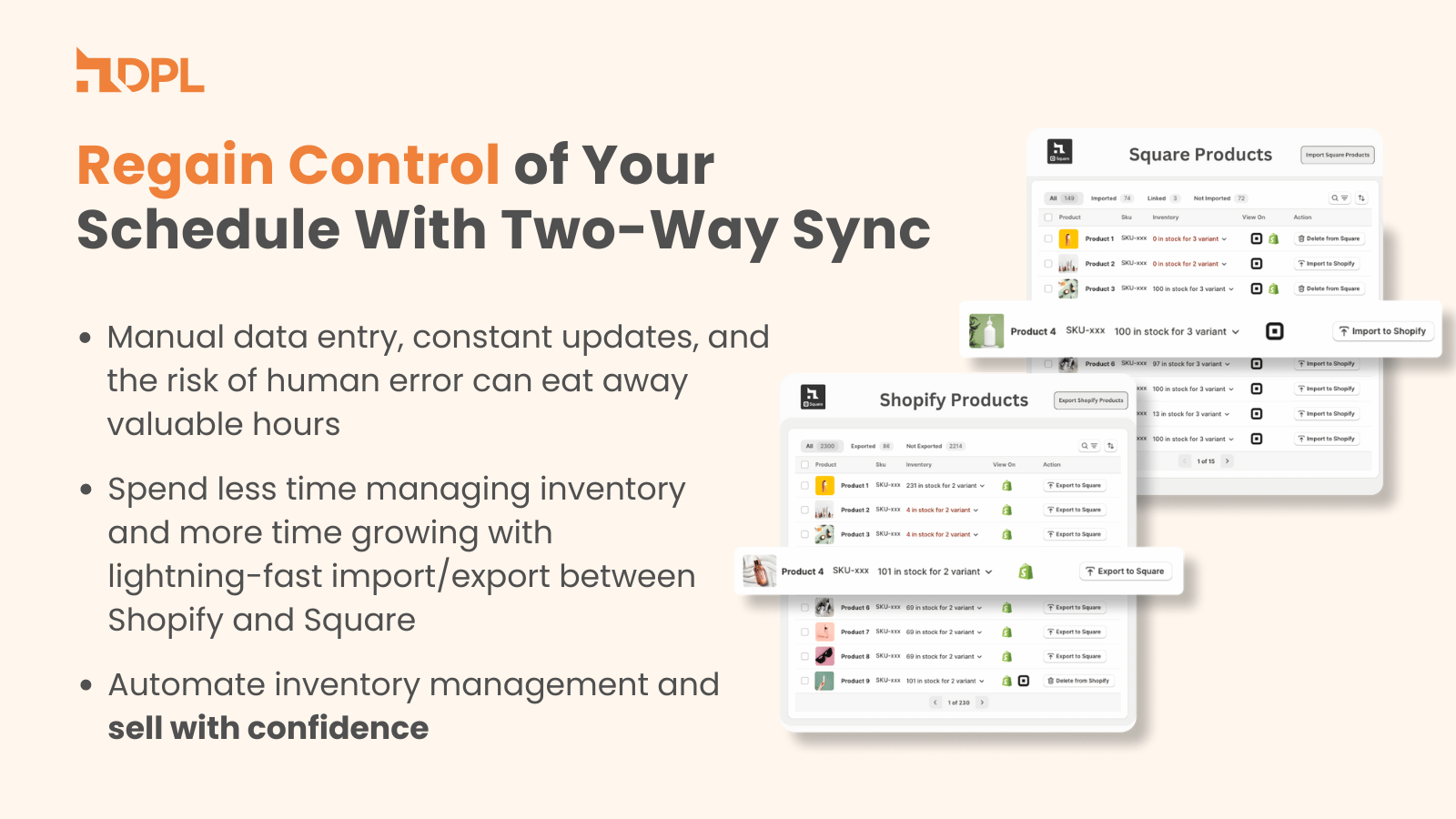
Integrate your store with Square POS. Easily import/export products and sync inventory. Square Integration & Sync - DPL lets you seamlessly connect Square with your store for smooth product import/export and two-way inventory sync. Sync your entire product catalog—including descriptions, images, and pricing. Link multiple Shopify and Square store locations, and keep inventory aligned across both platforms using shared SKUs. Enjoy real-time customer data sync between Shopify and Square. Sync your Square orders to Shopify and fulfill orders directly from Shopify.
Core Functionality
- Bulk upload/import products (including descriptions, images, and pricing) with two-way sync.
- Sync your Square orders to Shopify and fulfill orders directly from Shopify.
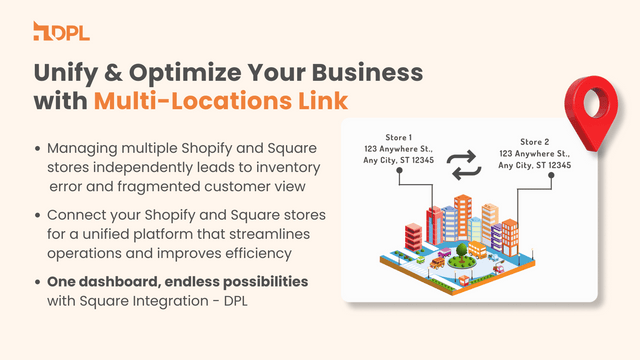
- Link multiple Shopify and Square locations, and sync inventory via shared SKUs.
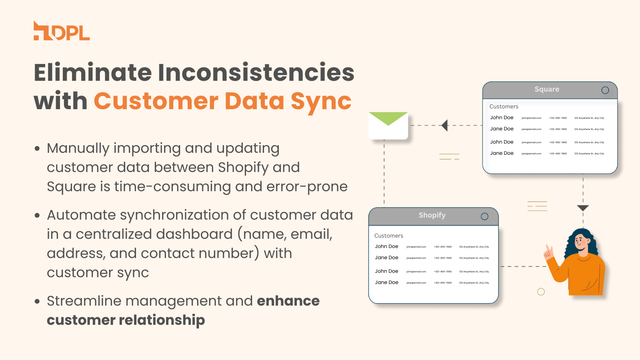
- Automatically sync customer data between platforms with the customer sync feature.
- Receive 24/7 support via live chat, tickets, and Google Meet calls.
Merchant-Friendly
- Independent Station Merchants
- Multi-category E-commerce
- Omnichannel Merchants
- Cross-border Sellers
- SME E-commerce Merchants
Basic Information
- Developer:Digital Product Labs
- Address:2035 Sunset Lake RoadSuite B-2, Newark, DE, 19702, US
- Price: Free / Free plan
- Rating:4.8 / 5
- Comment Count:137 comment
- Release Date:2023-9-21
- Supported languages:English
- Compatible products:Shopify
Application Screenshot




Price Plan
Silver Plan
- Sync up to 1,00 products
- Import/export products
- Multi-location support
- 24/7 live chat on weekdays, email support on weekends
Gold Plan
- Up to 2,000 products synchronized
- 1000 orders synchronized per month
- Import/export products
- Multi-location support
- 24/7 real-time chat on weekdays, email support on weekends
Platinum Plan
- Sync up to 10,000 products
- Sync 3,000 orders per month
- Import/export products
- Multi-location support
- 24/7 live chat on weekdays, email support on weekends
User Location & Comments
User Location
Comments
Shopify API Used
- POST /admin/api/products/import.json
- PUT /admin/api/products/{product_id}.json
- GET /admin/api/products.json
Permission:write_products,read_products,manage_inventory
- POST /admin/api/orders/square_sync.json
- GET /admin/api/orders/square.json
- PUT /admin/api/orders/{order_id}/fulfill.json
Permission:write_orders,read_orders,manage_fulfillment
- POST /admin/api/inventory/location_link.json
- PUT /admin/api/inventory/sku_sync.json
- GET /admin/api/inventory/locations.json
Permission:write_inventory,read_inventory,manage_locations
- POST /admin/api/customers/sync.json
- PUT /admin/api/customers/{customer_id}.json
- GET /admin/api/customers.json
Permission:write_customers,read_customers,manage_clients
- POST /admin/api/support/ticket.json
- GET /admin/api/support/chat_session.json
- PUT /admin/api/support/meeting.json
Permission:write_support,read_support,manage_tickets