
App Introduction
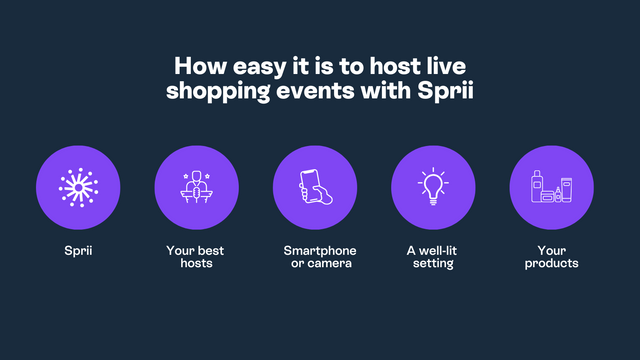
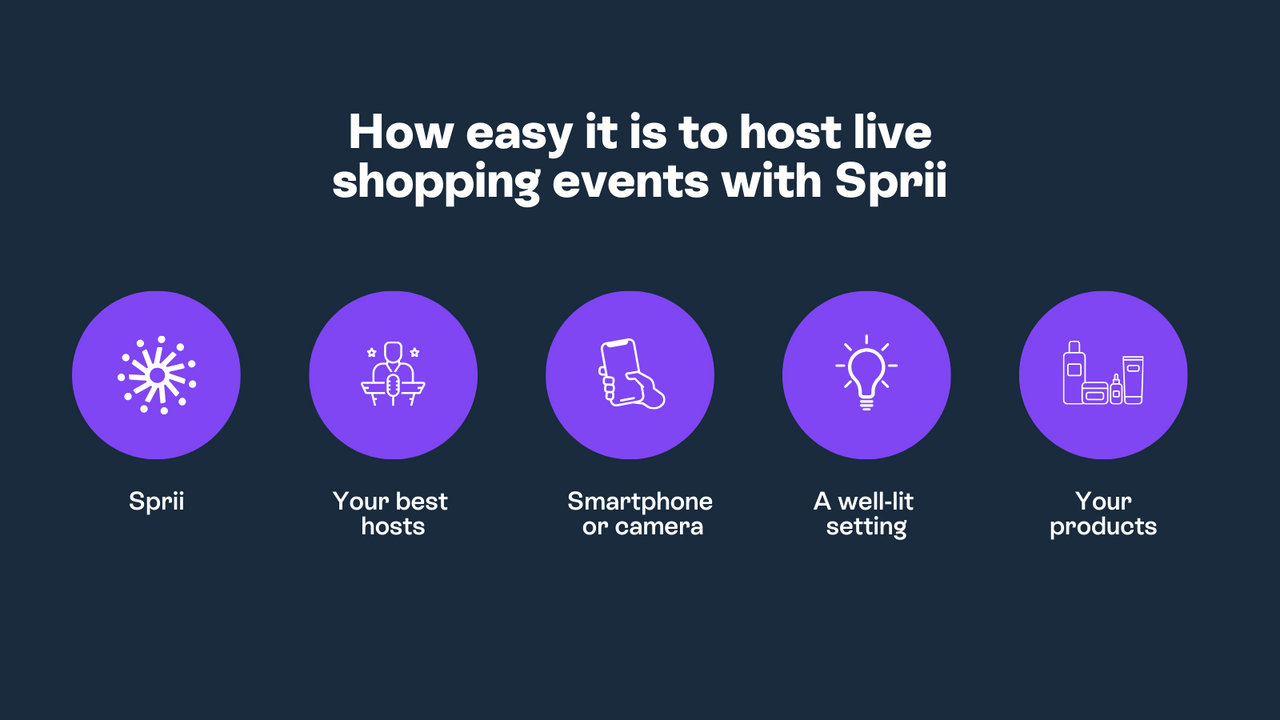
Sprii empowers you to host live shopping events on social media and your website to maximize sales and reach. Sell products directly from live streams on social media and your website. Collaborate with partners to simulcast your shows across all social channels for maximum reach, and repurpose these live videos as shoppable micro-content on social media to boost revenue. Integrate with your Shopify store to automatically import your product catalog and effortlessly host live shopping events. Save hours of administrative work, as order management, inventory, scheduling, and customer messages are all automated within Sprii.
Core Functionality
- Host shoppable live streams across social media channels and your website simultaneously.
- Collaborate with others to multi-stream your live shopping shows to all your channels.
- Repurpose videos into shoppable micro-content and clips for social media or your website.
- Offer exclusive discounts and product launches.
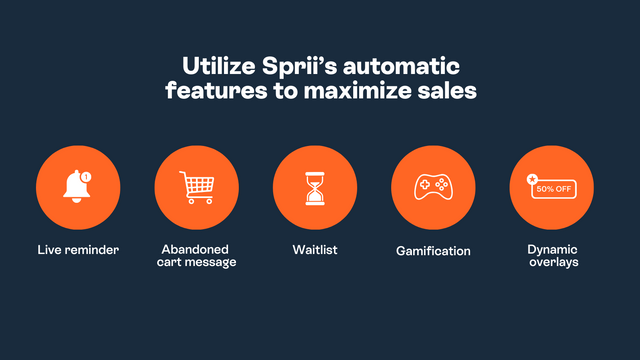
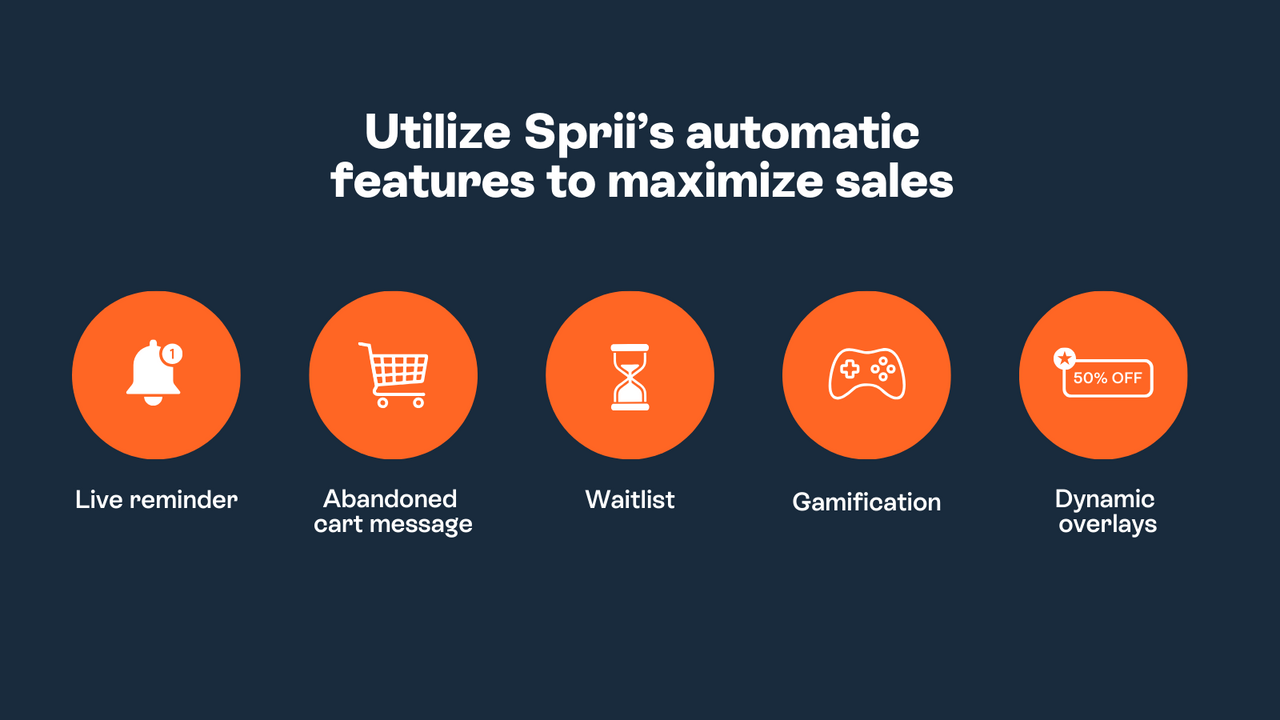
- Save time with automatic inventory management, pre-scheduling, and automated messaging.
Merchant-Friendly
- Live Commerce Merchants
- Social Media Sellers
- Brand DTC Stores
- Multi-channel Retailers
Basic Information
- Developer:Sprii ApS
- Address:Sommervej 31E, st, Aarhus V, 8210, DK
- Price: Free / Free plan
- Rating:4.6 / 5
- Comment Count:17 comment
- Release Date:2022-4-15
- Supported languages:Danish、German、English、Spanish、French、Dutch、Norwegian、Polish、Swedish
- Compatible products:Shopify
Application Screenshot



Price Plan
Sprii Social
- Stream to Facebook & Instagram Unlimited Times
- Stream to Multiple Accounts Simultaneously
- Branded Video Graphics
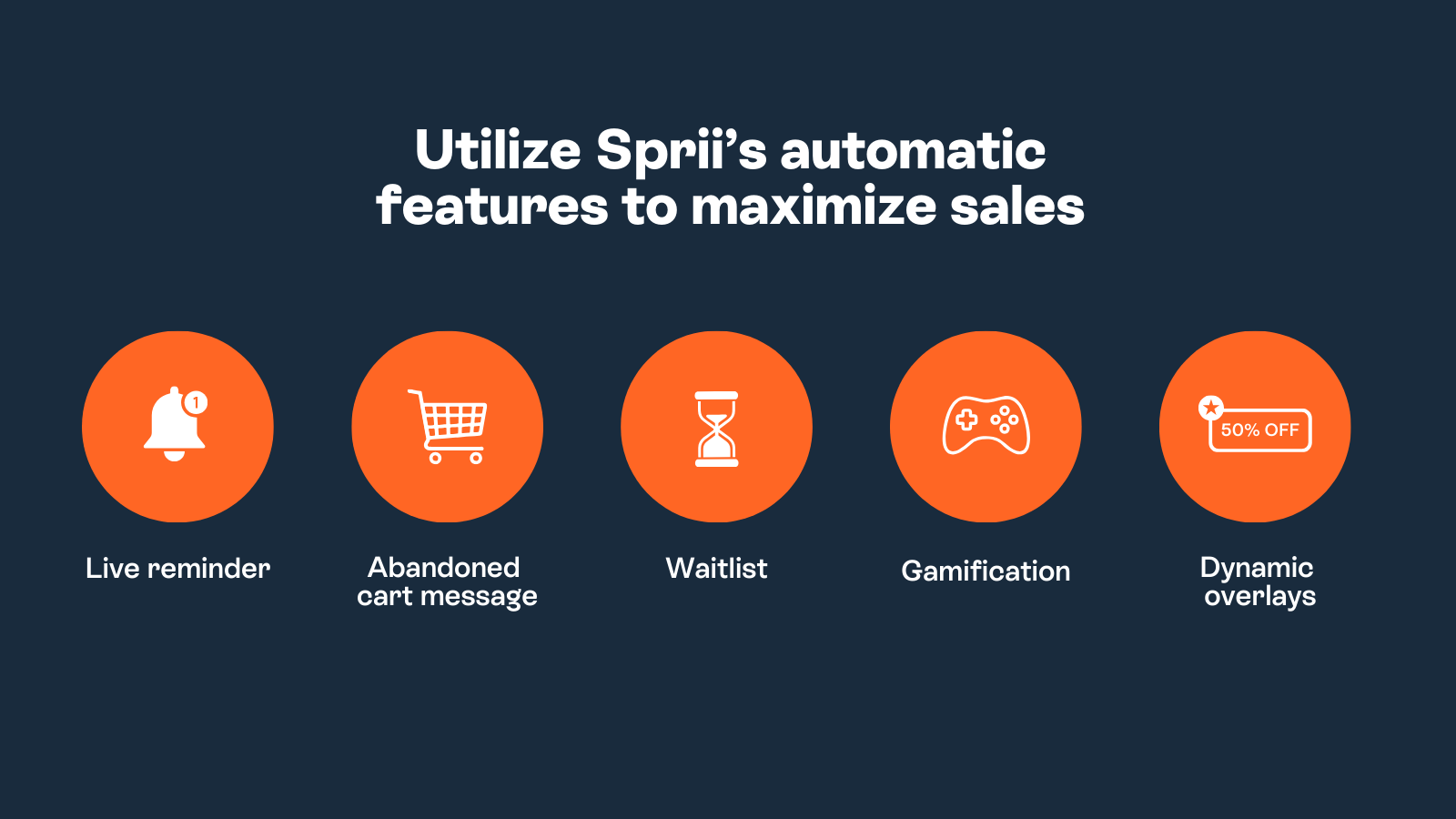
- Automatic Reminders for Subscribers
- Seamless Product Import from Shopify
- Full Gameification Toolkit to Engage Audiences
- Advanced Analytics Dashboard
Sprii Combo
- All Features of Sprii Social
- All Features of Sprii Website
- Dedicated Success Manager
- Customized Onboarding Plan
- Priority Customer Support
- Quarterly Performance Review
- Early Access to New Features
User Location & Comments
User Location
Comments
Shopify API Used
- POST /admin/api/live_shopping_events.json
- PUT /admin/api/live_shopping_events/{id}.json
- GET /admin/api/live_shopping_events.json
Permission:write_live_shopping,read_live_shopping,manage_products
- POST /admin/api/live_collaborations.json
- PUT /admin/api/live_collaborations/{id}.json
- GET /admin/api/live_collaborations.json
Permission:write_live_shopping,read_live_shopping,manage_channels
- POST /admin/api/live_clips.json
- PUT /admin/api/live_clips/{id}.json
- GET /admin/api/live_clips.json
Permission:write_live_shopping,read_live_shopping,manage_media
- POST /admin/api/live_discounts.json
- PUT /admin/api/live_discounts/{id}.json
- GET /admin/api/live_discounts.json
Permission:write_discounts,read_discounts,manage_products
- POST /admin/api/live_schedules.json
- PUT /admin/api/live_schedules/{id}.json
- GET /admin/api/live_schedules.json
Permission:write_live_shopping,read_live_shopping,manage_inventory