App Introduction
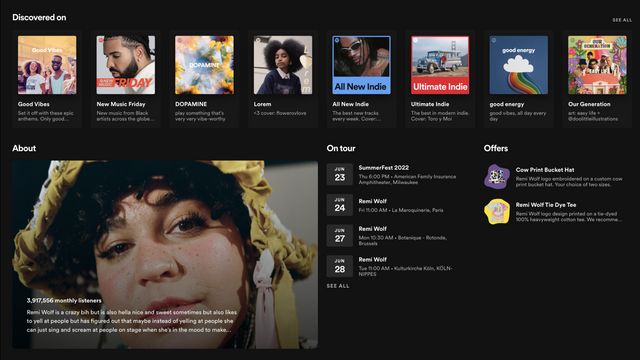
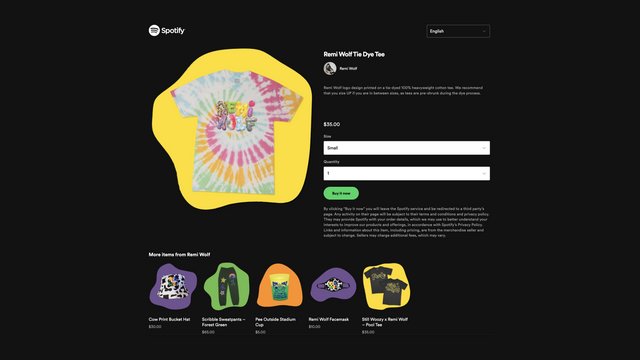
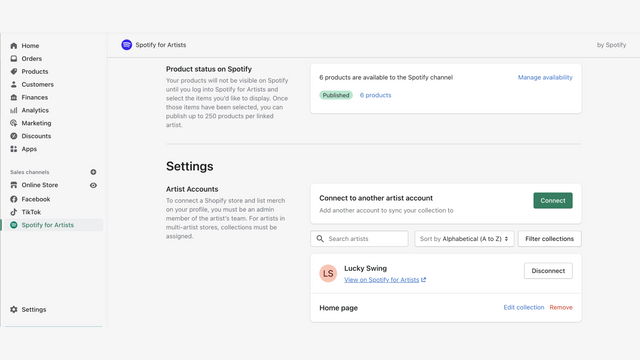
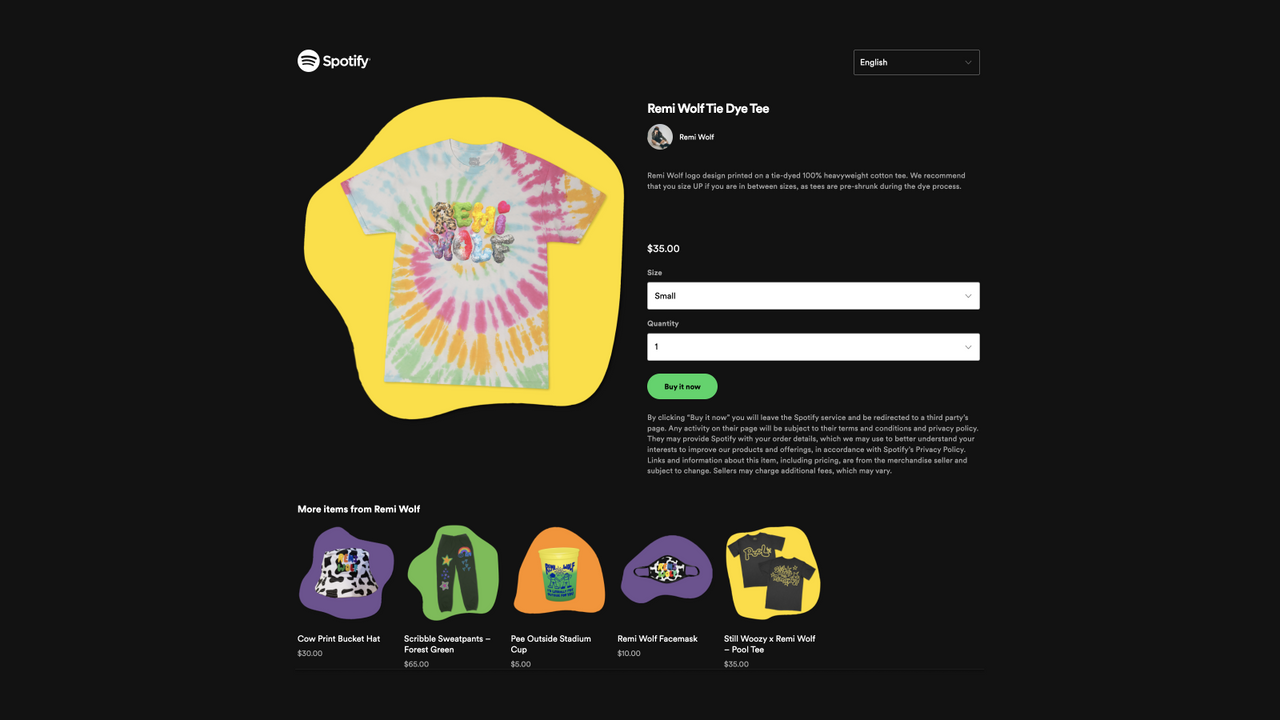
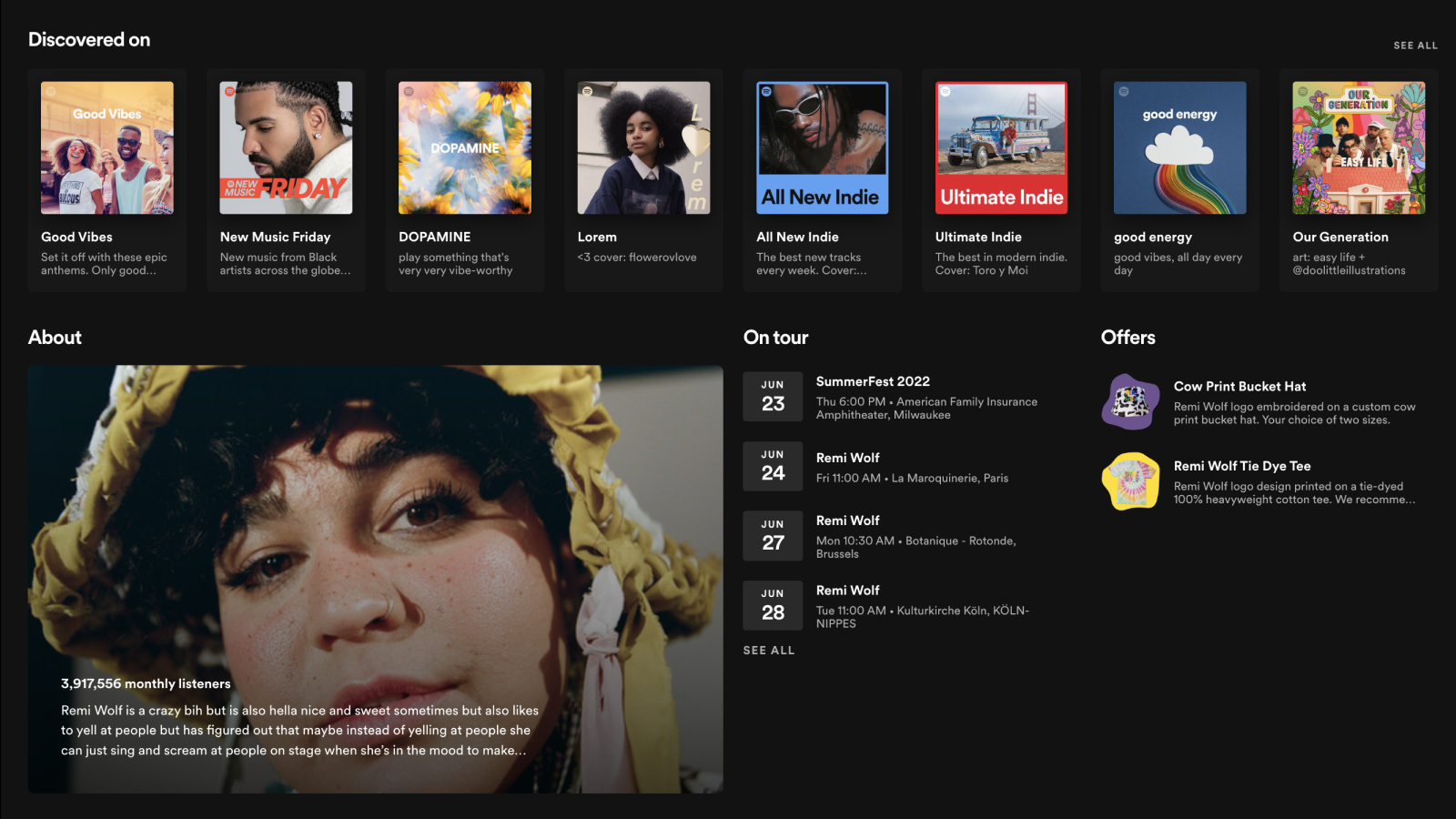
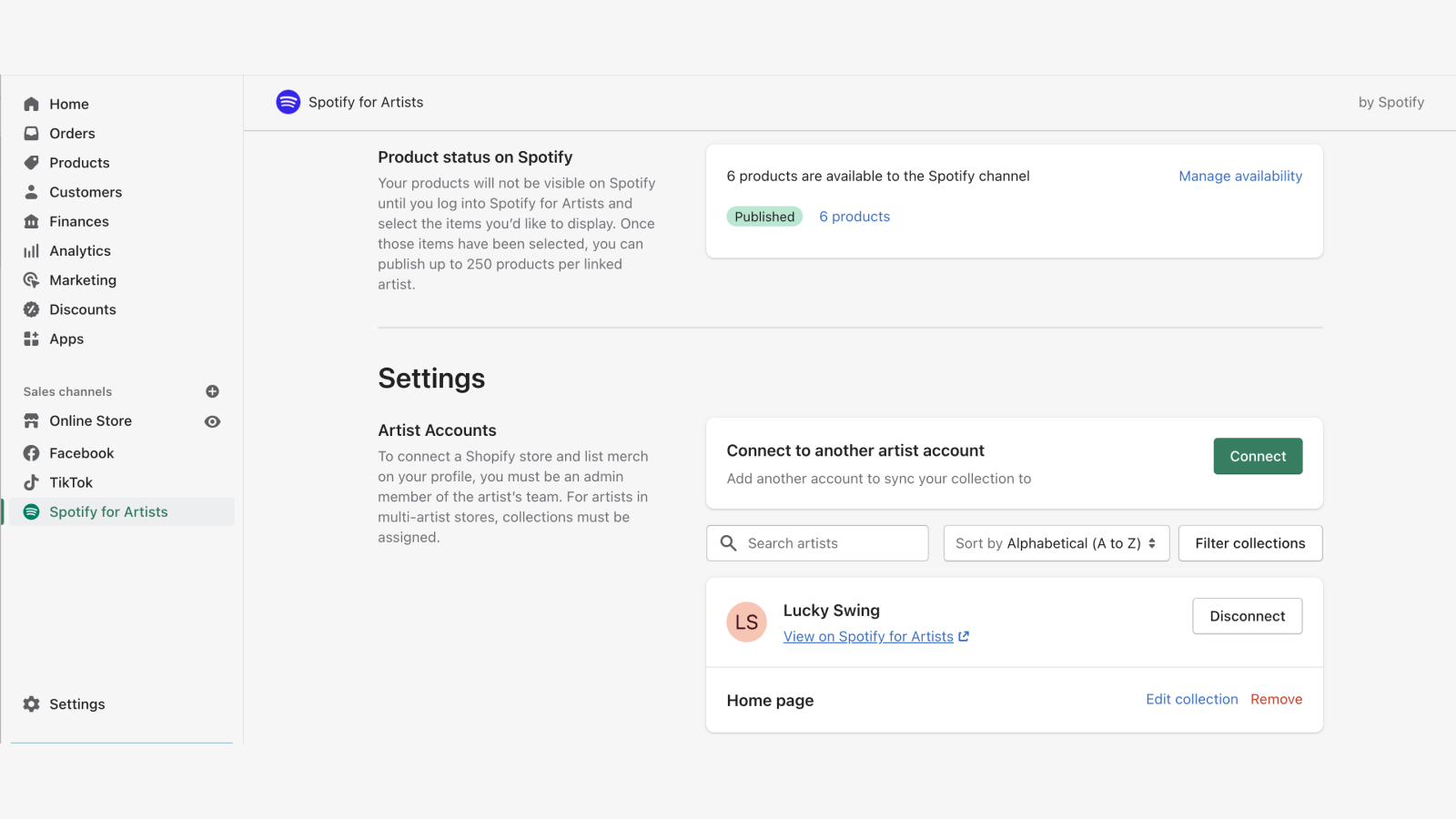
Connect your store via Spotify for Artists to sell and promote merch to your fans on Spotify Create your virtual merch table on Spotify so fans can shop while listening to your music. Easily manage sales and inventory by listing up to 250 items on Spotify and choosing which ones to showcase on your artist profile, release pages, and more. Whether your store sells merch for a single artist or an entire artist roster, Spotify ensures your items reach the right fans at the right time—while you monitor orders and sales directly in Shopify.
Core Functionality
- Artist Team admins and editors can access integrations in Spotify for Artists
- Share new or exclusive merch with fans to maximize impact right when it launches
- Feature new merch on your artist profile to reach your top global fans
- Display relevant merch on related album and release pages
- Spotify automatically removes out-of-stock merch from placements
Merchant-Friendly
- Music Merch Merchants
- Independent Musician E-commerce
- Artist Merchandise Sellers
- Digital Music-linked E-commerce
Basic Information
- Developer:Spotify
- Address:150 Greenwich Street, 62nd Floor, New York, NY, 10007, US
- Price: Free / Free plan
- Rating:2.5 / 5
- Comment Count:5 comment
- Release Date:2021-5-18
- Supported languages:English、Spanish、Portuguese (Brazil)
- Compatible products:Shopify
Application Screenshot


Price Plan
Free
User Location & Comments
User Location
Comments
Shopify API Used
- POST /admin/api/shopify_app/access.json
- PUT /admin/api/shopify_app/access/{id}.json
- GET /admin/api/shopify_app/access.json
Permission:write_shopify_app,read_shopify_app,manage_users
- POST /admin/api/products/share.json
- PUT /admin/api/products/share/{id}.json
- GET /admin/api/products/share.json
Permission:write_products,read_products,manage_discounts
- POST /admin/api/artist_profile/merch.json
- PUT /admin/api/artist_profile/merch/{id}.json
- GET /admin/api/artist_profile/merch.json
Permission:write_products,read_products,manage_channels
- POST /admin/api/albums/merch.json
- PUT /admin/api/albums/merch/{id}.json
- GET /admin/api/albums/merch.json
Permission:write_products,read_products,manage_channels
- PUT /admin/api/products/visibility.json
- GET /admin/api/products/inventory.json
- POST /admin/api/webhooks/inventory.json
Permission:write_products,read_inventory,manage_channels