
Sparq Product Filter & Search
App Introduction
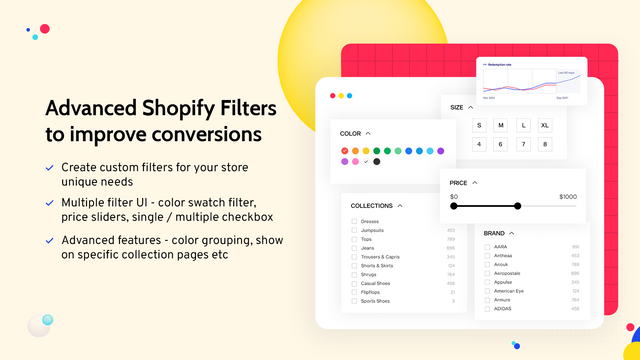
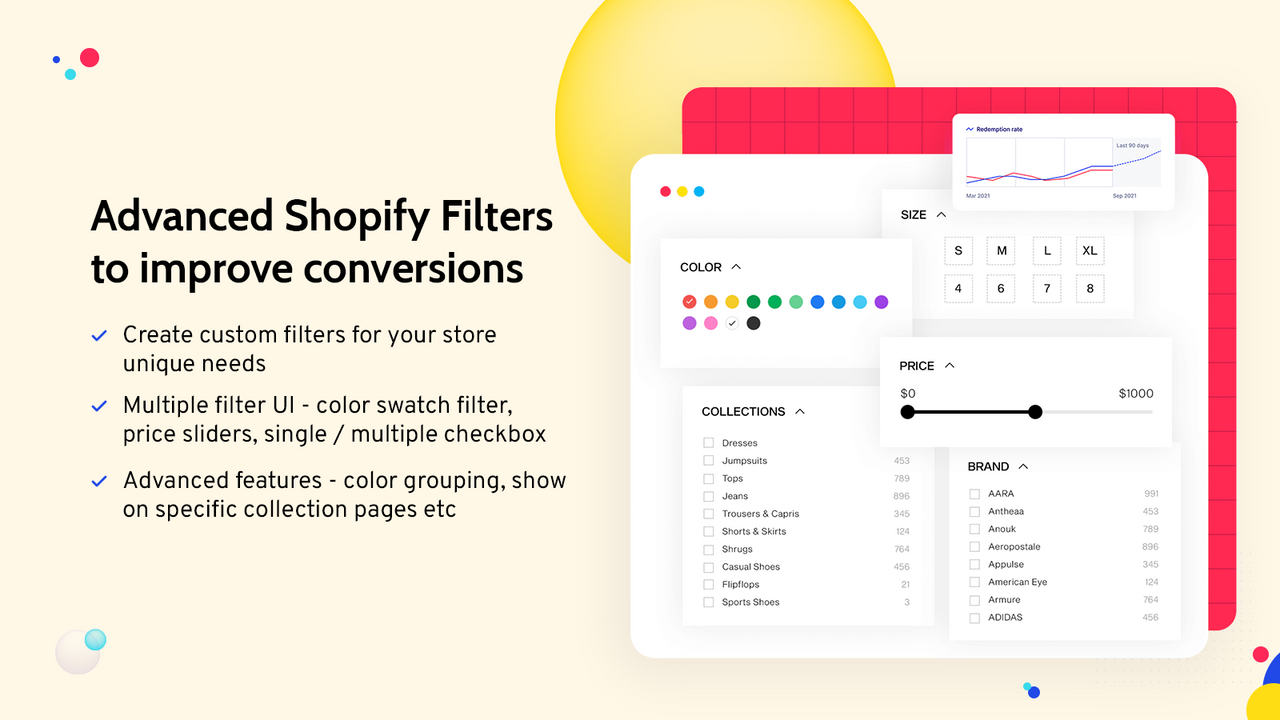
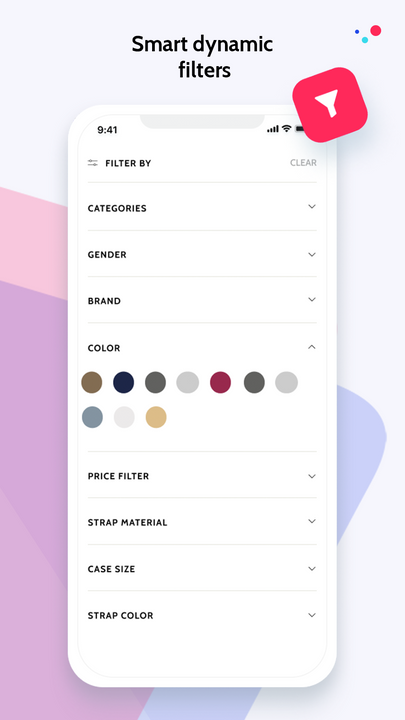
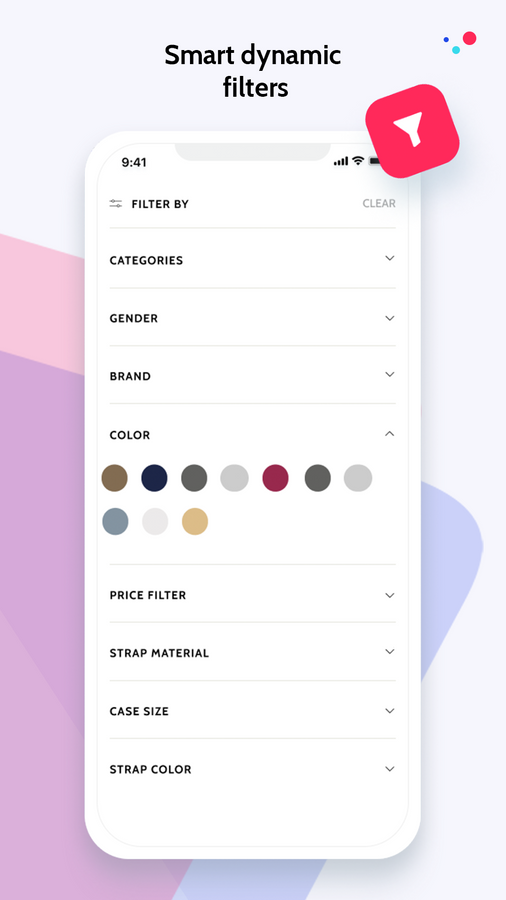
Boost Sales with Collection Filters, Instant Search, Customizable UI, and Analytics This product filter and search app enhances sales by strengthening search and filtering capabilities. Sparq provides tools to effortlessly improve Shopify’s default filters, delivering an optimized shopping experience. Key features include advanced collection filters, instant type-ahead search, customizable filter displays, location filters, and theme-compatible UI. Trusted by renowned brands like the World Bank Group, Steve Madden, and Pandora, Sparq elevates your ecommerce store’s search and filtering performance.
Core Functionality
- Add unlimited filters using tags, metafields, variants, discounts, and locations
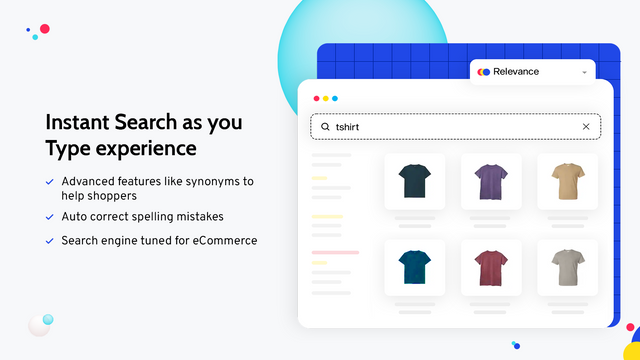
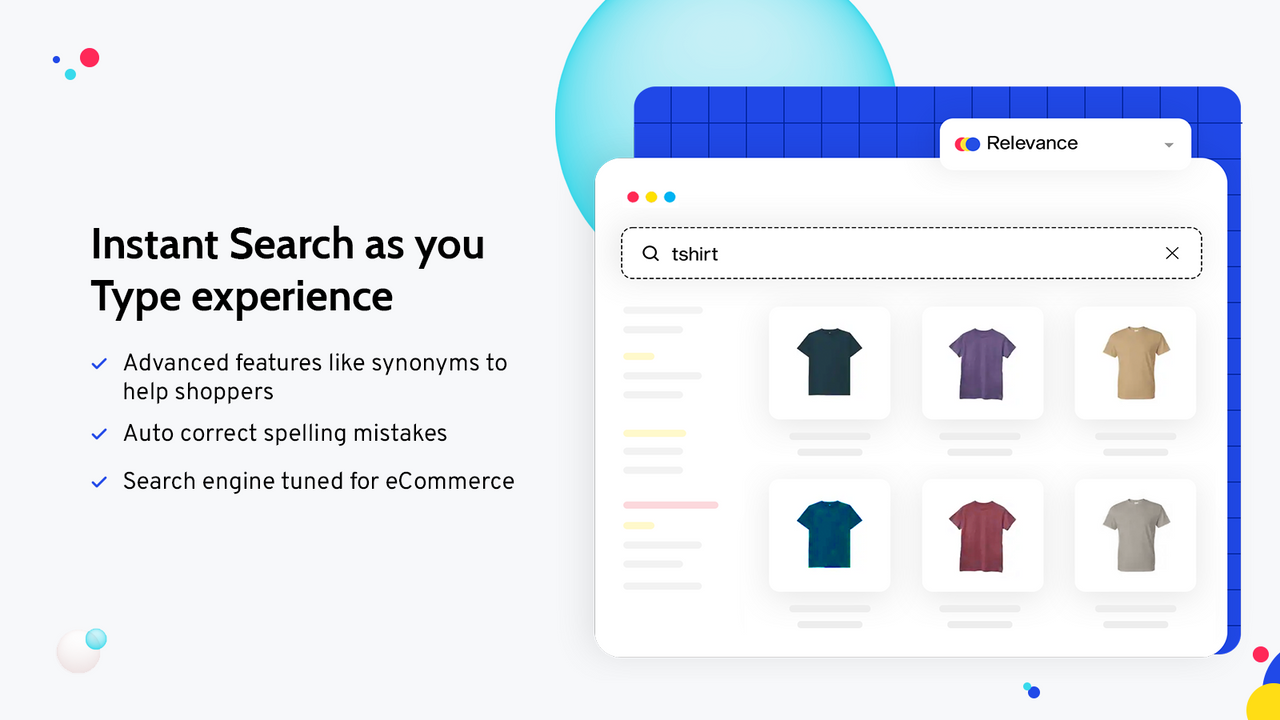
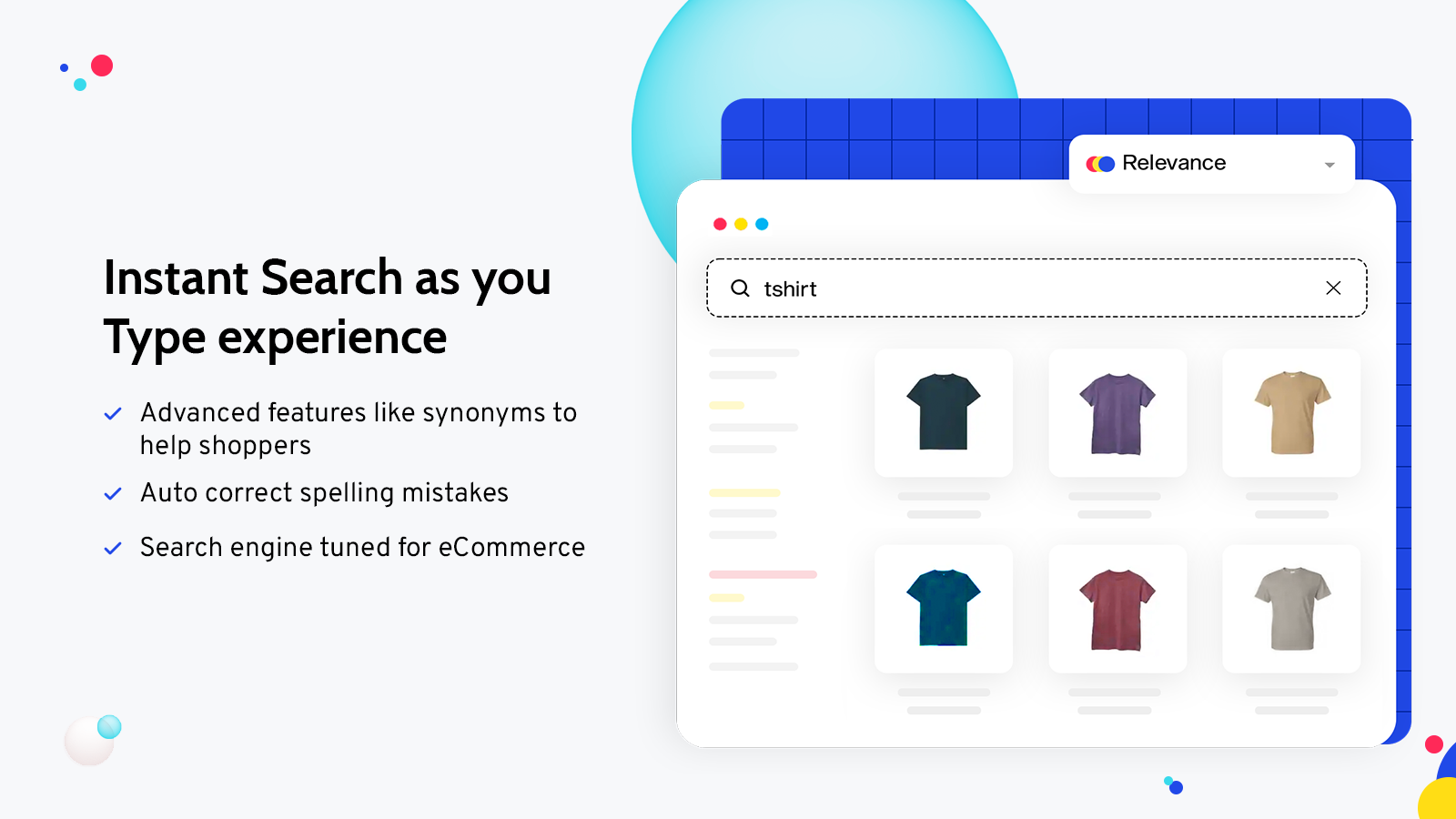
- Instant type-ahead search with automatic spell check, suggestions, synonyms, and redirects
- Advanced search analytics to understand shoppers’ search behavior and needs
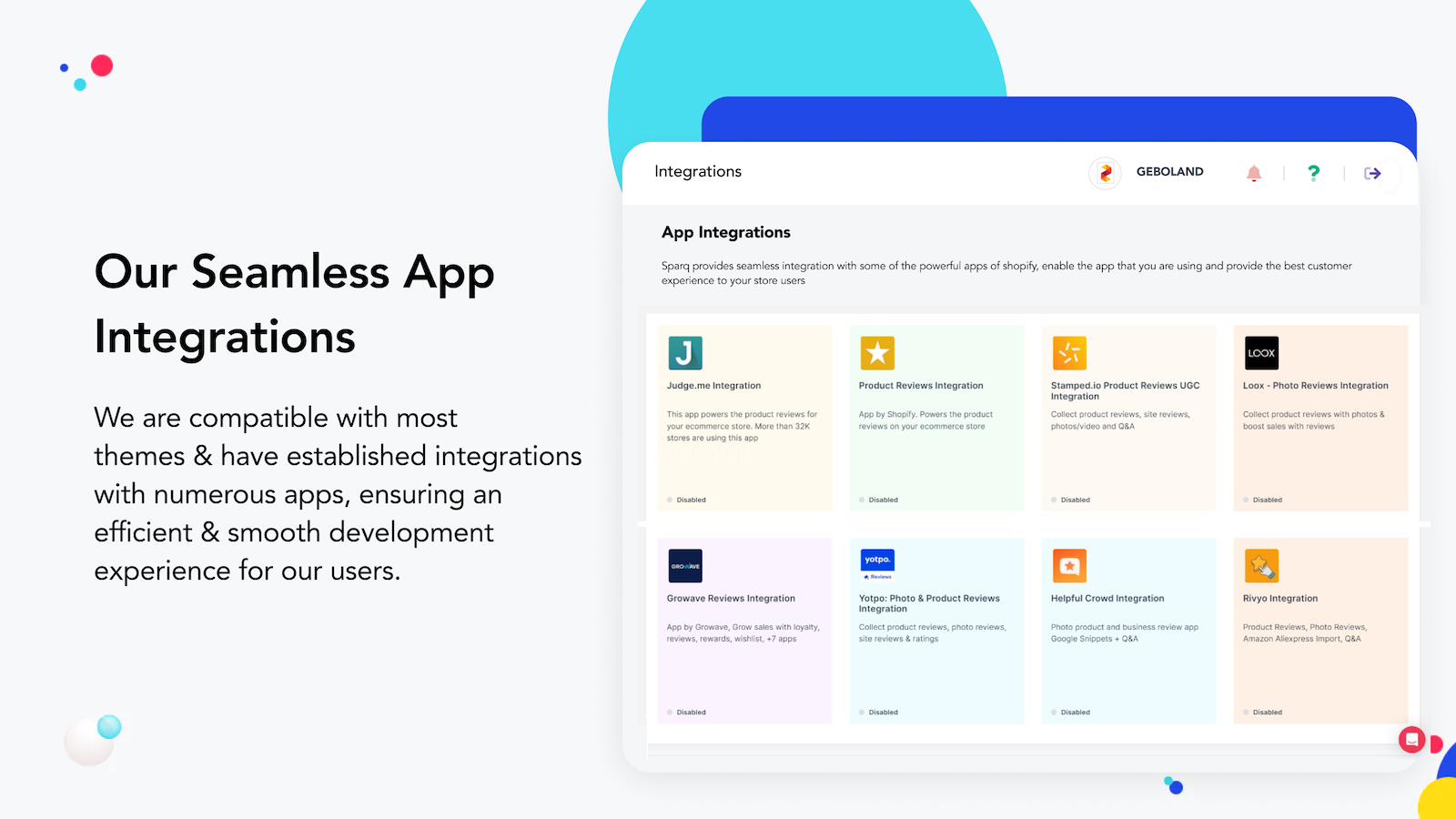
- Filters optimized for desktop and mobile devices, supporting all major themes
- Dedicated customer support with 24/6 live chat assistance
Merchant-Friendly
- Independent Station Merchants
- Multi-category E-commerce
- Mobile-first Merchants
- High-traffic E-commerce
- Multilingual Merchants
Basic Information
- Developer:Sparq
- Address:A - 11, Vikas Puri, New Delhi, DL, 110018, IN
- Price: Free / Free plan
- Rating:4.8 / 5
- Comment Count:76 comment
- Release Date:2019-4-26
- Supported languages:English
- Compatible products:Shopify
Application Screenshot







Price Plan
开发
- All Features
- Available for Affiliate/Development Stores
- Available for Shopify Free Trial Stores
- Available for Dormant Stores
- Available for Partner Test Stores
标准
- Collection Page Filters
- Basic Theme Customization
- Tag Filters
- Meta Filters
高级
- Search products, collections, pages, and blogs
- Collection page filters
- Advanced theme support
- Tag filters
企业
- per 50,000 products
- banner
- redirect
- advanced analytics
- custom UI/UX
- synonyms
User Location & Comments
User Location
Comments
Shopify API Used
- POST /admin/api/filter.json
- PUT /admin/api/filter/{id}.json
- GET /admin/api/filter.json
Permission:write_filter,read_filter,manage_products
- GET /admin/api/search/settings.json
- PUT /admin/api/search/settings.json
- GET /admin/api/search/behavior.json
Permission:read_search,write_search,manage_online_store
- GET /admin/api/search/analytics.json
- GET /admin/api/search/keywords.json
- GET /admin/api/search/performance.json
Permission:read_search_analytics,read_shop,manage_reports
- GET /admin/api/filter/themes.json
- PUT /admin/api/filter/theme/{theme_id}.json
- GET /admin/api/filter/mobile.json
Permission:read_themes,write_themes,manage_online_store
- POST /admin/api/support/ticket.json
- GET /admin/api/support/chat.json
- PUT /admin/api/support/setting.json
Permission:write_support,read_support,manage_shop