
App Introduction
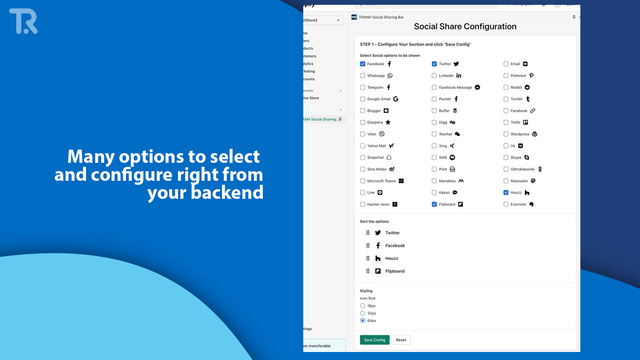
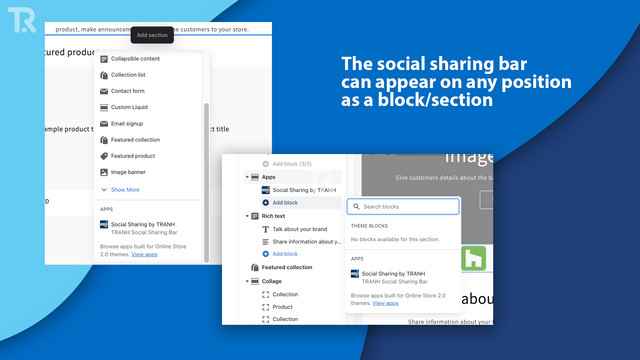
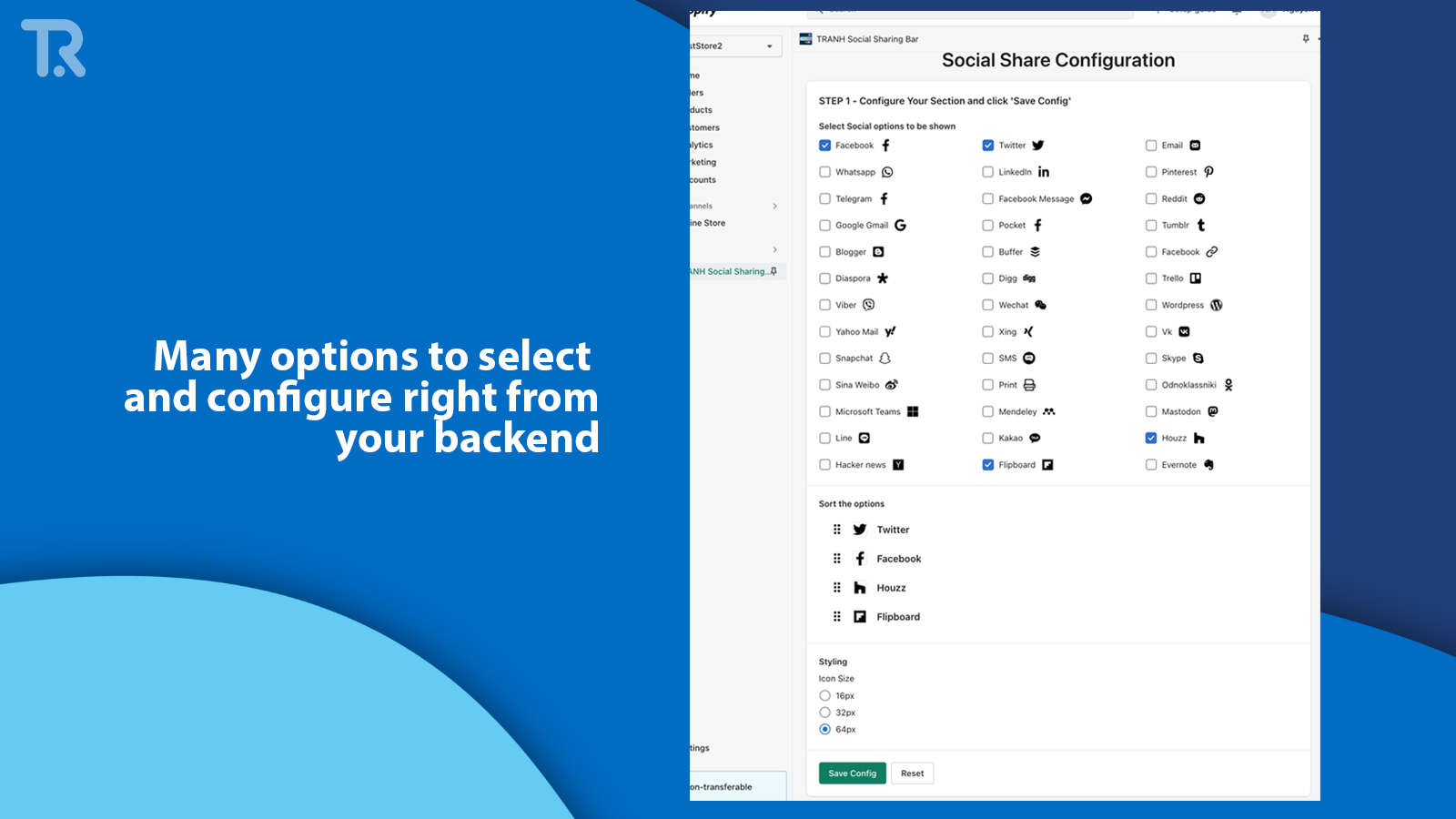
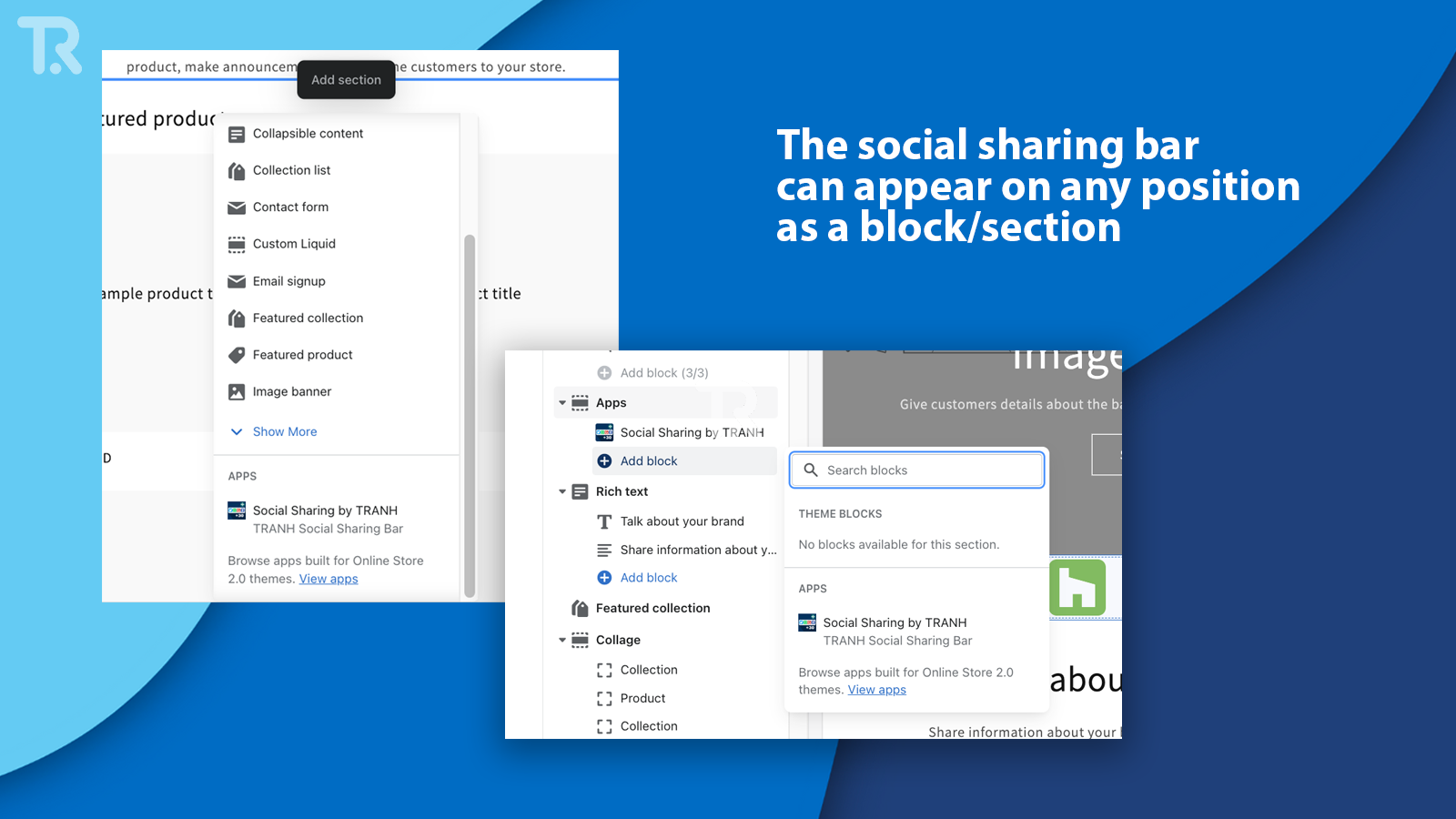
Customize and drag the social sharing block to your landing pages, collections, product pages, and other pages—all in just 3 minutes. This app helps you add a social sharing bar to your store with over 30 options to choose from: Email, SMS, Facebook, Twitter, WhatsApp, LinkedIn, Pinterest, Telegram, Reddit, Pocket, Tumblr, Diaspora, Digg, Trello, Viber, WeChat, Snapchat, Line, Kakao, Instagram, Flipboard, Evernote, Skype... TRANH makes it easier and faster to create social bars as theme blocks or sections and drag-and-drop them anywhere in your store, using theme app extensions—meaning no leftover code after uninstallation.
Core Functionality
- Let customers share your store with friends via the Add To Any sharing bar
- Choose from over 30 platforms: Facebook, Twitter, WhatsApp, Snapchat, LinkedIn,...
- Customize icon order and styling with the AddToAny widget (supports SMS and email)
- Place it anywhere on your store—from landing pages to product/collection/blog pages
- Floating, color, border, and custom CSS options for the social sharing icon widget
Merchant-Friendly
- Social E-commerce Merchants
- Content Marketing Merchants
- Independent Store Sellers
- Brand E-commerce
Basic Information
- Developer:TRANH
- Address:Tanmai, Hanoi, 10000, VN
- Price: Free / Free plan
- Rating:4.9 / 5
- Comment Count:6 comment
- Release Date:2023-1-26
- Supported languages:English
- Compatible products:Shopify
Application Screenshot







Price Plan
免费
- Add Icon
- Supports Up to 30 Platforms
- Drag and Drop Anywhere
- No Remnants After Uninstallation
- Permanently Free, No Ads, No Watermarks, etc.
高级
- Instagram, Plus Button
- Floating Icon
- Icon Corner Radius (Circular Icon), Fill
- Icon Color (One Color for All Icons)
- Custom CSS
User Location & Comments
User Location
Comments
Shopify API Used
- POST /admin/api/sections.json
- PUT /admin/api/sections/{section_id}.json
- GET /admin/api/sections.json
Permission:write_themes,read_themes,manage_online_store
- POST /admin/api/metafields.json
- PUT /admin/api/metafields/{metafield_id}.json
- GET /admin/api/metafields.json
Permission:write_metafields,read_metafields,manage_online_store
- POST /admin/api/assets.json
- PUT /admin/api/assets/{asset_id}.json
- GET /admin/api/assets.json
Permission:write_themes,read_themes,manage_online_store