
App Introduction
Turn visitors into future customers. An eye-catching icon bar encourages visitors to follow your social media accounts. If you want customers to remember your business, you need to stay in regular contact with them. For this, social networks are the best choice—they’re fast, affordable, and highly effective. Social Media Icons Ultimate is a simple app that uses an engaging icon bar and box to prompt website visitors to sign up for or follow your social media platforms. Strategically placed icon bars and boxes boost lead generation without compromising user experience.
Core Functionality
- Social Media Icon Box is a static component that can be placed anywhere
- 130+ icons, 45+ social media platforms + Meta Threads, X (Twitter)
- Set up to 10 icons
- Adjust size, spacing, color, and position according to your needs
- Allows custom CSS styling
Merchant-Friendly
- Independent Station Merchants
- Brand E-commerce
- Cross-border E-commerce
- Social E-commerce
- Vertical Category E-commerce
Basic Information
- Developer:KILATECH
- Address:16, First Lane, Siddamulla, Piliyandala, Sri Lanka, Colombo, 10300, LK
- Price: Free / Free plan
- Rating:5 / 5
- Comment Count:3 comment
- Release Date:2022-8-2
- Supported languages:English
- Compatible products:Shopify
Application Screenshot

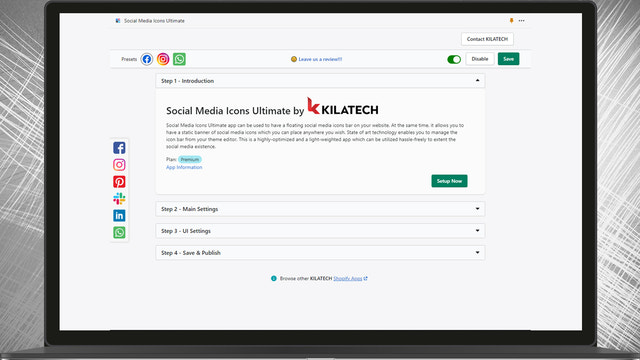

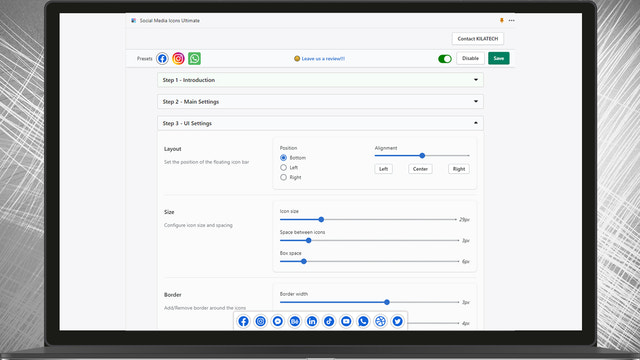
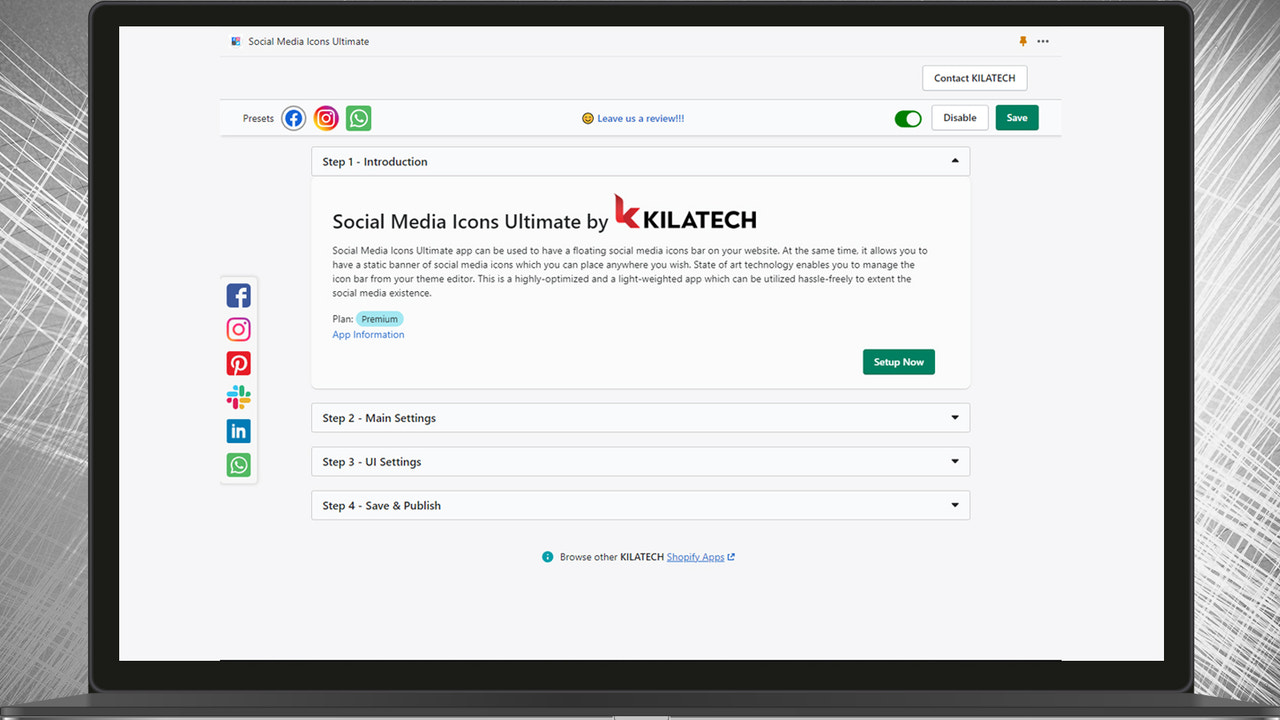
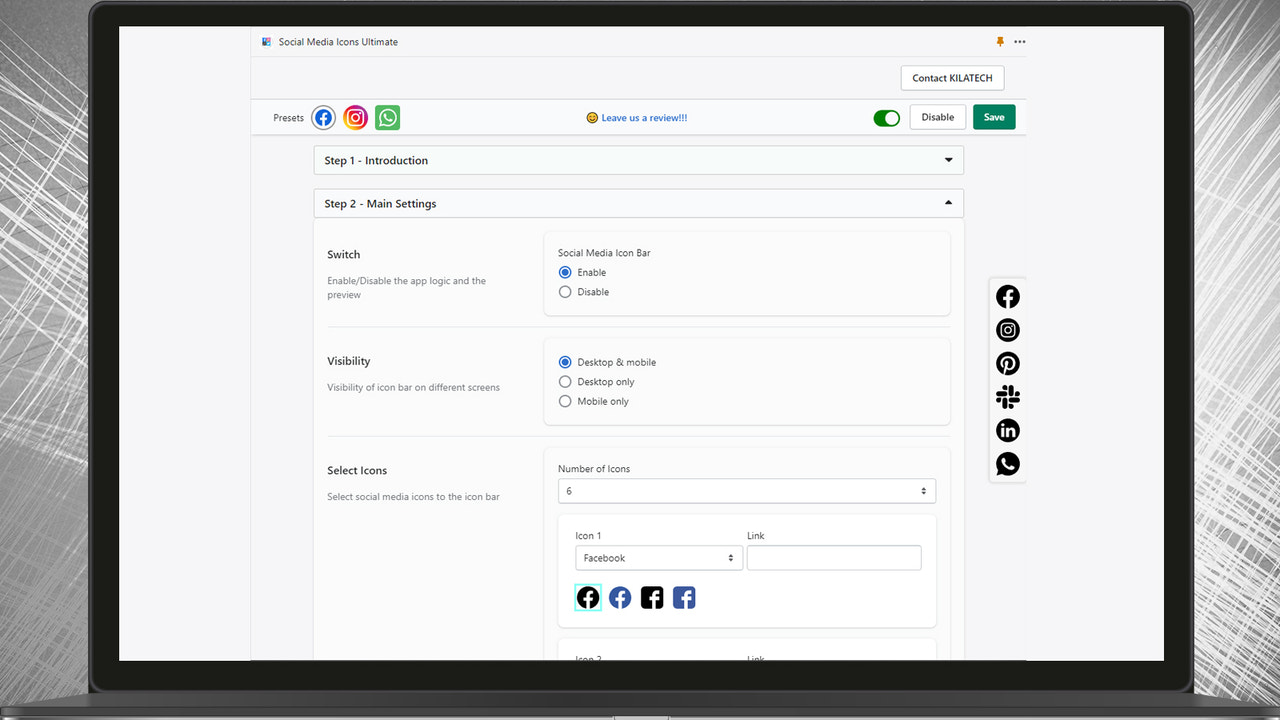
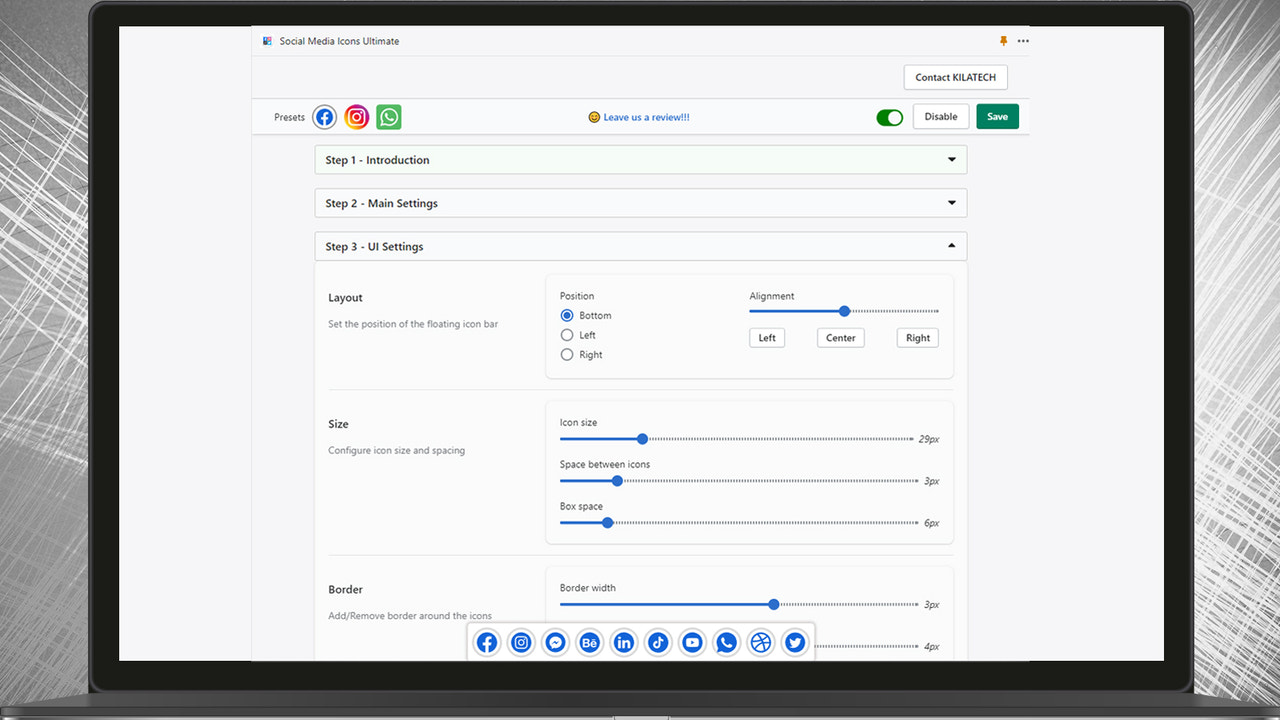
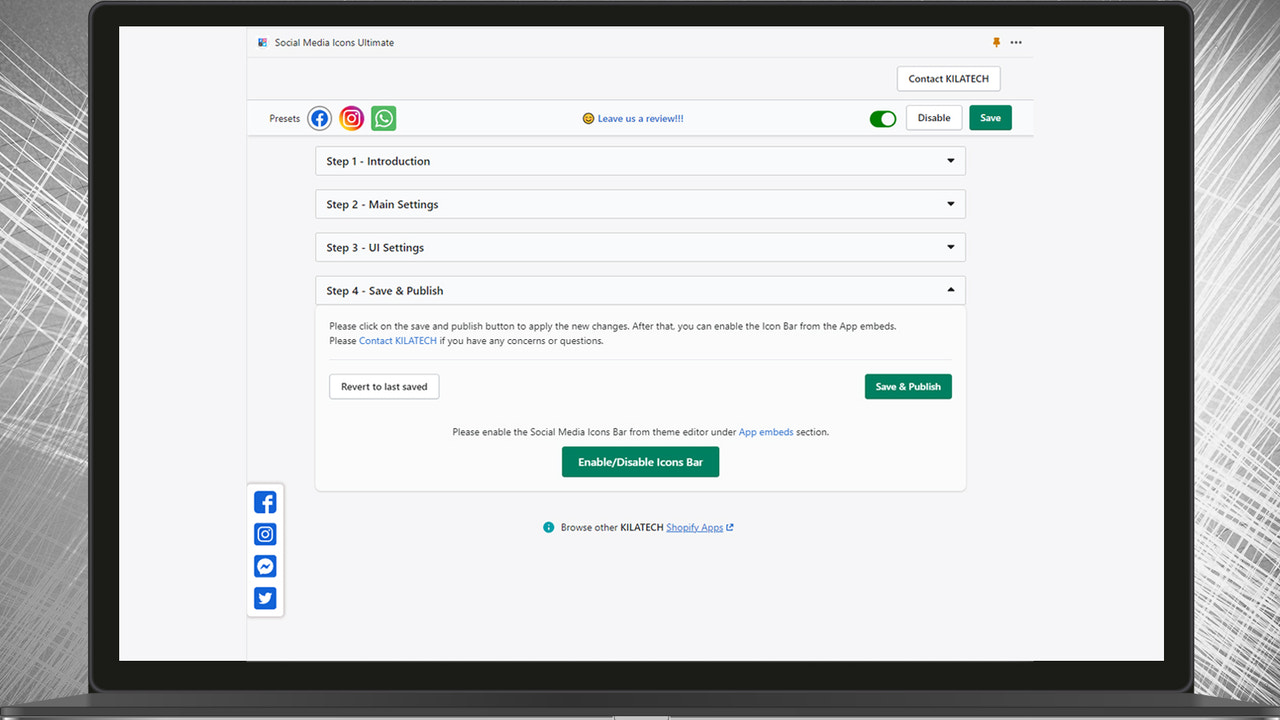


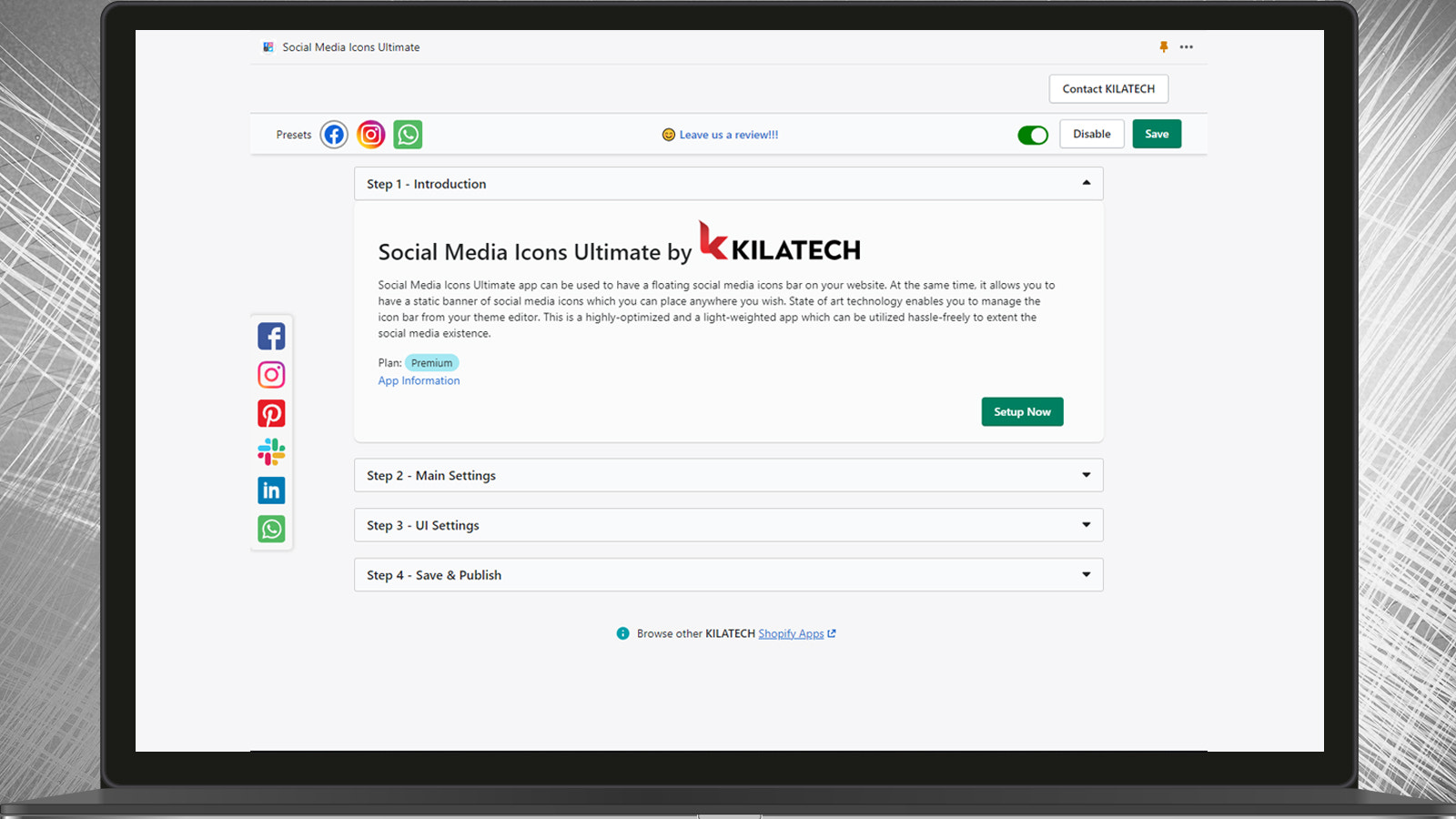
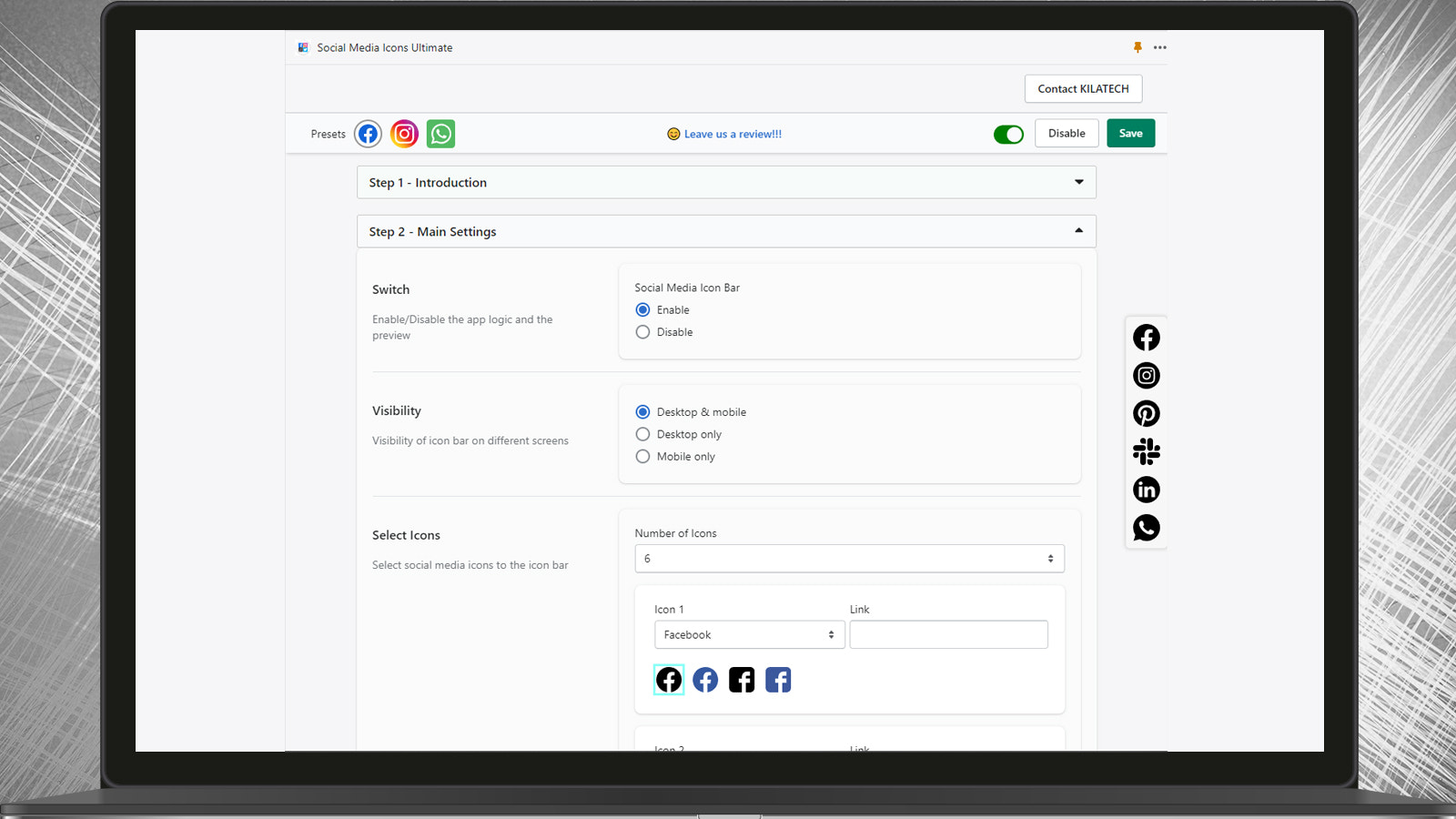
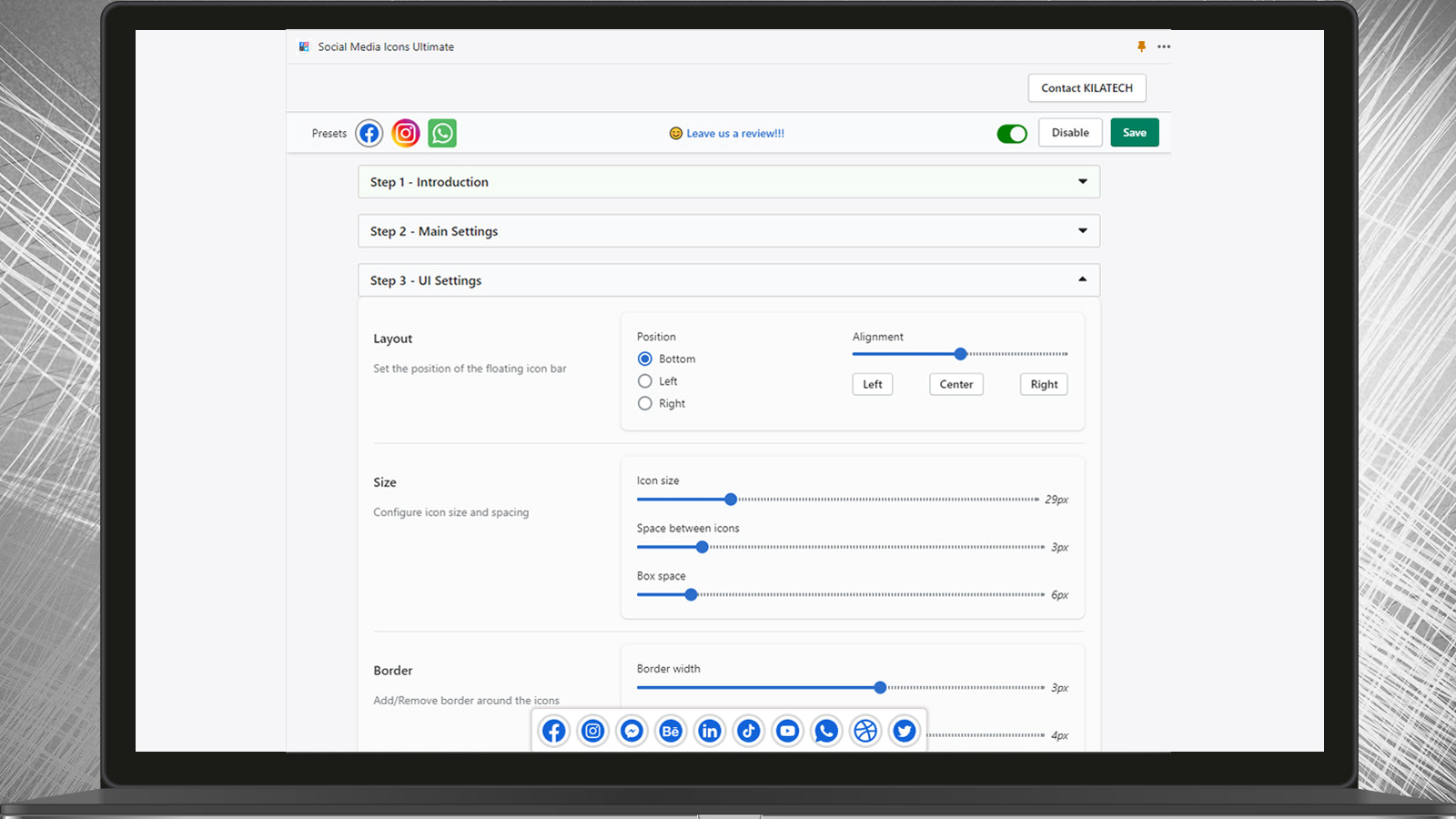
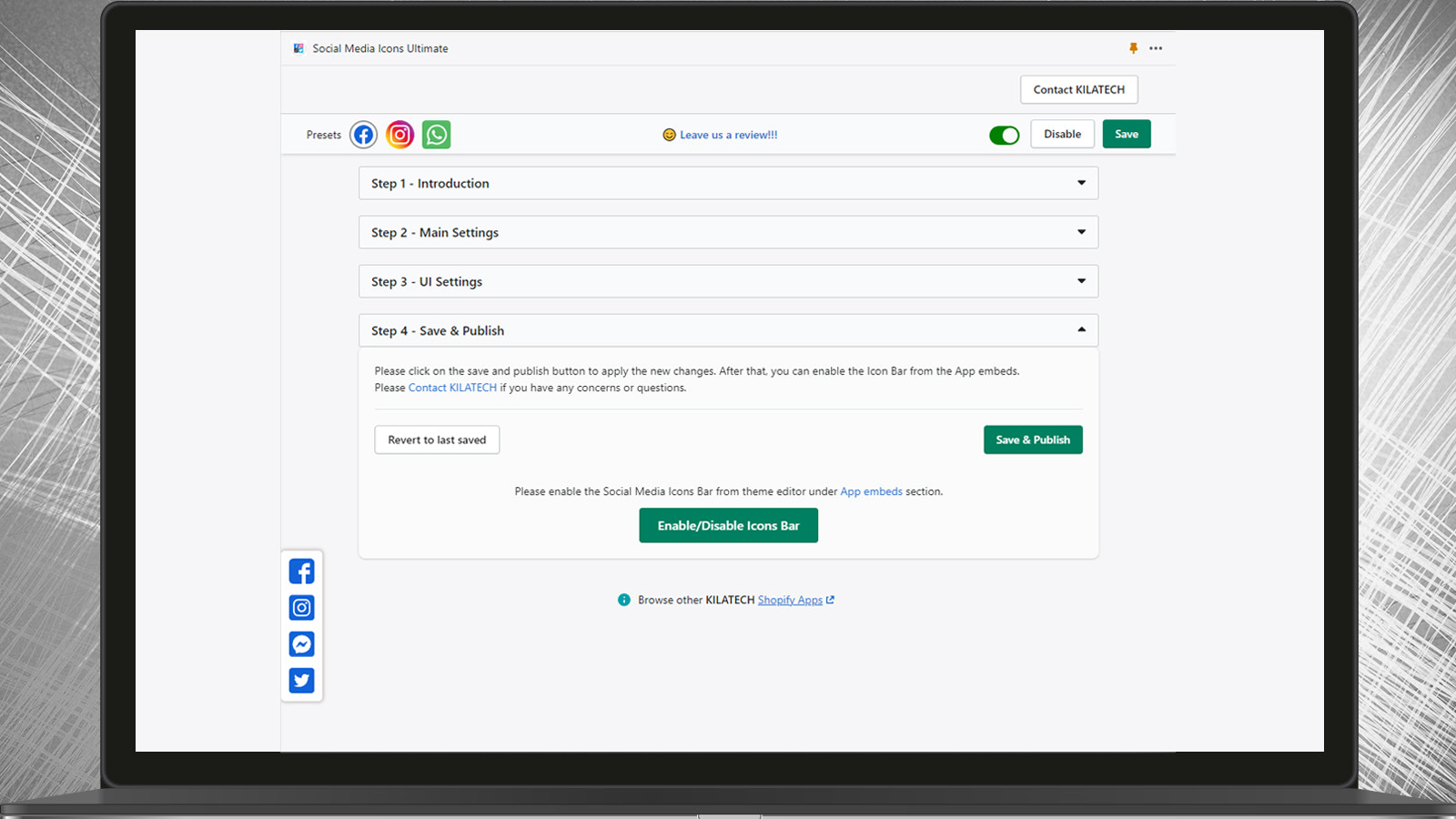

Price Plan
免费计划
- Social Media Icon Bar
- Icon Box
- Color
- Border
- Position
- Size
- 130+ Icons
- Only 3 Icons Allowed
高级计划
- Free +
- 7-day Free Trial
- Up to 10 Icons Allowed
- Custom Icons
- No KILATECH Brand Icons
- Advanced Style Support
User Location & Comments
User Location
Comments
Shopify API Used
- POST /admin/api/sections.json
- PUT /admin/api/sections/{section_id}.json
- GET /admin/api/sections.json
Permission:write_themes,read_themes,manage_online_store
- POST /admin/api/metafields.json
- PUT /admin/api/metafields/{metafield_id}.json
- GET /admin/api/metafields.json
Permission:write_metafields,read_metafields,manage_online_store
- POST /admin/api/metafields.json
- PUT /admin/api/metafields/{metafield_id}.json
- GET /admin/api/metafields.json
Permission:write_metafields,read_metafields,manage_online_store
- POST /admin/api/metafields.json
- PUT /admin/api/metafields/{metafield_id}.json
- GET /admin/api/metafields.json
Permission:write_metafields,read_metafields,manage_online_store
- POST /admin/api/themes/{theme_id}/assets.json
- PUT /admin/api/themes/{theme_id}/assets.json
- GET /admin/api/themes/{theme_id}/assets.json
Permission:write_themes,read_themes,manage_online_store