
App Introduction
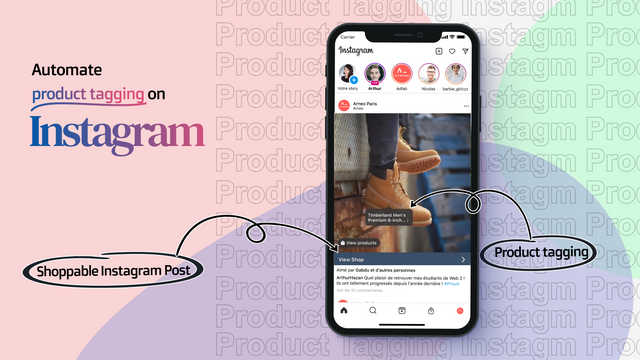
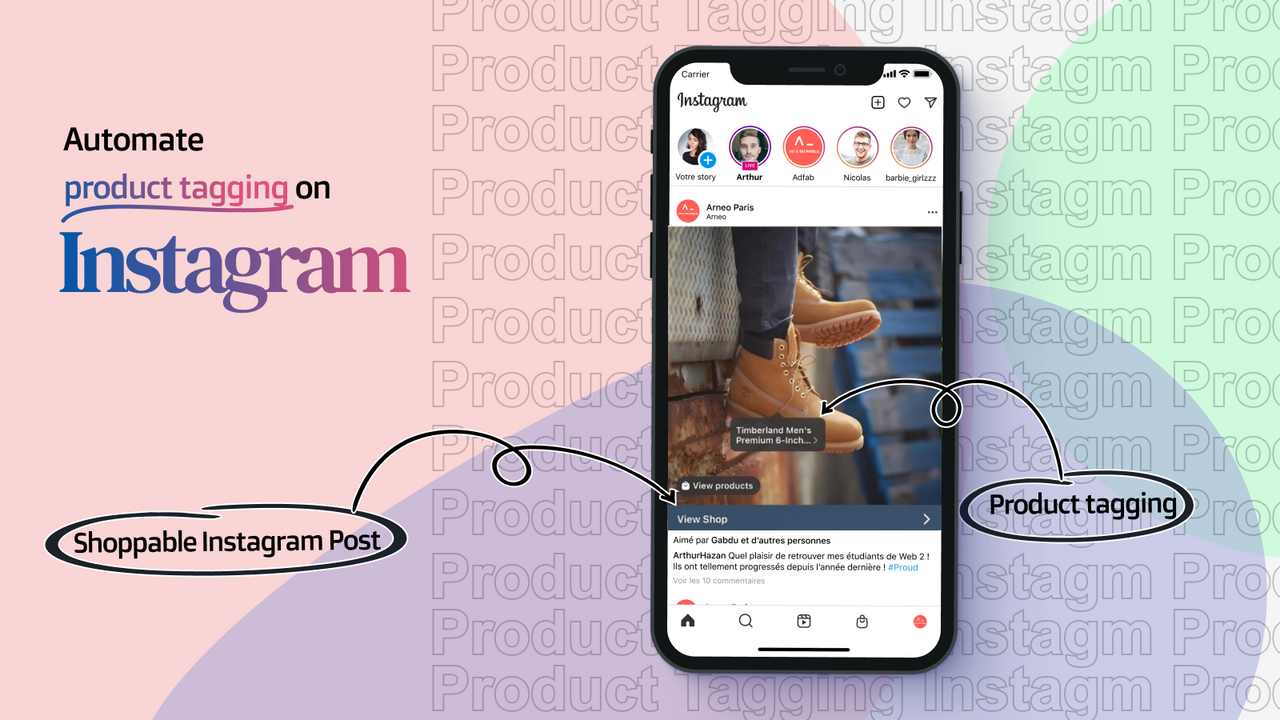
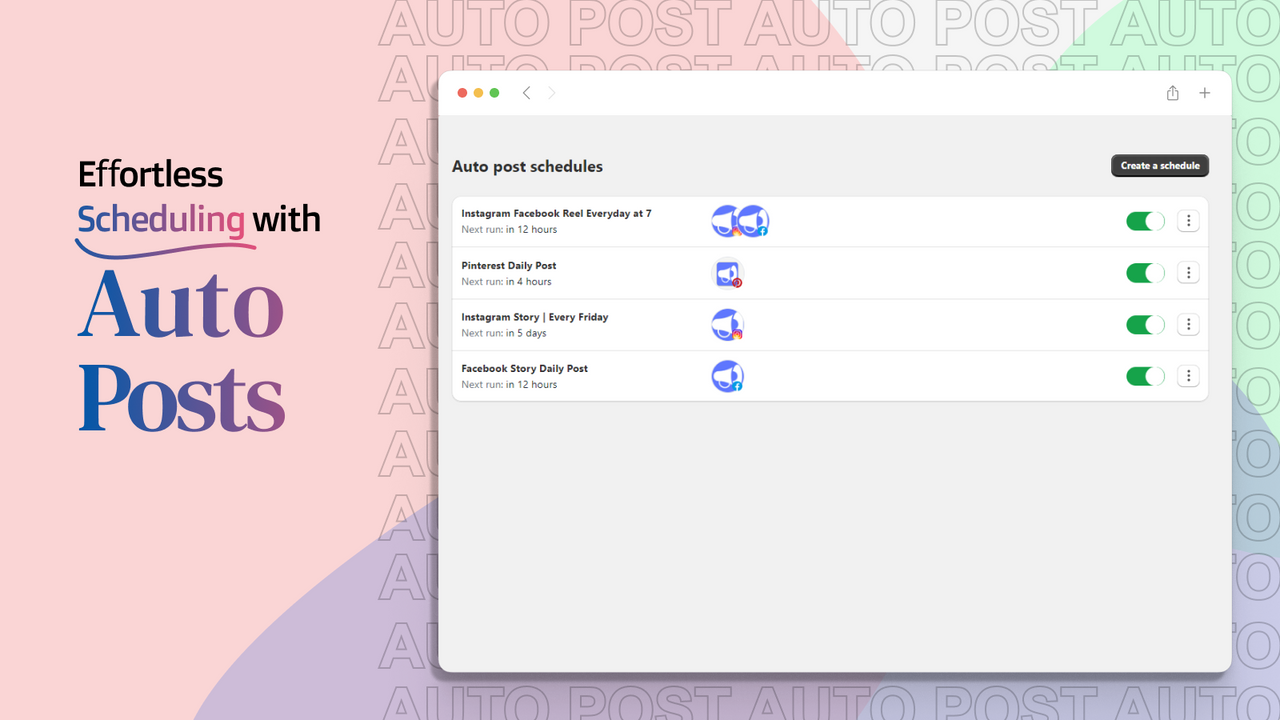
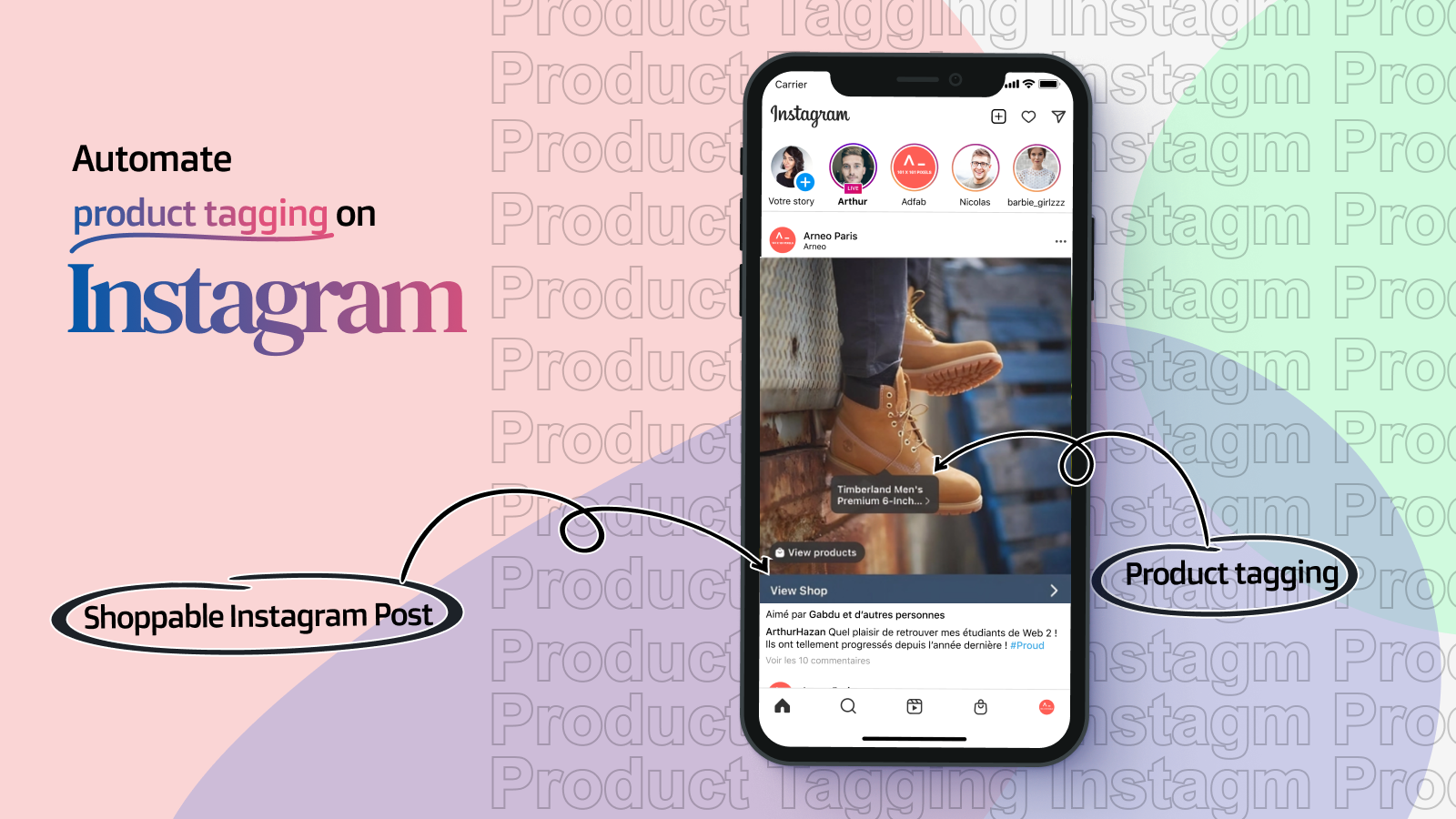
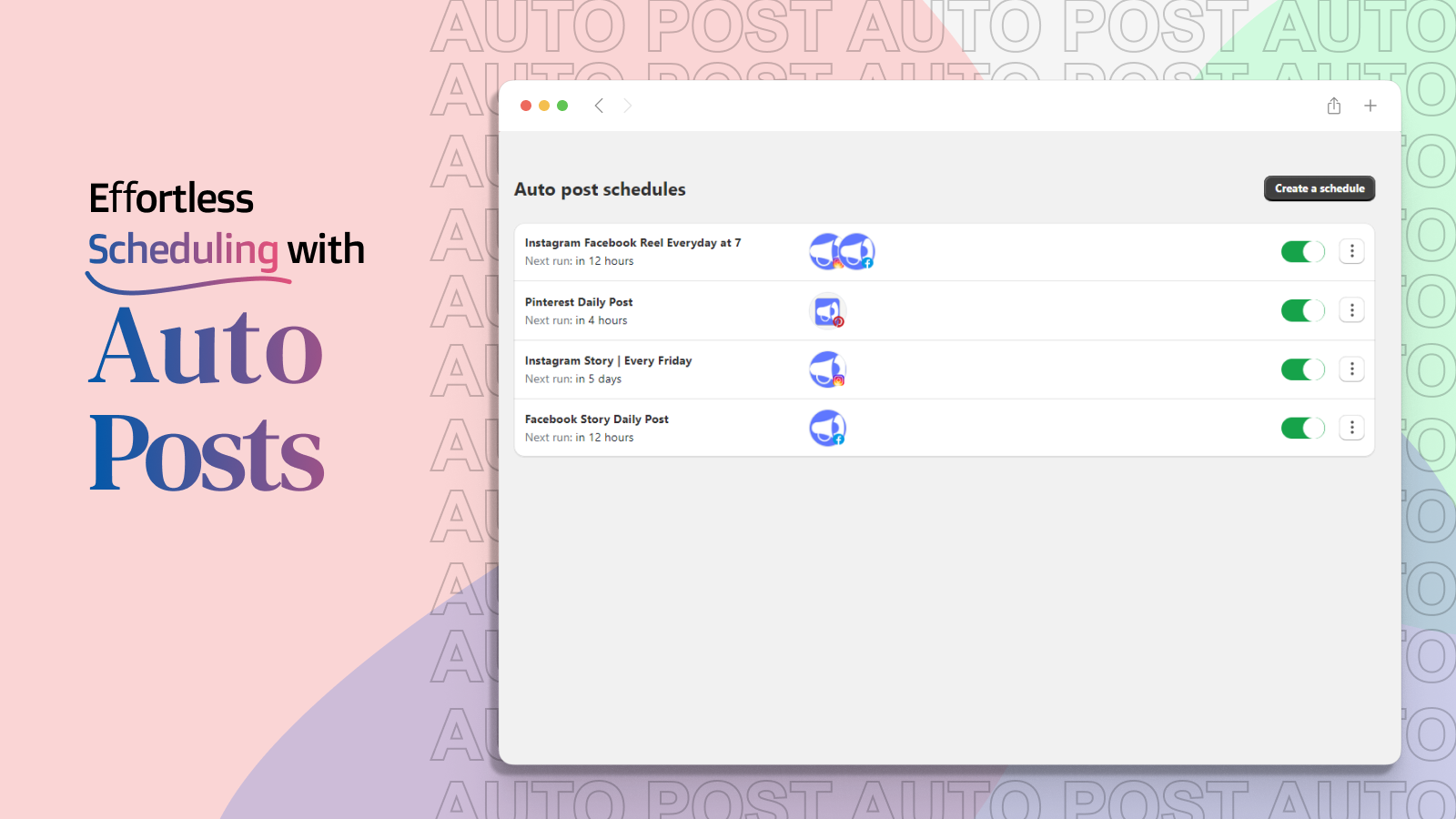
The Social Scheduler AI app helps automate product posts to Instagram Reels, Facebook Stories, Pinterest, and LinkedIn. It’s your AI social media content generator and scheduler. Automate campaigns with Instagram Reels, blog post social sharing, and shoppable videos with automatic Instagram product tagging. Add Instagram posts to your homepage using auto-tagging. Create short videos with the AI image-to-video generator.
Core Functionality
- Automatically publish products, blogs, and videos to Instagram, Facebook, Pinterest, LinkedIn, and X
- Convert product images into short videos or stories for Instagram and Facebook using AI voiceover
- Auto-playing Instagram Stories with shoppable clips and automatic product tagging
- Create studio-quality AI images and video ads from your product photos in minutes
- Automatically share blogs with AI-generated titles to boost reach and SEO impact
Merchant-Friendly
- Social Media Marketing Merchants
- Content-driven E-commerce
- Multi-channel Sales Merchants
- AI Tool-dependent Merchants
Basic Information
- Developer:Post Purchase Deals
- Address:Prafulla Kanan, Kestopur, Kolkata, WB, 700101, IN
- Price: Free / Free plan
- Rating:4.8 / 5
- Comment Count:66 comment
- Release Date:2022-4-13
- Supported languages:English
- Compatible products:Shopify
Application Screenshot












Price Plan
Starter
$10.99
- Instagram, Facebook, Pinterest, LinkedIn
- AI-powered automated posting campaigns
- Automatically share Shopify blog post links
- Automated Instagram product tagging
- Offer exclusive discounts to visitors
- Add your custom brand logo to every post
Pro
$20.99
- Starter+
- 1 Short Video & 1 Story Post Per Day
- AI Voiceover in Background
- Add Instagram Stories with Product Tags
- Automatically Share Your Blog
- One-Click Direct Checkout from Social Links
- Shoppable Stories with Videos
- Priority In-App Support
Enterprise
$45.99
- Pro +
- 2 short videos and 2 stories per day
- 2-hour social media consultation
- Slack support
User Location & Comments
User Location
Comments
Shopify API Used
- POST /admin/api/social_posts.json
- PUT /admin/api/social_posts/{id}.json
- GET /admin/api/social_posts.json
Permission:write_social_posts,read_social_posts,manage_products
- POST /admin/api/media_conversions.json
- PUT /admin/api/media_conversions/{id}.json
- GET /admin/api/media_conversions.json
Permission:write_media,read_media,manage_products
- POST /admin/api/shoppable_videos.json
- PUT /admin/api/shoppable_videos/{id}.json
- GET /admin/api/shoppable_videos.json
Permission:write_shoppable_videos,read_shoppable_videos,manage_products
- POST /admin/api/ai_media_ads.json
- PUT /admin/api/ai_media_ads/{id}.json
- GET /admin/api/ai_media_ads.json
Permission:write_media,read_media,manage_products
- POST /admin/api/blog_posts.json
- PUT /admin/api/blog_posts/{id}.json
- GET /admin/api/blog_posts.json
Permission:write_blog_posts,read_blog_posts,manage_blogs