
App Introduction
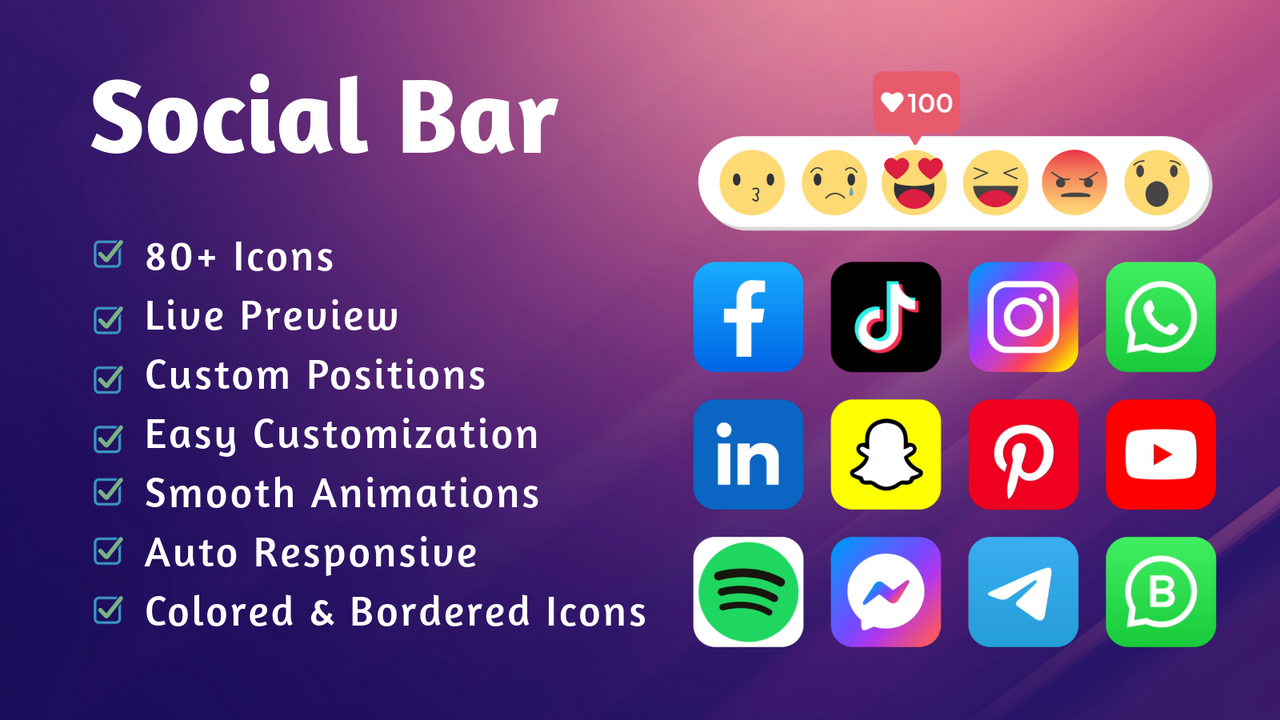
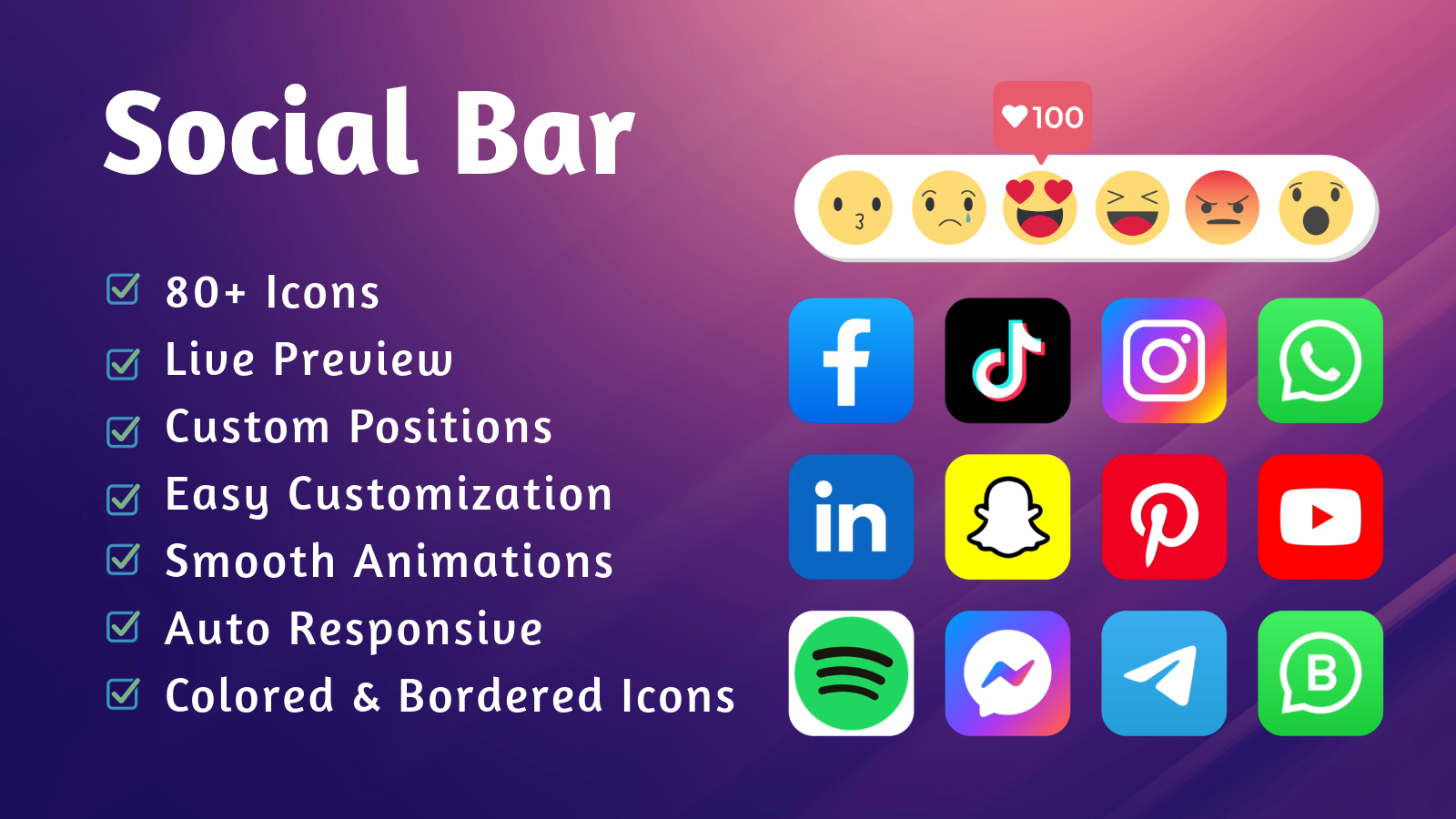
Easily add social media icons to your store instantly with a customizable social media bar and icons. The social bar helps you grow your social followers, reorder conversations, and update social posts in real time. With social media icons, you’ll build a stronger brand presence on social platforms, expand your website’s reach, and boost its popularity. The Social Bar is a static component that can be placed anywhere on your store. This app is fully customizable and supports over 100 social media networks, including: Instagram, Discord, Telegram, Messenger, Line, YouTube, WeChat, WhatsApp, Snapchat, LinkedIn, and more.
Core Functionality
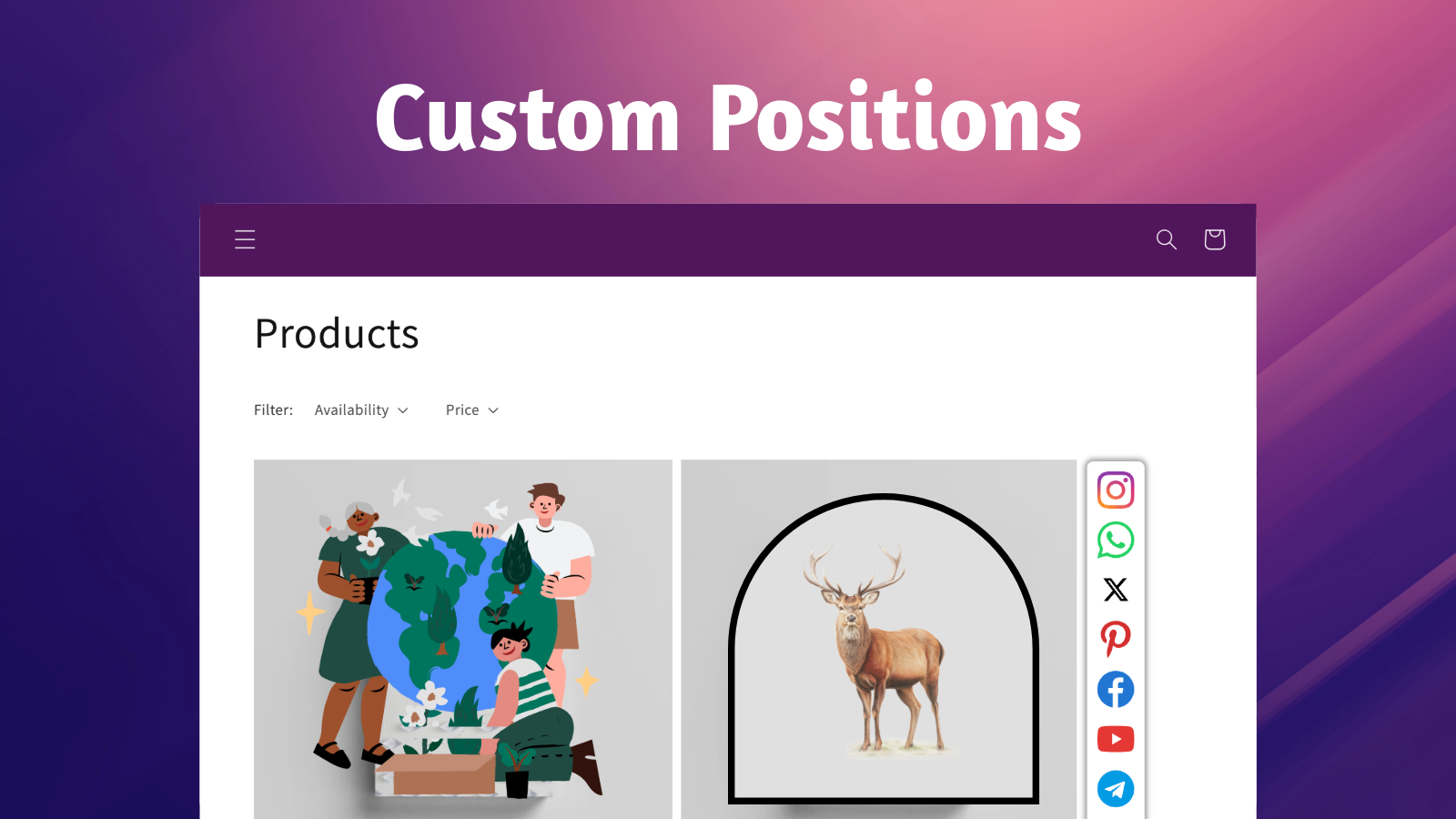
- Add social media account links with a 'valid' icon to connect with your customers.
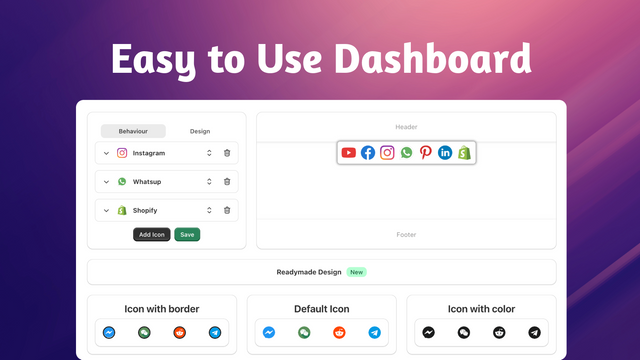
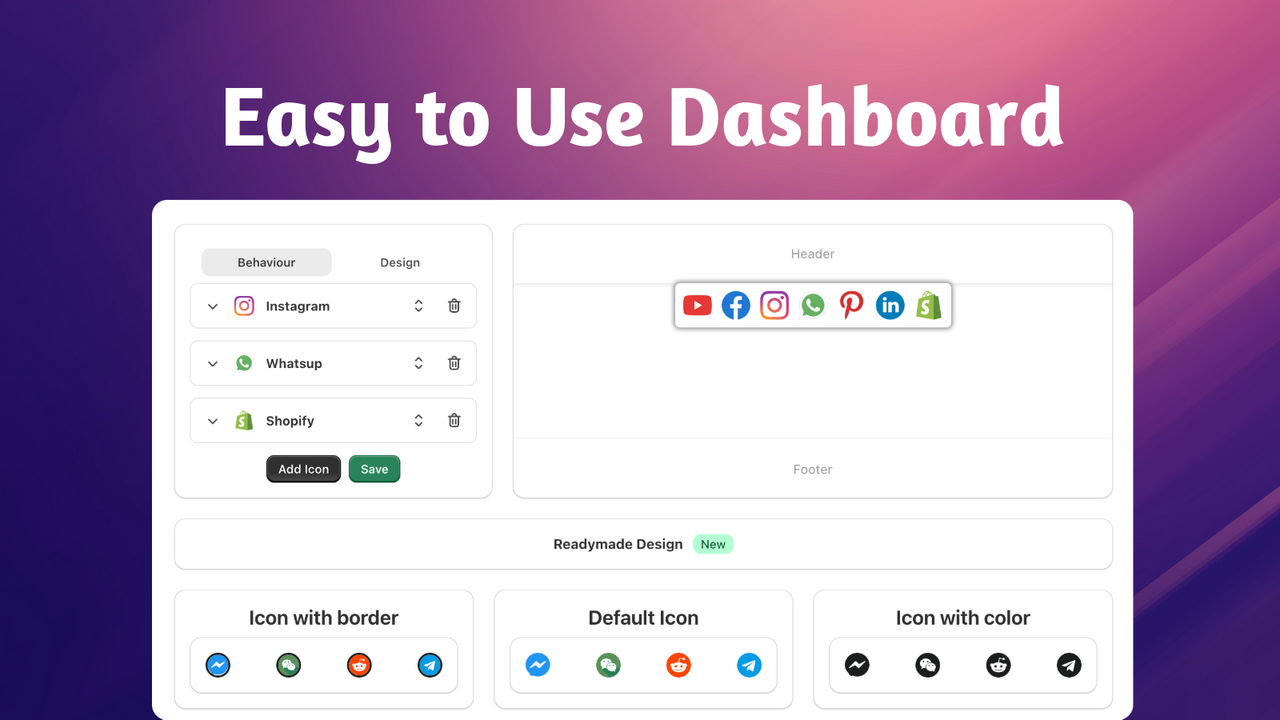
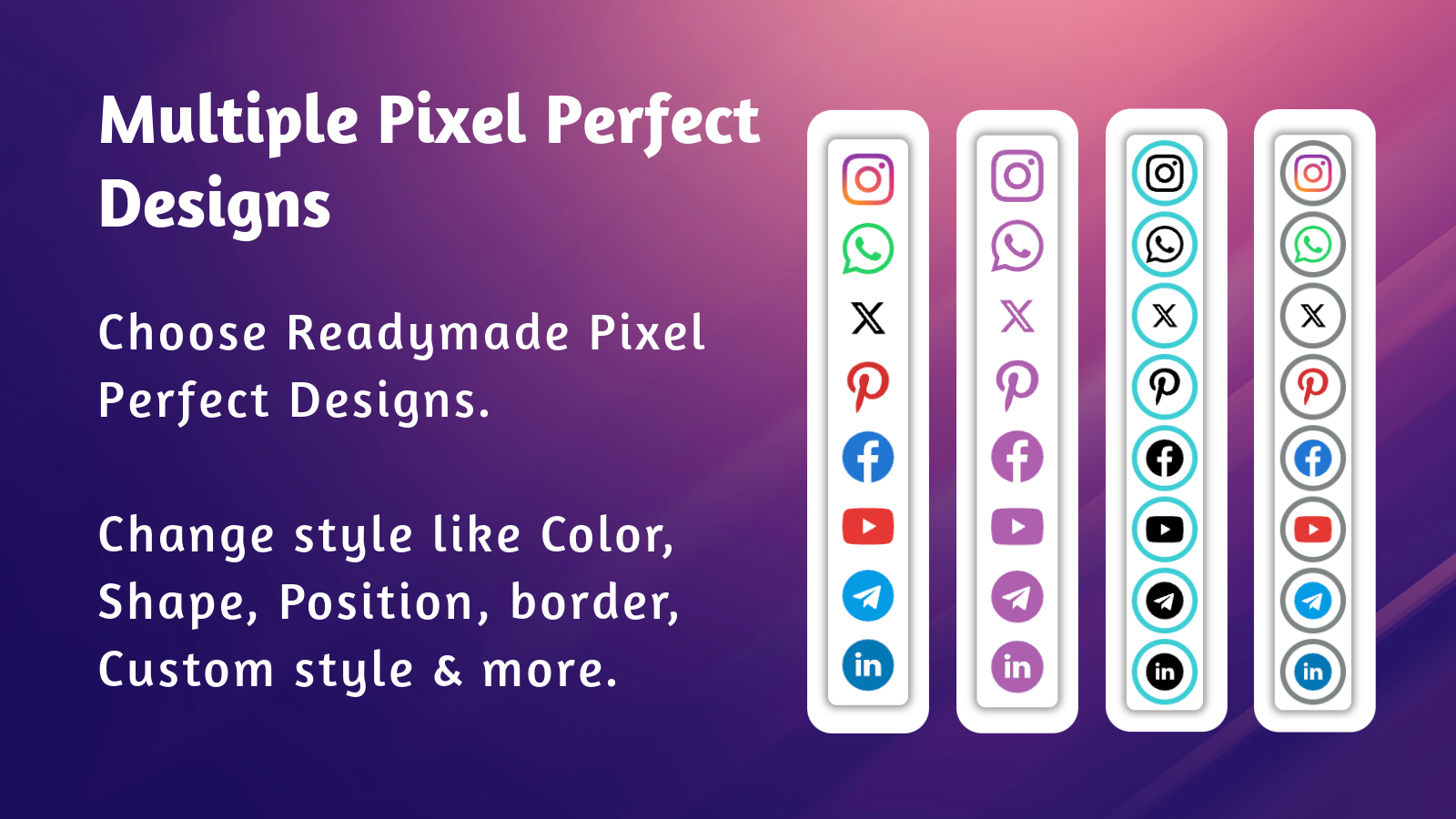
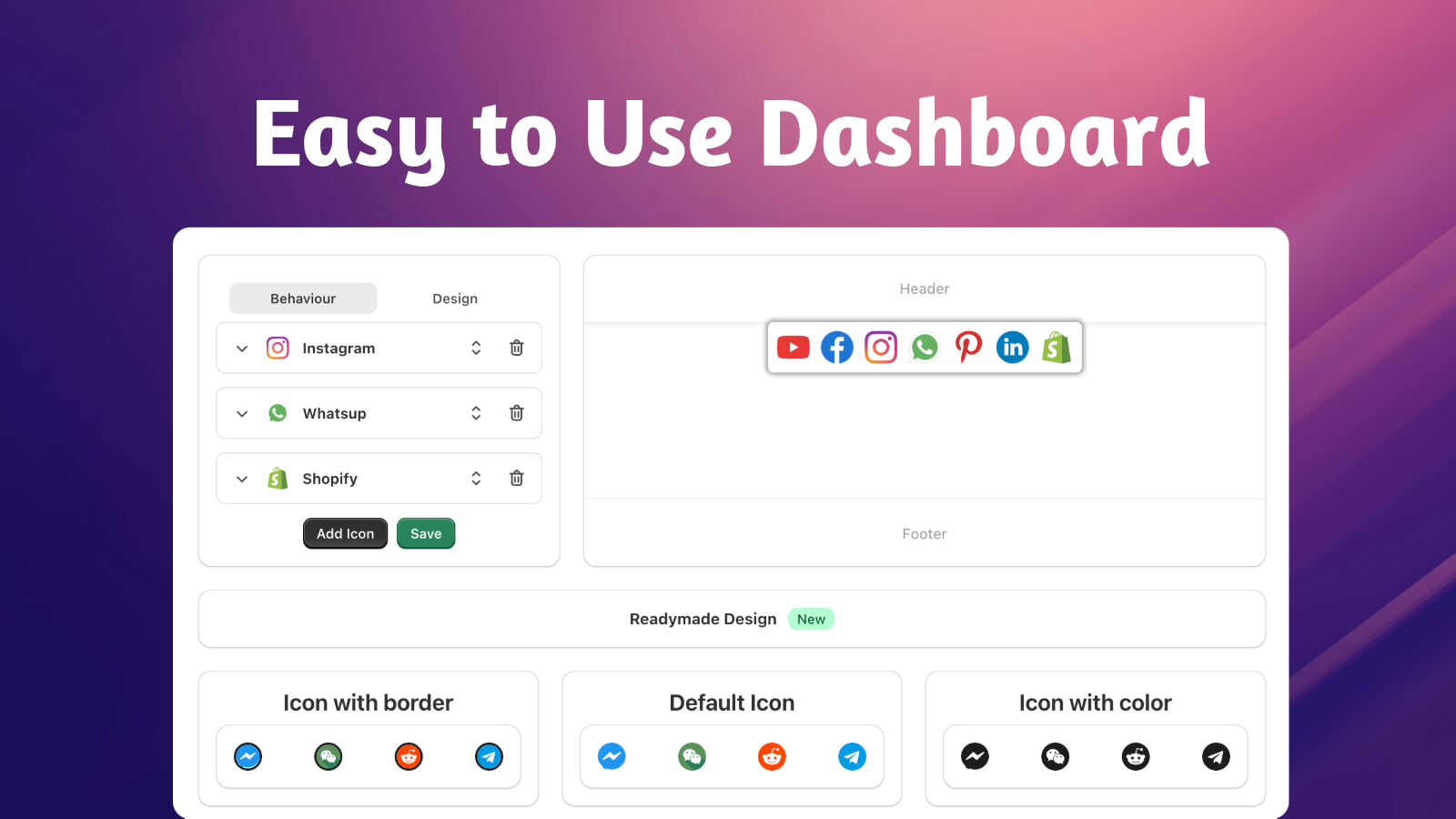
- Real - time preview of the custom design of the social bar, such as borders, colors, etc.
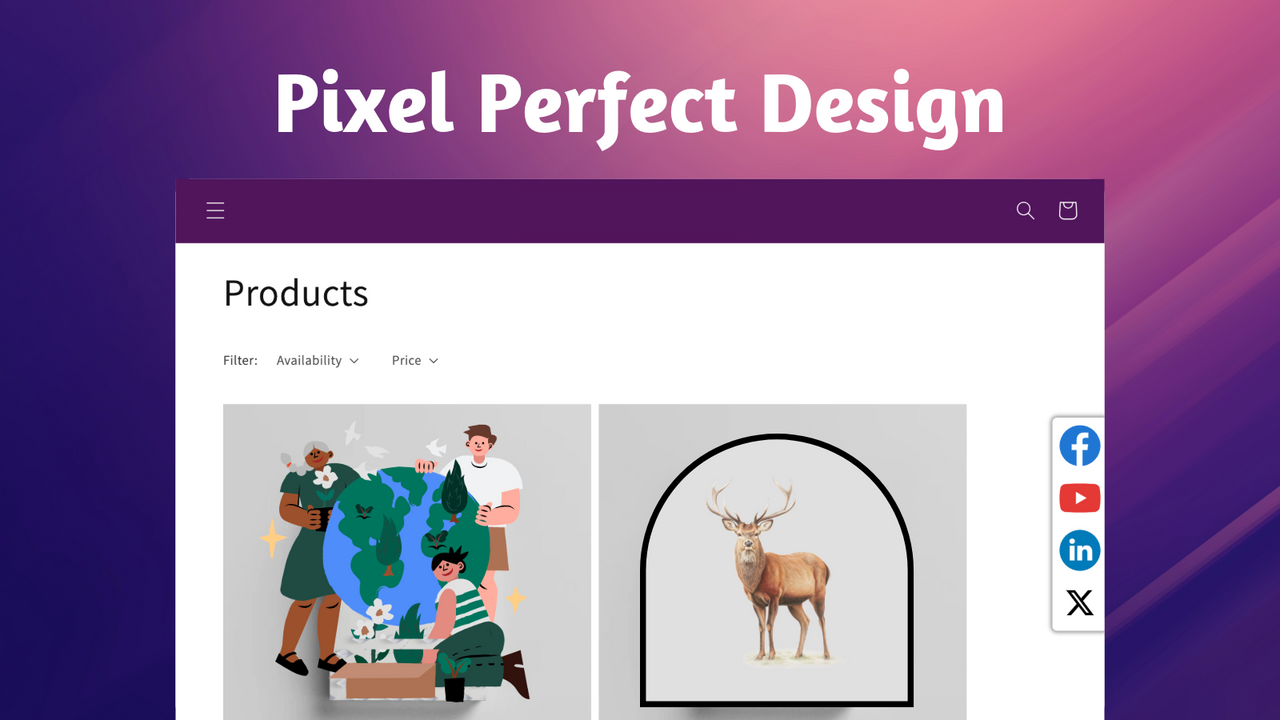
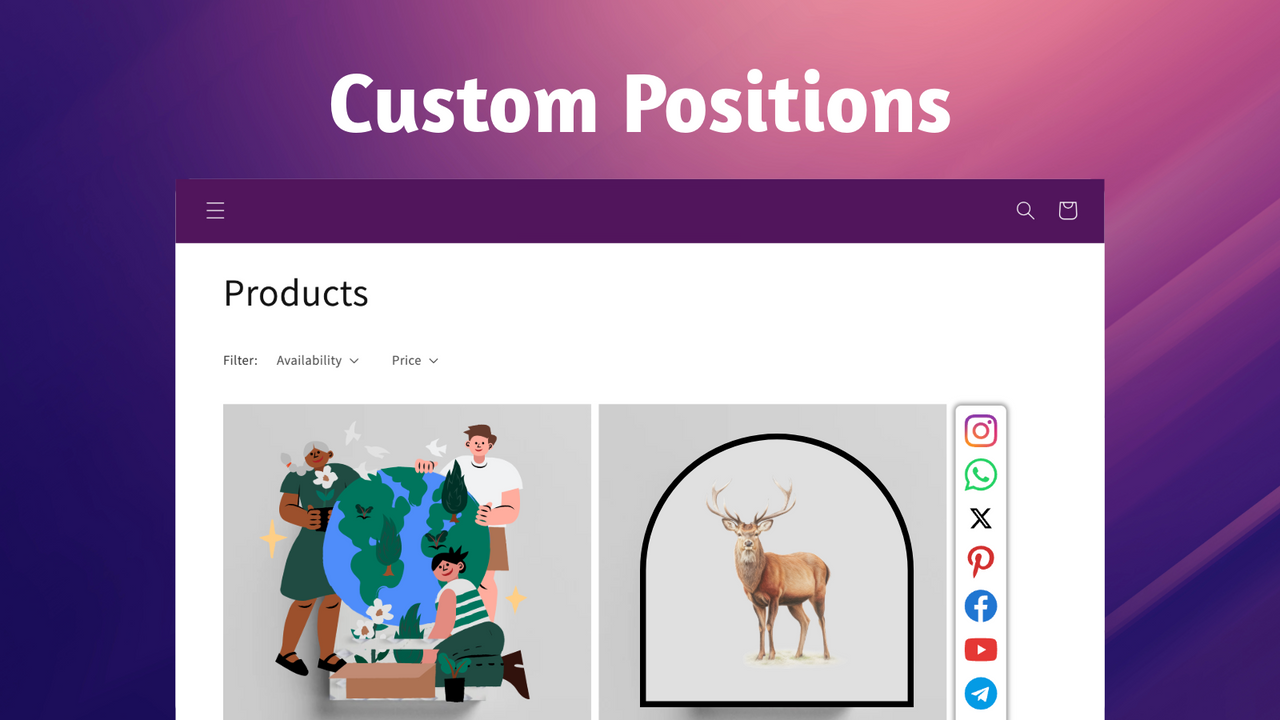
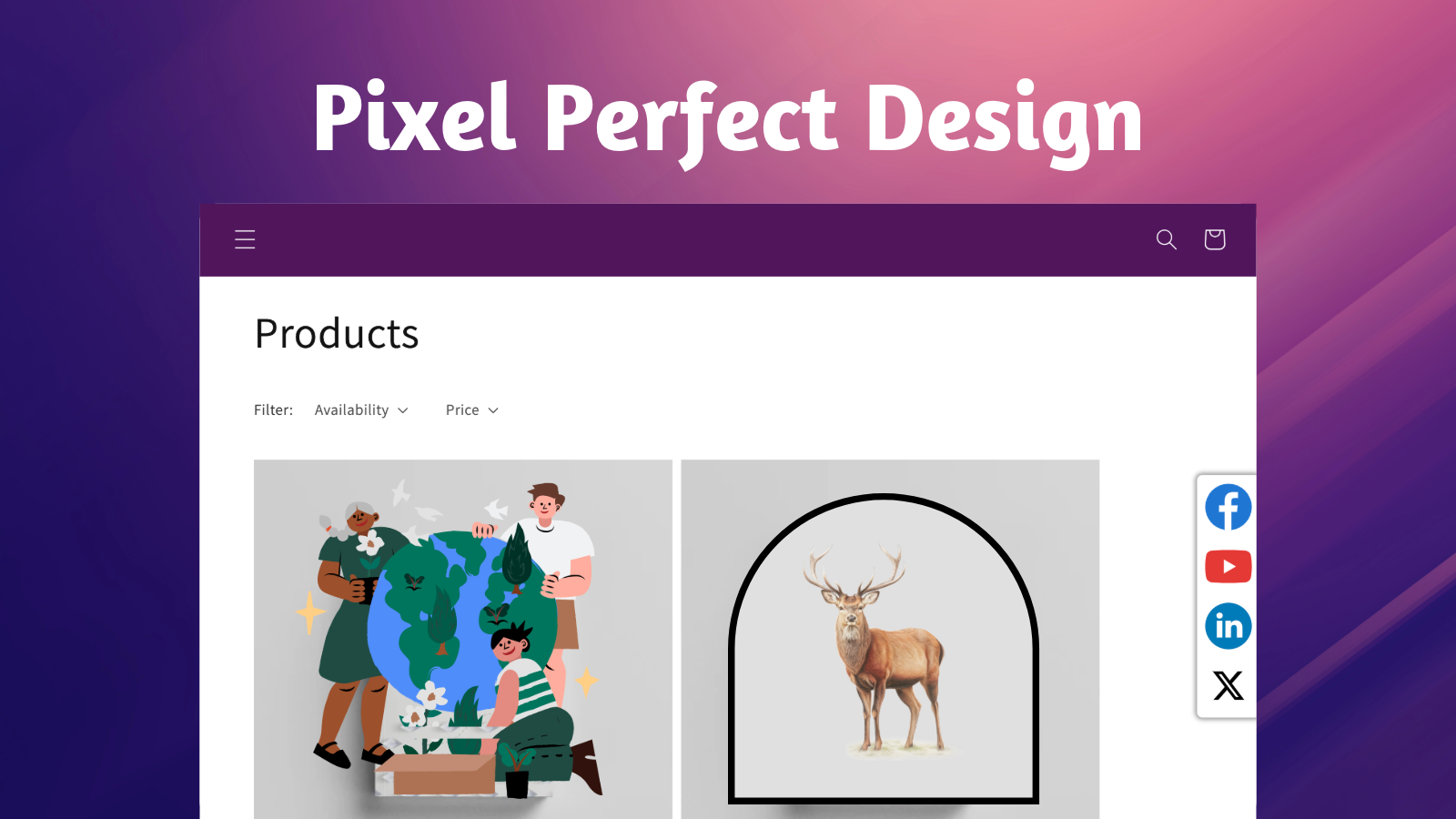
- Fully customizable: control the size of the social bar, its position on the page, etc.
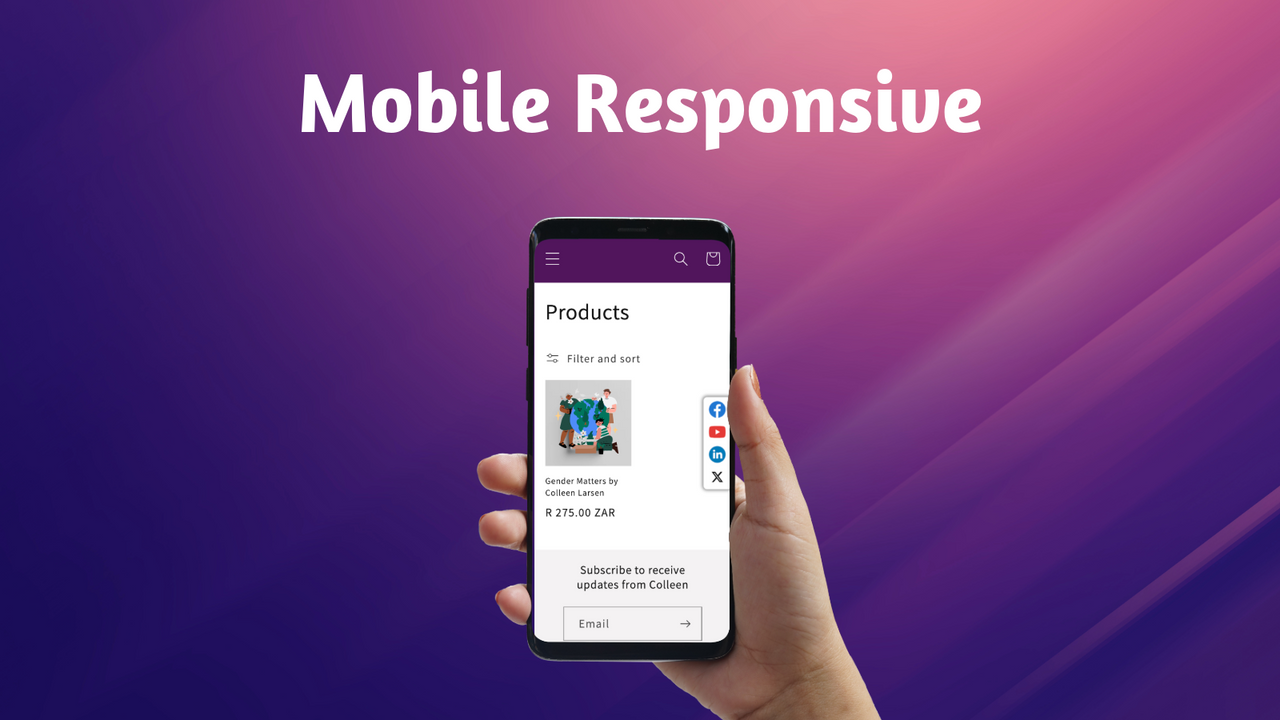
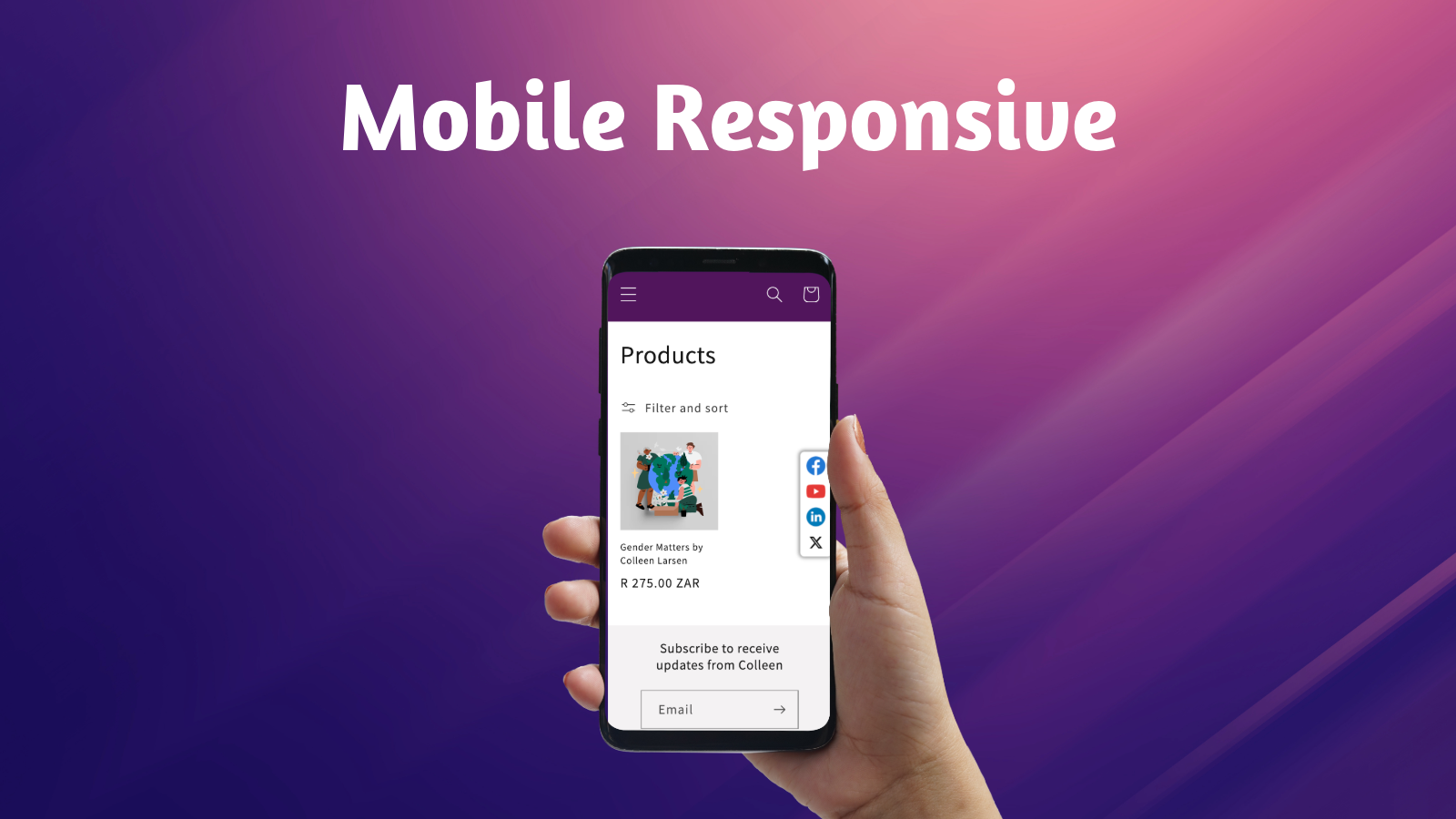
- Mobile - responsive social bar - automatically adjusts size to fit all display sizes
- Unlimited social media icons: Instagram, Youtube, WhatsApp, Twitter, etc.
Merchant-Friendly
- Independent Station Merchants
- Brand E-commerce
- Social E-commerce
- Content E-commerce
Basic Information
- Developer:Helpy
- Address:Hinjewadi, Phase 1, Pune, MH, 382002, IN
- Price: Free / Free plan
- Rating:4.8 / 5
- Comment Count:86 comment
- Release Date:2021-6-24
- Supported languages:English、Simplified Chinese、Traditional Chinese、Czech、Danish、Dutch、Finnish、French、German、Italian、Japanese、Korean、Norwegian Bokmål、Polish、Swedish、Thai、Turkish
- Compatible products:Shopify
Application Screenshot



Price Plan
自由的
- two icons
- app tag
- design change
专业计划
- Unlimited Icons
- No App Badge
- Unlock All Positions
- Custom Visibility
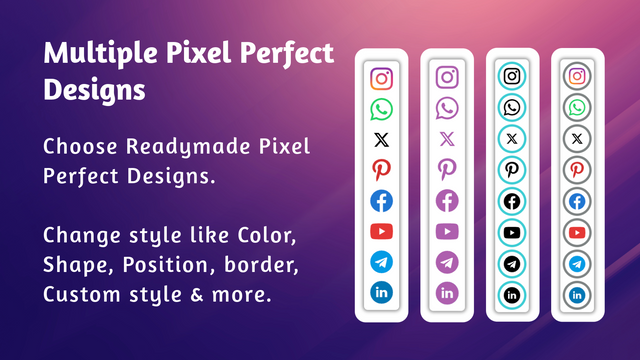
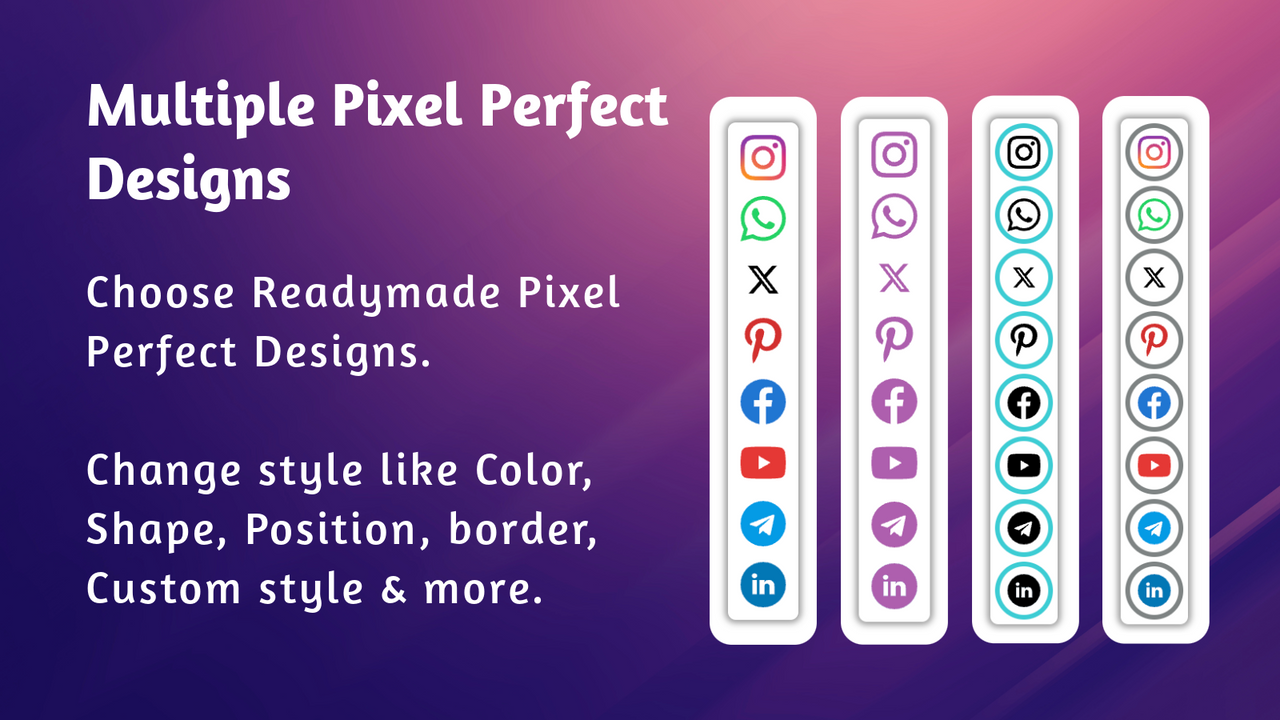
- Ready-made Designs
- Custom Styles
- Design Bar
- Tooltips (Hover Text)
User Location & Comments
User Location
Comments
Shopify API Used
- POST /admin/api/shop/metafields.json
- PUT /admin/api/shop/metafields/{id}.json
- GET /admin/api/shop/metafields.json
Permission:write_shop,read_shop,manage_metafields
- POST /admin/api/themes/{theme_id}/preview.json
- GET /admin/api/themes/{theme_id}/assets.json
- PUT /admin/api/themes/{theme_id}/assets.json
Permission:read_themes,write_themes,manage_preview
- PUT /admin/api/shop/metafields/{id}.json
- POST /admin/api/themes/{theme_id}/assets.json
- GET /admin/api/shop/metafields.json
Permission:write_shop,manage_metafields,read_themes
- PUT /admin/api/themes/{theme_id}/assets.json
- GET /admin/api/themes/{theme_id}/assets.json
- POST /admin/api/shop/metafields.json
Permission:read_themes,write_themes,manage_metafields
- POST /admin/api/shop/metafields.json
- PUT /admin/api/shop/metafields/{id}.json
- GET /admin/api/shop/metafields.json
Permission:write_shop,read_shop,manage_metafields