
App Introduction
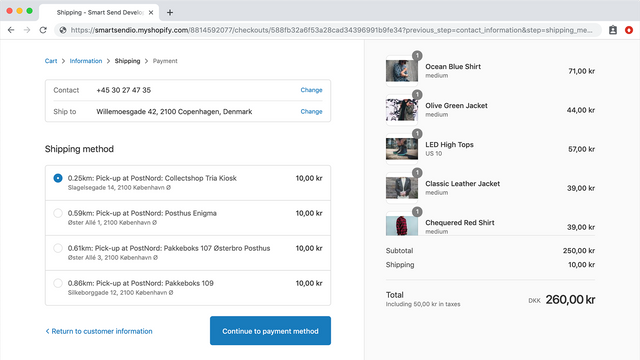
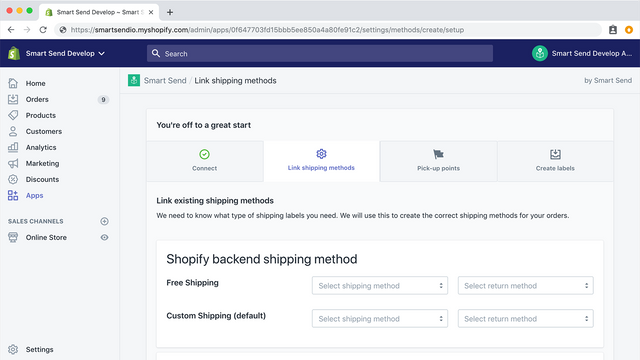
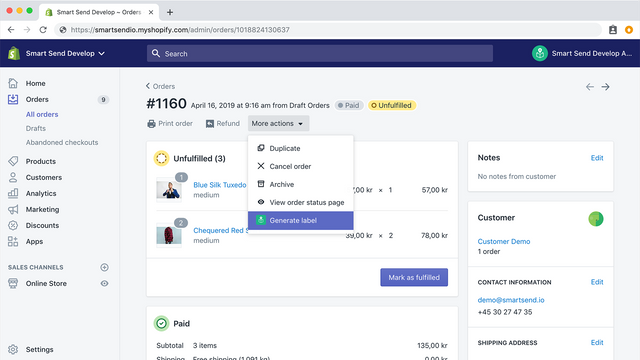
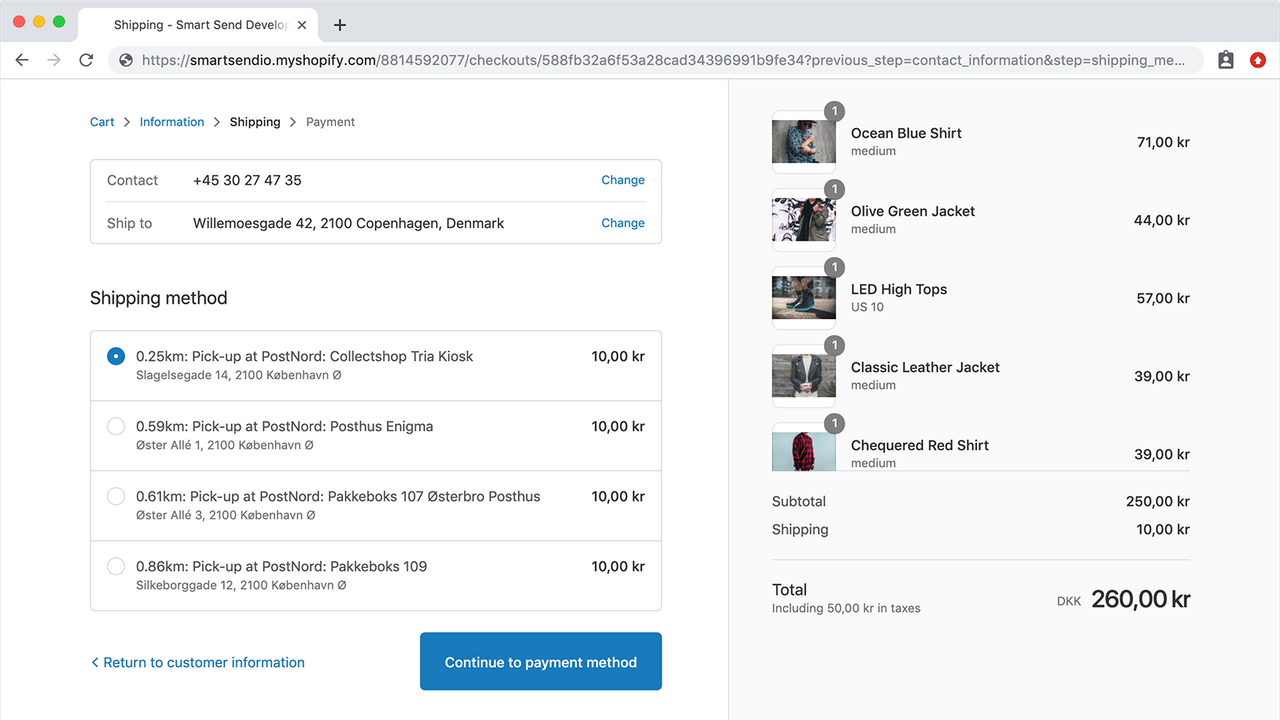
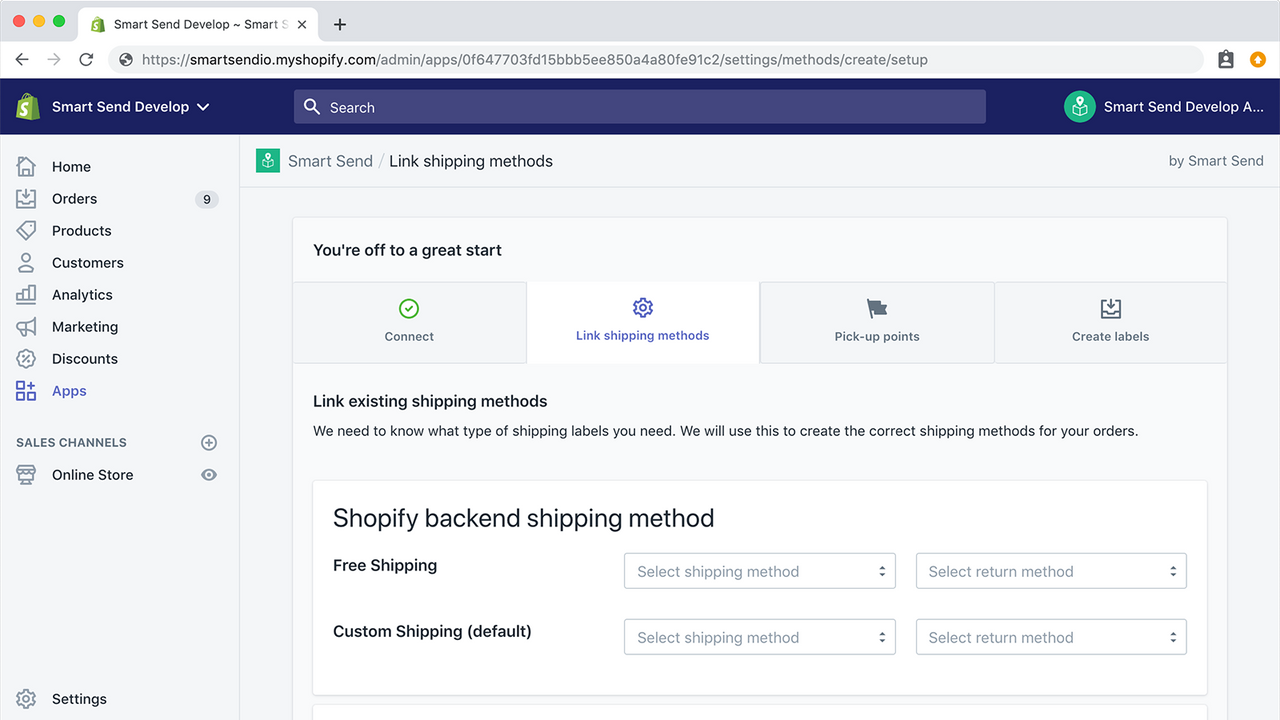
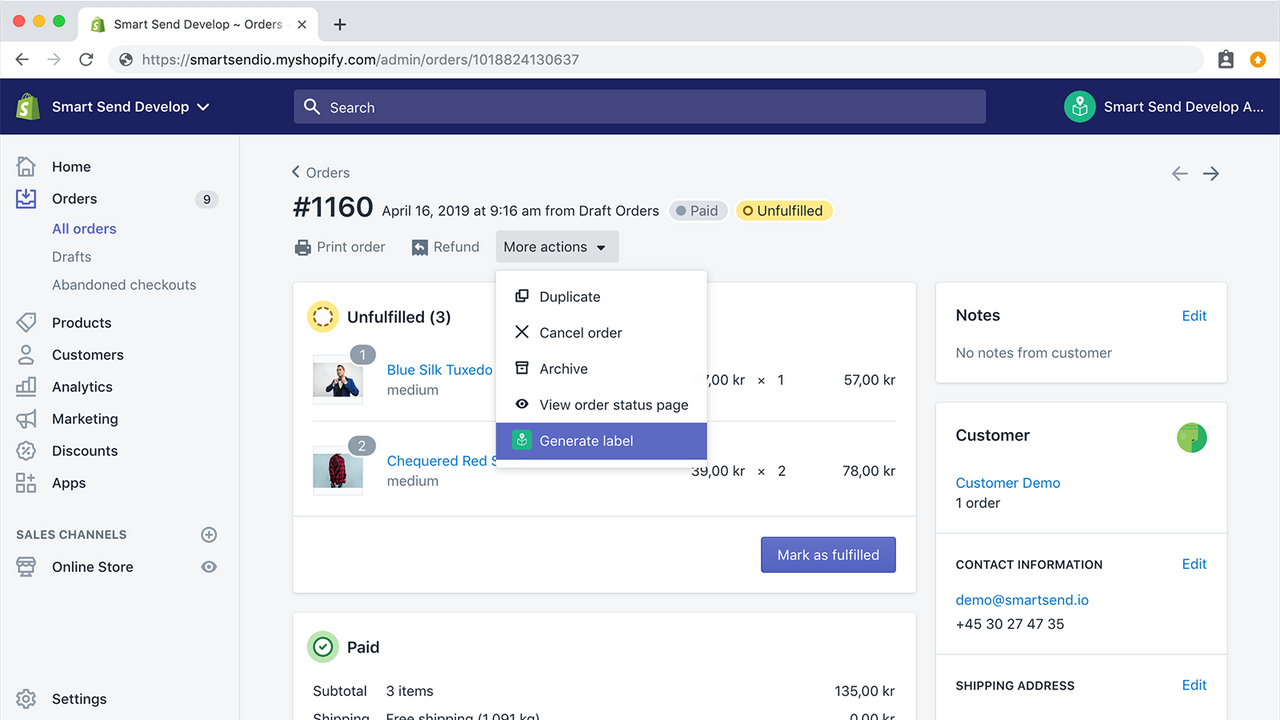
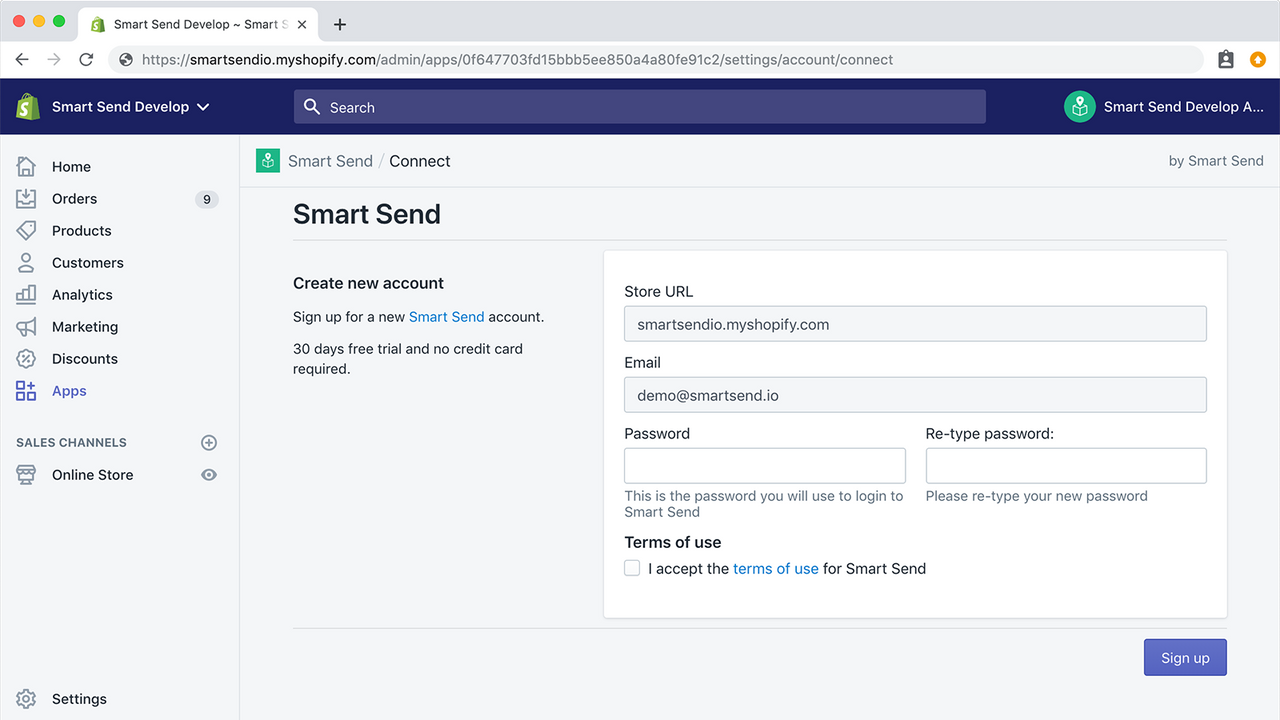
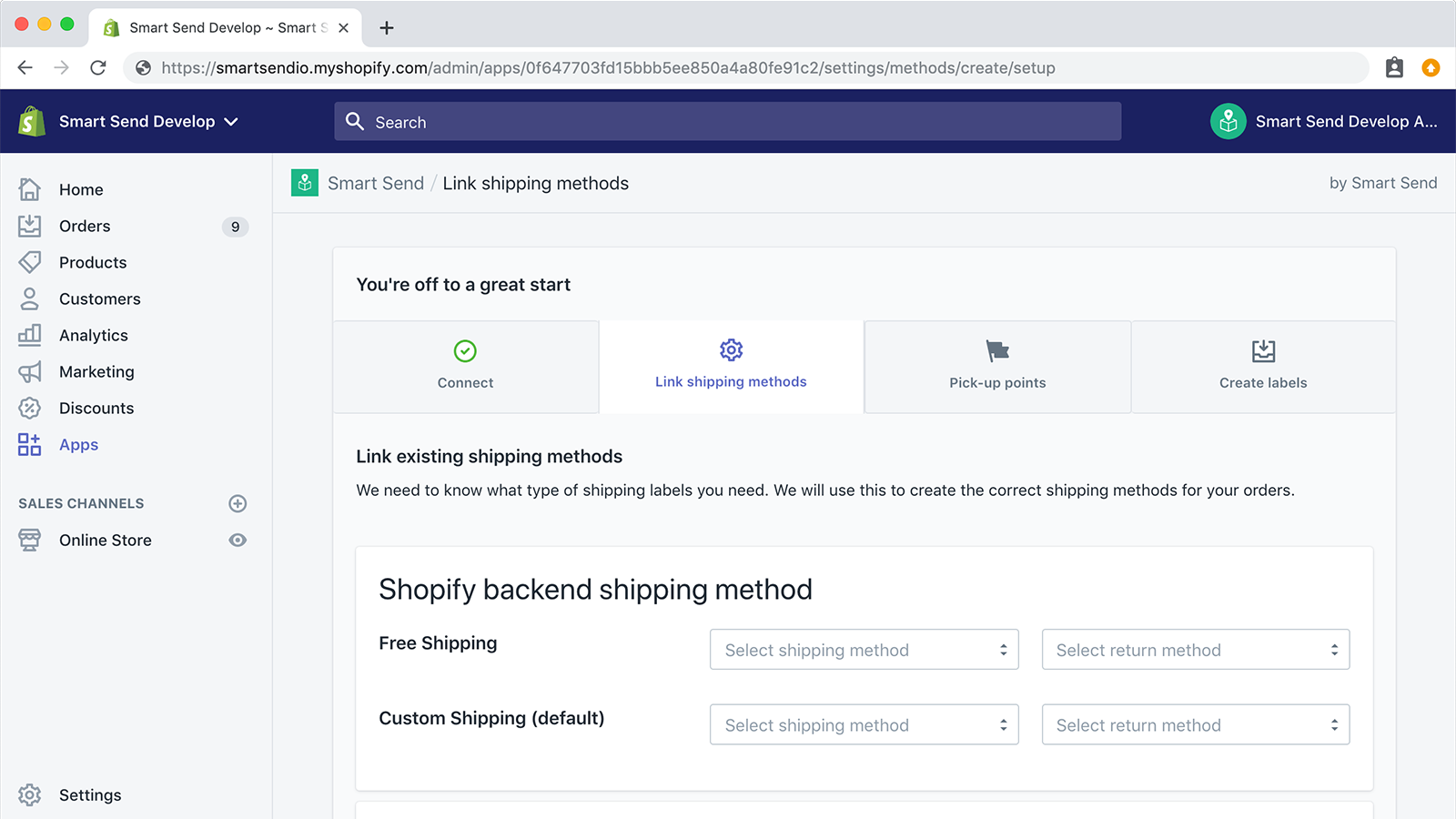
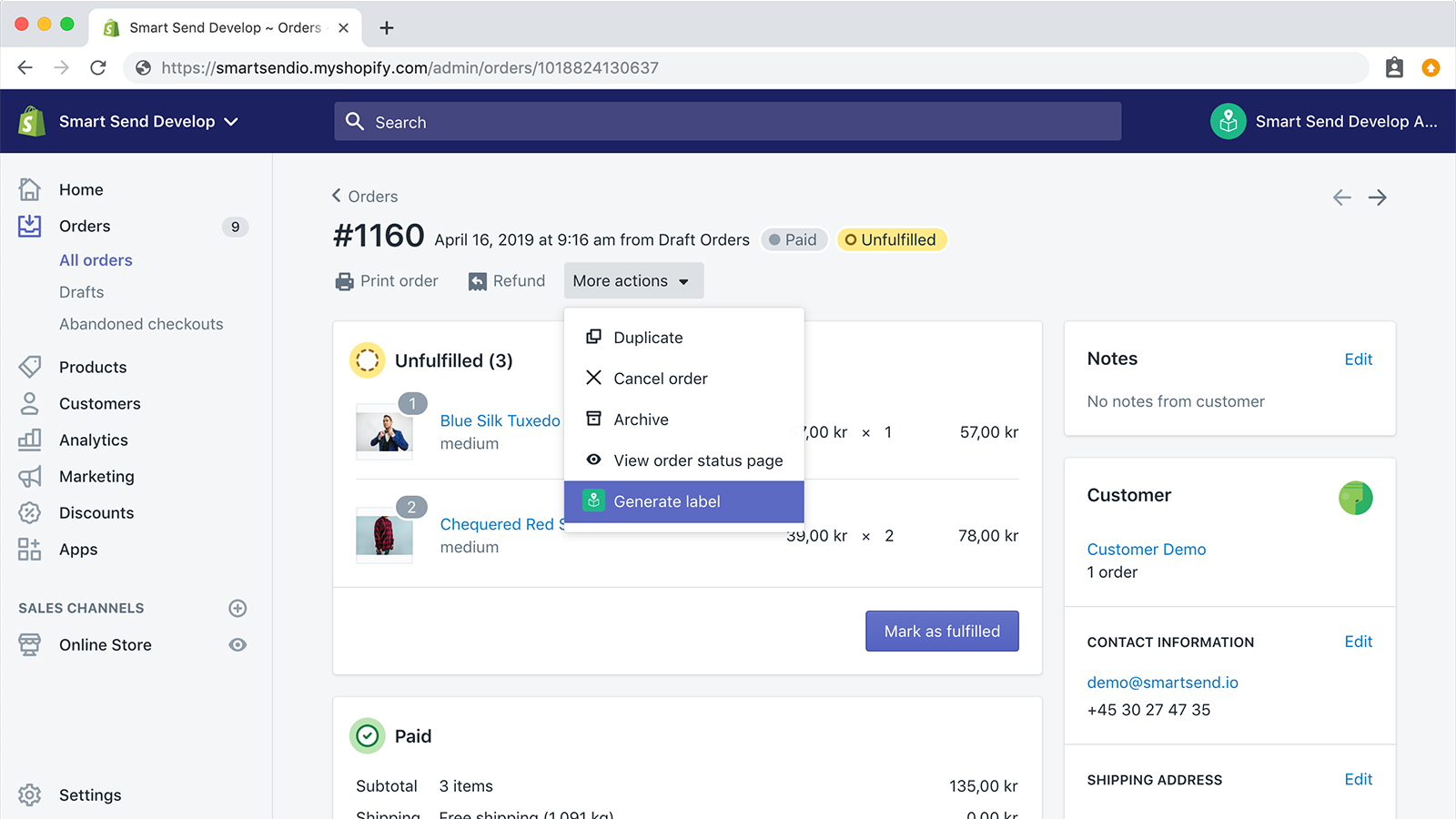
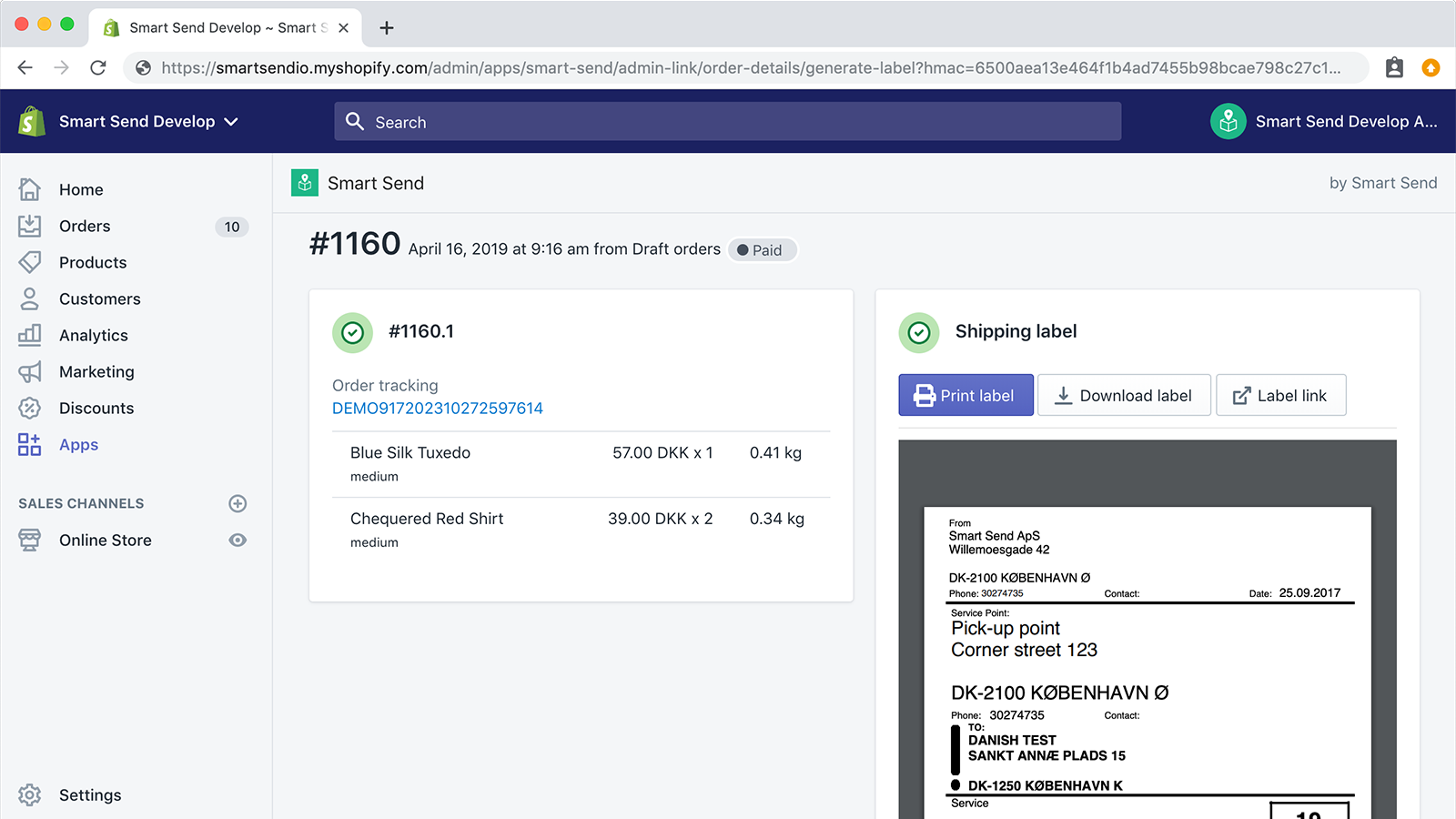
Display pickup points directly from your store and print shipping labels without modifying your system. With Smart Send, you can connect carriers directly to your store. You can show pickup points on the checkout page or set advanced shipping criteria based on customer orders. When you receive an order, you can print shipping labels directly from Shopify—so you won’t need to switch between different systems to access labels. With Smart Send, your customers will automatically receive tracking numbers via standard Shopify email notifications when their orders are created.
Core Functionality
- Print labels directly from Shopify
- Display pickup points
- Create customs forms for international orders
- Send tracking notifications
Merchant-Friendly
- Independent E-commerce Merchants
- Cross-border E-commerce Merchants
- Brick-and-mortar to Online Merchants
- Multi-channel Sales Merchants
Basic Information
- Developer:Smart Send
- Address:Teglgårdstræde 8B, 1., København K, 1452, DK
- Price: Free / Free plan
- Rating:5 / 5
- Comment Count:1 comment
- Release Date:2019-6-27
- Supported languages:English
- Compatible products:Shopify
Application Screenshot



Price Plan
免费
User Location & Comments
User Location
Comments
Shopify API Used
- POST /admin/api/fulfillments/{id}/shipping_labels.json
- GET /admin/api/fulfillments/{id}/shipping_labels.json
- PUT /admin/api/fulfillments/{id}/shipping_labels.json
Permission:write_fulfillments,read_fulfillments,manage_shipping
- GET /admin/api/locations.json
- GET /admin/api/fulfillment_service/{id}/pickup_points.json
- POST /admin/api/checkout_shipping_rates.json
Permission:read_locations,read_fulfillment_services,manage_checkout
- POST /admin/api/fulfillments/{id}/customs_forms.json
- GET /admin/api/fulfillments/{id}/customs_forms.json
- PUT /admin/api/fulfillments/{id}/customs_forms.json
Permission:write_fulfillments,read_fulfillments,manage_customs
- POST /admin/api/fulfillments/{id}/tracking_notifications.json
- GET /admin/api/fulfillments/{id}/tracking_notifications.json
- PUT /admin/api/fulfillments/{id}/tracking_notifications.json
Permission:write_fulfillments,read_fulfillments,manage_notifications