
App Introduction
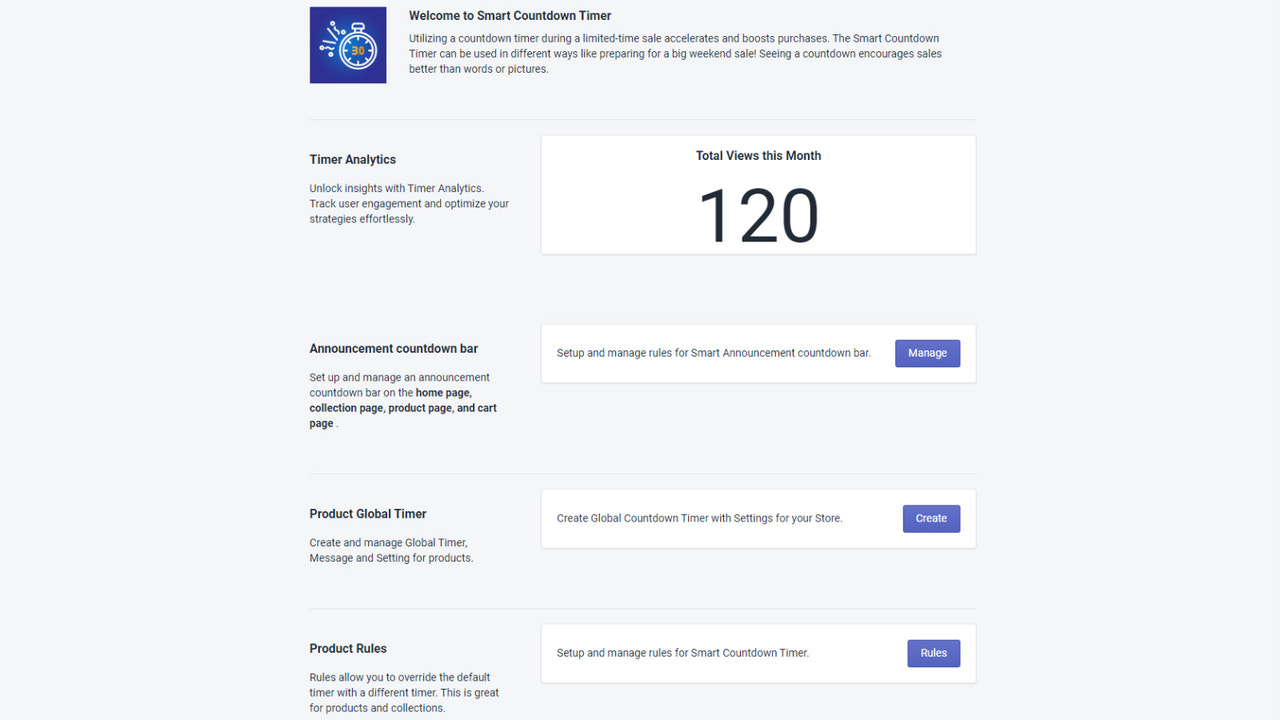
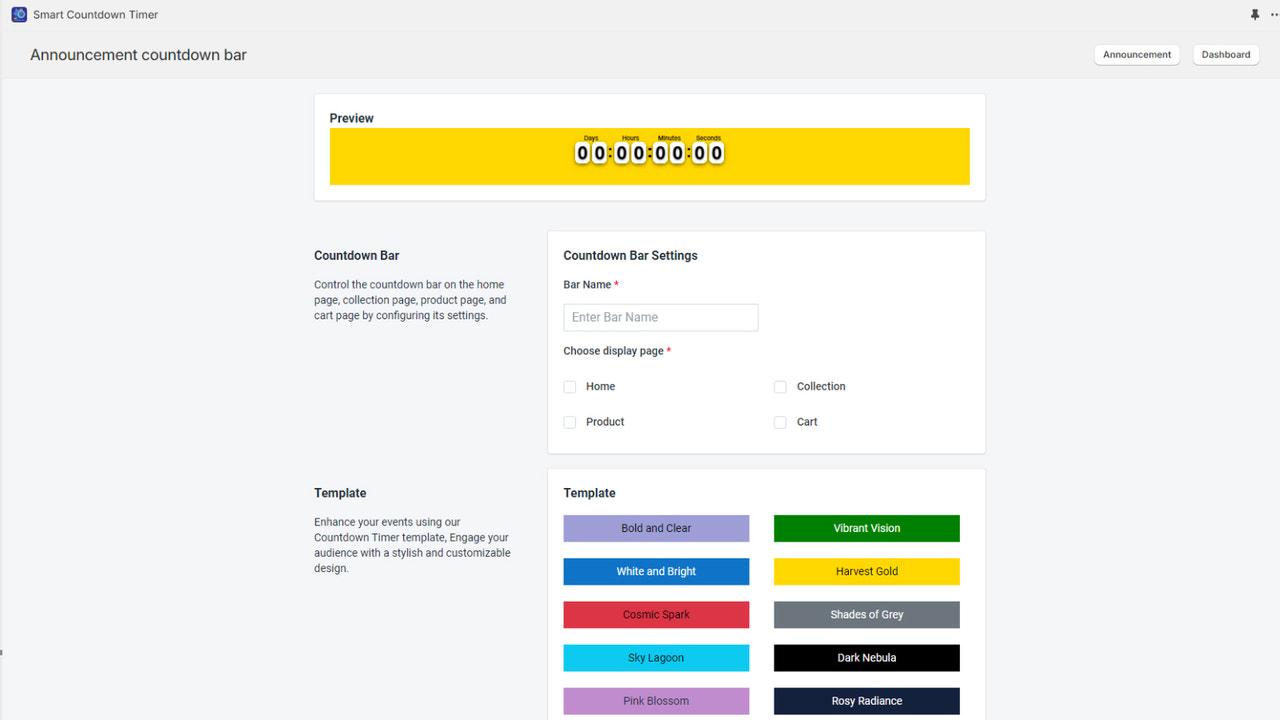
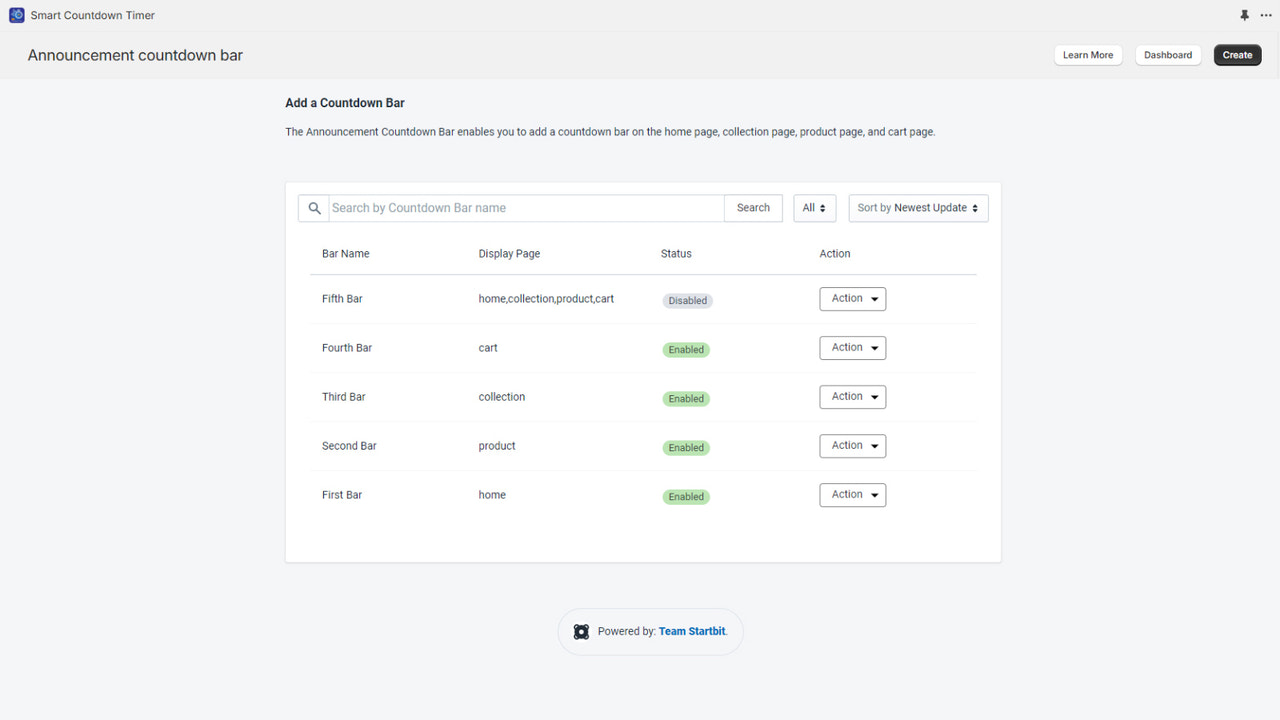
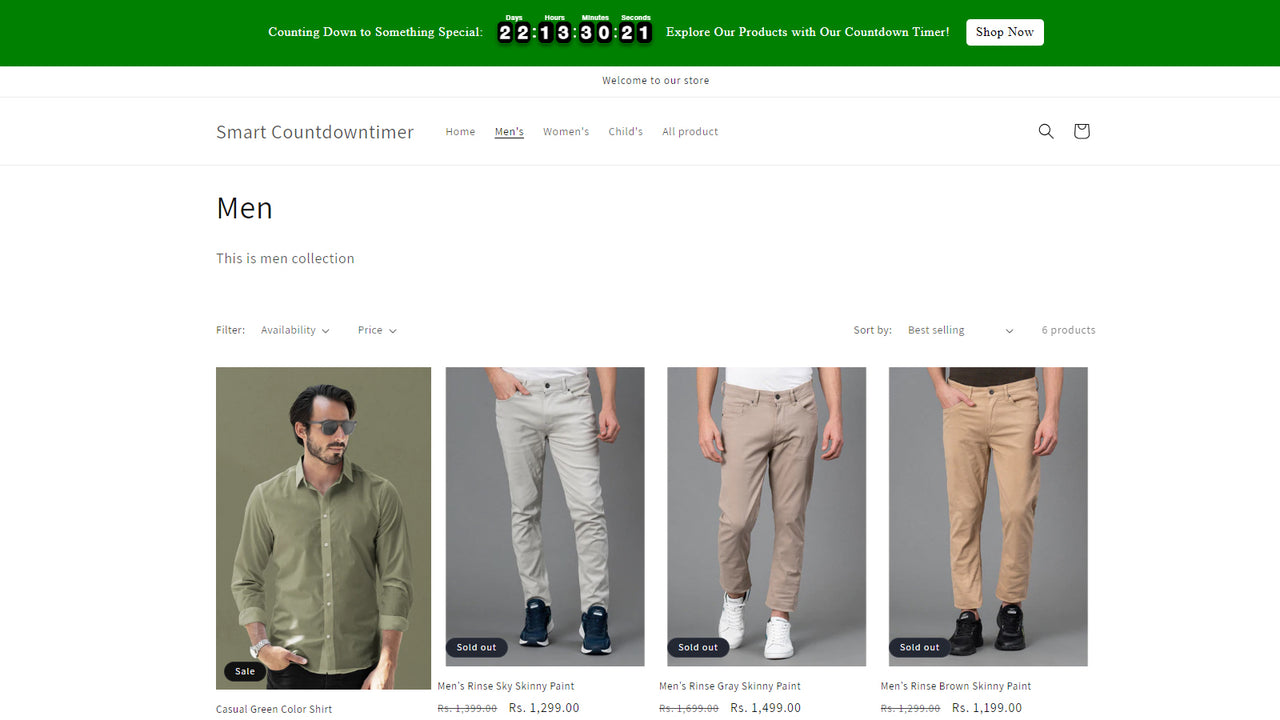
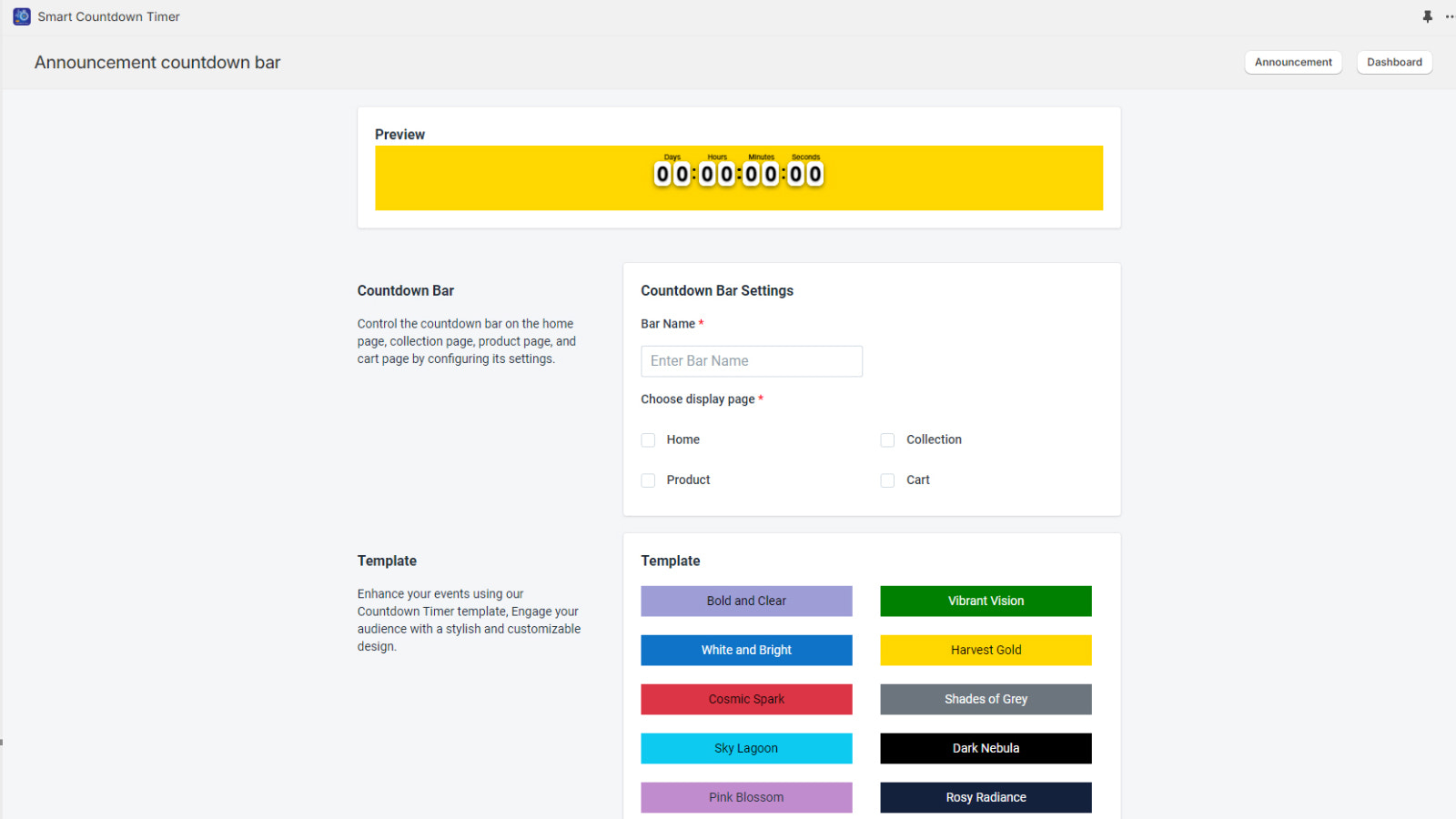
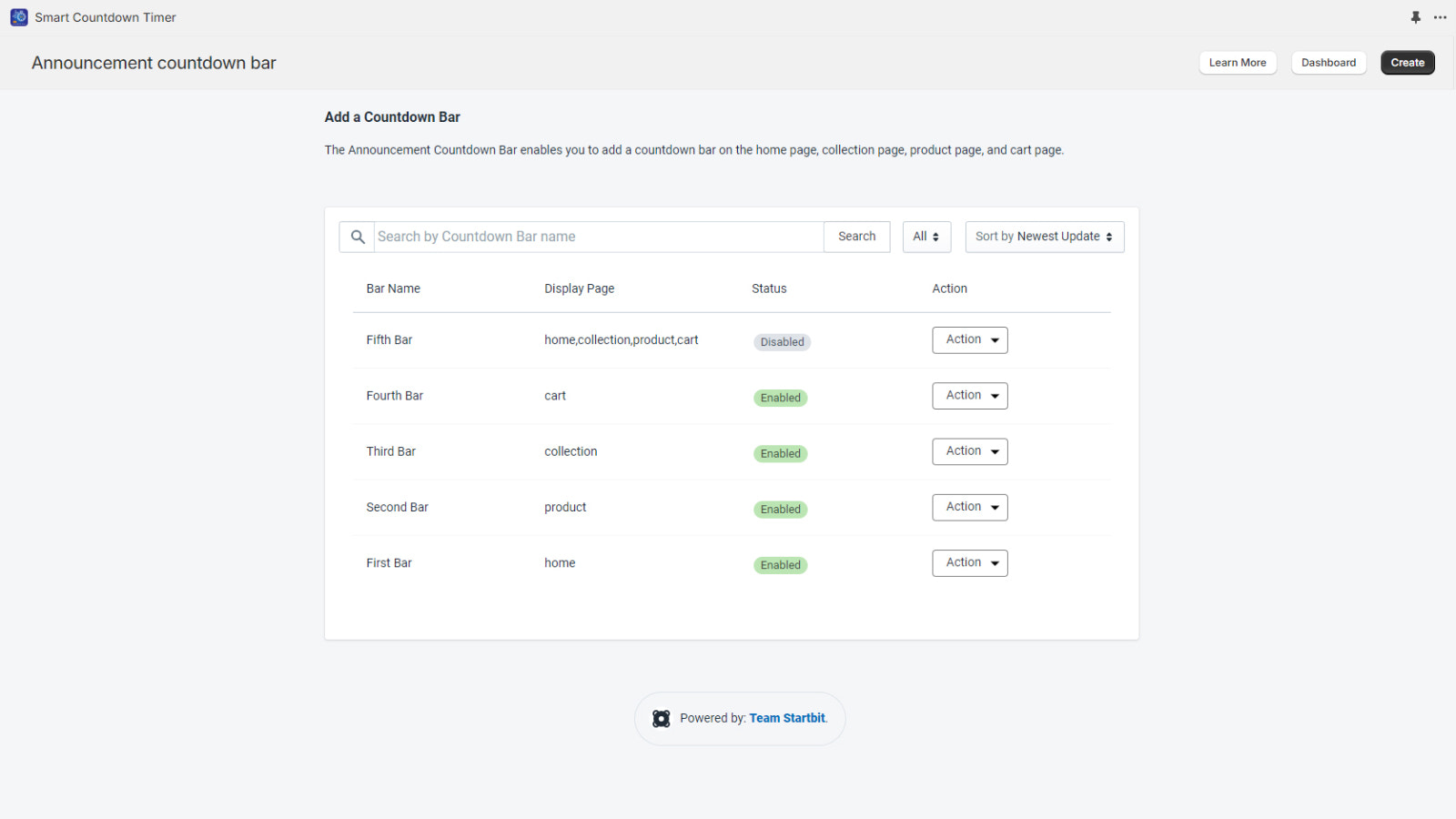
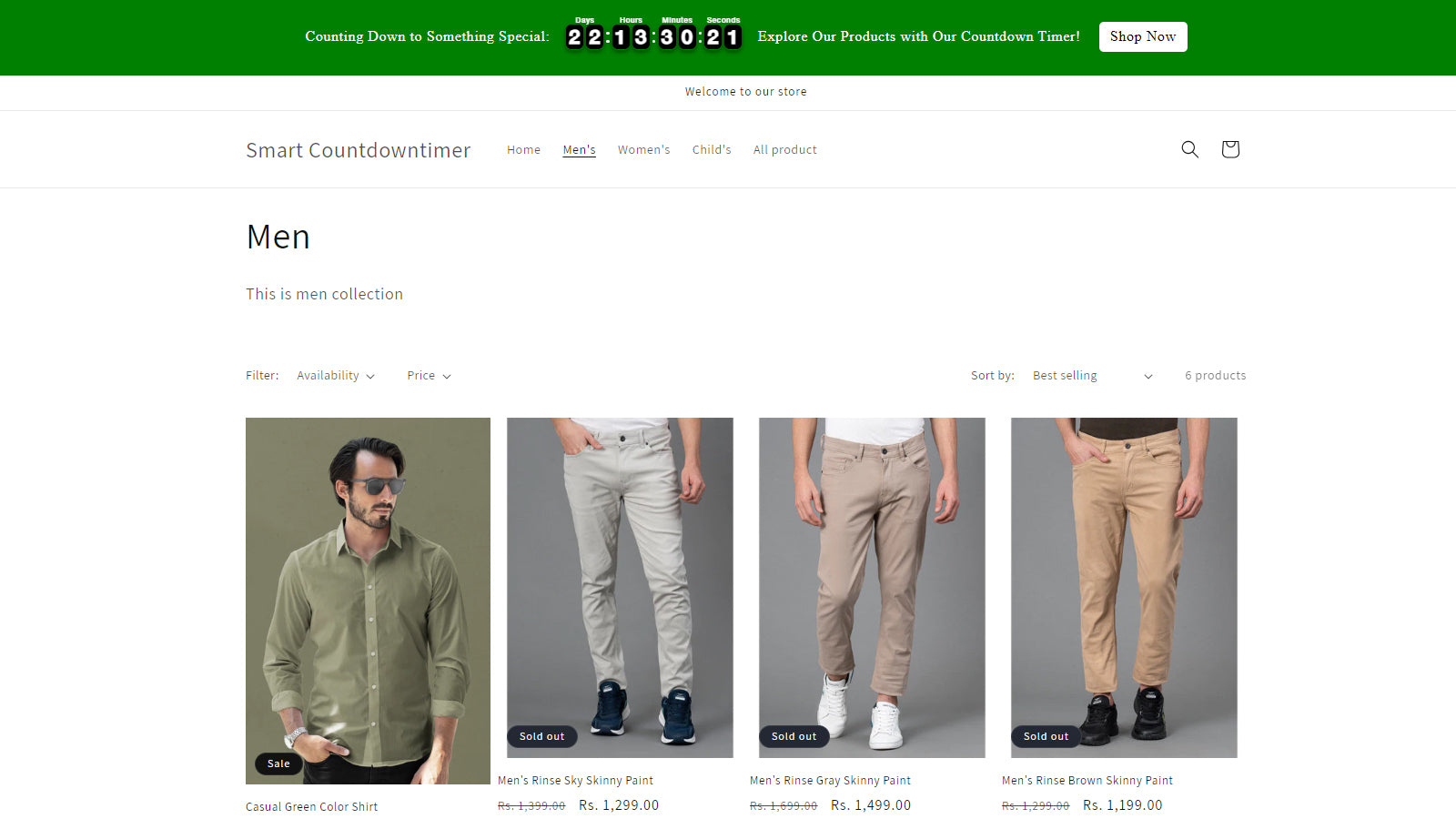
With Smart Countdown Timer, you can create and schedule countdown timer bars across all pages. Smart Countdown Timer by Startbit IT Solutions lets you build stunning countdown timers and bars with elegant colons to attract more shoppers. Via Smart Countdown Timer Bar, you can create countdown timer bars on your store’s homepage, collection pages, and cart page. You can also schedule product-specific countdown timers or collection-based countdown timers—all with custom messages, custom colors, ready-to-use templates, and scheduled start/end times.
Core Functionality
- Countdown timer bar for homepage, collection pages, and cart page.
- Global timer that appears on all product pages.
- Countdown bar with different configurations at the top of product pages.
- Product-based timer that displays on specific products.
- Collection-based timer that only appears on products in the collection.
Merchant-Friendly
- Promotion Merchants
- Limited-time Discount Merchants
- Product Promotion Merchants
- Collection Operation Merchants
Basic Information
- Developer:Startbit IT Solutions Pvt. Ltd.
- Address:Jaipur, RJ, IN
- Price: Free / Free plan
- Rating:0 / 5
- Comment Count:0 comment
- Release Date:2020-2-25
- Supported languages:English
- Compatible products:Shopify
Application Screenshot








Price Plan
免费计划
- Global Countdown Timer
- Free for developers of partner stores
基础计划
- 15-Day Free Trial
- Includes All Features
- Unlimited Usage, No Restrictions
- 24/7 Technical Expert Support
User Location & Comments
User Location
Comments
Shopify API Used
- POST /admin/api/sections.json
- PUT /admin/api/sections/{section_id}.json
- GET /admin/api/sections.json
Permission:write_themes,read_themes,manage_online_store
- POST /admin/api/metafields.json
- PUT /admin/api/metafields/{metafield_id}.json
- GET /admin/api/metafields.json
Permission:write_metafields,read_metafields,manage_products
- POST /admin/api/sections.json
- PUT /admin/api/sections/{section_id}.json
- GET /admin/api/sections.json
Permission:write_themes,read_themes,manage_online_store
- POST /admin/api/metafields.json
- PUT /admin/api/metafields/{metafield_id}.json
- GET /admin/api/products/{product_id}/metafields.json
Permission:write_metafields,read_metafields,manage_products
- POST /admin/api/metafields.json
- PUT /admin/api/metafields/{metafield_id}.json
- GET /admin/api/collections/{collection_id}/metafields.json
Permission:write_metafields,read_metafields,manage_collections