
App Introduction
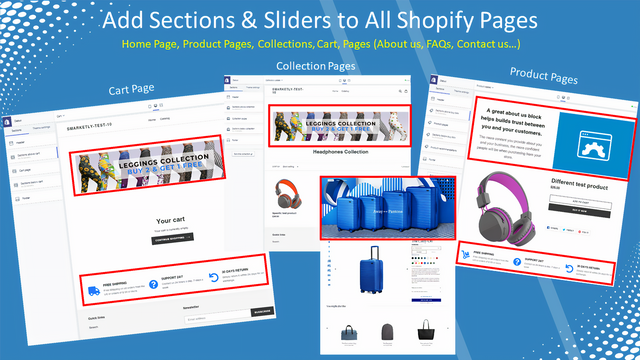
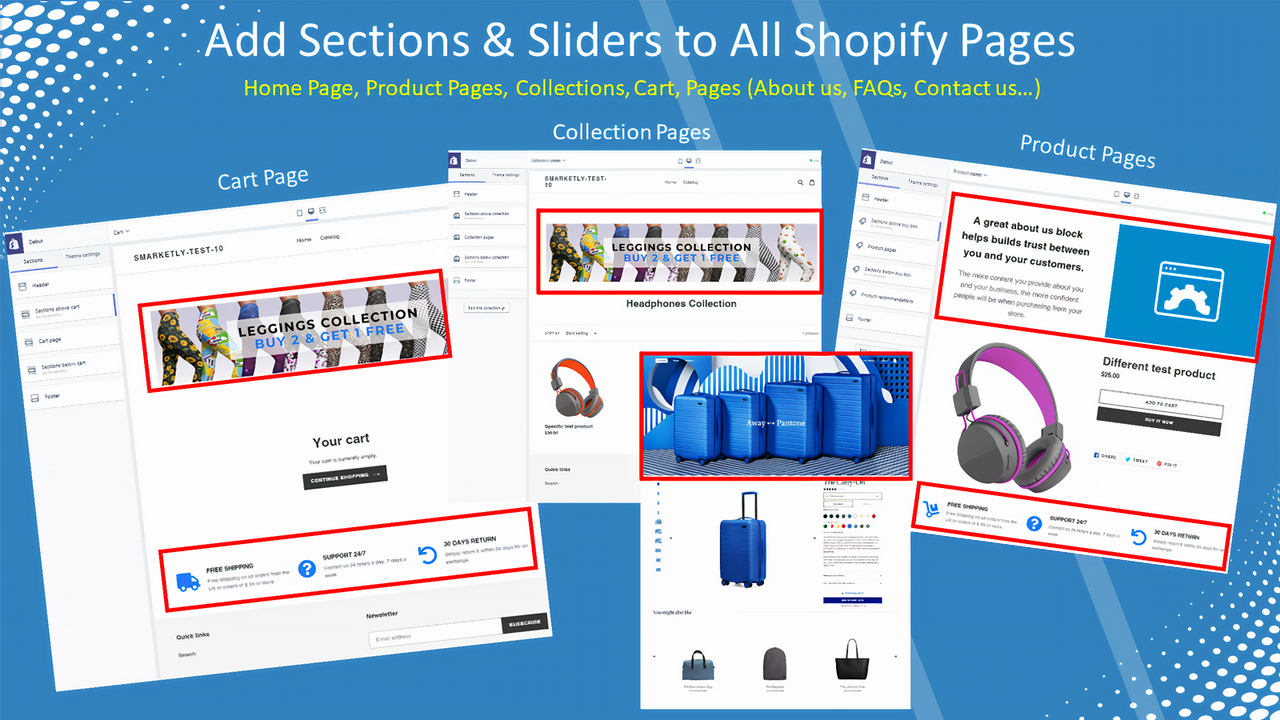
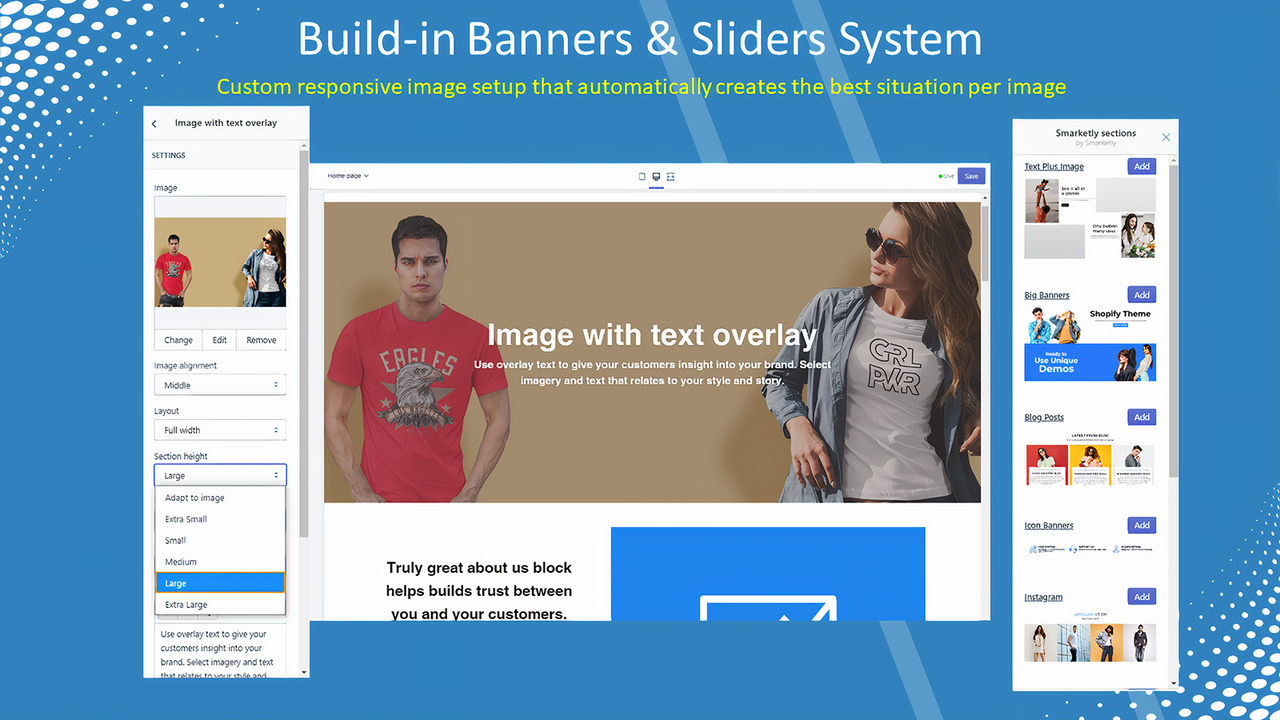
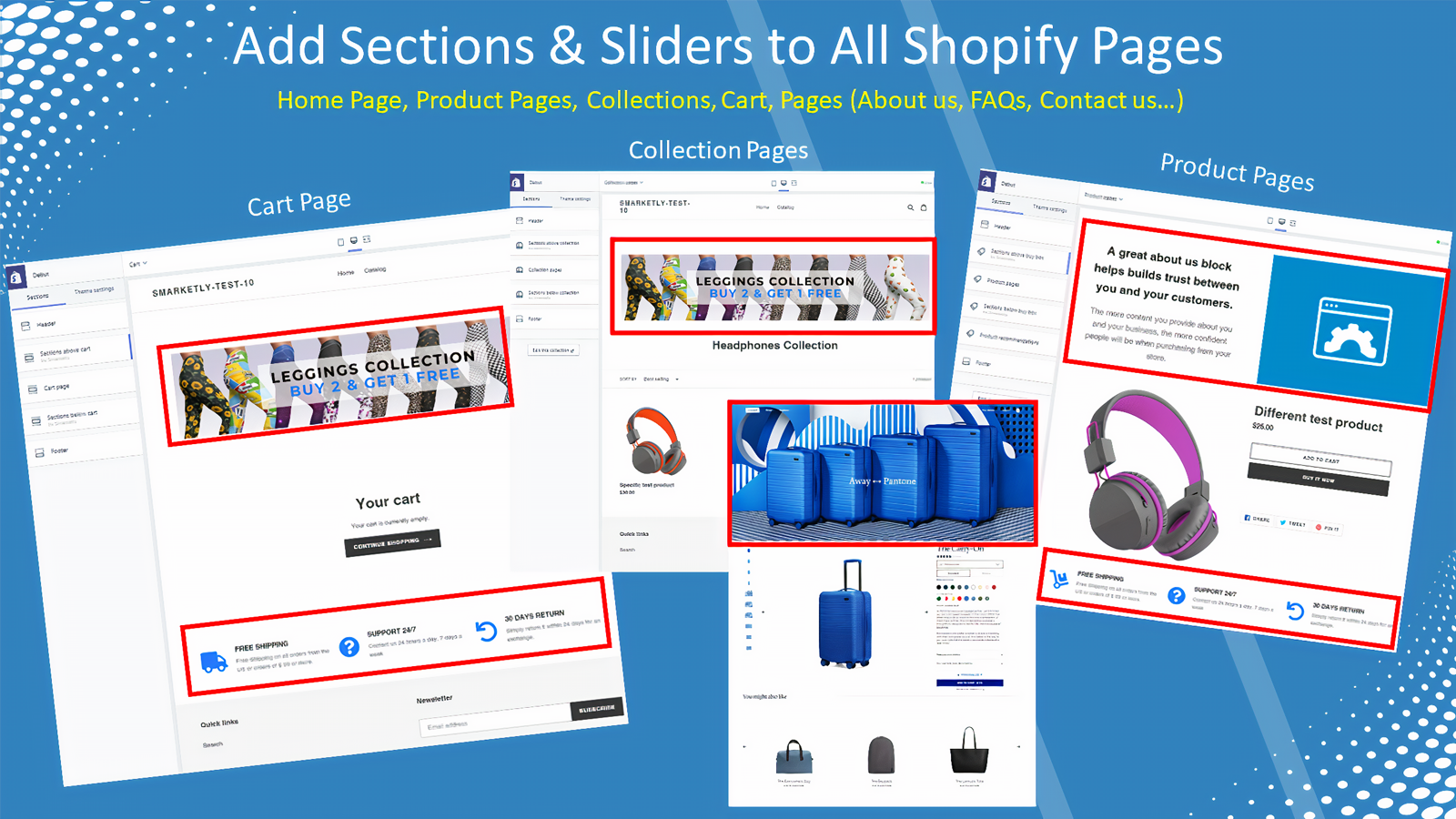
Customize all theme pages into visually stunning, high-converting sales pages. Drag and drop sections across all pages. # Effortlessly create sales pages, promotional banners, funnels, and landing pages in Shopify. With Smarketly’s page builder and editor, you can customize pages faster—no designers or developers required. Boost business success and conversion rates by turning every product page into a sales-driven page • Unlimited pages, sections, sliders, and impressions • Rule-based products, pages, or collections • Seamless integration with flexible styling • Immediate results—no publishing or complex development needed
Core Functionality
- Drag-and-drop builder to customize sales pages, funnels, or create from scratch
- Add informational content or promotions to increase value and boost conversion rates
- Grow revenue with bundle sales, promotions, or add-on products across all theme pages
Merchant-Friendly
- Independent Station Merchants
- E-commerce Sellers
- Marketing-Focused Merchants
- Multi-category E-commerce
Basic Information
- Developer:Smarketly
- Address:Hativat Hazanhanim 27, Modiin, 7172049, IL
- Price: Free / Free plan
- Rating:3.6 / 5
- Comment Count:14 comment
- Release Date:2020-6-10
- Supported languages:English
- Compatible products:Shopify
Application Screenshot








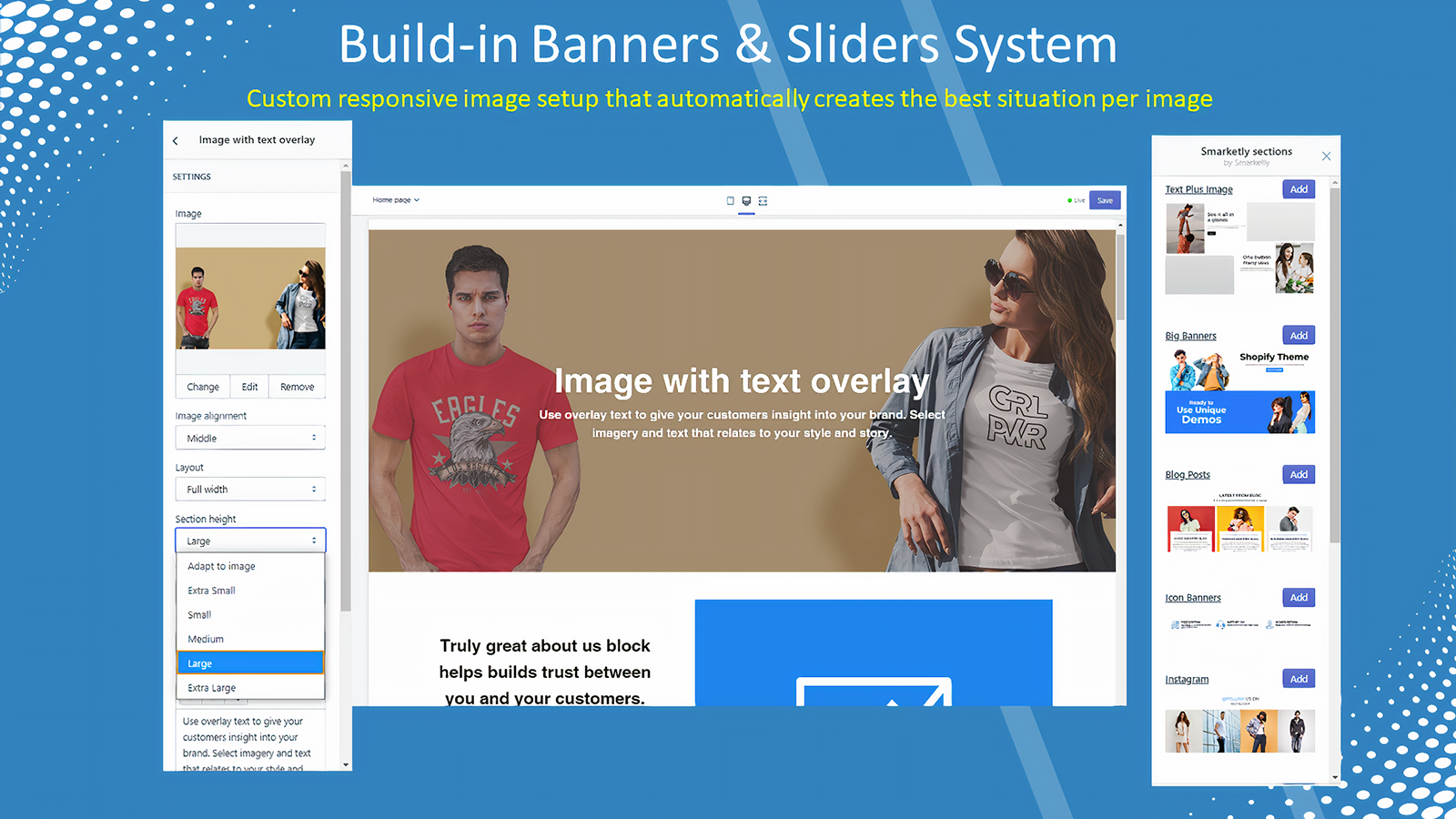
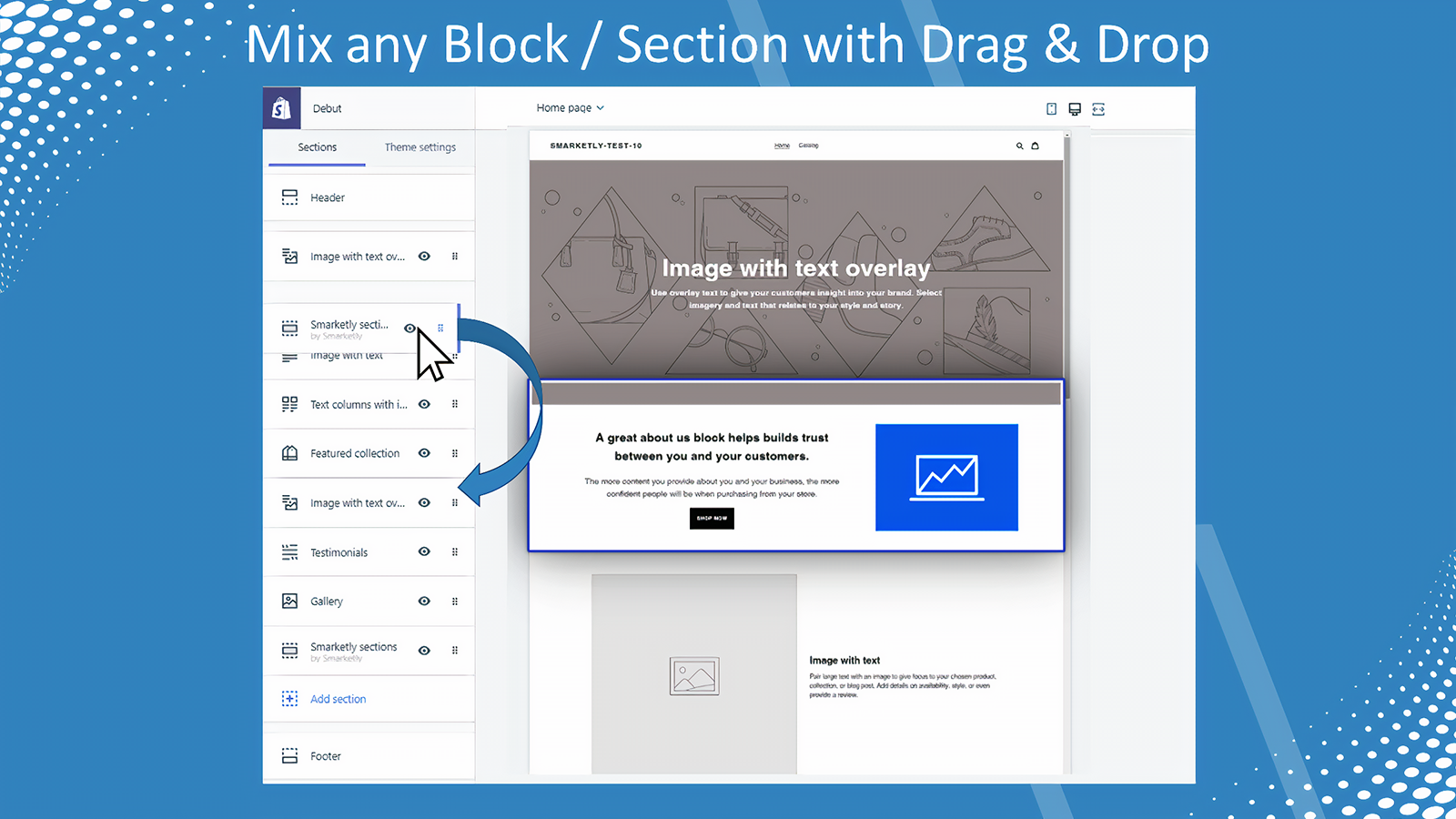

Price Plan
免费
- 6 Free Section Types
- Special Section - Multi-Pack Comparison
- Build Landing Pages with/without Header/Footer
- Publish on Any Page
- Unlimited Views
入门级
- All Free Plan Options
- Pop-ups for Capturing Leads
- All Advanced Section Types
- Publish on All Pages
- Build Landing Pages with and without Header/Footer
增长
- All Entry-Level Plan Options
- Upsell in Cart
- Pop-up Promotion
- AI Product Recommendations
- Publish on All Pages
专业
- All Growth Plan Options
- Post-Purchase Upselling
- Publish on All Pages
User Location & Comments
User Location
Comments
Shopify API Used
- POST /admin/api/pages.json
- PUT /admin/api/pages/{page_id}.json
- GET /admin/api/pages.json
Permission:write_pages,read_pages,manage_themes
- POST /admin/api/blog/articles.json
- PUT /admin/api/blog/articles/{article_id}.json
- GET /admin/api/blog/articles.json
Permission:write_blog,read_blog,manage_content
- POST /admin/api/bundle.json
- PUT /admin/api/bundle/{bundle_id}.json
- GET /admin/api/bundle.json
Permission:write_bundle,read_bundle,manage_products