
App Introduction
Allows you to assign ready-to-use size chart templates to any product. The Snake Size Chart & Size Guide app lets you assign ready-to-use size chart templates to products and categories, and create custom size charts for any product. You can also clone existing size chart templates, build your own size charts, and assign them to categories or specific products. By creating comprehensive size charts, you can boost customer confidence, increase sales, and reduce returns.
Core Functionality
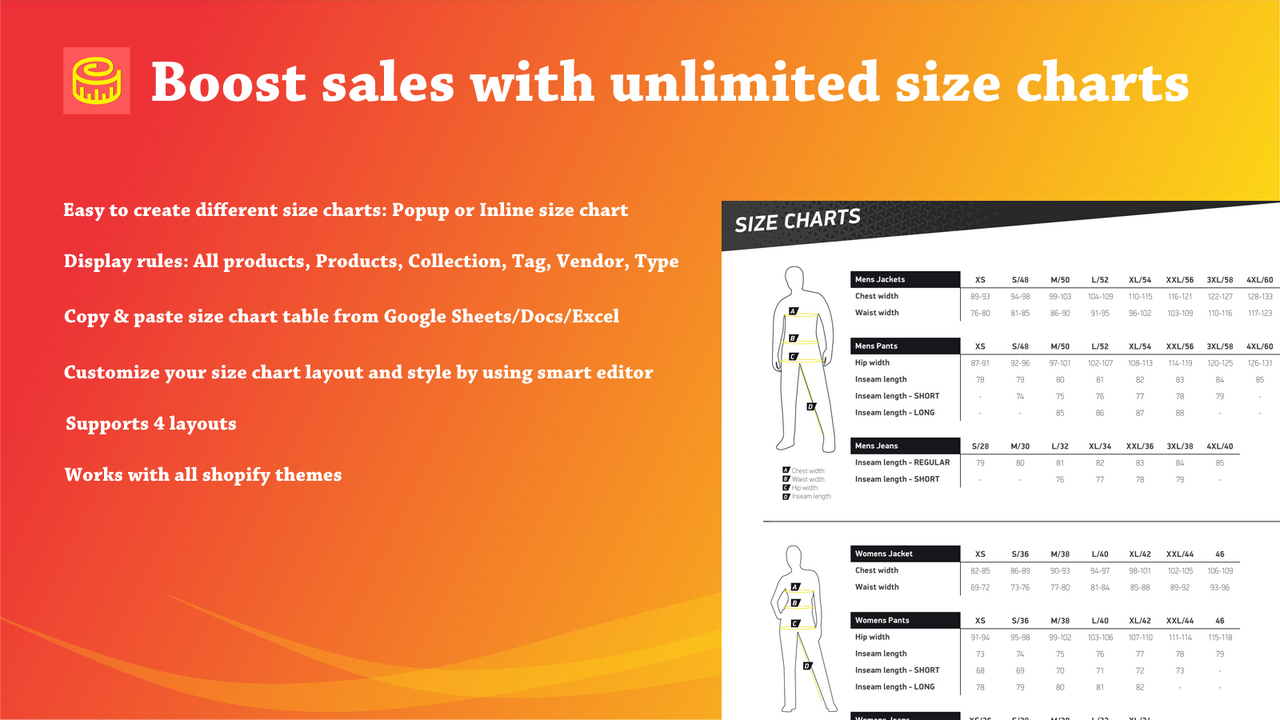
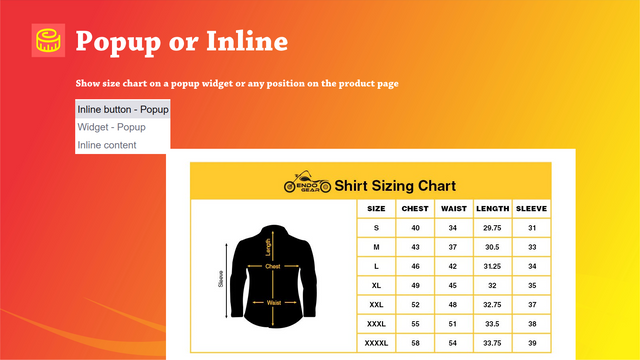
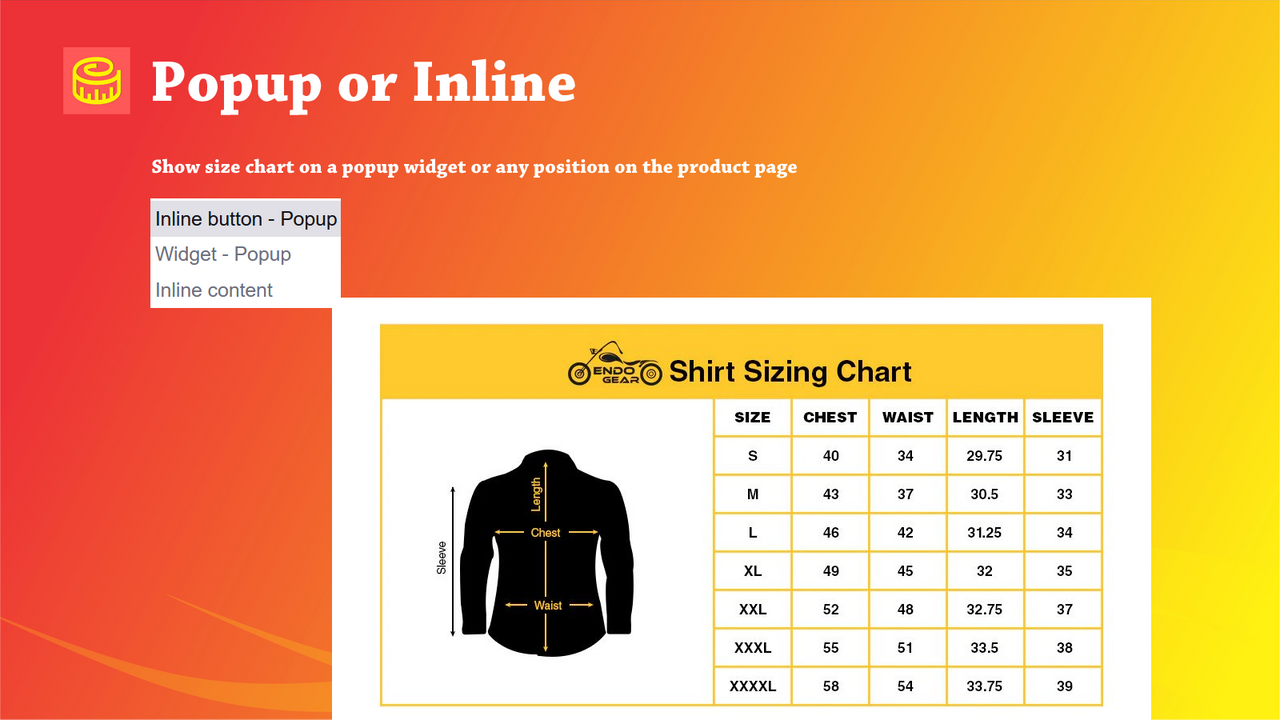
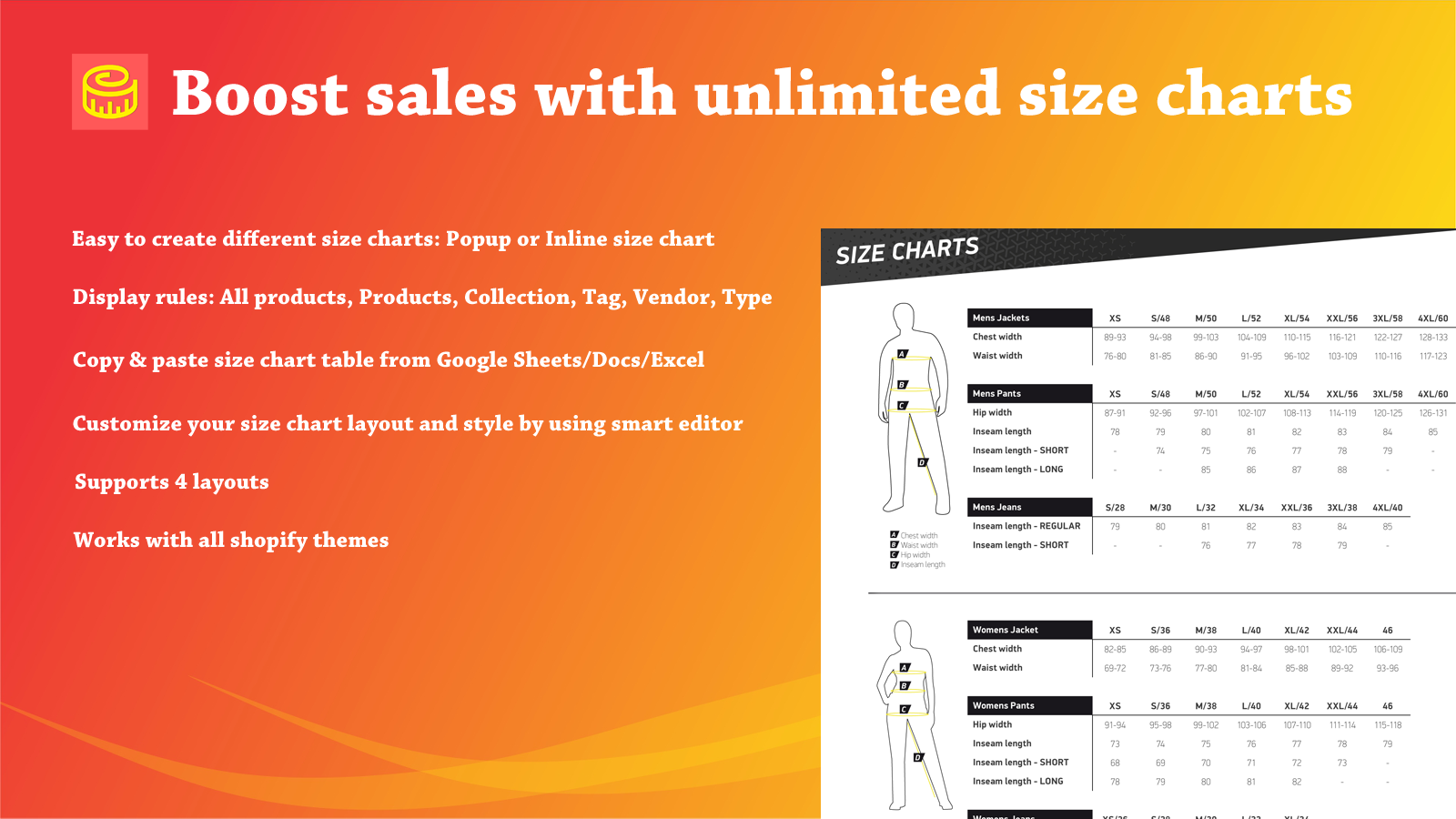
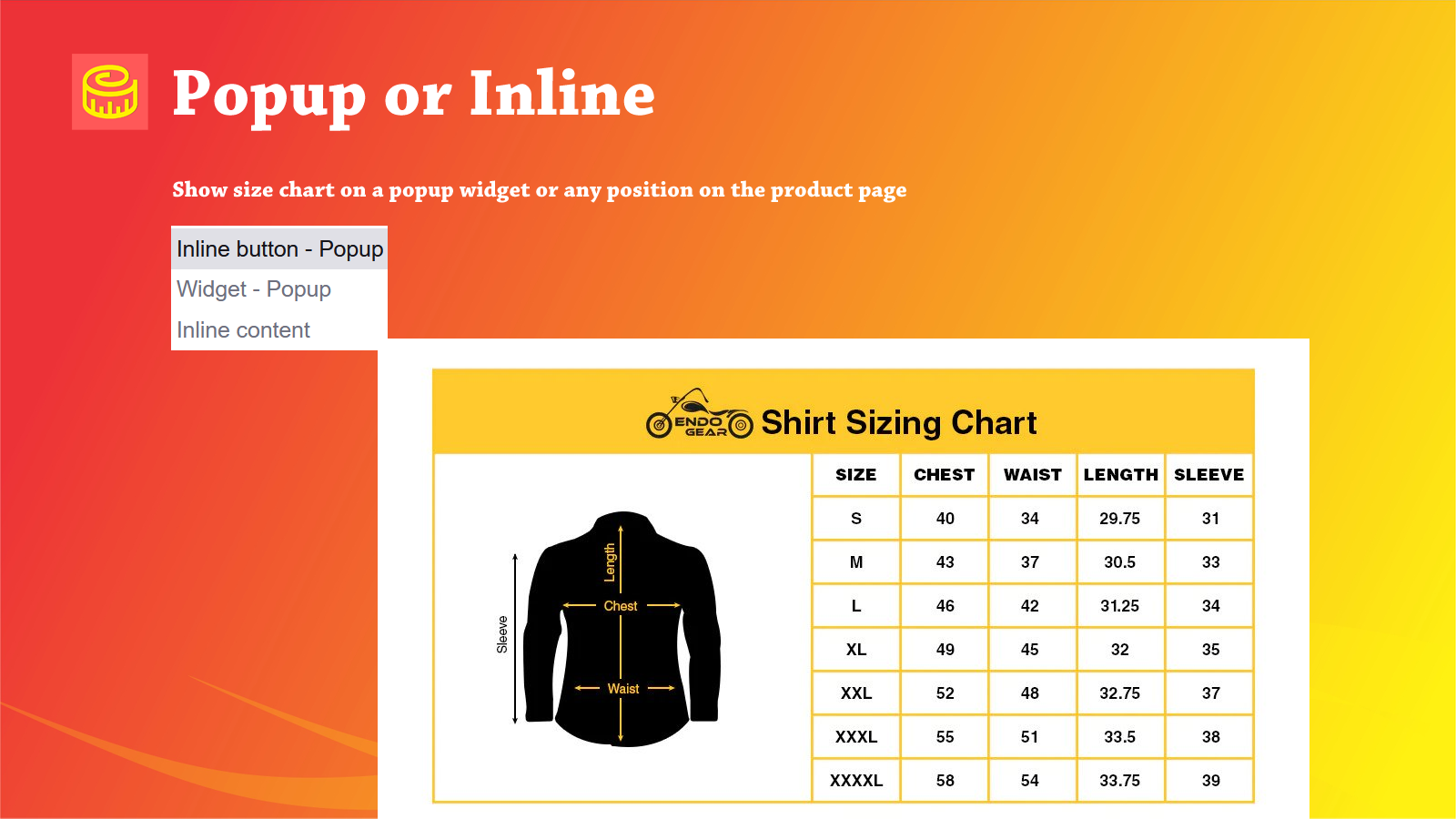
- Easily create different size charts. Choose between a size chart popup or an inline size chart.
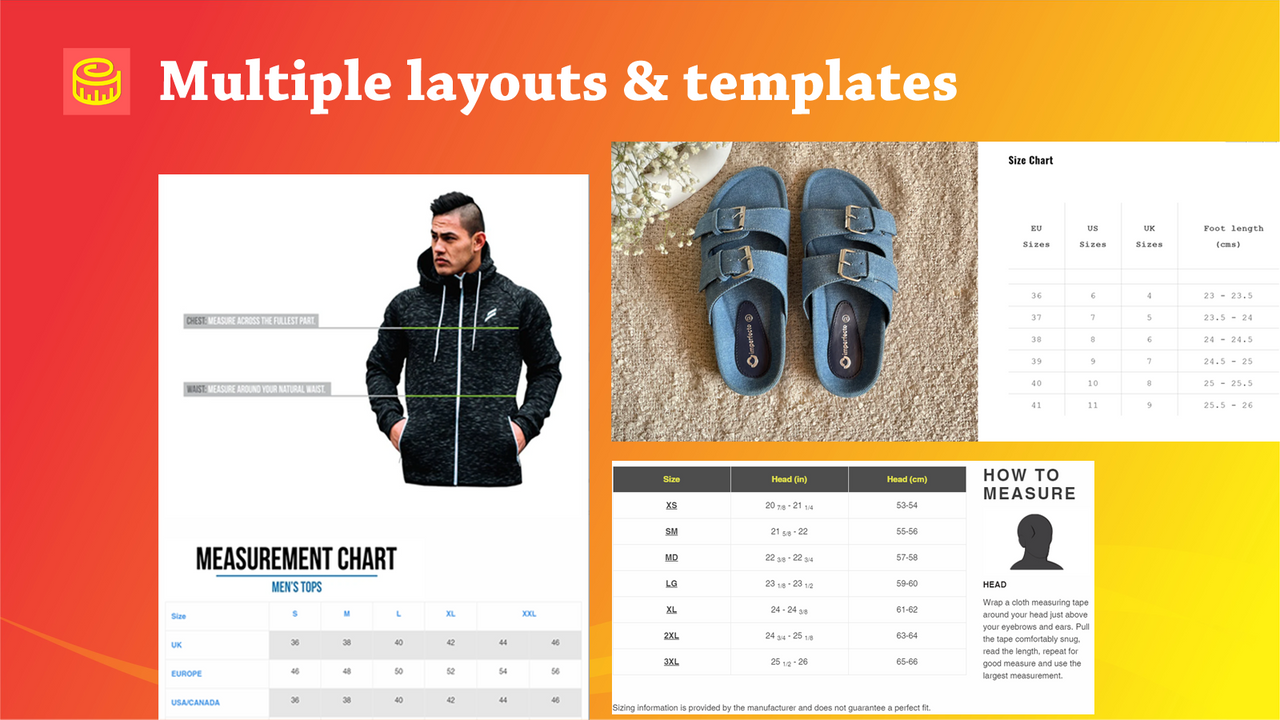
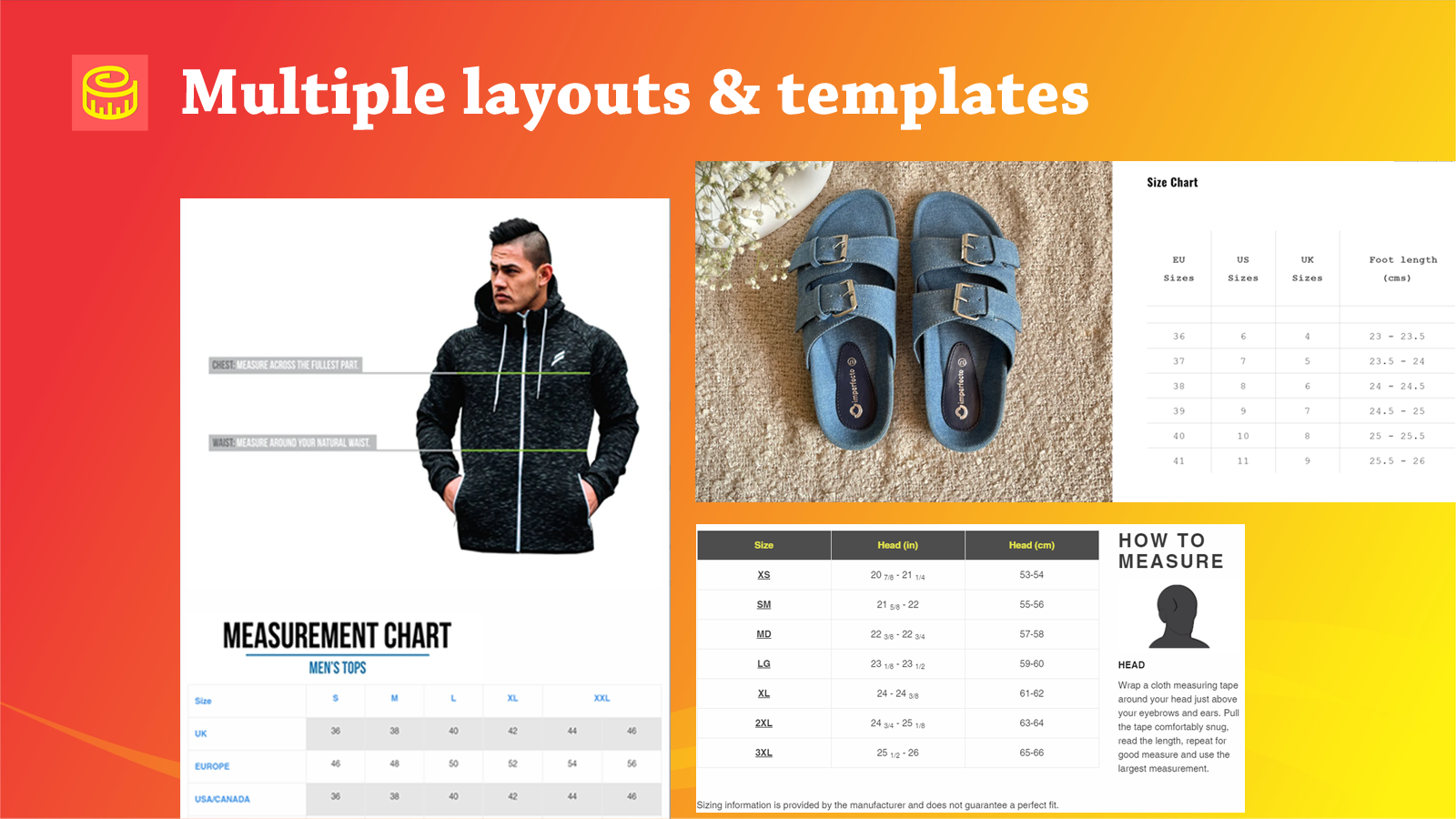
- Customize your size chart layout and style effortlessly with our smart editor.
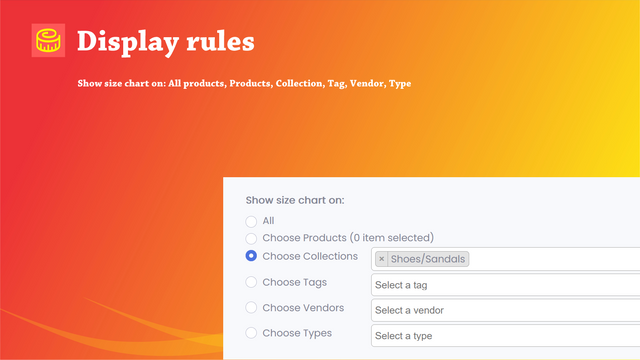
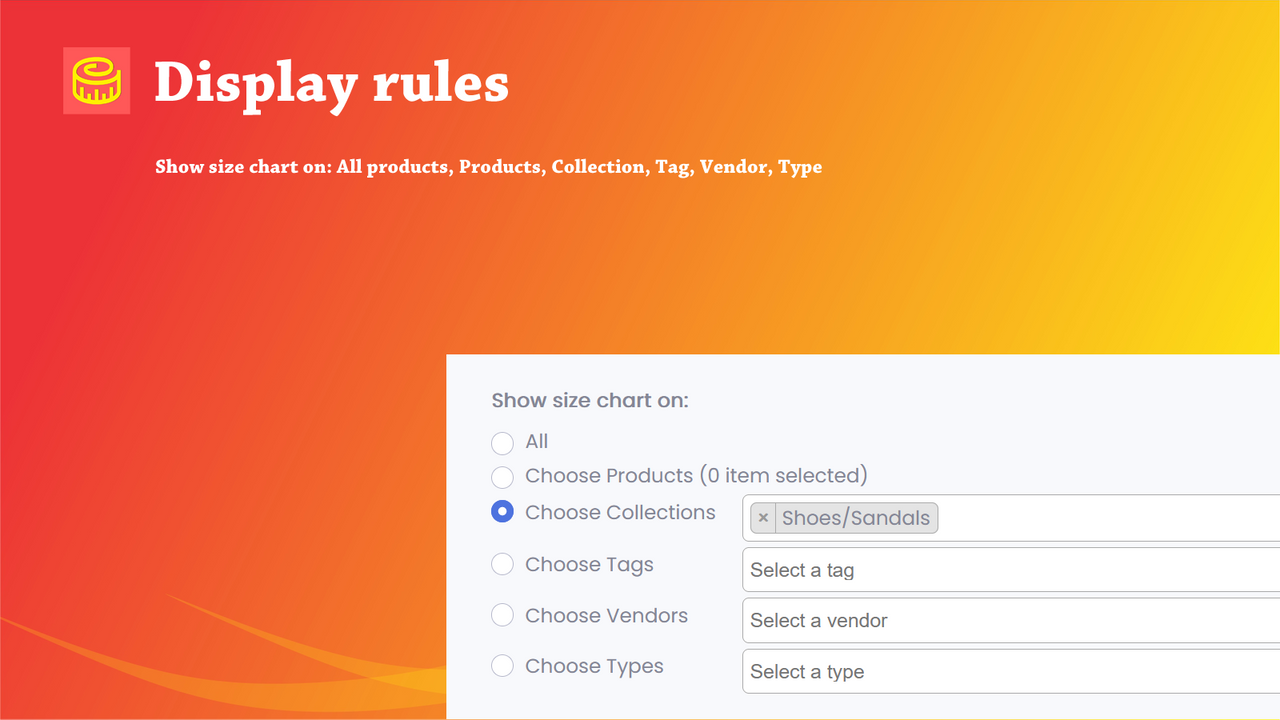
- Apply size charts to all your products or any specific products of your choice.
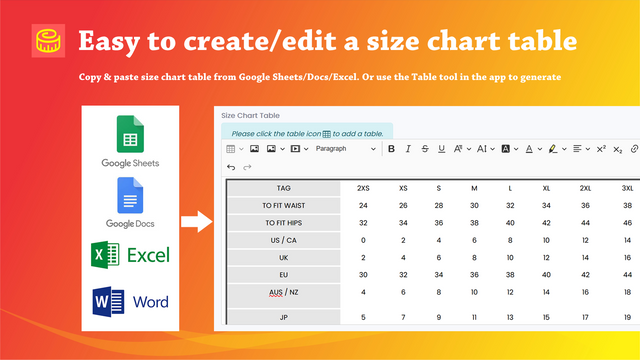
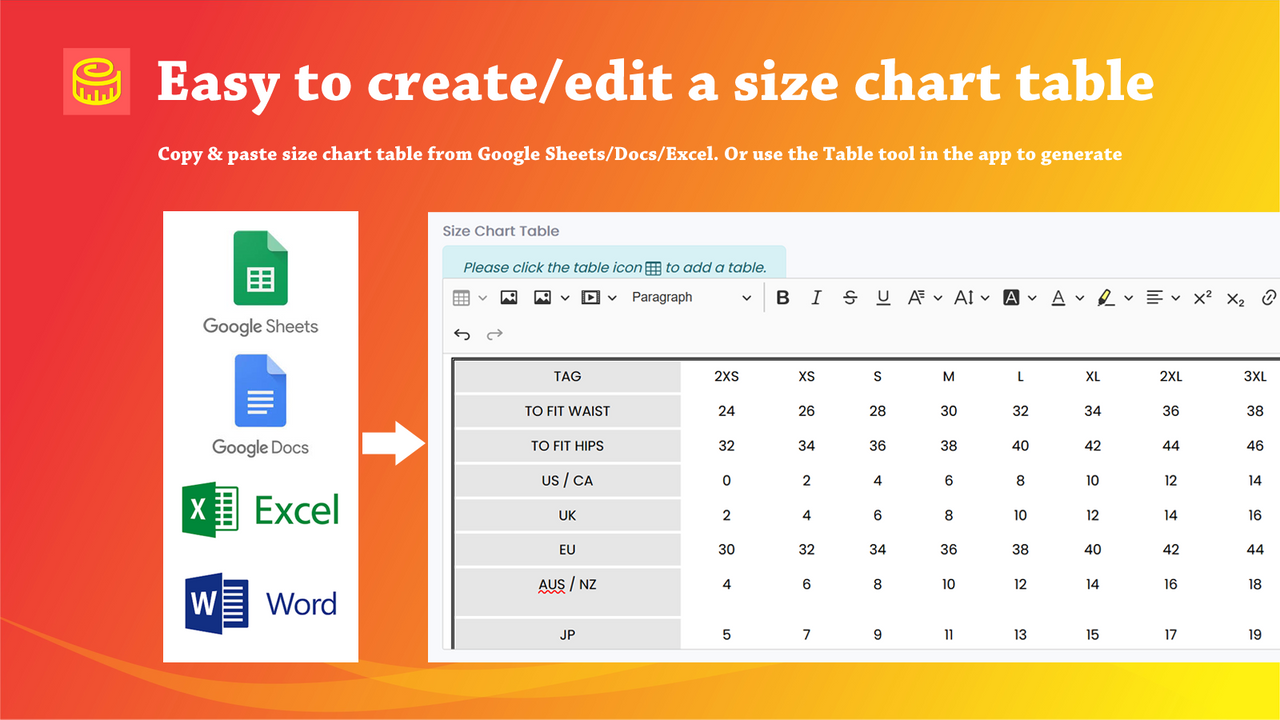
- Copy and paste size charts from Google Sheets/Docs or Microsoft Excel.
- Improve your website’s usability and your customers’ shopping experience.
Merchant-Friendly
- Apparel & Clothing Merchants
- Footwear & Accessories Merchants
- Sports & Outdoor Merchants
- Baby & Children's Merchants
Basic Information
- Developer:Snake Company
- Address:78, Galleria, Hiranandani Gardens, Powai, Mumbai, MH, 400076, IN
- Price: Free / Free plan
- Rating:4.6 / 5
- Comment Count:32 comment
- Release Date:2021-5-5
- Supported languages:English
- Compatible products:Shopify
Application Screenshot


Price Plan
Free
Free Plan
User Location & Comments
User Location
Comments
Shopify API Used
- POST /admin/api/size_charts.json
- GET /admin/api/size_charts.json
- PUT /admin/api/size_charts/{id}.json
Permission:write_size_charts,read_size_charts,manage_products
- PUT /admin/api/size_charts/{id}/layout.json
- PUT /admin/api/size_charts/{id}/style.json
- GET /admin/api/size_charts/{id}/customization.json
Permission:write_size_charts,read_size_charts,manage_themes
- POST /admin/api/size_charts/{id}/assign.json
- GET /admin/api/size_charts/{id}/assigned_products.json
- DELETE /admin/api/size_charts/{id}/unassign.json
Permission:write_size_charts,read_size_charts,manage_products
- POST /admin/api/size_charts/import.json
- GET /admin/api/size_charts/import/status.json
- PUT /admin/api/size_charts/{id}/data.json
Permission:write_size_charts,read_size_charts,manage_files