
POWR: Size Chart Sizing Guide
by AppScoped · Category: Product Comparison
Free Plan
Built for Shopify
App Introduction
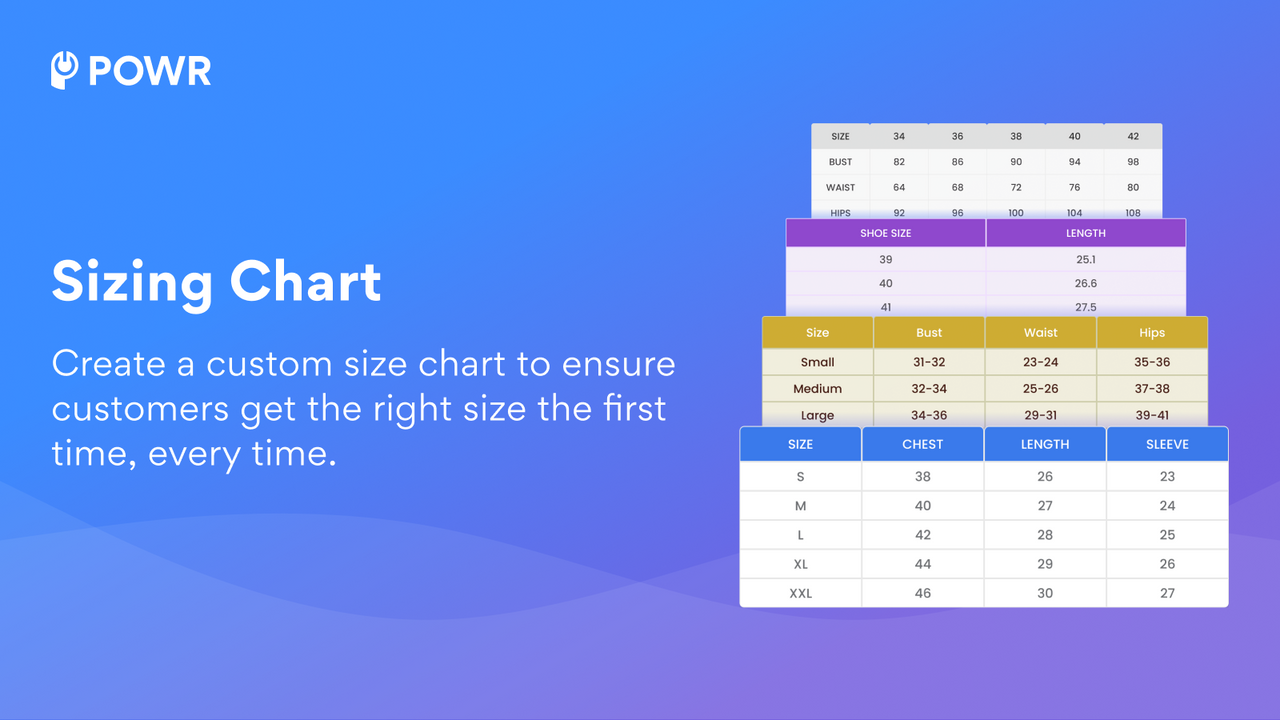
Reduce returns and support calls while boosting sales with simple product size charts and guides. This is a straightforward app for displaying accurate product dimensions in your store. It offers multiple benefits: helping customers understand the correct fit before purchasing to reduce size-related returns and refunds; providing comprehensive product details to cut down on customer support inquiries; and speeding up the checkout process by resolving size questions upfront to prevent cart abandonment.
Core Functionality
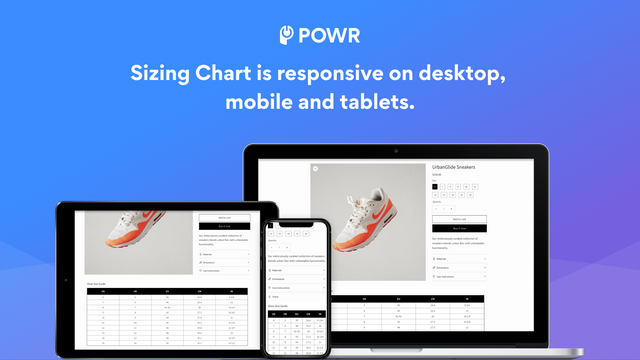
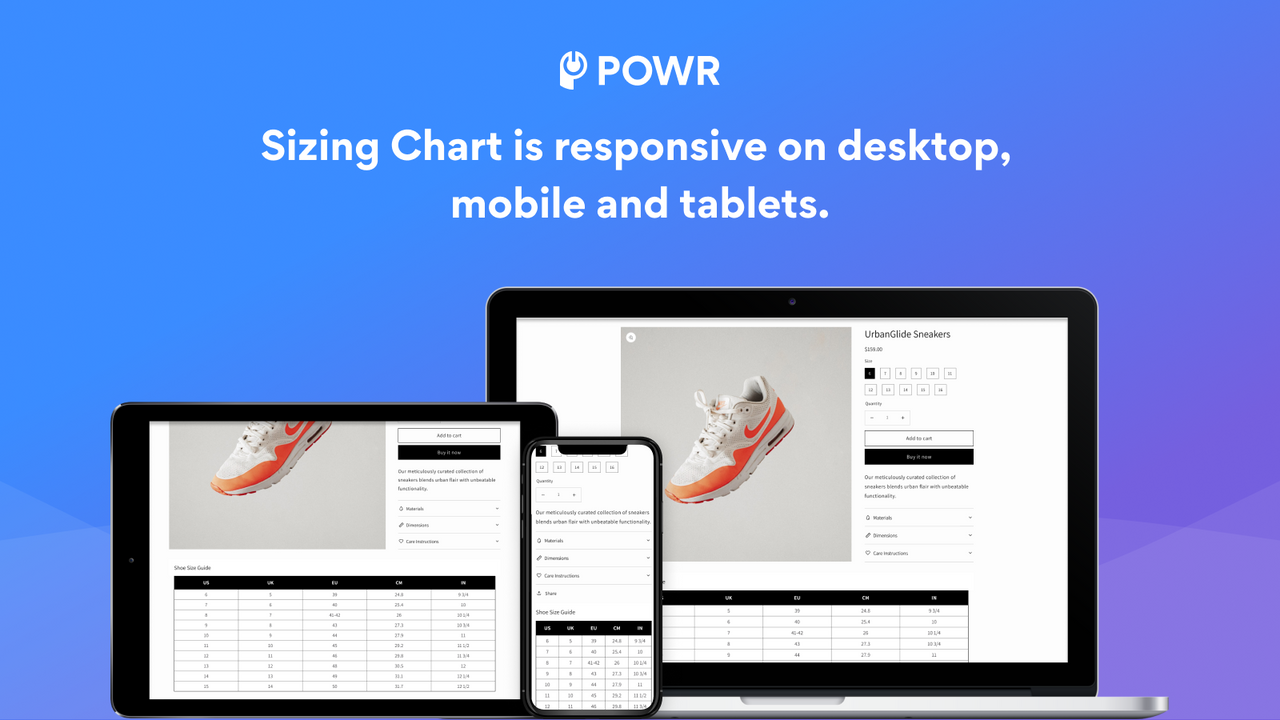
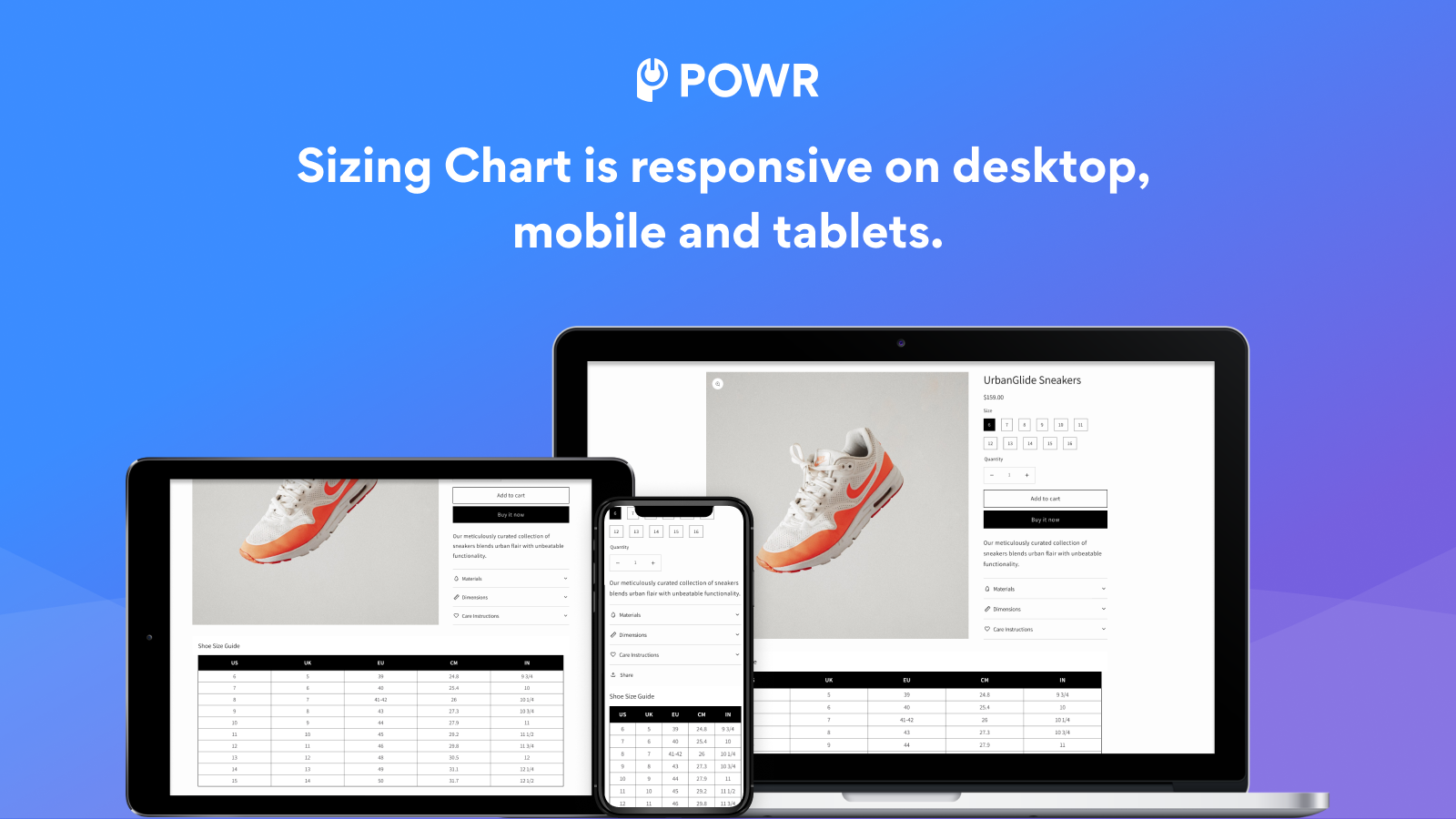
- Implement functional product size charts on your website without coding
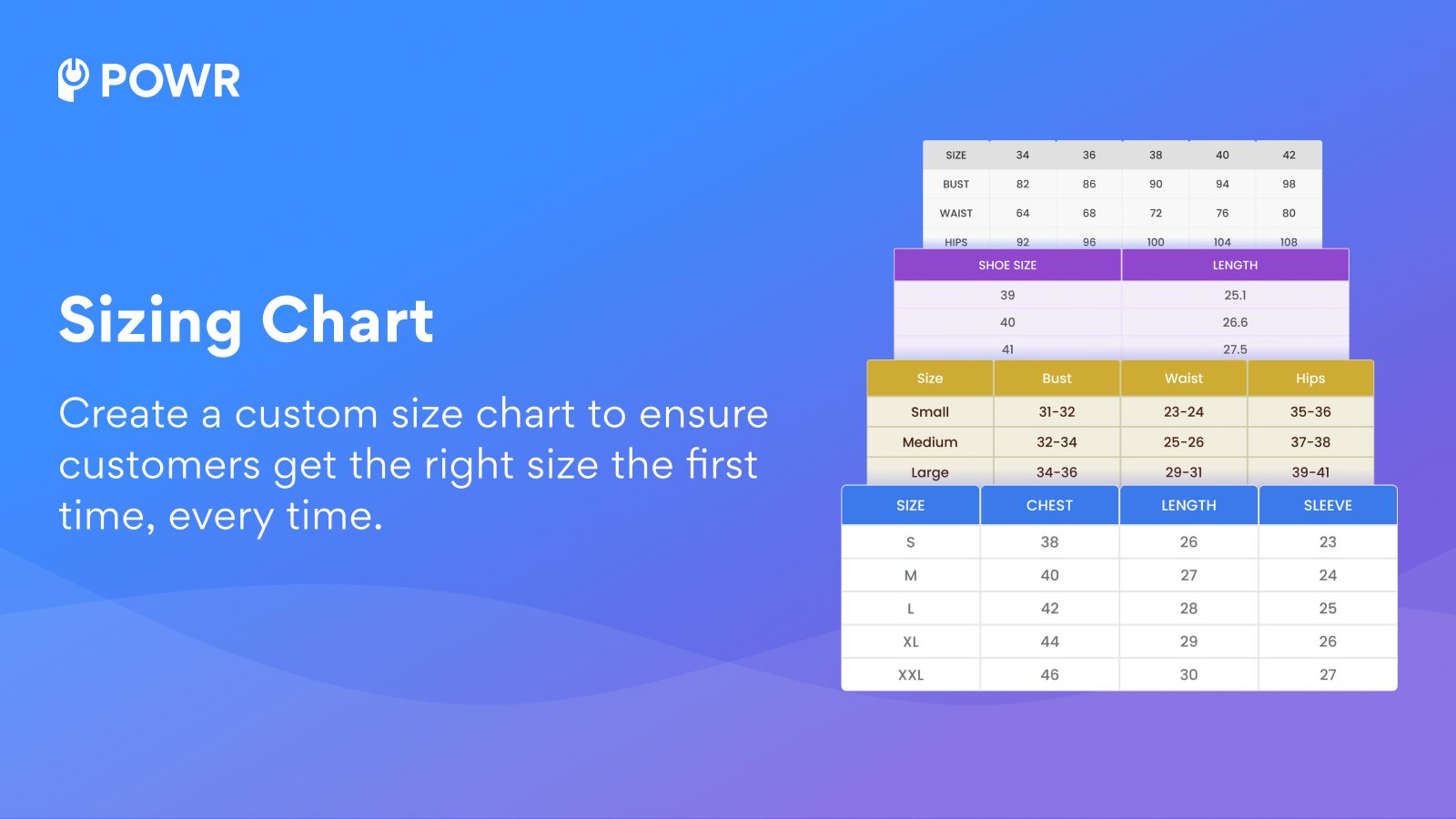
- Add multiple size charts, images, videos, tags, and more to your size charts
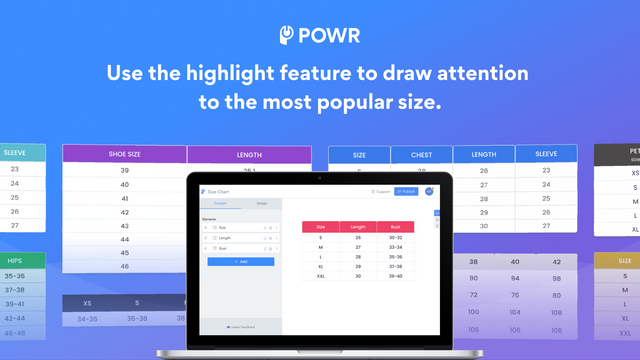
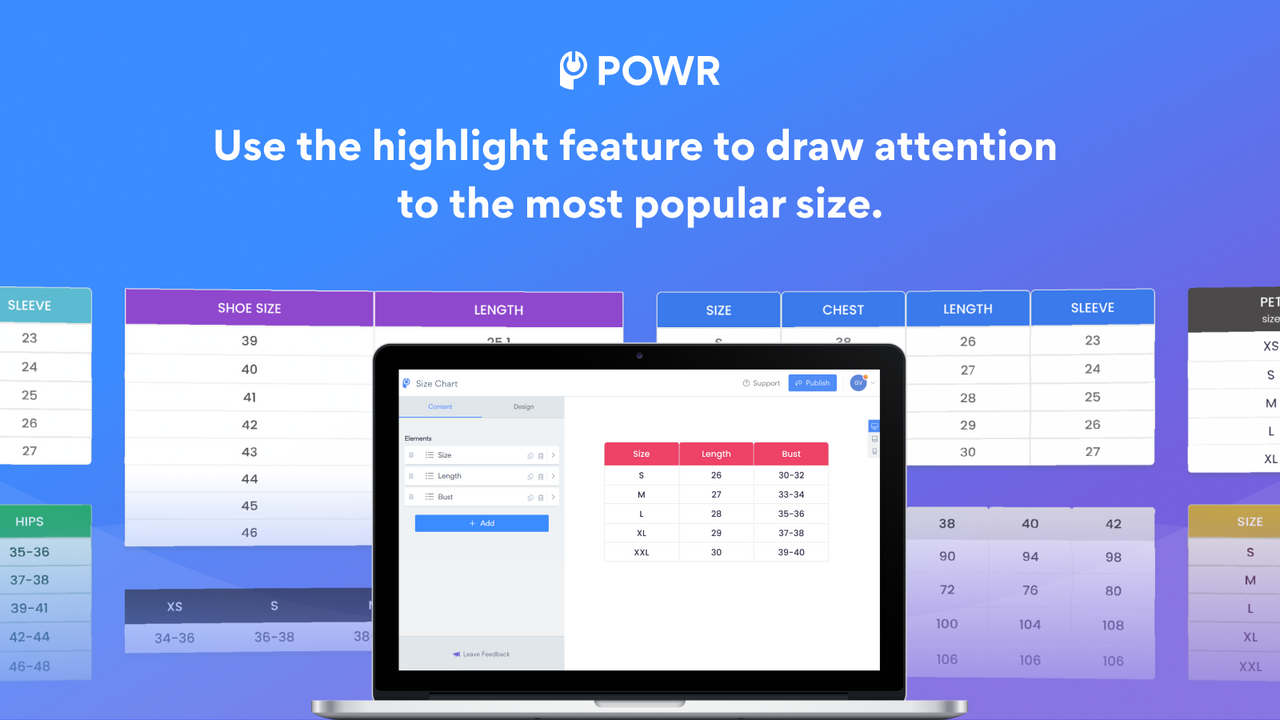
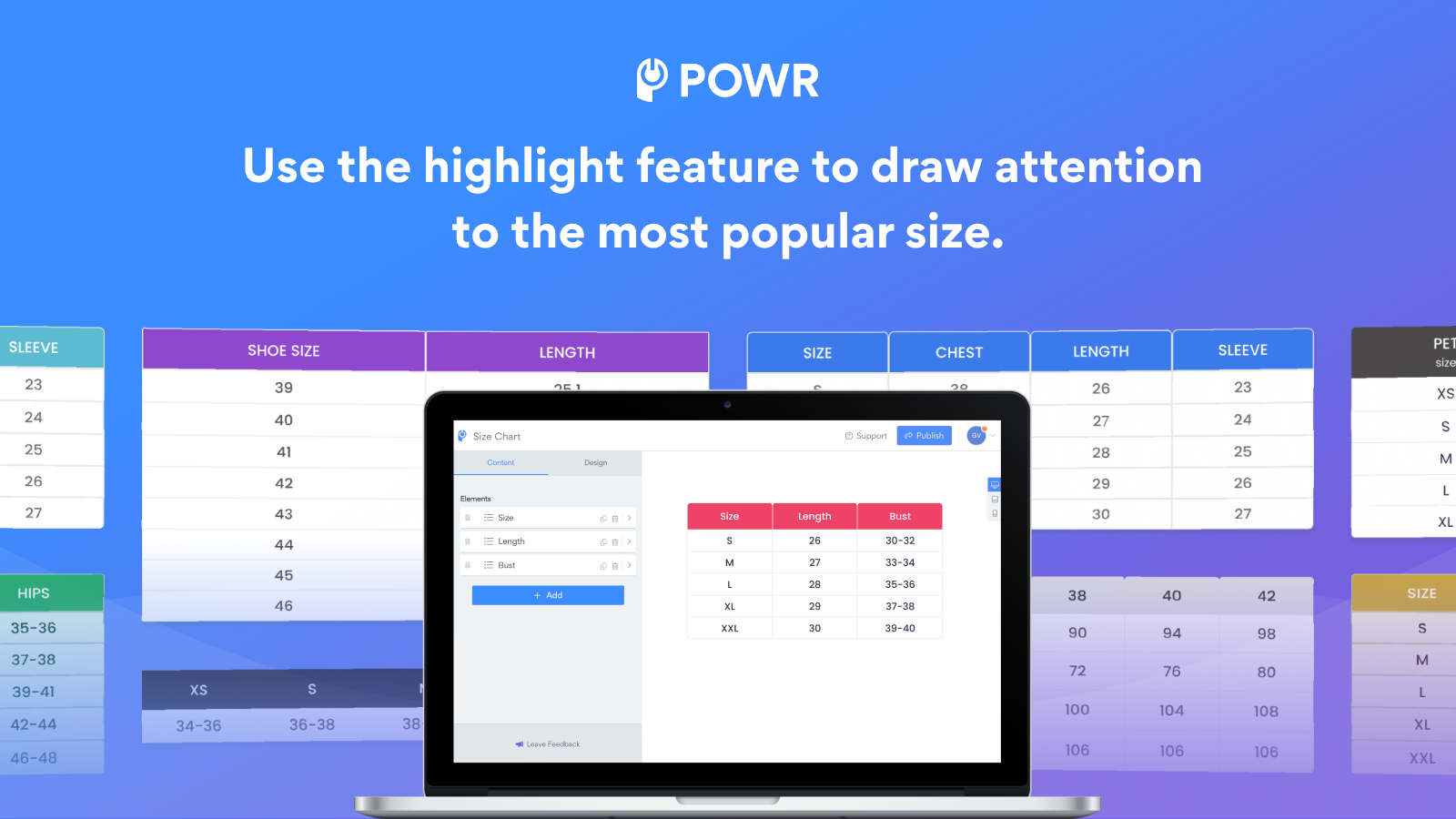
- Highlight feature to draw attention to your most popular sizes
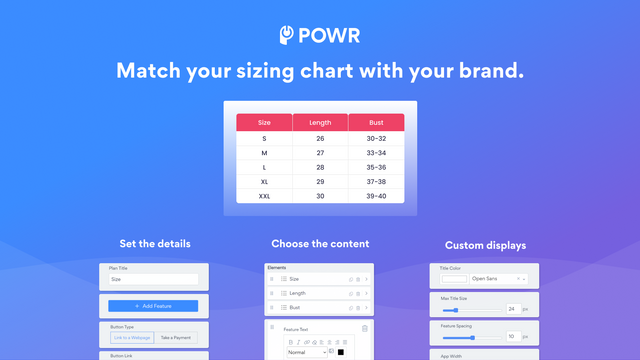
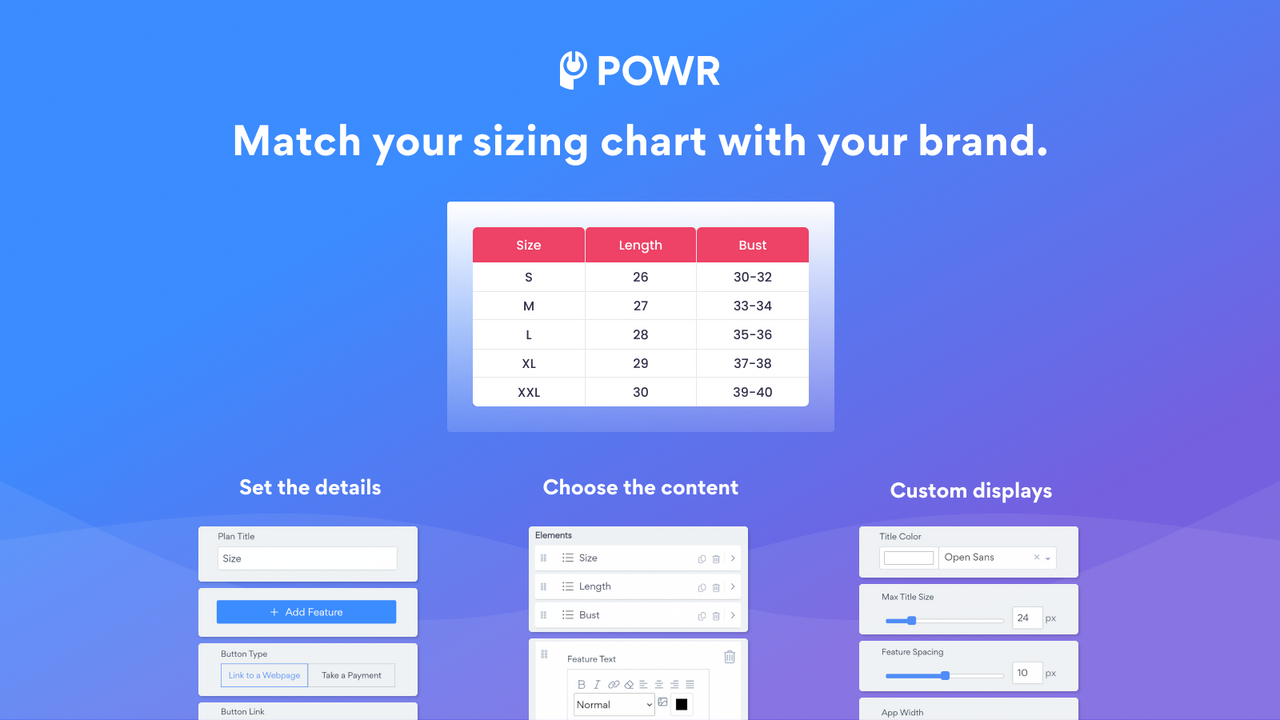
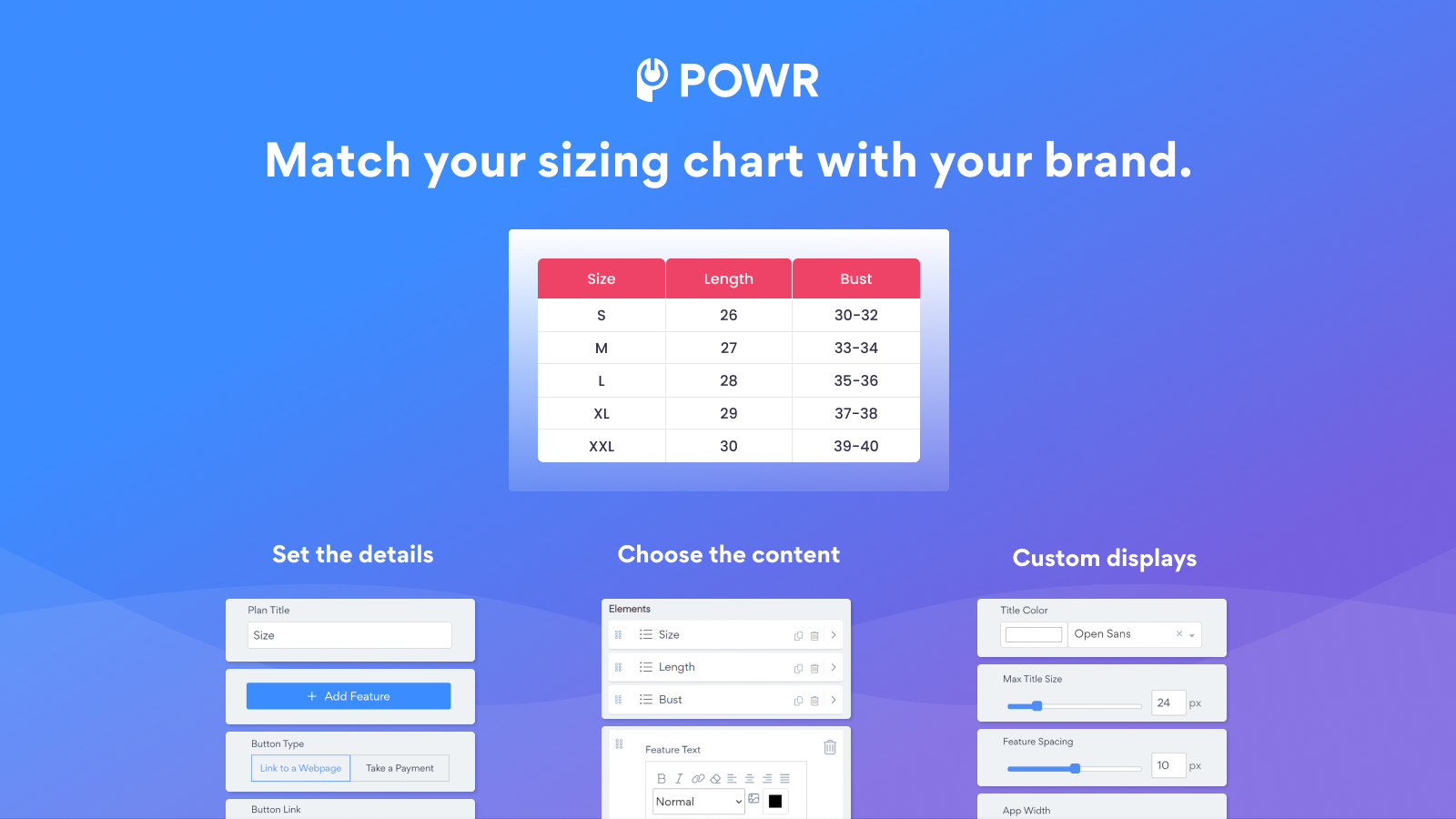
- Match your brand style with customizable colors, fonts, sizes, and borders
Merchant-Friendly
- Apparel & Accessories Merchants
- Home Goods E-commerce
- Sports & Outdoor Merchants
- Footwear Retail Stores
Basic Information
- Developer:POWR.io
- Address:44 Tehama Street, San Francisco, CA, 94105, US
- Price: Free / Free plan
- Rating:5 / 5
- Comment Count:2 comment
- Release Date:2014-7-9
- Supported languages:English
- Compatible products:Shopify
Application Screenshot
Price Plan
Free
免费
- Create unlimited size charts
- Undo/redo edits
- 3 sizes per table
- Custom HTML
- 24/7 email support
Starter
$6.04 / 或 $57.96/年(可节省 20%)
- Remove POWR Branding
- Live Chat with POWR Support Team
Pro
$14.84 / 或 $142.44/年(可节省 20%)
- Each table has 6 sizes
- Custom CSS
Business
$98.99 / 或 $950.28/年(可节省 20%)
- Unlimited table size
- Premium access to over 60 POWR apps, including
- Contact Form
- Popup
- Countdown Timer
- Photo Gallery
- Instagram Feed
User Location & Comments
User Location
Comments
Shopify API Used
- POST /admin/api/size_charts.json
- PUT /admin/api/size_charts/{id}.json
- GET /admin/api/size_charts.json
Permission:write_size_charts,read_size_charts,manage_products
- POST /admin/api/size_charts/{id}/items.json
- POST /admin/api/size_charts/{id}/media.json
- POST /admin/api/size_charts/{id}/tags.json
Permission:write_size_charts,read_size_charts,manage_media
- PUT /admin/api/size_charts/{id}/highlight.json
- GET /admin/api/size_charts/{id}/highlight.json
- DELETE /admin/api/size_charts/{id}/highlight.json
Permission:write_size_charts,read_size_charts,manage_products
- PUT /admin/api/size_charts/{id}/style.json
- GET /admin/api/size_charts/{id}/style.json
- POST /admin/api/size_charts/{id}/style/preset.json
Permission:write_size_charts,read_size_charts,manage_themes