360 product search and filters
App Introduction
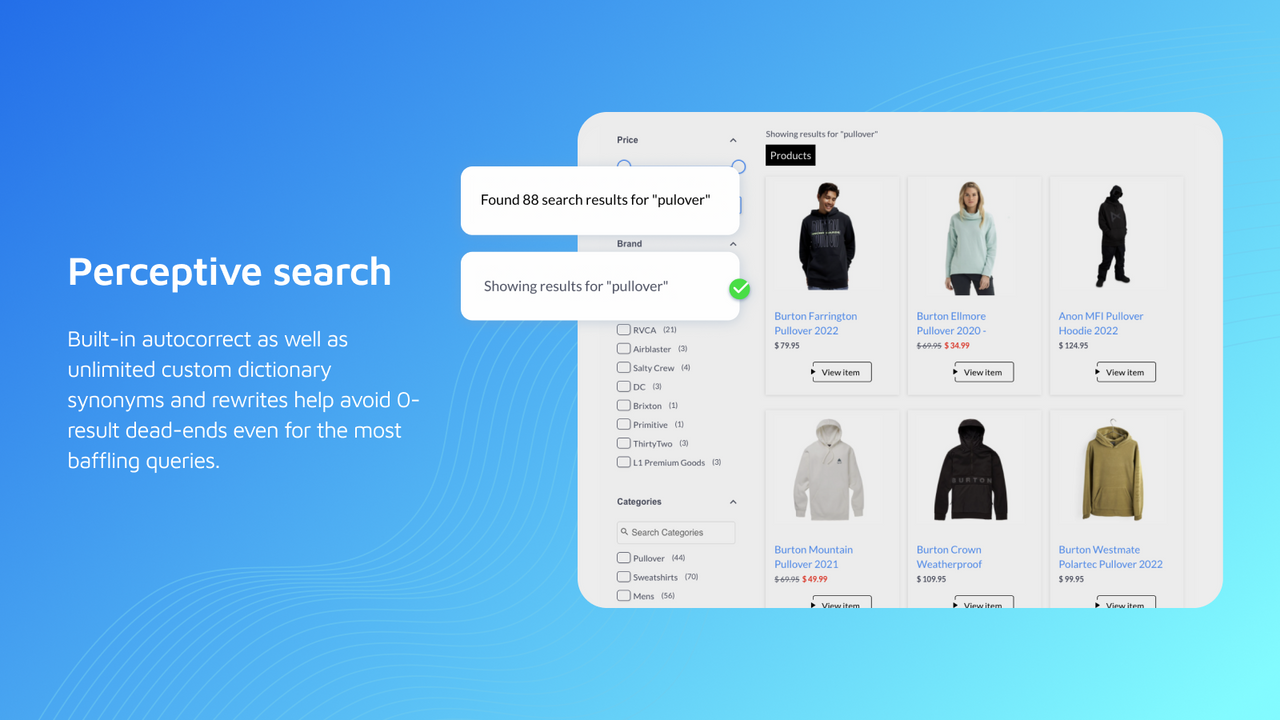
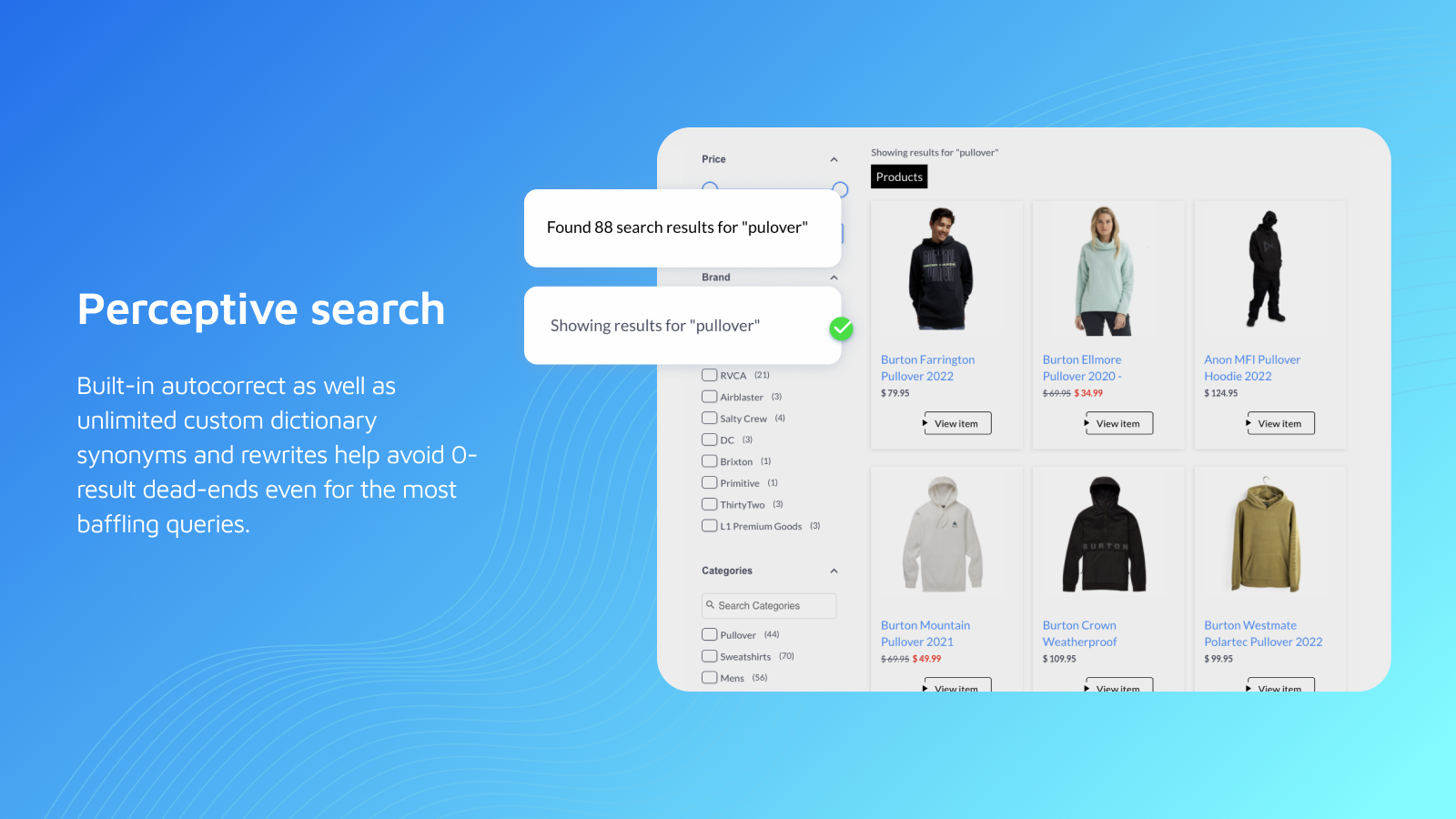
Guide your shoppers to the right products with our unbeatable search and customizable filters Say goodbye to frustrating keyword searches that yield irrelevant results. Our semantic engine understands the intent behind every query, so your customers always find what they need — even if it’s broad and descriptive, like "leather boots without laces." With customizable filters and a robust analytics dashboard, this isn’t just any search app — it’s your sales sidekick! Promote products, add synonyms, enable auto-suggestions, and optimize your listings for a seamless shopping experience.
Core Functionality
- Fault-tolerant search and autocomplete that understands searcher intent
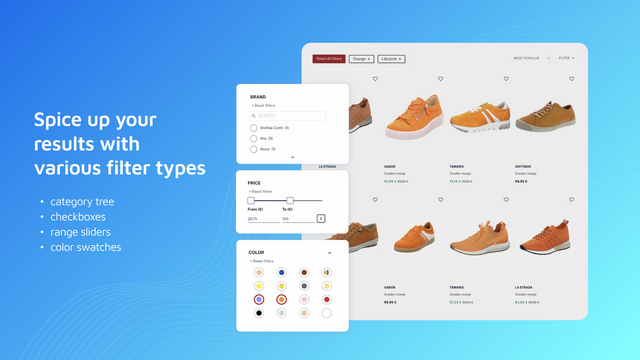
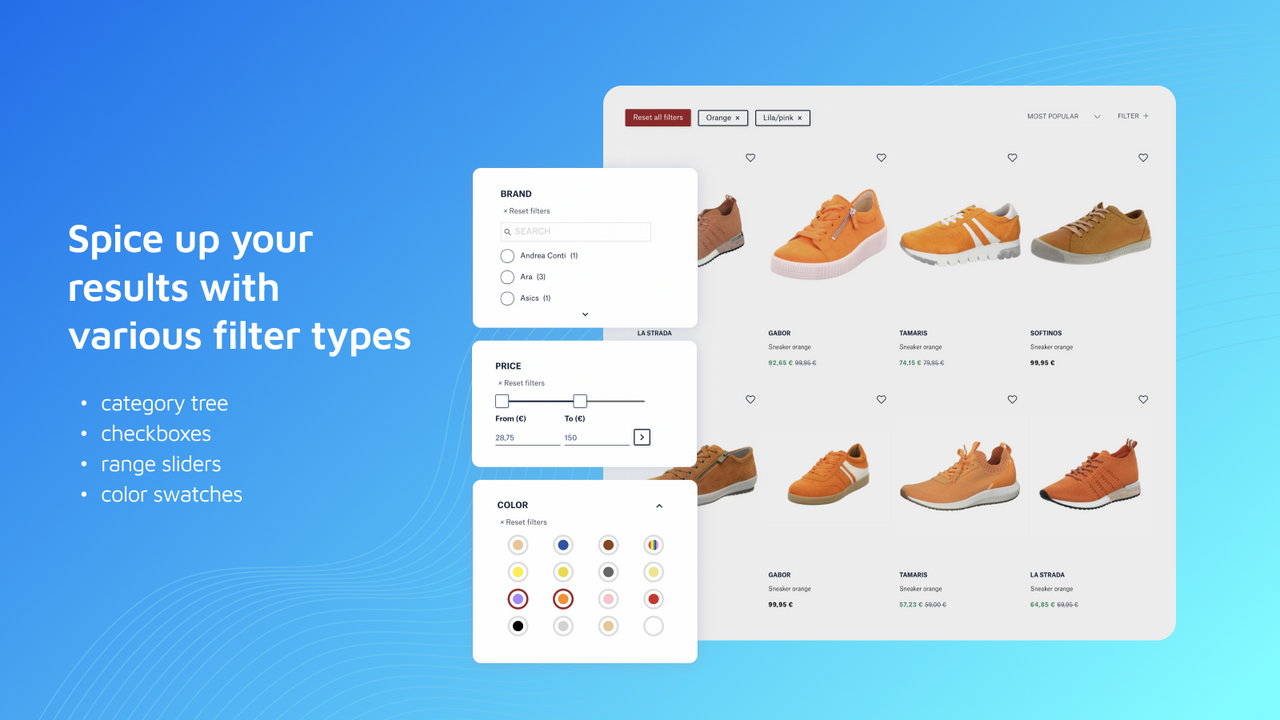
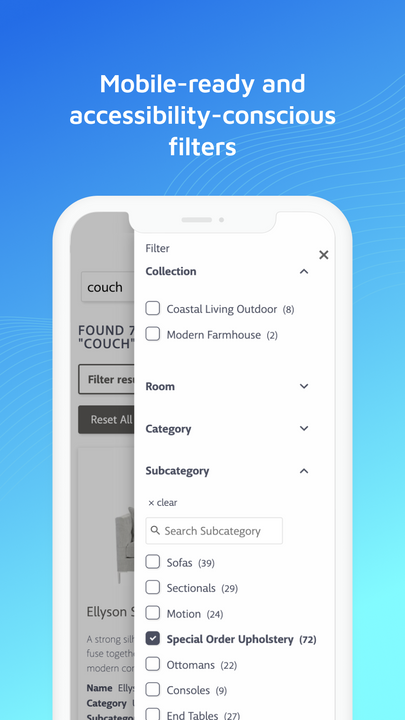
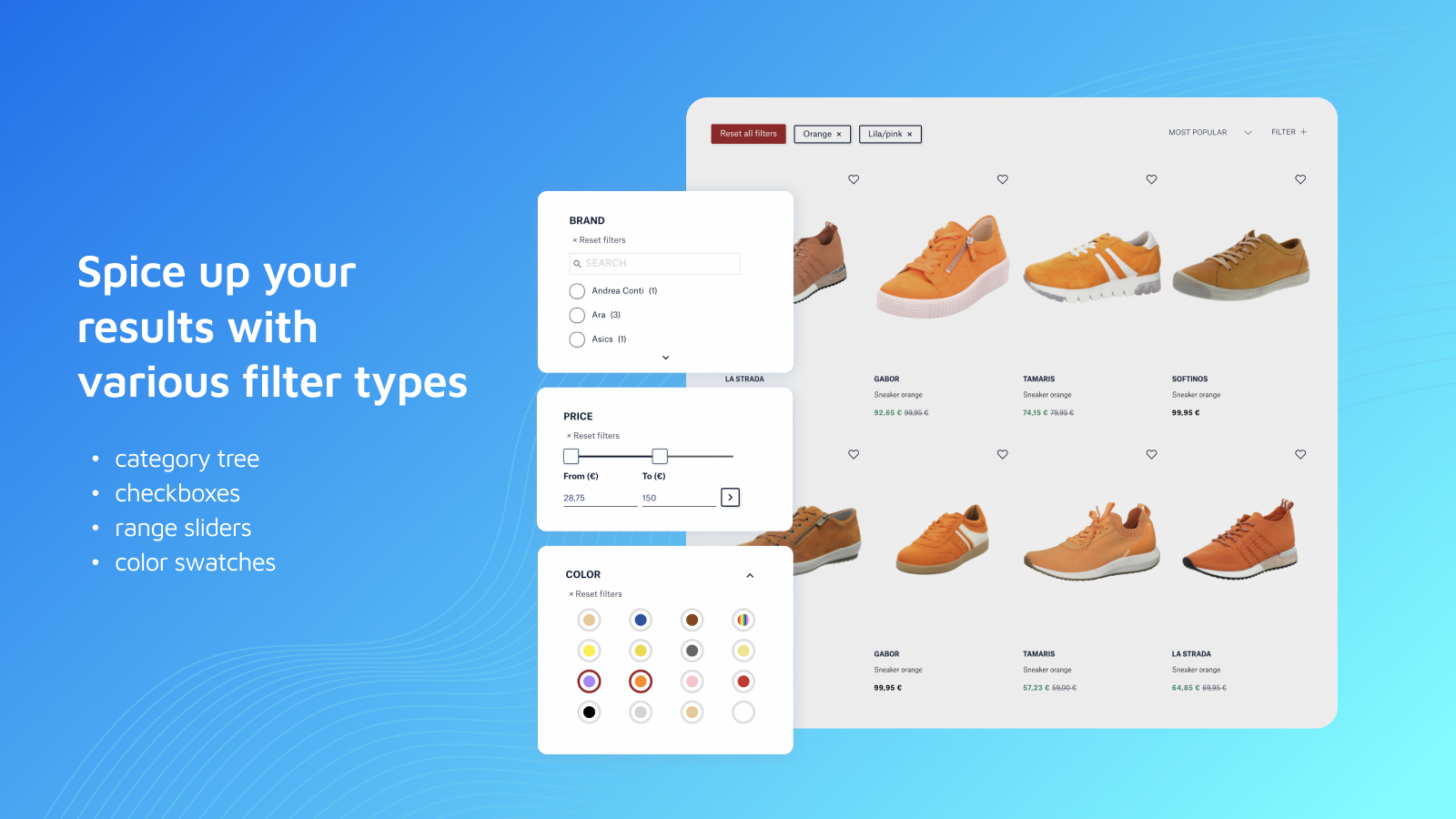
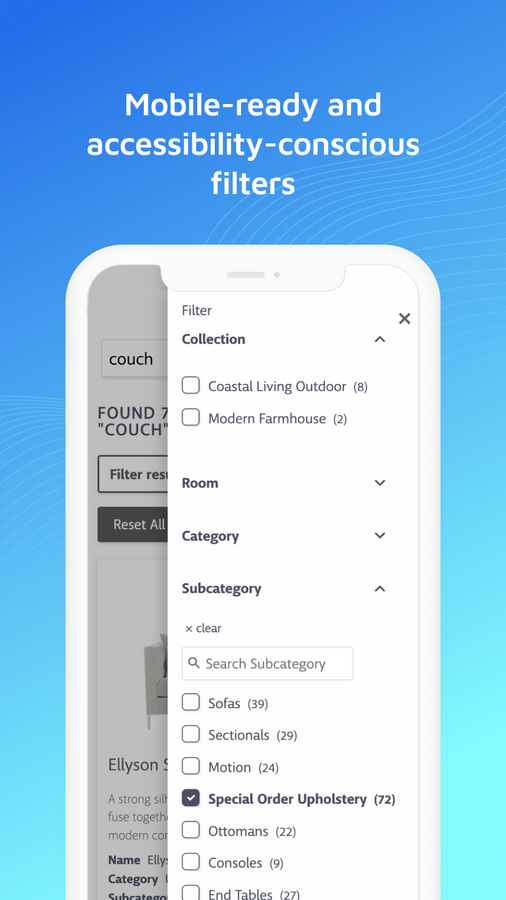
- Advanced, rich product filters for better navigation and product discovery
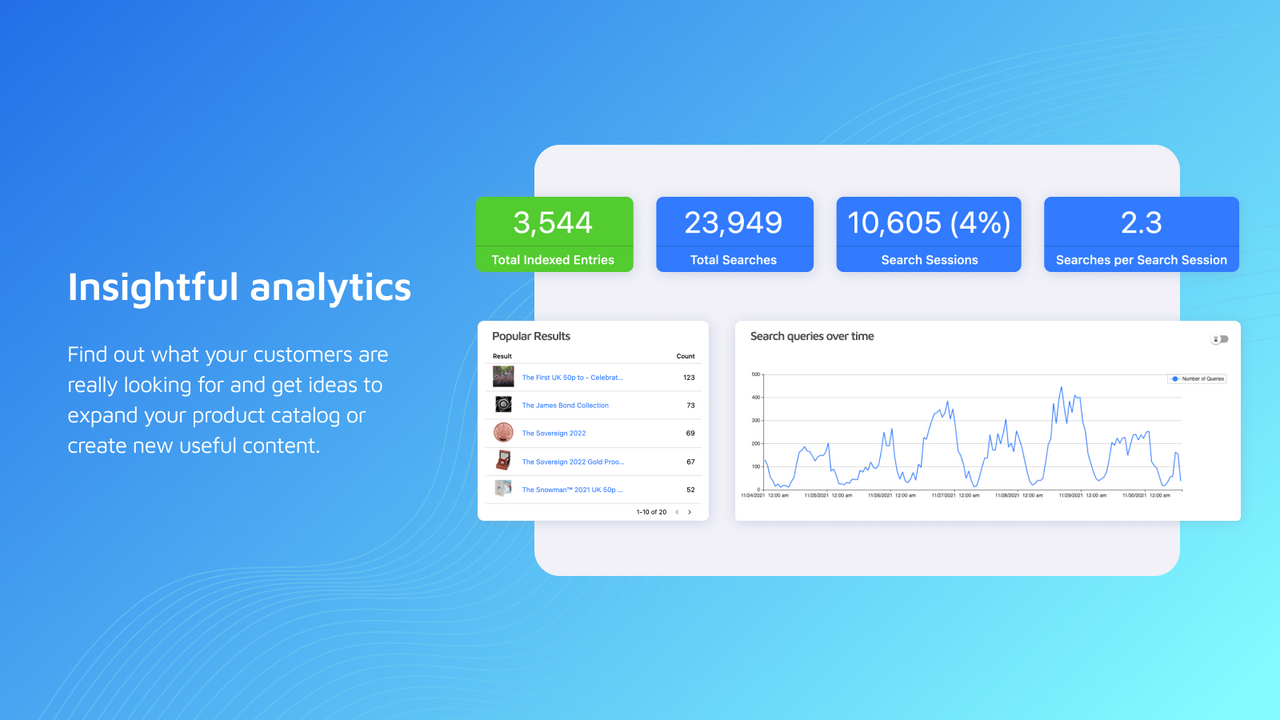
- Comprehensive analytics suite and automatic optimization to boost conversion rates
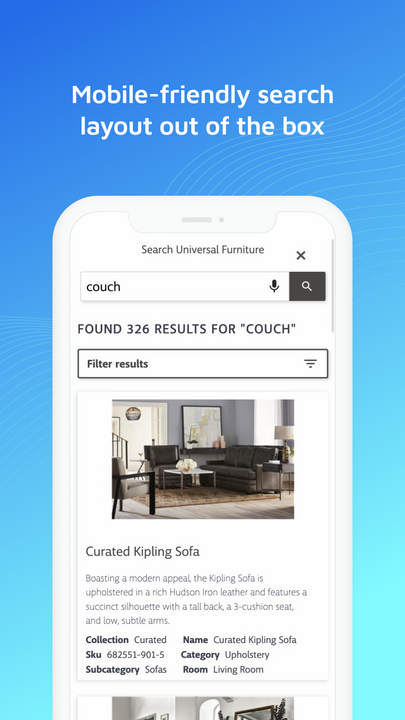
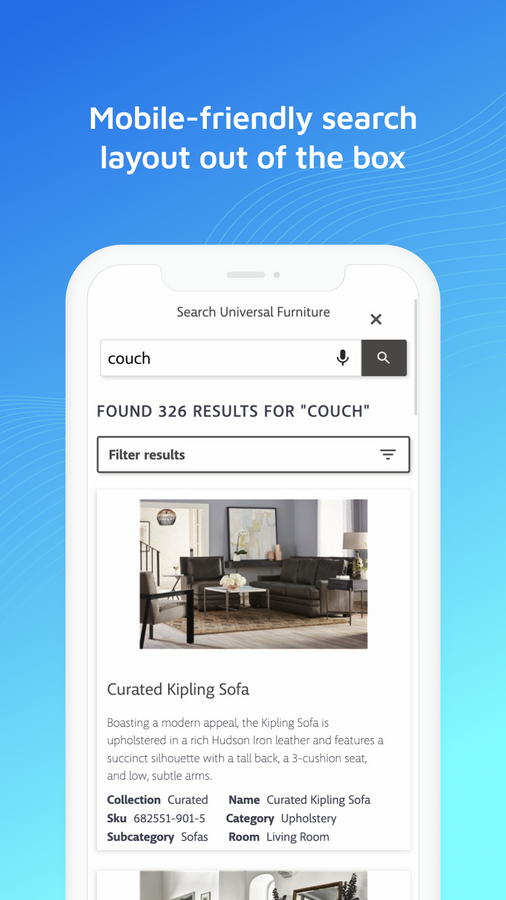
- Fully customizable design to align your search with your unique needs
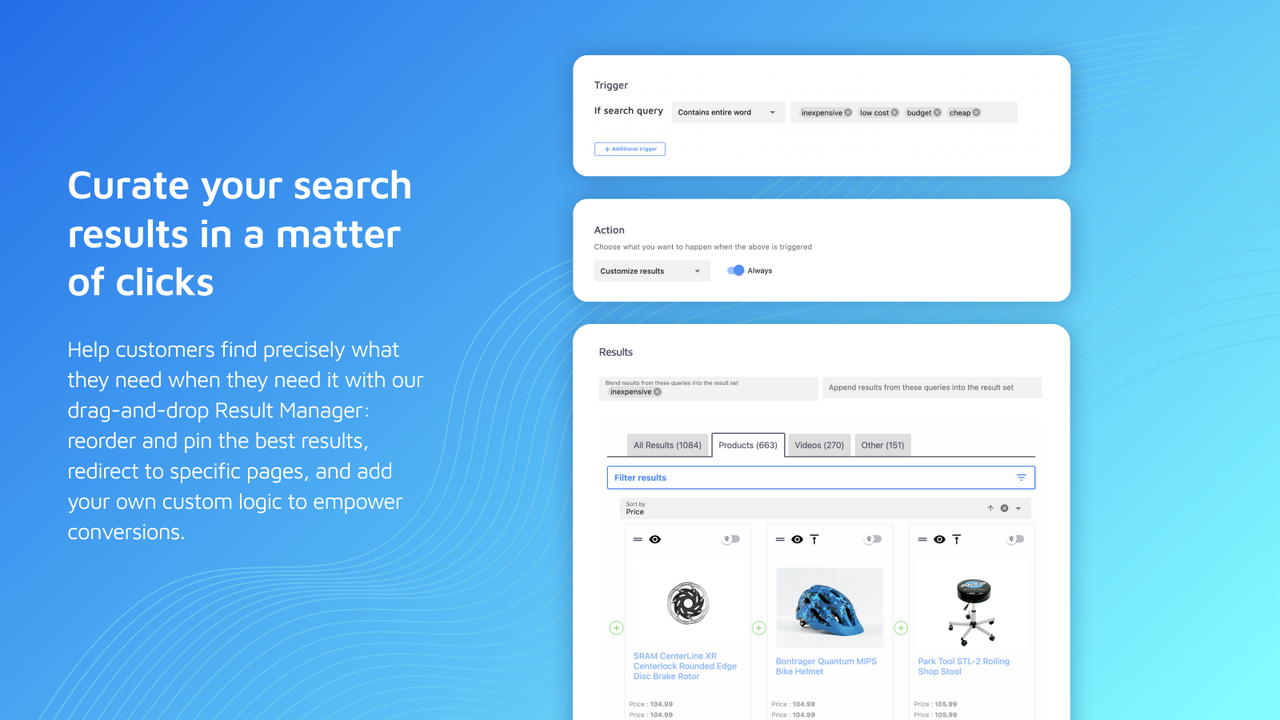
- Powerful, intuitive result management tools to promote your best-selling products
Merchant-Friendly
- Independent Station Merchants
- Multi-category E-commerce
- Boutique Brand Merchants
- High-conversion E-commerce
Basic Information
- Developer:Site Search 360
- Address:Webergasse 1, Dresden, 01067, DE
- Price: Free / Free plan
- Rating:3 / 5
- Comment Count:2 comment
- Release Date:2022-9-13
- Supported languages:English
- Compatible products:Shopify
Application Screenshot










Price Plan
FREE
- Up to 110 SKUs
- Unlimited Search
- 30-Day Search Analytics
- Autocomplete
- Filters on Collection Pages
- Product Boosting and Optimization
Development mode
- All CAREFREE Features
- Test all features of Site Search 360
- Unlimited
- For development and affiliate stores
STANDARD
- Up to 11,00 SKUs
- Unlimited Search
- 6-Month Analytics
- AI Optimization
- Conversion Tracking
- + FREE Plan Features
CAREFREE
- Unlimited Products & Search
- 2-Year Analytics
- Custom Design
- Product Recommendations
- Data Enrichment
- + STANDARD Plan Features
User Location & Comments
User Location
Comments
Shopify API Used
- POST /admin/api/search/settings/fault_tolerance.json
- PUT /admin/api/search/settings/fault_tolerance/{id}.json
- GET /admin/api/search/settings/fault_tolerance.json
Permission:write_search_settings,read_search_settings,manage_online_store
- POST /admin/api/search/filters.json
- PUT /admin/api/search/filters/{filter_id}.json
- GET /admin/api/search/filters.json
Permission:write_search_filters,read_search_filters,manage_products
- POST /admin/api/search/analytics/reports.json
- PUT /admin/api/search/analytics/auto_optimize.json
- GET /admin/api/search/analytics/performance.json
Permission:read_search_analytics,write_search_optimize,manage_reports
- POST /admin/api/search/design/themes.json
- PUT /admin/api/search/design/themes/{theme_id}.json
- GET /admin/api/search/design/customizations.json
Permission:write_search_design,read_search_design,manage_themes
- POST /admin/api/search/results/promote.json
- PUT /admin/api/search/results/promote/{item_id}.json
- GET /admin/api/search/results/rankings.json
Permission:write_search_results,read_search_results,manage_products