
App Introduction
Your all-in-one marketing platform to boost sales via social media, video, and advertising. Simplified is an AI-powered all-in-one app for fast-growing Shopify businesses. With Simplified’s user-friendly design tools, you can streamline your workflows without needing expertise in design, video editing, or product description writing—freeing up time to focus on scaling your business. Our cutting-edge AI handles it all. You can easily create and publish content across all social media channels. We always have a dedicated support team ready to help.
Core Functionality
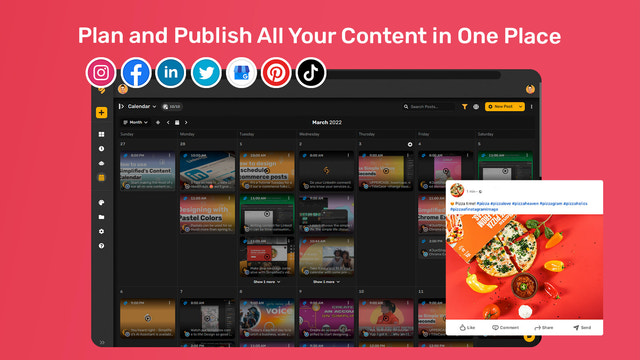
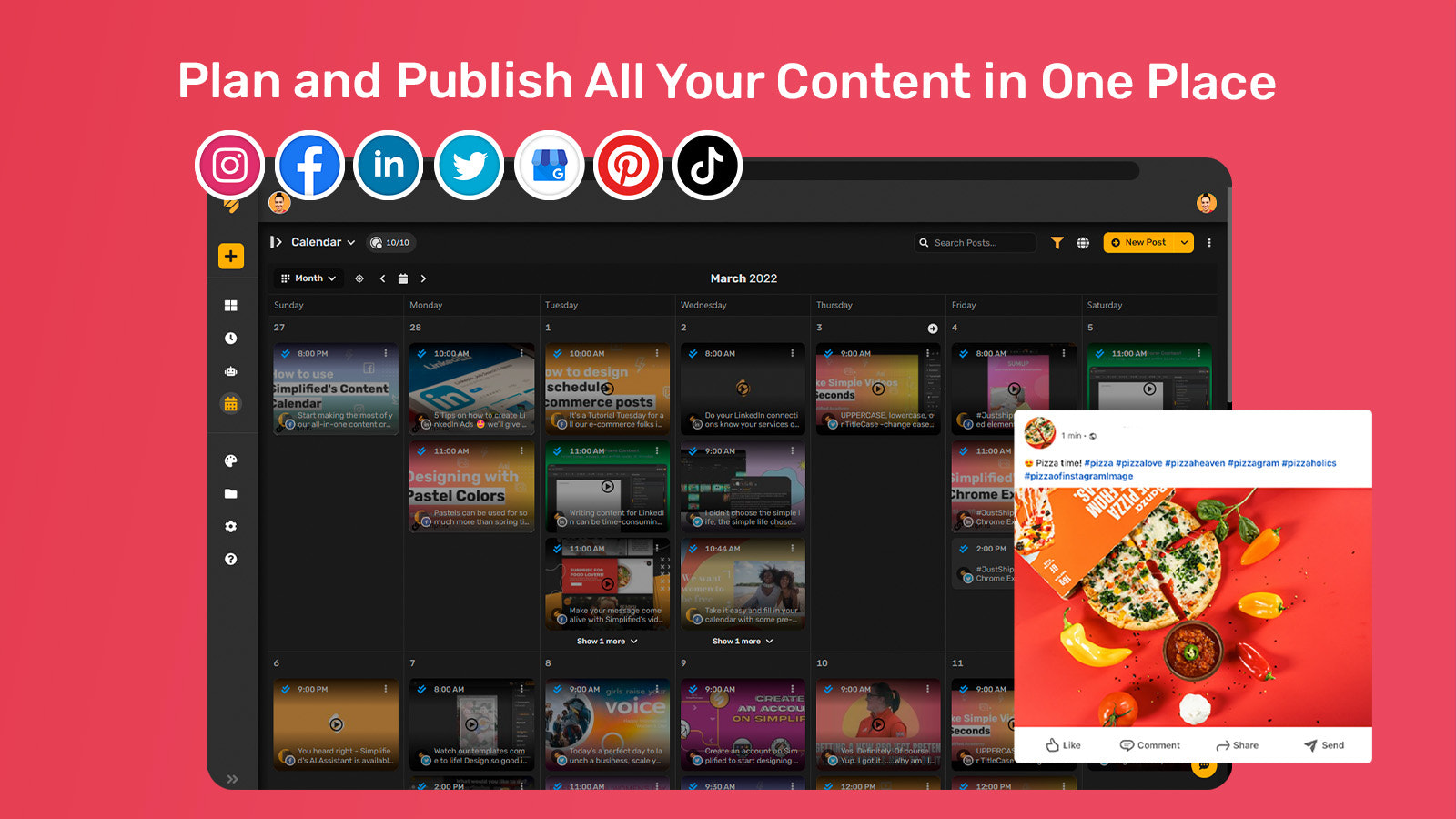
- Schedule and publish social media content for Facebook, Instagram, TikTok, and Pinterest
- Deliver consistent brand experiences across all customer touchpoints and marketing channels
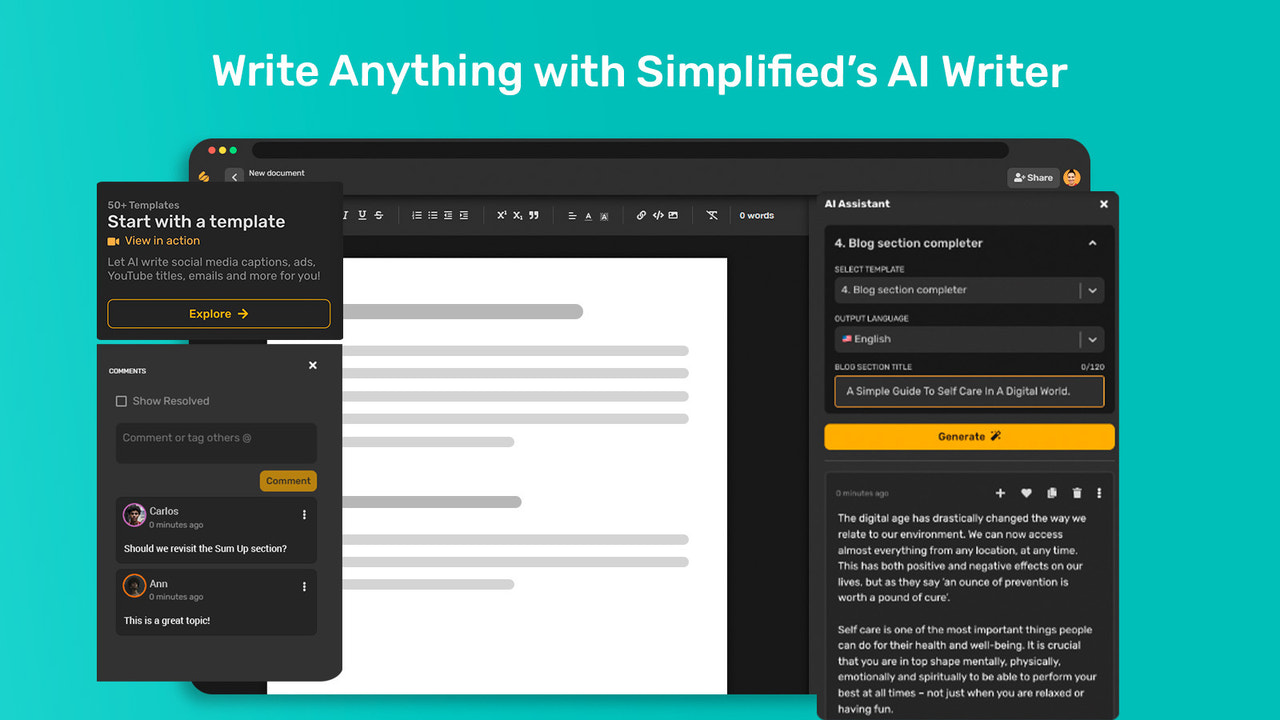
- Access 80+ AI-powered copy templates for ads, product descriptions, blogs, profiles, and web pages
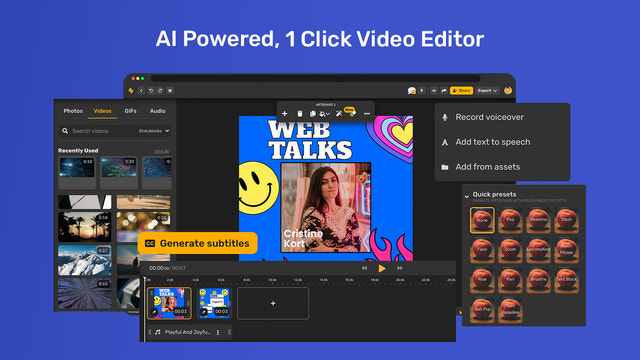
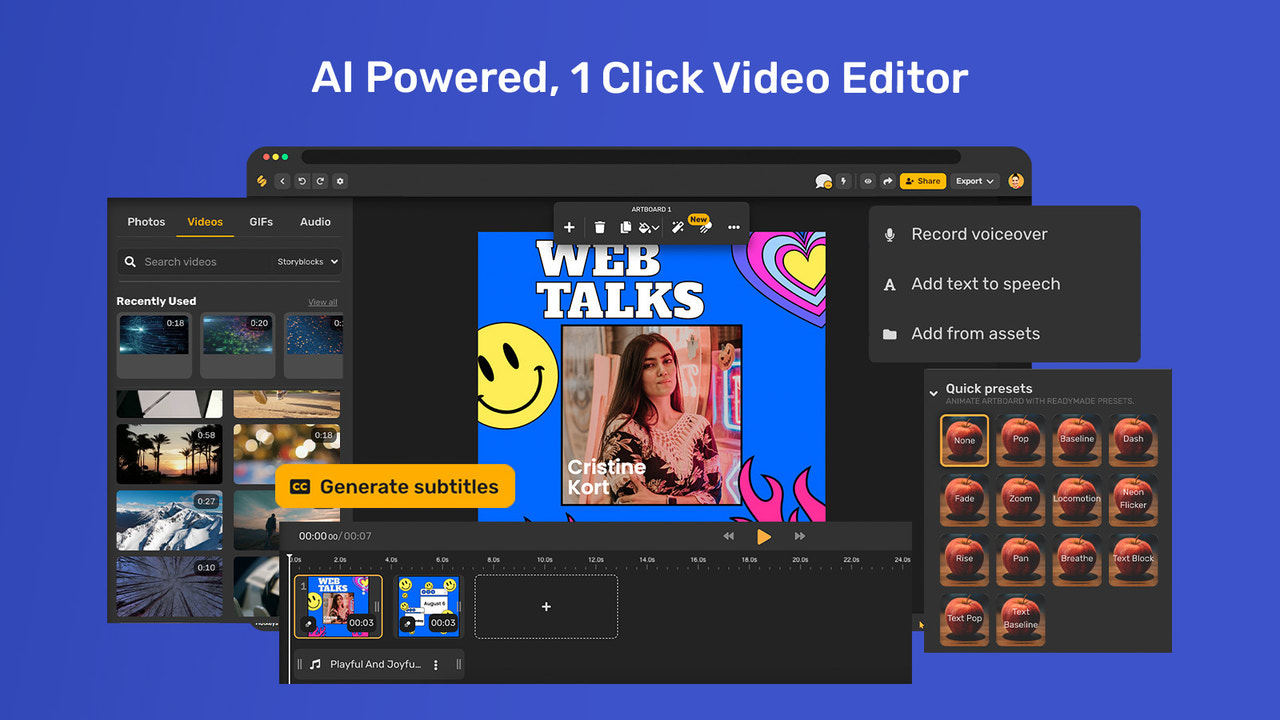
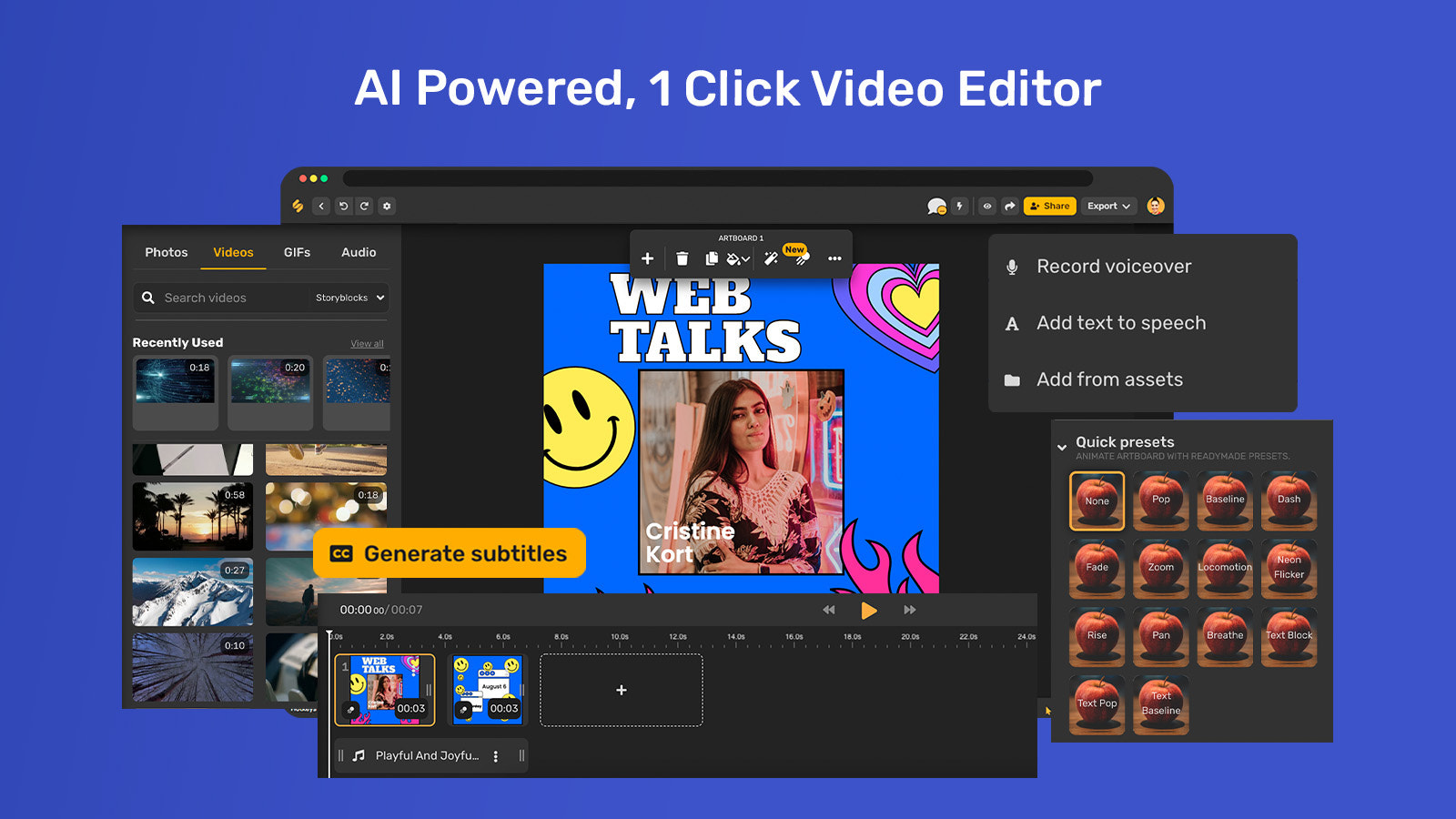
- Create product ads and videos in one click with a code-free AI-driven design editor
Merchant-Friendly
- DTC Brand Merchants
- Social E-commerce Sellers
- Content Marketing Merchants
- Omnichannel Retailers
Basic Information
- Developer:TLDR Technologies Inc
- Address:340 S LEMON AVE, #9646, WALNUT, CA, 91789, US
- Price: Free / Free plan
- Rating:0 / 5
- Comment Count:0 comment
- Release Date:2022-9-1
- Supported languages:English、Spanish、Arabic、Korean、French、Polish、Portuguese (Brazil)、Malay、Japanese、Simplified Chinese
- Compatible products:Shopify
Application Screenshot





Price Plan
Starter plan
- 1k+ Google Fonts
- Magic Resize Post for Graphics
- Set Up Your Brand Kit
- Post to 3 Social Media Channels
- 25 Background Remover Credits
Small Team
- Manage up to 7 channels
- Add 500 posts to the queue
- Basic publishing tools
- Link shortening/link tracking
- Calendar view, Feed view, List view
Businesses
- Access all features of the SMB plan
- Unlimited brand kits
- AI content writing
- Social media publishing
- Premium content from StoryBlock
Growth Plan
- Manage up to 7 channels
- Add 500 posts to the queue
- Basic publishing tools
- Link shortening/link tracking
- Calendar view, Feed view, List view
User Location & Comments
User Location
Comments
Shopify API Used
- POST /admin/api/social_posts.json
- PUT /admin/api/social_posts/{id}.json
- GET /admin/api/social_channels.json
- POST /admin/api/social_posts/schedule.json
Permission:write_social_posts,read_social_channels,manage_facebook,manage_tiktok
- GET /admin/api/brand_assets.json
- PUT /admin/api/brand_assets/{id}.json
- POST /admin/api/brand_guidelines.json
- GET /admin/api/marketing_channels.json
Permission:read_brand_assets,write_brand_guidelines,manage_marketing
- GET /admin/api/ai_templates.json
- POST /admin/api/ai_templates/generate.json
- PUT /admin/api/ai_templates/{id}.json
- GET /admin/api/ai_templates/categories.json
Permission:read_ai_templates,write_ai_templates,manage_content
- POST /admin/api/ai_designs.json
- PUT /admin/api/ai_designs/{id}.json
- GET /admin/api/ai_designs/templates.json
- POST /admin/api/ai_designs/generate_video.json
Permission:write_ai_designs,read_ai_designs,manage_media



