
App Introduction
The Show Recent Orders app displays real-time sales notifications in your store to boost your sales. It adds urgency and FOMO (fear of missing out) to your shop, helping you drive more conversions! Install the app now to create a "busy store" vibe and increase sales instantly! By showing visitors recent orders and recently purchased products, the app’s sales notifications lift your conversion rates. No coding required—just click to install, and start displaying sleek recent order and cart notifications on your site in under 30 seconds!
Core Functionality
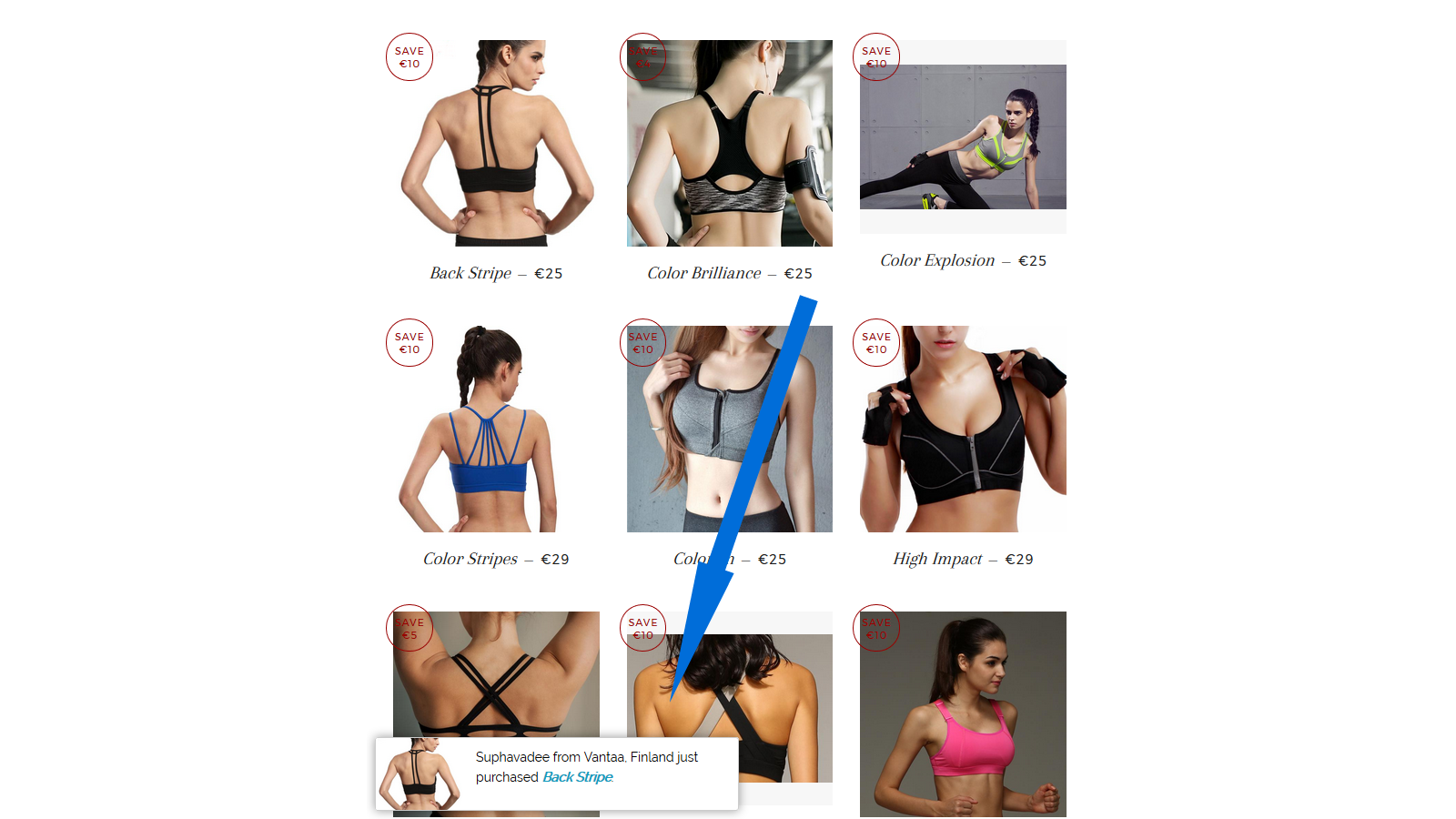
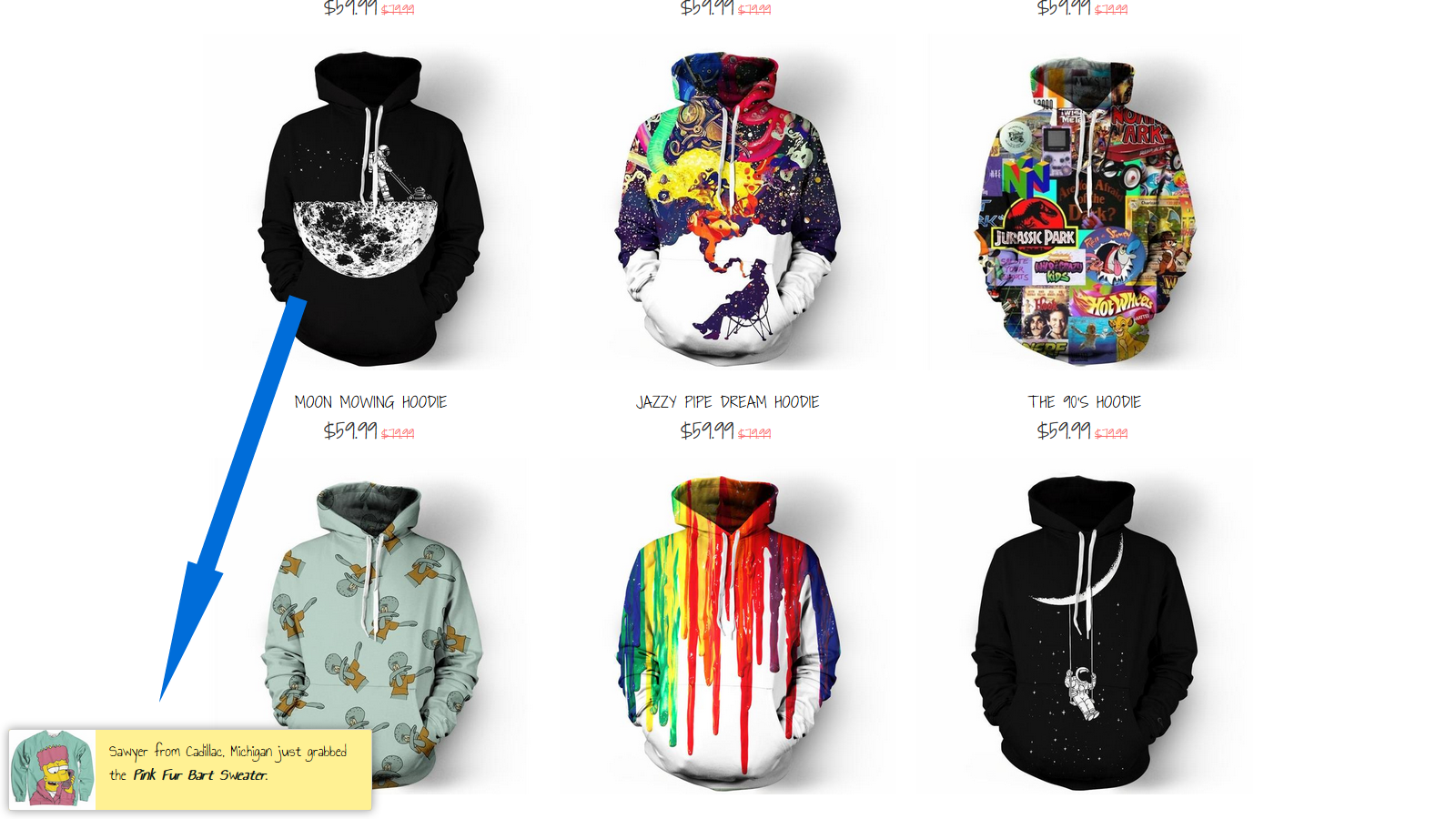
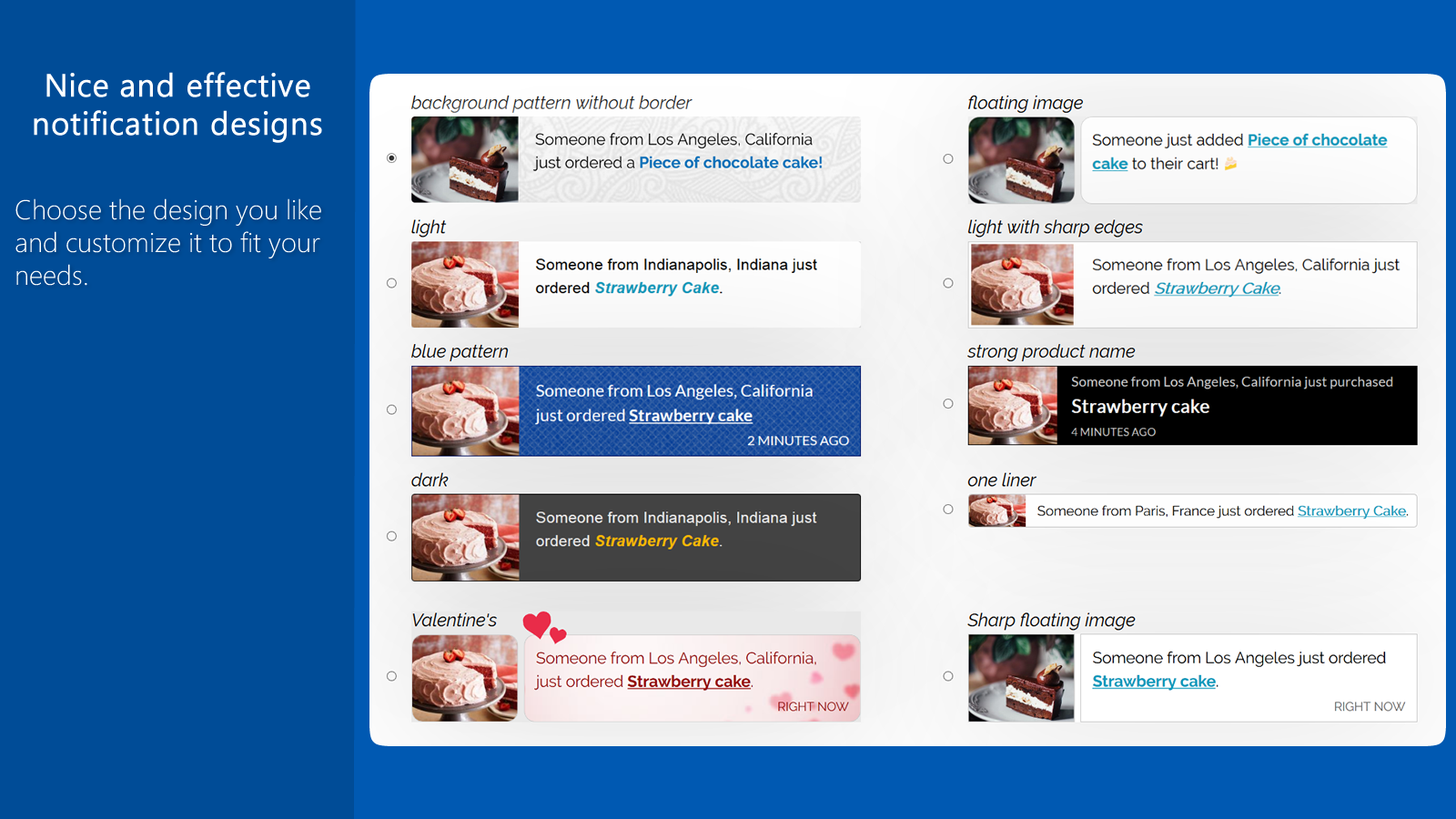
- Show sales from recent orders and notifications for recently purchased items
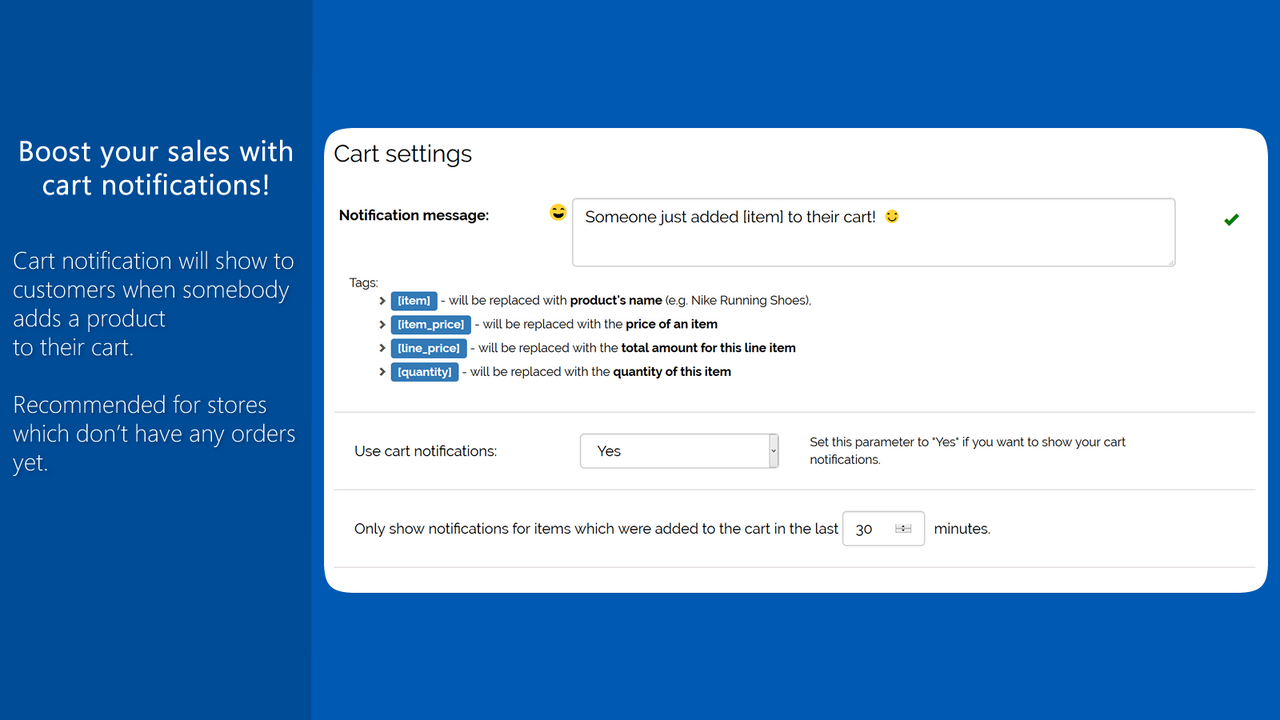
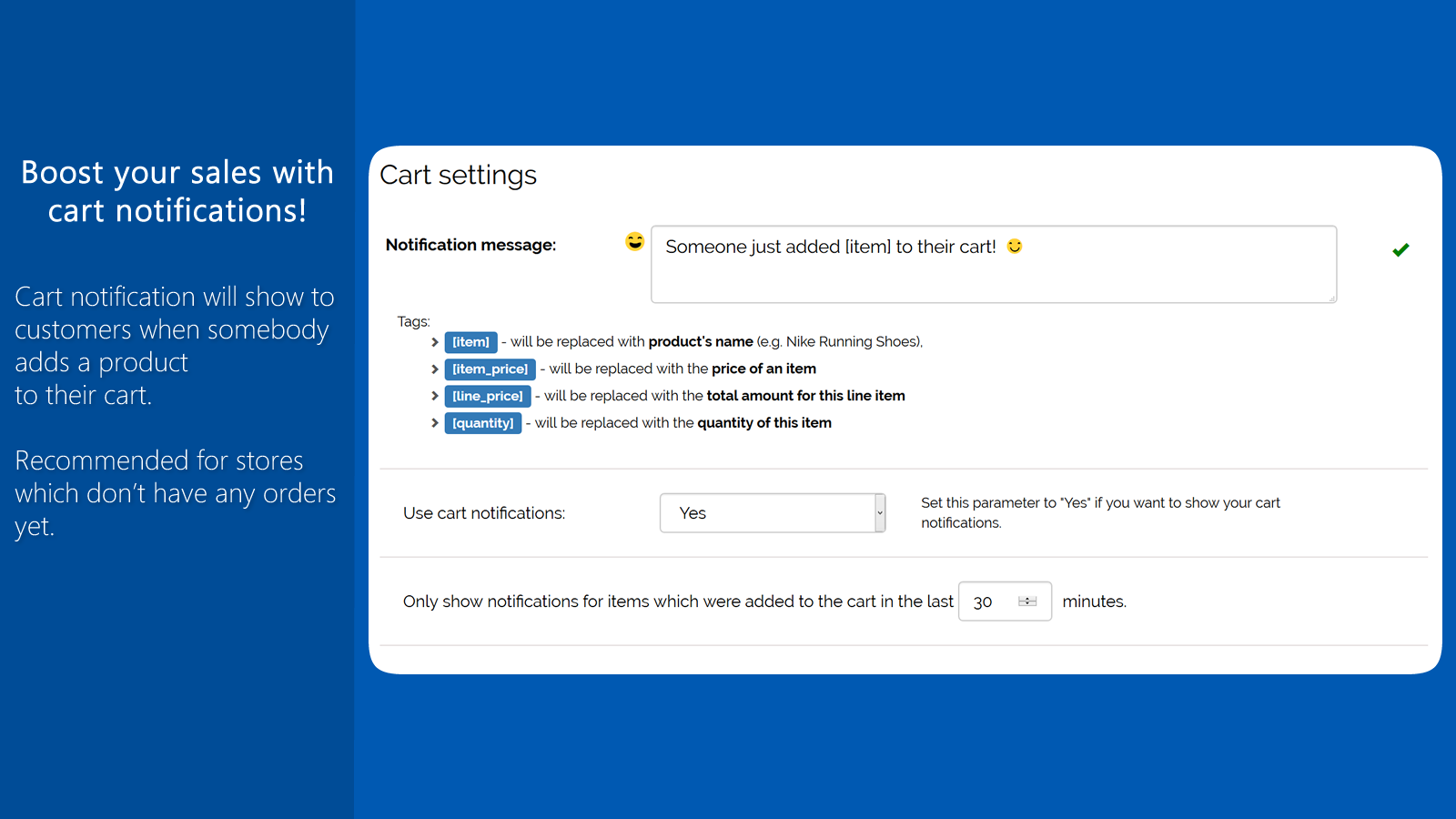
- Display cart notifications to your buyers
- Boost sales by showing relevant recent order pop-ups in your store
- Display 'just purchased' notifications and recent purchase alerts to increase your sales
Merchant-Friendly
- Independent Station Merchants
- Small & Medium E-commerce Sellers
- High Conversion Demand Merchants
- Social E-commerce Sellers
Basic Information
- Developer:Bundler.app
- Address:Podutiška cesta 94, Ljubljana, 1000, SI
- Price: Free / Free plan
- Rating:4.7 / 5
- Comment Count:82 comment
- Release Date:2017-1-5
- Supported languages:English
- Compatible products:Shopify
Application Screenshot
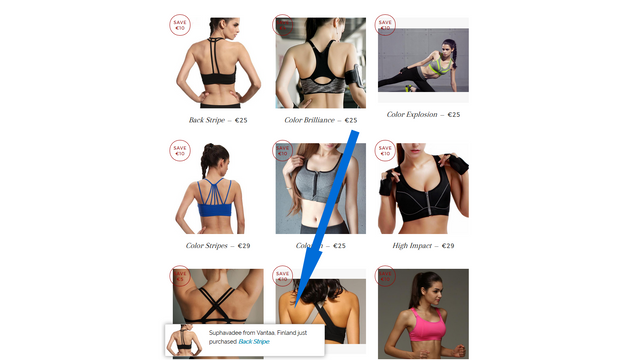
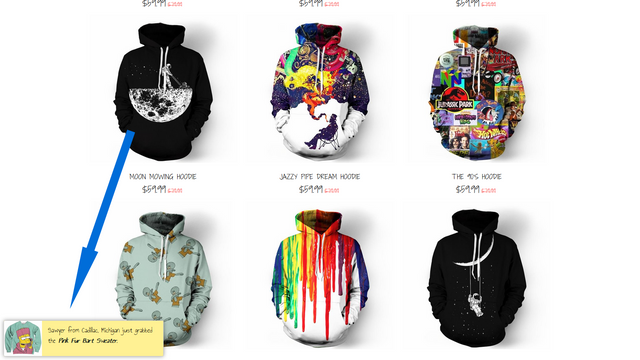
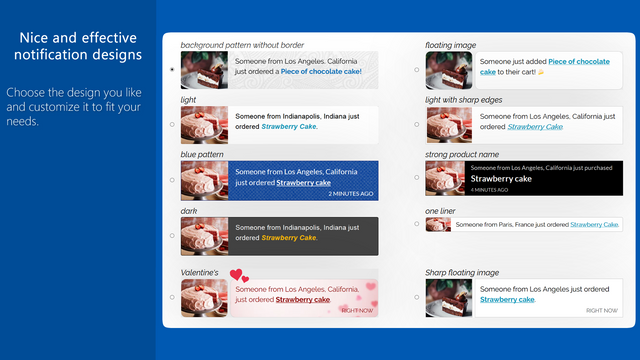
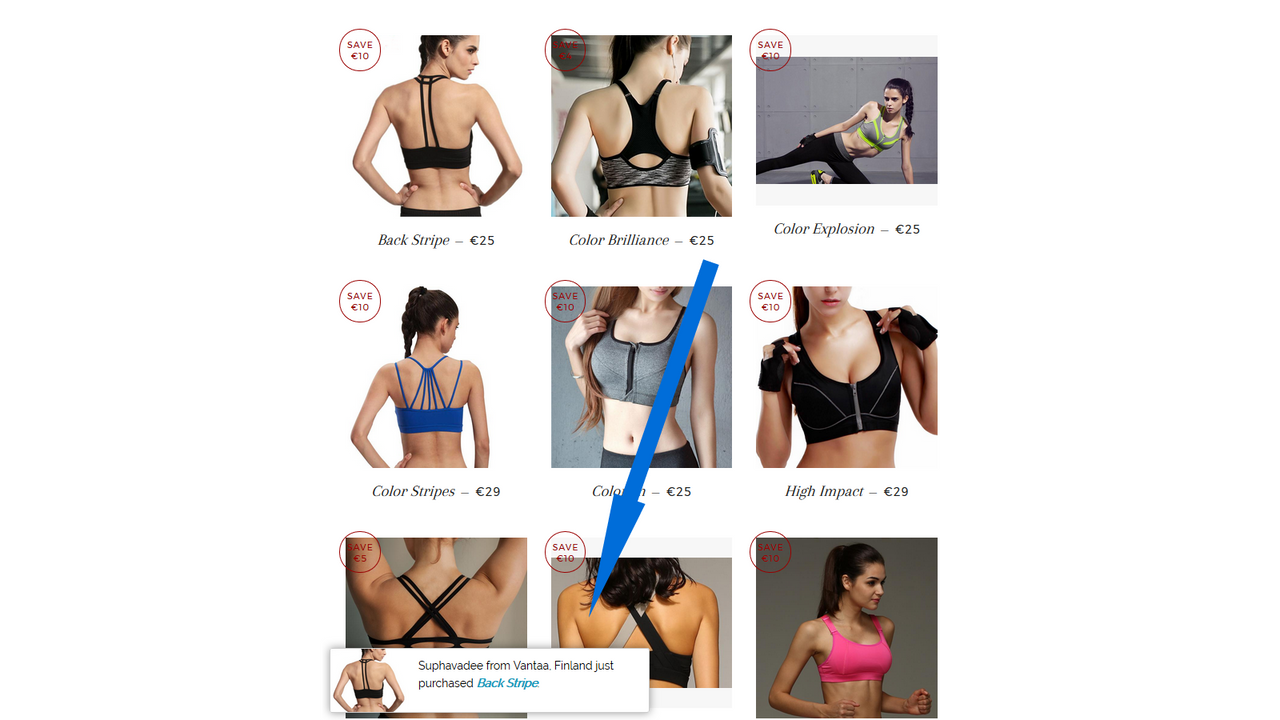
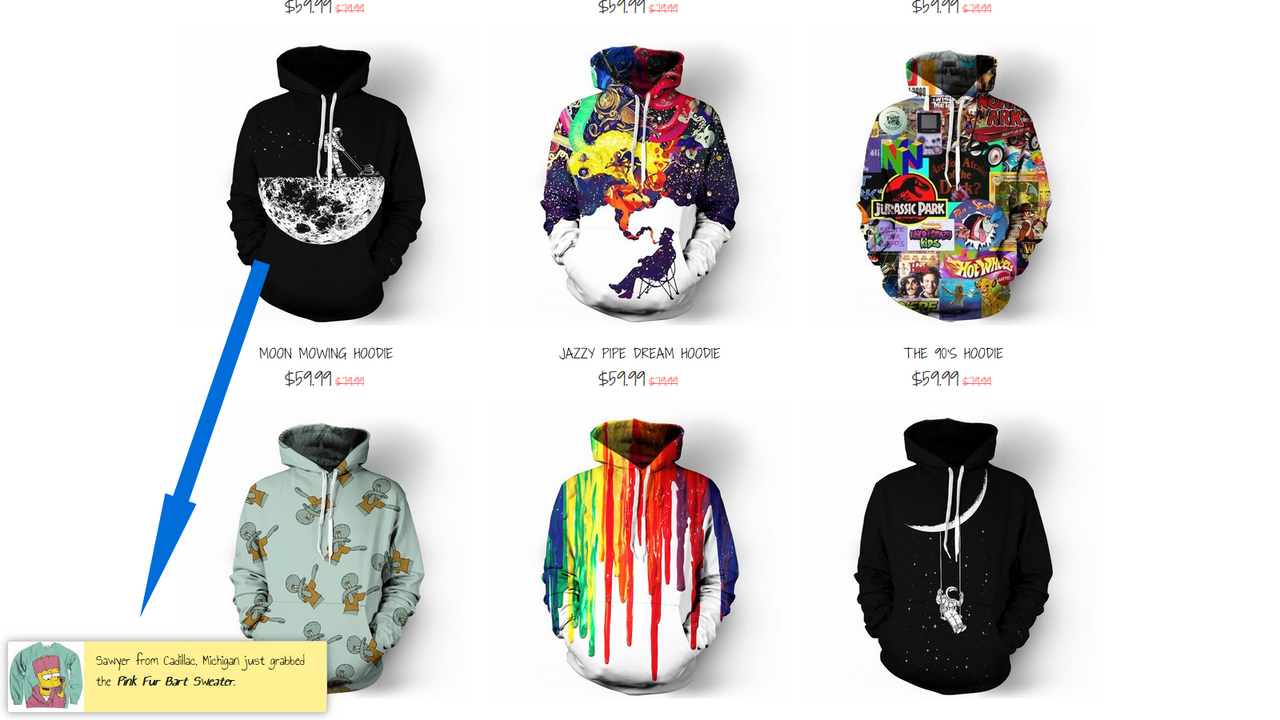
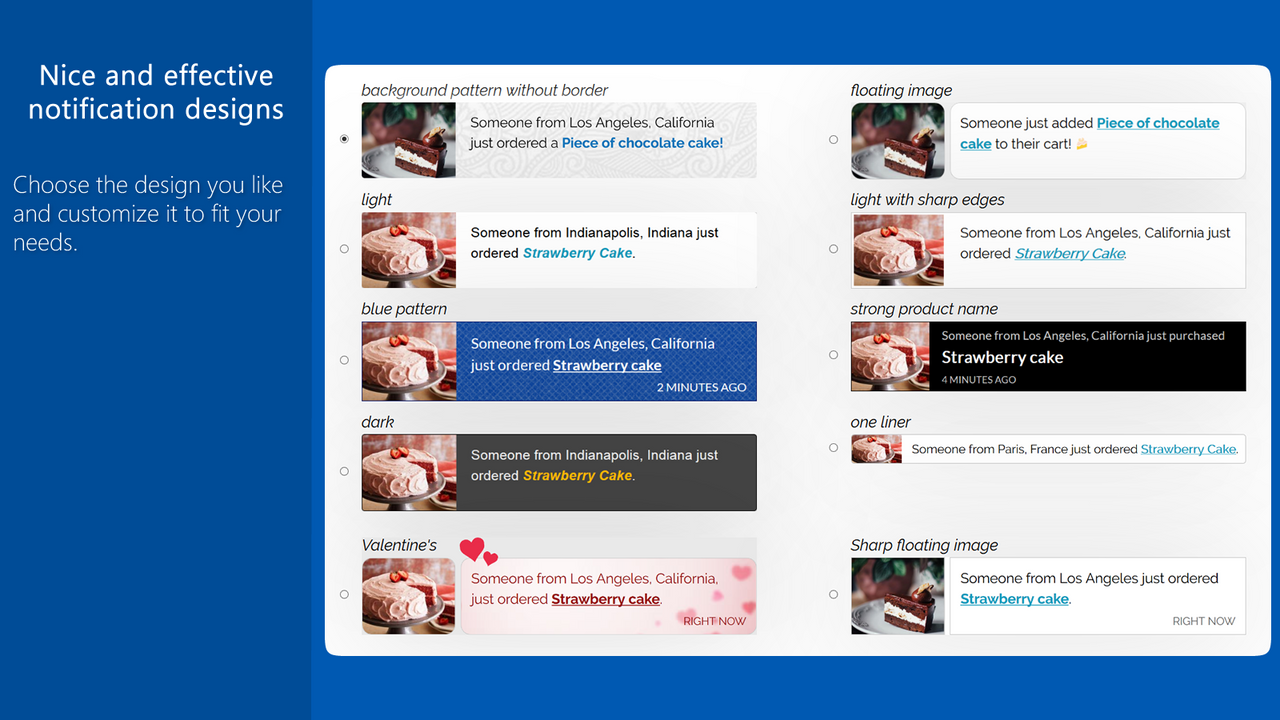
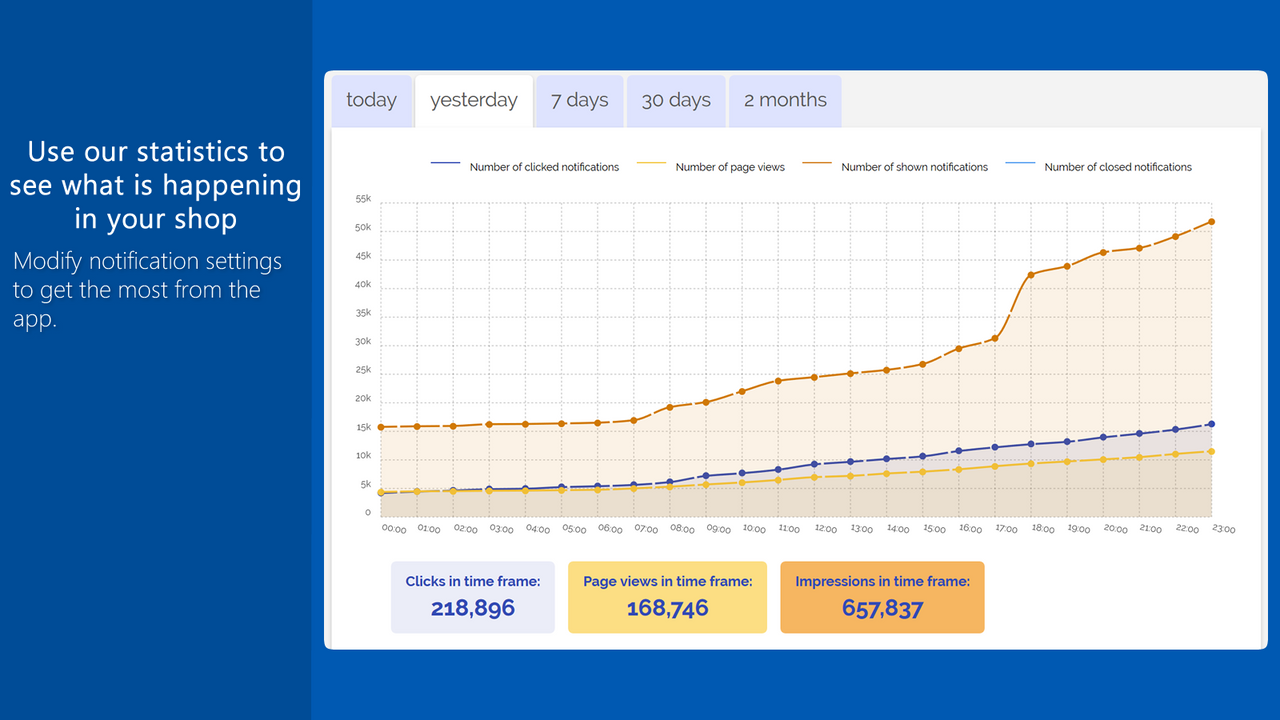
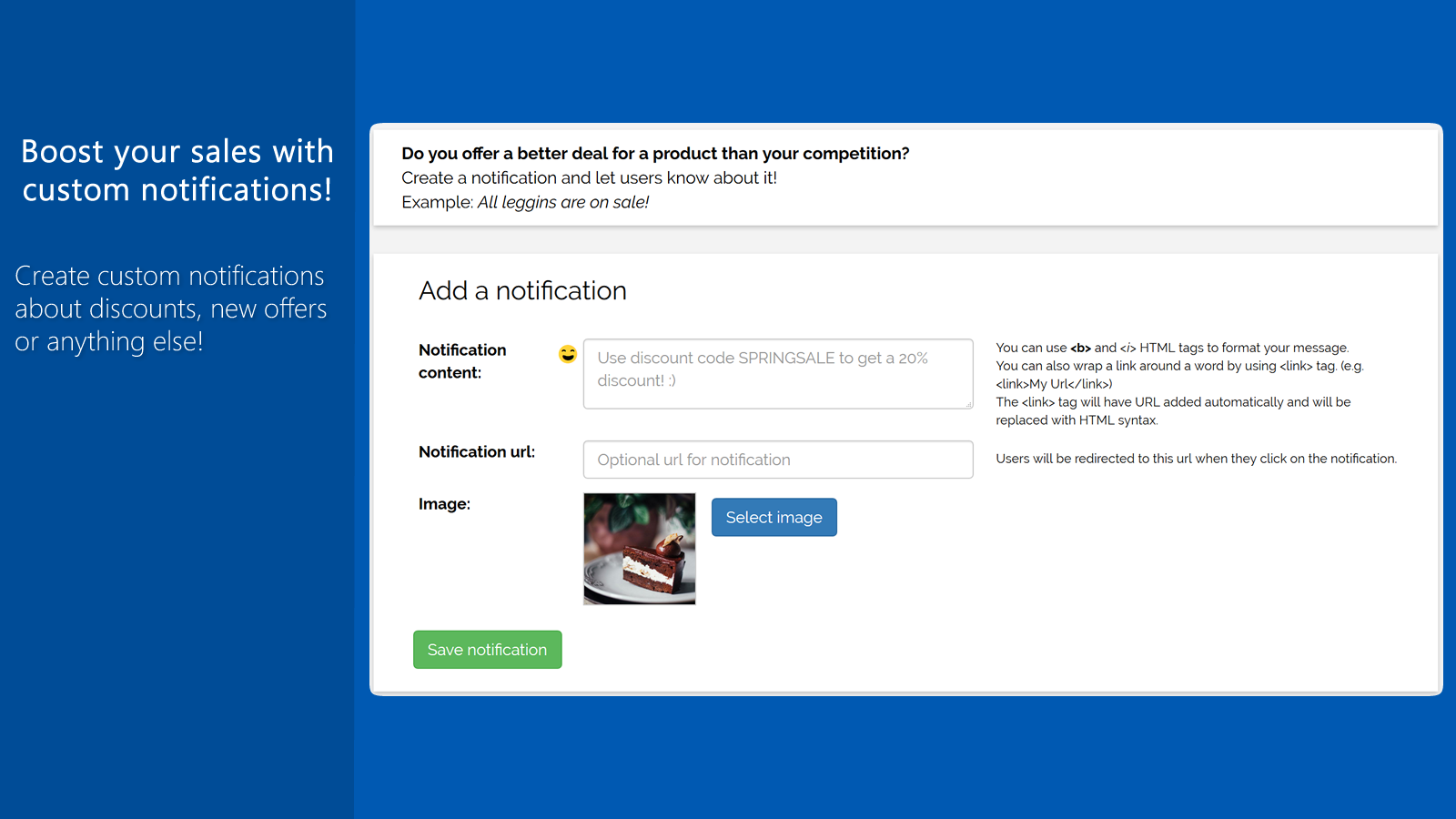
Price Plan
Show Recent Orders
- Unlimited Display
- Translatable Notifications
- Custom Colors
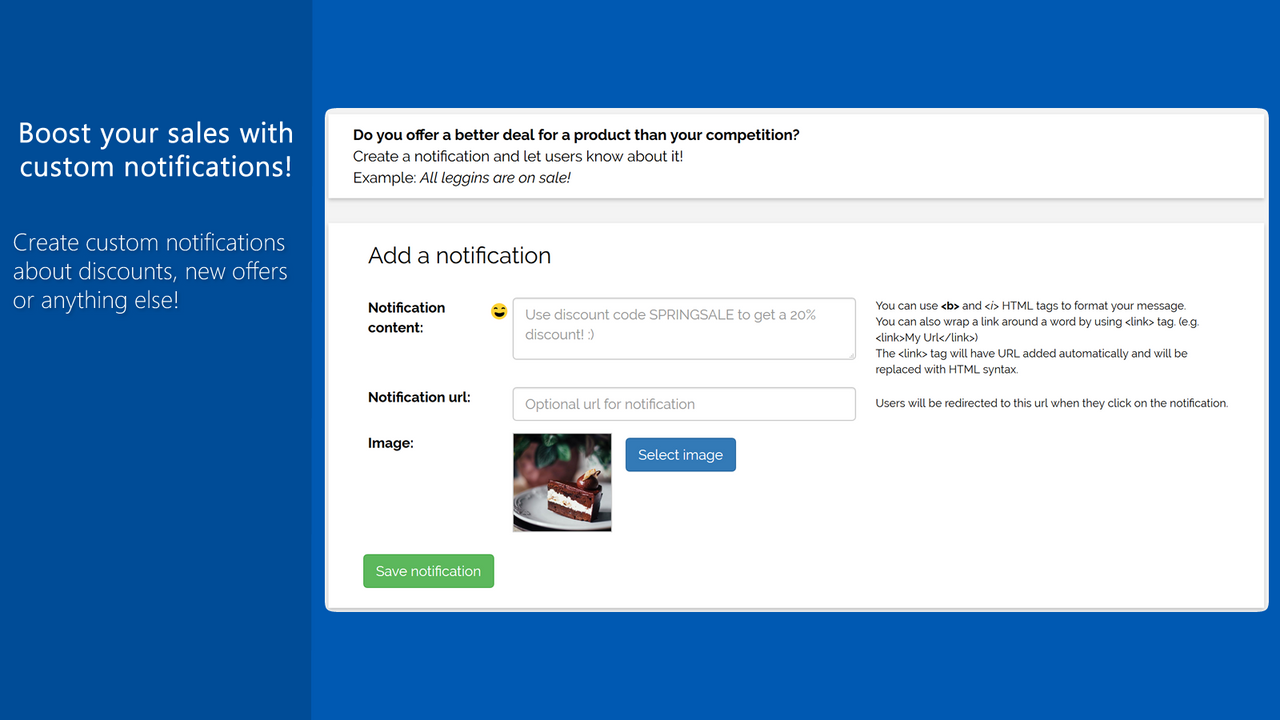
- Custom Notifications
- Summary
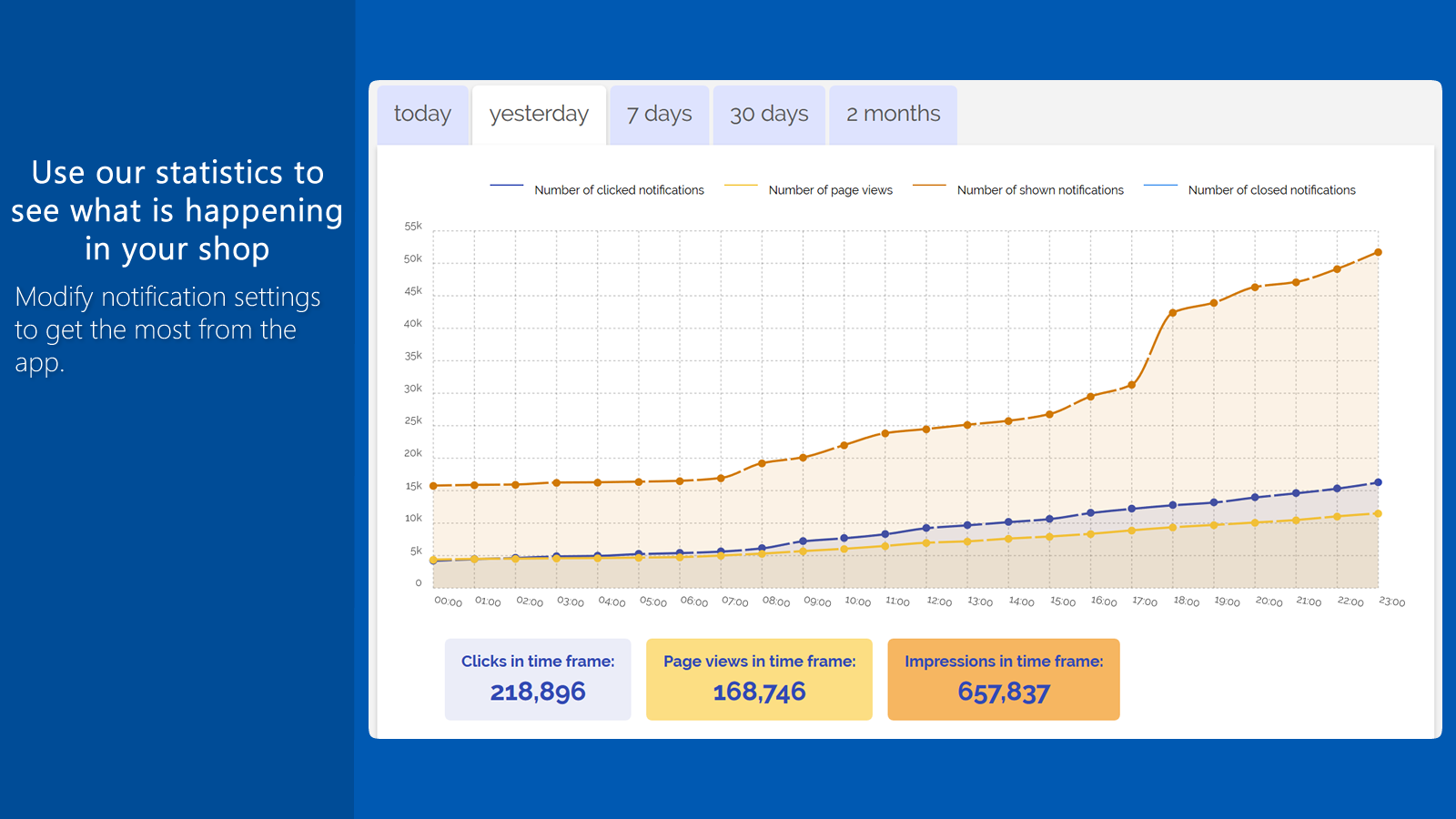
- Advanced Statistics
- All Other Features
User Location & Comments
User Location
Comments
Shopify API Used
- GET /admin/api/orders/recent.json
- POST /admin/api/notifications.json
- GET /admin/api/notifications.json
Permission:read_orders,write_notifications,manage_notifications
- GET /admin/api/carts/{cart_id}.json
- POST /admin/api/cart_notifications.json
- GET /admin/api/cart_notifications.json
Permission:read_carts,write_carts,manage_cart_notifications
- POST /admin/api/popups.json
- PUT /admin/api/popups/{popup_id}.json
- GET /admin/api/popups.json
Permission:write_popups,read_popups,manage_orders
- GET /admin/api/orders/recent_sold.json
- POST /admin/api/purchase_notifications.json
- GET /admin/api/purchase_notifications.json
Permission:read_orders,write_notifications,manage_sales



