
App Introduction
Convert your prices to any fiat currency or 11 of the most popular cryptocurrencies! **Performance is a top priority**: This app won’t impact your visitors’ load times. The app’s code is optimized to avoid delaying your store’s page load speed — a critical factor for conversion rates. Importantly, the app also won’t edit any of your store’s theme files (which could cause disruptive changes).
Core Functionality
- Cryptocurrency exchange rates update every 30 minutes, so you’ll never have outdated prices.
- The app’s code is optimized to avoid delaying your store page load times.
- Automatically set the displayed currency based on the visitor’s country.
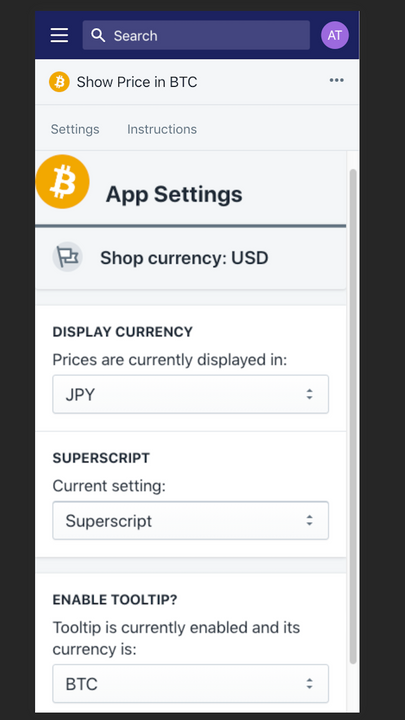
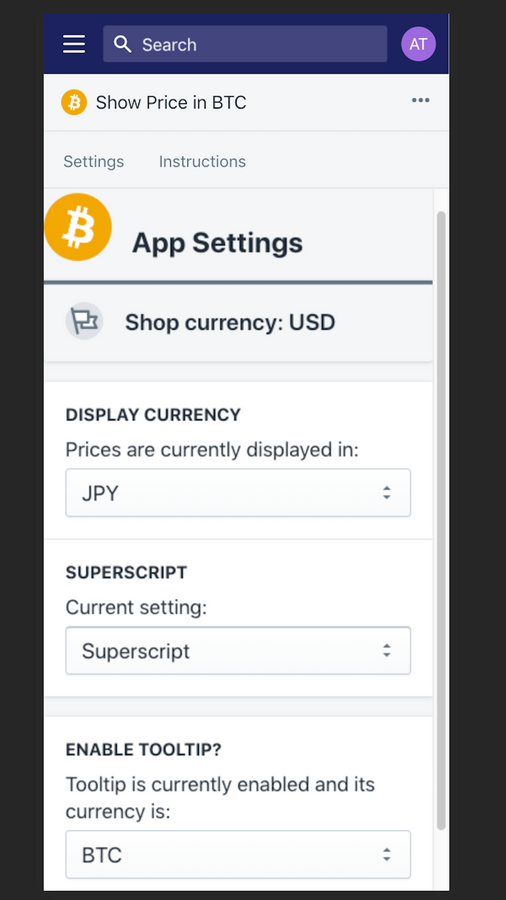
- You can also manually specify the currency to display (e.g., BTC, JPY, USD, etc.).
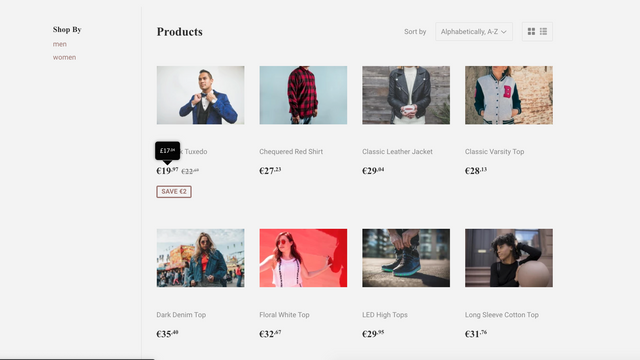
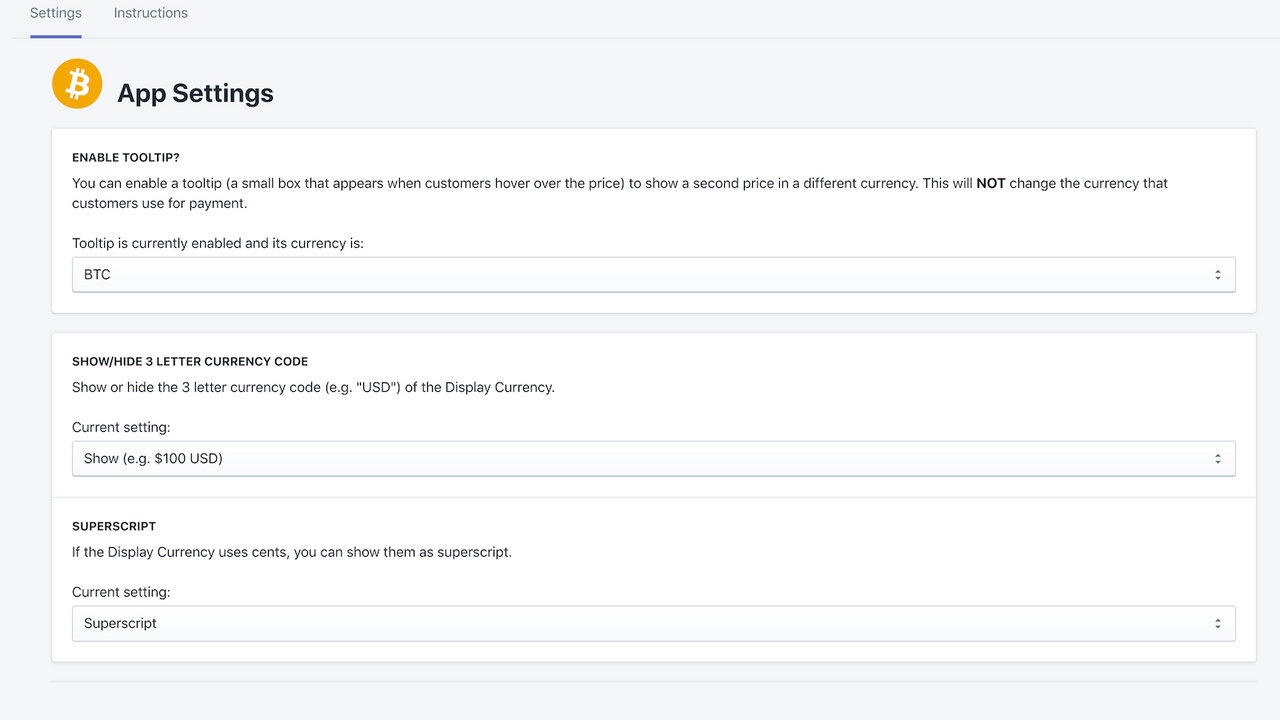
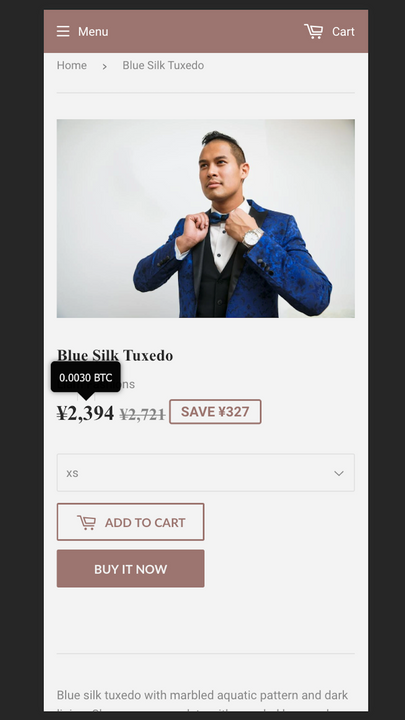
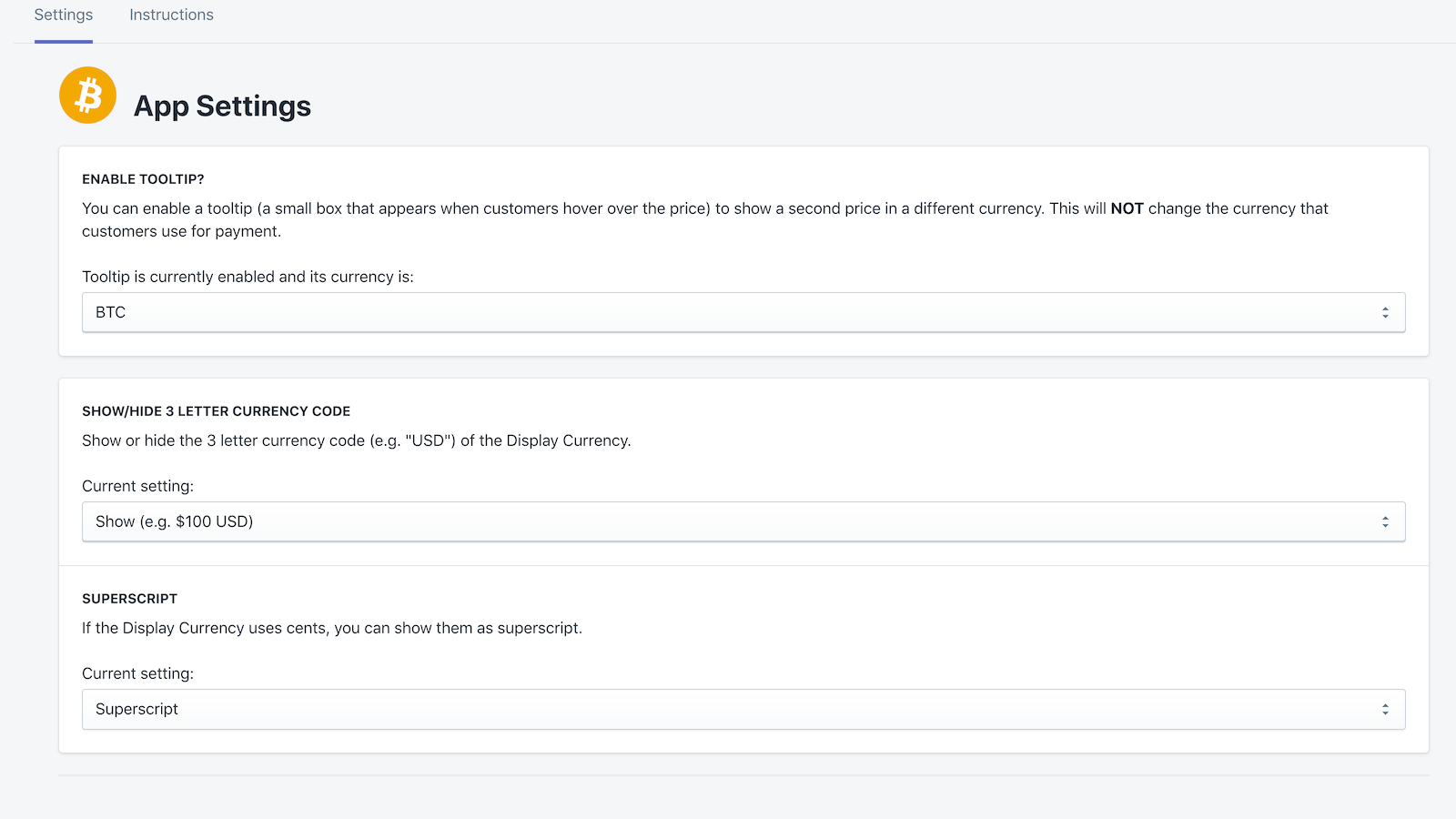
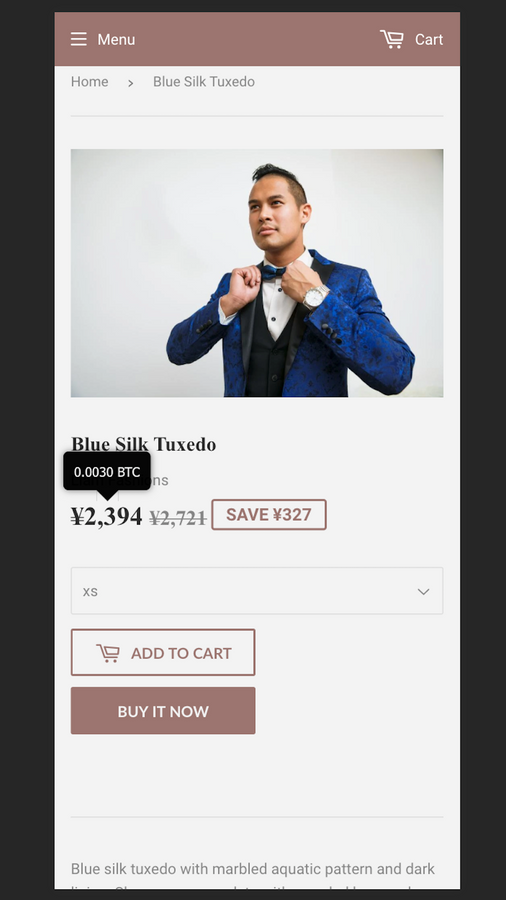
- Tooltips let you set a second alternative currency (based on location or any currency).
Merchant-Friendly
- Cross-border E-commerce Merchants
- Crypto Merchants
- Multi-currency Independent Stations
- Global Retail Merchants
Basic Information
- Developer:Sound Onyx Inc
- Address:P.O. Box 1161, Austin, TX, 78767, US
- Price: Free / Free plan
- Rating:5 / 5
- Comment Count:1 comment
- Release Date:2019-12-9
- Supported languages:English
- Compatible products:Shopify
Application Screenshot








Price Plan
Free
免费
- Convert your prices to any foreign currency or BTC
- Display fractions as superscript or hide them
- Show/hide 3 or 4-letter currency codes
Premium
$8.99
- Add custom tooltips to display a second currency
- Location-based display
- 11 cryptocurrencies:
- BTC
- ETH
- DOGE
- BCH
- LTC
- BNB
- XRP
- ADA
- ETC
- SOL
- AVAX
User Location & Comments
User Location
Comments
Shopify API Used
- GET /admin/api/shop/currencies.json
- POST /admin/api/shop/currency/auto.json
- PUT /admin/api/shop/currency/auto/{id}.json
Permission:read_shop,write_shop,manage_store
- POST /admin/api/shop/currency/manual.json
- PUT /admin/api/shop/currency/manual/{code}.json
- DELETE /admin/api/shop/currency/manual/{code}.json
Permission:write_shop,read_shop,manage_store
- POST /admin/api/shop/currency/tooltip.json
- PUT /admin/api/shop/currency/tooltip/{id}.json
- GET /admin/api/shop/currency/tooltip.json
Permission:write_shop,read_shop,manage_store
- GET /admin/api/shop/currency/rates/crypto.json
- POST /admin/api/shop/currency/rates/crypto/update.json
- PUT /admin/api/shop/currency/rates/crypto/interval.json
Permission:write_shop,read_shop,manage_store