
App Introduction
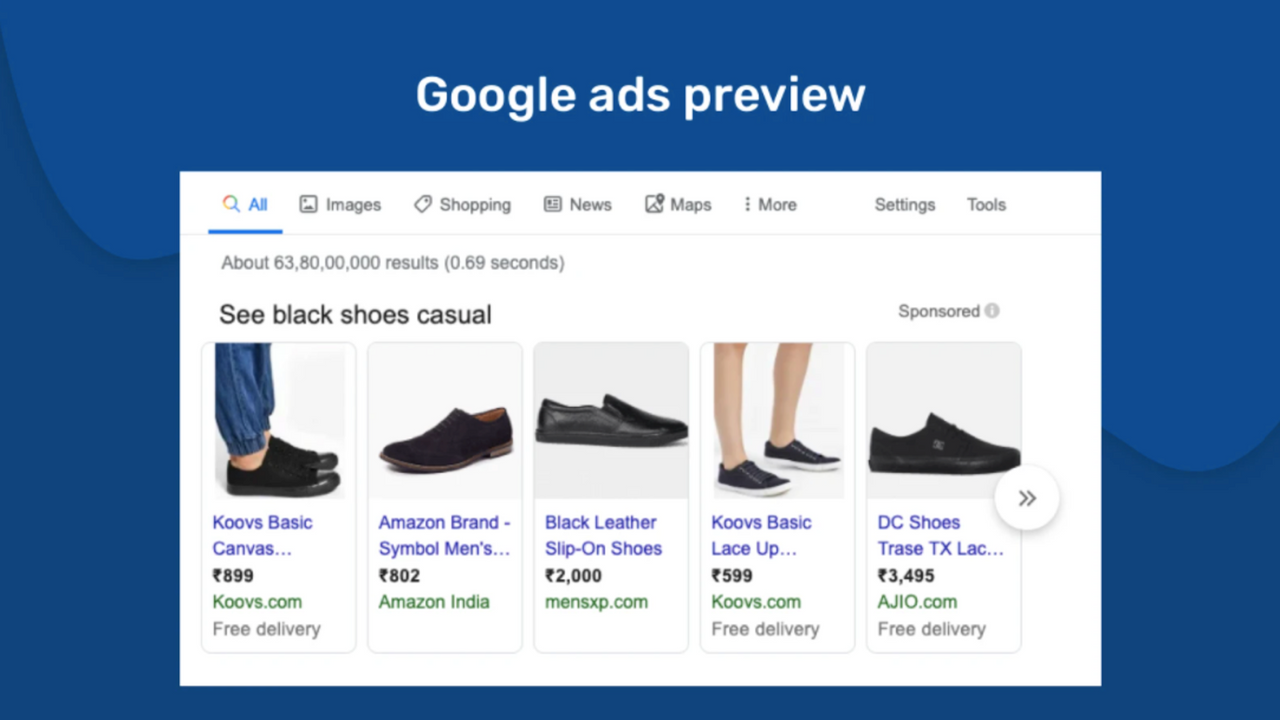
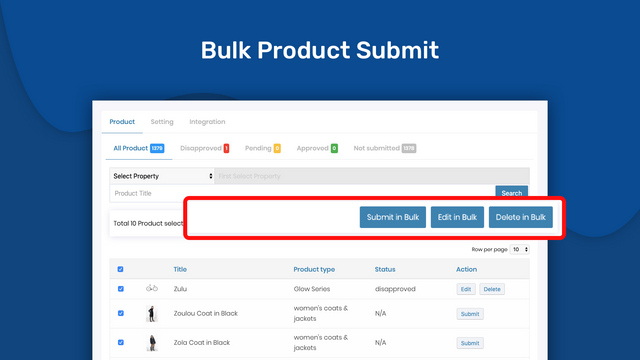
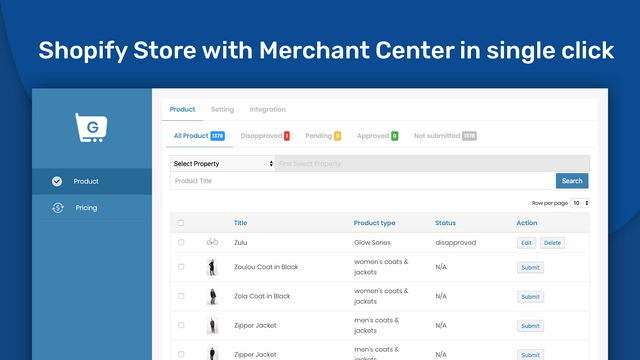
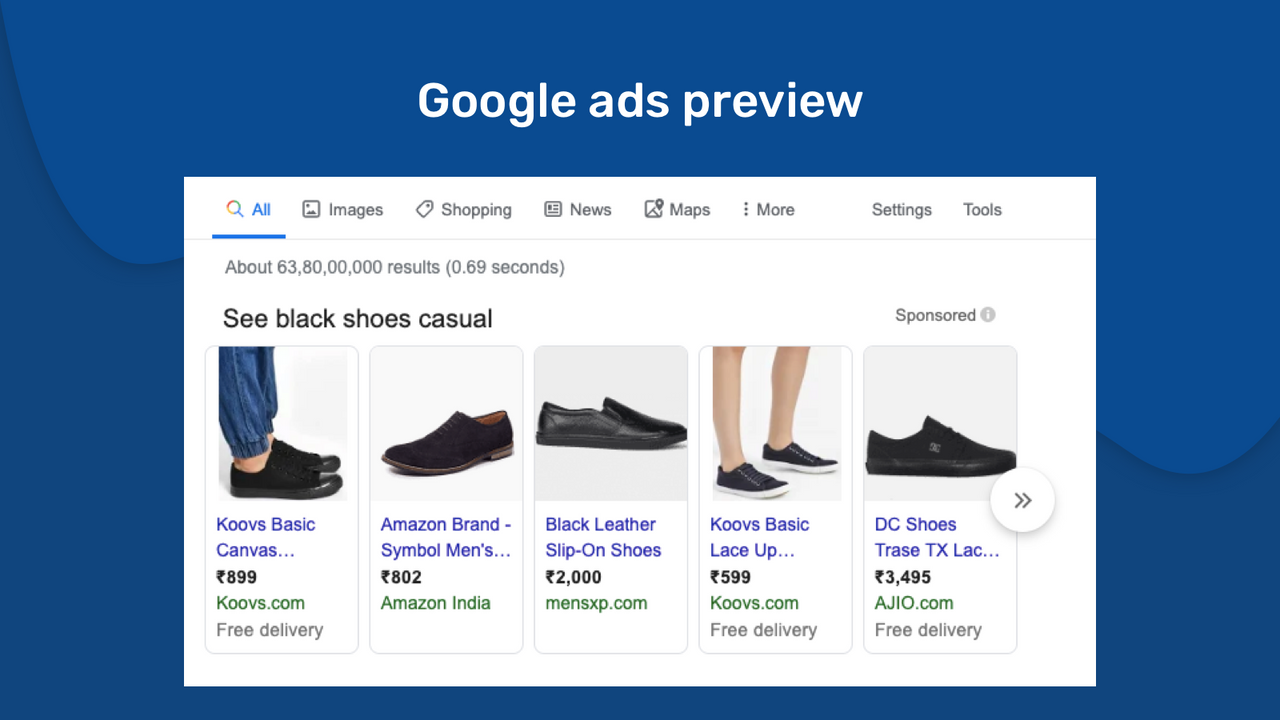
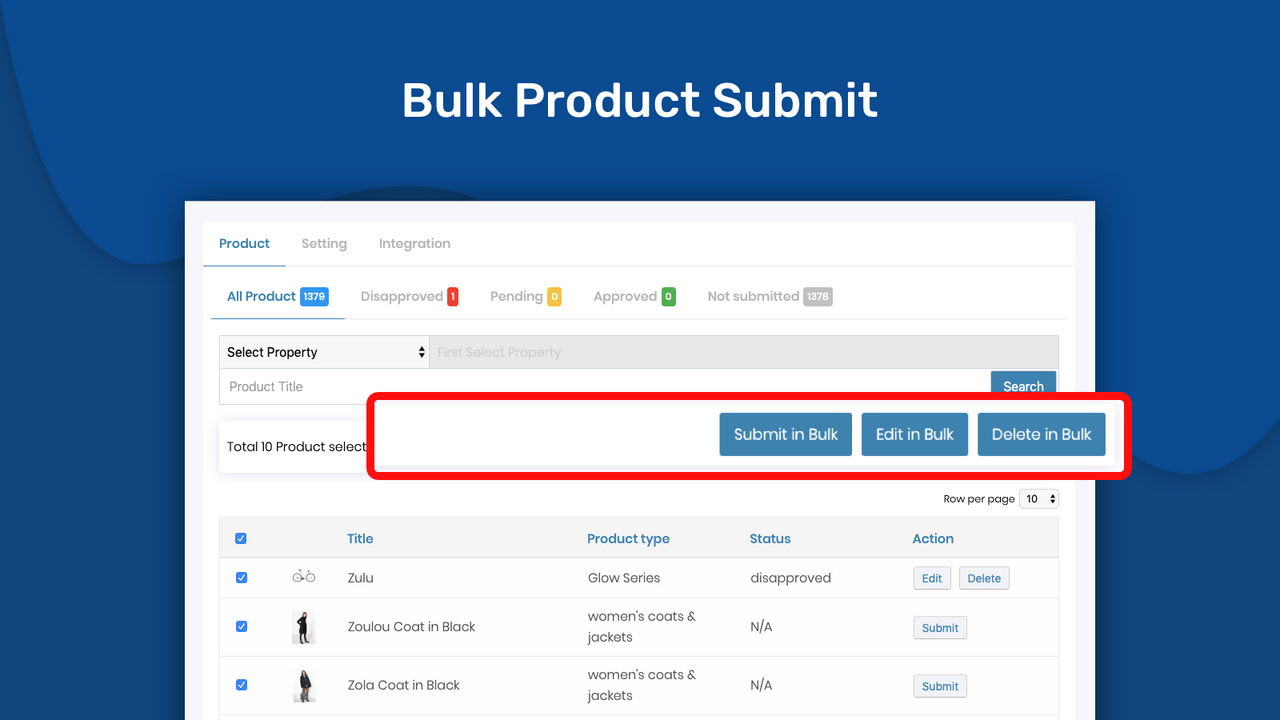
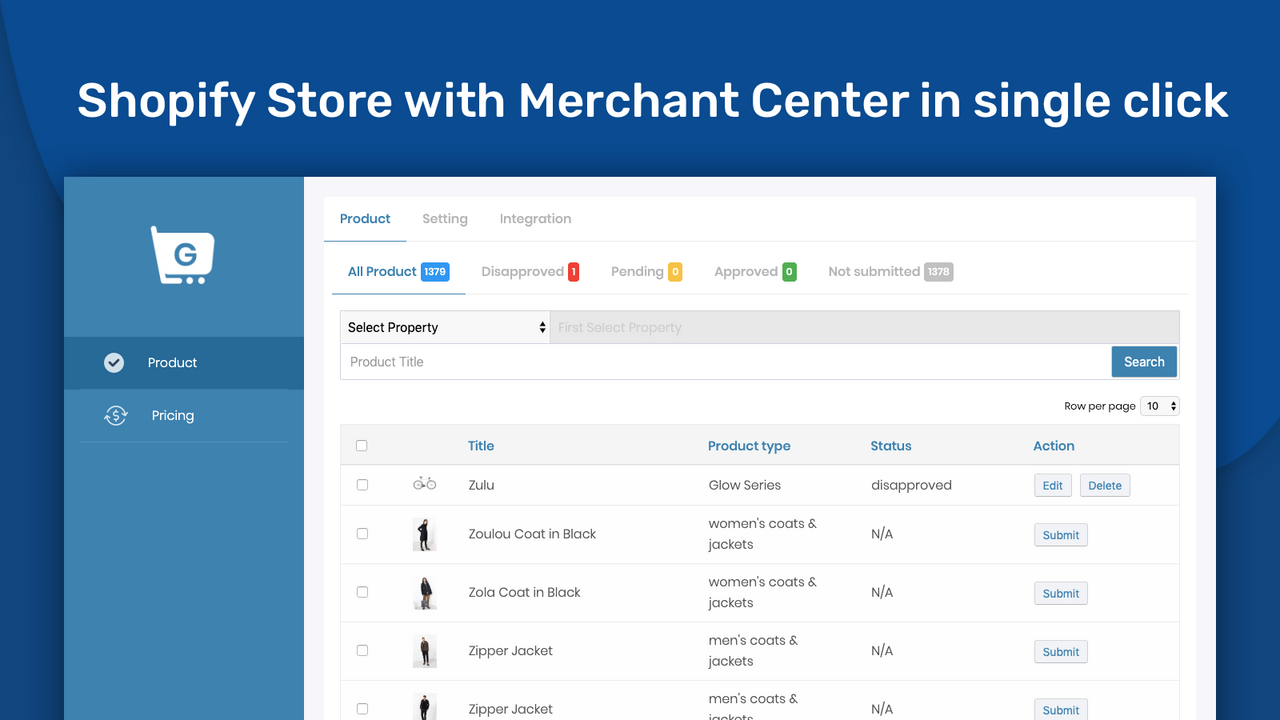
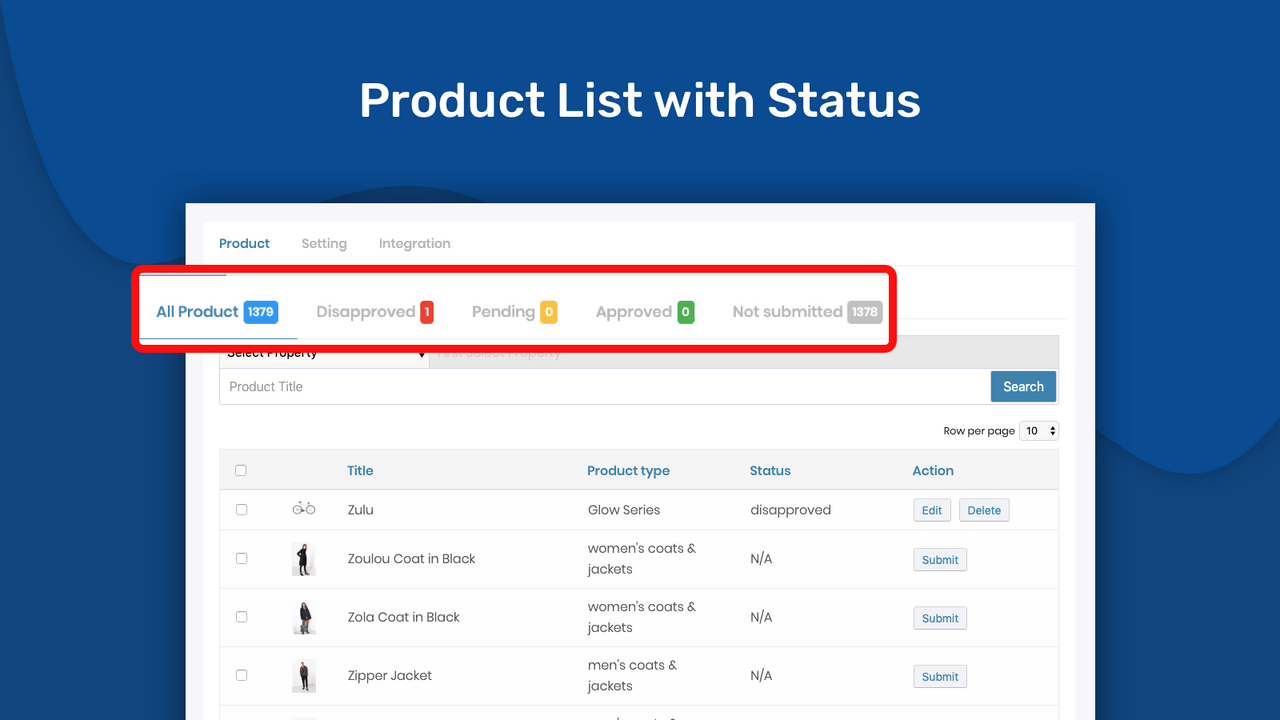
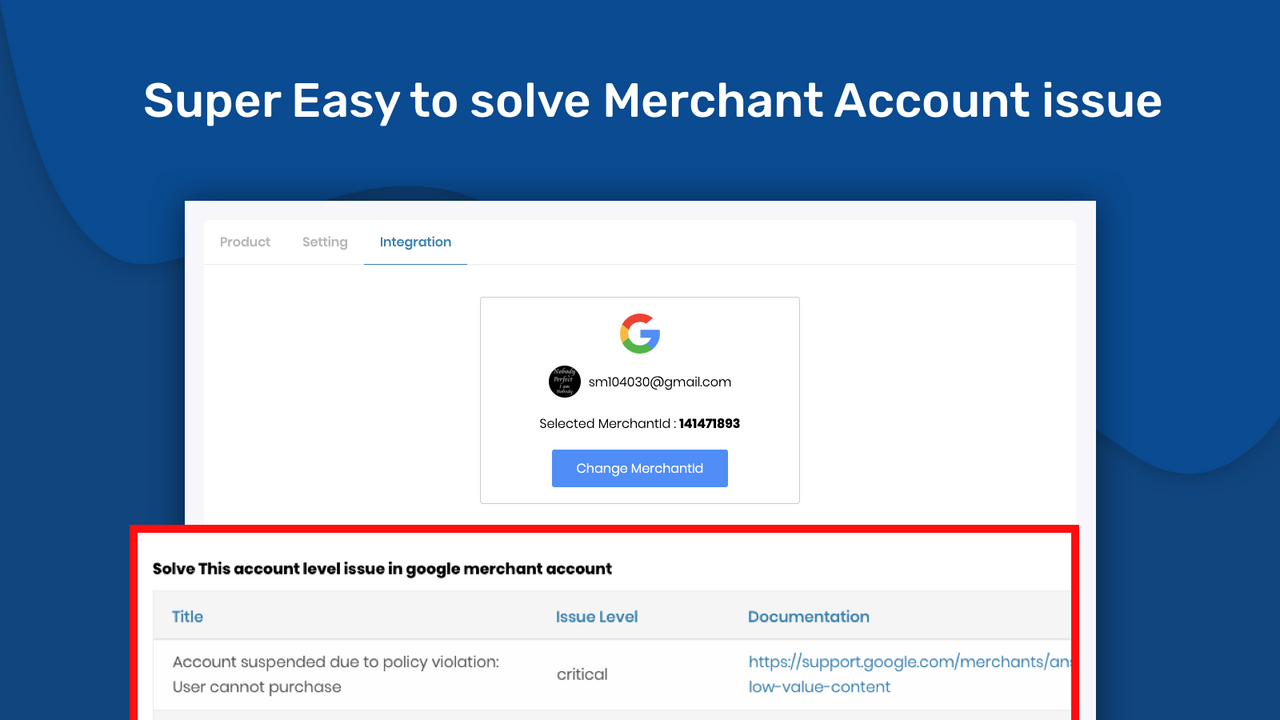
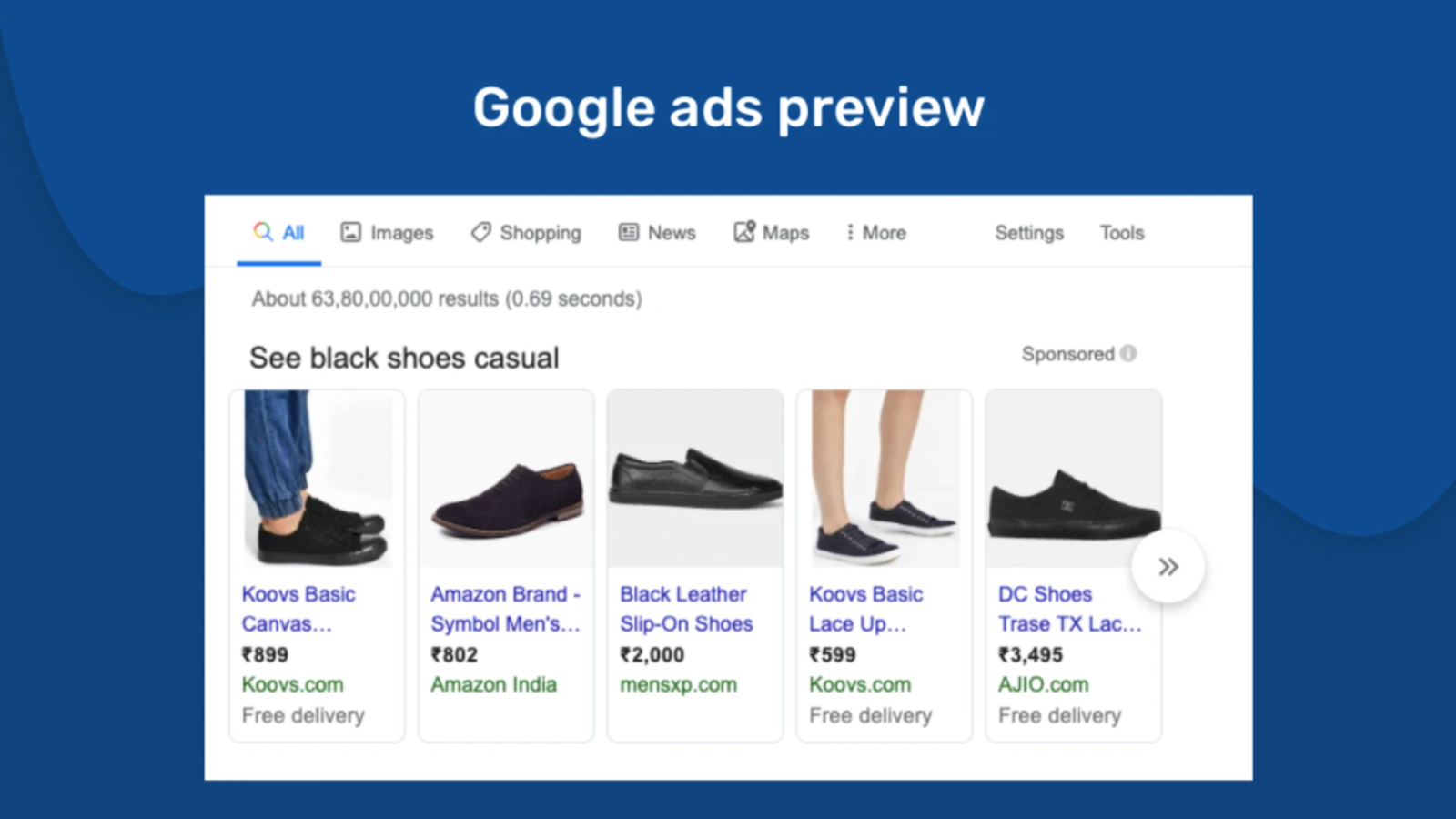
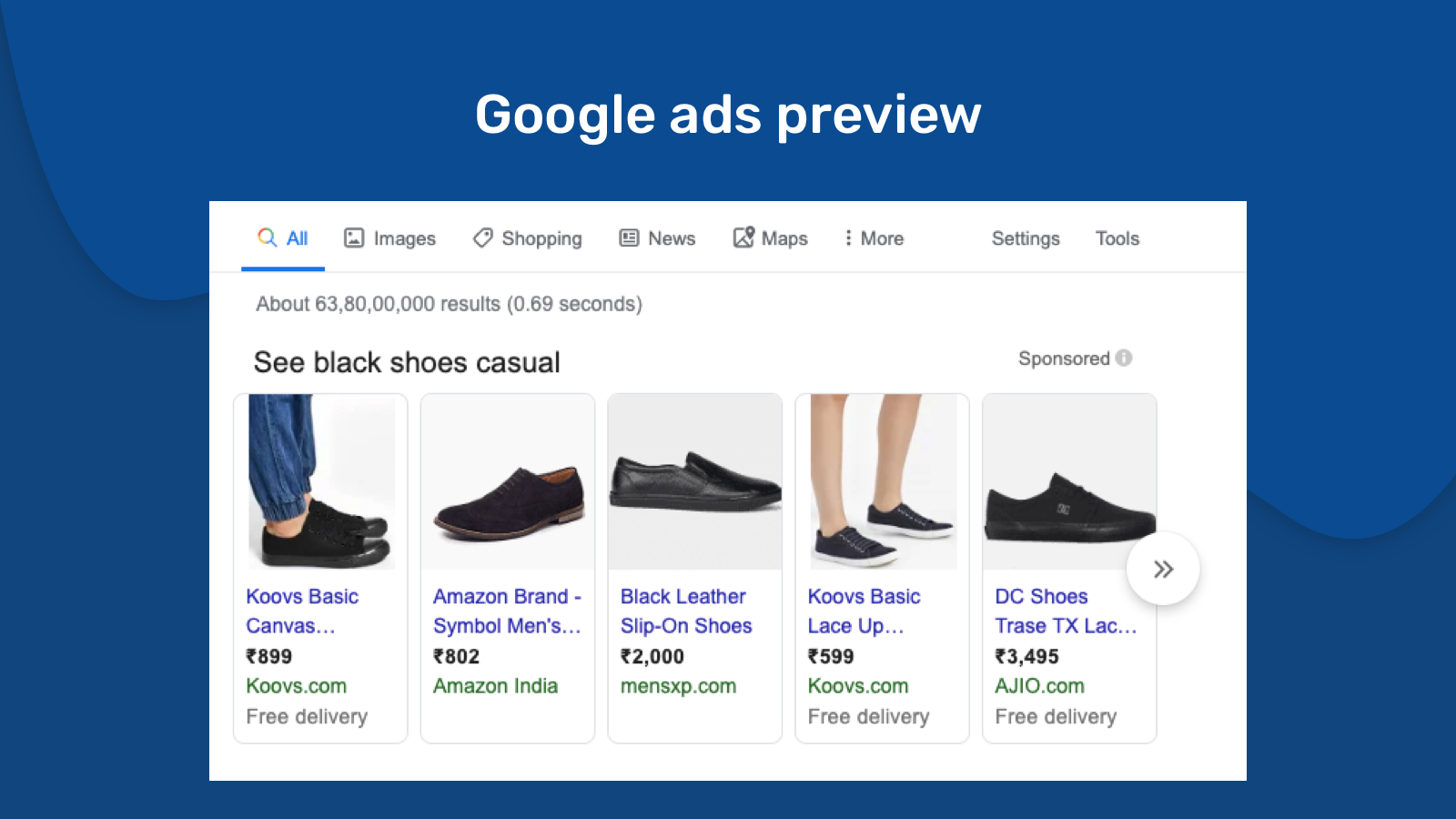
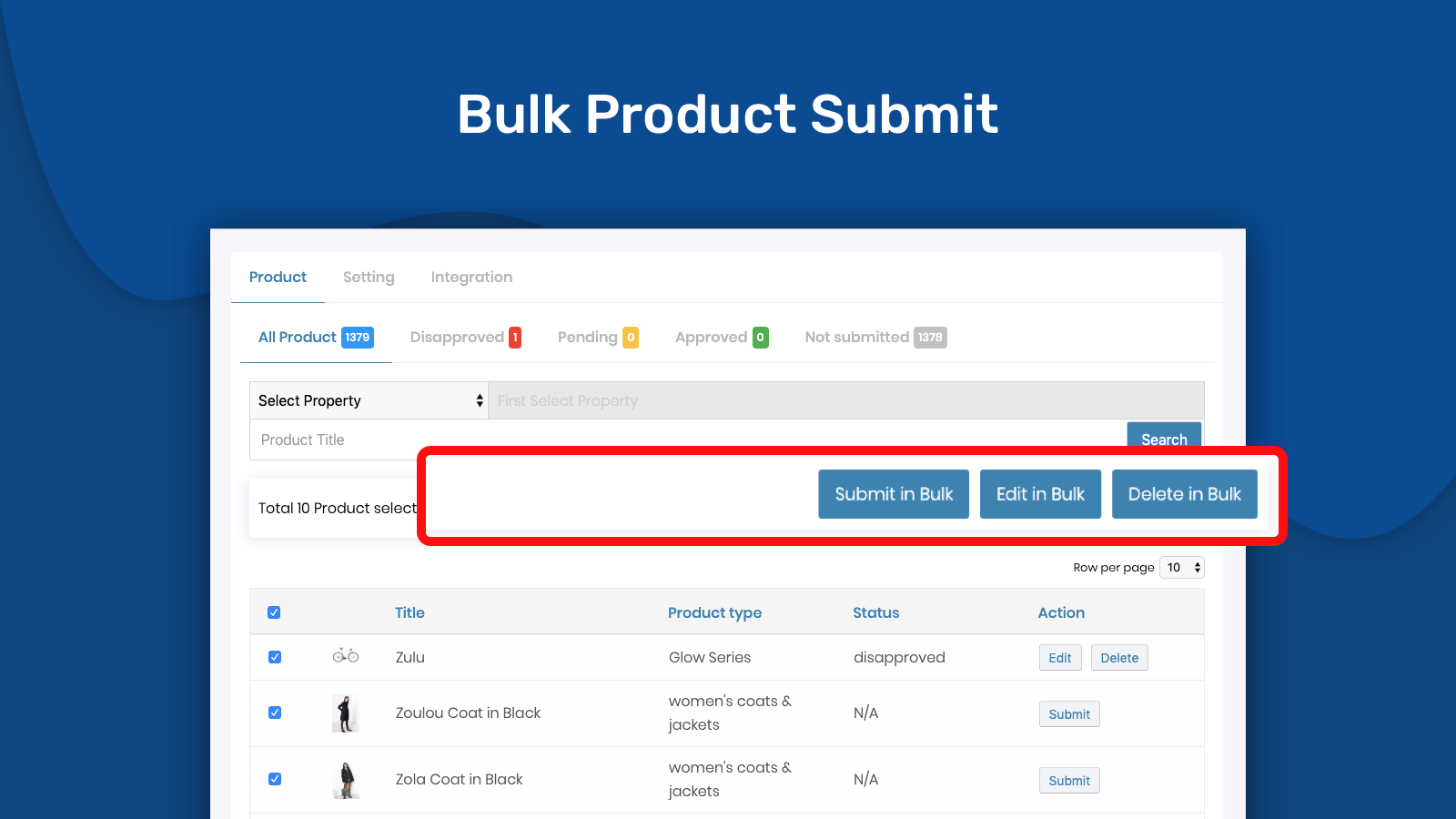
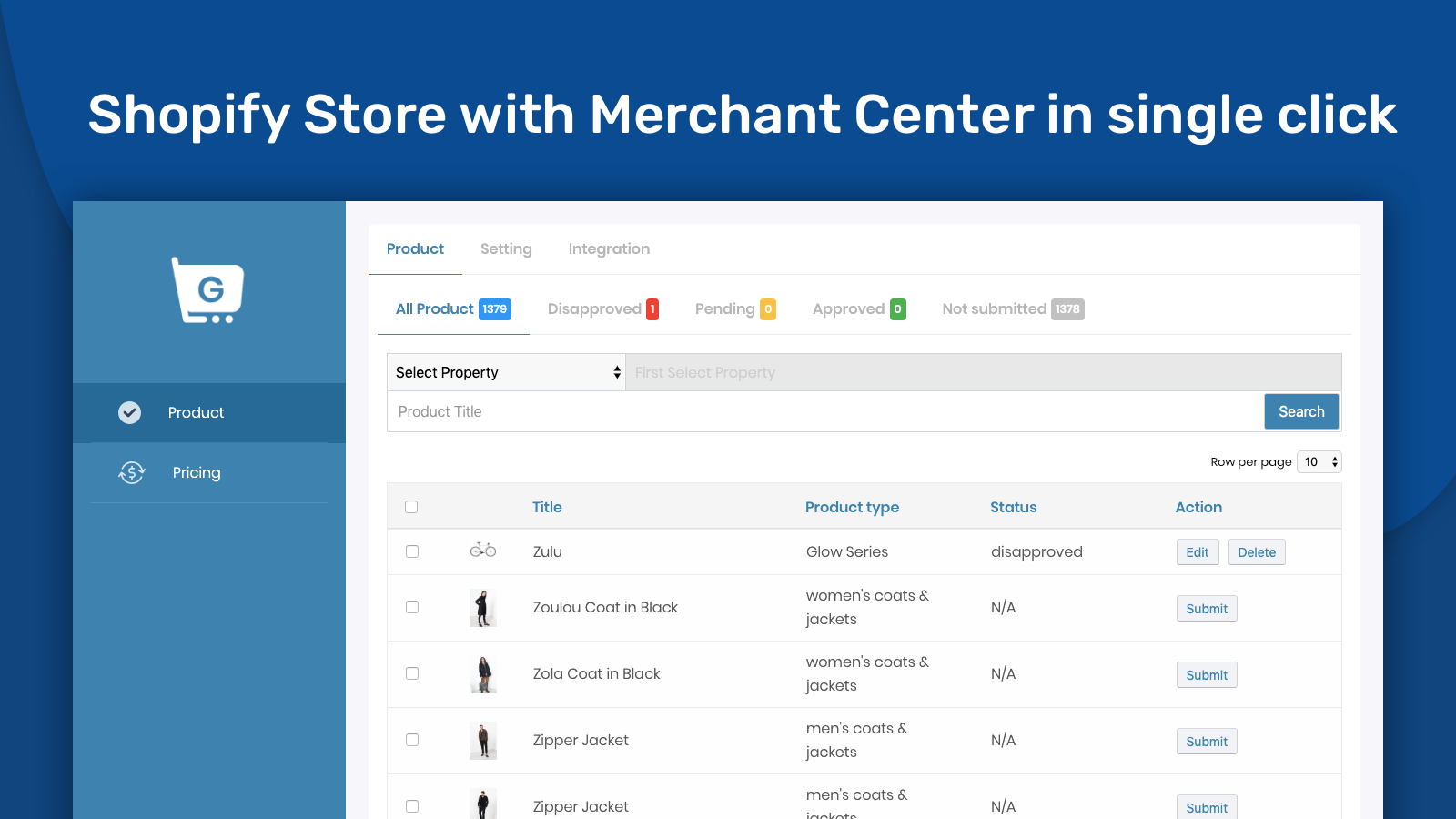
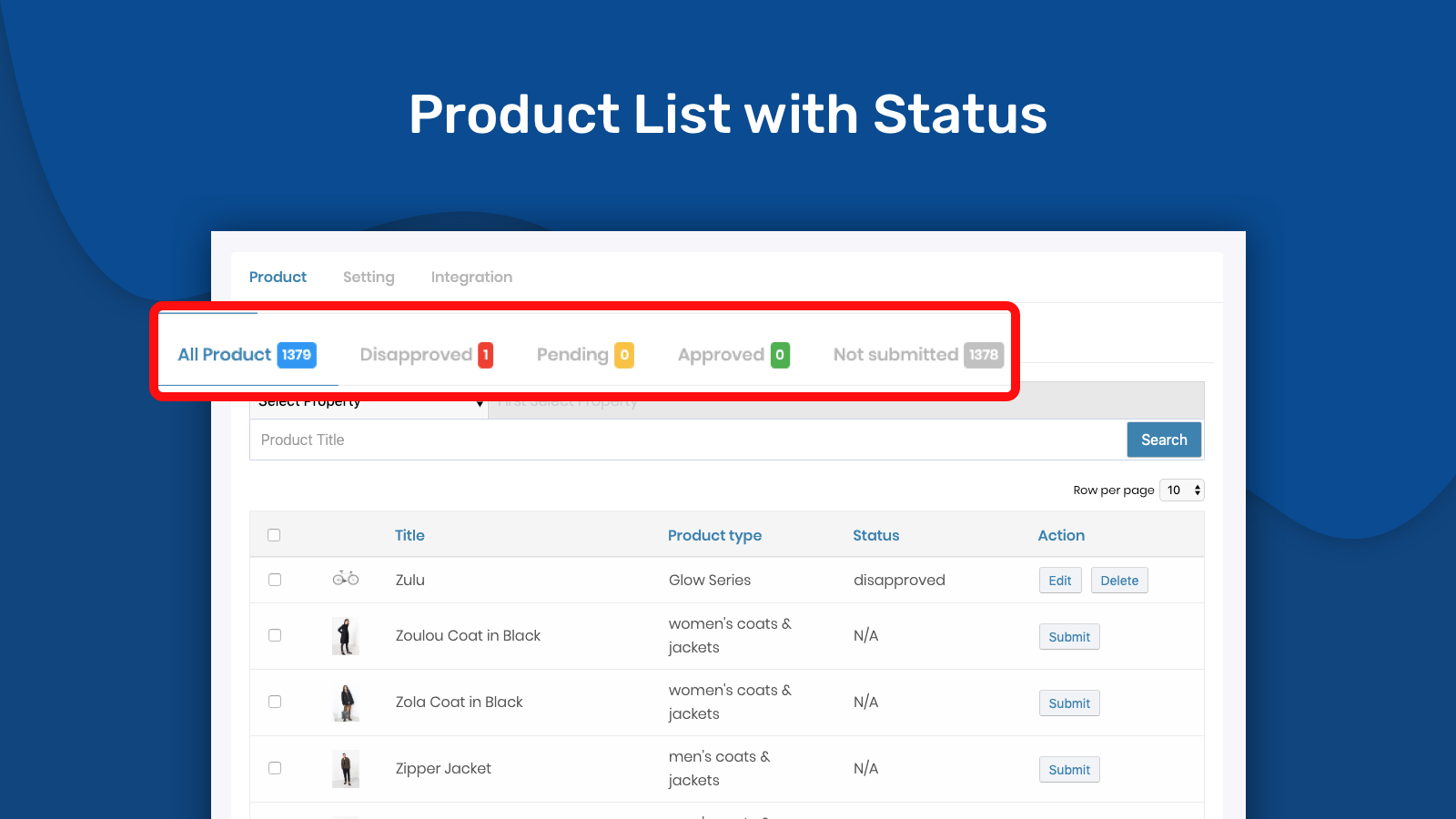
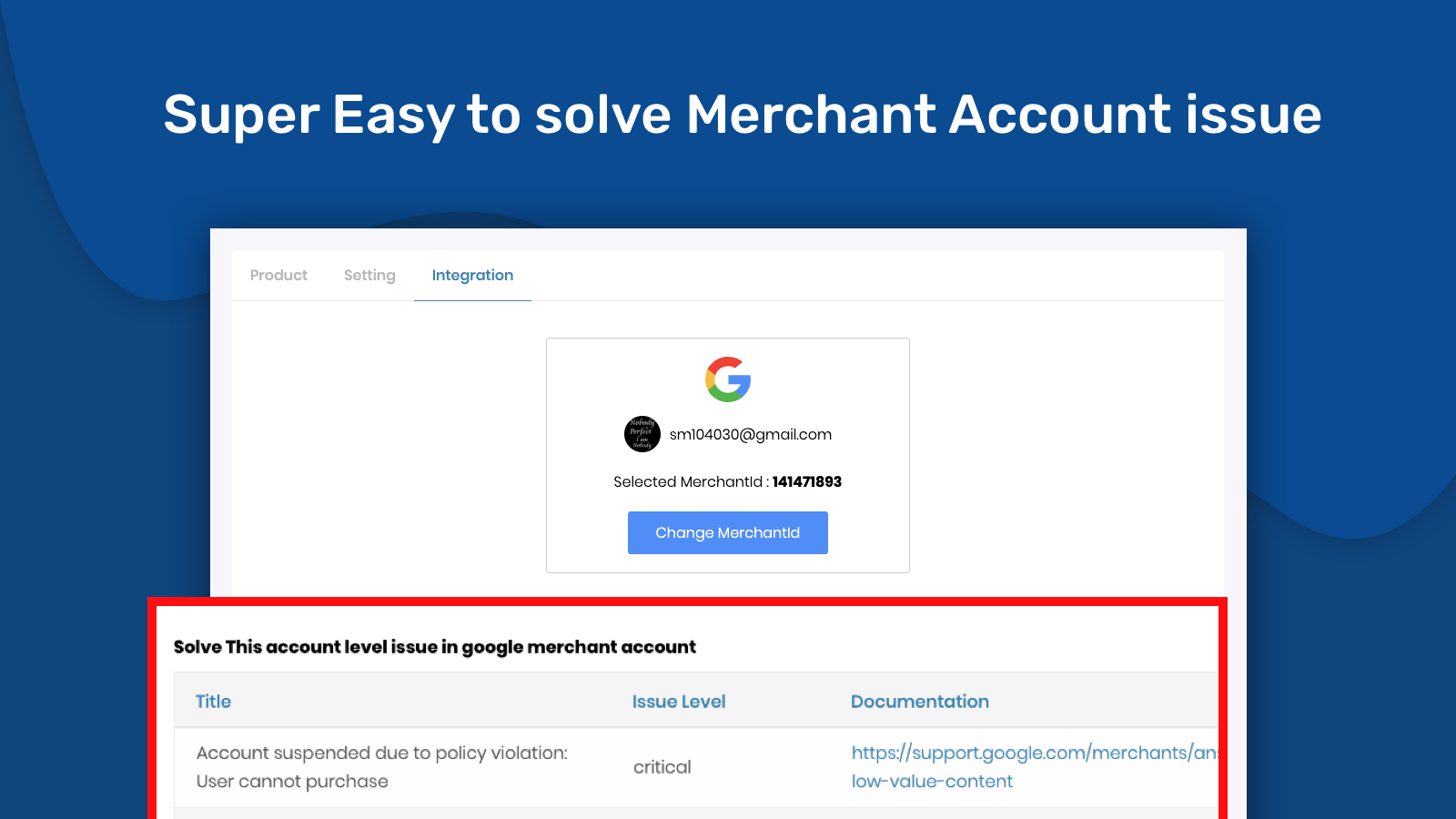
Sync your products to Google Merchant Center for Google Ads and optimize your product ads Simplify the connection between your Shopify store and Google Merchant Center. Easily set up your Google Merchant Center and create high-quality product feeds for Google Shopping. You can modify any product data without making changes in Shopify. Additionally, you can sync single products, bulk products, all products, and many other product types.
Core Functionality
- Promote your products with ads and generate high-quality product feeds for Google
- Automatically sync all newly added products and updates
- List your products for free on Google
- Easily submit multiple product variants to Google Shopping
- Works seamlessly with Google Channels
Merchant-Friendly
- Independent Station Merchants
- Cross-border E-commerce
- Multi-category E-commerce
- Small & Medium E-commerce Sellers
Basic Information
- Developer:Webrex Studio
- Address:Office No:209, SaumyaSqure, Near Govardhan Partyplot, Thaltej, AHMEDABAD, GJ, 380059, IN
- Price: Free / Free plan
- Rating:4.7 / 5
- Comment Count:27 comment
- Release Date:2019-11-7
- Supported languages:English
- Compatible products:Shopify
Application Screenshot
Price Plan
最多4个产品
- Free Unlimited Countries
- Free Unlimited Variants
- Automatic Product Sync
- Bulk Title Optimization
- VIP Customer Support
5 - 500个产品
- Free Unlimited Countries
- Free Unlimited Variants
- Automatic Product Sync
- Bulk Title Optimization
- VIP Customer Support
500 - 5000个产品
- Free Unlimited Countries
- Free Unlimited Variants
- Automatic Product Sync
- Bulk Title Optimization
- VIP Customer Support
User Location & Comments
User Location
Comments
Shopify API Used
- POST /admin/api/google_feed.json
- PUT /admin/api/google_feed/{id}.json
- GET /admin/api/google_feed.json
Permission:write_google_feed,read_google_feed,manage_products
- POST /admin/api/google_feed/sync.json
- PUT /admin/api/google_feed/{id}/products.json
- GET /admin/api/google_feed/sync_status.json
Permission:write_google_feed,read_products,manage_products
- POST /admin/api/google_listing.json
- PUT /admin/api/google_listing/{id}/enable.json
- GET /admin/api/google_listing/status.json
Permission:write_google_listing,read_google_listing,manage_products
- POST /admin/api/google_feed/variants.json
- PUT /admin/api/google_feed/{id}/variants.json
- GET /admin/api/google_feed/variants.json
Permission:write_google_feed,read_products,manage_variants
- POST /admin/api/google_channel/connect.json
- PUT /admin/api/google_channel/{id}/settings.json
- GET /admin/api/google_channel/status.json
Permission:write_google_channel,read_google_channel,manage_channels



