
App Introduction
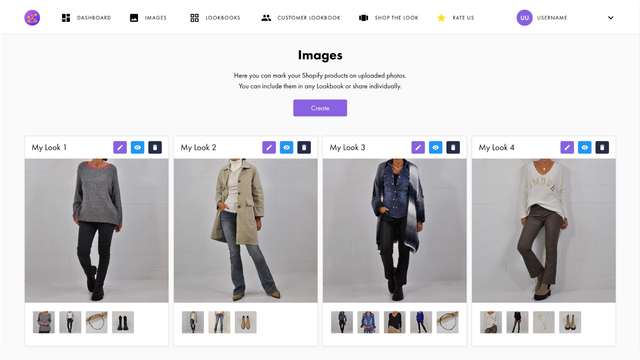
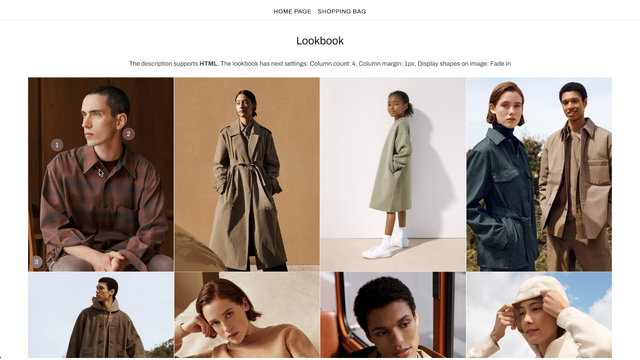
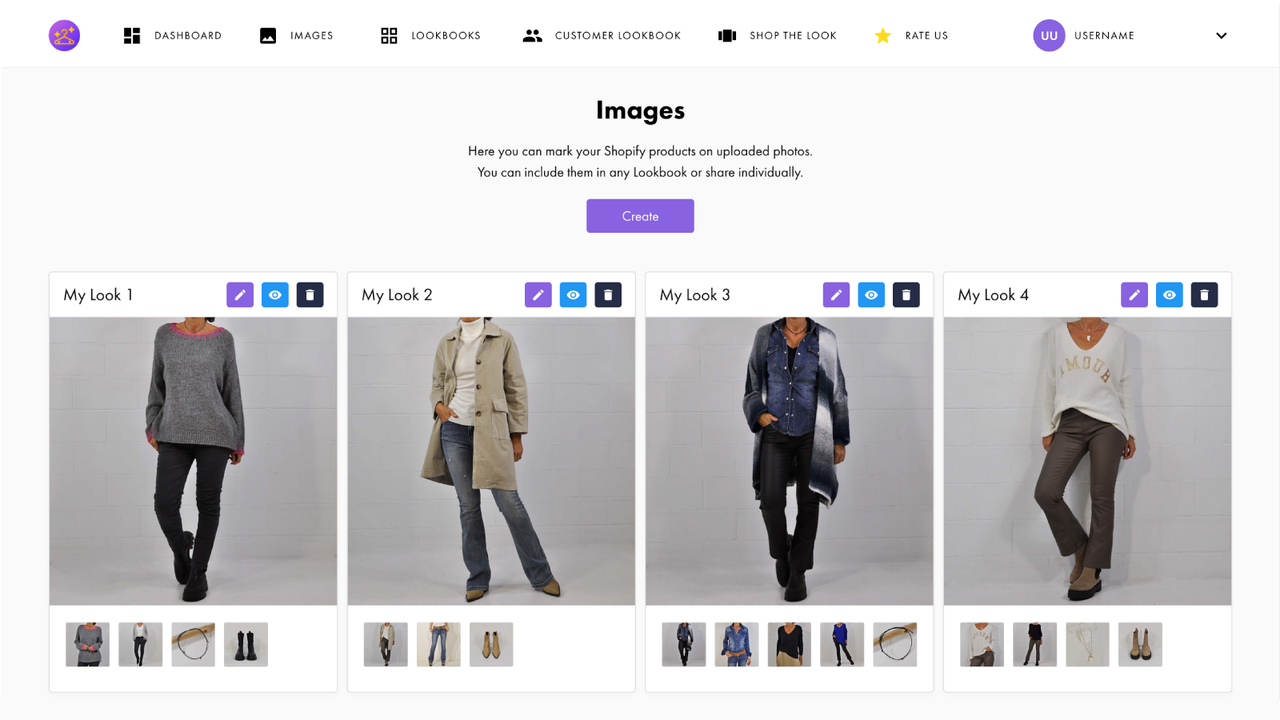
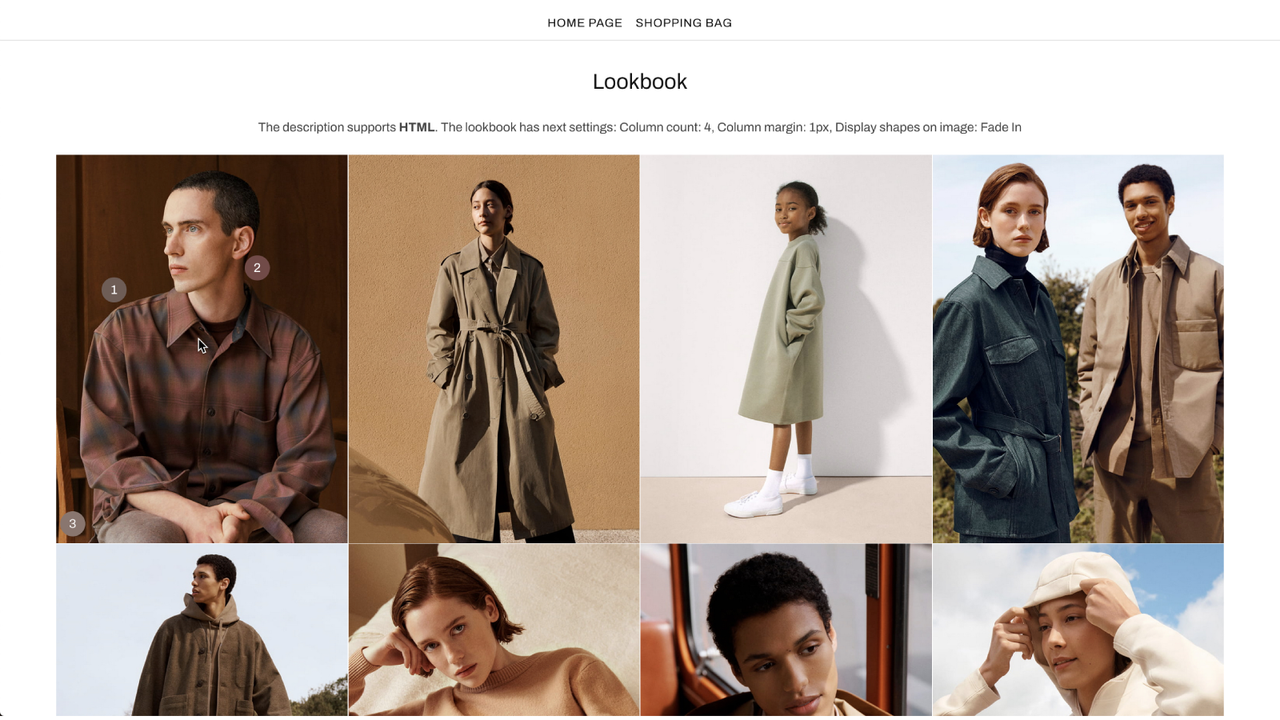
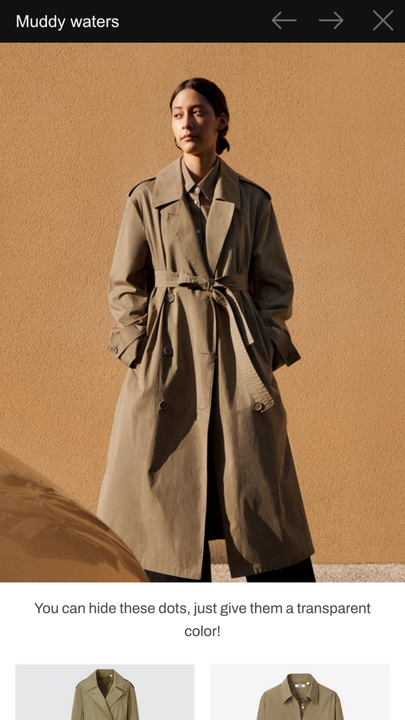
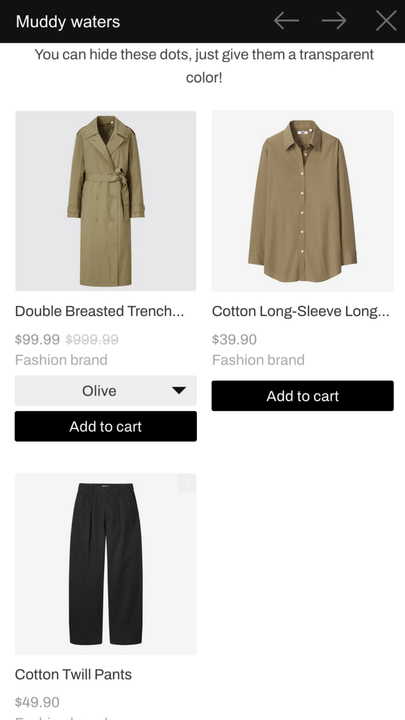
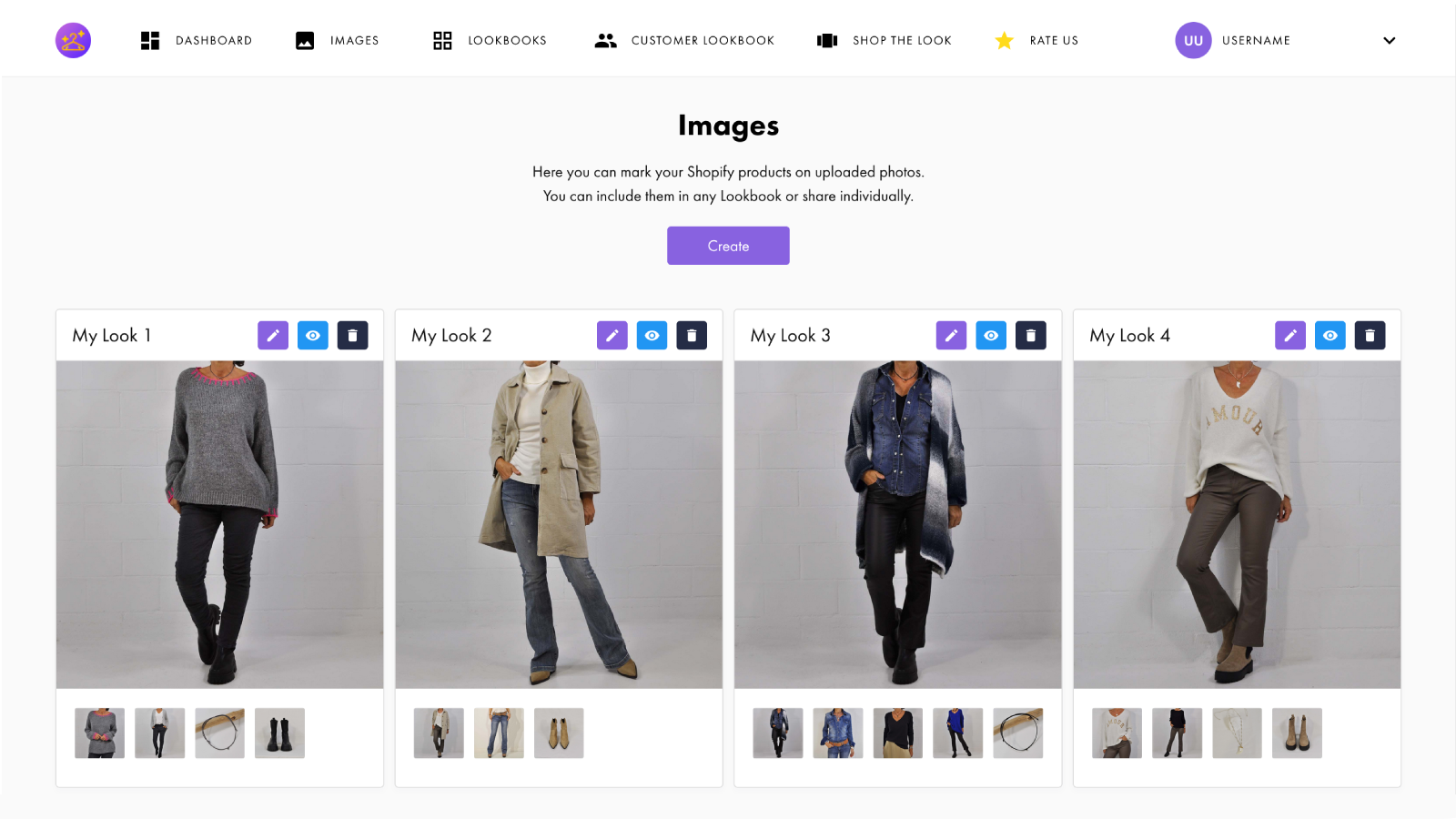
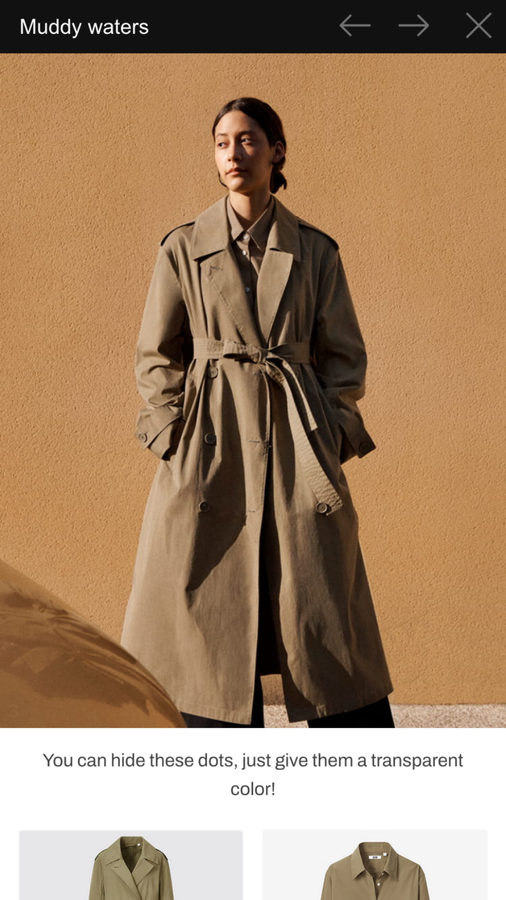
Create a clean and stunning gallery that lets users add products to their cart directly from the images you upload. With Lookbookify, you can tag products on every uploaded photo, link multiple images into a single lookbook, and encourage your visitors to buy more products in one go. Our lookbooks feature a minimalist, simple, and eye-catching default design, with multiple layout options including grid or slider. The gallery is fully responsive and compatible with all mobile devices, and all your images are served via a globally accessible CDN. As a powerful promotional tool, utilize customer lookbooks or featured lookbooks to drive engagement.
Core Functionality
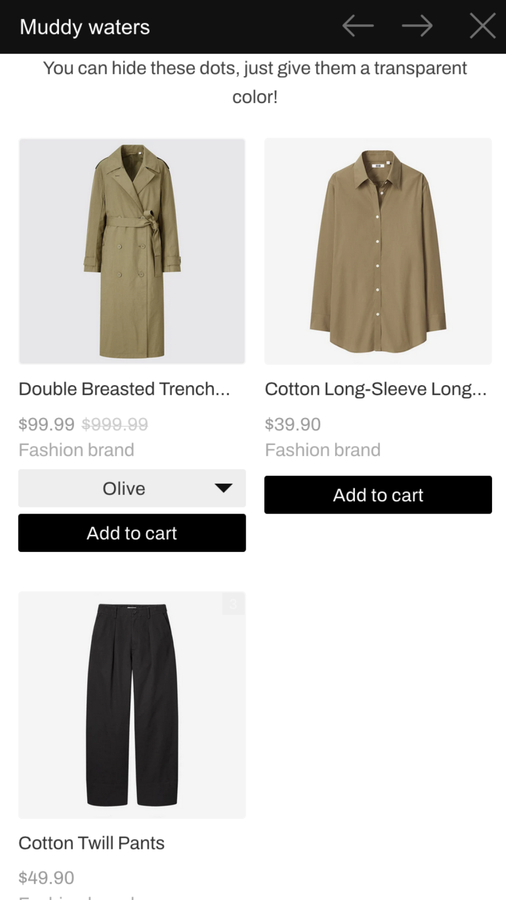
- Tag multiple products on your photos with 'Add to Cart' or 'View Details' buttons
- Easily embed your images and lookbooks into any page of your store using 2.0 themes
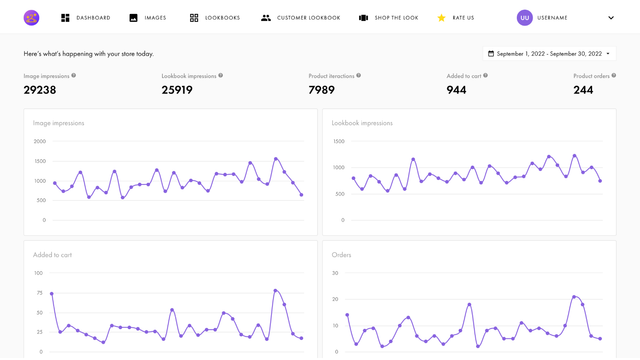
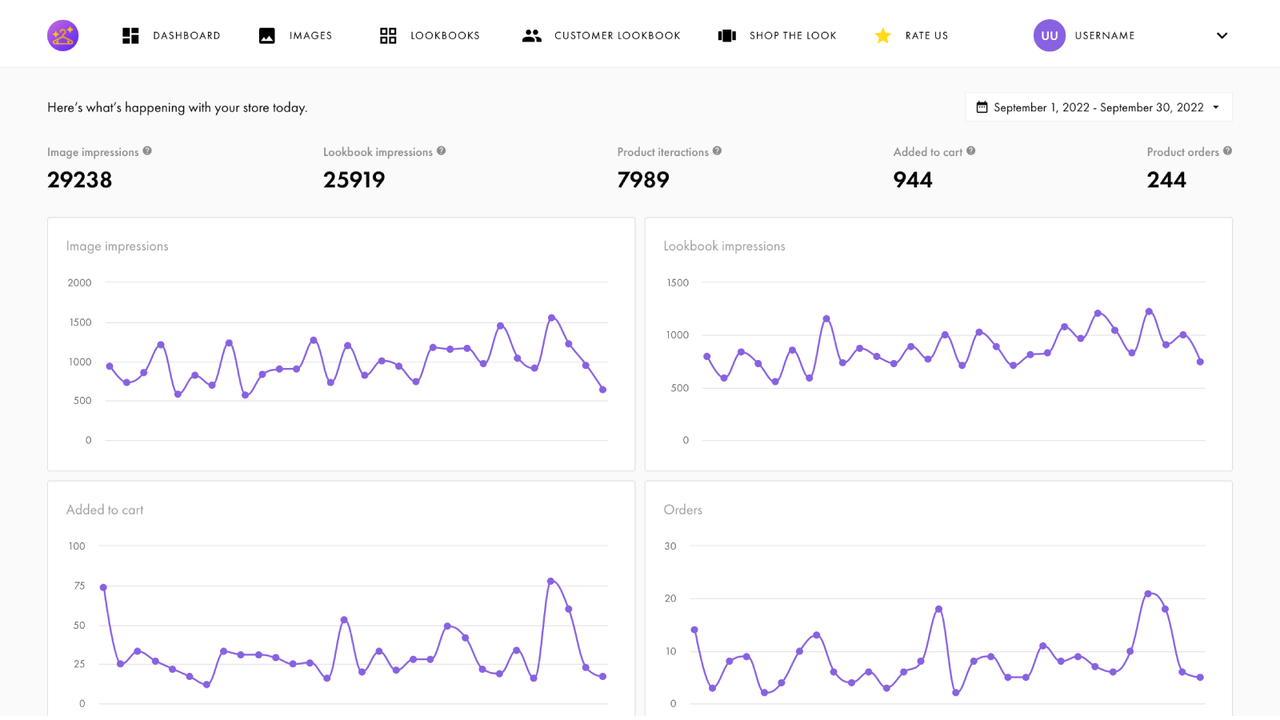
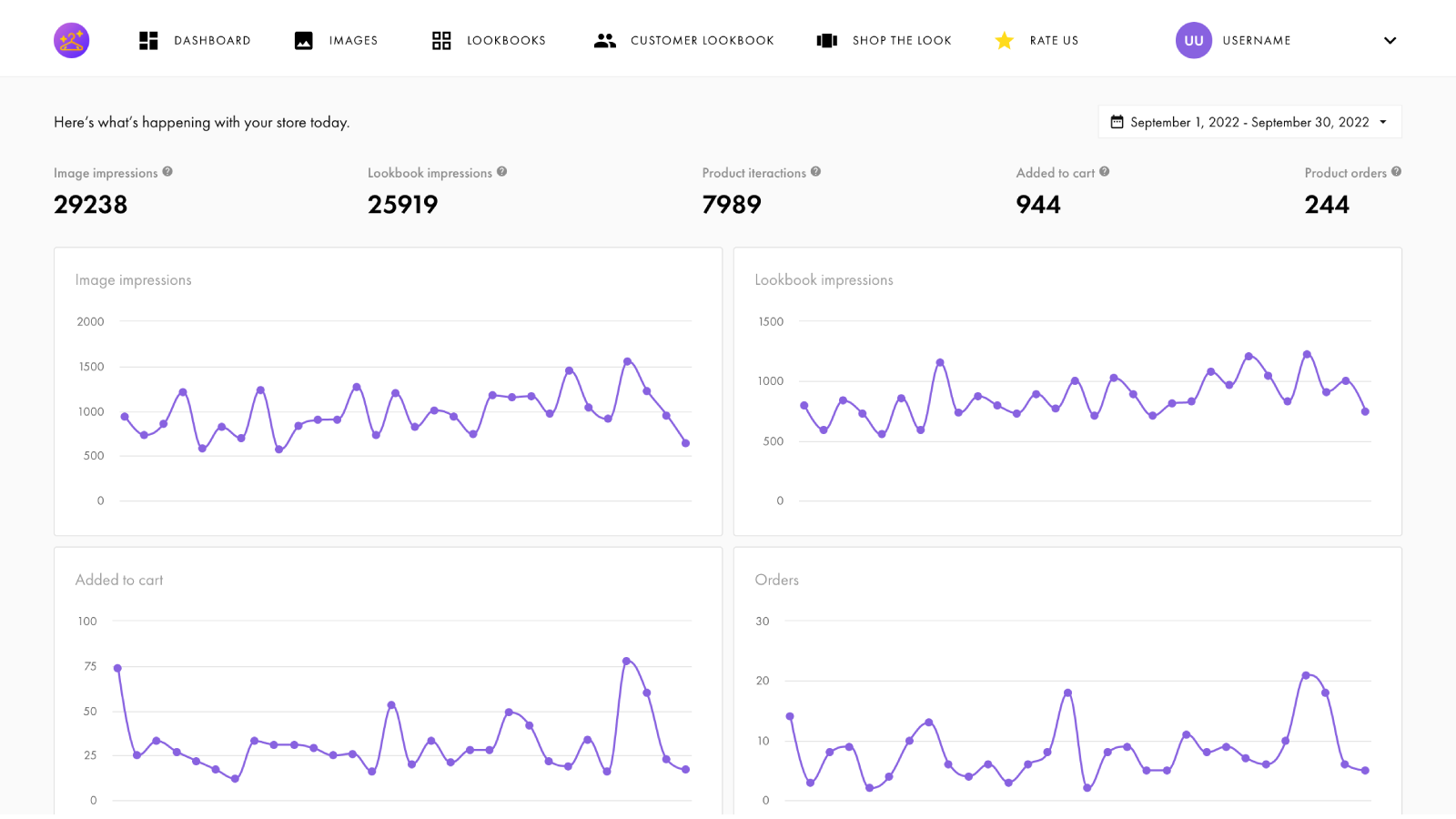
- View detailed charts and analytics to understand how customers interact with your images
- Promote your gallery on product pages using the 'Featured Lookbook' feature
- Utilize additional features like reordering, pre-selecting product variants, and infinite scrolling
Merchant-Friendly
- Fashion & Apparel Merchants
- Home Decor Merchants
- Independent E-commerce
- Multi-category Retailers
Basic Information
- Developer:AuraApps
- Address:Nazarbaeva st. 77, Almaty, 100105, KZ
- Price: Free / Free plan
- Rating:4.8 / 5
- Comment Count:24 comment
- Release Date:2019-6-24
- Supported languages:English
- Compatible products:Shopify
Application Screenshot



Price Plan
基础
- 10 Images
- 3 Brochures
- Embedded Gallery
- Custom CSS
- Advanced Analytics
专业
- Free Features Plus:
- Unlimited Images and Galleries
- Customer Galleries
- Focus Gallery Slider on Product Pages
User Location & Comments
User Location
Comments
Shopify API Used
- POST /admin/api/metafields.json
- PUT /admin/api/metafields/{id}.json
- GET /admin/api/metafields.json
Permission:write_metafields,read_metafields,manage_products
- POST /admin/api/sections.json
- PUT /admin/api/sections/{id}.json
- GET /admin/api/sections.json
Permission:write_themes,read_themes,manage_online_store
- GET /admin/api/reports.json
- GET /admin/api/analytics/events.json
- GET /admin/api/analytics/dashboards.json
Permission:read_analytics,read_reports,view_stats
- POST /admin/api/metafields.json
- PUT /admin/api/metafields/{id}.json
- GET /admin/api/products/{product_id}.json
Permission:write_metafields,read_metafields,manage_products
- PUT /admin/api/metafields/{id}.json
- GET /admin/api/metafields.json
- POST /admin/api/sections.json
Permission:write_metafields,write_themes,manage_products



