
App Introduction
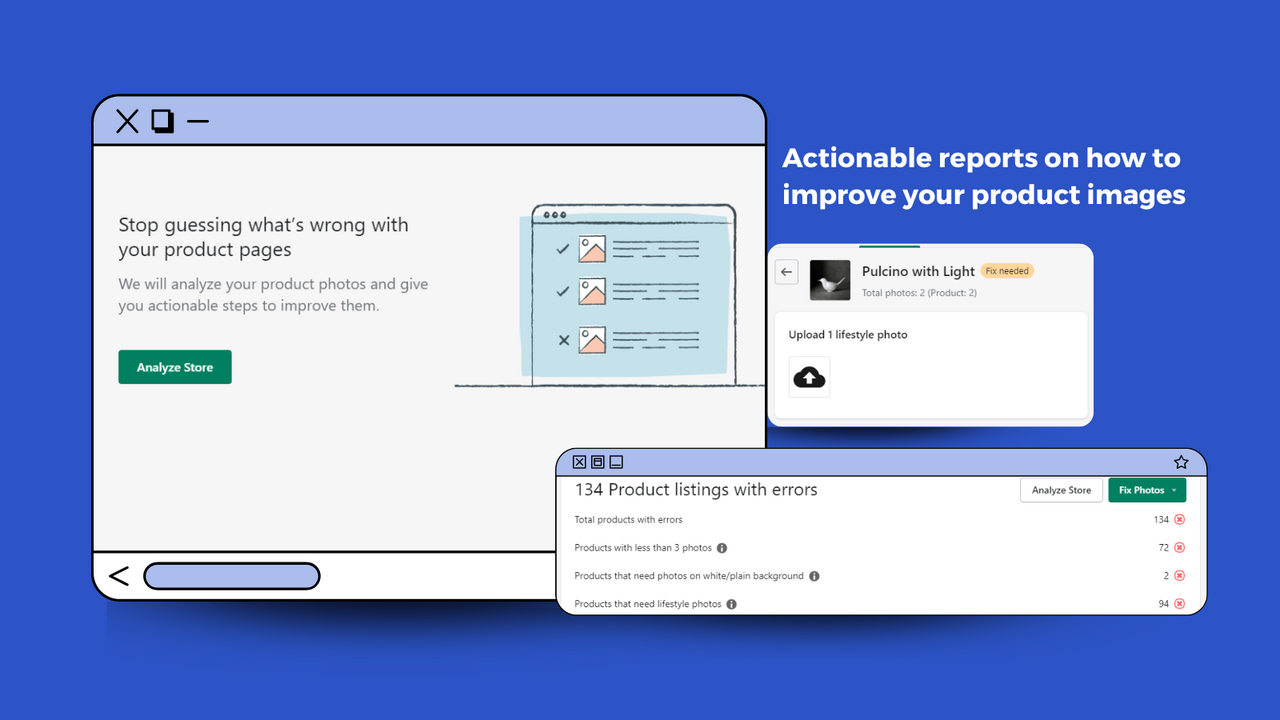
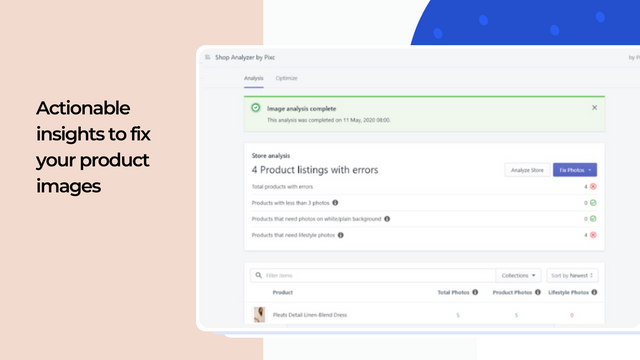
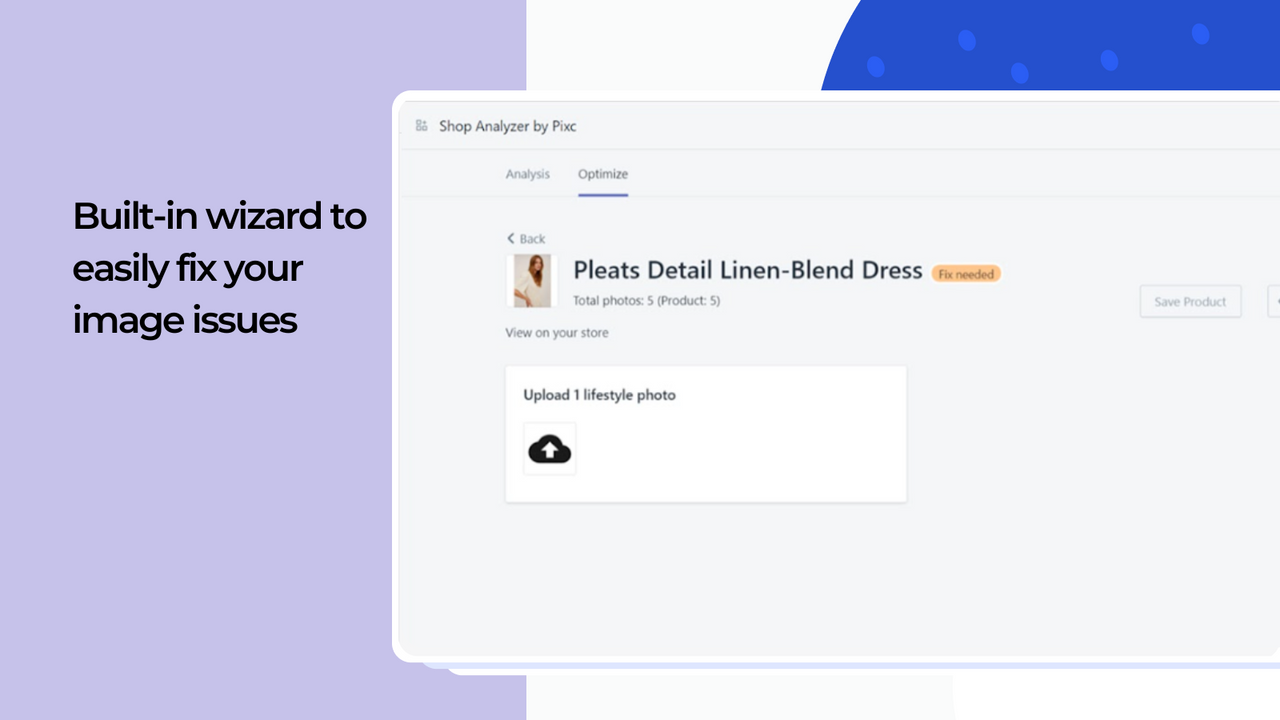
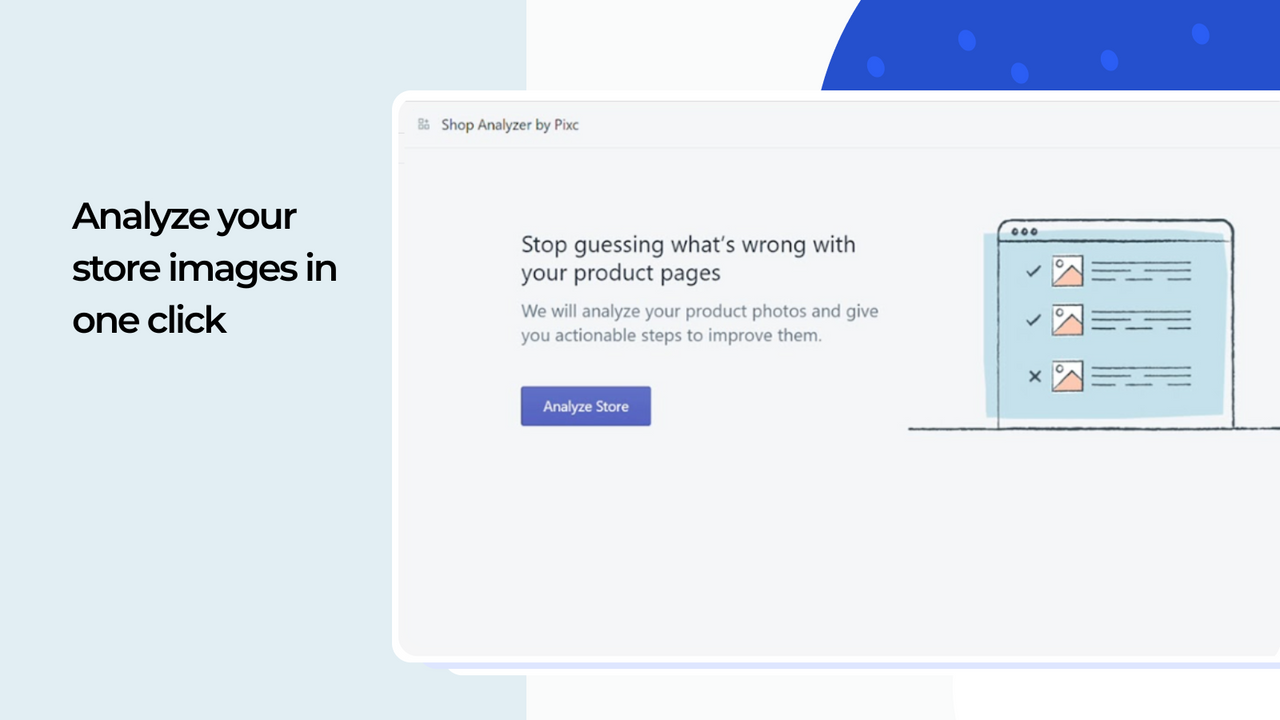
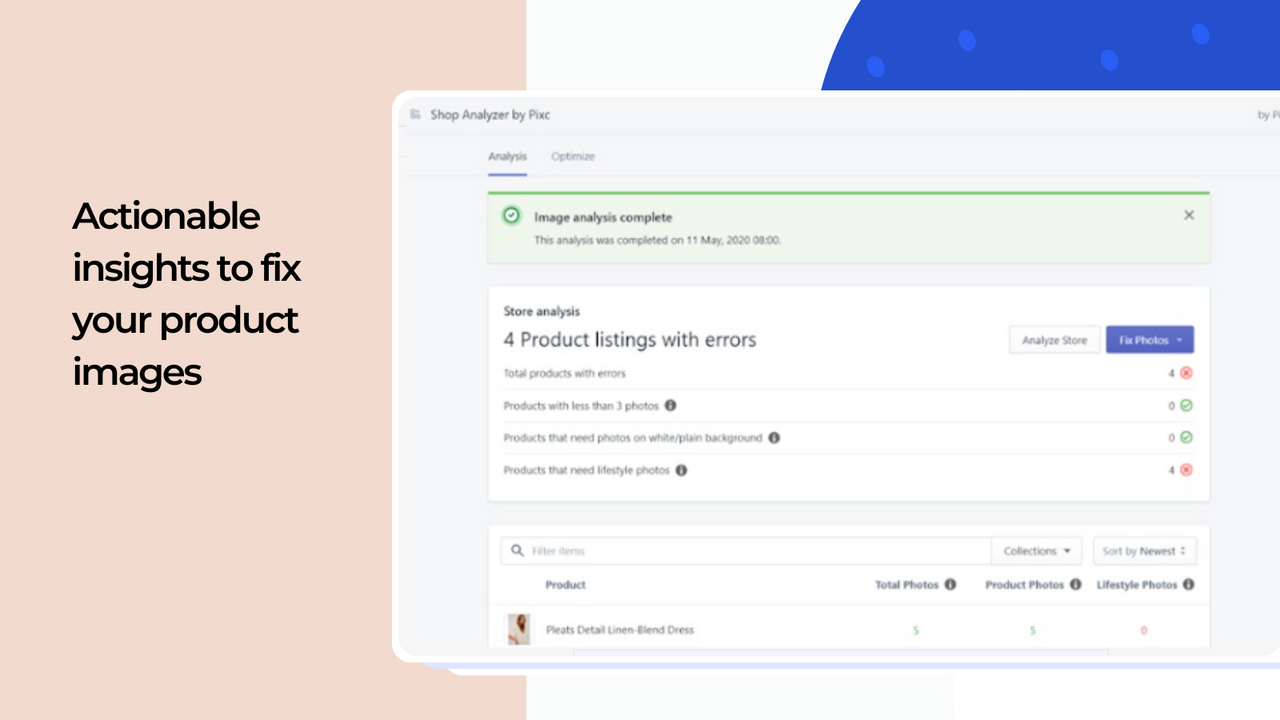
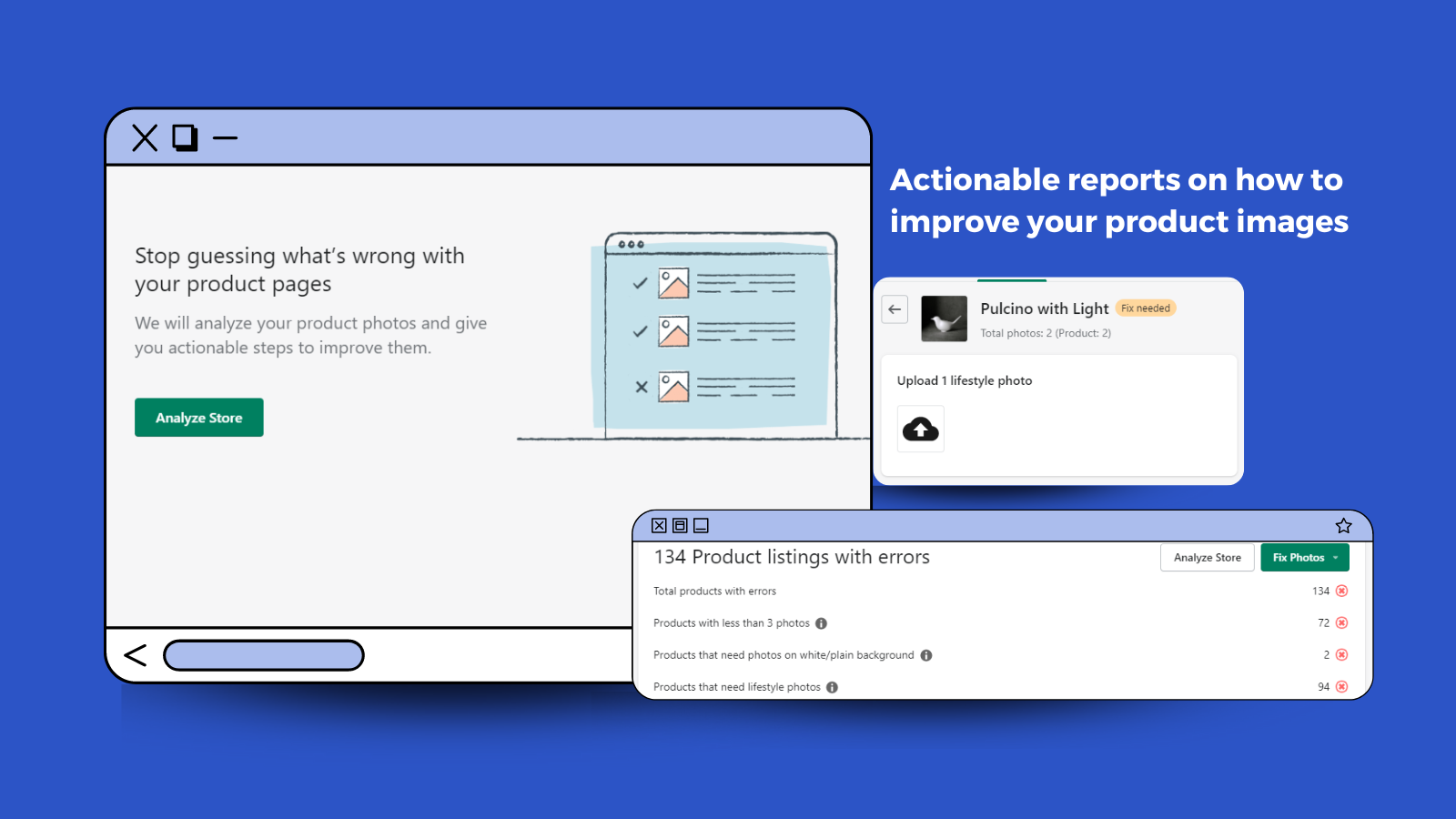
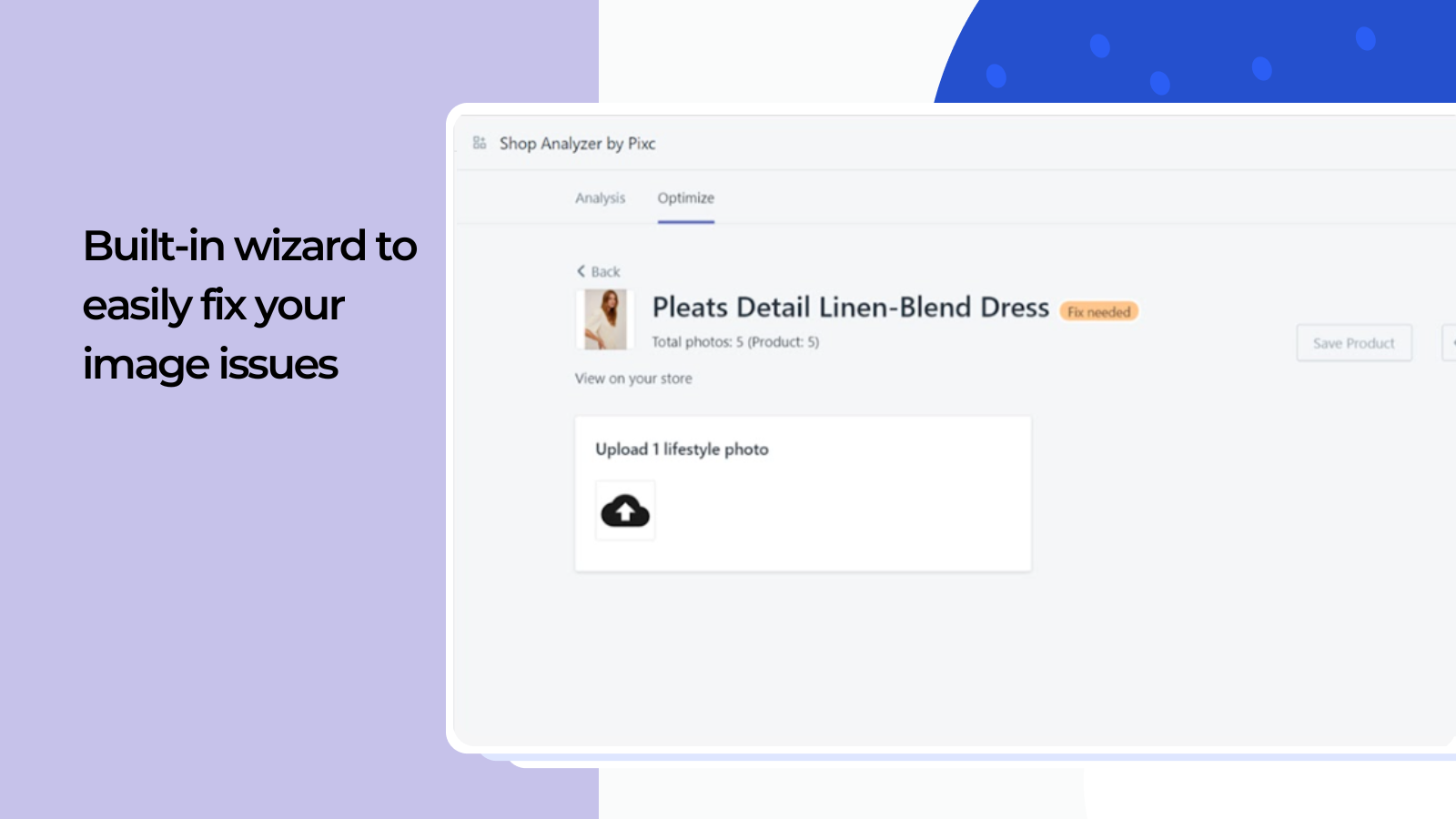
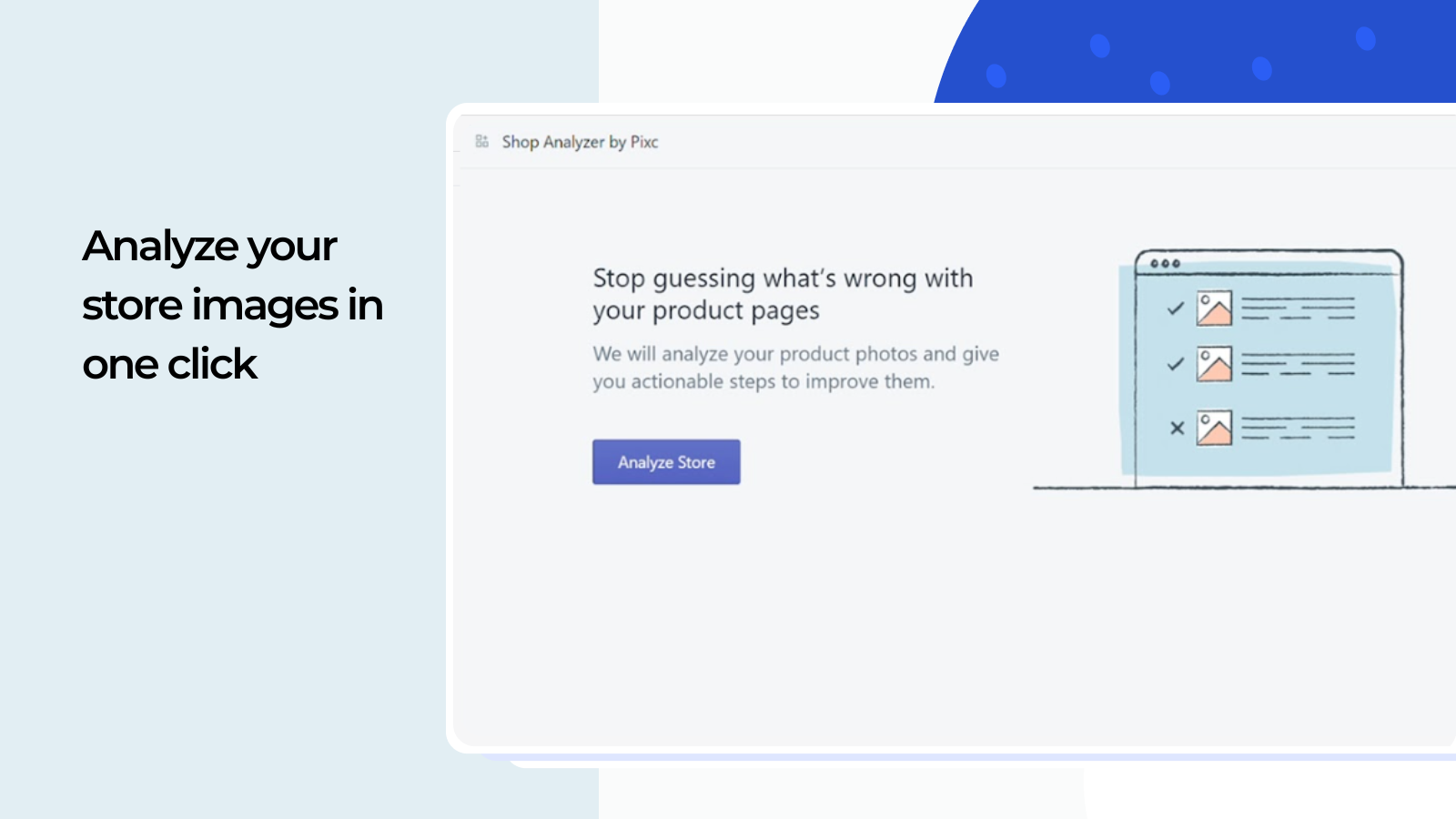
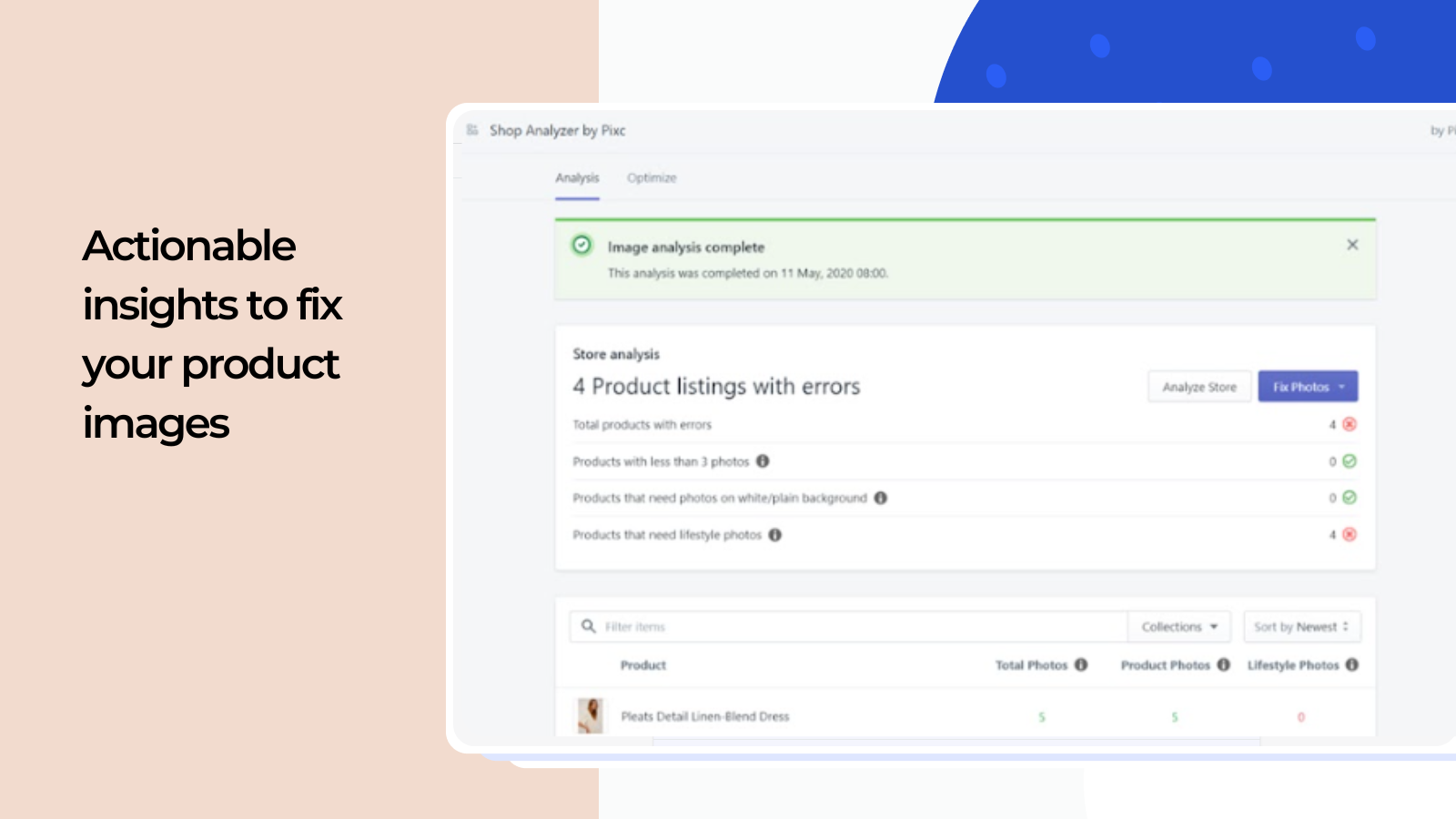
Generate actionable reports and get guidance on optimizing your product photos to boost conversion rates. Pixc’s Shop Analyzer app leverages image algorithm technology to identify the type of product images your store needs to drive higher conversions. It precisely pinpoints issues and provides clear fixes—so you no longer rely on vague feedback or guess what changes will drive sales. You can also resolve issues directly within the app, or download reports to share with your team.
Core Functionality
- Get actionable reports to show you how to improve product photos.
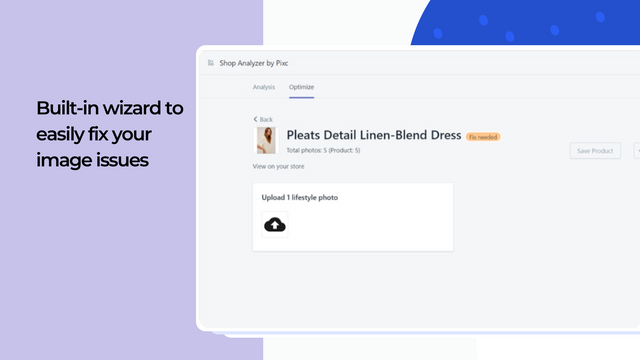
- Fix product photo issues directly from the app.
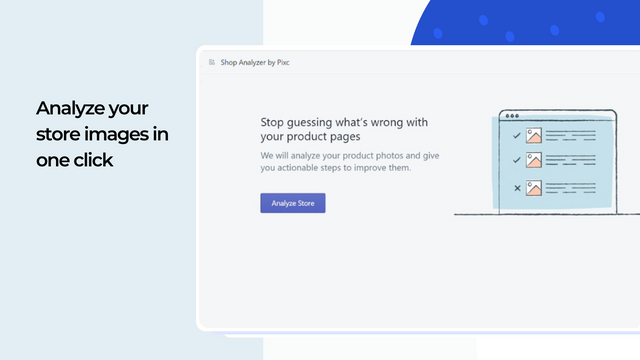
- Save time on manual product listing analysis.
Merchant-Friendly
- Independent Station Merchants
- Fashion Apparel Merchants
- Home Goods Merchants
- Digital Product Merchants
Basic Information
- Developer:Pixc
- Address:156 2nd Street, San Francisco, CA, 94105, US
- Price: Free / Free plan
- Rating:0 / 5
- Comment Count:0 comment
- Release Date:2020-7-13
- Supported languages:English
- Compatible products:Shopify
Application Screenshot


Price Plan
Free
Free Plan
User Location & Comments
User Location
Comments
Shopify API Used
- GET /admin/api/reports/product_photo_optimization.json
- GET /admin/api/reports/product_photo_optimization/{report_id}.json
- GET /admin/api/products/{product_id}/photo_issues.json
Permission:read_reports,read_products,manage_products
- POST /admin/api/products/{product_id}/images/{image_id}/fix.json
- PUT /admin/api/products/{product_id}/images/{image_id}.json
- DELETE /admin/api/products/{product_id}/images/{image_id}.json
Permission:write_products,manage_products,write_images
- GET /admin/api/products/photo_analysis.json
- GET /admin/api/collections/{collection_id}/photo_analysis.json
- POST /admin/api/photo_analysis/batch.json
Permission:read_products,read_collections,manage_products