
App Introduction
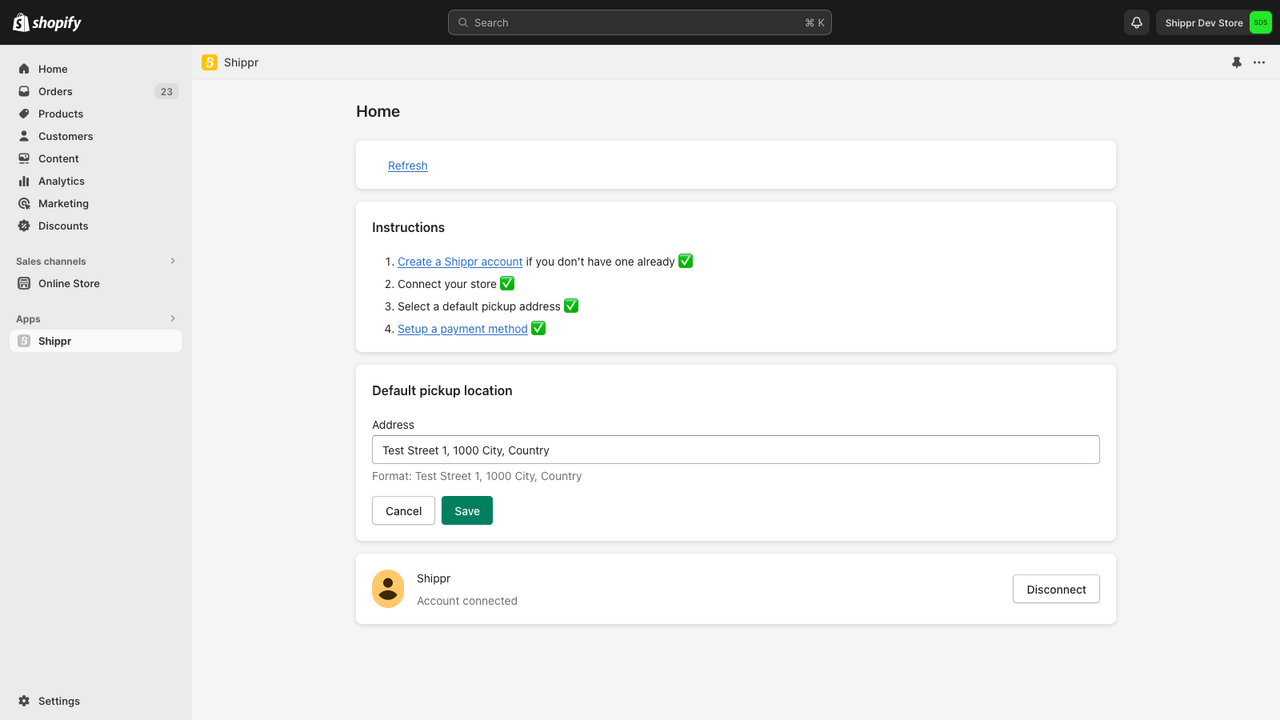
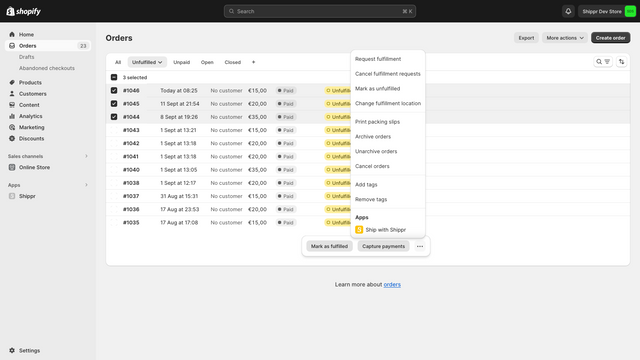
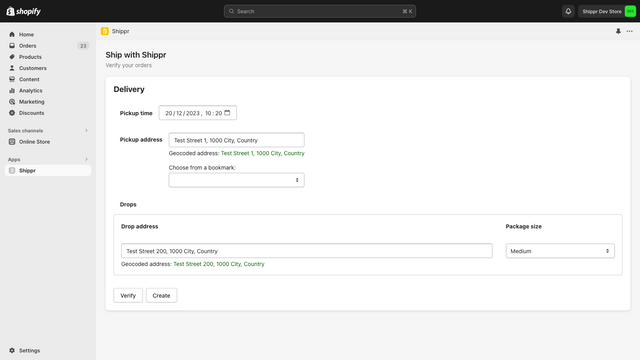
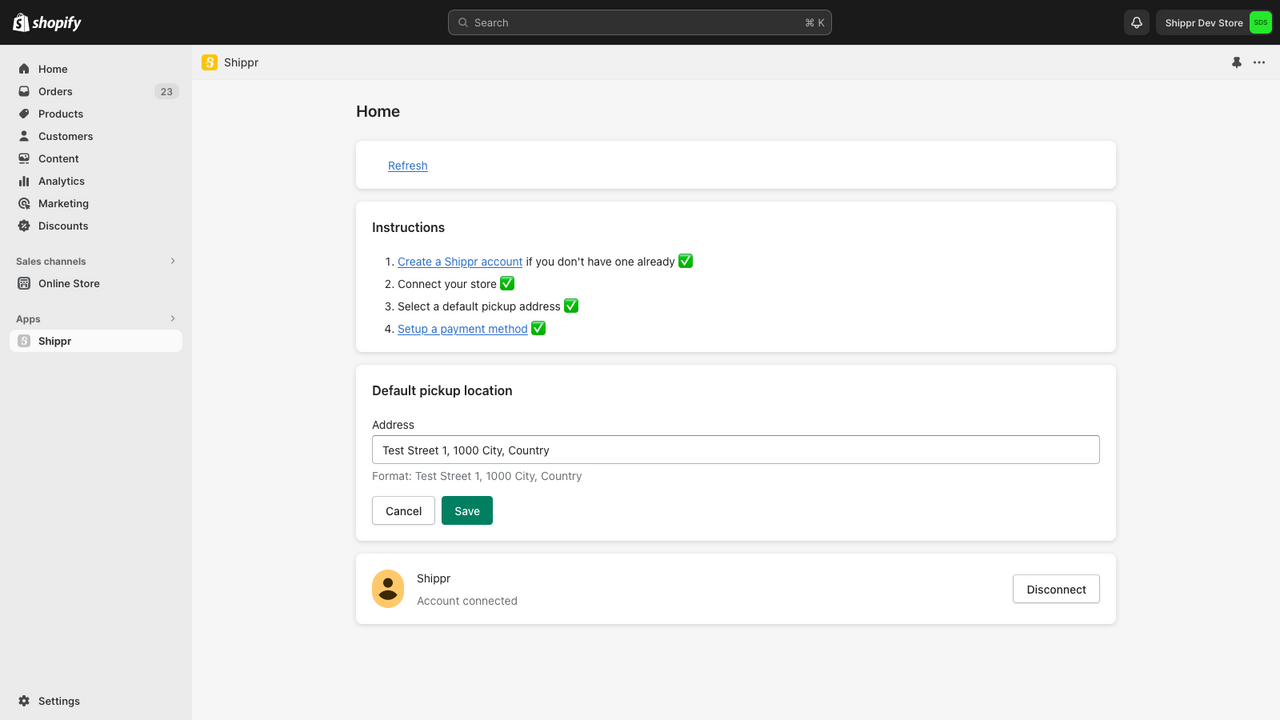
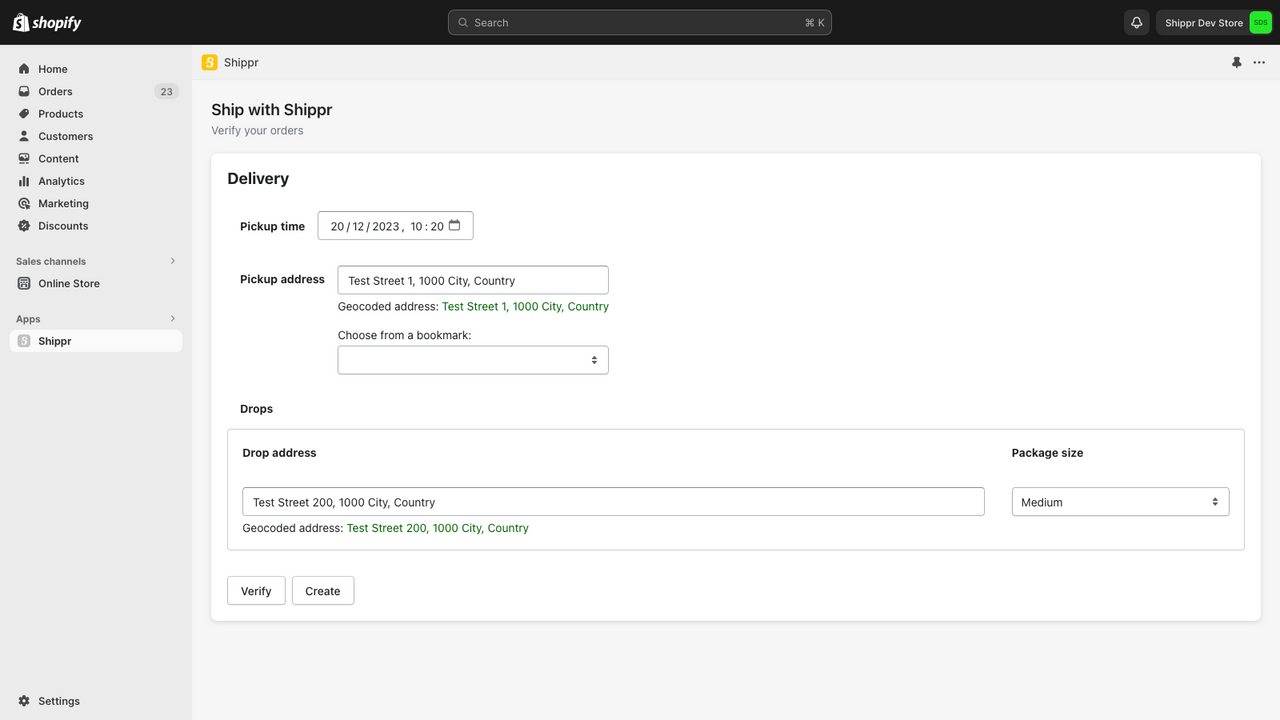
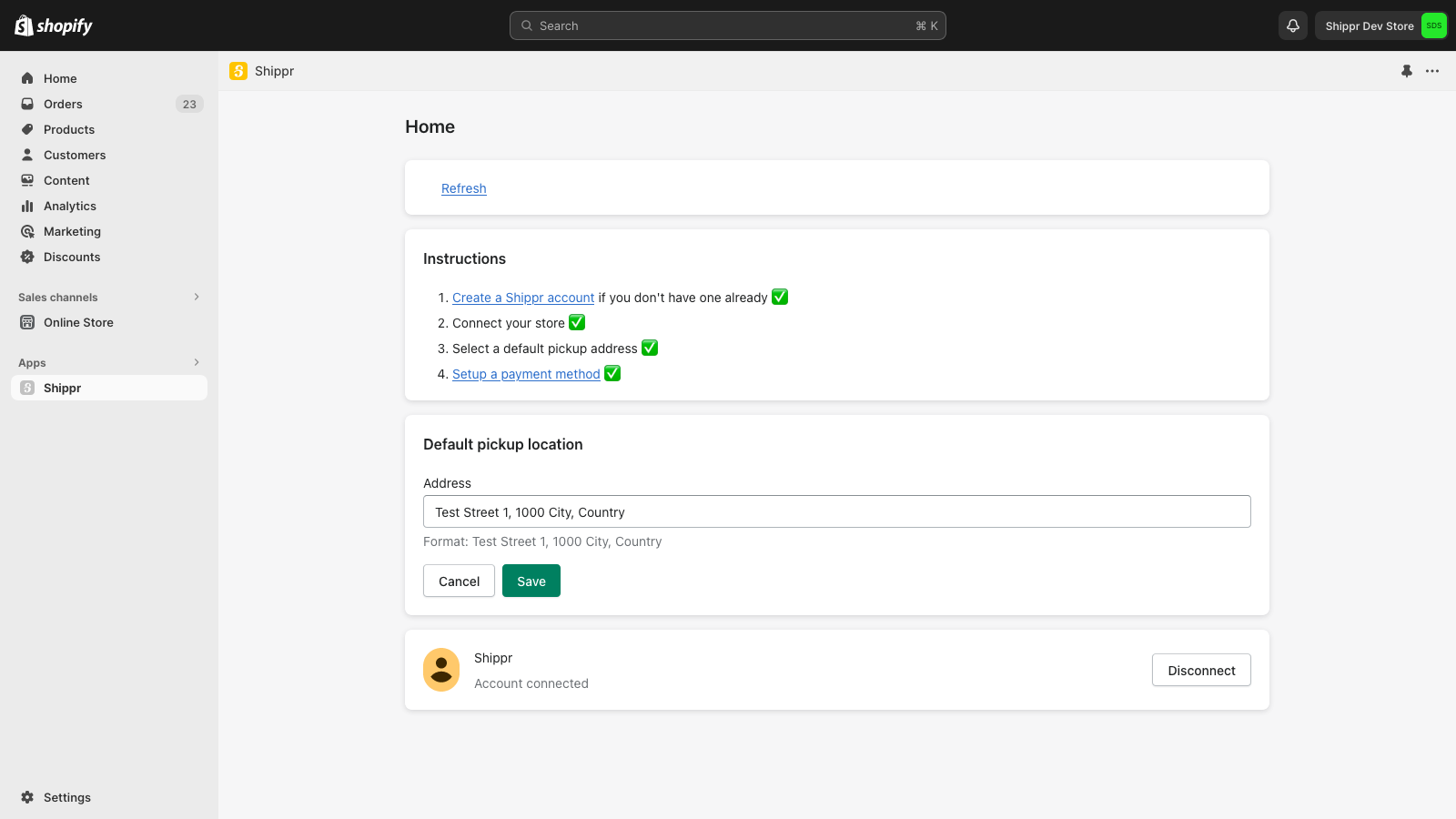
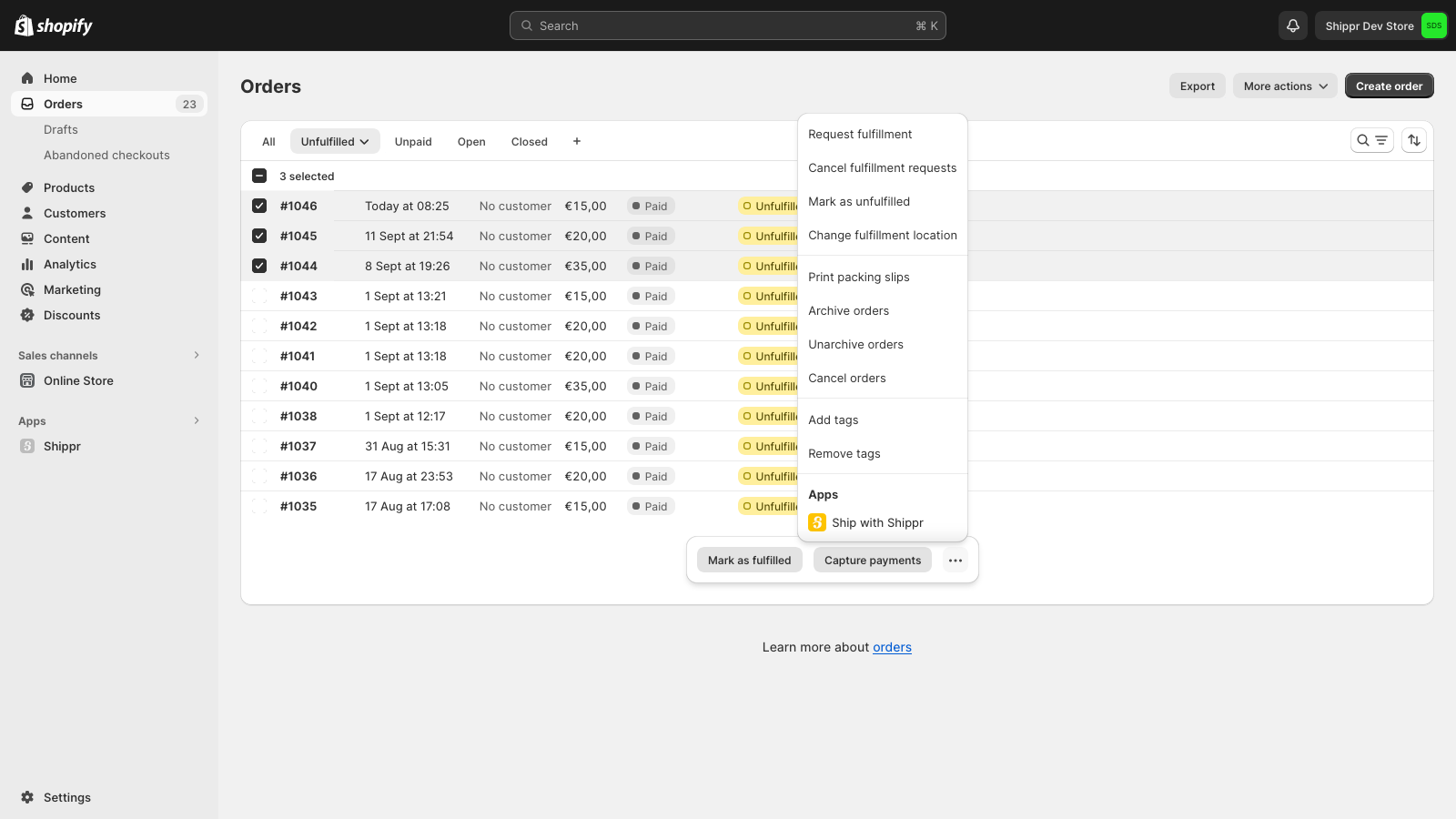
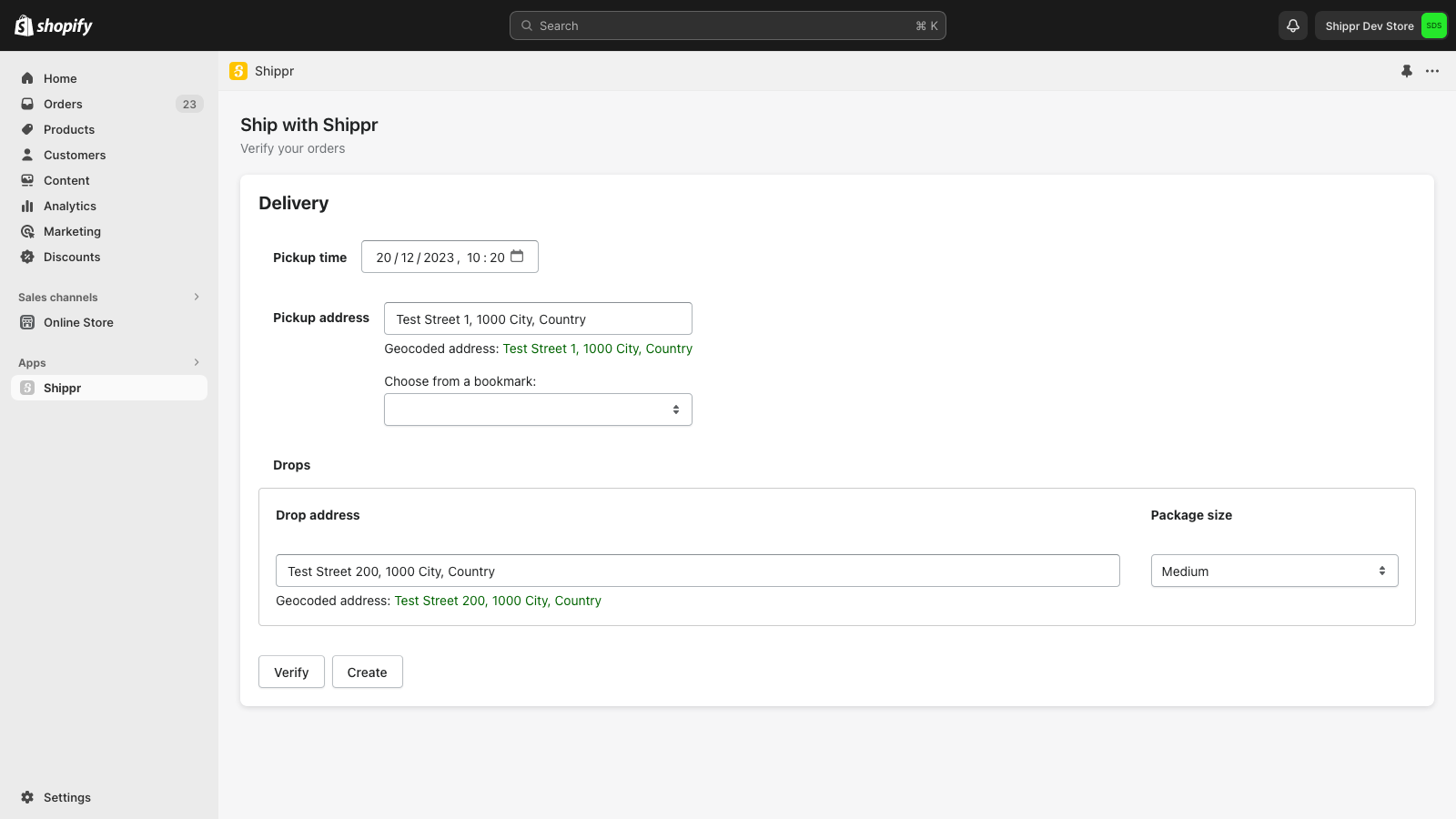
Send Your Orders to Shippr This app lets you send your store’s orders directly to the Shippr dashboard. That way, you don’t have to manually re-enter all your customers’ addresses— a process that’s both time-consuming and error-prone. All you need to do is select your orders, choose a pickup time, and confirm the pickup address.
Core Functionality
- Convert your store orders to Shippr shipments.
- Geocode customer addresses.
- Customizable pickup times and default pickup address.
Merchant-Friendly
- E-commerce Independent Station Merchants
- Cross-border E-commerce Sellers
- Local Retail Merchants
- Multi-channel Sales Merchants
Basic Information
- Developer:Shippr
- Address:Avenue Louise 350, Ixelles, 1050, BE
- Price: Free / Free plan
- Rating:0 / 5
- Comment Count:0 comment
- Release Date:2020-12-24
- Supported languages:English
- Compatible products:Shopify
Application Screenshot



Price Plan
免费
免费安装
User Location & Comments
User Location
Comments
Shopify API Used
- POST /admin/api/orders/{order_id}/shippr_shipments.json
- PUT /admin/api/orders/{order_id}/shippr_shipments/{shipment_id}.json
- GET /admin/api/orders/{order_id}/shippr_shipments.json
Permission:write_shippr_shipment,read_shippr_shipment,manage_orders
- POST /admin/api/customers/{customer_id}/addresses/{address_id}/geocode.json
- PUT /admin/api/customers/{customer_id}/addresses/{address_id}/geocode.json
- GET /admin/api/customers/{customer_id}/addresses/{address_id}/geocode.json
Permission:write_geocode,read_geocode,manage_customers
- POST /admin/api/locations/{location_id}/pickup_settings.json
- PUT /admin/api/locations/{location_id}/pickup_settings.json
- GET /admin/api/locations/{location_id}/pickup_settings.json
Permission:write_pickup_settings,read_pickup_settings,manage_locations