App Introduction
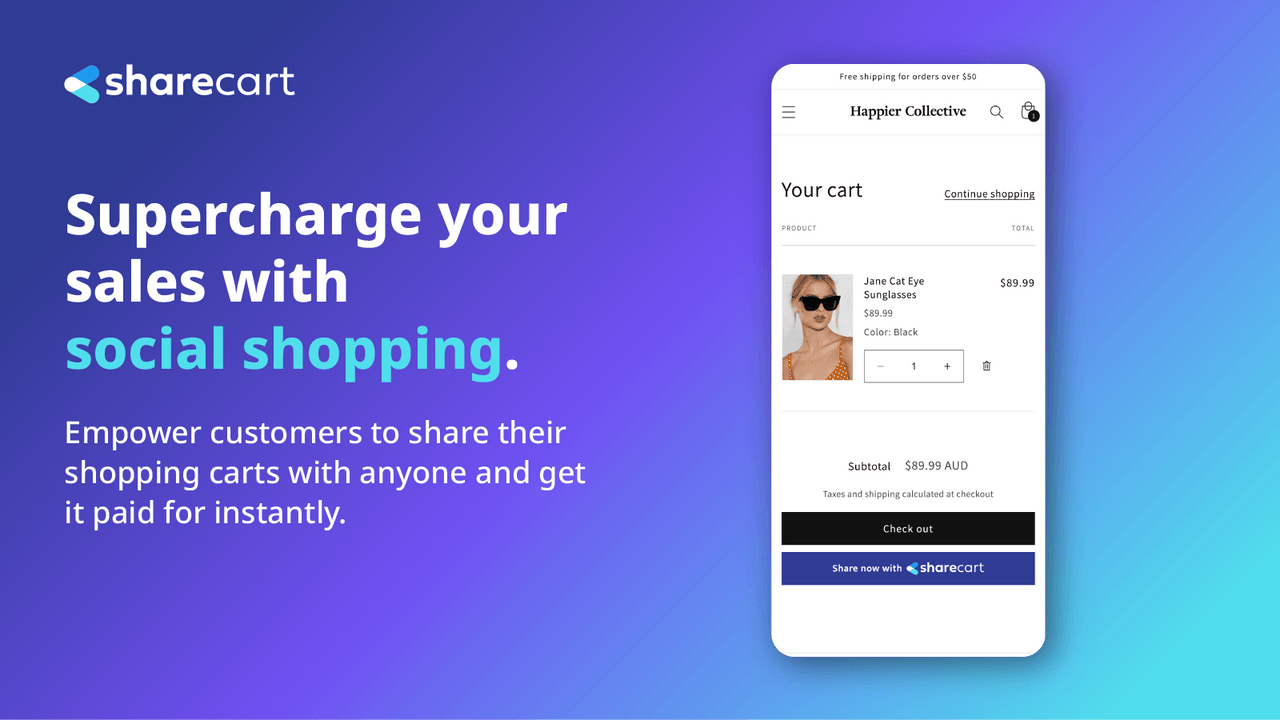
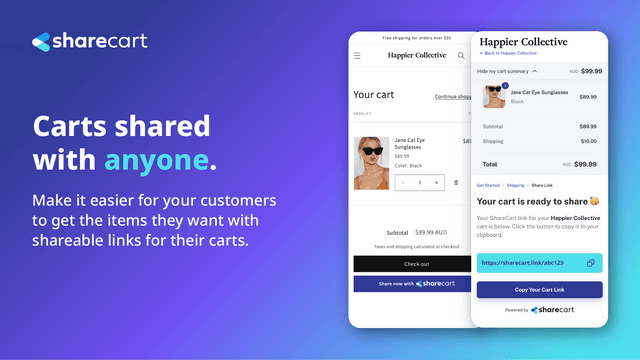
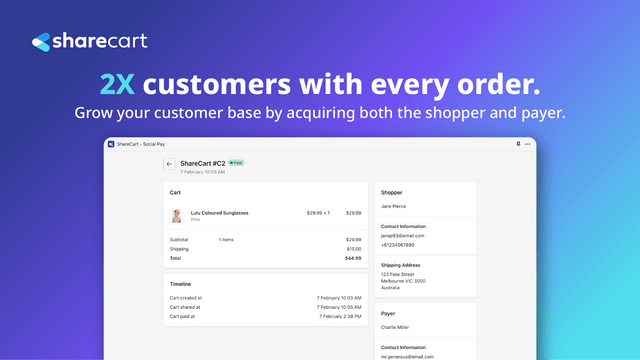
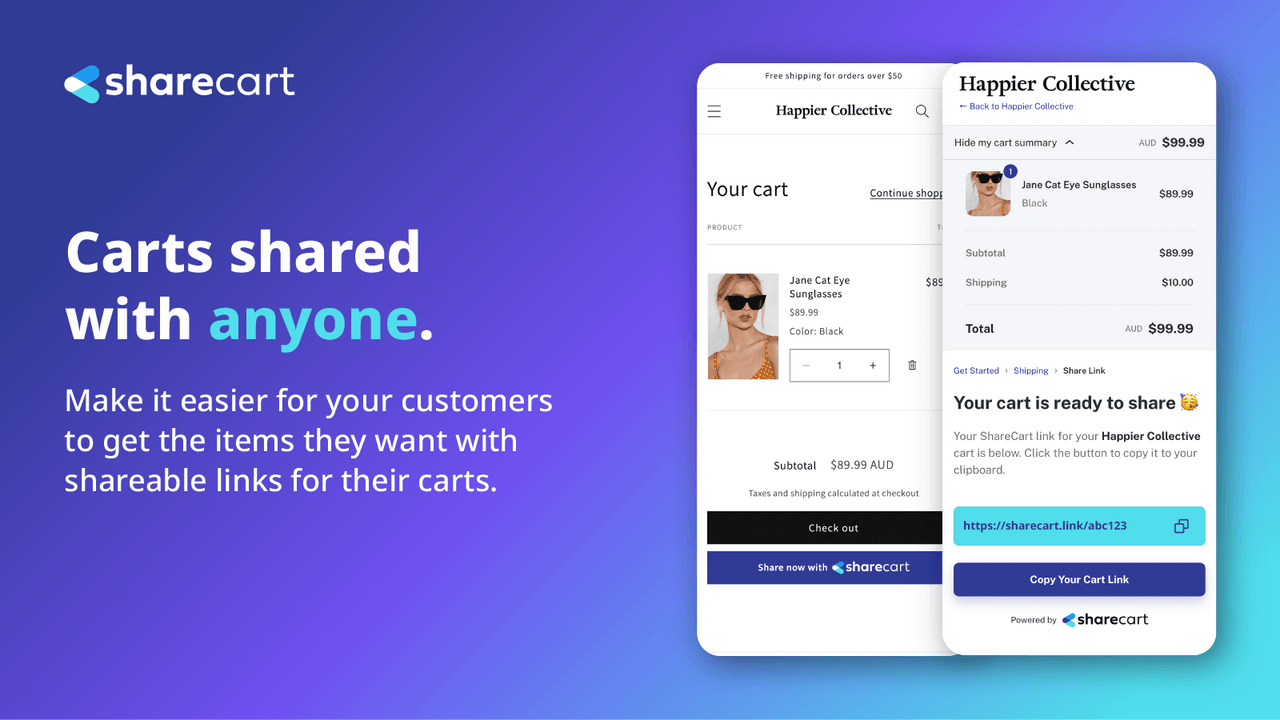
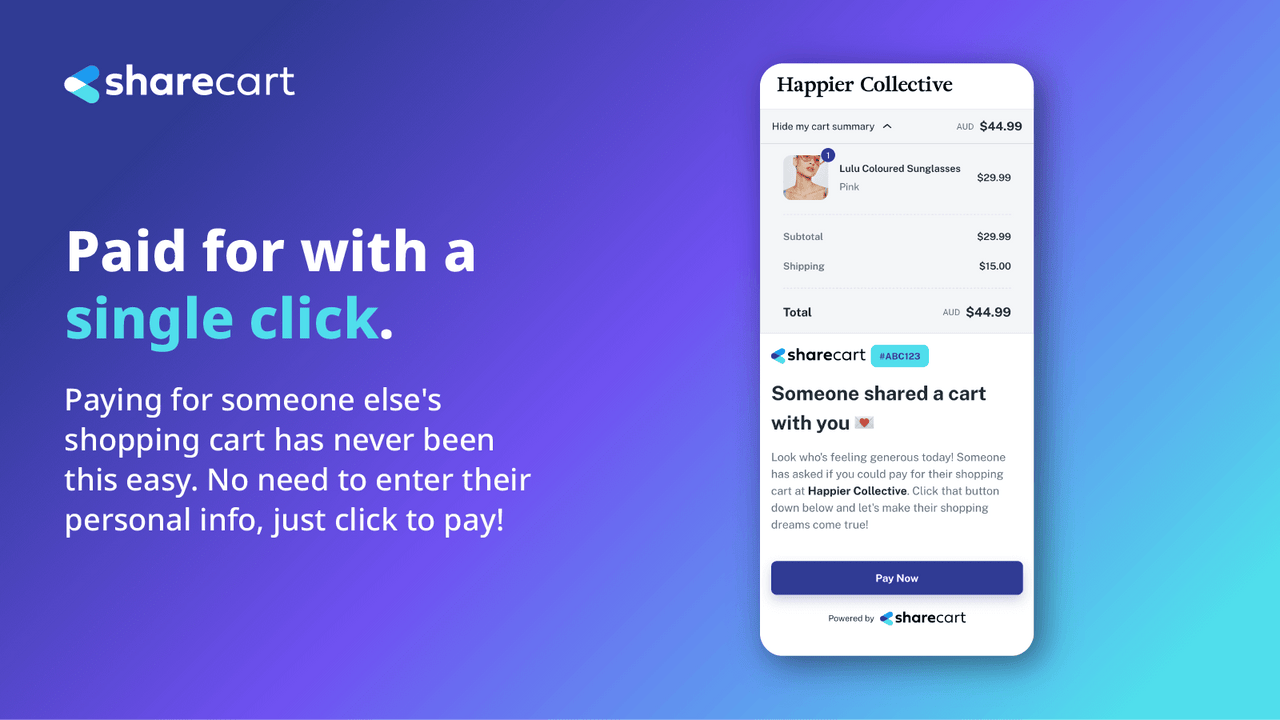
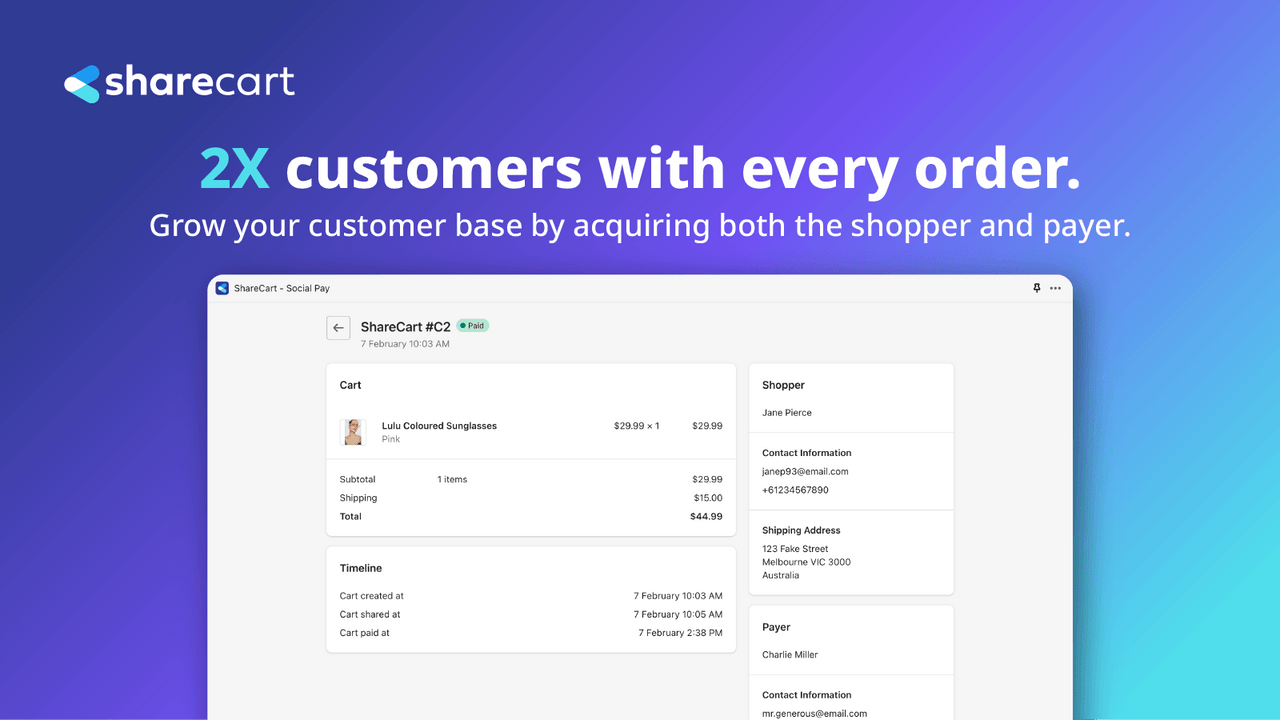
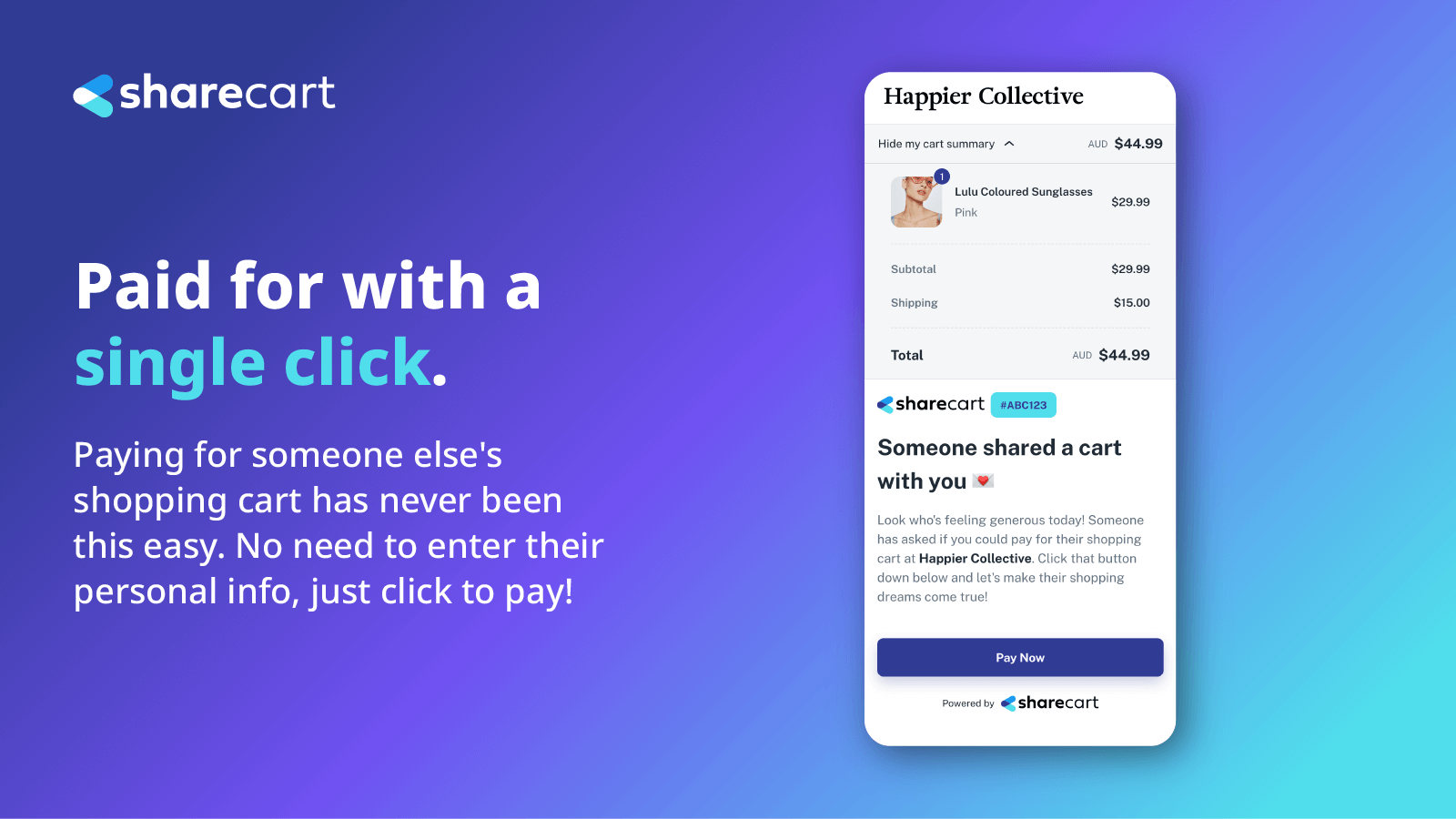
Allow your customers to share their shopping carts and let others pay for them. This is a new social payment method. ShareCart enables your customers to freely let friends, family, followers, or anyone else securely pay for their shopping carts. Customers can easily send their carts via shareable links that protect their data and are safe to share with anyone. This delivers a new social shopping experience—perfect for dropping hints about gifts, spreading kindness, and more. ShareCart collects customer data from both shoppers and payers, so every order drives double customer acquisition for you!
Core Functionality
- Let your customers share their shopping carts and have others pay for them.
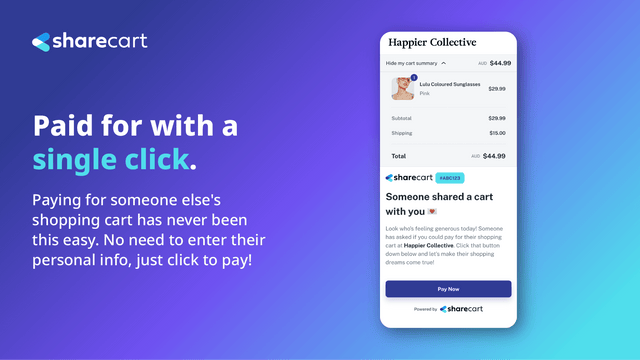
- Provide an anonymous, secure, and reliable checkout experience for both shoppers and payers.
- Collect double the number of customers per order.
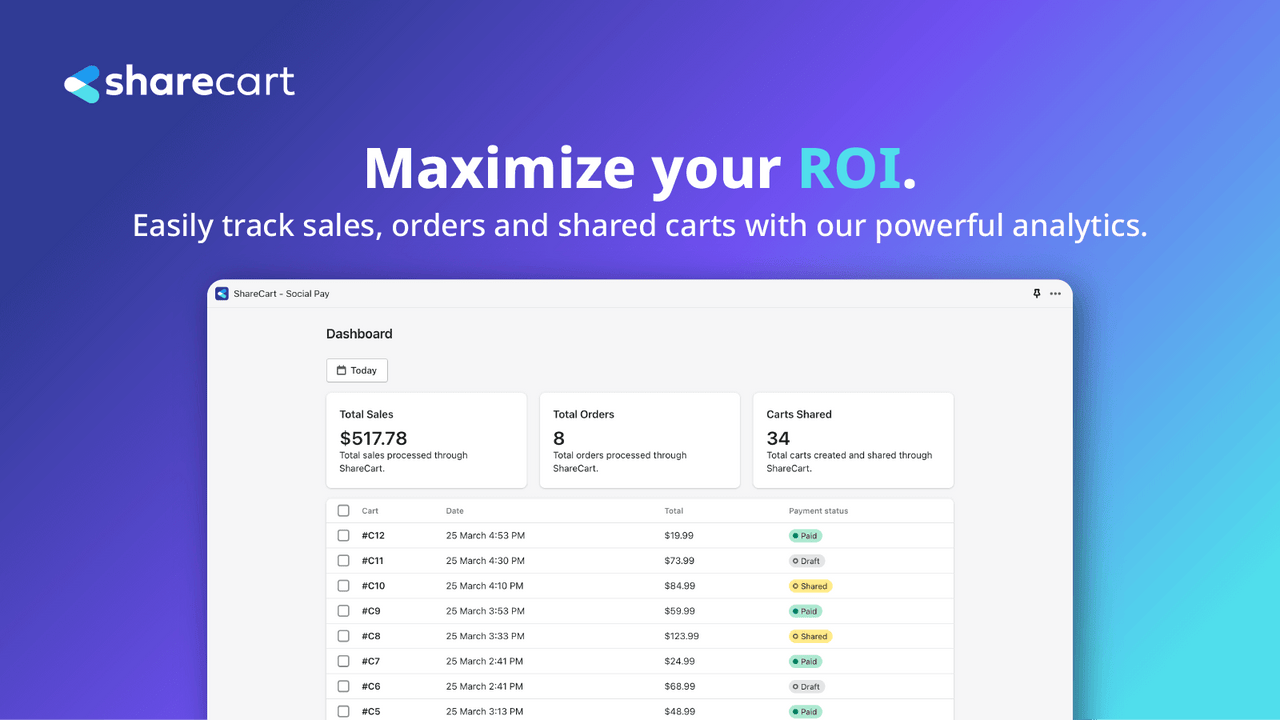
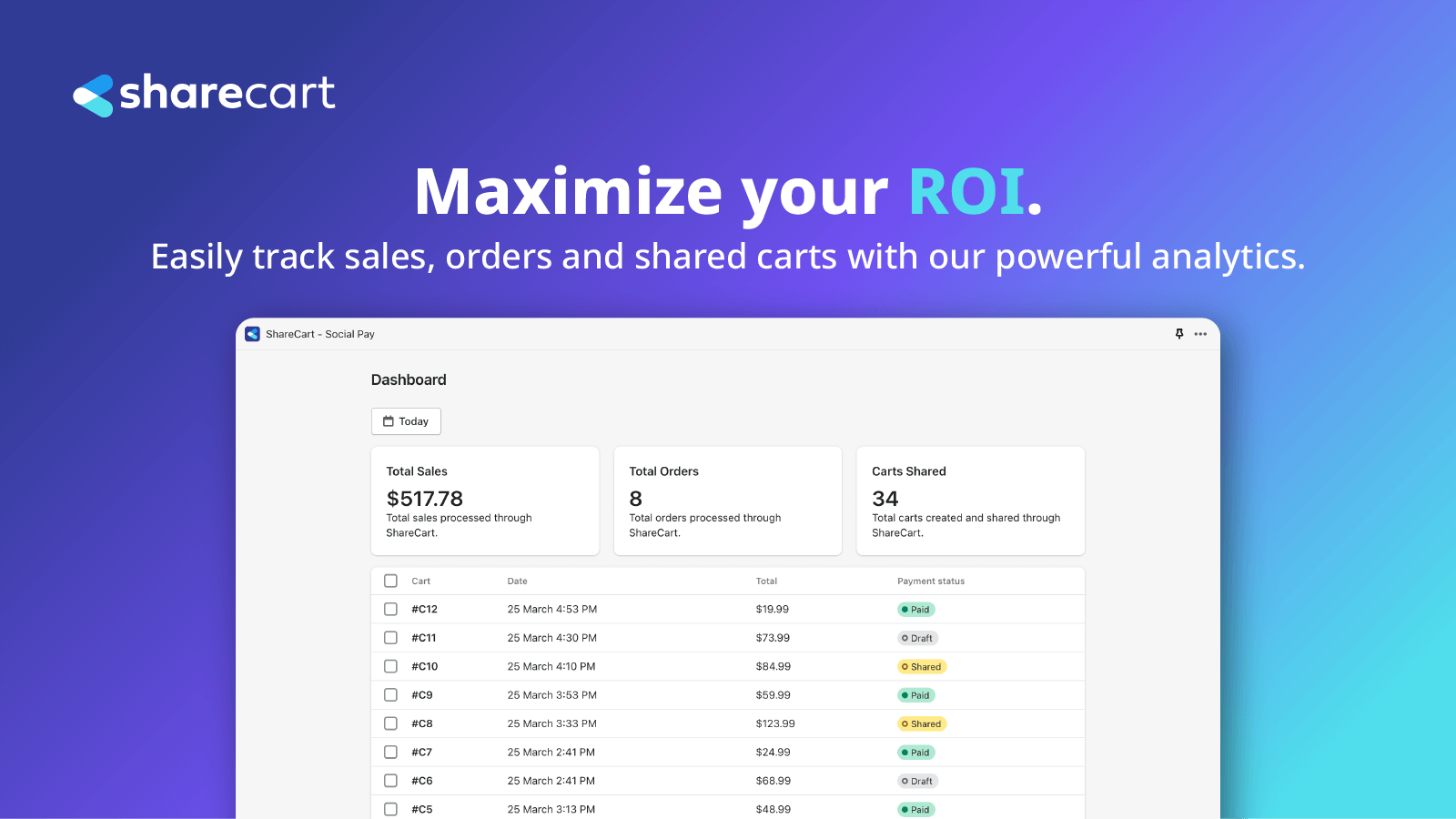
- Easily track sales, orders, and shared shopping carts with our robust analytics tools.
- Set up ShareCart in your store in minutes with our quick and easy integration.
Merchant-Friendly
- Independent Station Merchants
- Social E-commerce Sellers
- Gift E-commerce Merchants
- Small & Medium E-commerce Sellers
Basic Information
- Developer:Petna Ventures, Inc.
- Address:131 Continental Dr., Suite 305, Newark, DE, 19713, US
- Price: Free / Free plan
- Rating:0 / 5
- Comment Count:0 comment
- Release Date:2023-10-5
- Supported languages:English
- Compatible products:Shopify
Application Screenshot



Price Plan
Free
- - 10 successfully generated links, absolute quantity, not per month
- - Access Dashboard
- - Sales Channel Settings
- - Customization
- - Support
Basic
- - Limit to 100 successful share links generated per month
- - Access Dashboard
- - Sales Channel Settings
- - Customization
- - Support
Advanced
- - Monthly limit of 100 successful share links generated
- - Access dashboard
- - Sales channel settings
- - Customization
- - Support
Pro
- - Monthly limit of 5000 successful share links generated
- - Access dashboard
- - Sales channel settings
- - Customization
- - Support
User Location & Comments
User Location
Comments
Shopify API Used
- POST /admin/api/cart_share.json
- GET /admin/api/cart_share/{share_id}.json
- PUT /admin/api/cart_share/{share_id}/status.json
Permission:write_cart_share,read_cart_share,manage_orders
- POST /admin/api/checkout/anonymous.json
- GET /admin/api/checkout/anonymous/{checkout_id}.json
- PUT /admin/api/checkout/anonymous/{id}/security.json
Permission:write_checkouts,read_checkouts,manage_payments
- GET /admin/api/orders/customer_count.json
- POST /admin/api/cart_share/customer_tracking.json
- PUT /admin/api/orders/customer_tag.json
Permission:read_orders,write_customers,manage_analytics
- GET /admin/api/analytics/cart_share.json
- GET /admin/api/analytics/orders/sales.json
- GET /admin/api/analytics/cart_share/conversion.json
Permission:read_analytics,read_orders,read_cart_share
- POST /admin/api/apps/install/ShareCart.json
- PUT /admin/api/shop/settings/cart_share.json
- GET /admin/api/shop/settings/cart_share/status.json
Permission:write_shop_settings,install_apps,manage_apps