
App Introduction
Build Custom Automations with Webhook Events Cloudhooks helps you turn Shopify store events into serverless automated workflows. Automatically trigger custom integrations with external APIs and business systems when orders are created, inventory changes, or customers sign up. Build customer solutions faster with no infrastructure costs. Handle webhooks, execute JavaScript functions, and integrate with third-party APIs—all serverless. Ideal for consultants and developers building scalable e-commerce integrations.
Core Functionality
- Faster customer delivery: Deploy custom integrations in hours, not weeks
- Zero infrastructure management: Focus on customer solutions, not DevOps
- Customer transparency: Monitor all automations via a centralized dashboard
- Reliable execution: Built-in error handling with logging and replay capabilities
- Minimal technical requirements: Build integrations using basic JavaScript
Merchant-Friendly
- Small & Medium E-commerce Merchants
- Merchants with Weak Tech Foundation
- Rapidly Expanding E-commerce
- Multi-channel Operators
Basic Information
- Developer:Infinea Consulting Ltd
- Address:Andor utca 21/c fszt. 1., Budapest, 1119, HU
- Price: Free / Free plan
- Rating:5 / 5
- Comment Count:8 comment
- Release Date:2018-3-21
- Supported languages:English
- Compatible products:Shopify
Application Screenshot


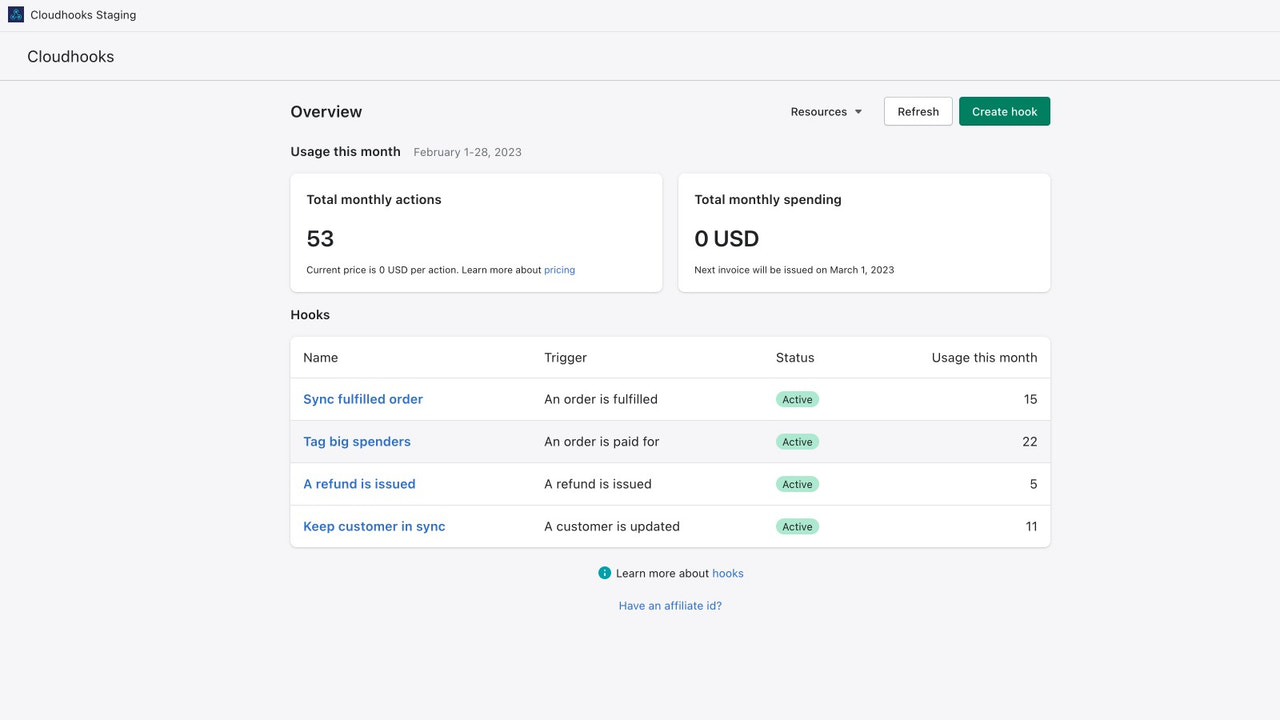
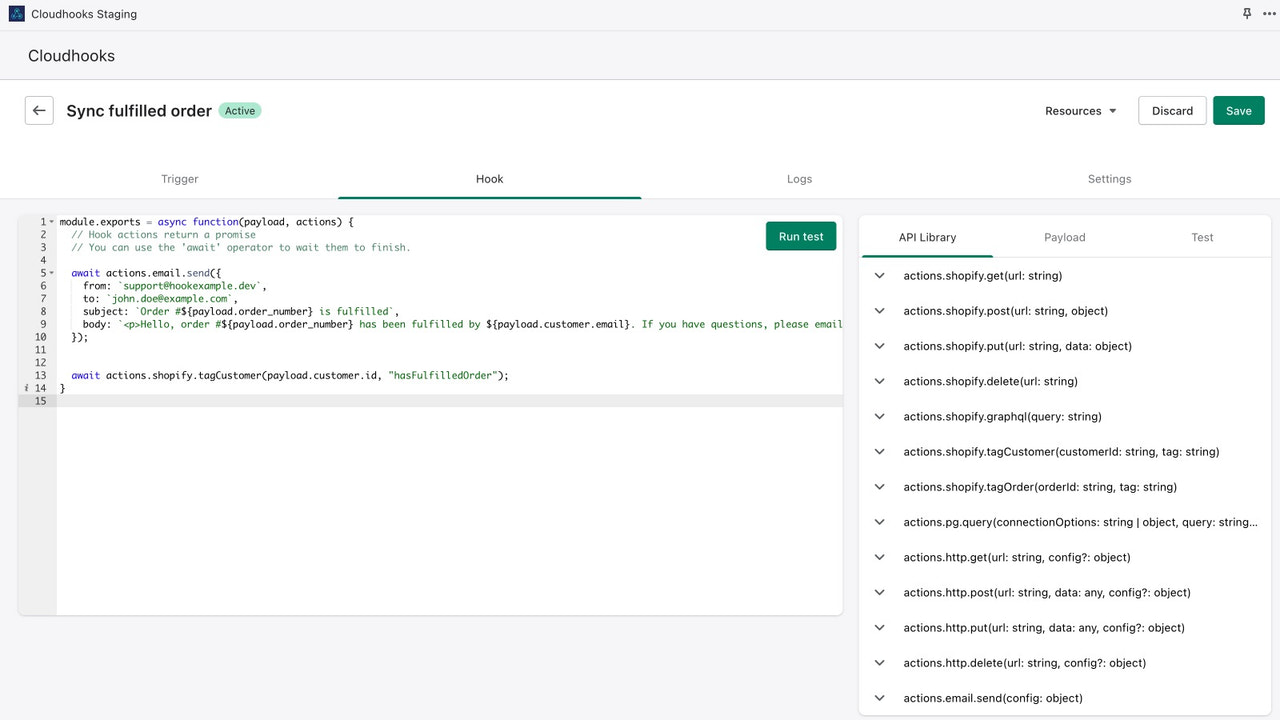


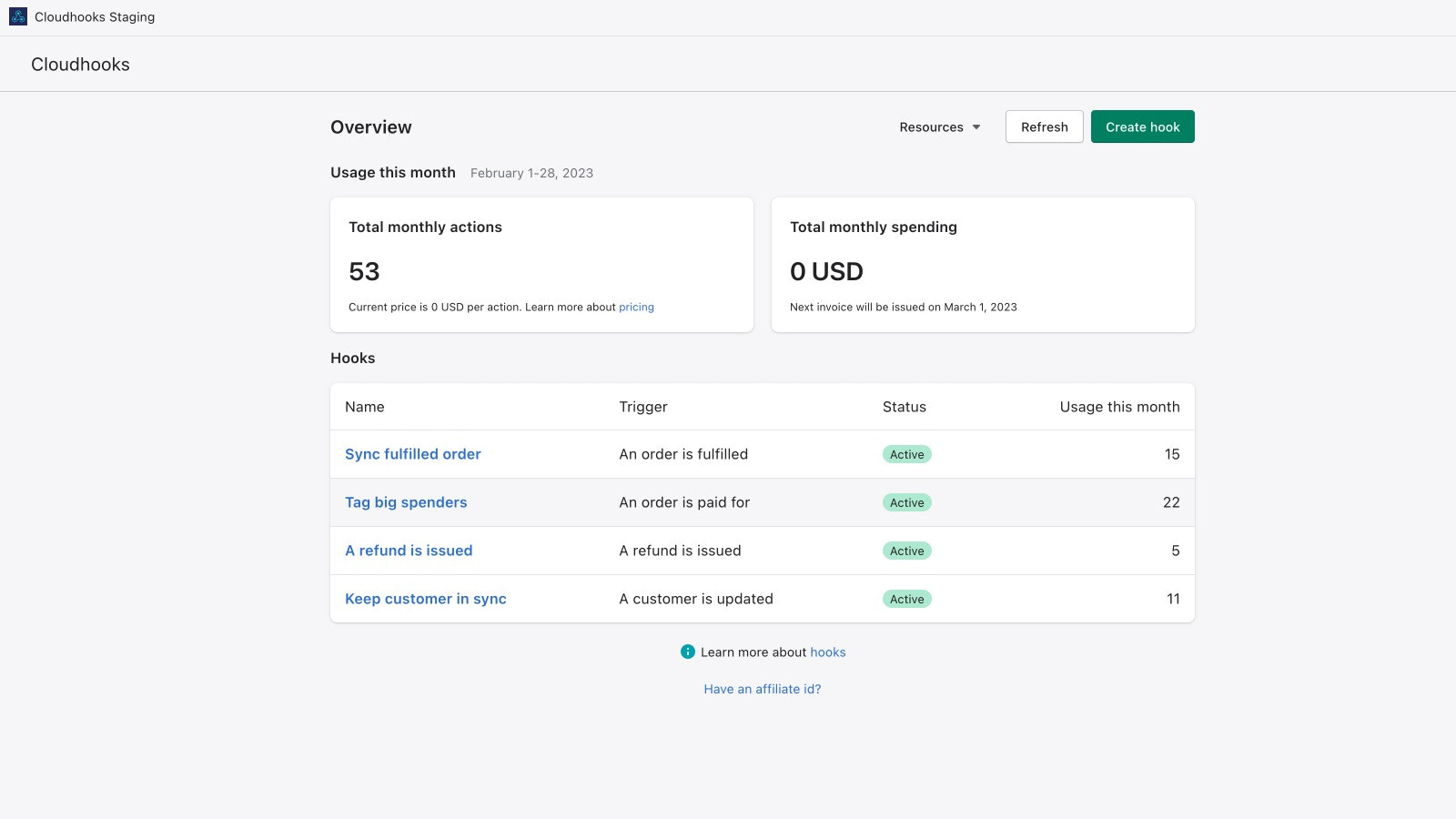
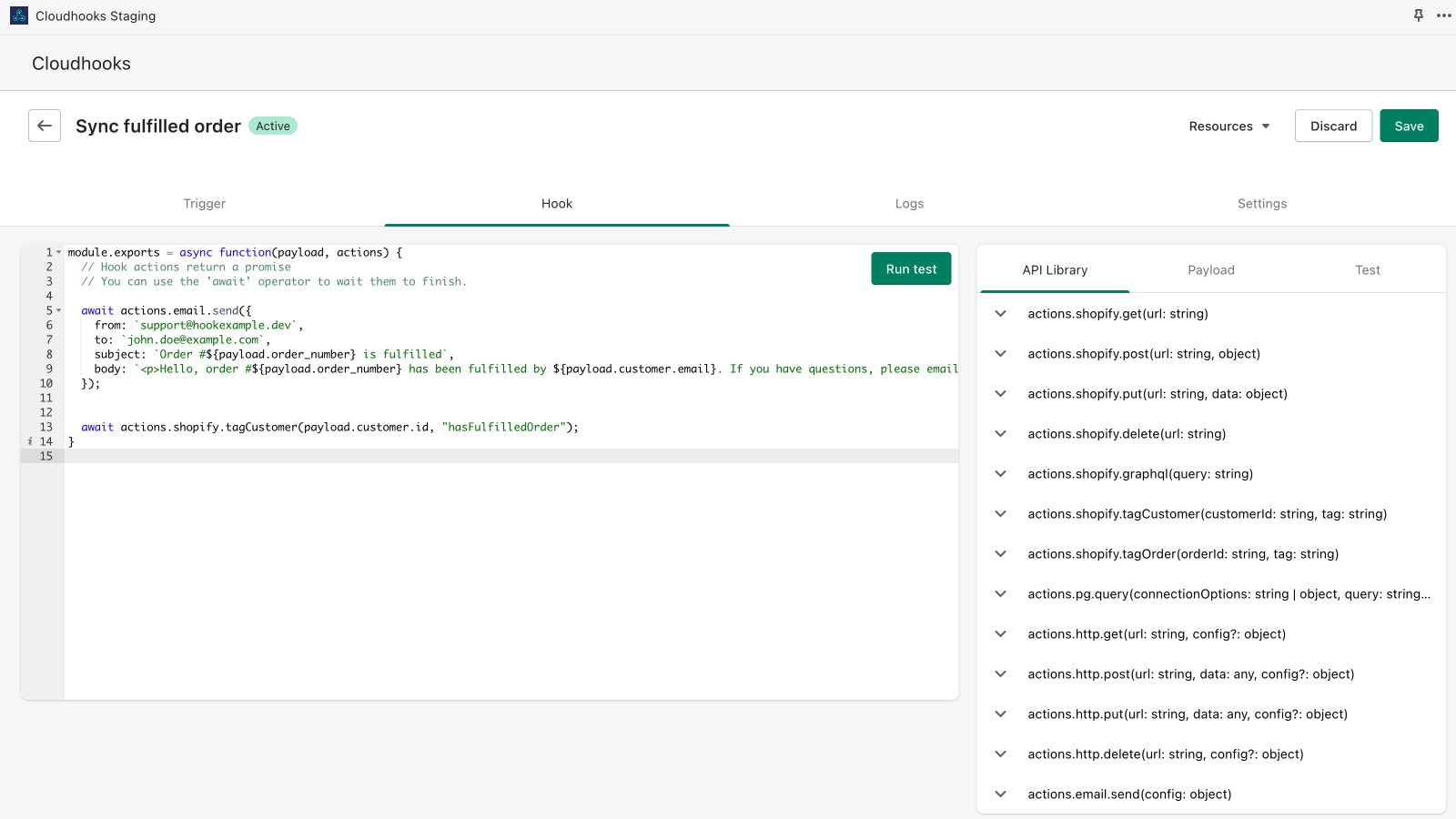
Price Plan
Free
User Location & Comments
User Location
Comments
Shopify API Used
- POST /admin/api/integrations.json
- PUT /admin/api/integrations/{id}.json
- GET /admin/api/integrations.json
Permission:write_integrations,read_integrations,manage_apps
- POST /admin/api/infra_management/setup.json
- PUT /admin/api/infra_management/settings.json
- GET /admin/api/infra_management/status.json
Permission:manage_infra,read_infra,write_apps
- GET /admin/api/automations/dashboard.json
- POST /admin/api/automations/dashboard/filters.json
- PUT /admin/api/automations/dashboard/layout.json
Permission:read_automations,read_metrics,manage_dashboards
- POST /admin/api/automations/execution.json
- GET /admin/api/automations/execution/logs.json
- PUT /admin/api/automations/execution/replay.json
Permission:manage_automations,read_logs,write_automations
- POST /admin/api/integrations/build/script.json
- PUT /admin/api/integrations/build/script/{id}.json
- GET /admin/api/integrations/build/guide.json
Permission:write_scripts,read_guides,manage_integrations