
App Introduction
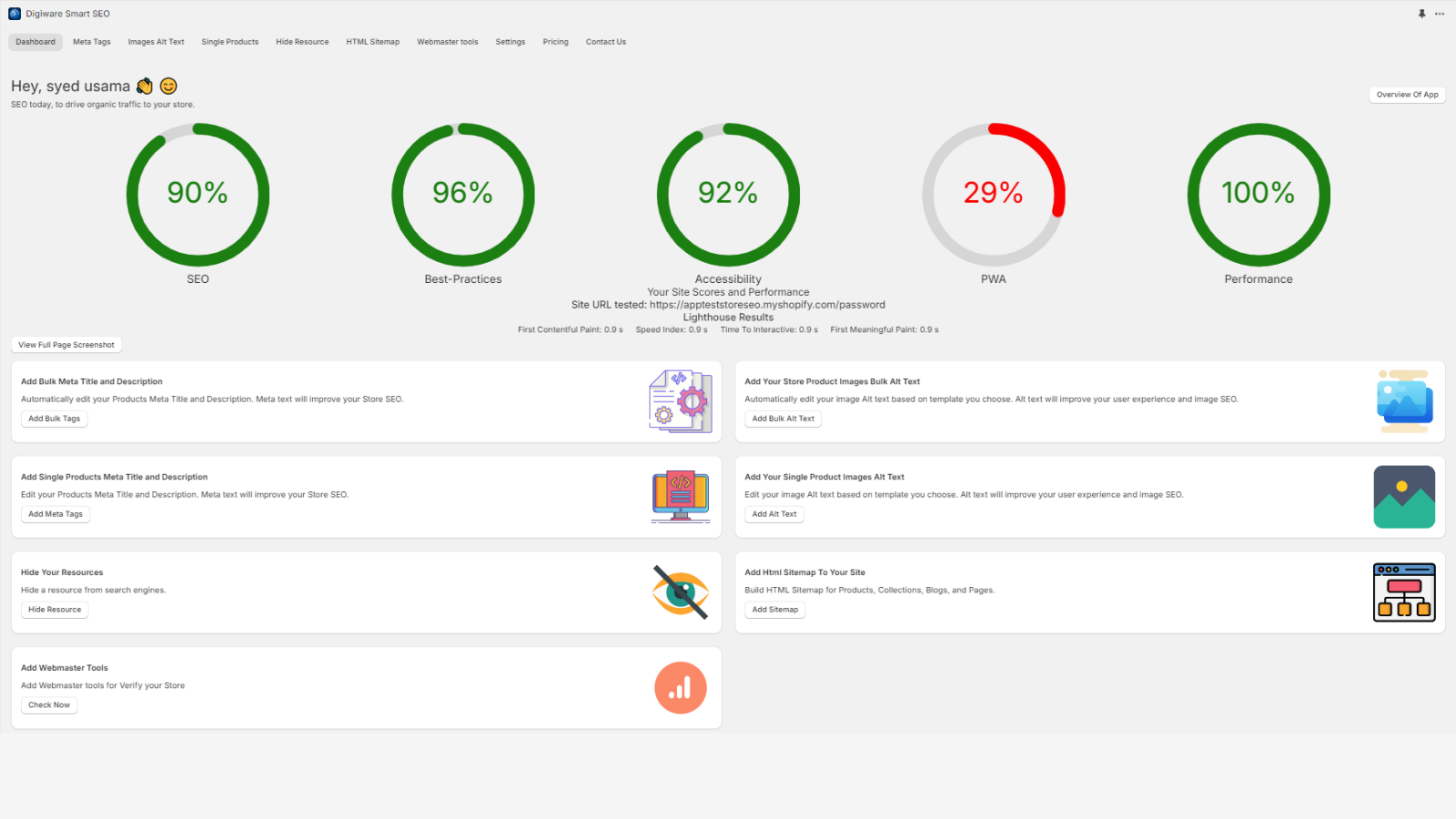
The mission of Digiware Smart SEO is to save users time by enabling them to complete their SEO needs with just a few clicks. Digiware Smart SEO ensures website owners have a successful presence on Google. We make sure their content engages visitors while optimizing it so search engines can find and understand their pages. This way, we help them increase traffic from Google by securing high rankings. With Digiware Smart SEO, all technical SEO requirements are handled seamlessly, allowing users to focus on creating content without worrying about complex coding.
Core Functionality
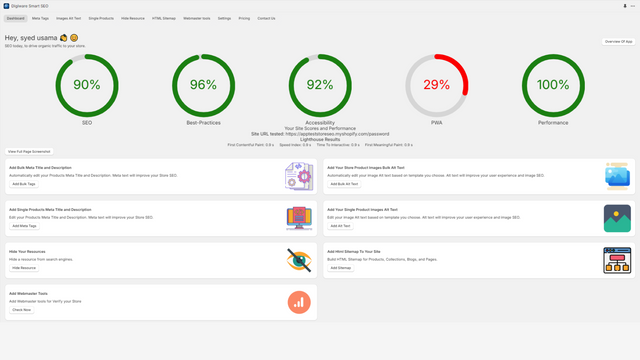
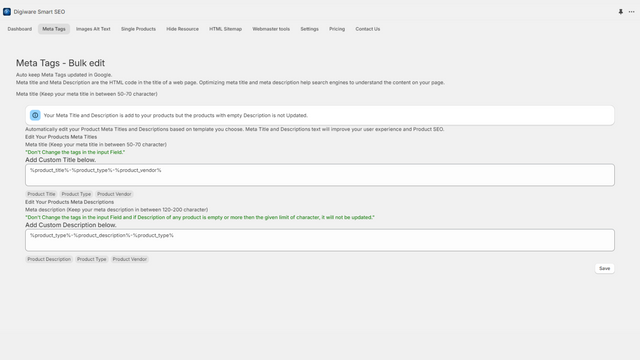
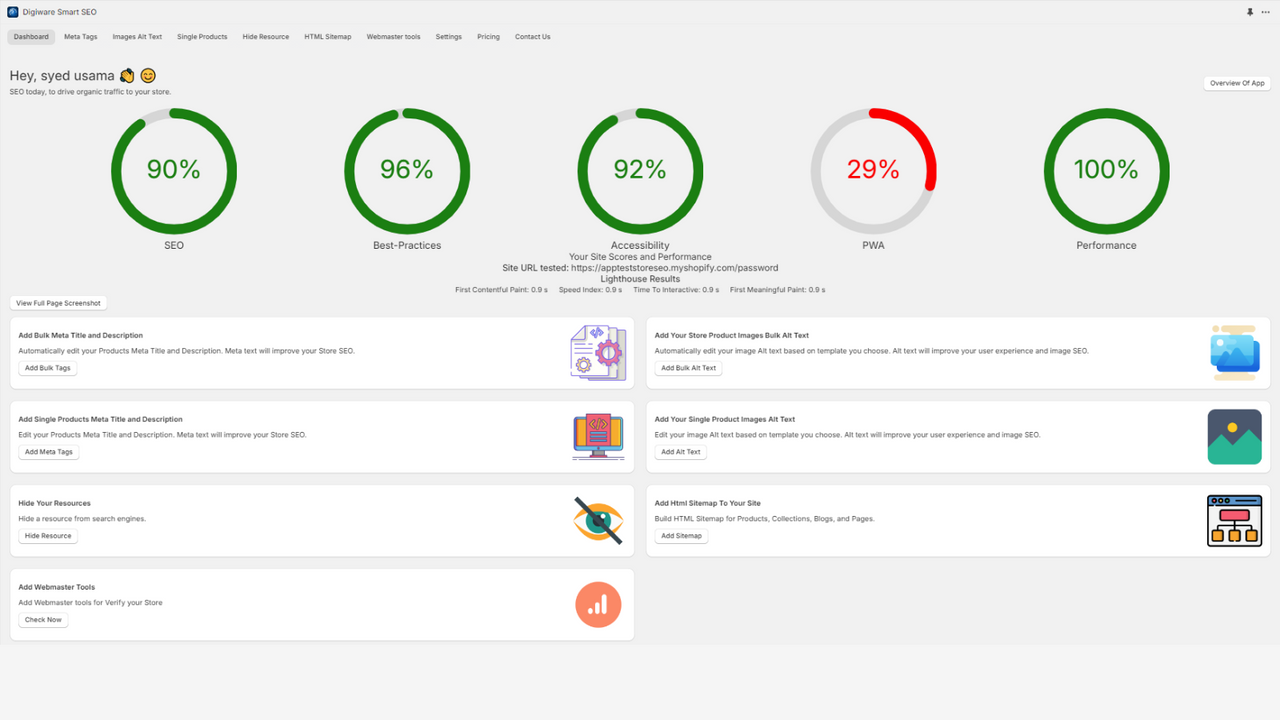
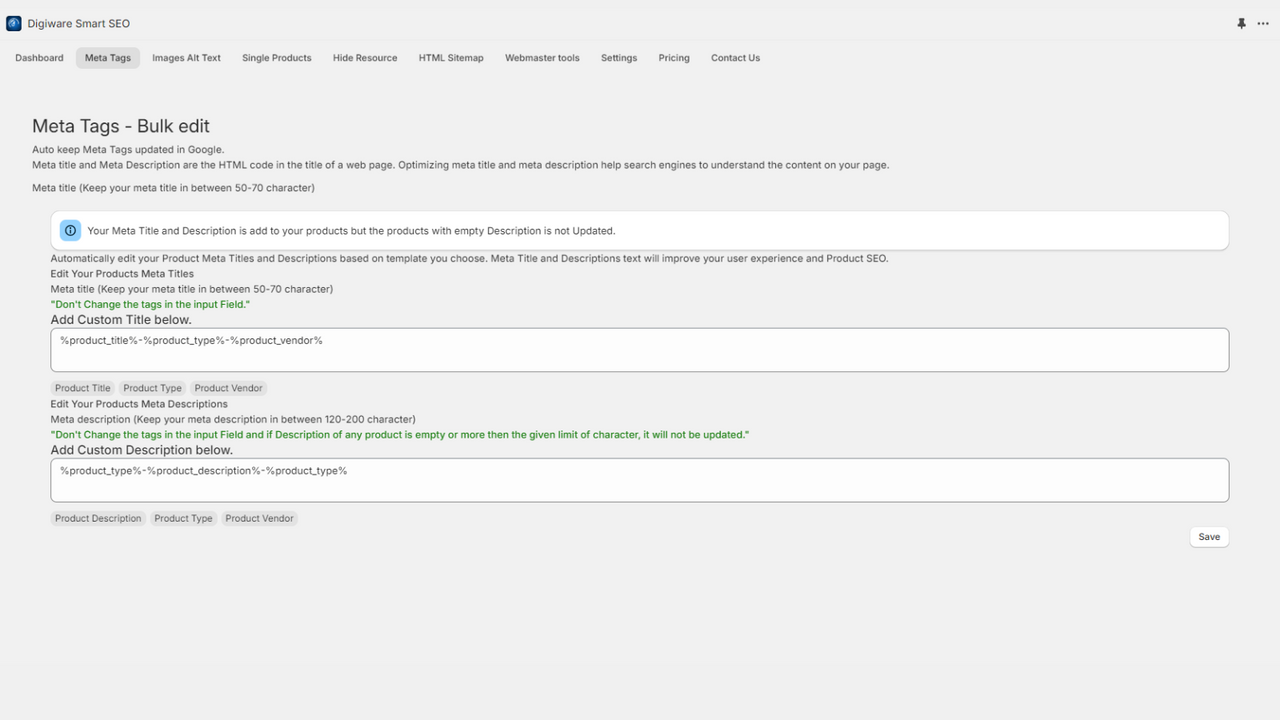
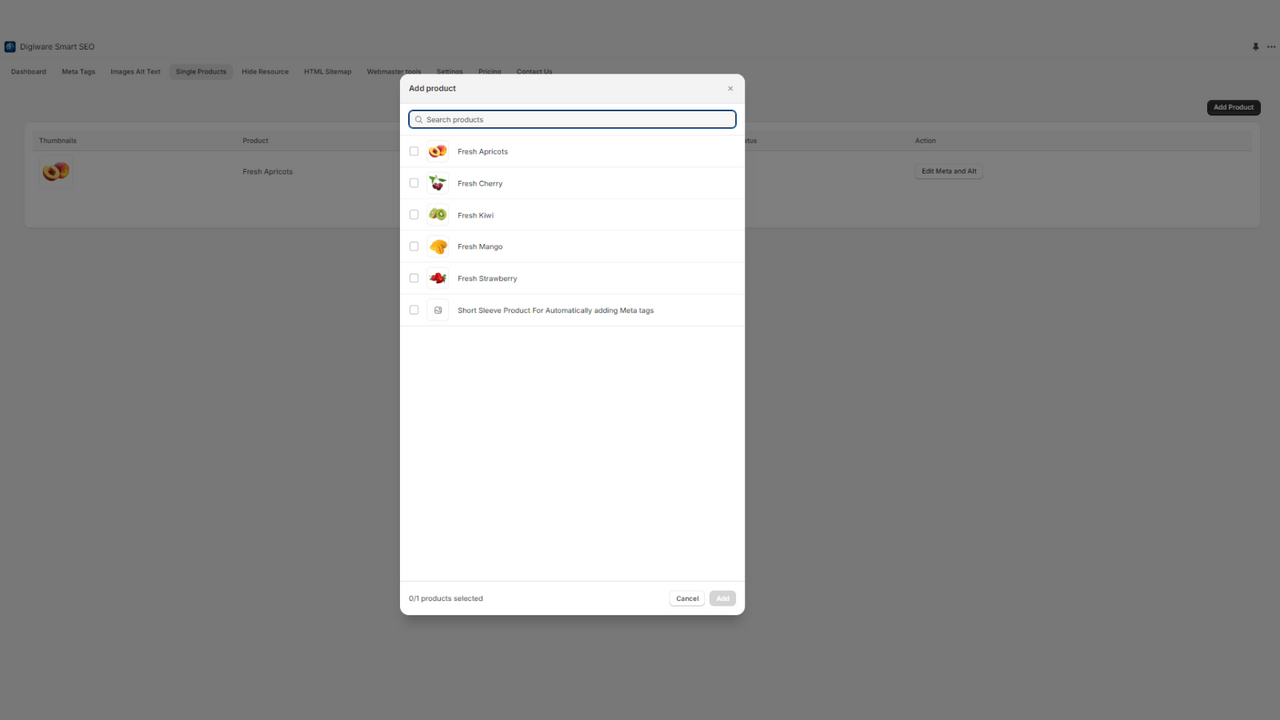
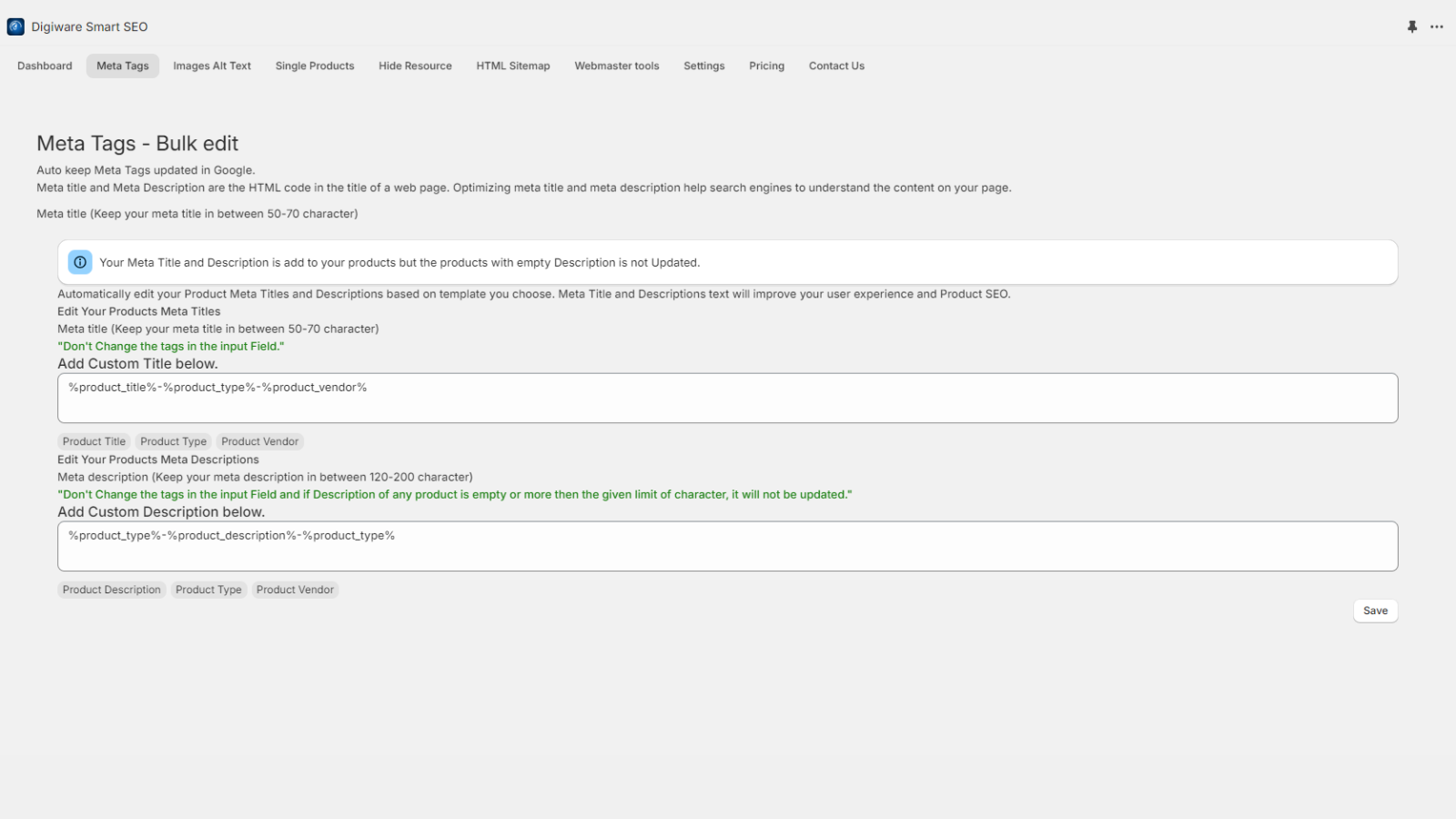
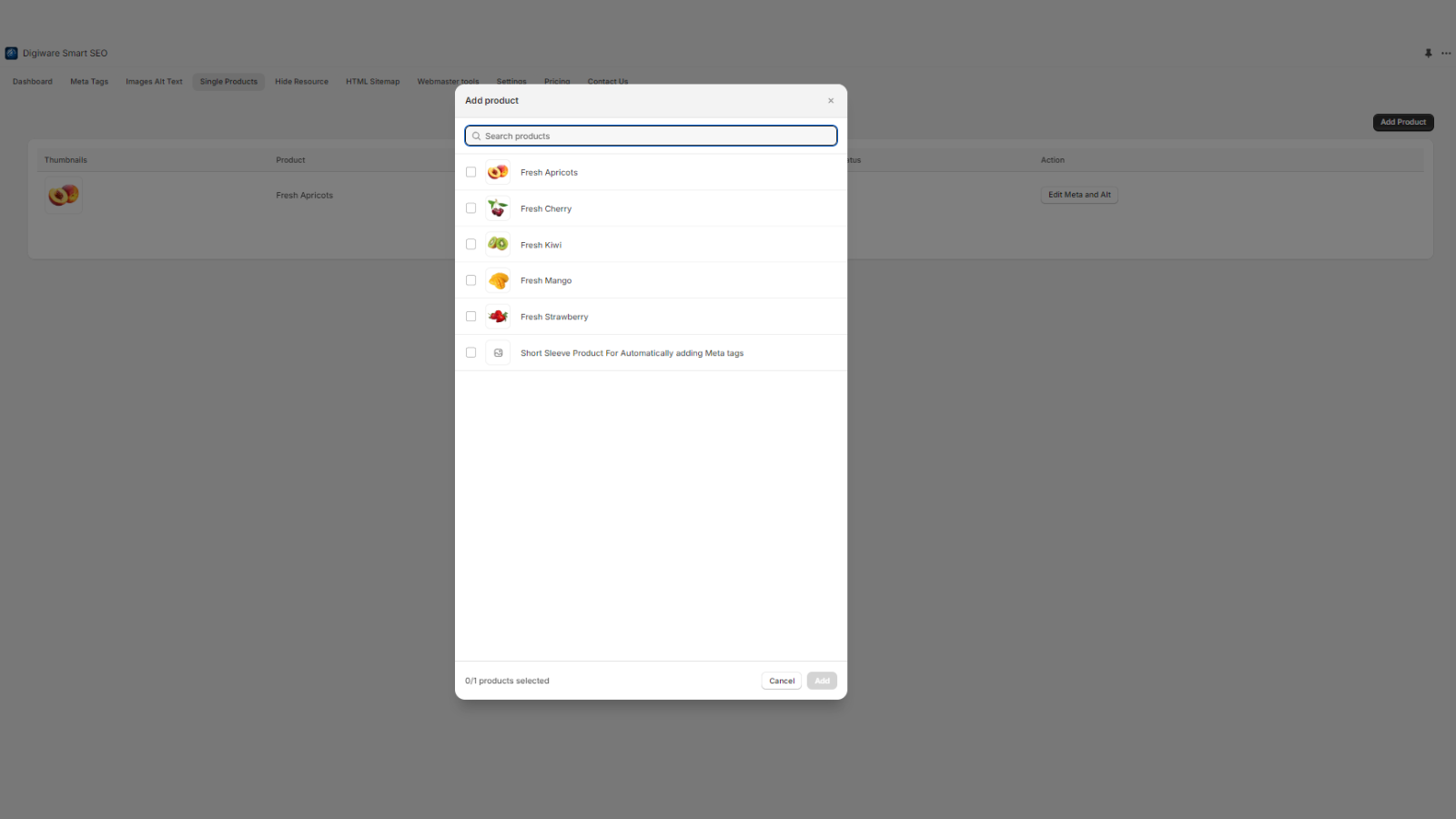
- Select single or bulk options for product meta titles, descriptions, and images.
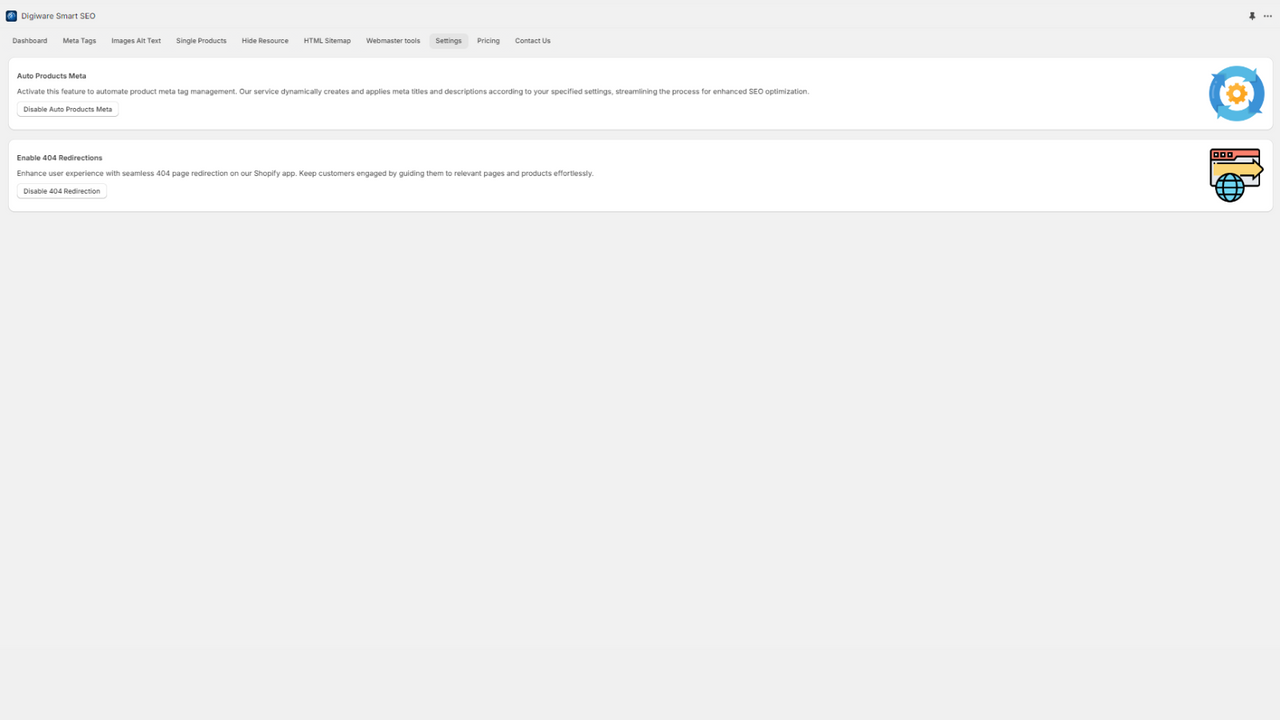
- Automatically generate product meta titles and descriptions.
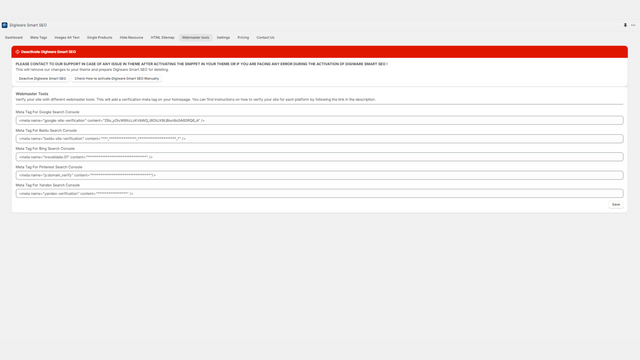
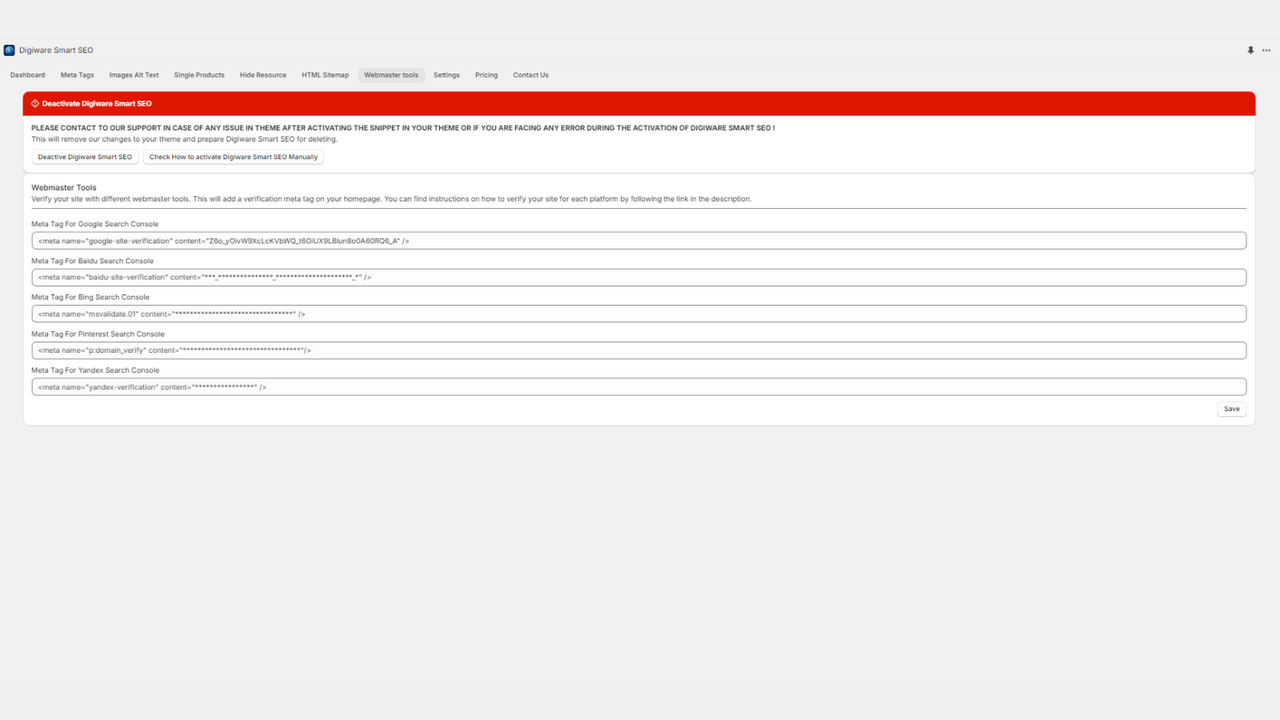
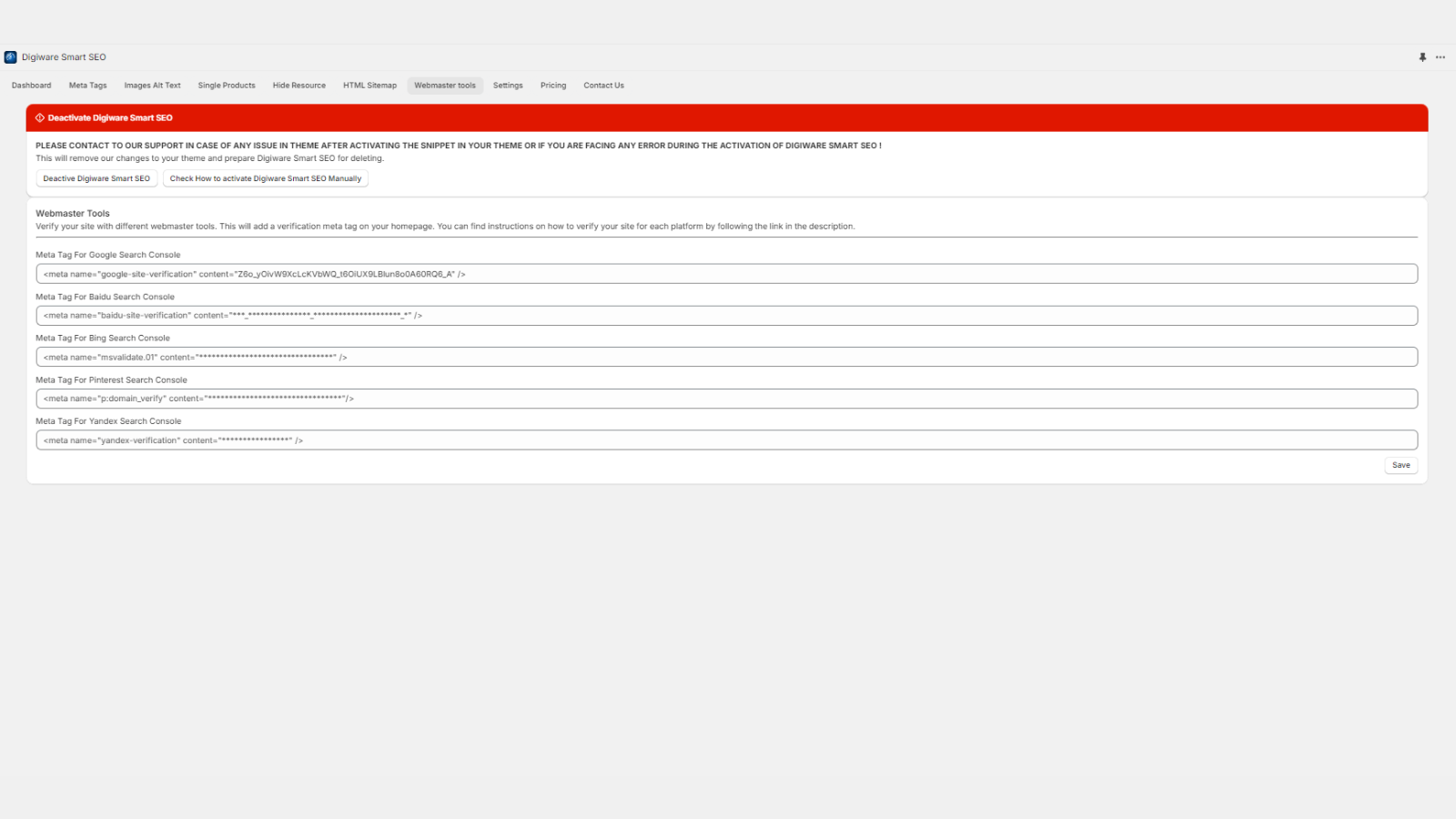
- Add meta tags for store analytics to various search engines (e.g., Google Console).
- Create comprehensive HTML sitemaps for products, collections, blogs, and pages.
- Redirect 404 pages to the homepage, indexed, or non-indexed pages for search engines.
Merchant-Friendly
- Independent Station Merchants
- E-commerce Sellers
- Content E-commerce
- Multi-category Merchants
Basic Information
- Developer:Digiware Solutions
- Address:12818 Midway Road, 2090, Dallas, TX, 75244, US
- Price: Free / Free plan
- Rating:0 / 5
- Comment Count:0 comment
- Release Date:2023-4-12
- Supported languages:English
- Compatible products:Shopify
Application Screenshot
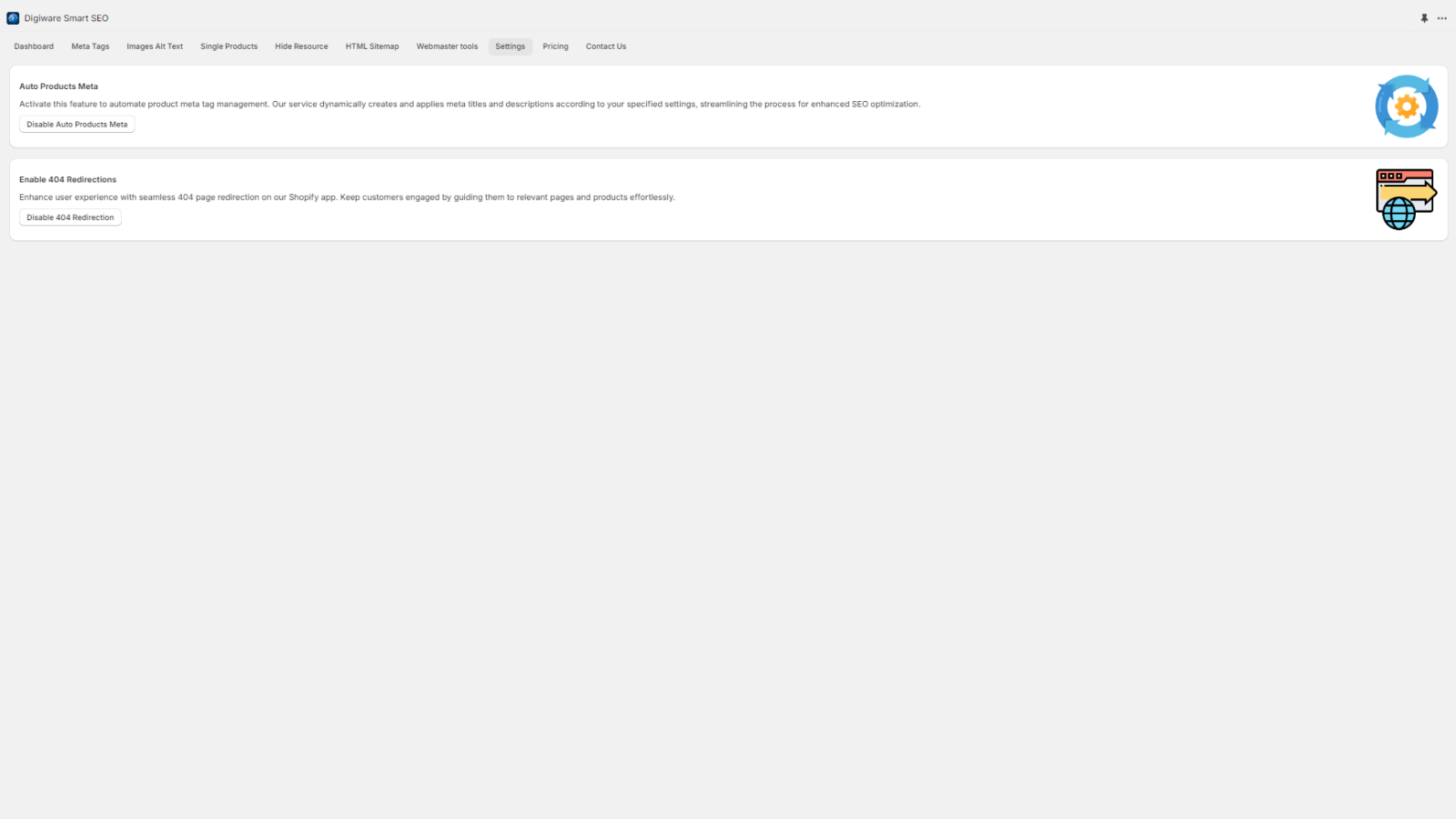
Price Plan
免费安装
- Batch Edit Image Alt Text
- Batch Create Meta Tags
- Customize Meta Tags for Single Product
- Image Alt Text for Single Product
标准计划
- All Free Features
- 404 Redirect
- HTML Sitemap
- Page Index/Noindex
专业计划
- All Free Features
- 404 Redirect
- HTML Sitemap
- Page Index/Noindex
- Auto-Pilot for Automatic Product Meta Addition
- Webmaster Tools
- Support
User Location & Comments
User Location
Comments
Shopify API Used
- PUT /admin/api/products/batch.json
- GET /admin/api/products.json
- POST /admin/api/products/{id}/metafields.json
Permission:read_products,write_products,manage_metafields
- POST /admin/api/metafields/batch.json
- GET /admin/api/products/{id}.json
- PUT /admin/api/products/{id}/metafields.json
Permission:write_products,manage_metafields,read_products
- POST /admin/api/metafields.json
- PUT /admin/api/metafields/{id}.json
- GET /admin/api/metafields.json
Permission:manage_metafields,read_shop,write_shop
- GET /admin/api/products.json
- GET /admin/api/collections.json
- GET /admin/api/blogs/articles.json
Permission:read_products,read_collections,read_blogs
- POST /admin/api/redirects.json
- PUT /admin/api/redirects/{id}.json
- GET /admin/api/redirects.json
Permission:write_redirects,read_redirects,manage_404



